What does "Make Chat Publicly Available" do?
It lets people who aren't logged in to n8n use the chat. Without it, the chat only works inside the editor for testing. The chat trigger starts the workflow once per message.
How do I publish the chat?
- Double-click When chat message received.
- Turn on Make Chat Publicly Available.
- Close the node and click Publish.
- Keep the Version name and click Publish again.
Until the workflow is published, the public chat doesn't answer. n8n Publish Workflow explains what publishing changes.
Hosted chat or embedded chat?
| Option | What visitors get | Good for |
|---|---|---|
| Hosted chat | A full-page chat at n8n's public URL | A "Chat with us" link in emails or on a contact page |
| Embedded chat | A chat bubble on your own site | A help widget on every page |
The trigger's mode setting switches between the hosted page and embedding, and n8n's chat package provides the snippet for your site.
How should I test before going live?
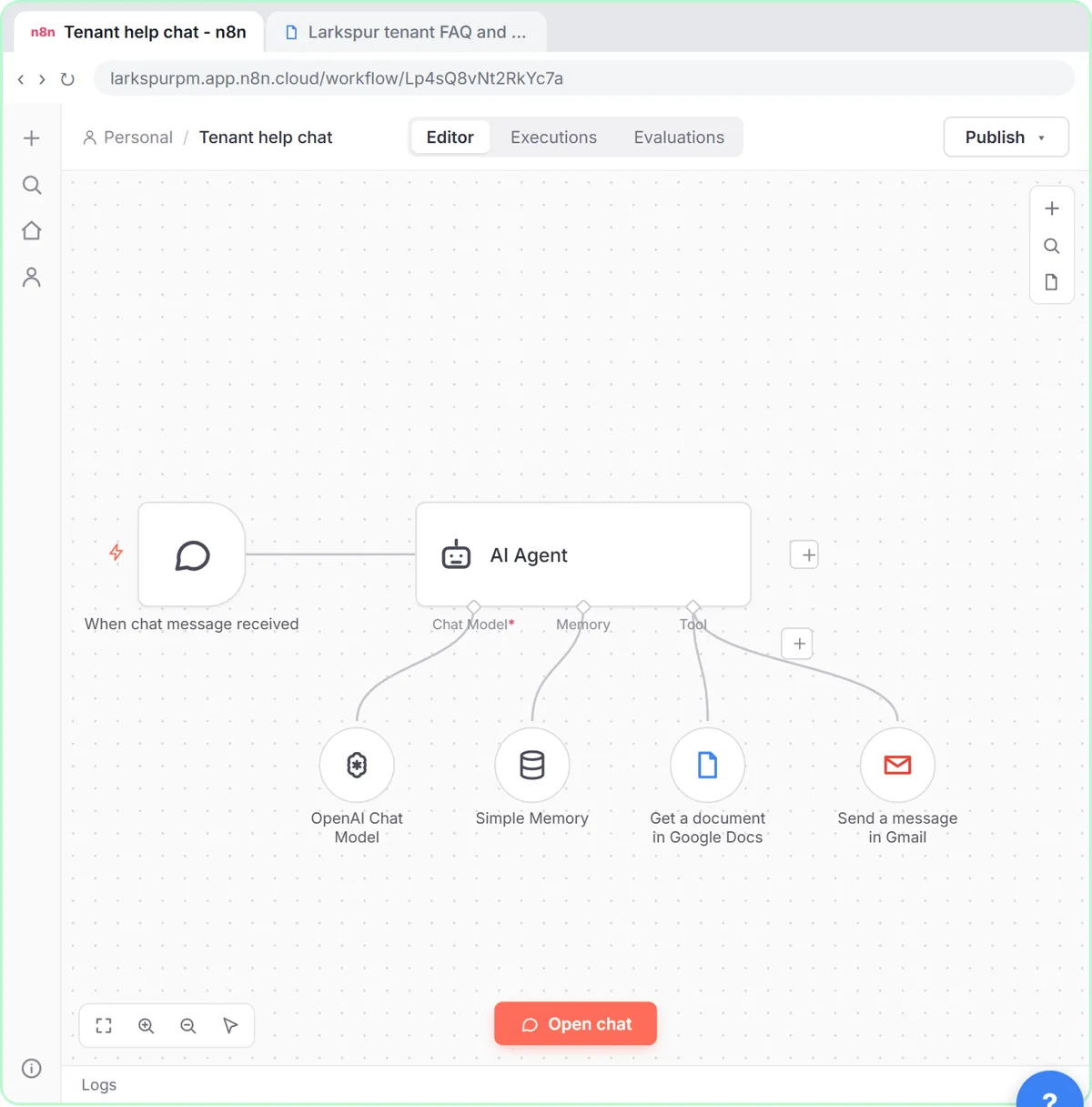
Click Open chat in the editor and play the customer. In the lesson you test the property manager's agent as a tenant: questions the FAQ answers, and one that needs a person, which should trigger the Gmail handoff to the office. Then close the chat and check the execution: which tools did the agent use?
A good test list:
- Three questions the doc answers.
- One question it doesn't, which should get "I don't know" or a handoff.
- One emergency, which should get the emergency instruction first.
- One attempt to get it off topic.
Try it free, step by step
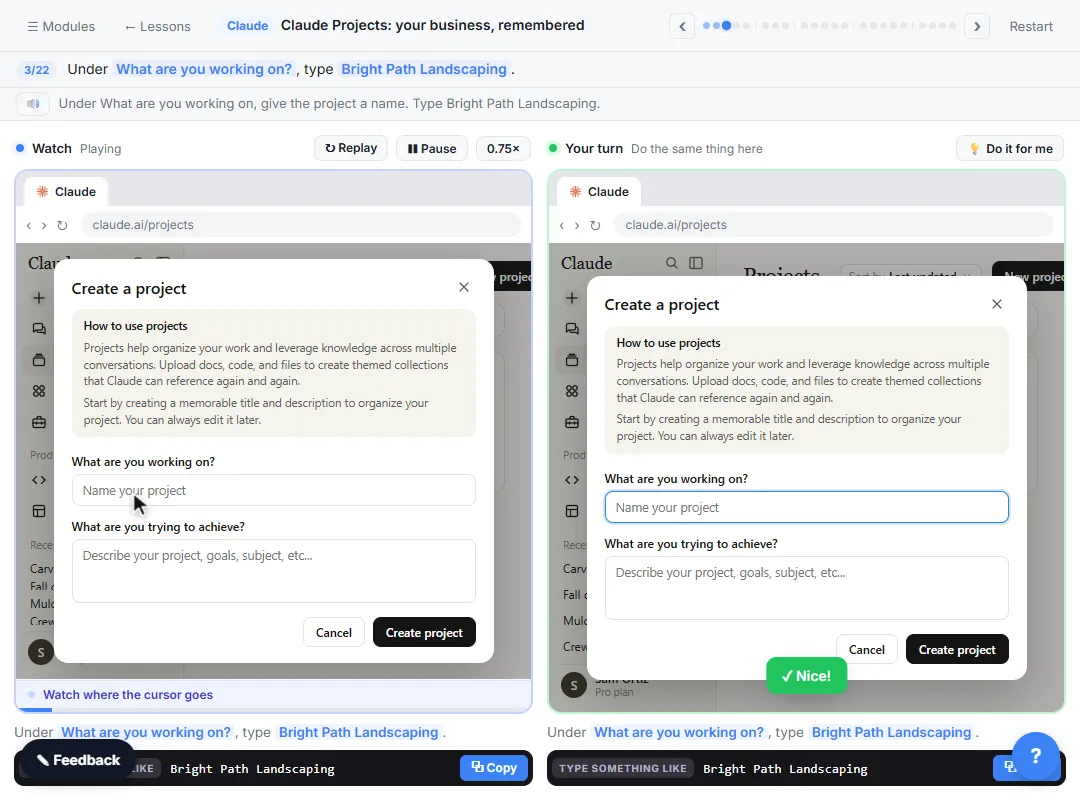
A Support Agent That Answers from Your Own Docs. Turn an n8n chat agent into a support agent that answers only from your policies in a Google Doc, refuses what it should, and hands off to a person by email. You do every step yourself in a practice copy of n8n, it checks your work as you go, and “Do it for me” finishes any step you get stuck on. Free, and nothing touches your real accounts.
Start the free lessonWhat should I set before strangers use it?
- Initial message. Say it's an AI assistant and what it can help with.
- Limits in the system message. No legal advice, no promises, short answers.
- Authentication if it's internal. The trigger can require basic auth or n8n login for staff-only chats.
- A handoff path to a person, as in the lesson.
- A look at costs. Every message calls the model. Watch usage in the first weeks.
Does the chat remember the conversation?
Only if the agent has memory. With Simple Memory connected, the chat trigger's session ID keeps each visitor's conversation separate. n8n Simple Memory explains how.
Key takeaways
- Make Chat Publicly Available plus Publish puts the chat on a public URL.
- Use hosted mode for a link, embedded mode for a widget on your site.
- Test with Open chat as a customer, including a question the doc can't answer.
- Add an initial message, limits and a handoff before going live.
Frequently asked questions
- How do I make an n8n chat public?
In the When chat message received trigger, turn on Make Chat Publicly Available and publish the workflow.
- Why doesn't my public n8n chat respond?
The workflow isn't published, or the public setting is off. Publish it and try the public URL again.
- Can I restrict the chat to my team?
Yes. The chat trigger supports authentication, so you can require a login instead of leaving it open to everyone.
- Which course is this from?
AI for Customer Support and AI Agents 101. The live chat glossary entry covers human chat.