This guide is for office staff and owners who want to know whether talking to AI is useful at work. Features, plans and limits change often, so confirm the current options inside each app before you rely on them.
What is AI voice chat?
It is a spoken conversation with a chatbot. Your speech is turned into text, the assistant answers, and the answer is read aloud. It differs from dictation, which only types what you say, and from a voice agent, which answers phone calls for a business. See the speech-to-text glossary entry for the first step.
How do ChatGPT voice and Claude voice mode compare?
| ChatGPT voice | Claude voice mode | |
|---|---|---|
| How you start it | Voice button in the ChatGPT app or on the web | Voice button in the Claude app |
| Talk and interrupt | Yes | Yes |
| Typed record of the chat | Yes, in your chat history | Yes, a transcript in the chat |
| Plans and limits | Vary by plan; check the app | Vary by plan; check the app |
Both change quickly. Where this table says "check the app," the honest answer is that limits, languages and which features are included have moved more than once. Do a short test on your own account.
When does voice beat typing at work?
- Brainstorming a list of ideas while you walk or drive (hands free, and only when it's safe).
- Rehearsing a difficult conversation or a pitch, then asking for feedback.
- Capturing a messy thought you'll clean up later.
When should you type instead?
When exact words matter: prices, dates, names, account numbers, legal wording. Speech recognition can mishear them, and spoken answers are hard to check. For anything a customer will read, type the facts and use the four-part prompt so you can see and edit the text. Always read the final text.
What about privacy?
Voice chats can be saved like typed ones. Don't say card numbers, health details or client information your company doesn't allow in AI tools, and check your ChatGPT data controls. Use a quiet, private place: voice mode will hear whatever is around you.
Which should you try first?
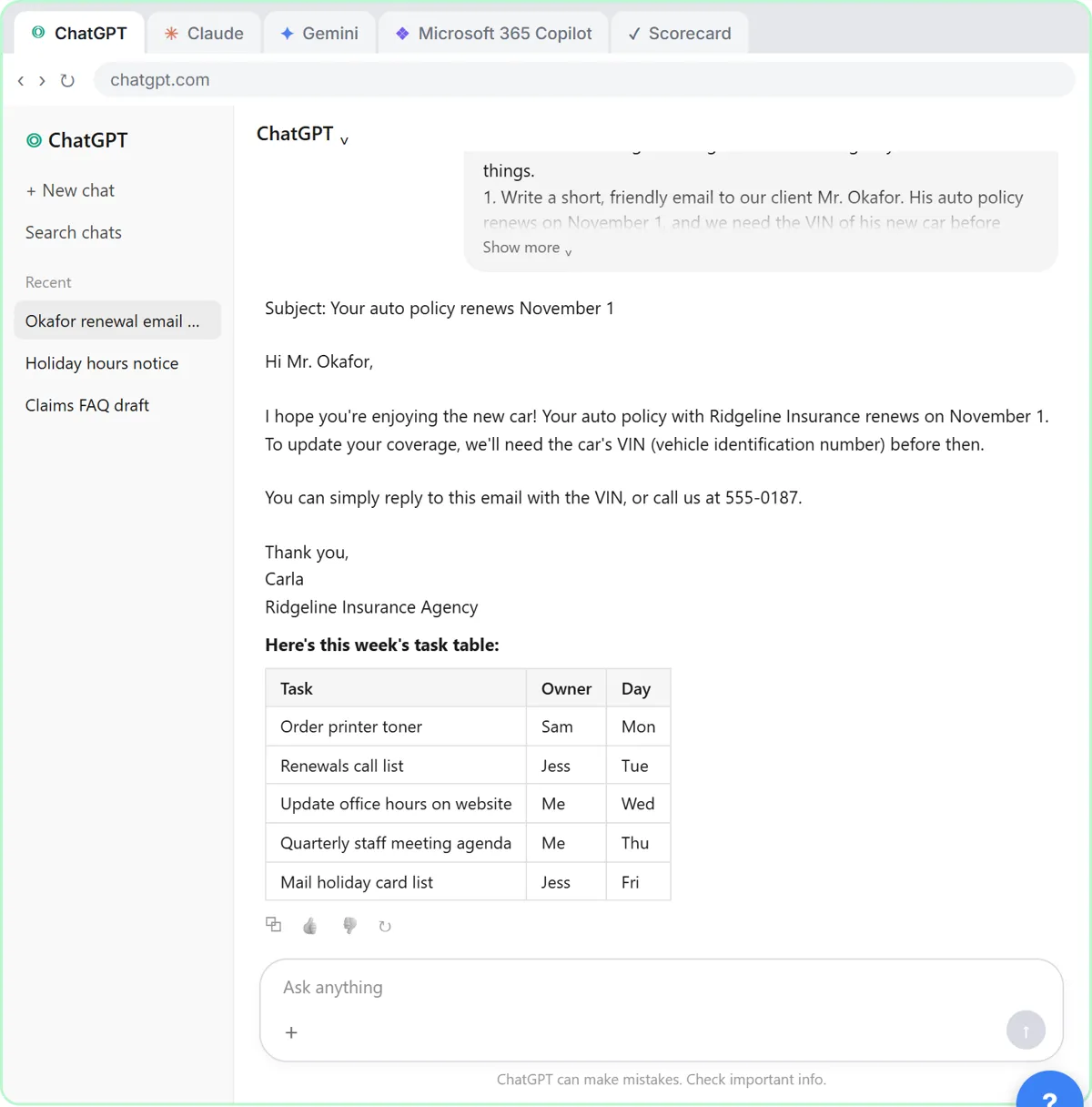
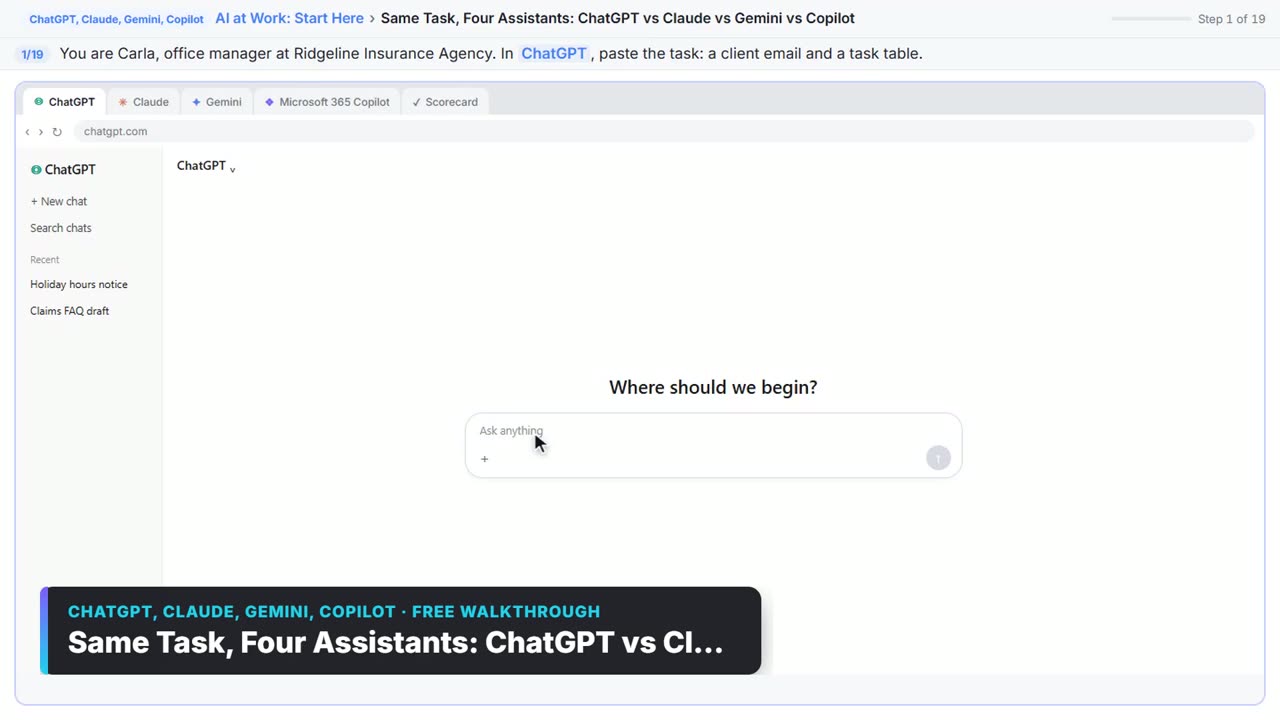
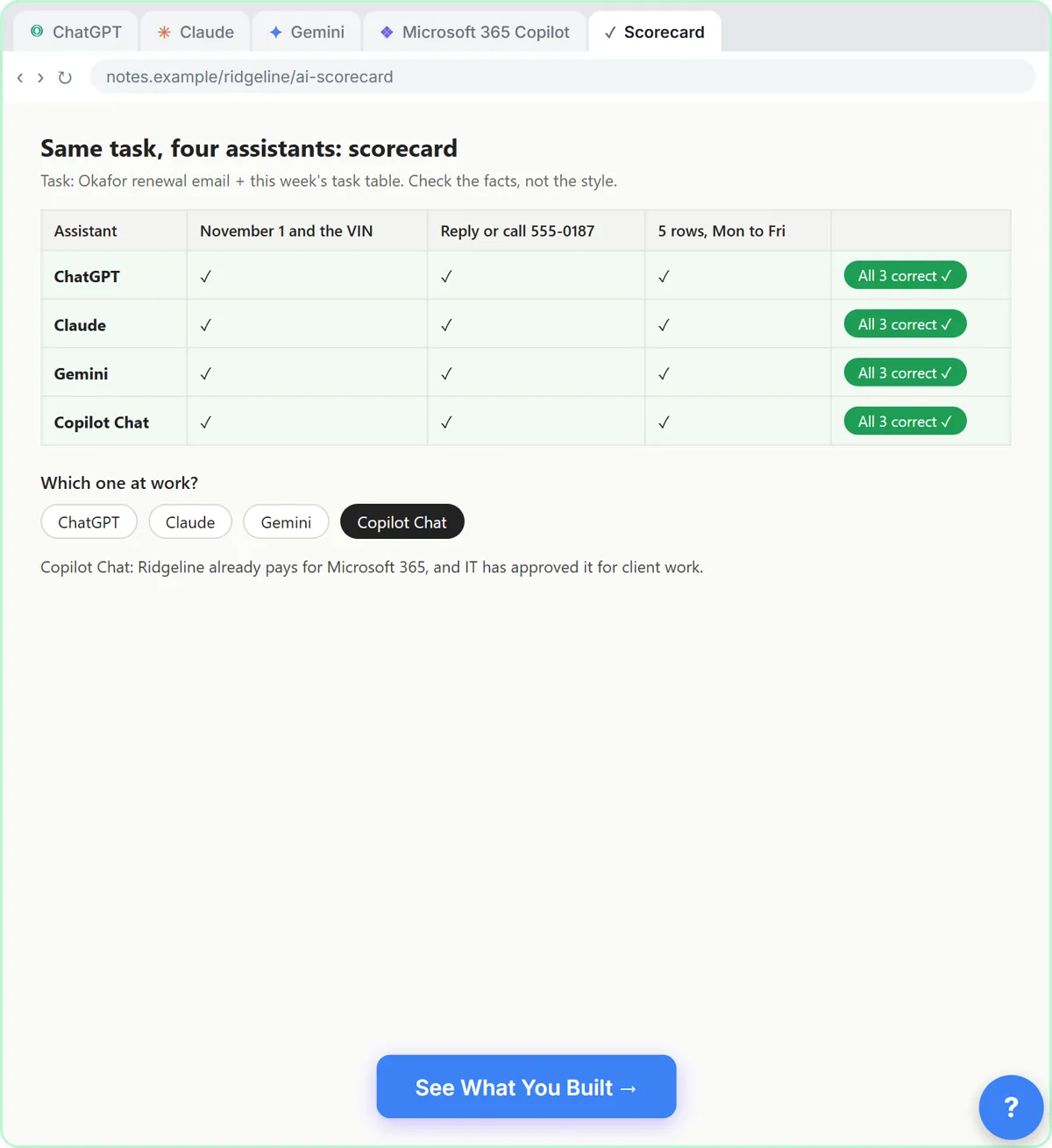
Try both for one real task, like talking through next week's priorities, and compare the transcripts. The Same Task, Four Assistants lesson shows how to compare assistants fairly, and ChatGPT vs Claude for work covers the typed side. A business voice agent for calls is a different product; see the AI voice agents course.
Try it free, step by step
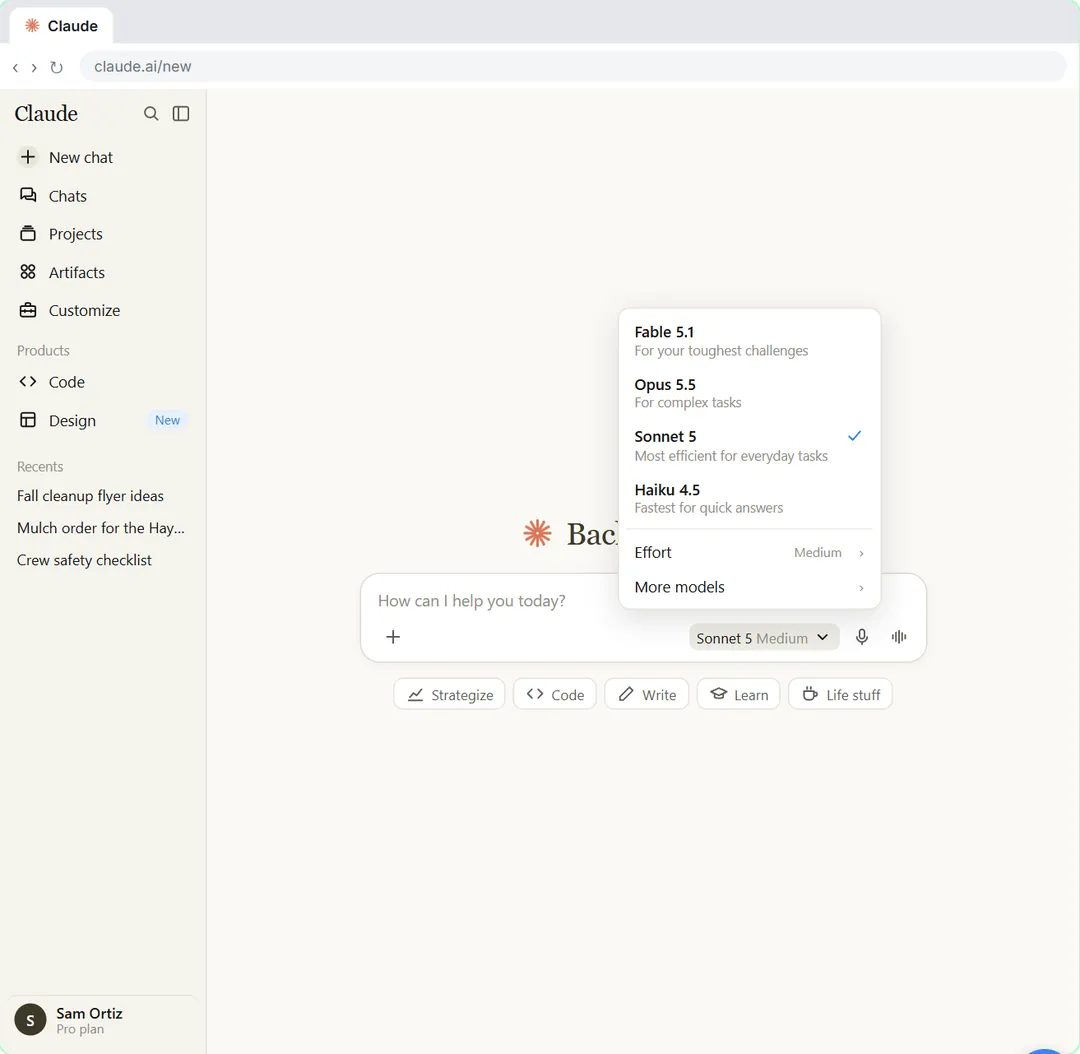
Your First Chat with Claude: Models, Files and a Great First Prompt. Pick a model, attach a customer's complaint email with the + menu, write a four-part prompt, read Claude's reply, ask a follow-up, then pin and rename the chat. You do every step yourself in a practice copy of Claude, it checks your work as you go, and “Do it for me” finishes any step you get stuck on. Free, and nothing touches your real accounts.
Start the free lessonKey takeaways
- AI voice chat is a spoken conversation: you talk, it answers aloud.
- ChatGPT and Claude both have voice modes; limits and plans change, so test your own account.
- Use voice for brainstorming, rehearsing and capturing thoughts.
- Type when exact facts matter, and always read the final text.
- Keep private details out of anything spoken to an AI.
Frequently asked questions
- What is AI voice chat?
A way to talk to an AI assistant and hear its reply read aloud, instead of typing. You can usually interrupt it.
- Does Claude have a voice mode?
Yes. Claude has a voice mode in its apps. Which plans and limits apply has changed over time, so check the current options in the app.
- Is ChatGPT voice free?
ChatGPT has a voice option, and what's included depends on your plan and changes often. Check the app for your current limits.
- Is voice chat safe for work?
Only within your company's rules. Don't say private client or employee details, and check your data controls and account settings first.