This guide is for people who use one long ChatGPT chat for a whole project and have noticed it contradicting itself.
Why does ChatGPT forget things in a long chat?
Because a chat has a limit, called the context window. Everything you and ChatGPT write sits in it. When a chat gets very long, older parts may be dropped or weighed less, and the model can drift back to an earlier draft or mix up a date. The limit depends on the model and your plan.
What are the signs a chat has gone wrong?
- It repeats a draft you already rejected.
- It uses an old date, price or customer name.
- It ignores a rule you gave at the start, like "no emoji."
- You've corrected the same thing twice.
How do I fix it without losing my work?
- Restate the key facts in one message: "Reminder: the quote is due Wednesday, the price is $2,400, and the tone is plain."
- Ask for a summary: "Summarize our decisions and the current draft in 10 lines."
- Check the summary against what you know and correct it.
- Click New chat and paste the summary plus your next request.
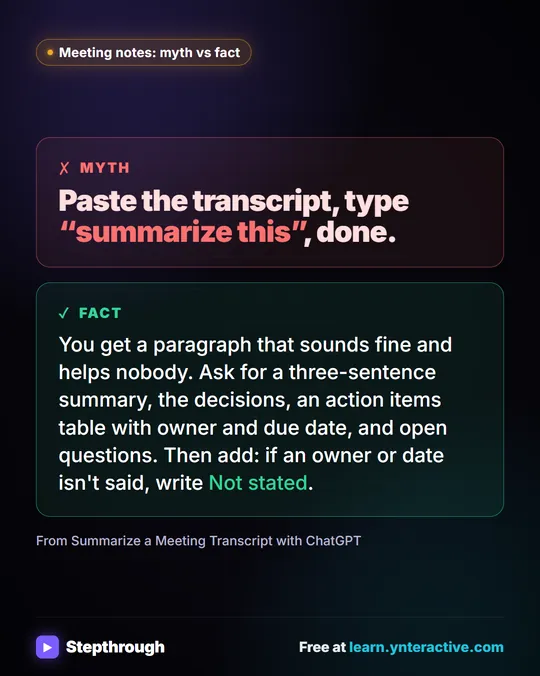
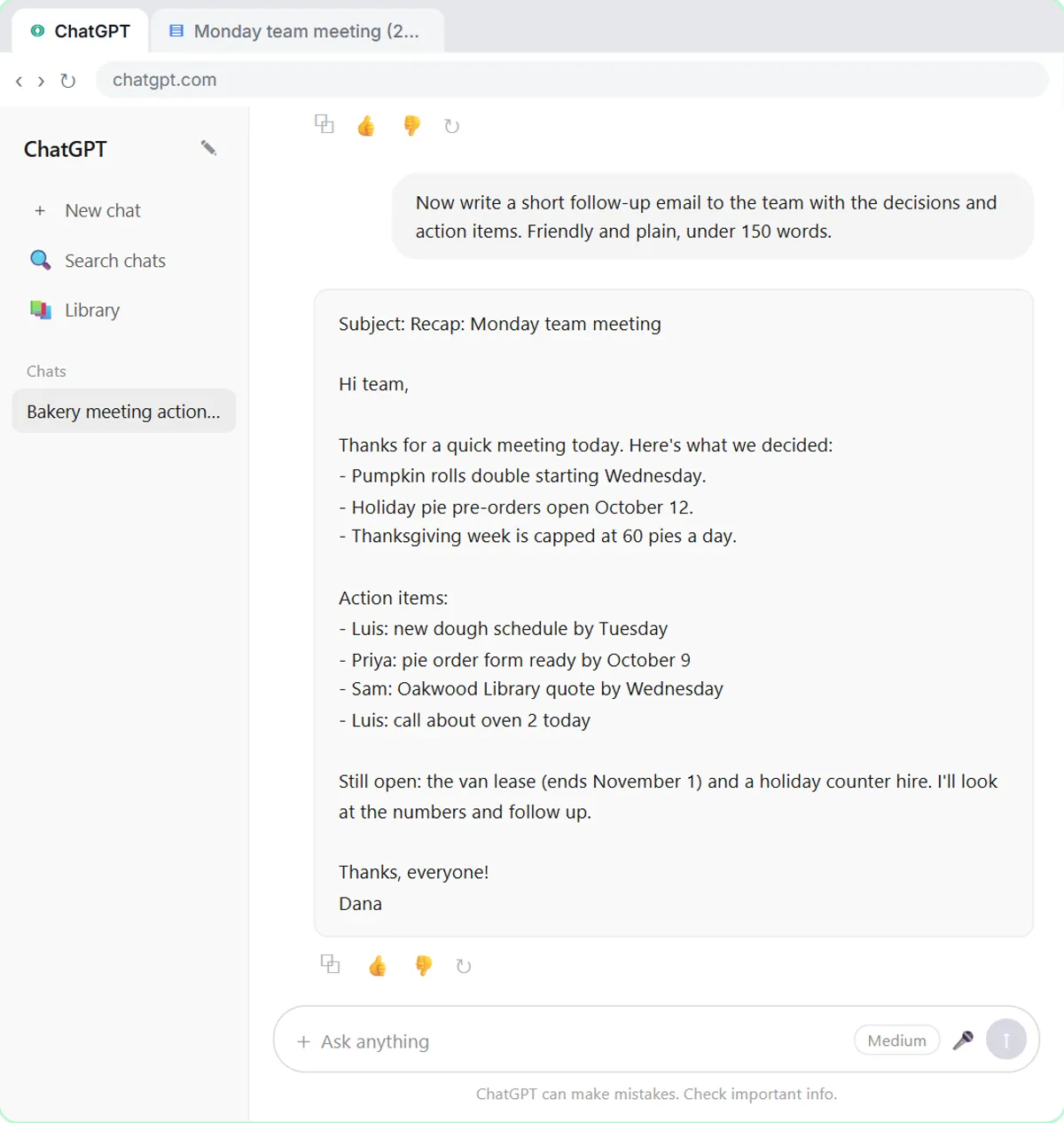
The meeting summary lesson shows the benefit of staying in one chat for related steps; this is the other half: when the chat is long and cluttered, a clean start with a recap is faster than arguing. See when to start a new chat in ChatGPT.
How can I stop it happening?
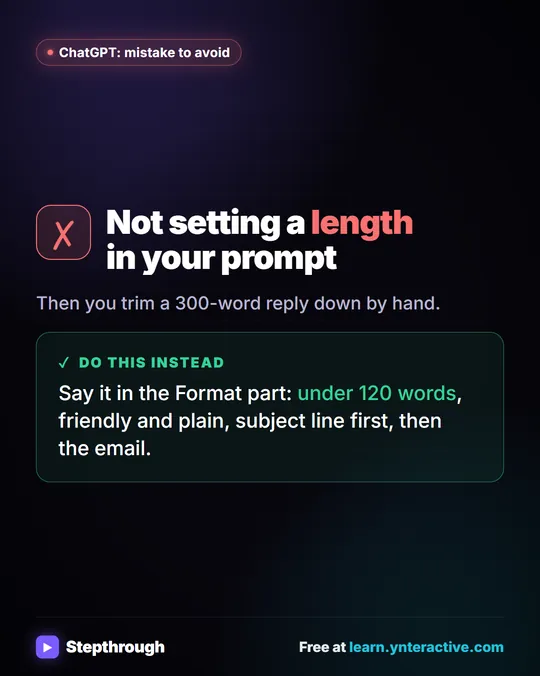
Keep one chat per task, put permanent rules in a saved template or a Project, and don't rely on memory for exact facts. The four-part prompt from Prompt Writing 101 makes a restart cheap.
Try it free, step by step
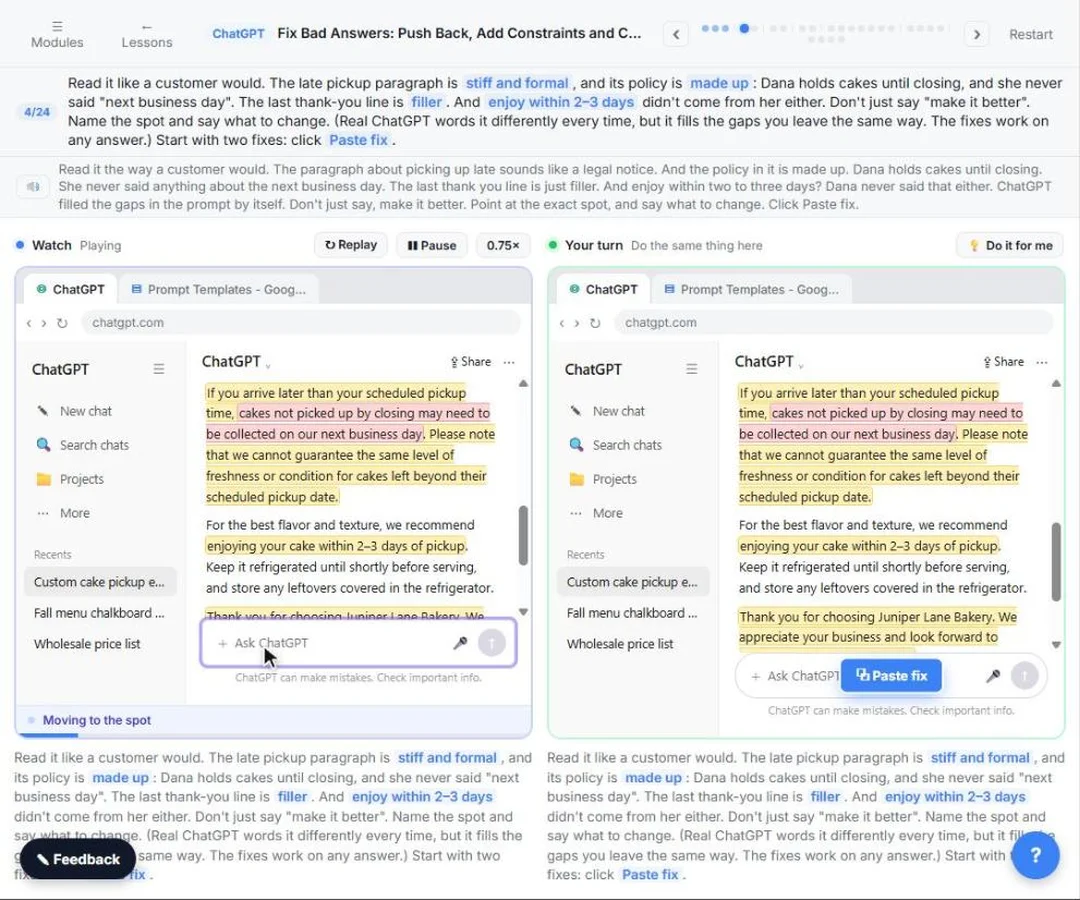
Catch Made-up Facts Before They Reach Customers using ChatGPT. Leave gaps in a prompt and ChatGPT fills them: a stiff paragraph, a made-up policy and a made-up fact. Point at the exact problem, add constraints, ask what it assumed, check the facts with cited… You do every step yourself in a practice copy of ChatGPT, it checks your work as you go, and “Do it for me” finishes any step you get stuck on. Free, and nothing touches your real accounts.
Start the free lessonKey takeaways
- Long chats can lose or blur early details because of the context window.
- Watch for repeated rejected drafts, old facts and ignored rules.
- Restate, summarize, then start a new chat with the summary.
- Keep one chat per task and reusable rules outside the chat.
Frequently asked questions
- Why does ChatGPT forget what I said earlier?
The chat has a size limit, and in a long chat older details can get less attention or drop out. Restate the important facts.
- How long can a ChatGPT chat be?
It depends on the model and your plan, and it changes. Rather than counting, watch for signs the answers are drifting.
- Should I start a new chat or keep going?
Start a new chat when answers keep drifting or you switch tasks. Stay when the next request builds directly on the last answer.