Updated . Built against the tool’s current screens and checked step by step. How we check this lesson
Almost every report a small business fills by hand could fill itself, if the data can get in. There are four ways web data reaches an automation: an official API, an RSS feed, a third-party data API that charges per call, and web scraping. In this free, hands-on lesson you compare all four, open the five parts of an HTTP request, pick the right way in for three real jobs and do the cost math, on simple worksheets with nothing to sign up for.
At a glance
| Question | Answer |
|---|---|
| What you build | Compare the four ways web data gets into an automation, read the five parts of an HTTP request, and pick the right source for news, CRM data and competitor prices. |
| Tools | Stepthrough |
| Time | About 7 minutes, 17 steps in 4 parts |
| Level | Beginner, no coding needed |
| Cost | Free |
| Ways to learn it | Practice it step by step |
The 4 parts, in short
- Four ways in: Open Official API, Open RSS feed, Open Web scraping, Open Third-party data API.
- Anatomy of a request: Open An HTTP request, The method, The URL, The headers, and 1 more step.
- Pick the way: Open Pick the way, Job 1: news posts, Job 2: your own CRM, Job 3: competitor prices.
- Cost and change: Open Cost and change, Do the math, Sources change, The smallest fix.
Start here first: Start Here: How Stepthrough Works (module 1 of AI Basics)
Part of: Get Data From the Web Into Your Automations (step 1 of 9). Next up: Coefficient: Pull Live Pipeline Data into Google Sheets and Auto-Refresh It Daily
Part of: n8n Intermediate: Real Business Workflows (step 3 of 17). Next up: n8n: Call Any API with the HTTP Request Node
What you will do
The example is Copperleaf Marketing, a made-up 12-person agency where Sam Rivera spends Monday morning copying competitor prices, industry news, Reddit questions and CRM numbers into a sheet. You open the four ways in, then the parts of one API call, then choose a source for a news feed, the agency's own CRM and Google Shopping prices. You finish with the cost of a pay-per-call API and what to do when a free source switches off.
API vs scraping vs RSS, in short
An official API is the app's own door for software. You send a request and get clean data back, usually as JSON, with a key. It is stable, documented and allowed, so use it whenever an app has one.
An RSS feed is a free list of a site's newest posts: a title, a link and a date. No key and no code. But a site can switch its feed off; Reddit has announced it is switching off its RSS feeds on November 13, 2026.
A third-party data API collects data such as search results, shopping prices or Reddit posts and sells it per call, often for a fraction of a cent. It deals with the blocking and page changes for you.
Web scraping reads the page like a person and pulls text out of the HTML. It works on almost any site, but breaks when the page changes, sites often block it, and some forbid it in their terms. Treat it as a last resort.
The five parts of an HTTP request
Every API call has a method (GET to read, POST to send), a URL called the endpoint, query parameters that narrow down what comes back, headers that say who is asking (the key, usually as a bearer token) and a response with a status code and JSON. n8n's HTTP Request node, Zapier's webhook step and Make's HTTP module are all forms for these same five parts.
Doing the cost math
Pay-per-call pricing is usually small: calls per run times runs per month times the price per call. At $0.003 a call, one call a day is about nine cents a month. A workflow that loops over thousands of items a day is a different bill, so multiply before you build, and check the provider's current prices.
How the interactive lesson works
Each step is shown first in the Watch panel, then you do it yourself in Your turn on a Stepthrough worksheet. No request is sent. It is module 2 of the free course Get Data From the Web Into Your Automations, which then practices each way in for real in Coefficient and n8n.
Try it yourself, free
Reading the steps is a start. Doing them is how it sticks. The interactive module walks you through every click in a practice copy of Stepthrough, checks each step, and never touches your real accounts.
Start “APIs vs Scraping vs RSS: Pick the Right Way to Get Web Data”Step by step: APIs vs Scraping vs RSS: Pick the Right Way to Get Web Data
All 17 steps of the interactive module, in order. In the module you watch each one, then do it yourself in a practice copy that checks your work.
1. Four ways in
- Open Official API. Click the Official API card.
Sam runs reporting at a small marketing agency. Every Monday, someone copies prices, news and CRM numbers into a sheet by hand. There are four ways to get that data in on its own. First, an official API.
- Open RSS feed. Click the RSS feed card.
An API is the app's own door for software. Clean data, and it's allowed. Use it whenever there is one. Next, an RSS feed.
- Open Web scraping. Click the Web scraping card.
RSS is a free list of a site's newest posts. Simple, but a site can switch it off. Now, web scraping.
- Open Third-party data API. Click the Third-party data API card.
Scraping reads the page like a person. It breaks when the page changes, and many sites block it. Last resort. Finally, a third party data API.
2. Anatomy of a request
- Open An HTTP request. Click the An HTTP request tab.
A company collects the data and sells it to you per call. Often a fraction of a cent. Now let's look inside an API call.
- The method. Click Method: GET.
Every API call has the same parts. The method says what you want. GET reads data. POST sends data in.
- The URL. Click the URL card.
The URL is the endpoint. One address for one kind of data. Here, deals.
- The headers. Click the Headers card.
Query parameters narrow it down. Then the headers say who is asking. The key goes here, as a bearer token. Never in the URL.
- The response. Click the Response card.
And the answer comes back. A status code, two hundred means it worked, and the data as JSON. One record per deal.
3. Pick the way
- Open Pick the way. Click the Pick the way tab.
That's the same in n8n, Zapier or Make. Now you choose.
- Job 1: news posts. Answer Job 1: the newest posts from a news site with a feed.
Job one. The newest posts from a news site that publishes a feed. Which way?
- Job 2: your own CRM. Answer Job 2: open deals from the agency’s own CRM.
RSS. It's free and made for this. Job two.
- Job 3: competitor prices. Answer Job 3: competitor prices from Google Shopping.
The official API, or a connector built on it. Job three. Competitor prices from Google Shopping, every week.
4. Cost and change
- Open Cost and change. Click the Cost and change tab.
A search API that charges per call. It handles the blocking for you. Now, cost.
- Do the math. Click the Pay-per-call math card.
Pay per call sounds scary. Do the math. One call a day, at a third of a cent, is about nine cents a month. Multiply before you build.
- Sources change. Click the Sources change card.
Free sources can disappear. Reddit is switching off its RSS feeds on November thirteenth. Every workflow that reads them stops that day.
- The smallest fix. Answer the question: what is the smallest fix for the Reddit workflow?
So what's the smallest fix for Sam's Reddit workflow?
Frequently asked questions
- What is the difference between an API and web scraping?
- An API is a door an app opens for software: you ask for data and get clean JSON back. Scraping reads a web page like a person would and pulls text out of the HTML. APIs are stable and allowed; scrapers break when the page changes and are often blocked.
- Is RSS still worth using?
- Yes, for news and blog posts from sites that publish a feed. It is free and needs no key. Just expect that a site can switch its feed off, and build your workflow so the source is one step you can swap.
- Is web scraping legal?
- It depends on the site, the data and where you are. Many sites forbid it in their terms, and personal data has extra rules. Prefer an official API or a data provider, and check the terms before you scrape anything.
- What is a pay-per-call API?
- A data service that charges a small amount for each request, such as a search-results API. You buy credits or pay as you go, and the cost is calls per run times runs per month times the price.
- Is this lesson free?
- Yes. Stepthrough is free and the practice needs no account.
More in AI Basics
Try the practice in under two minutes: watch a step, click, type, get unstuck with Do it for me, and finish.
Free · Live ~2 min Beginner
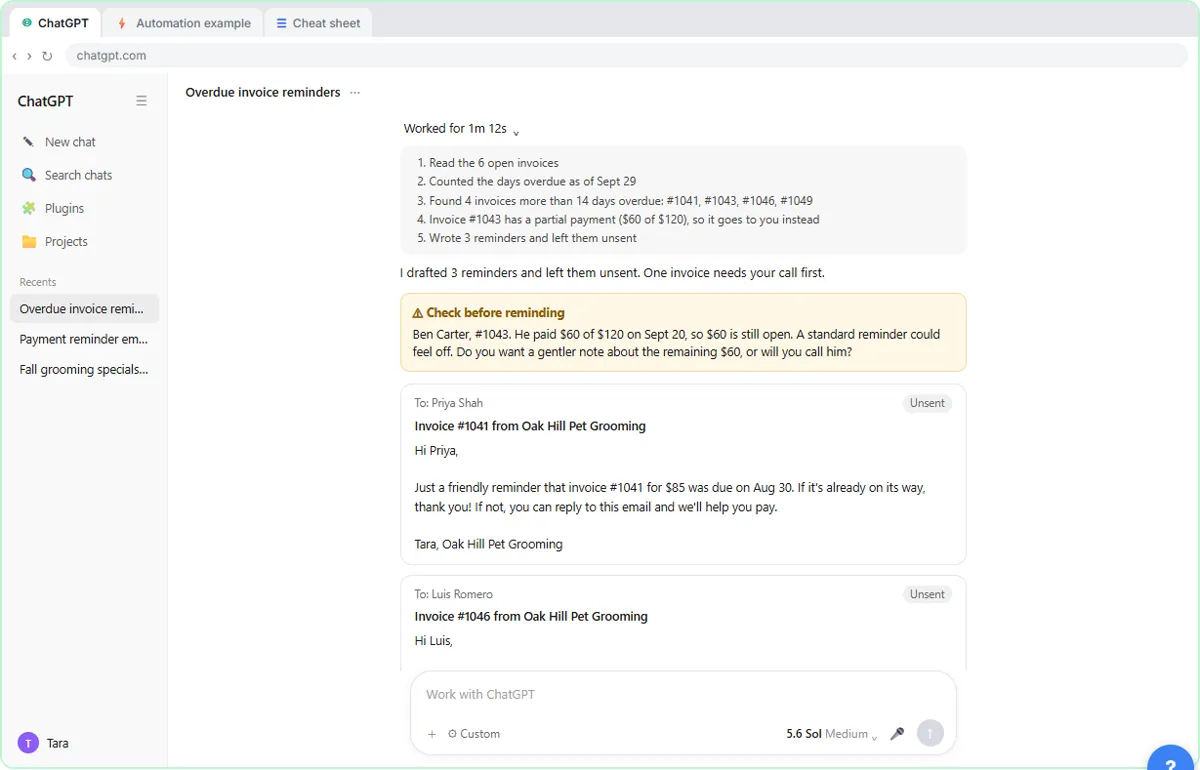 AI Agent vs Chatbot vs Automation: One Job Done Three Ways
Chase six unpaid invoices three ways: a chatbot writes a template, an automation follows a rule, and an AI agent works out the steps and flags the tricky one.
Free · Live ~7 min Beginner
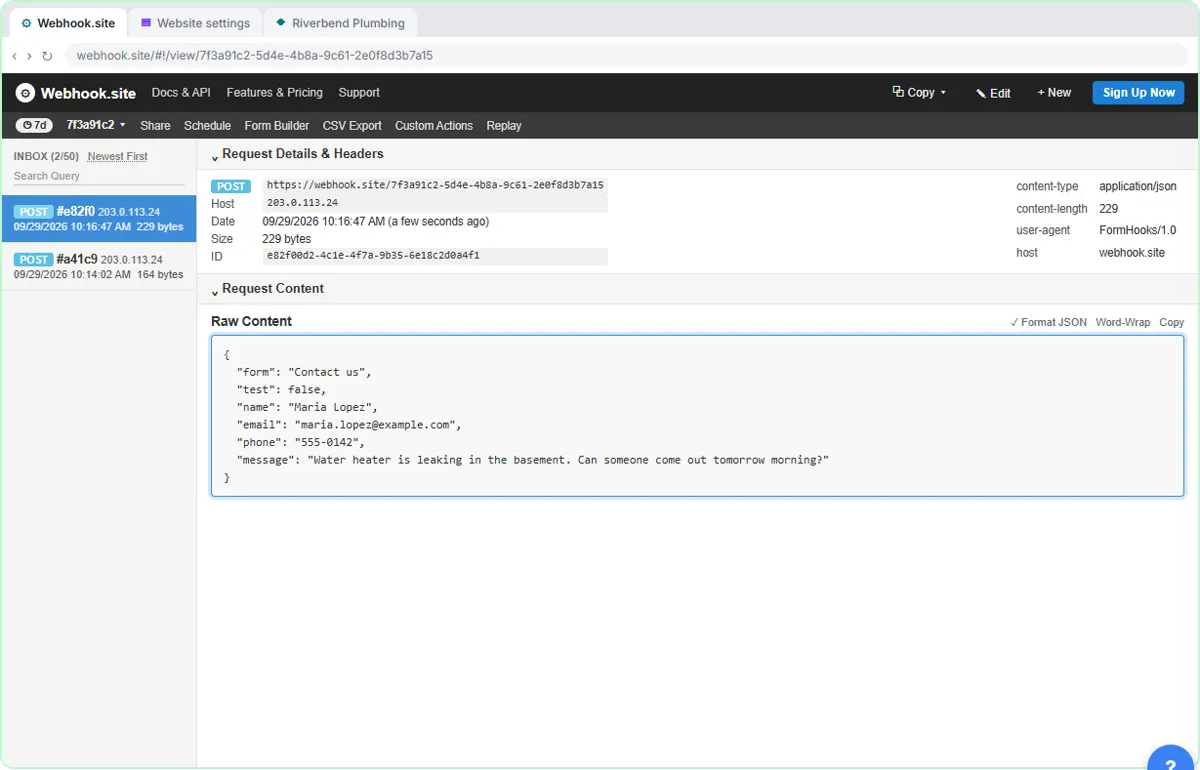 What Is a Webhook? Send a Test and Watch the Data Arrive
Point a plumber's website contact form at a free webhook tester, send a test and a real message, and watch the data arrive the moment it's sent.
Free · Live ~6 min Intermediate
◷Automation Basics: Triggers, Actions and Data MappingLearn the three ideas behind every n8n workflow, Make scenario and Zap: a trigger starts it, actions do the jobs, and data mapping carries the details. Fix the classic…
Free · Live ~6 min Beginner
◷When to Add AI to an Automation (n8n, Make or Zapier)Sort six office jobs into plain rules, AI steps and human decisions, then see the safe shape of an AI automation and how n8n, Make and Zapier each add the AI step.
Free · Live ~6 min Beginner
 Use AI at Work Without Leaking Client Data using ChatGPT
Turn off model training, strip a tenant's bank details and address out of a prompt, then catch the two promises ChatGPT made up before the reply goes out.
Free · Live ~7 min Beginner
More Stepthrough tutorials
Follow one customer question through a support bot: files cut into chunks, a search by meaning, the AI told to answer only from what it found, and a safe fallback when…
Free · Live ~7 min Beginner
◷AI Support Bot Guardrails, Fallback Answers and Human HandoffWrite the rules for an insurance agency’s website bot, run five hard test chats (advice, a trick message, an upset customer) and design a handoff to a person that…
Free · Live ~7 min Beginner
◷How AI Reads a PDF: OCR, Document Parsing and Field ExtractionFollow two vendor invoices, one digital and one scanned, through OCR, parsing rules vs AI extraction, and the four checks that stop a misread total from reaching your…
Free · Live ~7 min Beginner
◷How AI Transcription Works: Speech-to-Text, Speaker Diarization and ThemesFollow one recorded client call from sound to transcript, catch the kind of error speech-to-text makes, name the speakers, and pull out action items and themes you can…
Free · Live ~6 min Beginner
◷Prompting for Slides: Outline, Brand Kit, Check the NumbersFour habits for any AI slide tool: a prompt with audience, message, source and shape, an outline you fix first, a brand kit, and a check of every number against your…
Free · Live ~7 min Beginner
Terms in this lesson
Plain-English definitions, each with an example from a free lesson.