Updated . Built against the tool’s current screens and checked step by step. How we check this lesson
A support bot that answers everything will sooner or later quote the wrong price, give advice it should not, or trap an upset customer in a loop. In this free, hands-on explainer you set up the rules for a website bot at Wren Street Insurance Agency, a made-up six-person agency: instructions, four guardrails and a fallback answer. Then you run five test chats aimed at the hard cases and design a handoff to a person in four parts.
At a glance
| Question | Answer |
|---|---|
| What you build | Write the rules for an insurance agency’s website bot, run five hard test chats (advice, a trick message, an upset customer) and design a handoff to a person that actually gets picked up. |
| Tools | Stepthrough |
| Time | About 7 minutes, 21 steps in 4 parts |
| Level | Beginner, no coding needed |
| Cost | Free |
| Ways to learn it | Practice it step by step |
The 4 parts, in short
- Write the rules: Open the role and tone, Guardrail 1: only from the files, Guardrail 2: no advice, Guardrail 4: ignore orders in messages, and 1 more step.
- Test the hard cases: Go to the test chats, Test 1: a question in the FAQ, Test 2: not in the files, Test 3: asks for advice, and 2 more steps.
- Hand off to a person: Look at the handoff, When to hand off, What to collect, Where it goes, and 1 more step.
- Cheat sheet: Open the cheat sheet, Run the five tests, Read the chat logs, Keep it narrow, and 1 more step.
Start here first: Start Here: How Stepthrough Works (module 1 of AI Basics)
Part of: Give AI Your Company Knowledge (step 12 of 15). Next up: A Support Agent That Answers from Your Own Docs
Part of: AI Agents 101 (step 9 of 13). Next up: A Support Agent That Answers from Your Own Docs
Part of: RAG: Chat with Your Own Docs (step 2 of 5). Next up: A Support Agent That Answers from Your Own Docs
Part of: Build Your Own AI Support Bot (step 4 of 9). Next up: tawk.to: Answer Website Questions After Hours
What you will do
First you open the bot's instructions: a role and tone, then four guardrails (answer only from the FAQ and policy files, no coverage advice, never ask for card numbers or passwords, and ignore instructions inside visitor messages), and a fallback answer with a real phone number and email.
Then you read five test chats: a question the FAQ covers, one it does not, a request for advice, a message that tries to talk the bot out of its rules, and an upset customer who wants a person. You see which rule handled each one. Finally you open the four parts of a good handoff and a cheat sheet for keeping a bot safe after launch.
Guardrails, fallbacks and handoff in plain words
Instructions, often called the system prompt, set who the bot is and how it sounds. Guardrails are the rules it must never break. A fallback answer is what it says when a question falls outside those rules: it admits it is not sure and gives a real way to reach a person.
A human handoff goes further. It passes the conversation itself to a person, with the customer's name, contact and a one-line summary, and tells the customer when they will hear back. In office hours that can mean a person taking over a live chat; after hours, a ticket or an email to the office.
Why the hard tests matter
Bots rarely fail on the common questions. They fail on the odd ones, and on messages written to trick them, which is called prompt injection. Running five hard test chats before launch, and reading the chats that used the fallback every week, catches almost every problem before a customer does.
How the interactive lesson works
Every step is shown first in the Watch panel, then you do it yourself in Your turn on an explainer board of diagrams and chats. Each click is checked, and Do it for me helps if you get stuck. There is no account and no real app: Wren Street, its rules and the test chats are made up.
Try it yourself, free
Reading the steps is a start. Doing them is how it sticks. The interactive module walks you through every click in a practice copy of Stepthrough, checks each step, and never touches your real accounts.
Start “AI Support Bot Guardrails, Fallback Answers and Human Handoff”Step by step: AI Support Bot Guardrails, Fallback Answers and Human Handoff
All 21 steps of the interactive module, in order. In the module you watch each one, then do it yourself in a practice copy that checks your work.
1. Write the rules
- Open the role and tone. Under Instructions, click the card.
Wren Street is a small insurance agency with a website bot. Before it goes live, Priya writes its rules. The first part is the role and tone.
- Guardrail 1: only from the files. Click Guardrail 1.
Role and tone do not stop a bot from making things up. Guardrails do. The first one says, answer only from the FAQ and policy files.
- Guardrail 2: no advice. Click Guardrail 2.
The second one says, no coverage advice. Telling someone to drop a policy is a licensed agent’s job, not a bot’s.
- Guardrail 4: ignore orders in messages. Click Guardrail 4.
And this one matters more than it looks. If a visitor types, ignore your rules, the bot treats it as a message, not a new rule.
- Open the fallback answer. Under The fallback answer, click the card.
Last, the fallback answer. It is what the bot says when it should not answer. It always gives a real way to reach a person.
2. Test the hard cases
- Go to the test chats. Click the 2 Test five chats tab.
Now Priya tests the hard cases, before any customer does.
- Test 1: a question in the FAQ. Click the bot’s first reply.
Test one is easy. Saturday hours are in the FAQ, so the bot answers and names its source.
- Test 2: not in the files. Click the bot’s second reply.
Test two. Houseboats are not in the files, so the bot gives the fallback answer instead of guessing.
- Test 3: asks for advice. Click the bot’s third reply.
Test three asks for advice. Guardrail two kicks in, and the bot offers a call with an agent.
- Test 4: tries to change the rules. Click the bot’s fourth reply.
Test four tries to talk the bot out of its rules. It does not confirm the discount, and passes the question to a person.
- Test 5: wants a person. Click the bot’s fifth reply.
And test five. An upset customer wants a real person. The bot hands off, collects the details, and says when someone will reply.
3. Hand off to a person
- Look at the handoff. Click the 3 The handoff tab.
That last one was a handoff. Let’s look at what makes a good one.
- When to hand off. Click 1 When.
First, the triggers. Asks for a person, a claim or complaint, a request for advice, or two fallbacks in one chat.
- What to collect. Click 2 Collect.
Then collect only what the team needs. A name, a way to reply, and a one line summary, so the customer never has to start again.
- Where it goes. Click 3 Route.
Then route it. In office hours, a person takes over the live chat. After hours, it becomes a ticket or an email.
- Tell the customer. Click 4 Tell.
And tell the customer what happens next, with a real time. Then make sure someone actually replies.
4. Cheat sheet
- Open the cheat sheet. Click the 4 Cheat sheet tab.
Last, how to keep a bot safe after launch.
- Run the five tests. Click Run the five tests.
Before launch, run the five tests you just saw, and fix the rules until all five pass.
- Read the chat logs. Click Read the chat logs.
Every week, read the chats that used the fallback or handed off. Each one is a missing answer, or a rule to tighten.
- Keep it narrow. Click A bot that answers fewer things is safer.
Keep the bot narrow. Hours, documents and published prices are perfect. Claims, advice and refunds go to a person.
- Never trap a customer. Click Never trap a customer with a bot.
And the rule of thumb. There is always a way to reach a person, and the bot offers it before anyone has to ask twice.
Frequently asked questions
- What are chatbot guardrails?
- Rules a bot follows in every chat, such as answering only from your files, never giving advice in a regulated area, never asking for sensitive data, and treating instructions inside a customer's message as text rather than new rules.
- What is a chatbot fallback response?
- A ready-made answer for anything the bot should not answer. It says the bot is not sure and gives a real email, phone number or hours, so the customer still gets somewhere.
- When should a chatbot hand off to a human?
- When the customer asks for a person, raises a complaint or claim, asks for advice, or the bot has used its fallback twice. Collect a name, contact and one-line summary, and say when a person will reply.
- How do I test a support bot before launch?
- Ask one question it should know, one it should not, one asking for advice, one trying to change its rules, and one asking for a person. Fix the instructions until all five are handled safely.
- Is this lesson free?
- Yes. Stepthrough is free, and this explainer needs no account and no setup.
More in AI Basics
Try the practice in under two minutes: watch a step, click, type, get unstuck with Do it for me, and finish.
Free · Live ~2 min Beginner
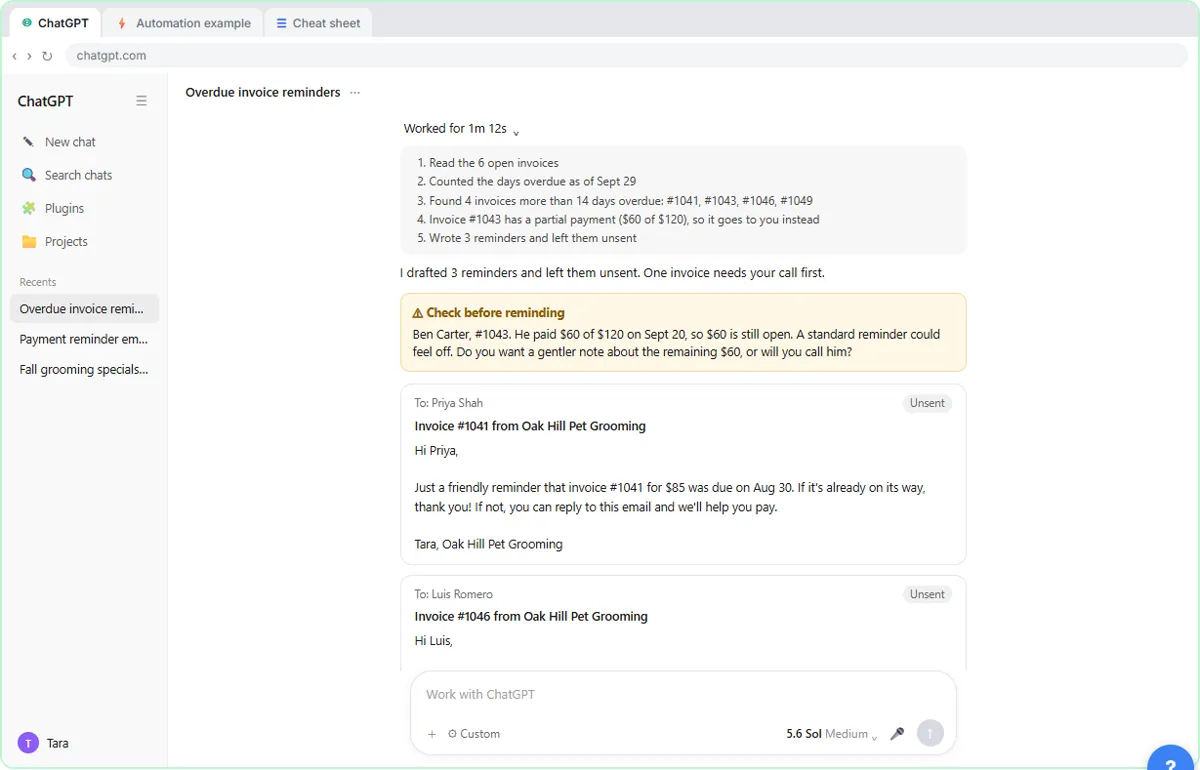 AI Agent vs Chatbot vs Automation: One Job Done Three Ways
Chase six unpaid invoices three ways: a chatbot writes a template, an automation follows a rule, and an AI agent works out the steps and flags the tricky one.
Free · Live ~7 min Beginner
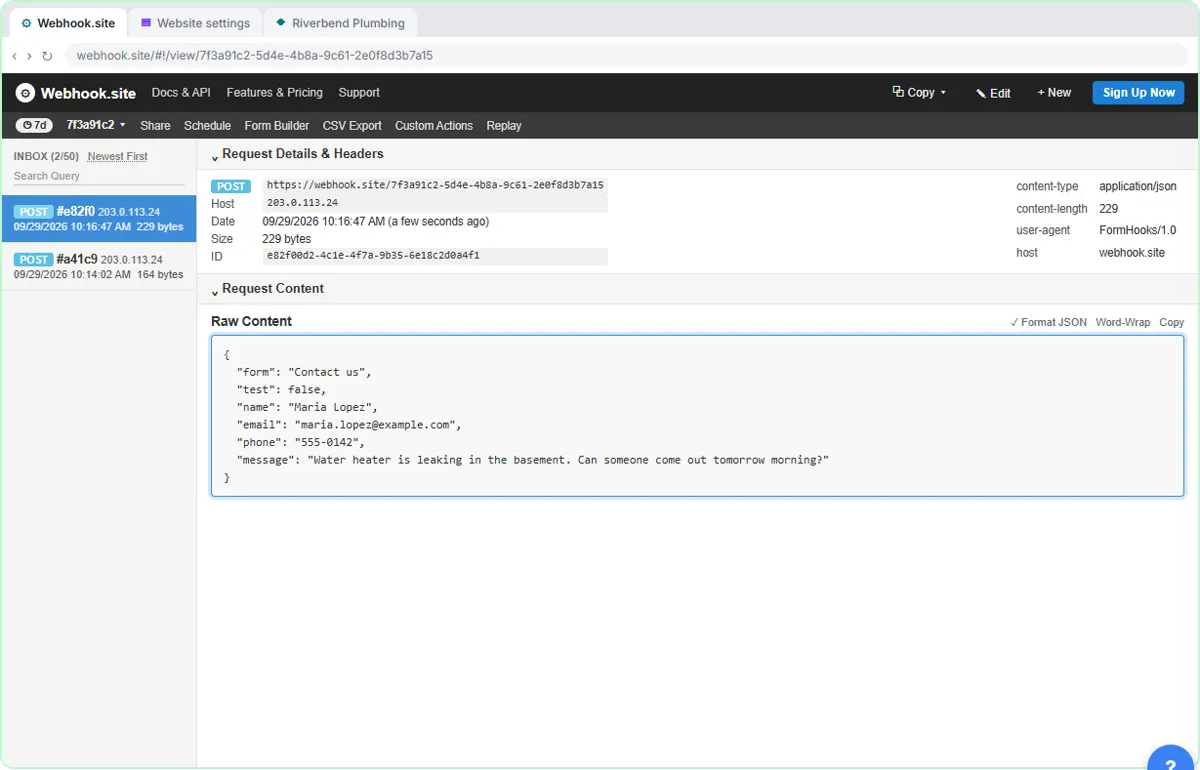 What Is a Webhook? Send a Test and Watch the Data Arrive
Point a plumber's website contact form at a free webhook tester, send a test and a real message, and watch the data arrive the moment it's sent.
Free · Live ~6 min Intermediate
◷Automation Basics: Triggers, Actions and Data MappingLearn the three ideas behind every n8n workflow, Make scenario and Zap: a trigger starts it, actions do the jobs, and data mapping carries the details. Fix the classic…
Free · Live ~6 min Beginner
◷When to Add AI to an Automation (n8n, Make or Zapier)Sort six office jobs into plain rules, AI steps and human decisions, then see the safe shape of an AI automation and how n8n, Make and Zapier each add the AI step.
Free · Live ~6 min Beginner
 Use AI at Work Without Leaking Client Data using ChatGPT
Turn off model training, strip a tenant's bank details and address out of a prompt, then catch the two promises ChatGPT made up before the reply goes out.
Free · Live ~7 min Beginner
More Stepthrough tutorials
Follow one customer question through a support bot: files cut into chunks, a search by meaning, the AI told to answer only from what it found, and a safe fallback when…
Free · Live ~7 min Beginner
◷How AI Transcription Works: Speech-to-Text, Speaker Diarization and ThemesFollow one recorded client call from sound to transcript, catch the kind of error speech-to-text makes, name the speakers, and pull out action items and themes you can…
Free · Live ~6 min Beginner
Terms in this lesson
Plain-English definitions, each with an example from a free lesson.