5 Steps to Answer a Claim-Status Email Without Overpromising
A visual guide for insurance agencies: answer a client's claim-status email with ChatGPT, then check every claim against your facts before you send.
Slide 1 of 7 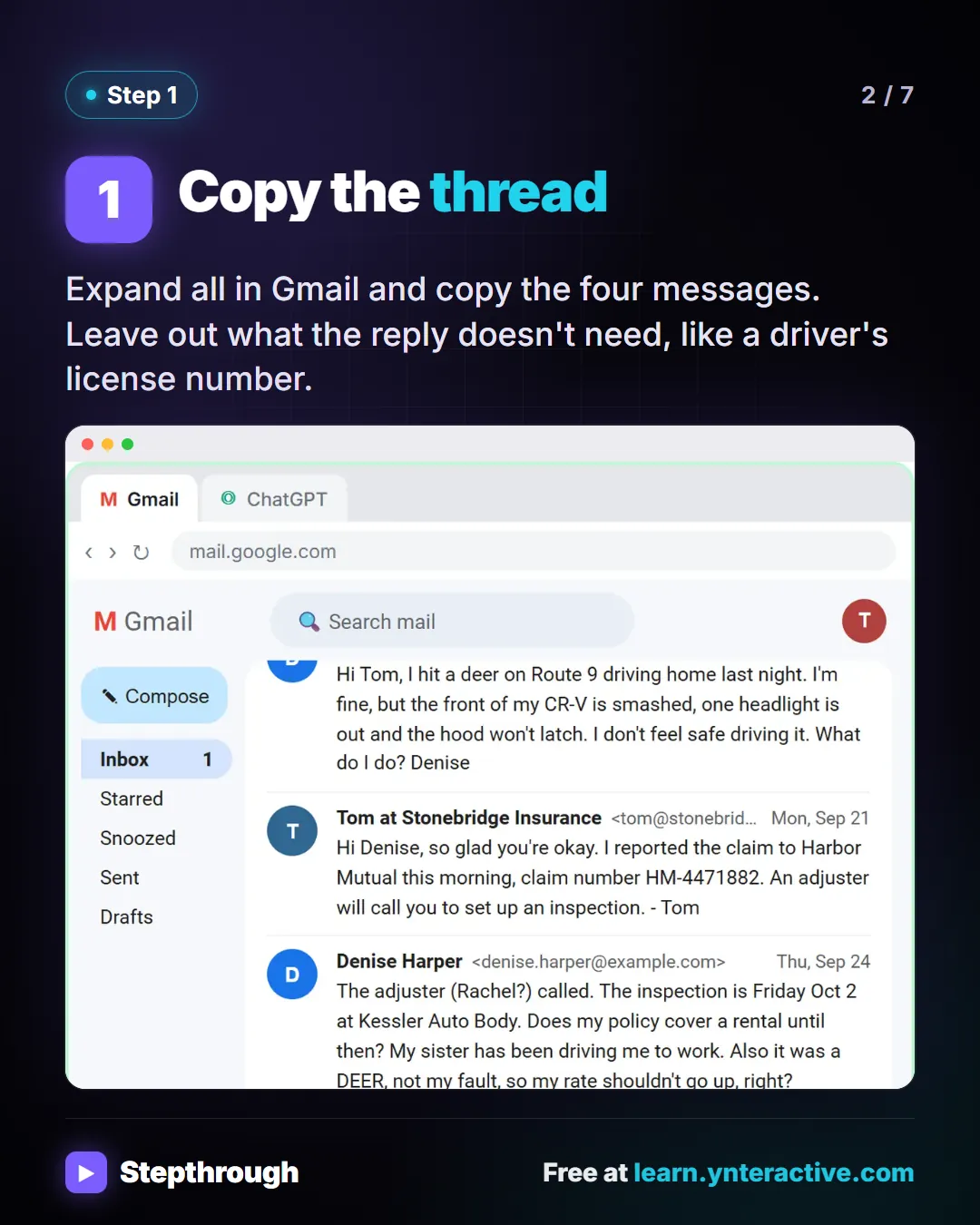
Slide 2 of 7 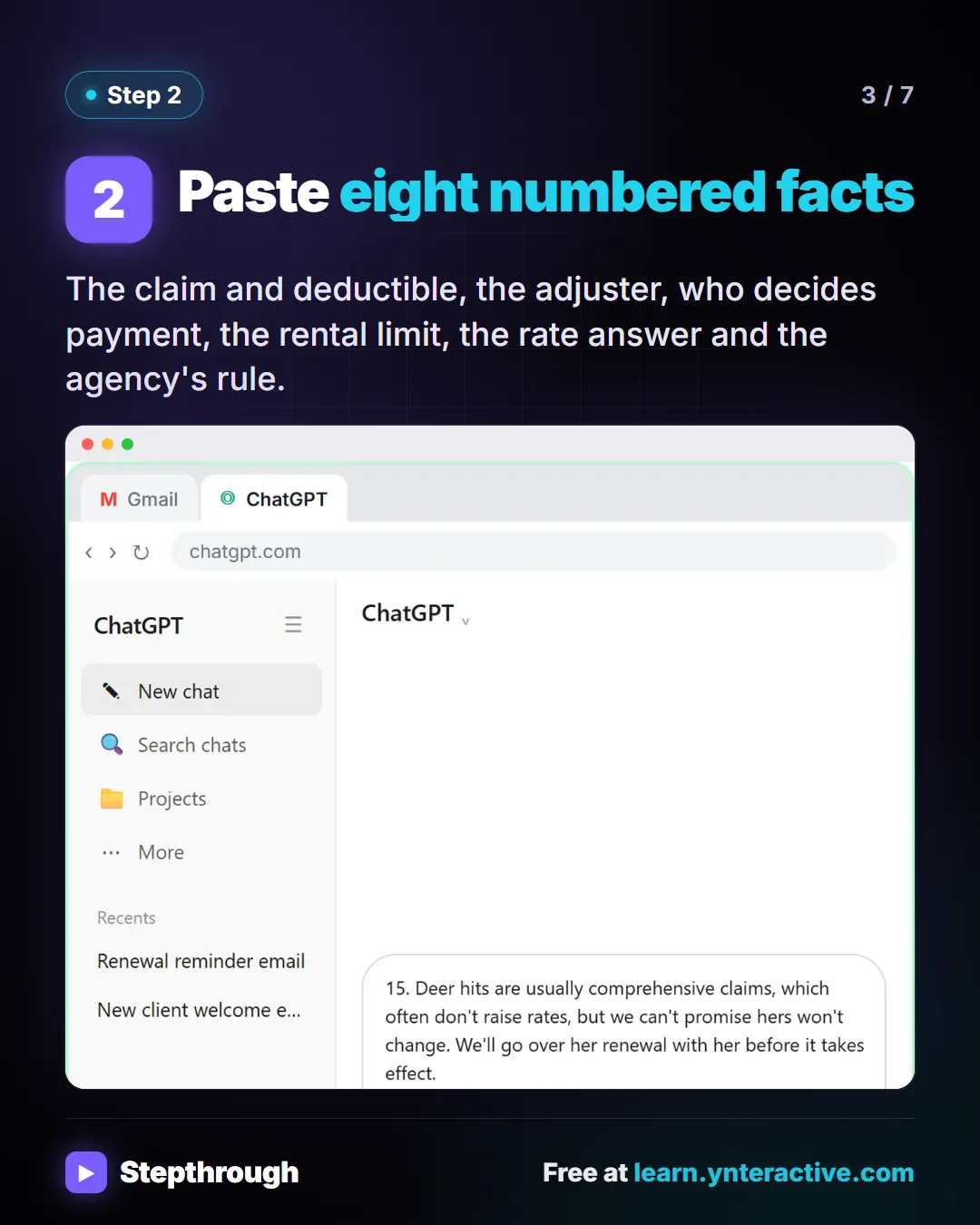
Slide 3 of 7 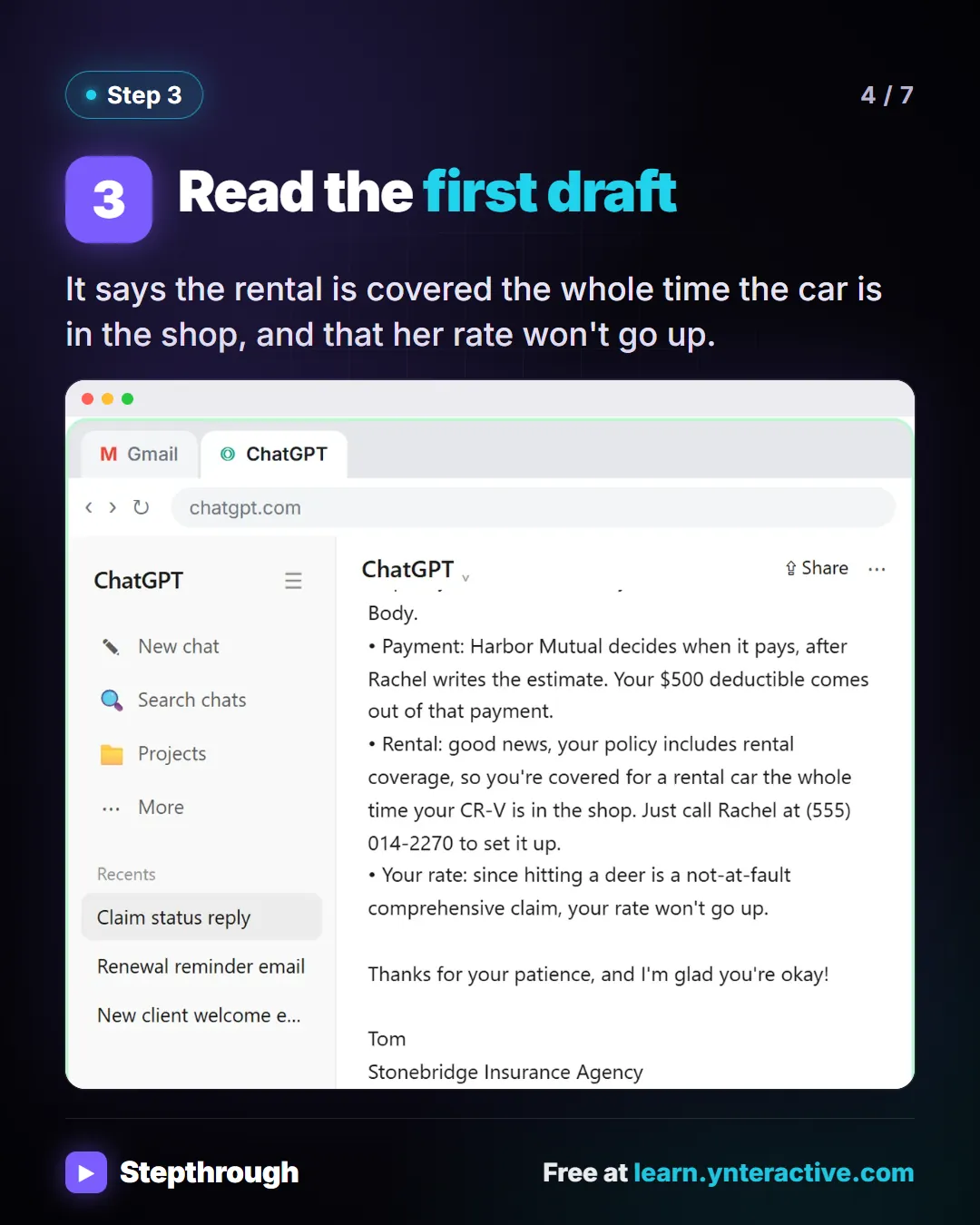
Slide 4 of 7 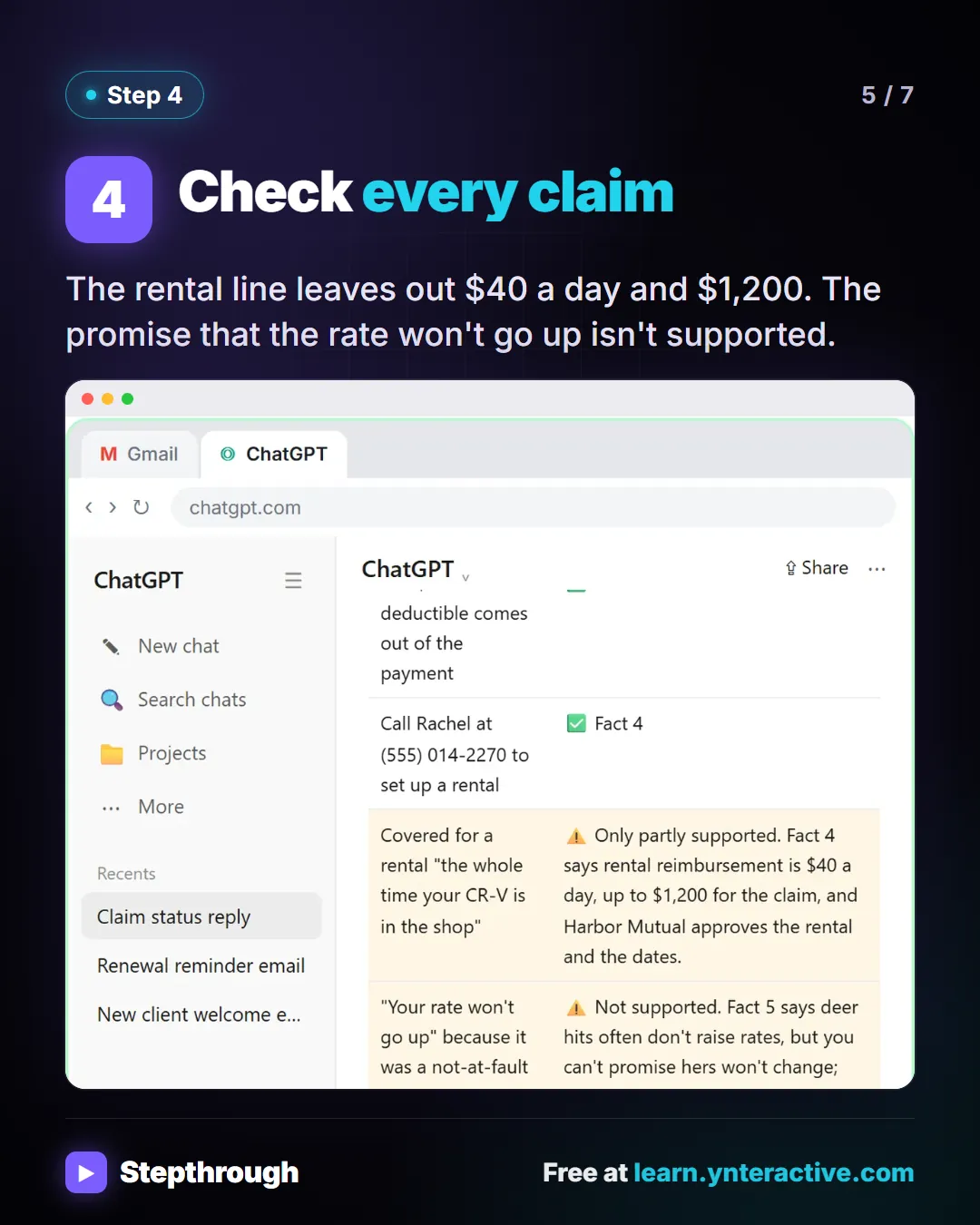
Slide 5 of 7 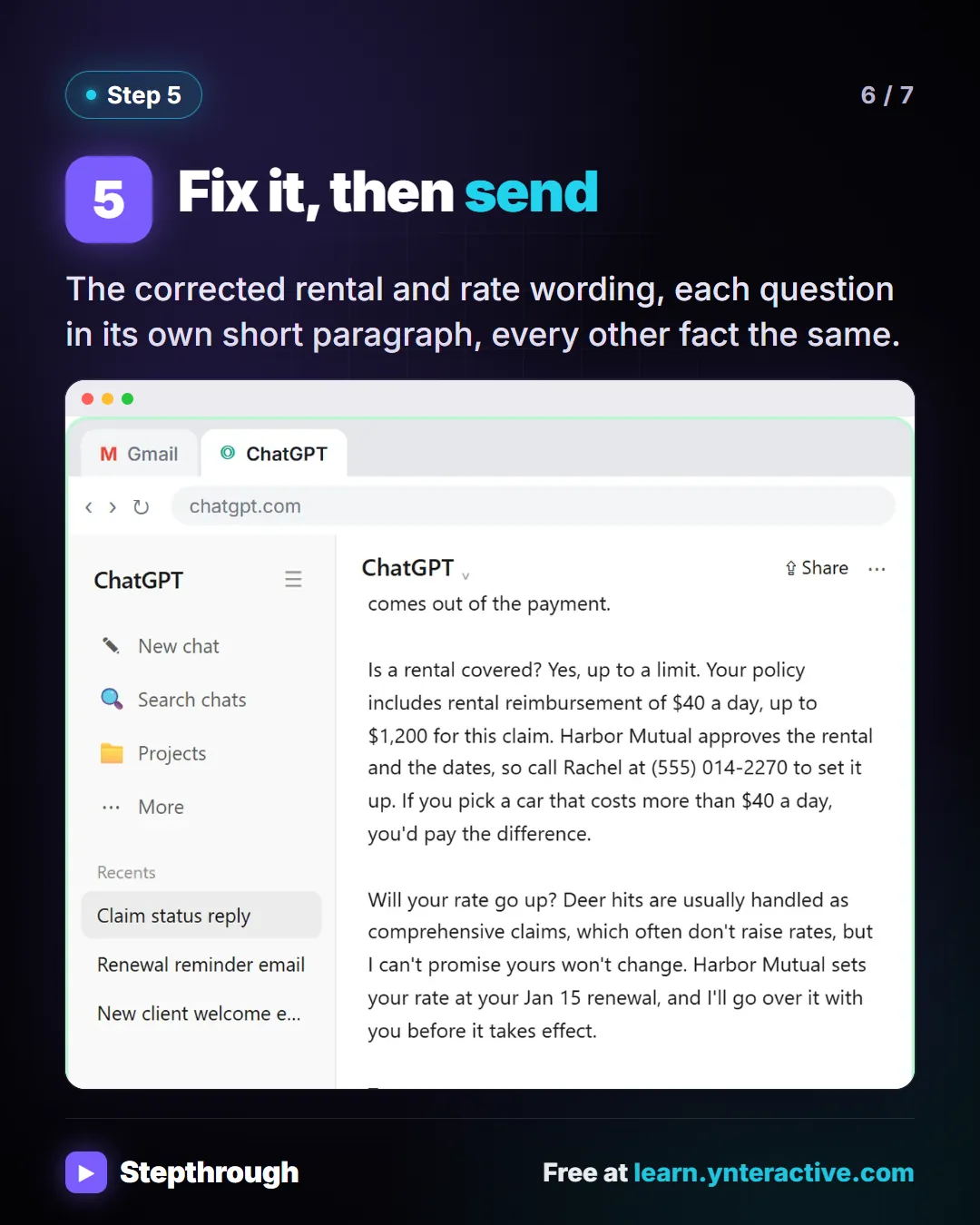
Slide 6 of 7 
Slide 7 of 7
The guide in text
Stonebridge Insurance Agency (made up). A client hit a deer and has three questions.
Step by step
Copy the thread
Expand all in Gmail and copy the four messages. Leave out what the reply doesn't need, like a driver's license number.
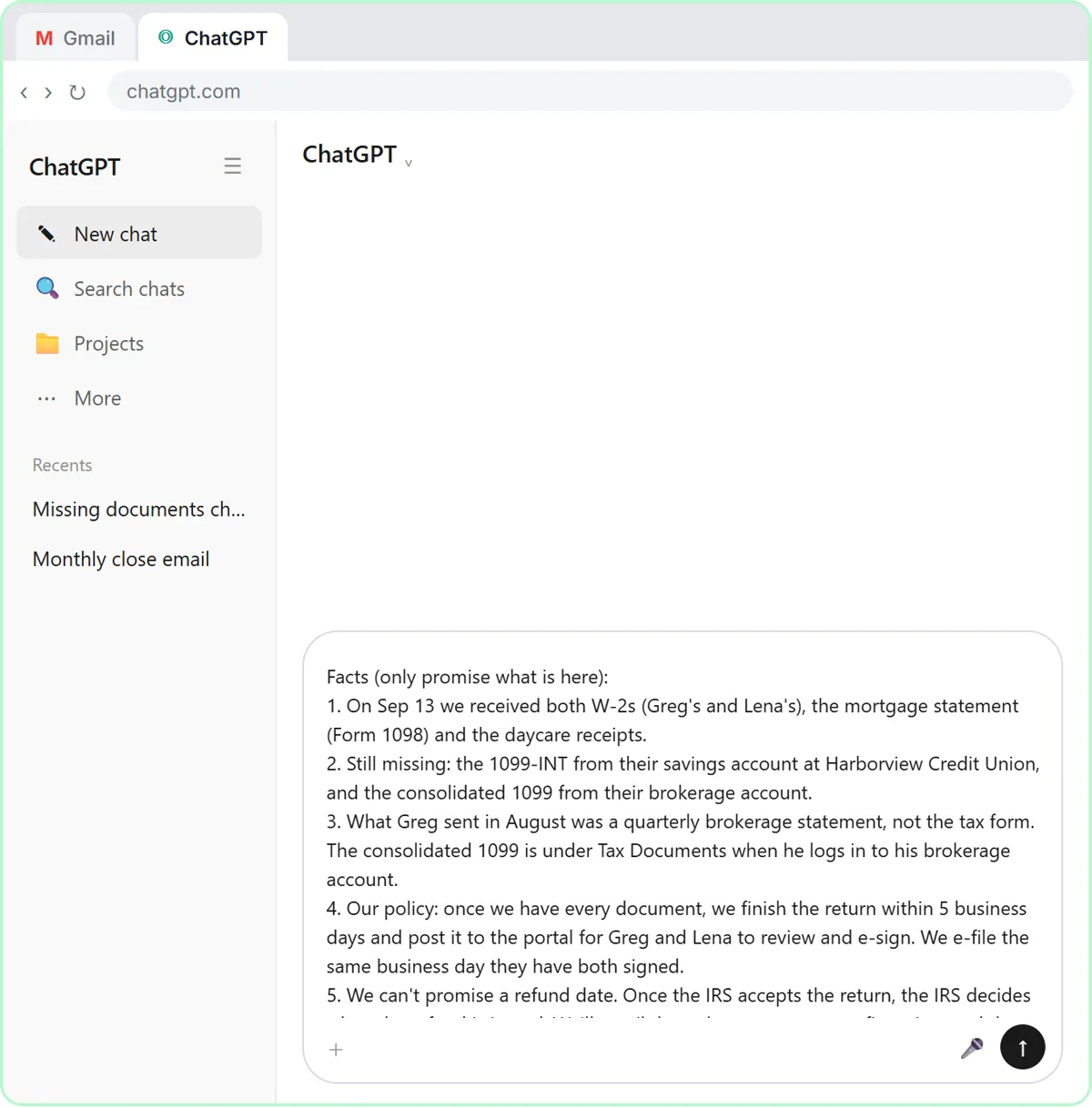
Paste eight numbered facts
The claim and deductible, the adjuster, who decides payment, the rental limit, the rate answer and the agency's rule.
Read the first draft
It says the rental is covered the whole time the car is in the shop, and that her rate won't go up.
Check every claim
The rental line leaves out $40 a day and $1,200. The promise that the rate won't go up isn't supported.
Fix it, then send
The corrected rental and rate wording, each question in its own short paragraph, every other fact the same.
Businesses and people in the examples are made up (Stonebridge Insurance Agency is a made-up business). The steps, screens and wording come from the free lesson and the Stepthrough glossary and prompt library.
Do it yourself, free
Reply Faster to Claim-Status Emails: ChatGPT for Independent Insurance Agencies. A client with an open auto claim wants a payment date, a rental and a promise about her rate. Give ChatGPT the thread and your agency's facts, catch what it shouldn't promise, and send an honest… You do every step yourself in a practice copy of ChatGPT, it checks your work as you go, and “Do it for me” finishes any step you get stuck on. Free, and nothing touches your real accounts.
Start the free lessonRelated terms
Plain-English definitions, each with an example from a free lesson.
Related prompts
- Email thread summary prompt: A ChatGPT prompt that turns a long email thread into a short handoff: the situation, what was promised, each question marked…
- Annual coverage review invite prompt: Invite an insurance client to a short annual review: why now, what to have handy, two times to pick from. No scare tactics and…
- Check reply promises prompt: A ChatGPT prompt that checks a draft before you send it: a table of every promise, the fact behind each, and safer wording for…
- Claim documents request prompt: Ask an insurance client for the documents the adjuster requested: each item in plain words, where to find it, how to send it…
From the blog
 Is It Safe to Paste Client Emails into ChatGPT?
Is it safe to put client data in ChatGPT? A practical checklist: what to remove first, which plan settings to check, and the rules your industry points to.
Oct 1, 2026 6 min read
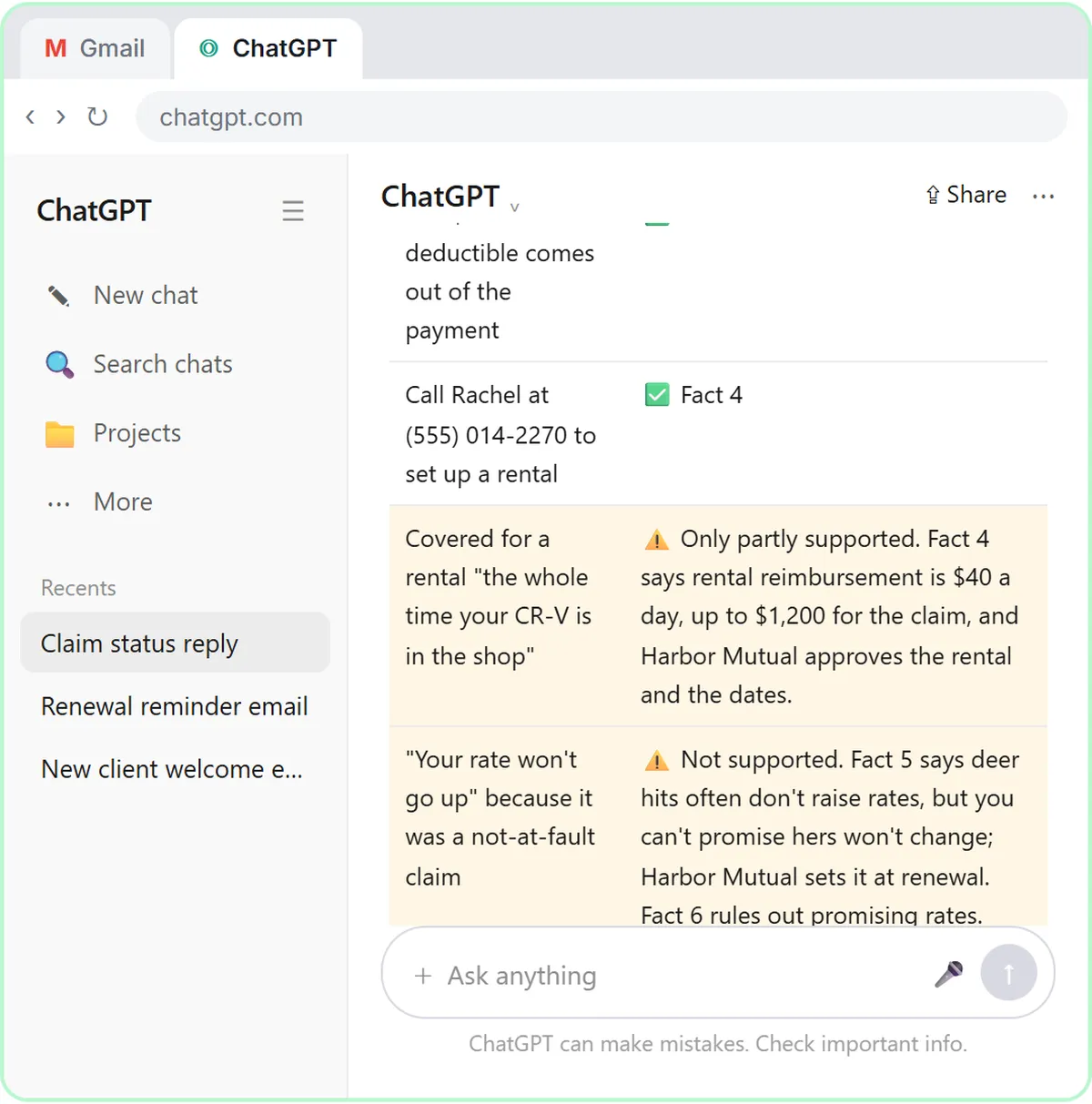 ChatGPT for Insurance Agencies: Claim-Status Emails
ChatGPT for insurance agents: draft claim-status replies from your agency's facts, catch payment, rental and rate promises, and send an honest email.
Oct 1, 2026 6 min read
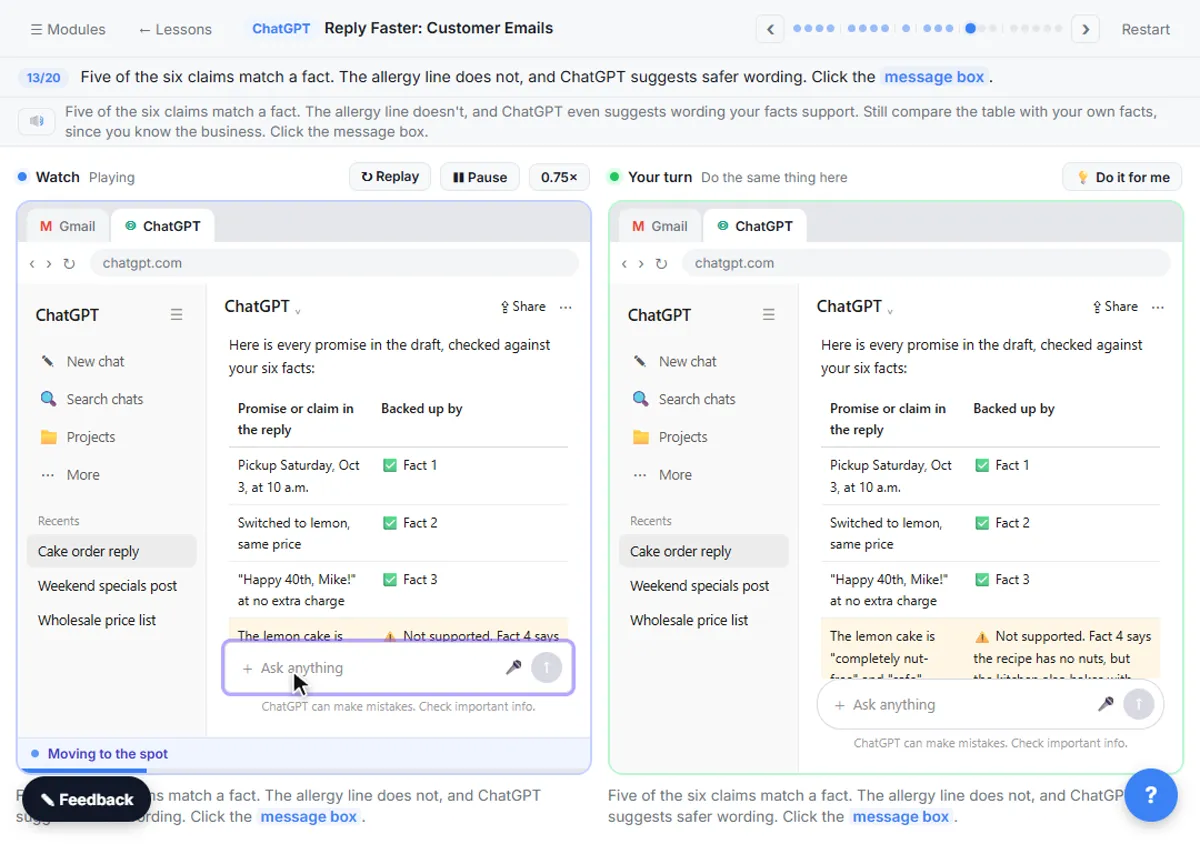 Check AI Email Drafts for Promises Before You Send
Check a ChatGPT email before sending: ask for a table of every promise in the draft and the numbered fact behind it. Three real examples and a prompt.
Oct 1, 2026 6 min read
More visual guides
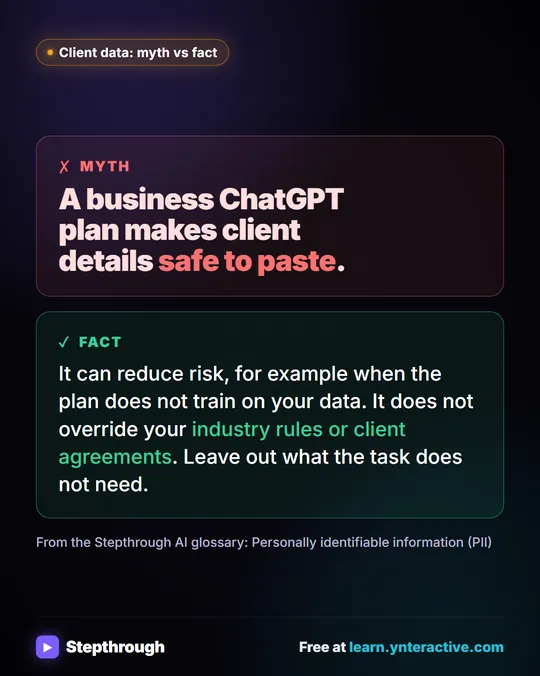 Myth: A Business ChatGPT Plan Makes PII Safe to Paste
Myth vs fact: a business plan can reduce risk, but it doesn't override industry rules or client agreements. Leave out what the task doesn't need.
Myth vs fact One graphic
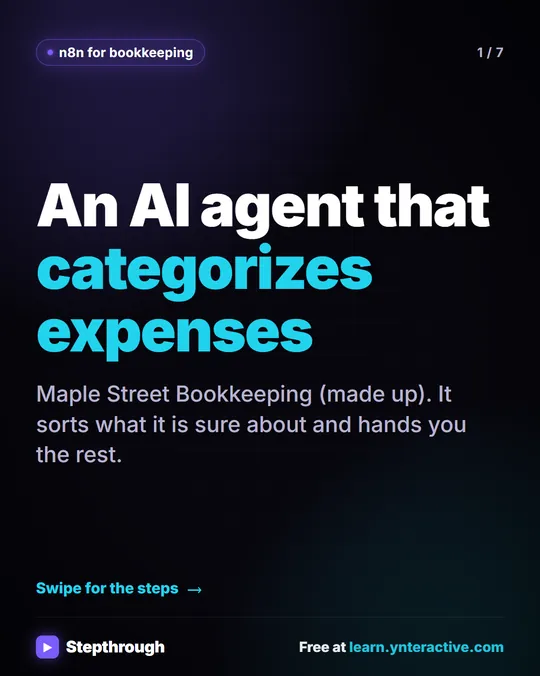 5 Steps to an AI Agent That Categorizes Business Expenses
A visual guide: an n8n agent sorts expenses into a fixed list of categories, flags unclear ones as Needs Review and saves them to Google Sheets.
Step-by-step guide 7 slides
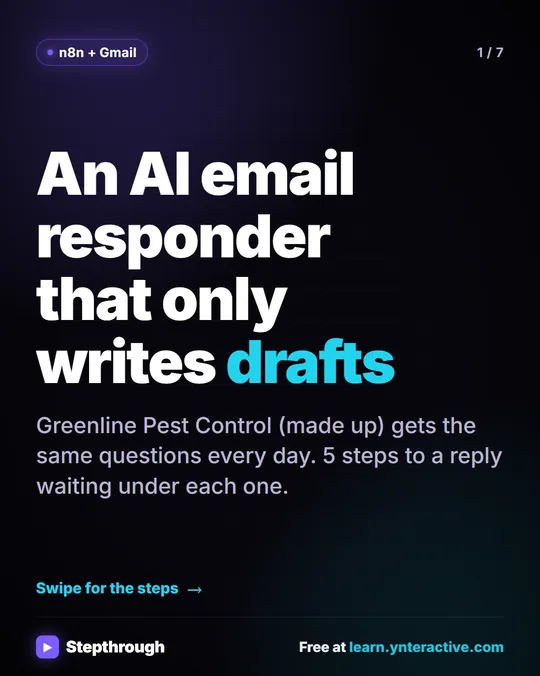 5 Steps to an AI Email Responder That Only Writes Drafts
A visual guide: an n8n agent reads each new Gmail message and saves a reply as a draft in the same thread. You read it and click Send.
Step-by-step guide 7 slides