n8n basics: triggers, expressions, items and webhooks on one page
A free one-page cheat sheet of n8n basics: triggers, expressions, items, executions, the workflow timezone and webhook test vs production URLs.
n8n basics: triggers, expressions, items and webhooks on one page
An n8n workflow is a chain of steps called nodes. These are the words and settings every free Stepthrough n8n lesson uses.
The words you'll meet
- Trigger
- The event that starts a workflow: On a schedule, On chat message, On webhook call or Gmail's On message received. Nothing runs until it fires.
- Node
- One step on the canvas, like Filter or Gmail: Send a message. Open it, set it, close it.
- Item
- One record, like one sheet row or one email. A node runs once per item.
- Execution
- One run of the workflow, with the data each step saw. A failed one points at the red node.
Expressions pull in data
- Anything in double curly brackets is filled in from an earlier step.
{{ $json.Time }}becomes 8:00 AM for the first job. - A simple name takes a dot:
{{ $json.Tech }}. - A name with a space takes brackets and quotes:
{{ $json["Tech Email"] }}. - Form data sent to a webhook sits under body:
{{ $json.body.name }}. - A typed address in To sends every job to one person. An expression sends each one to its own.
Items in action
- Google Sheets: Get row(s) in sheet returns six items, one per row.
- A Filter set to is not empty on Tech passes five. The job with no tech is dropped.
- One Gmail step runs five times, one email per job. You never write a loop.
Test, publish and the clock
- Workflow timezone
- Set it first: ···, Settings, Timezone. It defaults to New York, so 7am can be the wrong 7am.
- Test step, Test workflow
- Runs it now while you watch, so you don't wait for the schedule to find a mistake.
- Publish
- Hands the workflow to its trigger so it runs on its own. Older guides say "activate".
- Test URL vs Production URL
- The test URL only works while you test in the editor. A live form gets the Production URL, after you publish.
Remember: Set the timezone, test each step, then publish. Anything live points at the Production URL of a published workflow.
Practice it free: Daily Job Alerts: Email Each Tech Their Jobs from Google Sheets with n8n at learn.ynteractive.com/modules/job-alerts. This sheet: learn.ynteractive.com/content/cheat-sheets/n8n-basics. Rapid Flow Plumbing is a made-up business from the lesson. By Robert Breen, October 1, 2026.
Practice it in the free lesson
Daily Job Alerts: Email Each Tech Their Jobs from Google Sheets with n8n. Every morning at 7, n8n reads a plumbing company's jobs sheet, skips anything not assigned yet, and emails each job to the tech it's assigned to — customer, address, time and what's wrong. No AI… You do every step yourself in a practice copy of n8n, it checks your work as you go, and “Do it for me” finishes any step you get stuck on. Free, and nothing touches your real accounts.
Start the free lessonLessons on this sheet
 Daily Job Alerts: Email Each Tech Their Jobs from Google Sheets with n8n
Every morning at 7, n8n reads a plumbing company's jobs sheet, skips anything not assigned yet, and emails each job to the tech it's assigned to — customer, address…
Free · Live ~10 min
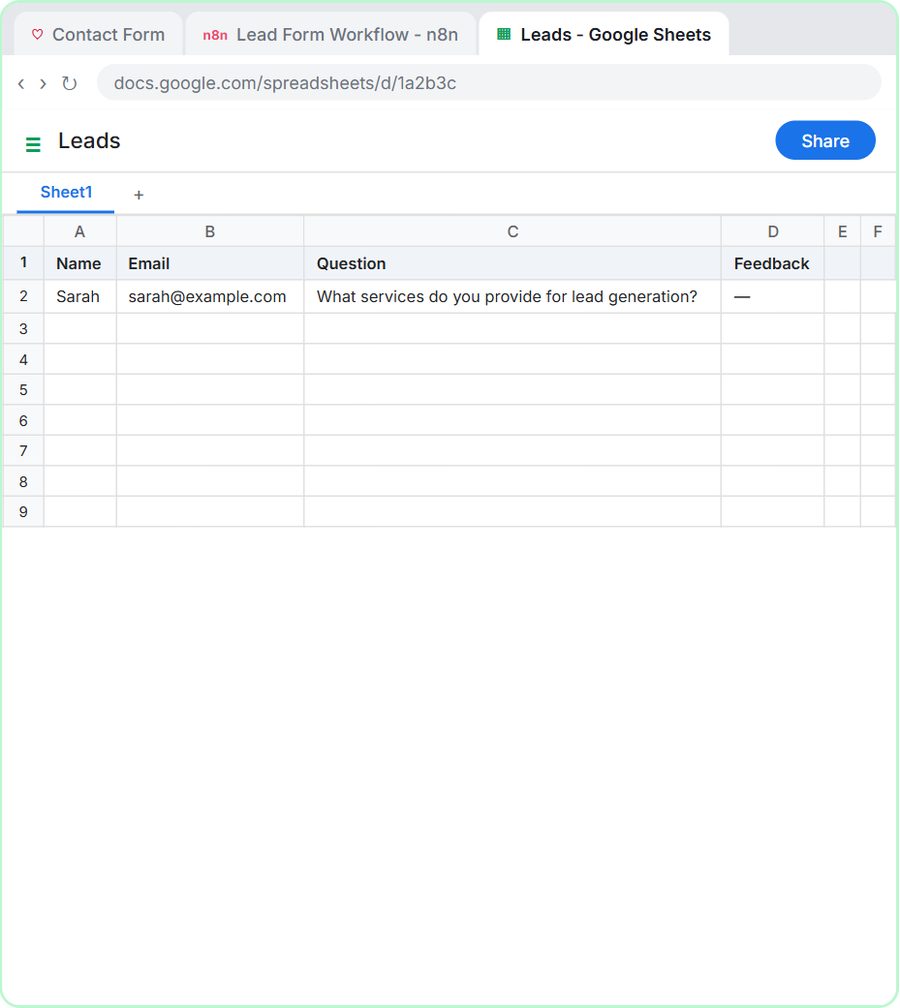 Lovable + n8n: Build a Web App with an AI Backend
Build a contact form in Lovable and connect it to an n8n workflow — webhook trigger, AI Agent, Google Sheets, Gmail, and a Respond node that ties it all together.
Free · Live ~15 min
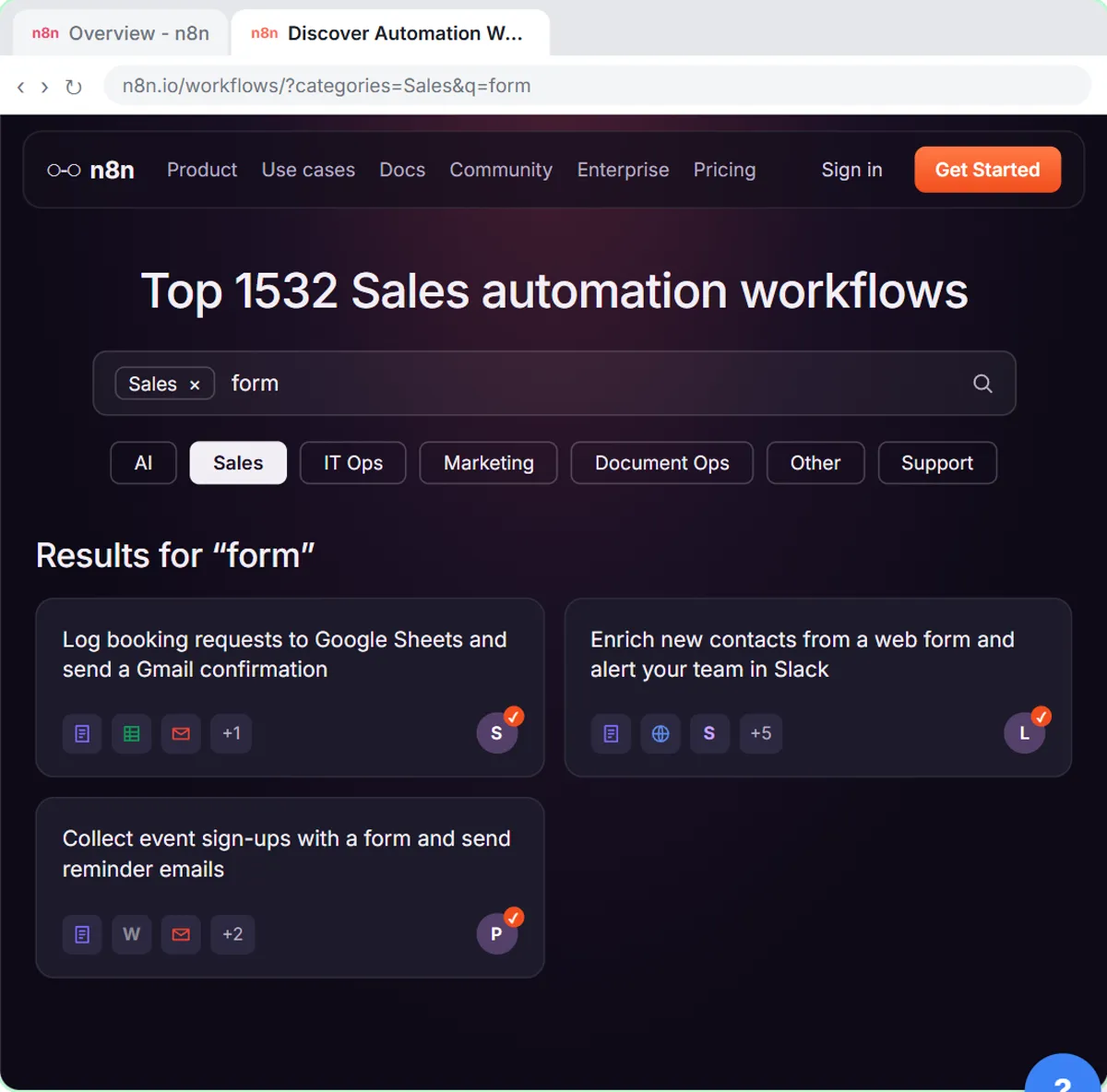 Find and Use n8n Templates
Skip the blank canvas. Find a ready-made workflow in the n8n template gallery, import it into your workspace, connect Google Sheets and Gmail, test it with a real form…
Free · Live ~9 min
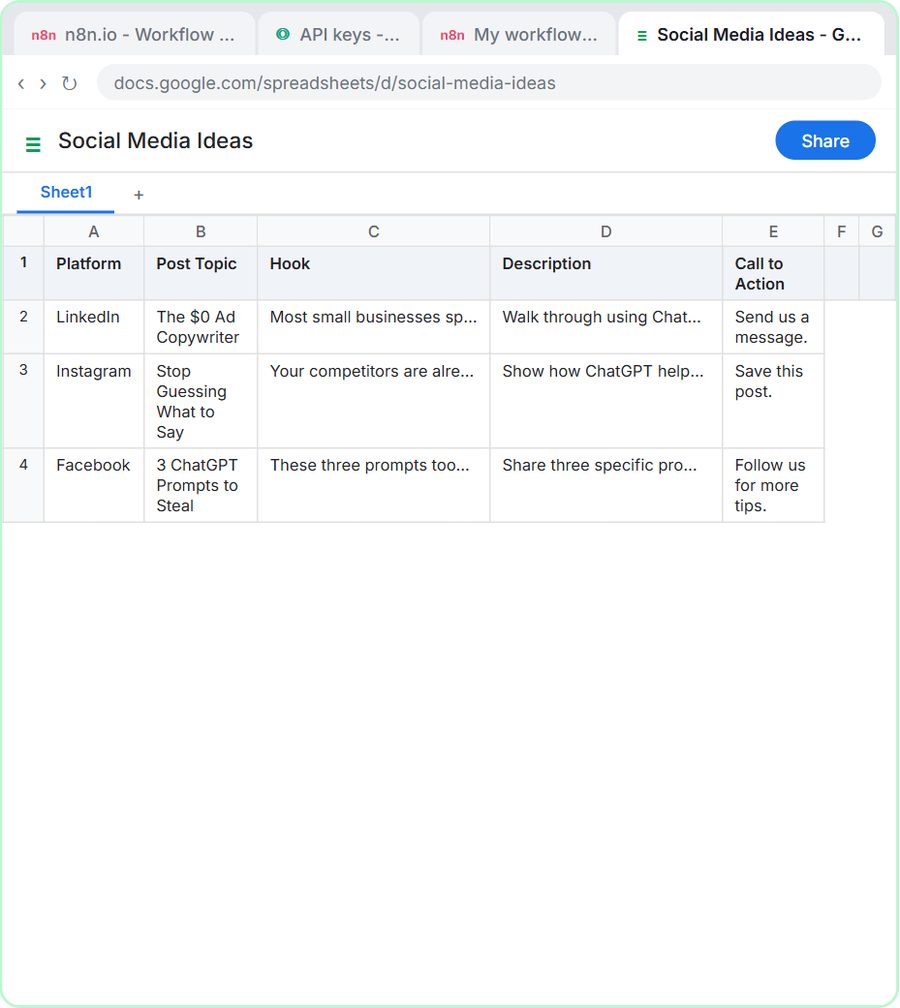 n8n AI Agent Tutorial: Save Social Media Ideas to Google Sheets
Build an AI agent for BrightPath Marketing that generates social media post ideas and saves them to Google Sheets — chat trigger, AI Agent, system prompt, model…
Free · Live ~12 min
Related terms
Plain-English definitions, each with an example from a free lesson.
Related prompts
- Appointment reminder text prompt: Write day-before reminder texts for each job on tomorrow's schedule: the time window, who's coming, one prep step and an easy…
- Automation candidates prompt: Rank your repetitive tasks by which to automate first, using only your own counts and minutes, with a first workflow sketched…
- Automation time savings estimate prompt: Estimate what one automation saves from your own numbers only: minutes before and after, setup and upkeep, costs you look up…
- Customer intake form questions prompt: Design the questions for a booking or intake form: only what you need to do the job, each with a field type, help text and a…
More cheat sheets
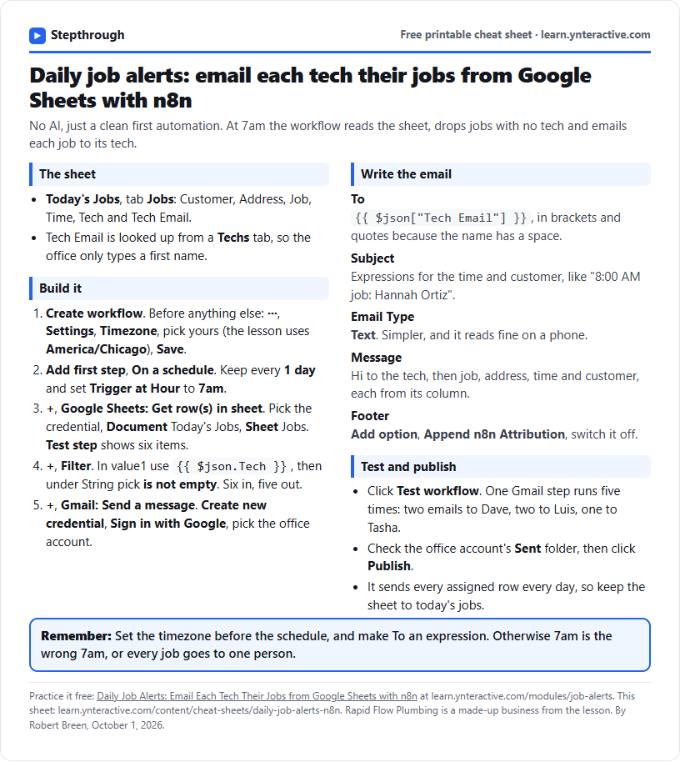 Daily Job Alerts in n8n Cheat Sheet
A free one-page cheat sheet: at 7am n8n reads today's jobs from Google Sheets, skips unassigned ones and emails each job to its tech.
Lesson cheat sheet Free PDF
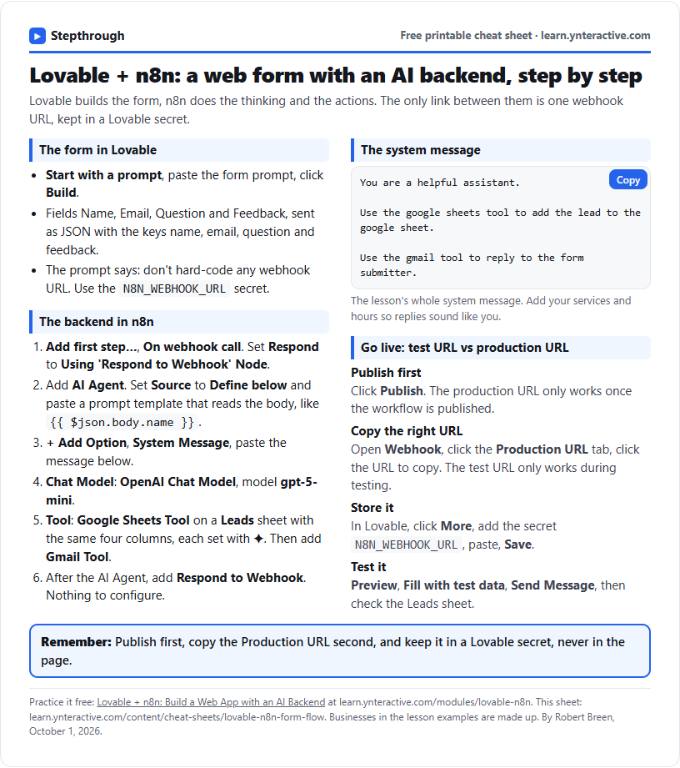 Lovable + n8n Form Flow Cheat Sheet
A free one-page cheat sheet: a Lovable form posts to an n8n webhook, and an AI Agent logs it in Google Sheets and replies by Gmail.
Lesson cheat sheet Free PDF
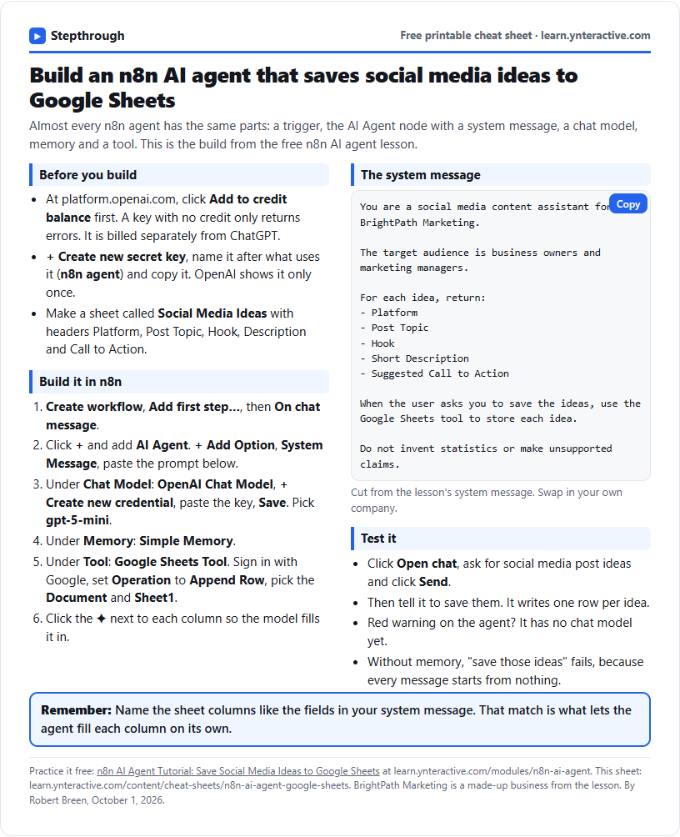 n8n AI Agent to Google Sheets Cheat Sheet
A free one-page cheat sheet for an n8n AI agent: chat trigger, AI Agent, system message, OpenAI model, Simple Memory and a Google Sheets tool.
Lesson cheat sheet Free PDF