This guide is for bookkeepers, staff accountants and small-firm owners. Each job below is a free, hands-on Stepthrough lesson you can practice in a copy of ChatGPT with made-up clients. It is general guidance, not accounting or tax advice. Plan names and settings are as of October 2026.
What accounting jobs can ChatGPT actually do?
ChatGPT is good at reading a file and explaining it, and at turning facts into clear writing. It is not good at being the system of record, doing arithmetic nobody checks, or making tax judgments. Here is how the common jobs sort out:
| Accounting job | Use ChatGPT? | What it does | What you still do | Practice it free |
|---|---|---|---|---|
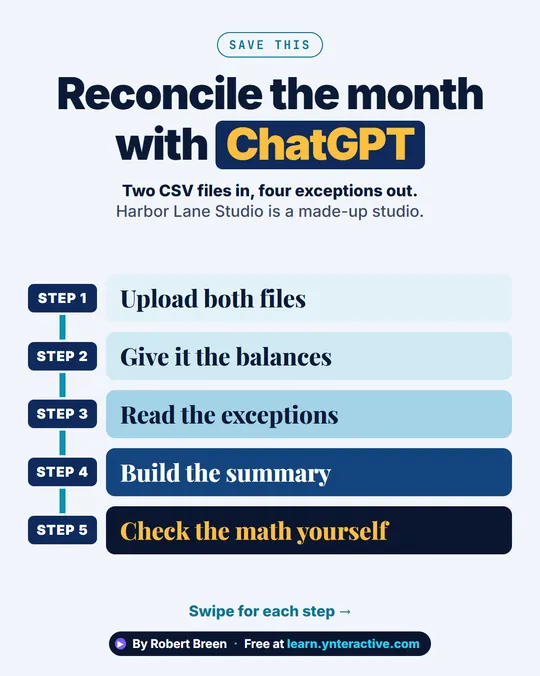
| Month-end bank reconciliation | Yes, with a check | Matches bank rows to the ledger and lists every exception with a reason | Add up the totals yourself and post adjustments in your software | Bank reconciliation |
| Chasing overdue invoices | Yes | Builds a chase list from an aging report and drafts a reminder per client in the right tone | Check the amounts, hold back disputed invoices, send and call yourself | Overdue invoices |
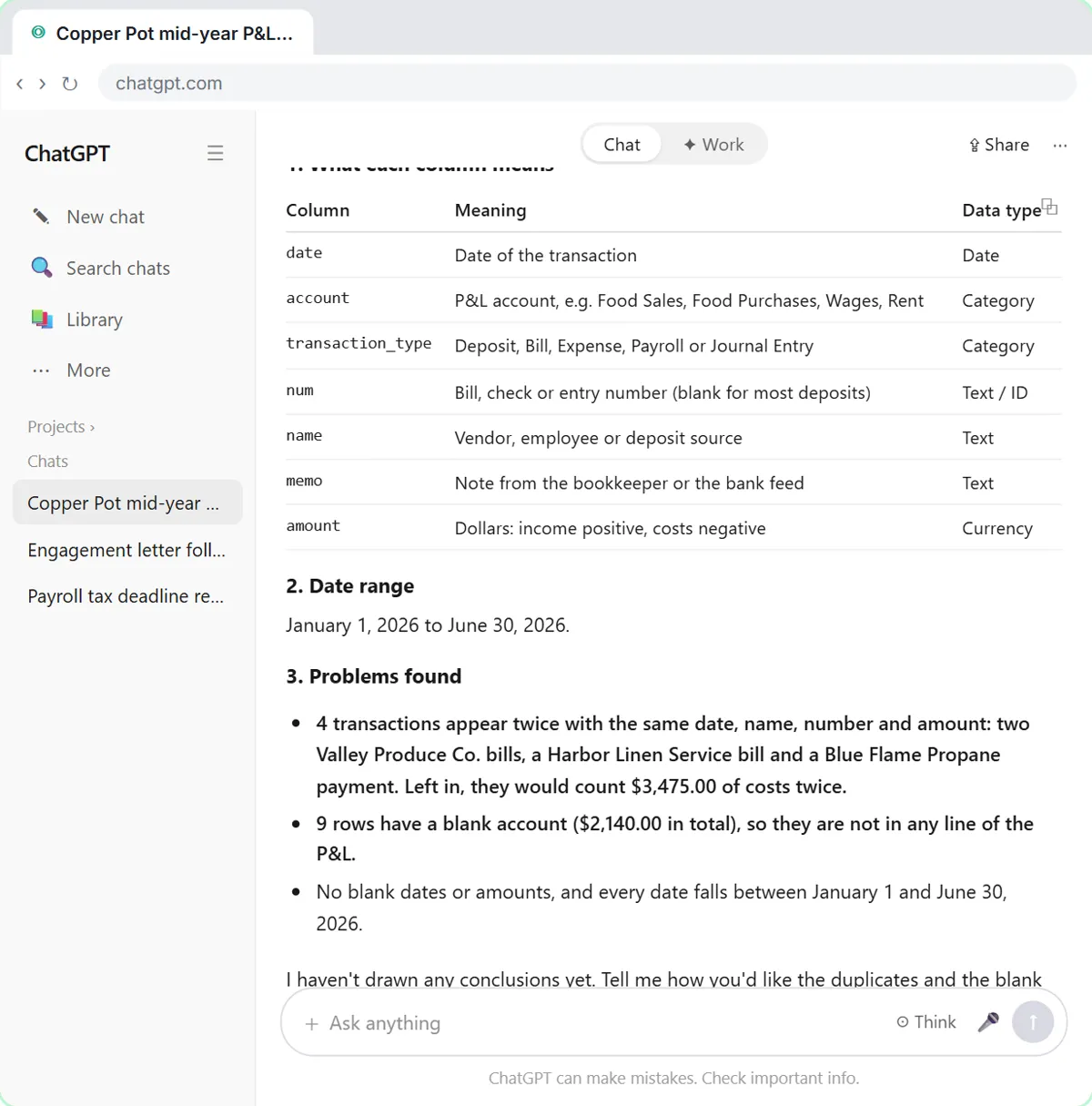
| Reviewing a client's P&L export | Yes, with a check | Checks the file first, then summarizes by month, shows costs as a percent of sales and charts it | Decide how to treat duplicates and uncategorized rows; confirm every takeaway | P&L export review |
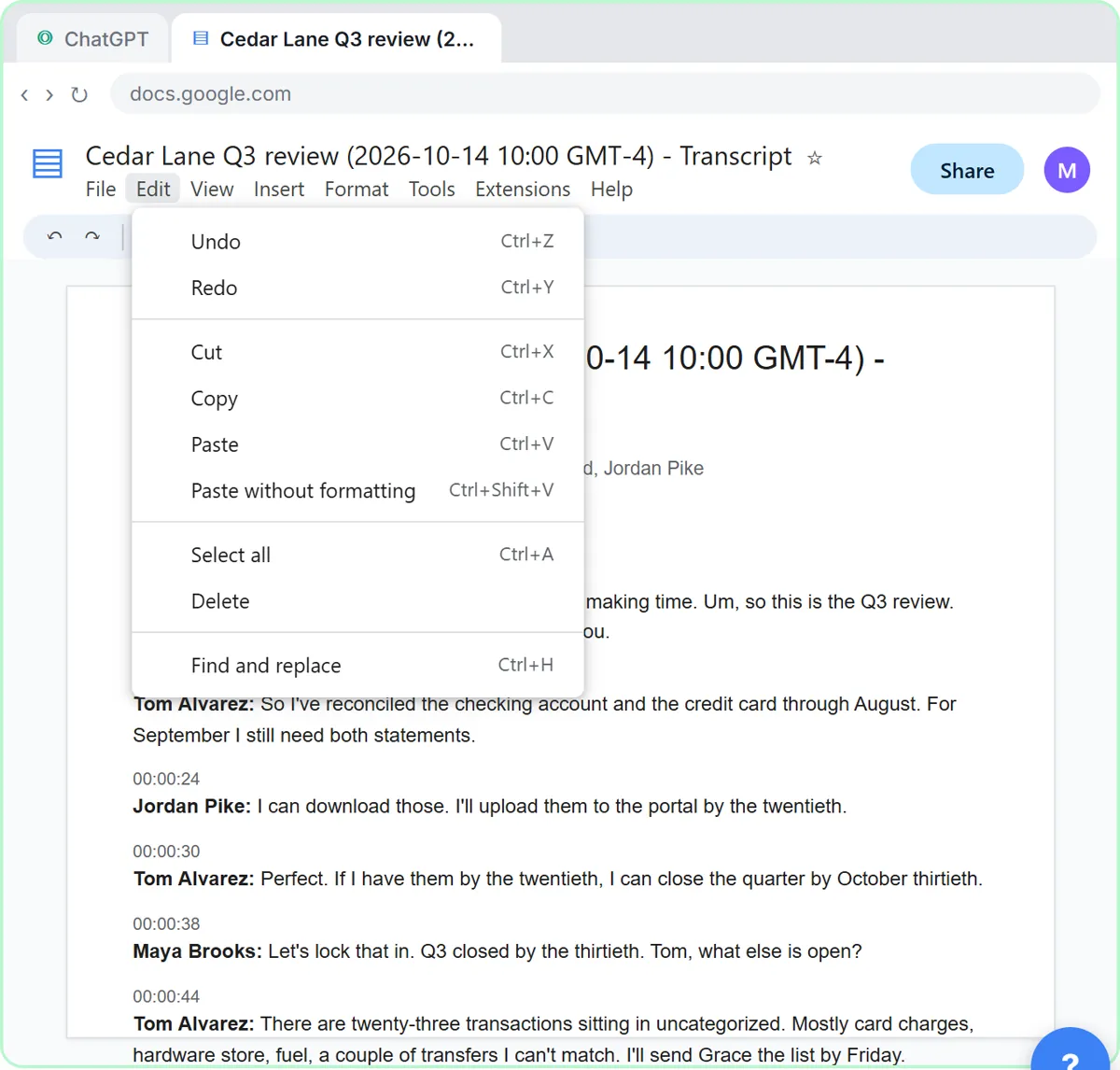
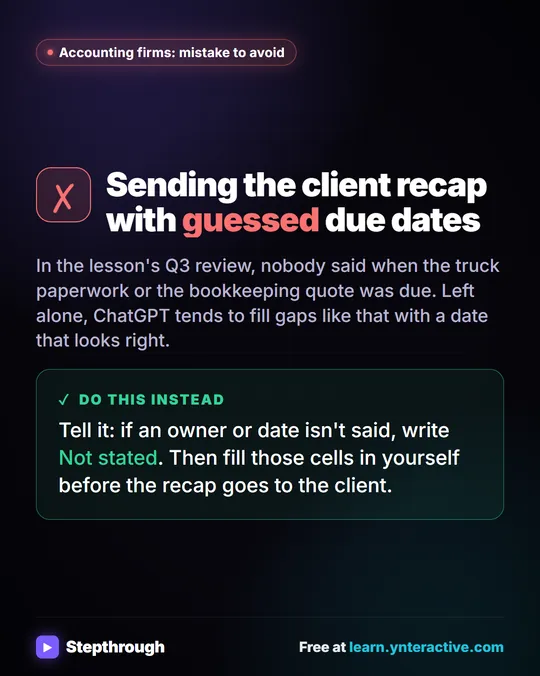
| Client meeting recaps | Yes | Turns a transcript into decisions and an action items table with owners and dates | Fill in "Not stated" gaps and send it from your own email | Client meeting recap |
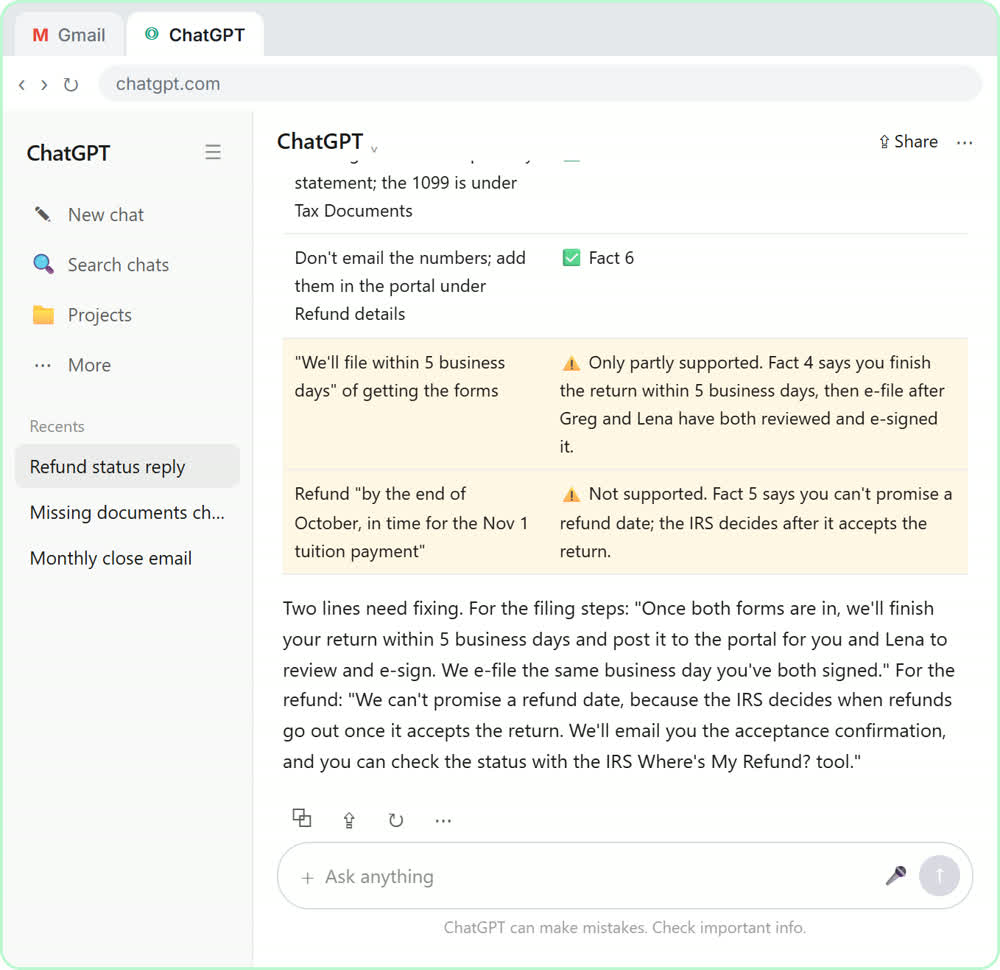
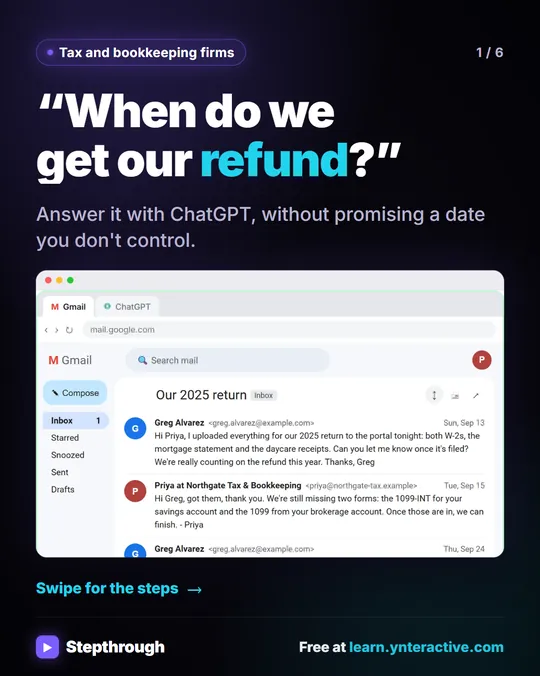
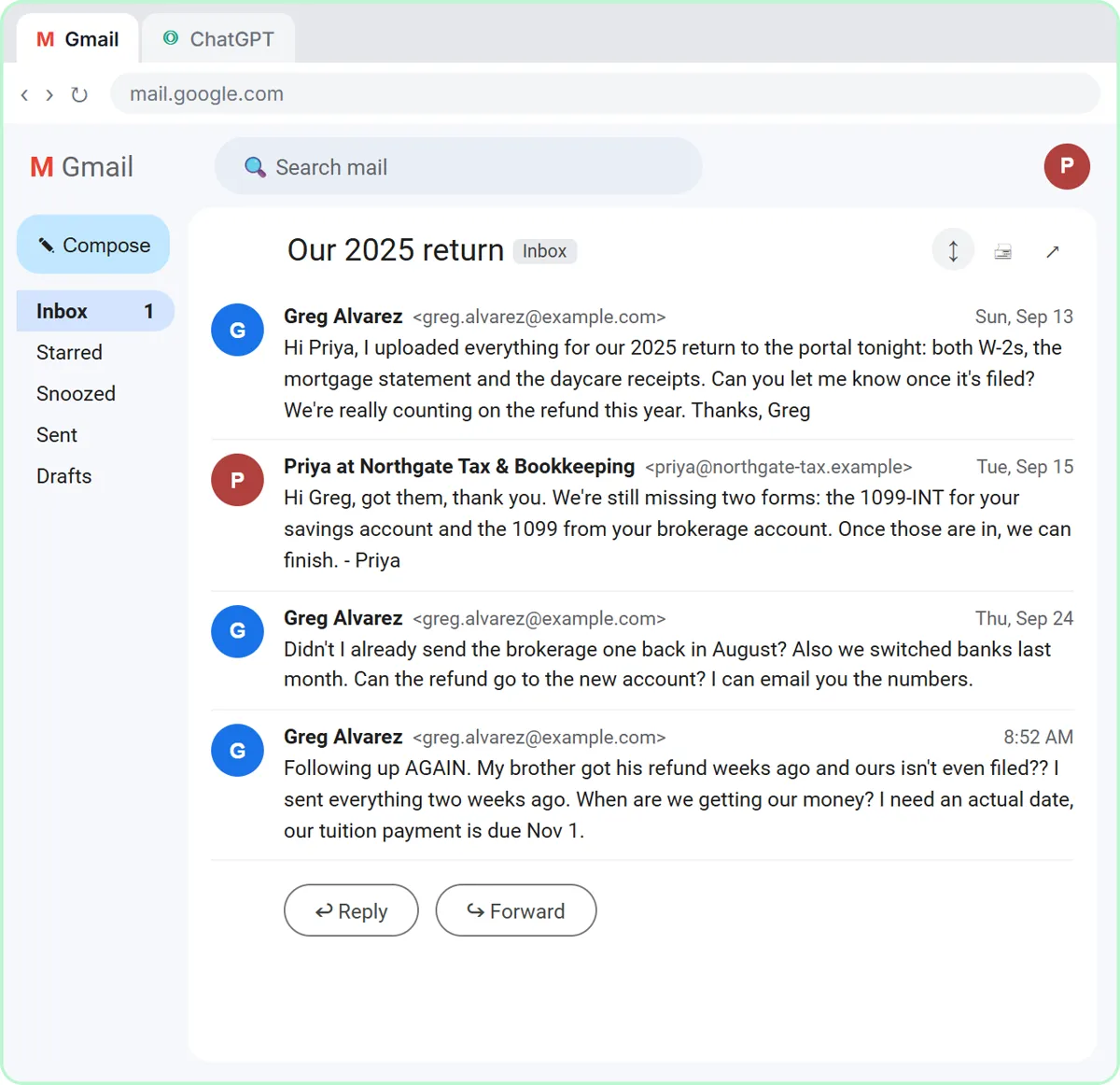
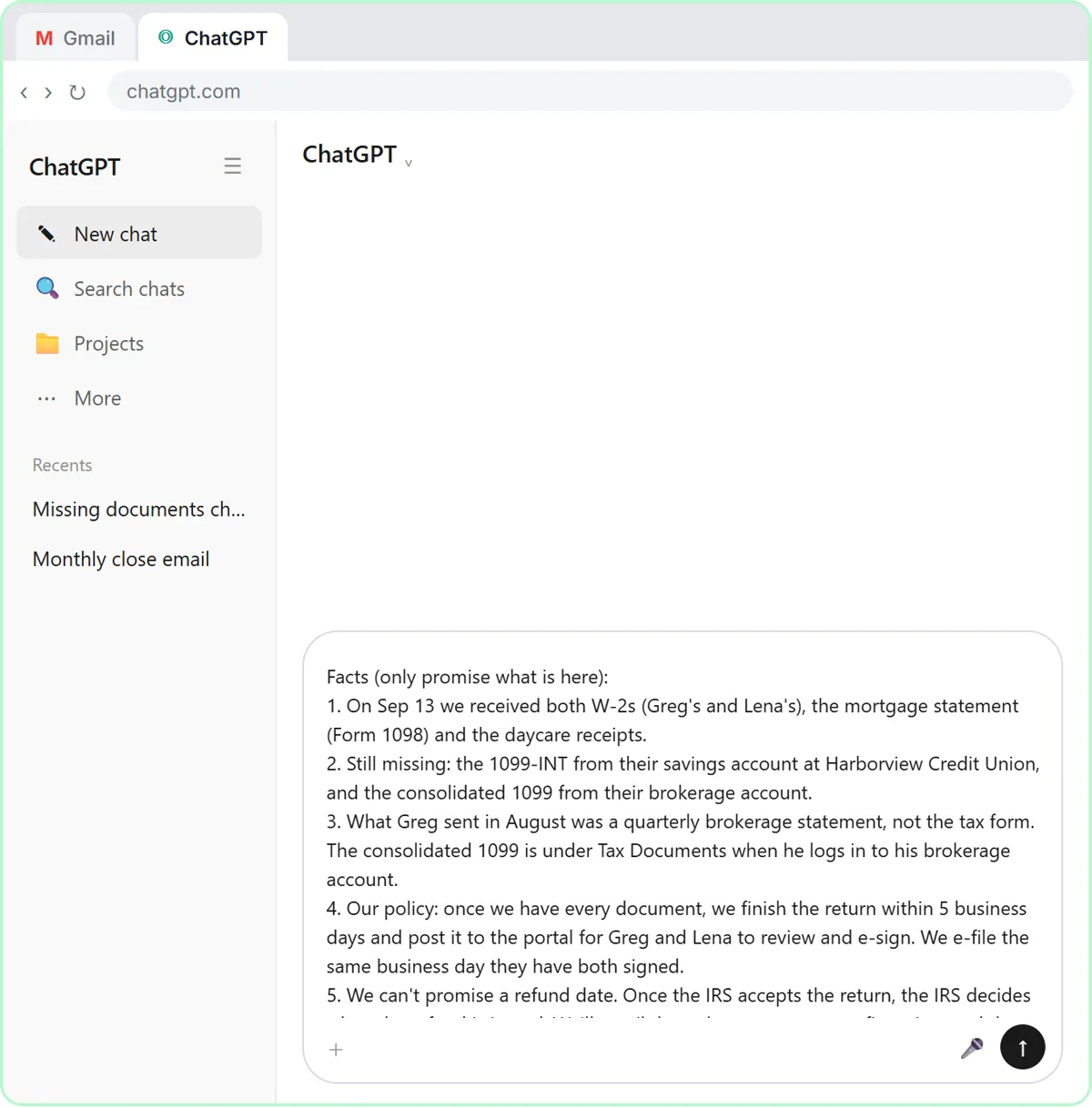
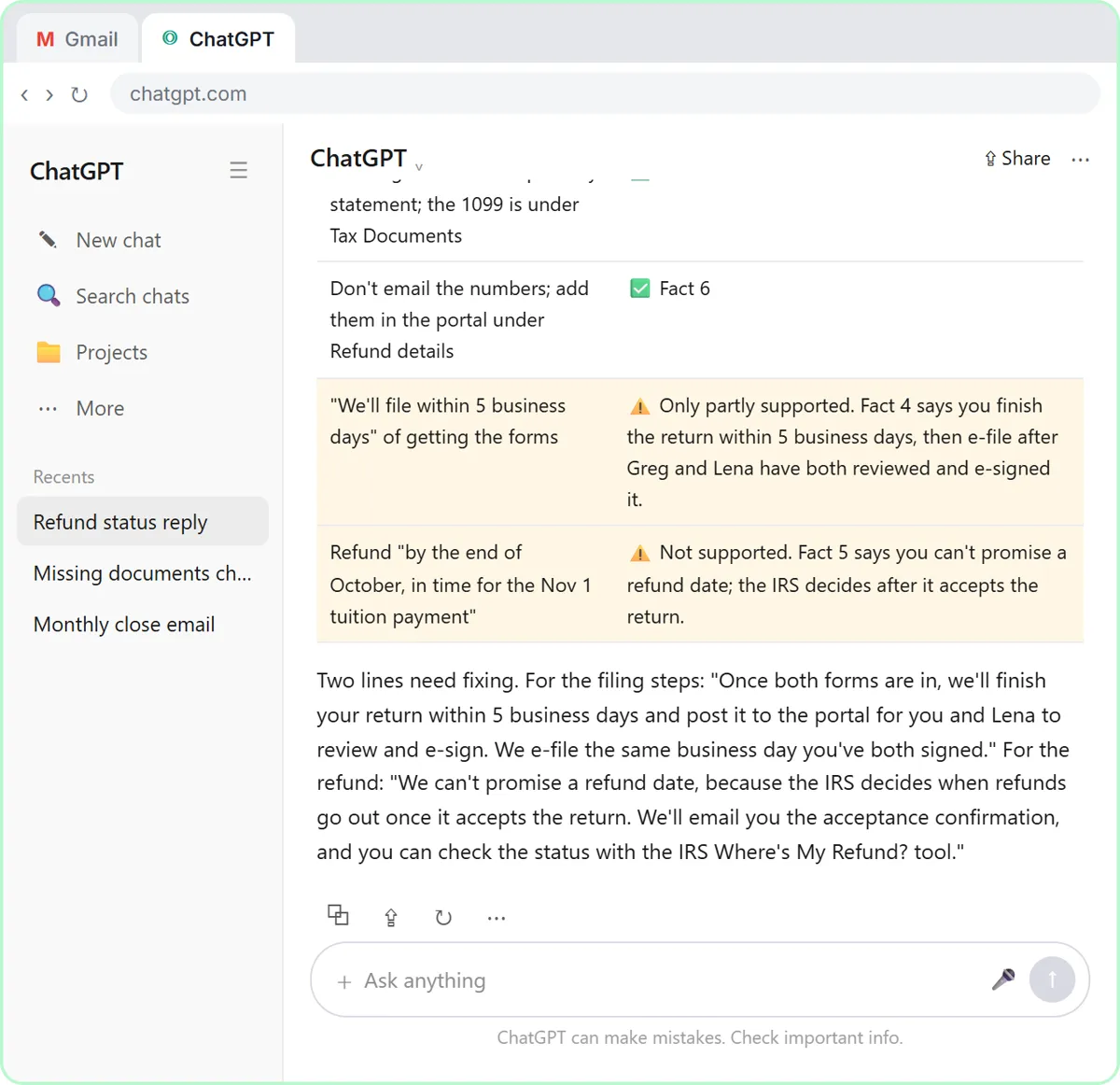
| Client emails ("where's my refund?") | Yes | Drafts from a numbered list of your facts, then checks its own claims | Read every promise before you send | Client refund emails |
| Tax positions, filings, final numbers | No | Can explain a concept in general terms | A professional decides; the books stay in your accounting software | Not a ChatGPT job |
How do you use ChatGPT for accounting, step by step?
The same five steps work for every job in the table.
- Pick the right account. Use the account your firm approved, ideally a business plan such as ChatGPT Business or Enterprise, which OpenAI says it does not train on by default.
- Strip what the job doesn't need. Remove Social Security numbers, EINs, full account numbers and dates of birth before you upload or paste anything.
- Upload the export and say exactly what you want. Name the file, the period and the output: "match these rows", "list every exception with a reason", "a table with task, owner, due date".
- Make it check before it calculates. Ask ChatGPT to describe the file first (row count, date range, totals), so a wrong column or a duplicate shows up before the summary does.
- Check every number and promise yourself. Re-add the totals, spot-check rows against the source, and read every client email line by line. Your name is on it.
How do you do a bank reconciliation with ChatGPT?
Upload the bank statement and the ledger export, ask ChatGPT to match the rows and list every exception with a reason, then check its work against the file and add up the totals yourself. In the bank reconciliation lesson, you finish by pasting a clean summary into the month-end file. The lesson makes you add the numbers yourself on purpose, because AI can add wrong. An outstanding check is one of the classic exceptions it should explain rather than "fix".
How do you chase overdue invoices with ChatGPT?
Upload an accounts receivable aging report and ask for this week's chase list: oldest and biggest first, anything disputed held back. Then have ChatGPT draft a reminder for each client in a tone that fits how late it is: friendly, firm or final. In the overdue invoices lesson you check its numbers against the file before any email is written, and you send the emails and make the calls yourself. Chase overdue invoices with ChatGPT has the prompts.
How do you review a client's P&L with ChatGPT?
Upload the Profit and Loss Detail export and make ChatGPT check the file before it adds anything up. In the P&L lesson, that check is where duplicate bank-feed entries and uncategorized rows come up, and you decide how to treat them, not the AI. Then you ask for a monthly summary, each cost as a percent of sales, a chart for the client meeting and three takeaways, each backed by a number you can point to.
How do you write client emails and recaps with ChatGPT?
Give ChatGPT the thread or transcript plus a short numbered list of facts, and tell it to use only those facts. For meeting recaps, add the rule "If an owner or date isn't said, write Not stated", so it never invents a deadline. For replies, ask for a table of every claim in the draft and the fact behind it before you send. Both routines are in ChatGPT for accountants, with the client meeting and refund email lessons.
Try it free, step by step
Month-End Bank Reconciliation with ChatGPT: 20 Minutes, Not 3 Hours. Upload the bank statement and the books, let ChatGPT match every row and list the exceptions, then check the answer and paste a reconciliation summary into the month-end file. You do every step yourself in a practice copy of ChatGPT, it checks your work as you go, and “Do it for me” finishes any step you get stuck on. Free, and nothing touches your real accounts.
Start the free lessonWhat should accountants never paste into ChatGPT?
Never paste anything the job doesn't need: Social Security numbers, EINs, bank routing and full account numbers, dates of birth, or a client's whole file when one export will do. Use the account your firm approved, and follow your firm's written data-security plan; IRS Publication 4557, Safeguarding Taxpayer Data, is the usual reference. The full checklist is in Is it safe to paste client data into ChatGPT?, and what staff can paste into ChatGPT turns it into a one-page firm policy.
Is ChatGPT the best AI assistant for accountants?
It is one good option, not the only one. If your firm runs on Outlook and Excel, Microsoft Copilot sits inside the tools you already use; if it runs on Gmail and Google Sheets, Gemini does. Claude is often preferred for reading long documents. The best AI assistant for accountants and bookkeepers compares them job by job, and ChatGPT vs Claude for bookkeeping goes head to head on four bookkeeping jobs. The habits on this page work in any of them.
Key takeaways
- Use ChatGPT to read exports and write around the numbers; keep the books in your accounting software.
- Five jobs are safe places to start: bank reconciliation exceptions, overdue invoice chasing, P&L export reviews, client meeting recaps and client emails.
- Make ChatGPT describe a file before it calculates, and re-add every total yourself.
- Remove Social Security numbers, EINs and account numbers before uploading, and use your firm's approved business account.
- Tax positions and final numbers stay with a professional.
Frequently asked questions
- How do I use ChatGPT for accounting?
Upload an export such as a bank statement, aging report or P&L, ask for a specific output (matches, exceptions, a chase list or a summary), make it check the file first, then verify every number yourself. Use it to draft client emails and recaps from facts you write. Keep the books and tax decisions out of it.
- Can ChatGPT do bookkeeping?
It can do the reading and typing around bookkeeping, such as matching bank rows to a ledger or listing uncategorized transactions, but it is not a bookkeeping system. Post every entry in your accounting software and check its totals yourself.
- Is ChatGPT accurate with numbers?
Not reliably enough to trust unchecked. It can misread a column or add wrong, so ask it to describe the file first and re-add the totals yourself. The Stepthrough lessons build that check into every job.
- Is it safe to upload client financial data to ChatGPT?
Only on an account your firm has approved, ideally a business plan that OpenAI says it does not train on by default, and only after removing identifiers the job doesn't need. Follow your firm's data-security plan; this isn't legal advice.
- Are the accounting lessons free?
Yes. Every Stepthrough lesson is free and runs in a practice copy of ChatGPT with made-up clients, so you need no account to learn the routine.