What does checking a draft against your facts look like?
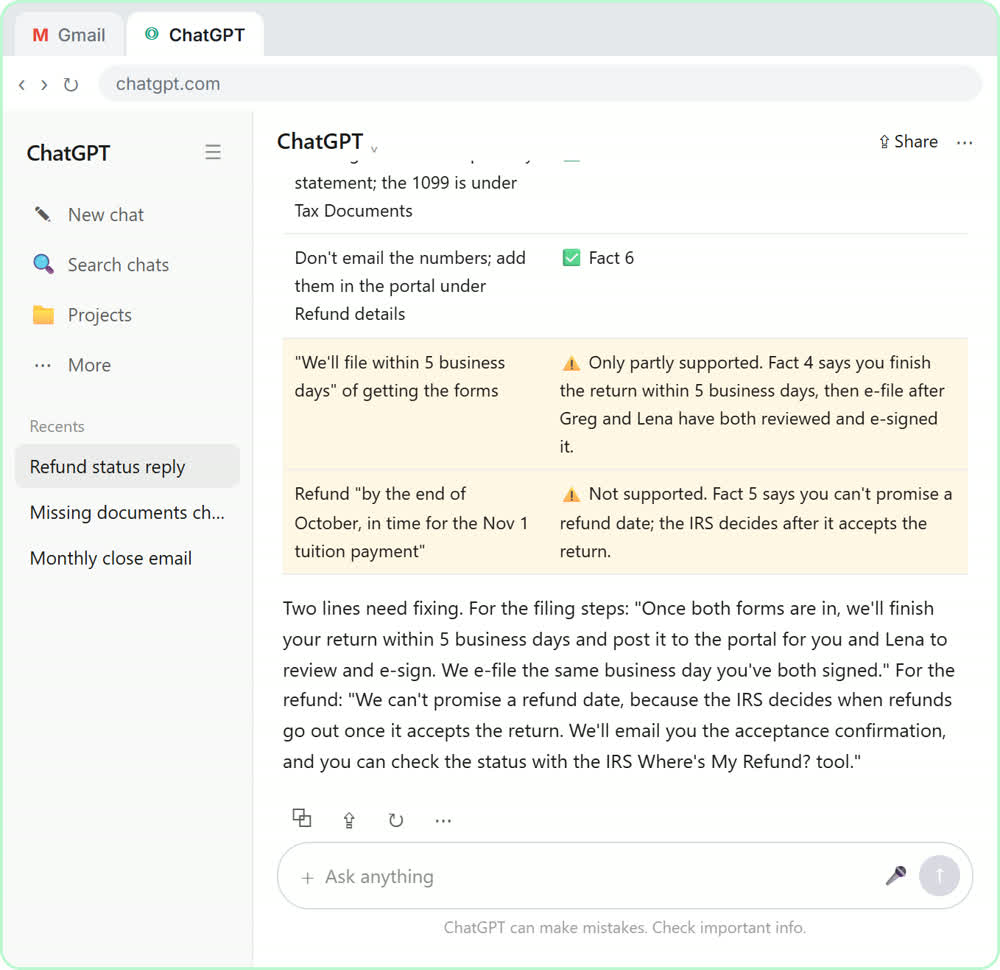
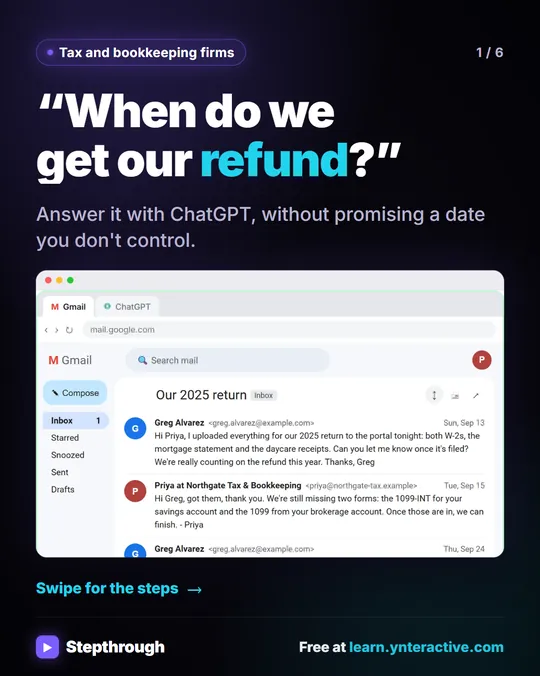
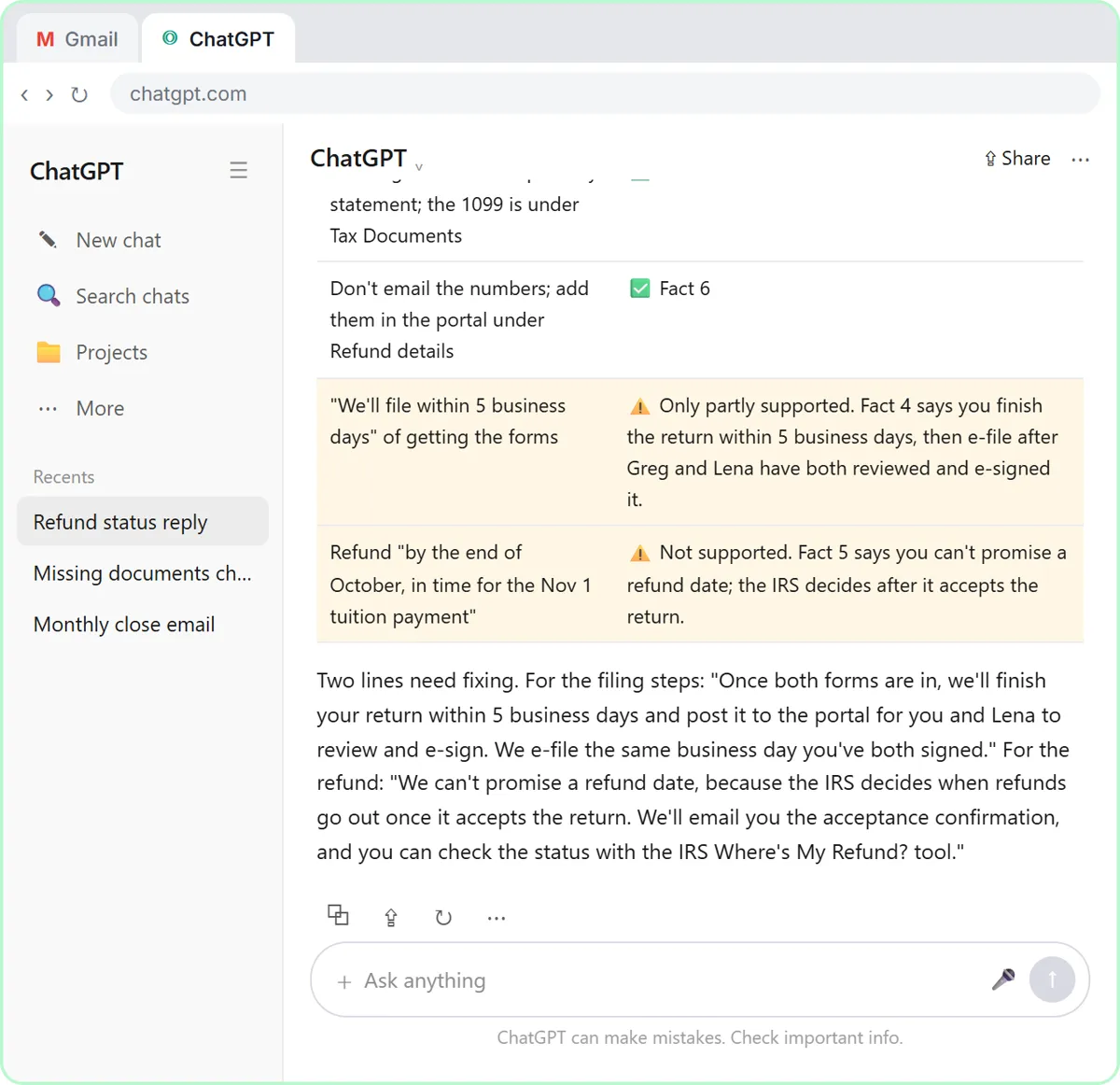
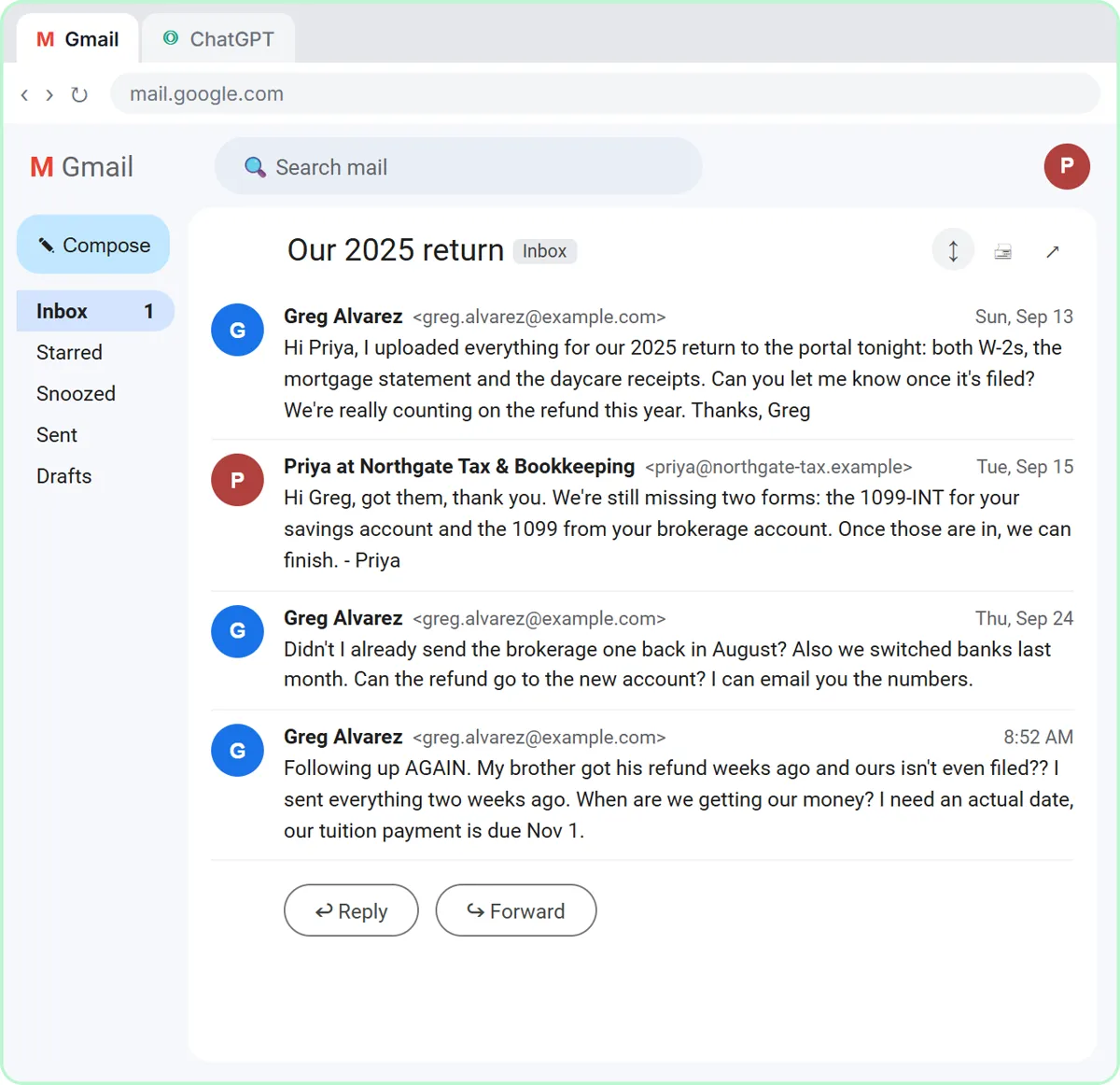
In the client-reply lesson, a client has uploaded his W-2s and asks when his refund will arrive and whether he can use a new bank account. You paste the thread into ChatGPT with four to eight numbered facts: what you received, what is still missing, your normal turnaround, what you can't promise, and where bank details go. Then you tell it not to promise anything that isn't in the facts. Finally, you ask for a table of every promise in the draft next to the fact that backs it up. Anything without a fact gets flagged.
Try it free, step by step
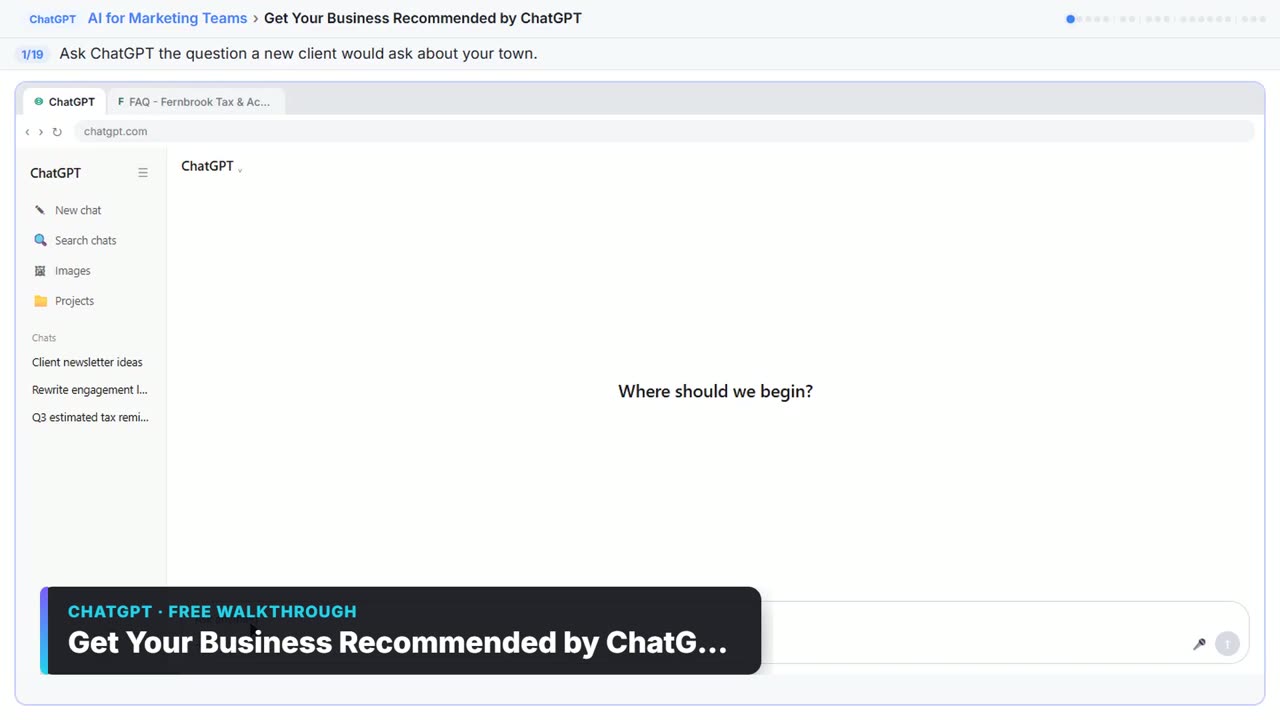
Answer Refund-Date Emails Without Overpromising using ChatGPT. A client wants a refund date while two tax forms are still missing. Give ChatGPT the thread and your firm's facts, catch the date it shouldn't promise, and send a calm, clear reply from Gmail. You do every step yourself in a practice copy of ChatGPT, it checks your work as you go, and “Do it for me” finishes any step you get stuck on. Free, and nothing touches your real accounts.
Start the free lessonFrequently asked questions
- Why does ChatGPT promise a refund date I never gave it?
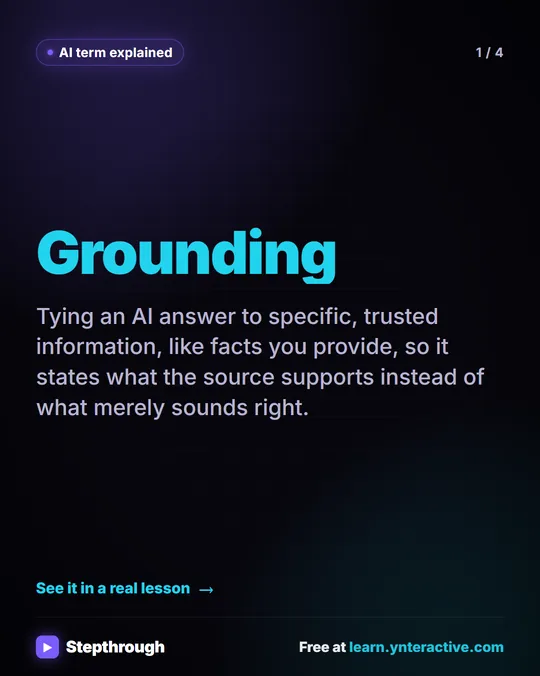
Because a helpful-sounding draft can still overpromise. ChatGPT can't see your client portal, your turnaround time or your firm's rules. It only knows what you tell it. Write those rules as numbered facts, and say "promise only what is in the list".
- Why number the facts?
So you can point back to a fact when you check the draft. The promise table then reads "this sentence, backed by fact 3", or flags a sentence with no fact behind it.
- How do I ask for fixes without the draft drifting?
Ask by name. "Make it better" is vague. The lesson asks ChatGPT to use the two corrected wordings, make the reply a little warmer and easier to scan, and keep every other fact the same. You still read the final version last, because your name is on it.
- Can AI log vendor invoices from our inbox?
Yes. In Invoices from Your Inbox to Google Sheets, with Approval, an n8n workflow starts with a Gmail Trigger (Simplify off, Download Attachments on), reads the PDF with Extract from File, pulls the vendor, invoice number, dates and total with an Information Extractor, and appends a row to Google Sheets.
- How do I stop the AI from inventing an invoice total?
Narrow its instructions. The lesson's extractor is told to copy what is printed, never calculate or guess, and leave a field empty rather than invent it. Spot-check the first invoices against the PDFs.
- Who approves the payment?
A person. An If node checks whether the total is over your threshold. If it is, Send message and wait for response emails the approver with Response Type set to Approval, and the workflow pauses until they click Approve. See approval workflow.
- Why use a threshold instead of approving everything?
If a person has to approve everything, they stop reading and click yes. A threshold means small items are logged and flow through, while the ones that matter get real attention.
- Is the sheet an audit trail?
It's your record. Every invoice is logged before the approval step, so you can see what came in and what the AI read. Add a column for the decision if you need a fuller trail.
- Can ChatGPT help chase overdue invoices?
Yes. In Collect Overdue Invoices Faster using ChatGPT, you attach an accounts receivable aging report as a CSV and ask for a chase list: leave out invoices that aren't past due, put disputed ones in a separate list, and sort oldest bucket first, largest amount first inside each bucket, with totals per bucket.
- How should the reminder tone change with age?
Friendly for one to thirty days, firm for thirty-one to ninety, and a final notice after ninety. Say that in the request. Use only what is in the file (contact name, invoice number, amount, due date), and tell it not to mention late fees or legal action unless you decide to.
- What about disputed invoices?
They get no reminder until the dispute is settled. Ask ChatGPT for a short note on how to handle each one instead. ChatGPT doesn't know what you promised on the phone last week, so read every email before it goes out.
- Can AI do a bank reconciliation?
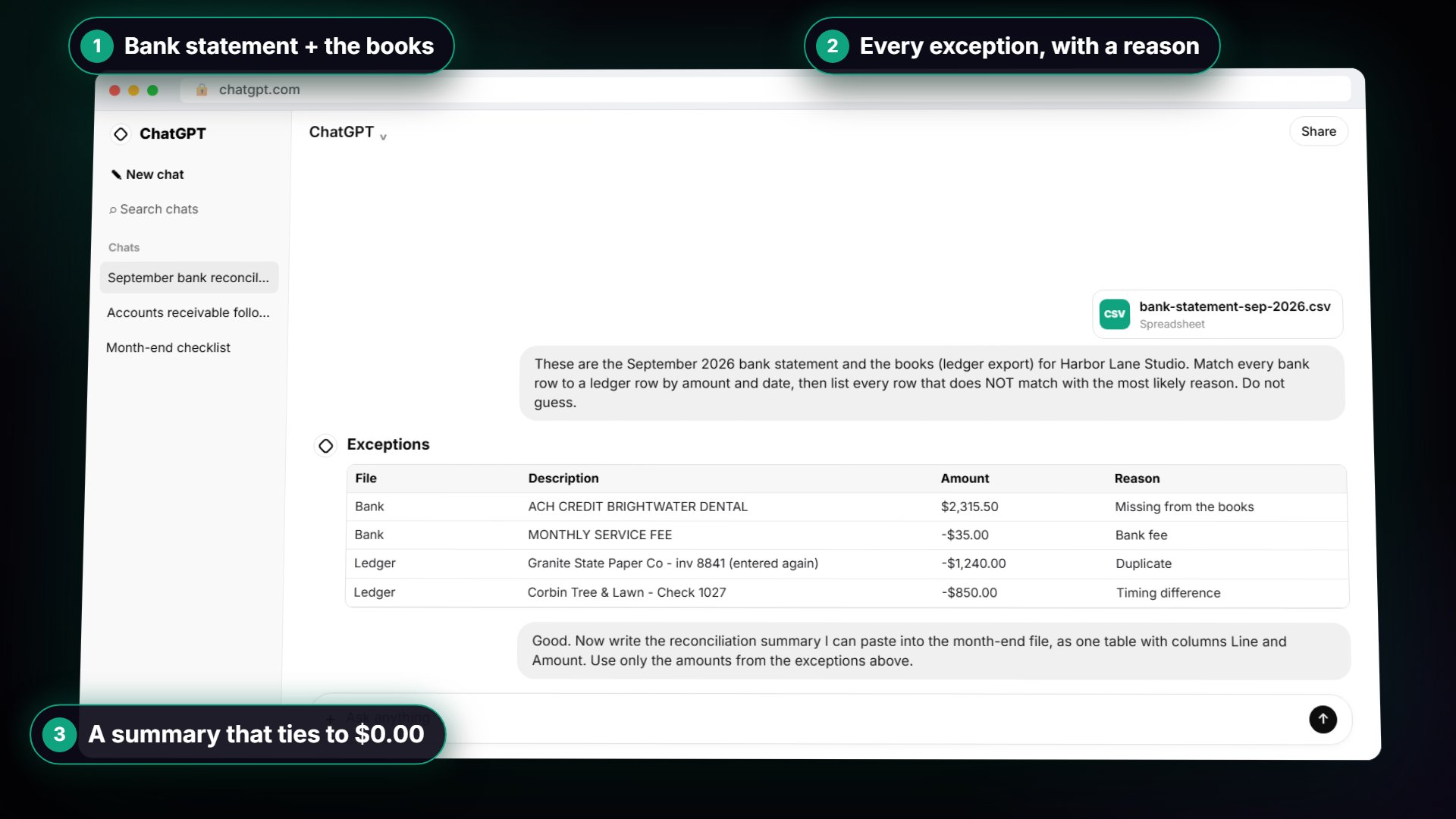
It can do the matching pass. In ChatGPT: Month-End Bank Reconciliation you upload the bank statement and the books, ask it to match every row and list the exceptions with reasons, then check its answer against the file. You still add up the totals yourself, because AI can get arithmetic wrong. ChatGPT bank reconciliation mistakes covers what to watch for.
Key takeaways
- Give ChatGPT numbered facts and ask for a promise table before you send any client reply.
- Let AI copy invoice fields, never calculate or guess them.
- Use a threshold so a person approves the invoices that matter.
- Match reminder tone to invoice age, and hold back disputed invoices.
- The accountant stays the person who approves, not the person who types.
For more on reminders, see chase overdue invoices with ChatGPT, or go back to the AI automation for accountants guide.