Rebuilding a finance stack to "add AI" is slow, risky and rarely needed. This guide orders the options from no integration at all to a small automation, with the lesson that practices each one.
Why not replace the finance system?
Because the system of record is the part that already works. The ledger, the bank feed and the approval rules are trusted, audited and familiar. What eats time is the work around them: matching rows, reading PDFs, writing reminders and summarizing for the owner. AI is good at exactly that work, and it can do it from files and inboxes without touching the ledger.
What can AI do with the exports I already have?
A lot, with no setup beyond a business AI account. Each of these takes a file you already produce:
| Export | What AI does | Free lesson |
|---|---|---|
| Bank statement and ledger CSVs | Matches rows and lists the exceptions with reasons | Bank reconciliation |
| AR aging report | Builds this week's chase list and drafts reminders by tone | Overdue invoices |
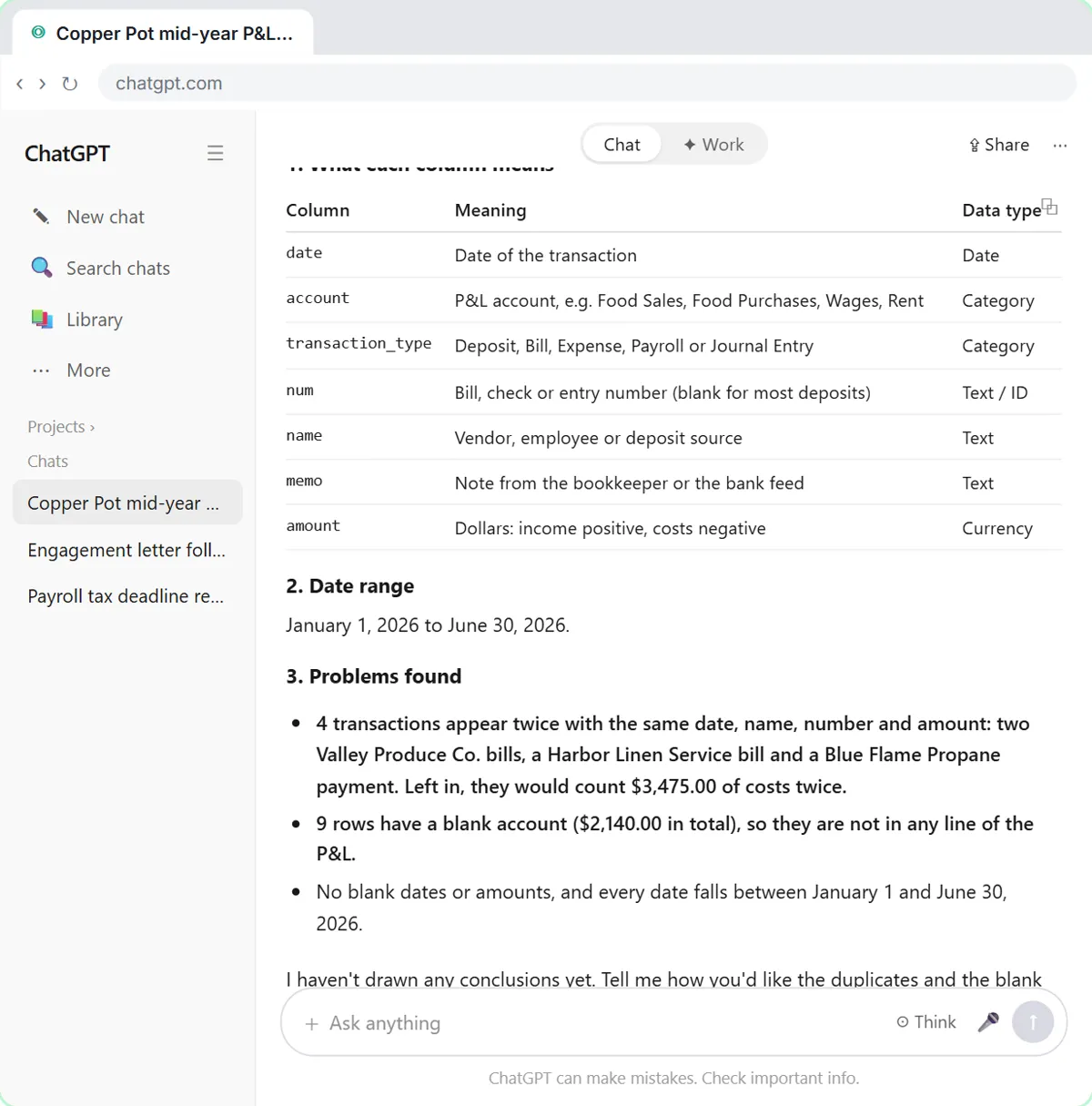
| Profit and loss detail | Checks the file, then summarizes changes with a chart | P&L analysis |
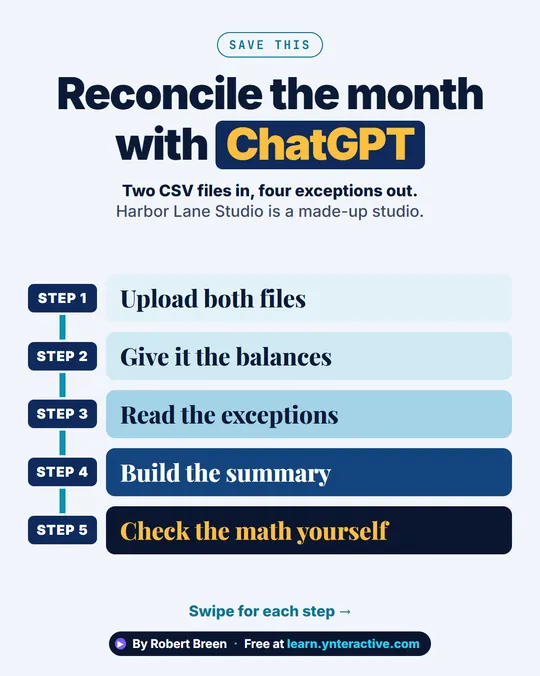
In the bank reconciliation lesson, ChatGPT matched 38 of 40 rows on each side of a sample month and listed exactly the four planted exceptions. You still add up the exceptions yourself, because AI can add wrong, and you still post the entries in your own software.
Try it free, step by step
Month-End Bank Reconciliation with ChatGPT: 20 Minutes, Not 3 Hours. Upload the bank statement and the books, let ChatGPT match every row and list the exceptions, then check the answer and paste a reconciliation summary into the month-end file. You do every step yourself in a practice copy of ChatGPT, it checks your work as you go, and “Do it for me” finishes any step you get stuck on. Free, and nothing touches your real accounts.
Start the free lessonHow do I add one AI step to a workflow I already run?
Pick a workflow that starts in an inbox or a form and ends in a spreadsheet, and put AI in the middle. The free invoice approval lesson is a good model:
- Vendor invoices already arrive as PDFs in Gmail.
- An n8n workflow reads each one and has AI pull out the vendor, invoice number and total.
- Every invoice is logged in a Google Sheet you already keep.
- Anything over $1,000 waits for the owner to click Approve in an email.
Nothing about how invoices arrive or how they are paid changes. The typing and the chasing are what go away. The AI Expense Categorizer Agent follows the same pattern for sorting expenses into categories.
What rules keep AI safe in finance work?
Five rules cover most of the risk:
- AI drafts and sorts; people approve and pay. Use an approval threshold and keep a person on every payment.
- Check the math. Add up key totals yourself or with a formula, every time.
- Keep a log. Write every AI result to a sheet so there is an audit trail.
- Send only what the task needs. An invoice total and number, not the client's bank details.
- Use an approved work account. Follow your firm's AI policy and its data settings.
Which finance workflow should I start with?
The one that is most repetitive and easiest to check. Reconciliation and AR chasing are good first picks: the input is a file, the output is a short list, and a mistake is caught before anything is posted or sent. Leave anything that moves money automatically for last, if ever.
Key takeaways
- Add AI around the finance system, not inside it; the ledger stays the system of record.
- Start with exports you already have: bank statements, aging reports and P&L detail.
- Then add one AI step to an existing inbox-to-spreadsheet workflow, such as invoice intake.
- People approve and pay; AI drafts, reads and sorts, and every result is logged.
- Check AI arithmetic yourself before anything is posted or sent.
Frequently asked questions
- Do I need to change accounting software to use AI?
No. Most of the useful work starts from exports and inboxes you already have. Some accounting tools add their own AI features, which you can use alongside these habits.
- Can AI post journal entries for me?
It can suggest them, and you should review and post them yourself. The reconciliation lesson ends with a summary that says which exceptions need an entry, not with entries made by AI.
- Is it safe to upload bank statements to ChatGPT?
Use a business account your firm has approved, check its data settings, and remove details the task doesn't need, such as full account numbers. Follow your firm's policy and client agreements.
- What is the quickest win for a small finance team?
Turning the weekly AR aging report into a ranked chase list with drafted reminders. It takes minutes and the results are easy to check.
Where can I go next?
See What Is Dunning? and the finance industry page for every free finance lesson.