An emergency request form that sets the priority
A pipe bursts under the kitchen sink and the homeowner can't find the shutoff. Your website form should treat that very differently from a dripping faucet.
The guide in text
The mistake
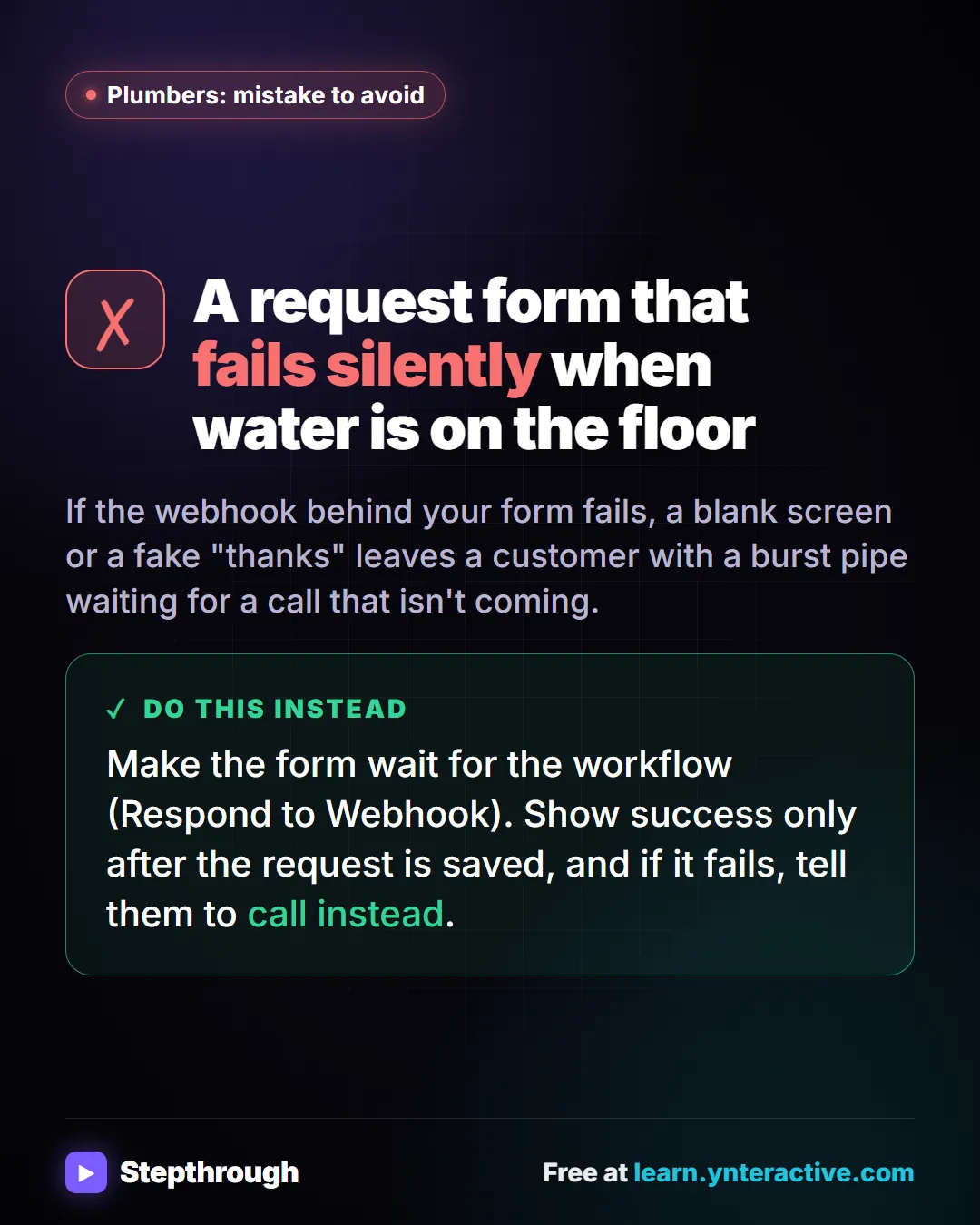
A request form that fails silently when water is on the floor
If the webhook behind your form fails, a blank screen or a fake "thanks" leaves a customer with a burst pipe waiting for a call that isn't coming.
Do this instead
Make the form wait for the workflow (Respond to Webhook). Show success only after the request is saved, and if it fails, tell them to call instead.
Businesses and people in the examples are made up. The steps, screens and wording come from the free lesson and the Stepthrough glossary and prompt library.
Do it yourself, free
Build an AI Emergency Request Form for Your Plumbing Company. Build an emergency service-request form in Lovable and connect it to an n8n workflow — webhook trigger, AI Agent that prioritizes the job, Google Sheets, Gmail, and a Respond node that ties it all… You do every step yourself in a practice copy of Lovable and n8n, it checks your work as you go, and “Do it for me” finishes any step you get stuck on. Free, and nothing touches your real accounts.
Start the free lessonRelated terms
Plain-English definitions, each with an example from a free lesson.
Related prompts
- After-hours voicemail script prompt: Write your after-hours voicemail greeting: who you are, what counts as an emergency, your safety line, the emergency option and…
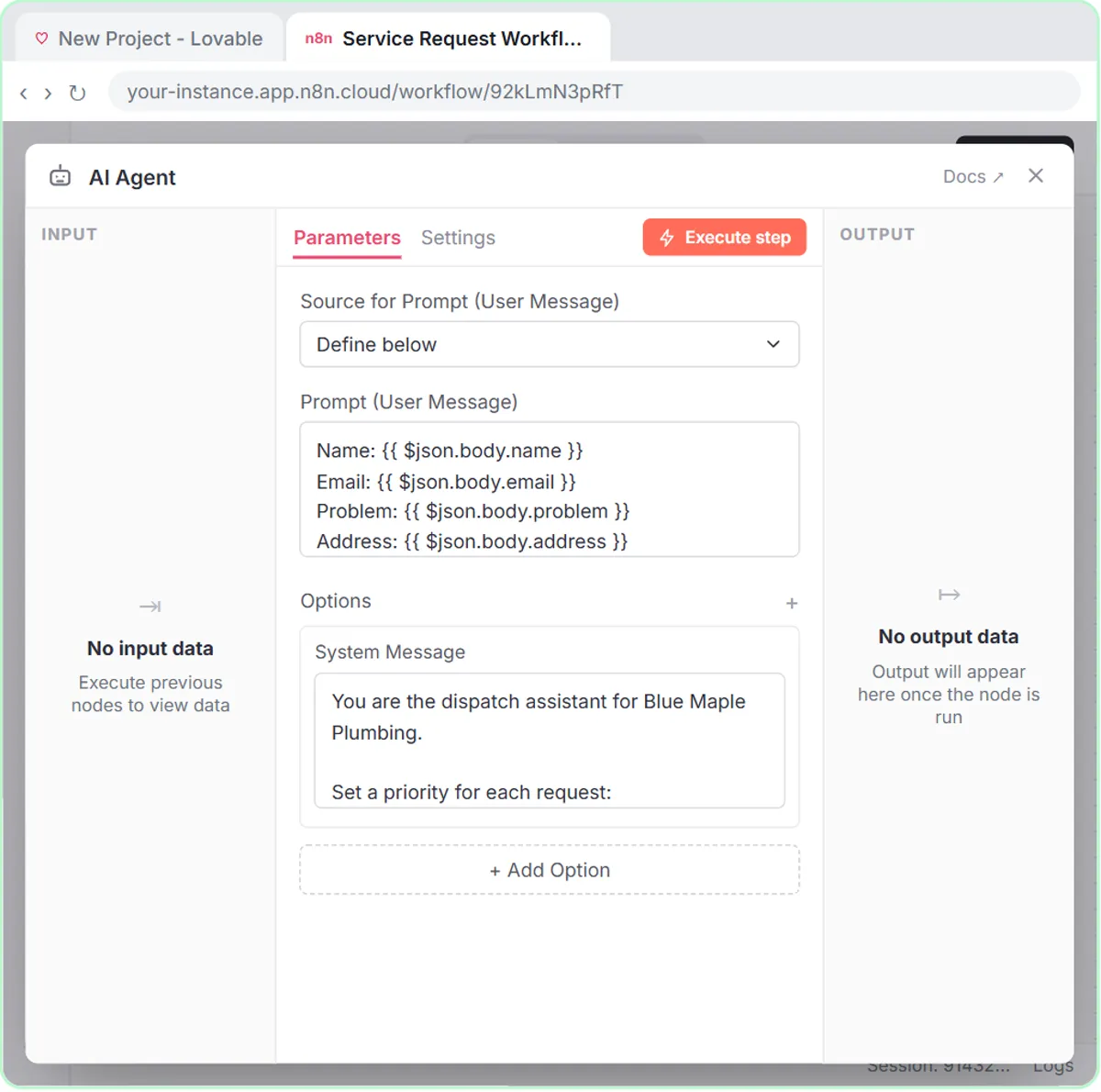
- Emergency service request triage prompt: A copy-ready triage prompt that sorts service requests into emergency, same-day and routine, with the rule used. Works for…
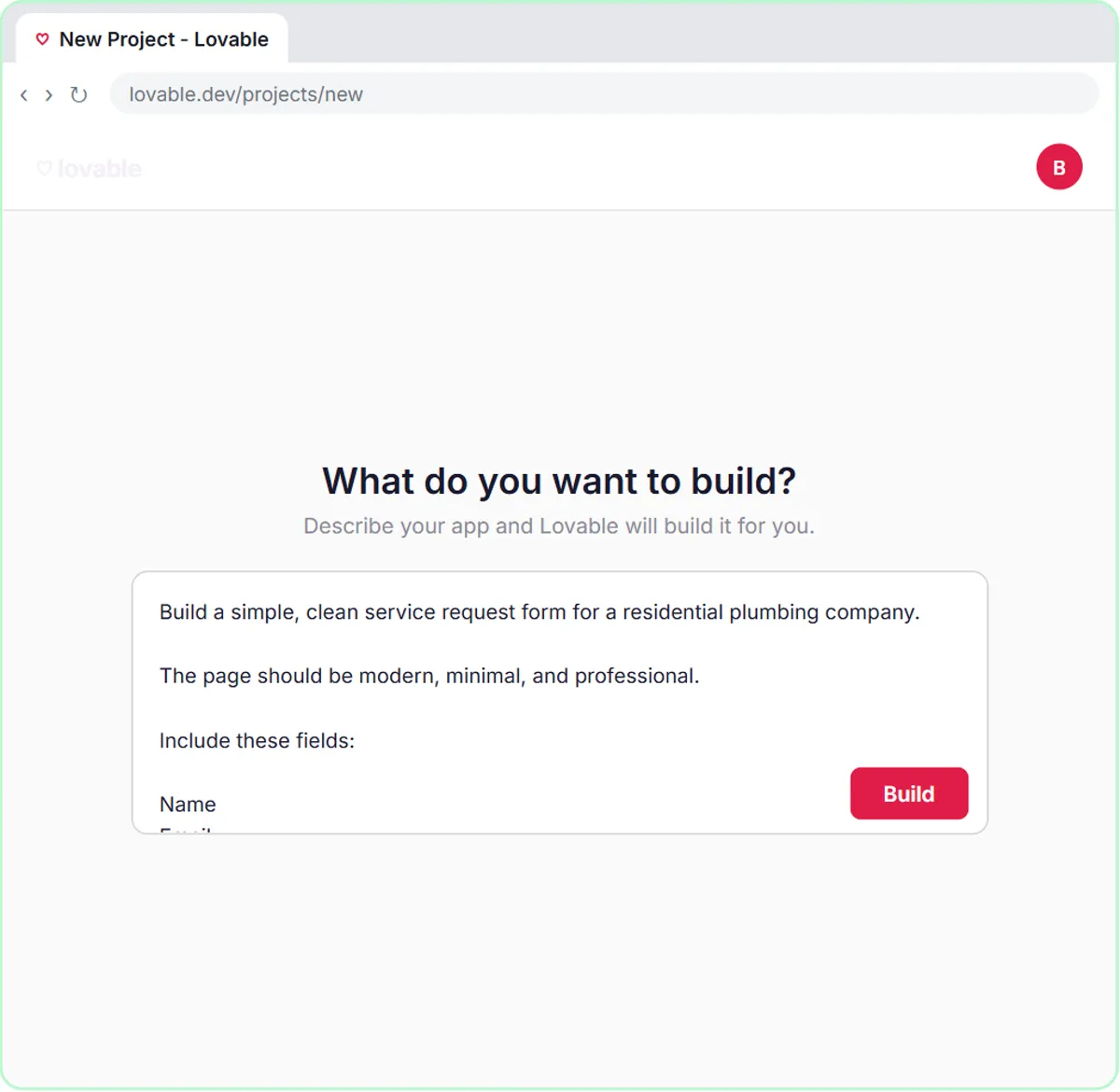
- Lovable web form prompt: Write a Lovable prompt for a web form that posts to n8n: fields, validation, button states, a thank-you message, and a webhook…
- Weekly leads summary prompt: Paste a week of form leads from your Google Sheet and get counts by type, who is still waiting, patterns with row numbers and…
From the blog
 AI Chatbot for Plumbers: What to Answer, What to Hand Off
What an AI chatbot can do for a plumbing company: answer hours and prices, collect emergency details, book visits, and when it must hand off to a person.
Oct 16, 2026 6 min read
 How to Sort Requests with AI: Writing Triage Rules
How to sort requests with AI: write triage rules an agent can follow, with few labels, real examples, a default bucket and a person who checks.
Oct 1, 2026 7 min read
 AI for Contractors: How to Book More Jobs With AI (Free)
How HVAC, plumbing and electrical contractors can use AI to book more jobs: triage, quotes and follow-ups, with free lessons for each trade.
Oct 1, 2026 6 min read
More visual guides
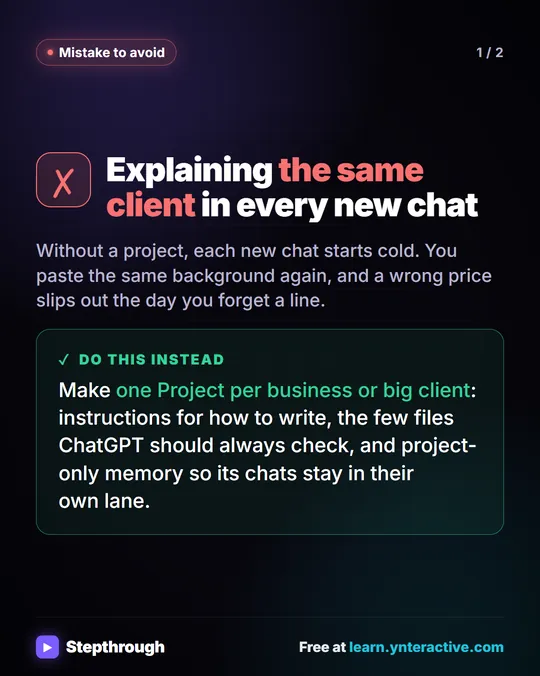 Mistake: Re-Explaining the Client in Every ChatGPT Chat
A common ChatGPT mistake: explaining the same client again in every new chat. Give each client one Project with its own instructions and files.
Mistake to avoid 2 slides
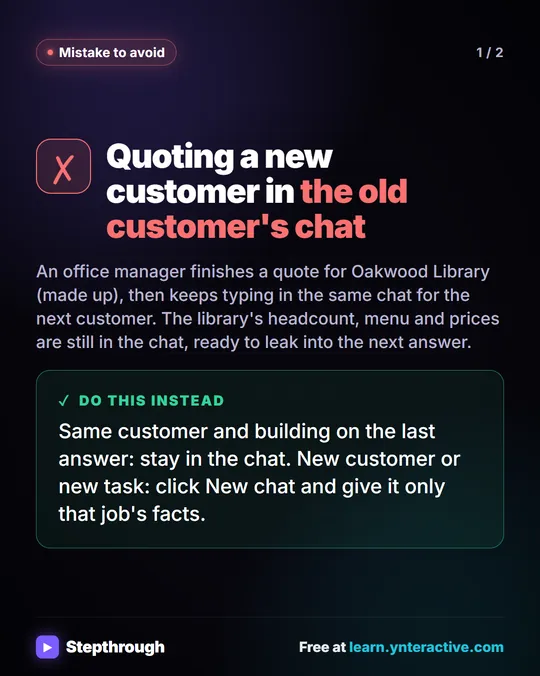 Mistake: One ChatGPT Chat for Every Customer
A visual guide to a common ChatGPT mistake: quoting a second customer in the first customer's chat. Start a new chat for each customer.
Mistake to avoid 2 slides
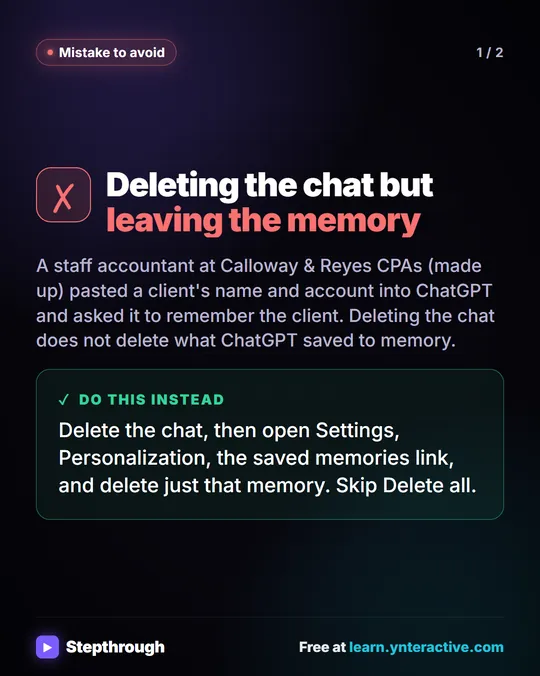 Mistake: Deleting a ChatGPT Chat but Keeping the Memory
A visual guide to a common ChatGPT cleanup mistake: deleting a chat with client details but leaving the saved memory behind. Delete the memory too.
Mistake to avoid 2 slides