Mistake: Deleting a ChatGPT Chat but Keeping the Memory
A visual guide to a common ChatGPT cleanup mistake: deleting a chat with client details but leaving the saved memory behind. Delete the memory too.
Slide 1 of 2 
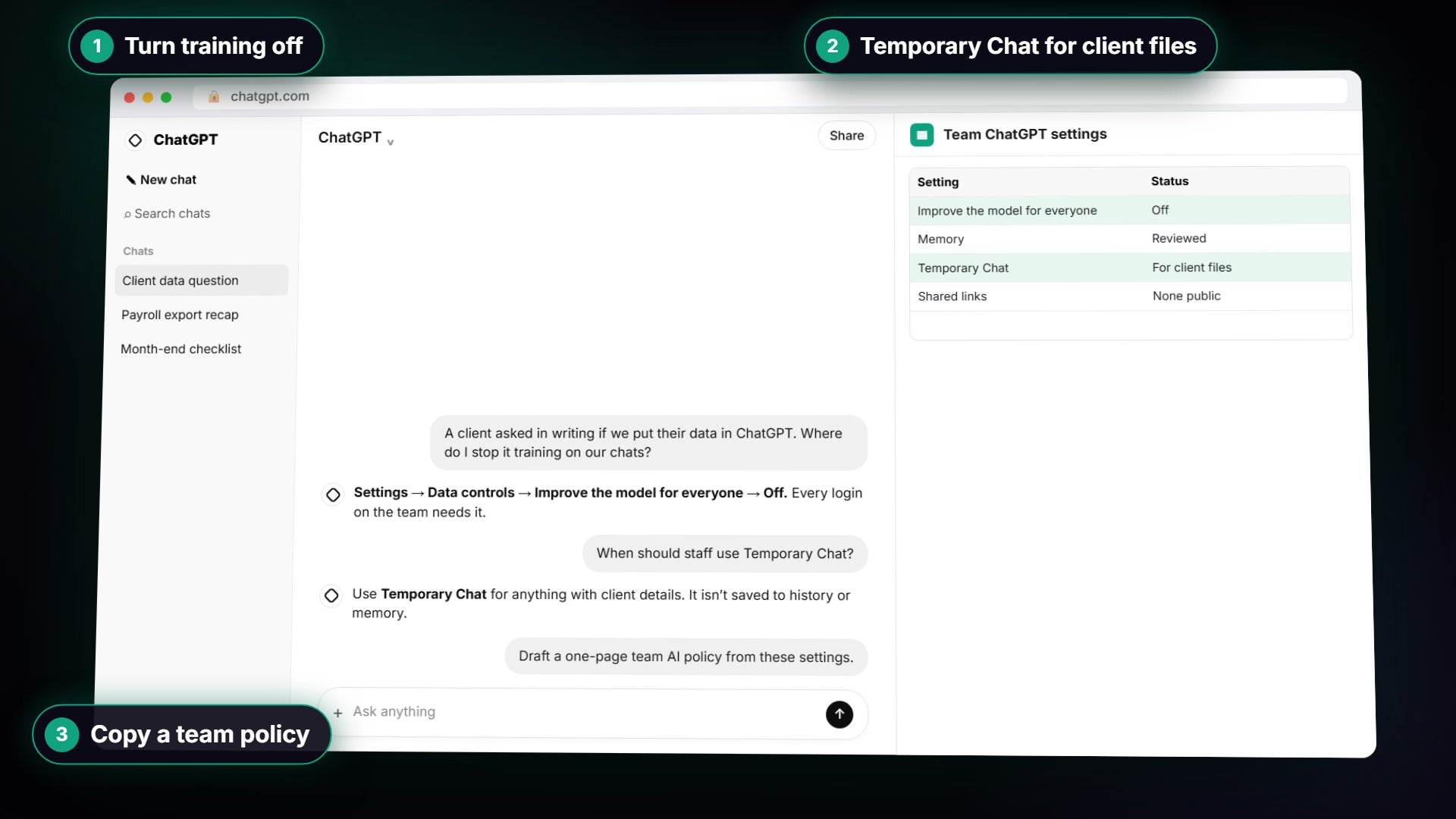
Slide 2 of 2
The guide in text
The mistake
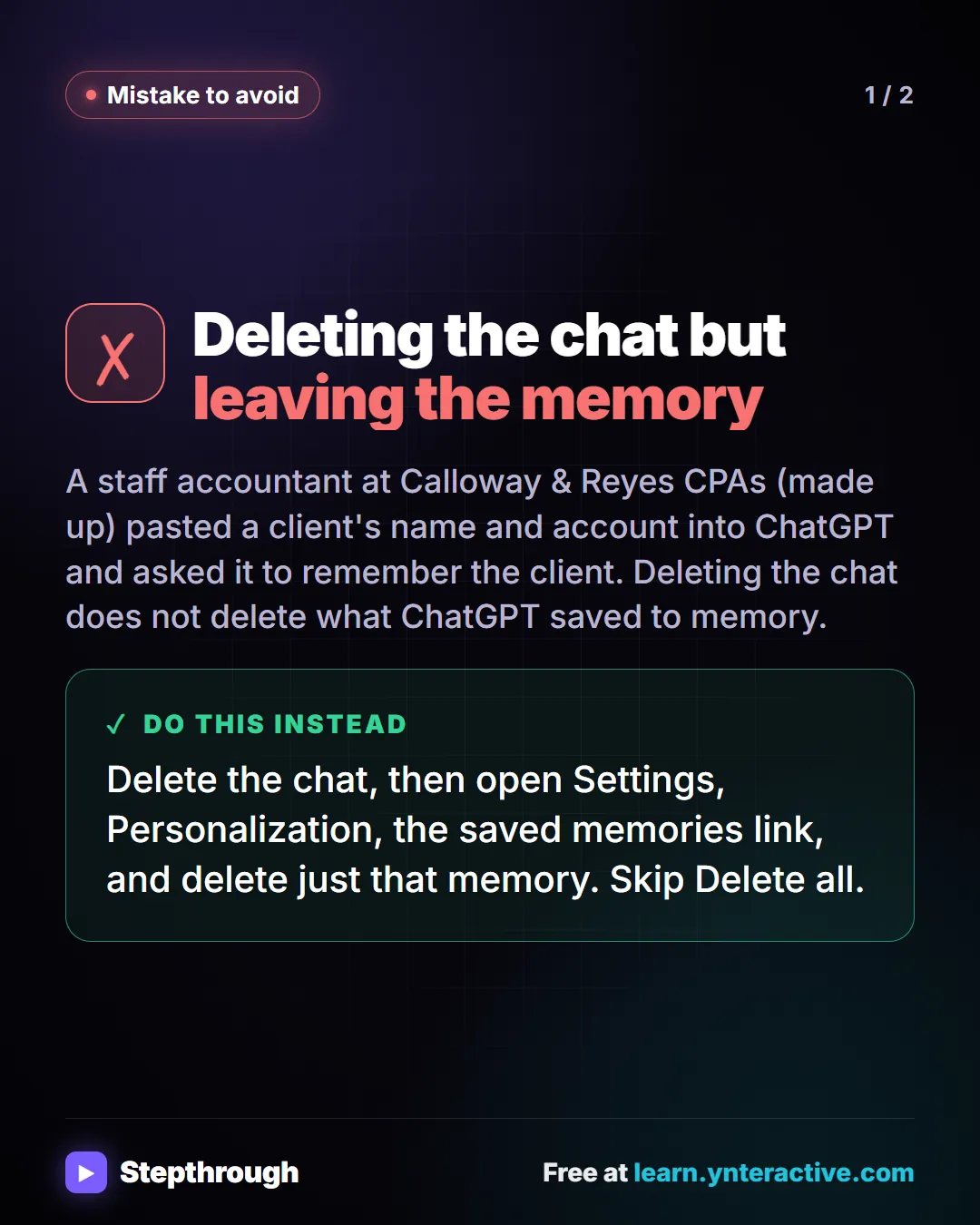
Deleting the chat but leaving the memory
A staff accountant at Calloway & Reyes CPAs (made up) pasted a client's name and account into ChatGPT and asked it to remember the client. Deleting the chat does not delete what ChatGPT saved to memory.
Do this instead
Delete the chat, then open Settings, Personalization, the saved memories link, and delete just that memory. Skip Delete all.
Businesses and people in the examples are made up (Calloway & Reyes CPAs is a made-up business). The steps, screens and wording come from the free lesson and the Stepthrough glossary and prompt library.
Do it yourself, free
Clear Client Data Out of ChatGPT Before It Becomes a Problem: Delete Chats, Clear Memory and Use Temporary Chat. Someone pasted client details into ChatGPT. Delete that one chat, archive what you keep, clear the one memory it left, set safe defaults and start using Temporary Chat. You do every step yourself in a practice copy of ChatGPT, it checks your work as you go, and “Do it for me” finishes any step you get stuck on. Free, and nothing touches your real accounts.
Start the free lessonRelated terms
Plain-English definitions, each with an example from a free lesson.
Related prompts
- ChatGPT settings checklist prompt: A copy-ready prompt that turns your plan and data rules into a one-page checklist of ChatGPT settings for staff, with a column…
From the blog
More visual guides
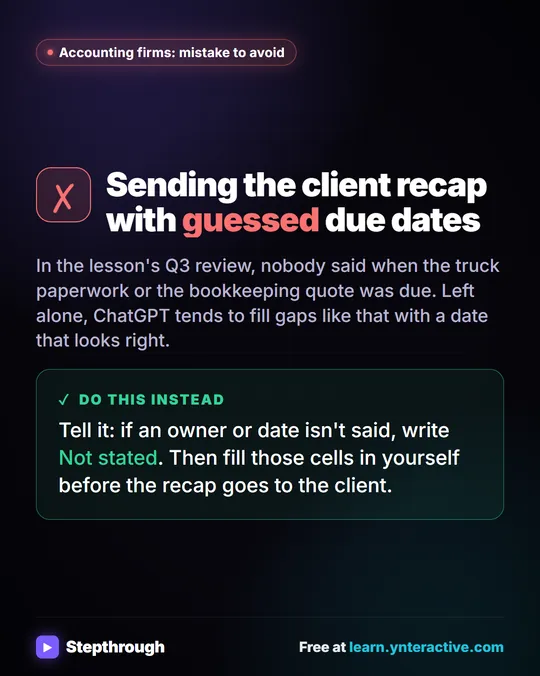 Turn a client meeting into action items and a recap email
Most missing client documents start as a request said in a meeting and never written down with a date.
Mistake to avoid One graphic
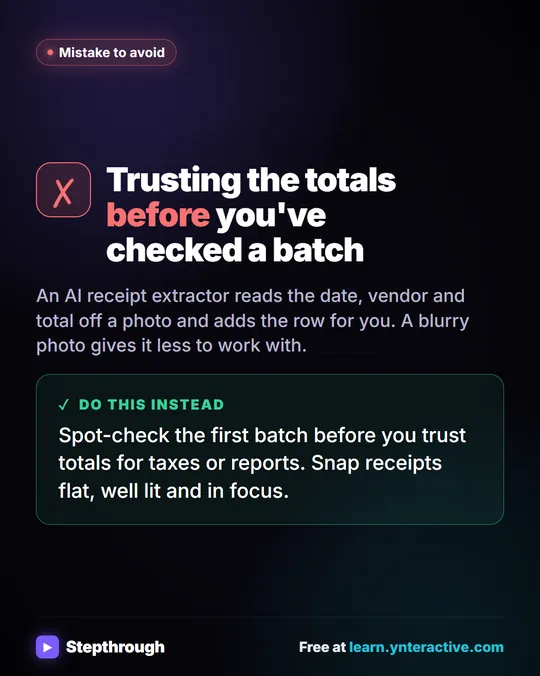 Receipts to Google Sheets with an AI agent in n8n
A box of paper receipts at the end of the month. Typing them in is slow and easy to get wrong.
Mistake to avoid One graphic
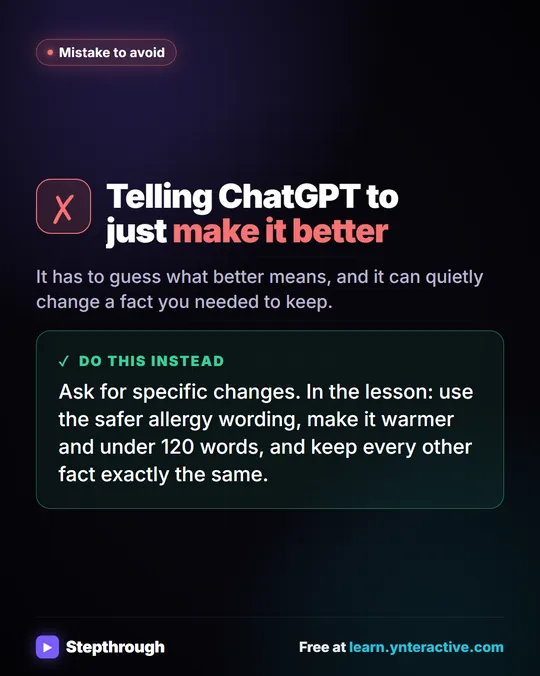 Don't tell ChatGPT to make it better. Say this instead.
A customer's cake order went sideways. Wrong pickup day, a flavor change, and a nut allergy question nobody answered.
Mistake to avoid One graphic