Receipts to Google Sheets with an AI agent in n8n
A box of paper receipts at the end of the month. Typing them in is slow and easy to get wrong.
The guide in text
The mistake
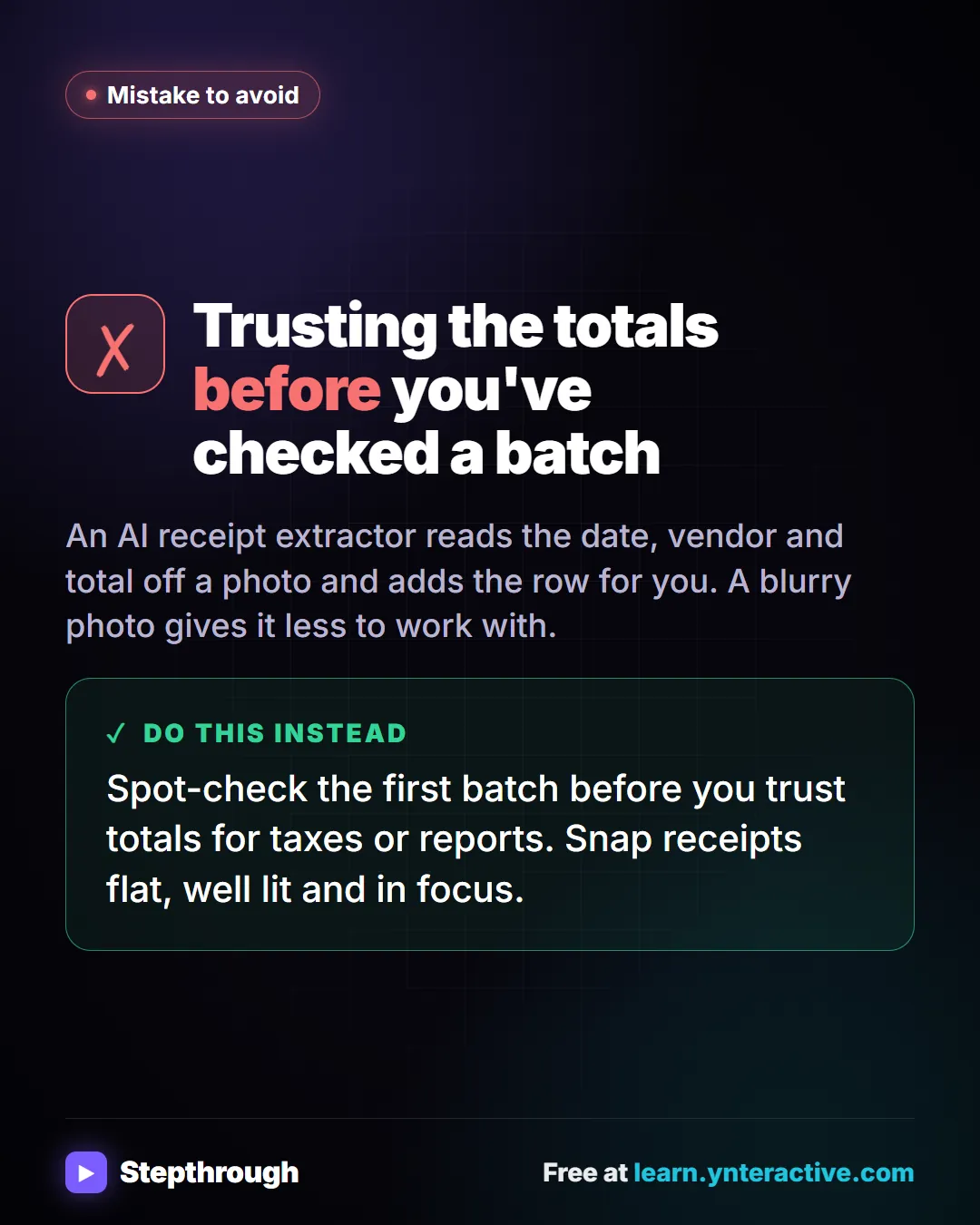
Trusting the totals before you've checked a batch
An AI receipt extractor reads the date, vendor and total off a photo and adds the row for you. A blurry photo gives it less to work with.
Do this instead
Spot-check the first batch before you trust totals for taxes or reports. Snap receipts flat, well lit and in focus.
Businesses and people in the examples are made up. The steps, screens and wording come from the free lesson and the Stepthrough glossary and prompt library.
Do it yourself, free
AI Receipt Extractor: Receipts to Google Sheets with n8n. Drop a photo of a receipt into an n8n chat. An AI agent reads it, pulls out the date, vendor and amount, picks a category, and adds a row to Google Sheets. You do every step yourself in a practice copy of n8n, it checks your work as you go, and “Do it for me” finishes any step you get stuck on. Free, and nothing touches your real accounts.
Start the free lessonRelated terms
Plain-English definitions, each with an example from a free lesson.
Related prompts
- Invoice data extraction prompt: Copy a vendor invoice into tables: number, dates, PO, terms, line items and total, with unreadable fields flagged instead of…
- Receipt details extraction prompt: Pull date, vendor, tax, total and job from receipt photos into a table, with "Unreadable" instead of guesses and a check that…
- AI pilot plan prompt: Plan a small, time-boxed trial of an AI tool: one task, a few people, success criteria you choose up front, how you'll measure…
- Data cleanup plan prompt: Turn messy spreadsheet columns into clean, consistent ones: a column-by-column plan with standard values, rules for odd entries…
From the blog
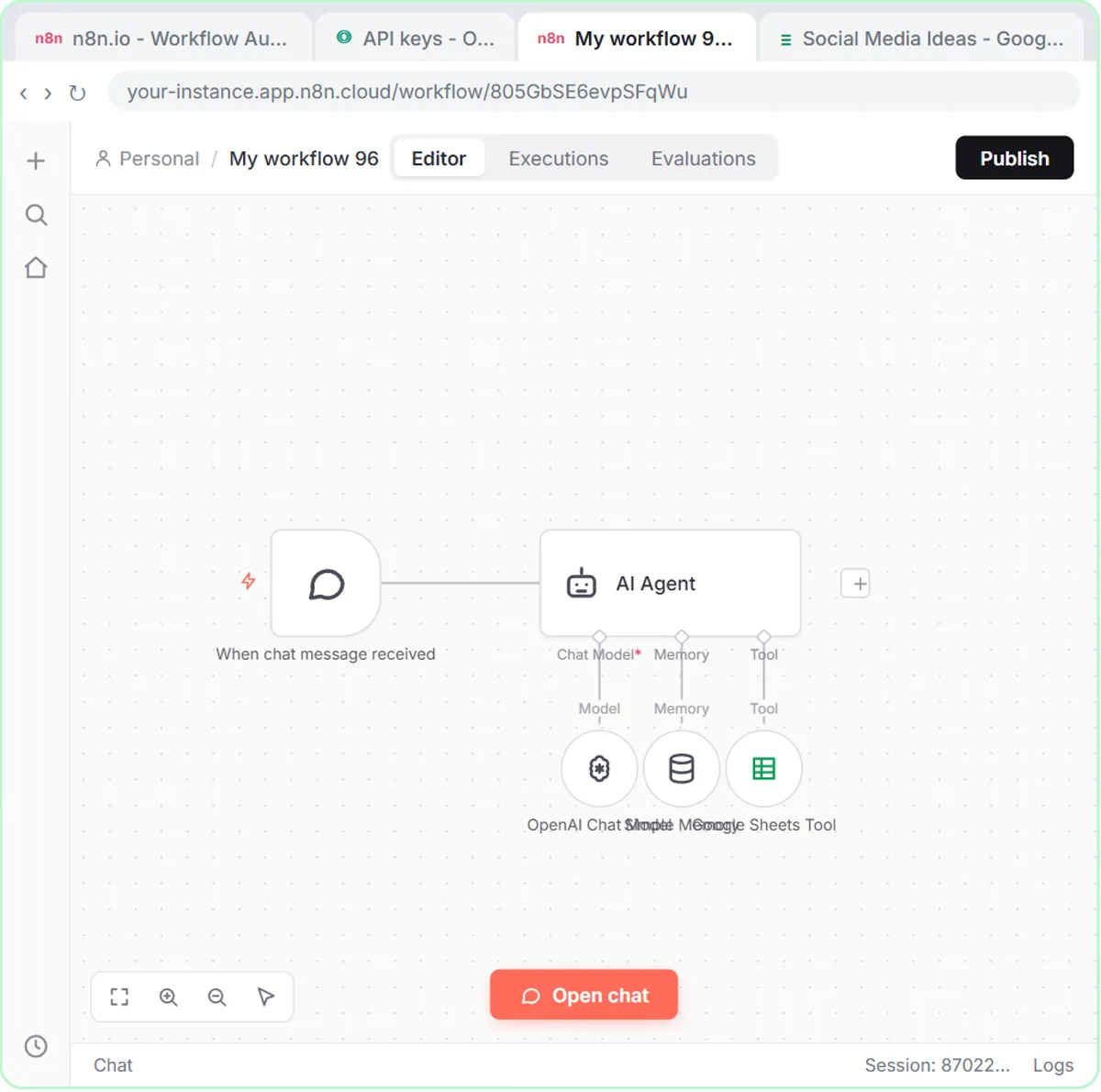 n8n Simple Memory Explained for Beginners
n8n Simple Memory explained: what it keeps, why "save those ideas to the sheet" needs it, how email agents key it by thread, and when an agent needs none.
Oct 10, 2026 6 min read
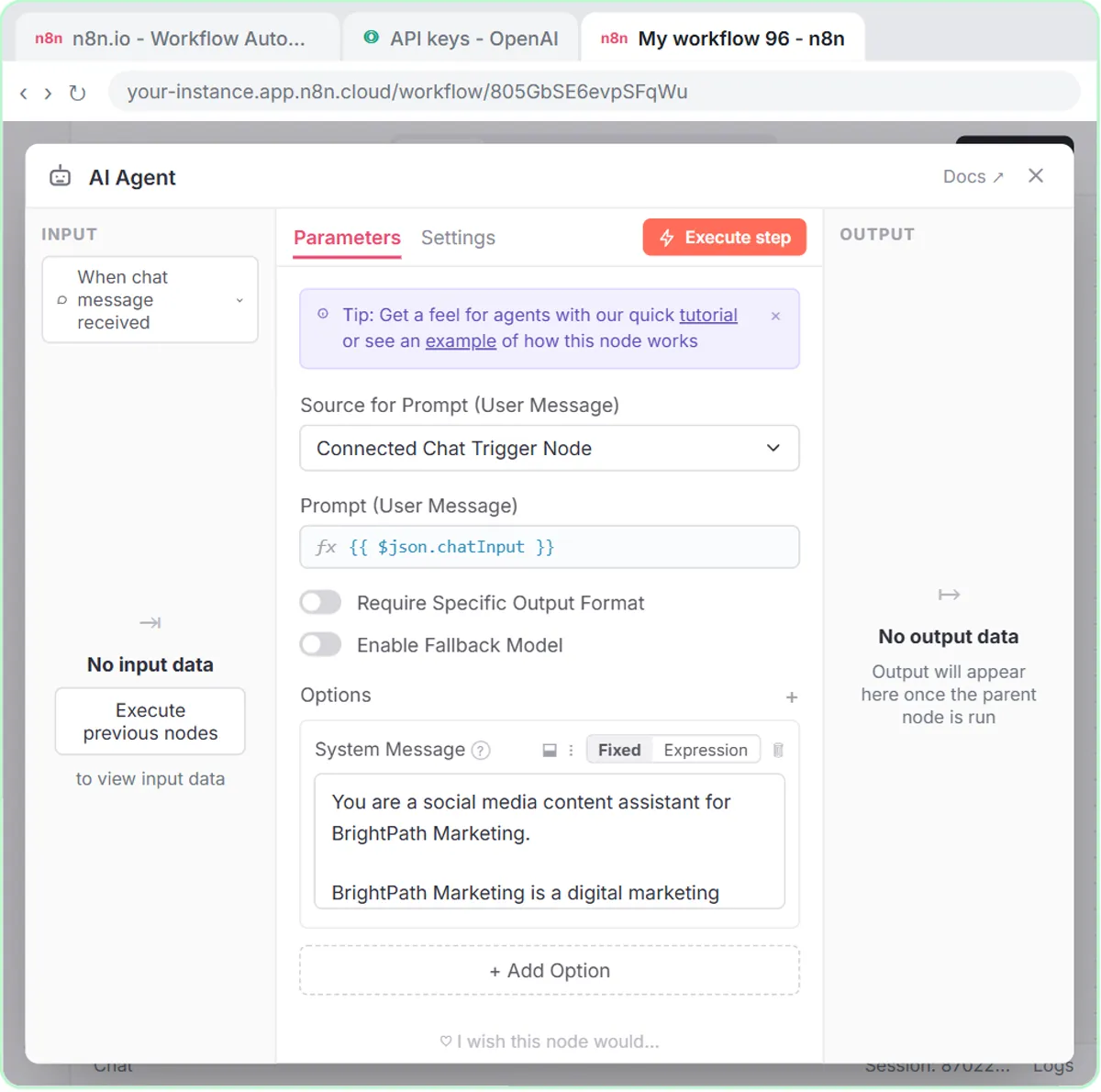 What Is an API Key? Connect OpenAI to n8n Safely
An API key is a secret password that lets one app use another. How to create an OpenAI key for n8n, why it needs credit, and how to keep it safe.
Oct 9, 2026 5 min read
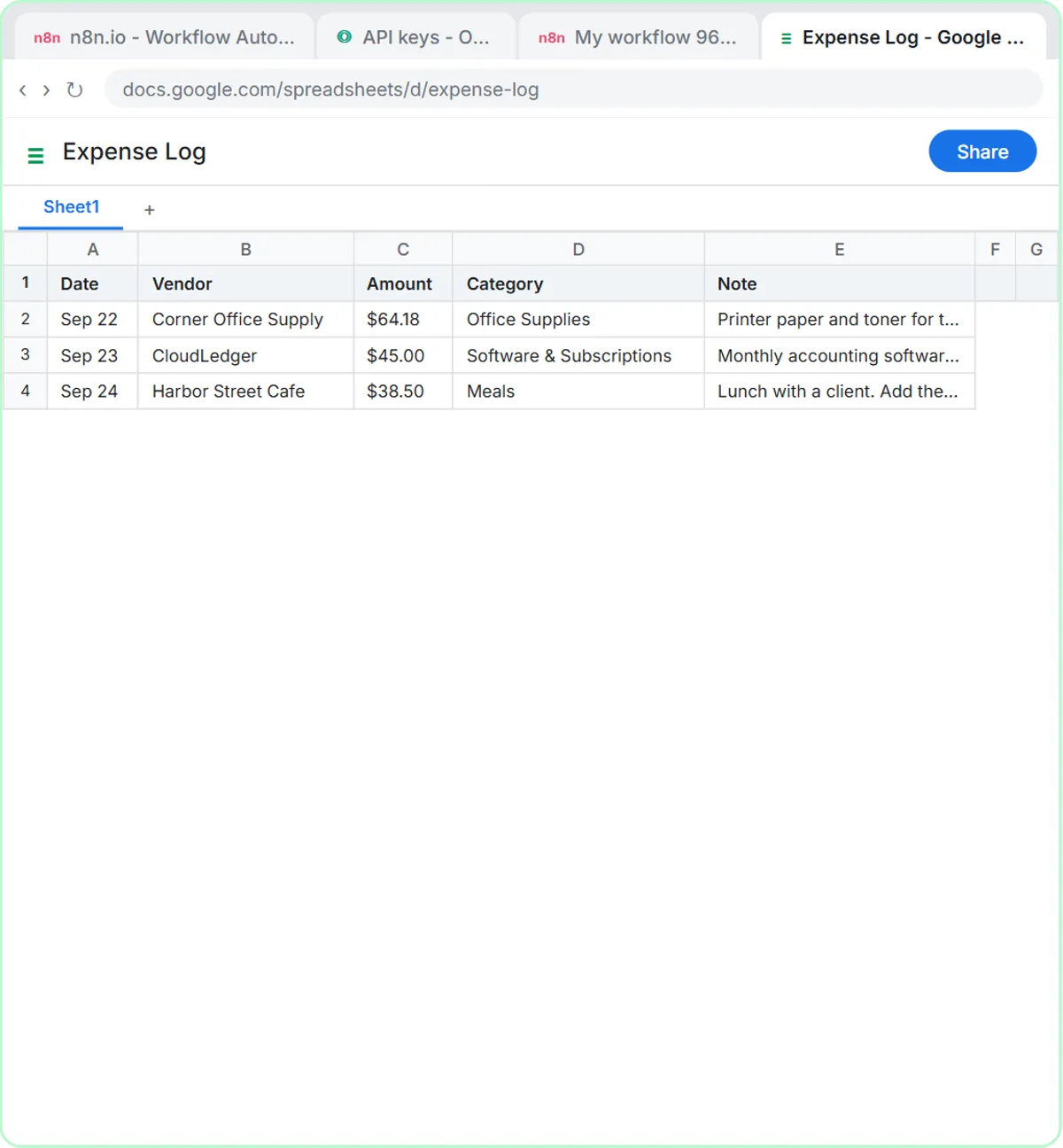 AI for Bookkeepers: Where to Start (Free Lessons)
AI for bookkeepers: categorize expenses with a fixed list, turn receipt photos into rows, check reimbursements and draft client emails, all reviewed.
Oct 4, 2026 7 min read
More visual guides
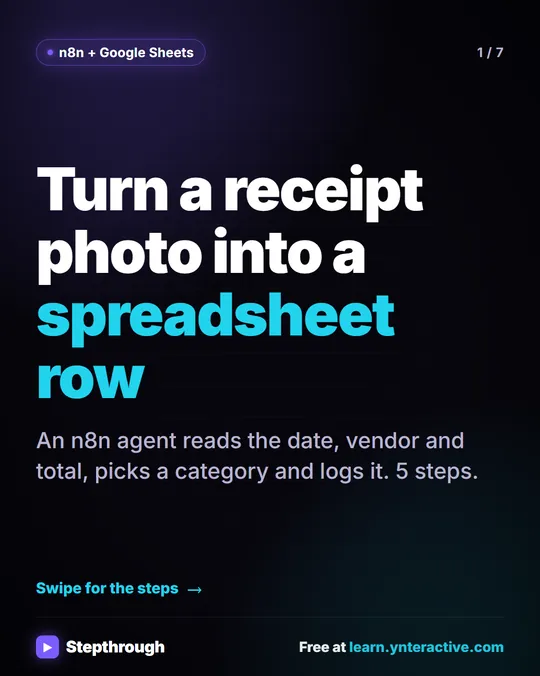 5 Steps to Turn a Receipt Photo into a Google Sheets Row
A visual guide: an n8n AI agent reads a receipt photo, pulls out the date, vendor and total, picks a category and adds a row to Google Sheets.
Step-by-step guide 7 slides
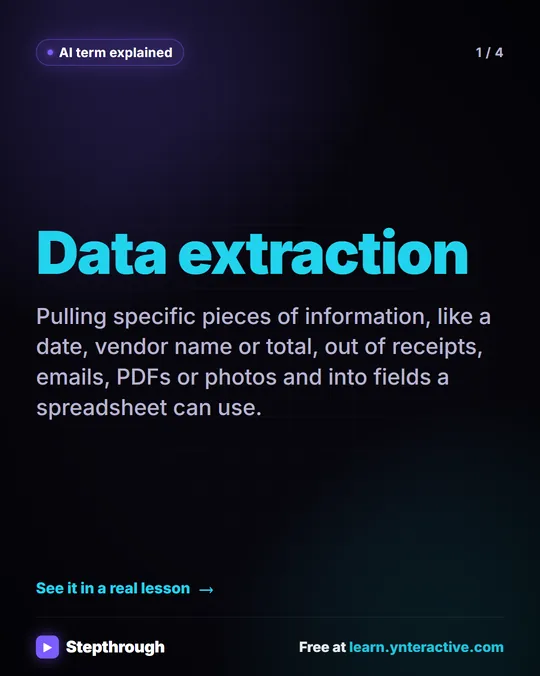 What Is AI Data Extraction? A Visual Guide
A visual guide to AI data extraction: pulling the date, vendor and total out of a receipt photo and into Google Sheets, from a real n8n lesson.
AI term explained 4 slides
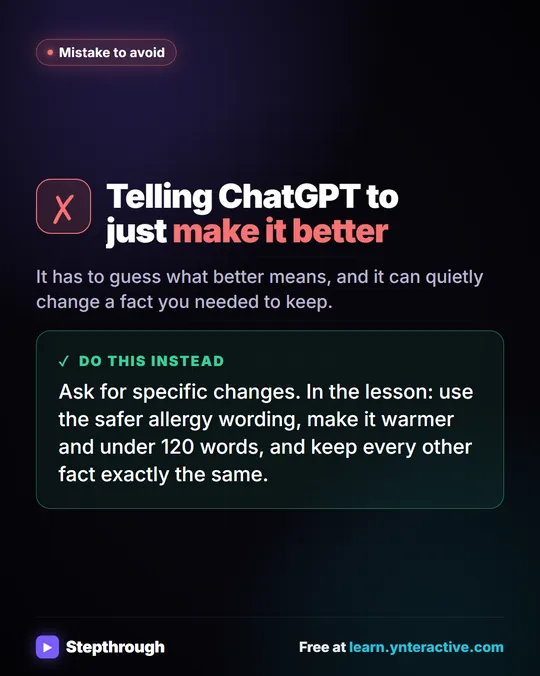 Don't tell ChatGPT to make it better. Say this instead.
A customer's cake order went sideways. Wrong pickup day, a flavor change, and a nut allergy question nobody answered.
Mistake to avoid One graphic