What Is AI Data Extraction? A Visual Guide
A visual guide to AI data extraction: pulling the date, vendor and total out of a receipt photo and into Google Sheets, from a real n8n lesson.
Slide 1 of 4 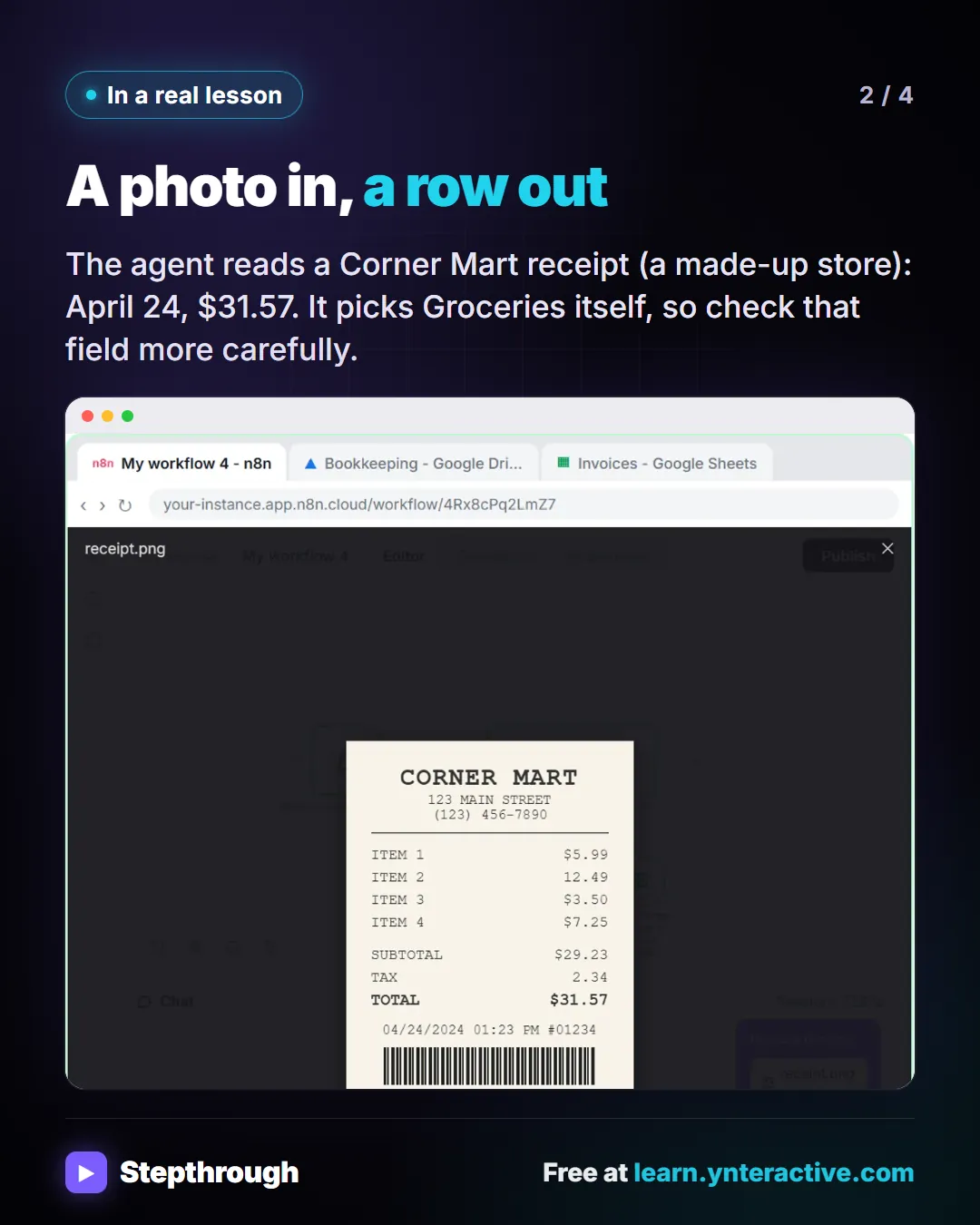
Slide 2 of 4 
Slide 3 of 4 
Slide 4 of 4
The guide in text
Data extraction: Pulling specific pieces of information, like a date, vendor name or total, out of receipts, emails, PDFs or photos and into fields a spreadsheet can use.
A photo in, a row out
The agent reads a Corner Mart receipt (a made-up store): April 24, $31.57. It picks Groceries itself, so check that field more carefully.
Trust it after you check it
- Name the fields you want, and match them to your column headers exactly.
- Compare the first several results with the original before trusting the workflow.
- Watch for misread totals on faded receipts and for tax mistaken for the total.
The full definition: What is AI data extraction? in the AI glossary, with an example from a free lesson, common confusions and tips.
Businesses and people in the examples are made up. The steps, screens and wording come from the free lesson and the Stepthrough glossary and prompt library.
Do it yourself, free
AI Receipt Extractor: Receipts to Google Sheets with n8n. Drop a photo of a receipt into an n8n chat. An AI agent reads it, pulls out the date, vendor and amount, picks a category, and adds a row to Google Sheets. You do every step yourself in a practice copy of n8n, it checks your work as you go, and “Do it for me” finishes any step you get stuck on. Free, and nothing touches your real accounts.
Start the free lessonRelated terms
Plain-English definitions, each with an example from a free lesson.
Related prompts
- Receipt details extraction prompt: Pull date, vendor, tax, total and job from receipt photos into a table, with "Unreadable" instead of guesses and a check that…
- Expense categorization prompt: Sort a batch of expenses into your own categories, with a short note each and a Needs Review bucket for anything unclear…
- Expense report summary prompt: Summarize a month of expense or reimbursement rows for the owner: totals by category and status, what's waiting, and flags to…
- Google Sheets columns plan prompt: Plan the Google Sheets columns for an n8n automation: header names, what goes in each, who fills it, and which must match your…
From the blog
 How to Start Using AI in a Small Business: 5 Projects
How to start using AI in a small business: five first projects, from better prompts to an inbox agent, with what each saves and what it costs.
Oct 1, 2026 6 min read
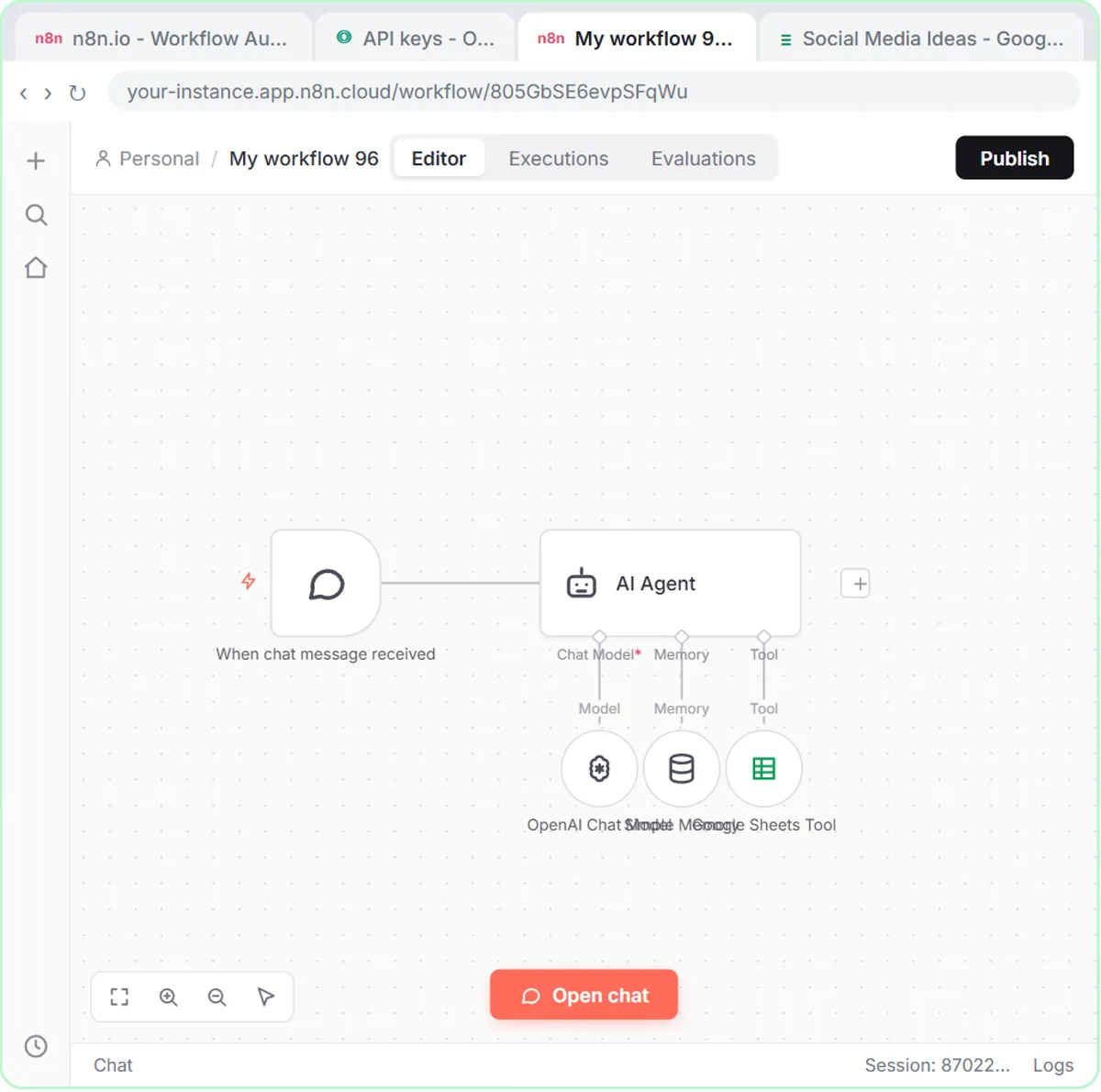 Learn n8n from Zero: Free Projects in the Right Order
Learn n8n for beginners with six free, hands-on projects in a sensible order, from templates to AI agents to a web form, plus what you need for real.
Oct 1, 2026 7 min read
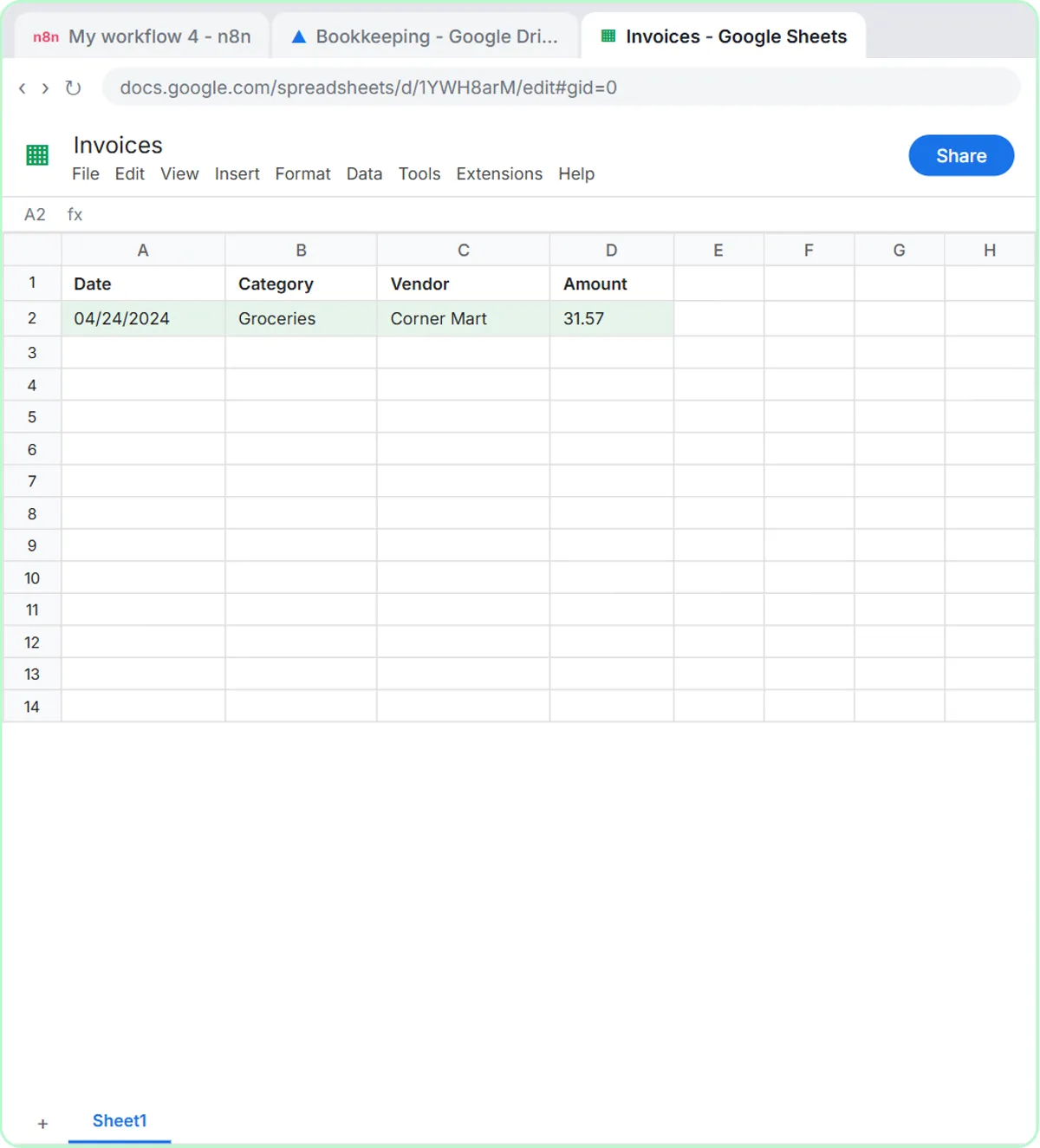 Get Receipts into Google Sheets with AI and n8n
Receipts to Google Sheets without typing: build an n8n agent that reads a receipt photo, picks a category and adds a row. Plus an expense categorizer.
Oct 1, 2026 6 min read
More visual guides
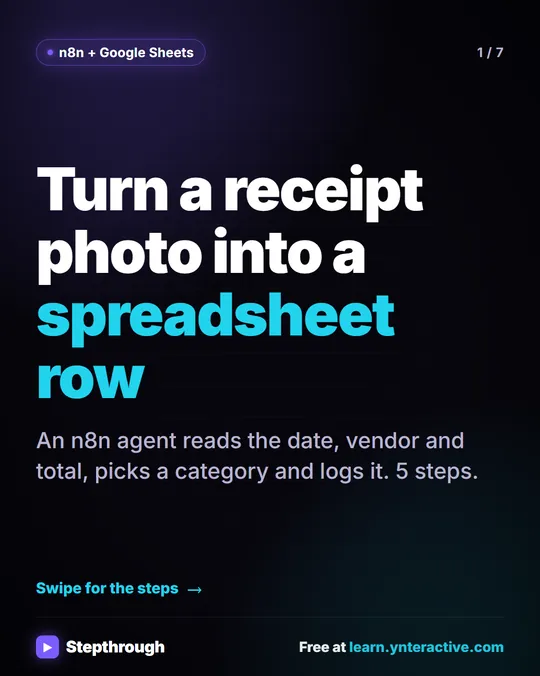 5 Steps to Turn a Receipt Photo into a Google Sheets Row
A visual guide: an n8n AI agent reads a receipt photo, pulls out the date, vendor and total, picks a category and adds a row to Google Sheets.
Step-by-step guide 7 slides
 What Is a Context Window? A Visual Guide
A visual guide to the context window: how much text an AI model can see at once, shown with a real ChatGPT meeting summary lesson.
AI term explained 4 slides
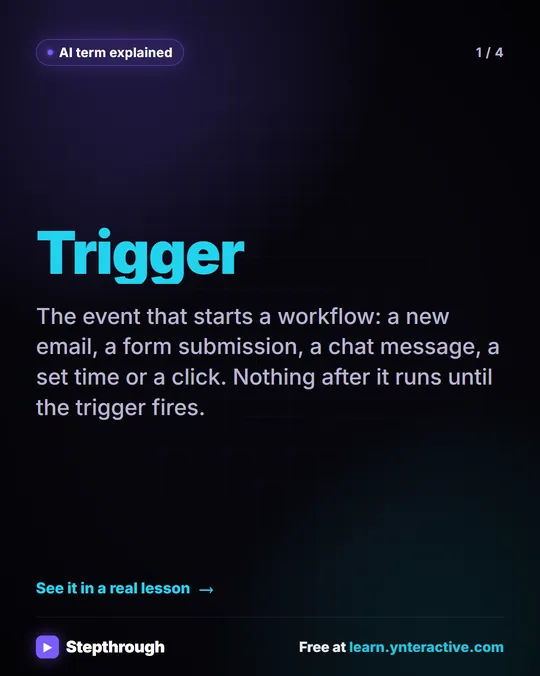 What Is a Trigger in n8n? A Visual Guide
A visual guide to triggers: the event that starts an automation, like a chat message, a schedule or a form, shown in a real HVAC n8n lesson.
AI term explained 4 slides