Updated . Built from Anwaar Digital’s official docs and help center. Screens may differ slightly in your account. How we check this lesson
New hires get a welcome letter, a schedule, a benefits summary and a handbook page as separate attachments, open two, and arrive on day one without the signed page. Free Privacy Tools by Anwaar Digital is a set of 90 free browser tools that say they process files on your device. In this free starter lesson, built from the site's public pages, you are the HR coordinator at Brightwater Dental Group, a made-up dental group, turning the packet into one small PDF with Word to PDF, PDF Merger and PDF Compressor. 5 steps, about six minutes, no signup.
At a glance
| Question | Answer |
|---|---|
| What you build | New hires get five attachments, open two, and show up on day one without the signed handbook page. Turn the welcome letter into a PDF, merge the packet in the right order and shrink it for email with three free browser tools on Free Privacy Tools by Anwaar Digital, with nothing uploaded. |
| Tools | Anwaar Digital |
| Time | About 6 minutes, 5 steps in 2 parts |
| Level | Beginner, no coding needed |
| Cost | Free |
| Ways to learn it | Practice it step by step |
The 2 parts, in short
- One file, in order: Convert the welcome letter, Open PDF Merger, Merge the packet.
- Small enough to email: Open PDF Compressor, Compress it, then try it with your own packet.
Start here first: Strawberry: Check Minimum-Wage Rules Every Monday and Approve Every Change (module 1 of AI Automation for Recruiting & HR)
The business case: the attachment nobody opens
Picture Keisha, HR coordinator at Brightwater Dental Group, a made-up group of six dental offices that hires a hygienist or assistant most weeks. Each offer email carries five attachments. New hires open the first two, the handbook acknowledgment goes unread, and the office manager spends day one chasing a signature. A few emails bounce because the attachments together are too large.
One PDF in reading order, small enough to email, fixes both problems. The three tools in this lesson are free, need no signup, and their pages say the files are processed in your browser rather than uploaded, which matters for employee documents.
Who this is for, and what you need
HR coordinators, office managers and recruiters at small businesses who send offer or onboarding packets. You need a browser and the packet files: the welcome letter as .docx and the rest as PDFs. The practice runs in your browser with no files.
What this saves you
- Chasing new hires for the page they never opened.
- Resending packets that bounced for size.
- What it does not do: it does not collect signatures or track who opened the packet. Follow your own policy for employee personal data.
How this lesson was built
This is a starter lesson based on the site's public pages (the four pages linked above), read on 14 November 2026. The practice screen is a plain frame that uses the labels from those pages; it is not a copy of the site's own screens, the file sizes are examples, and no real files were processed. The full hands-on course on the real Free Privacy Tools screens is the [Anwaar Digital Free Tools Jump Start](/courses/anwaar-free-tools-jump-start): five office jobs, from a lease's signature pages and website-ready listing photos to a clean email list, a suspicious link checked and one small signed client packet. Another quick one with the same free tools: Prepare an Event Flyer for Print, Social and Email.
Links
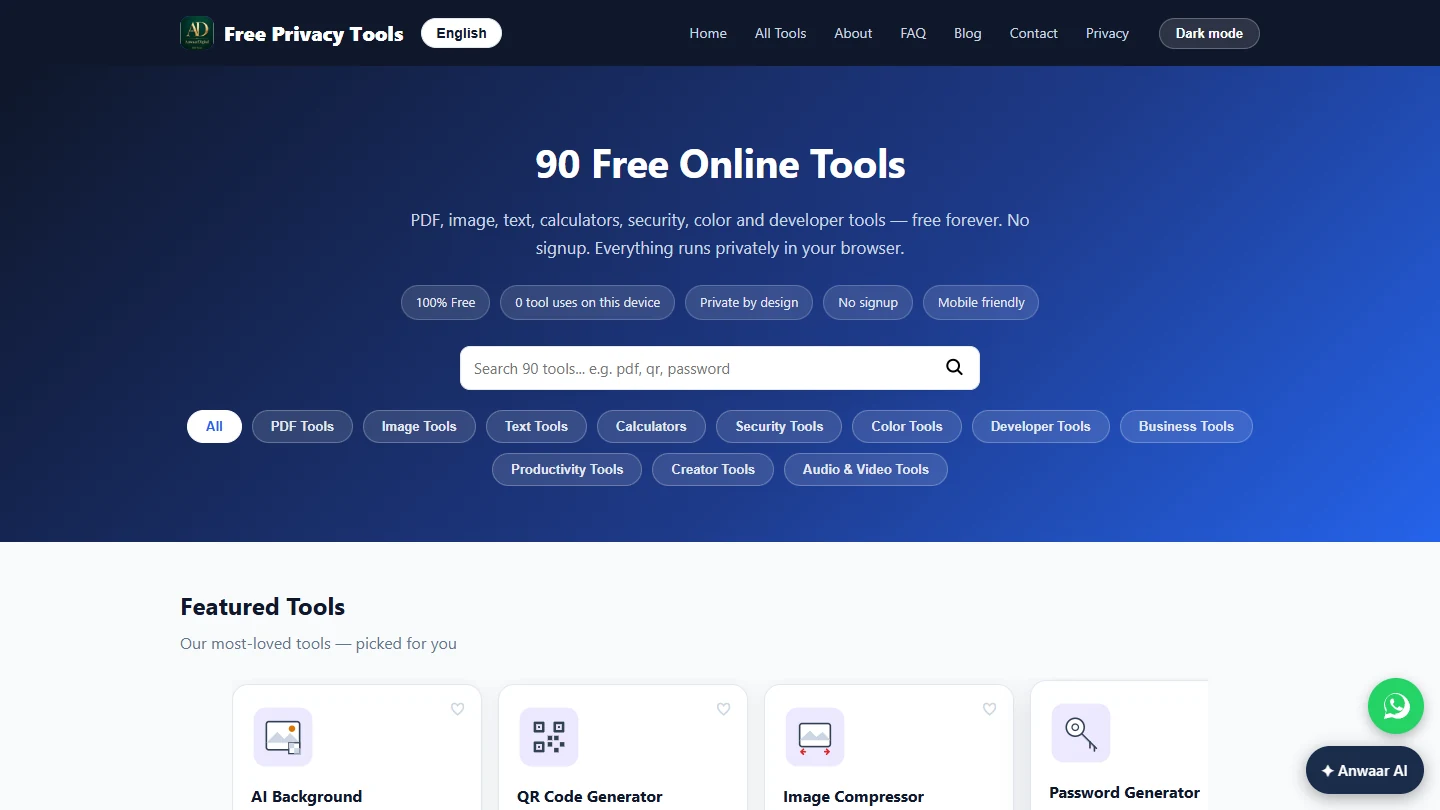
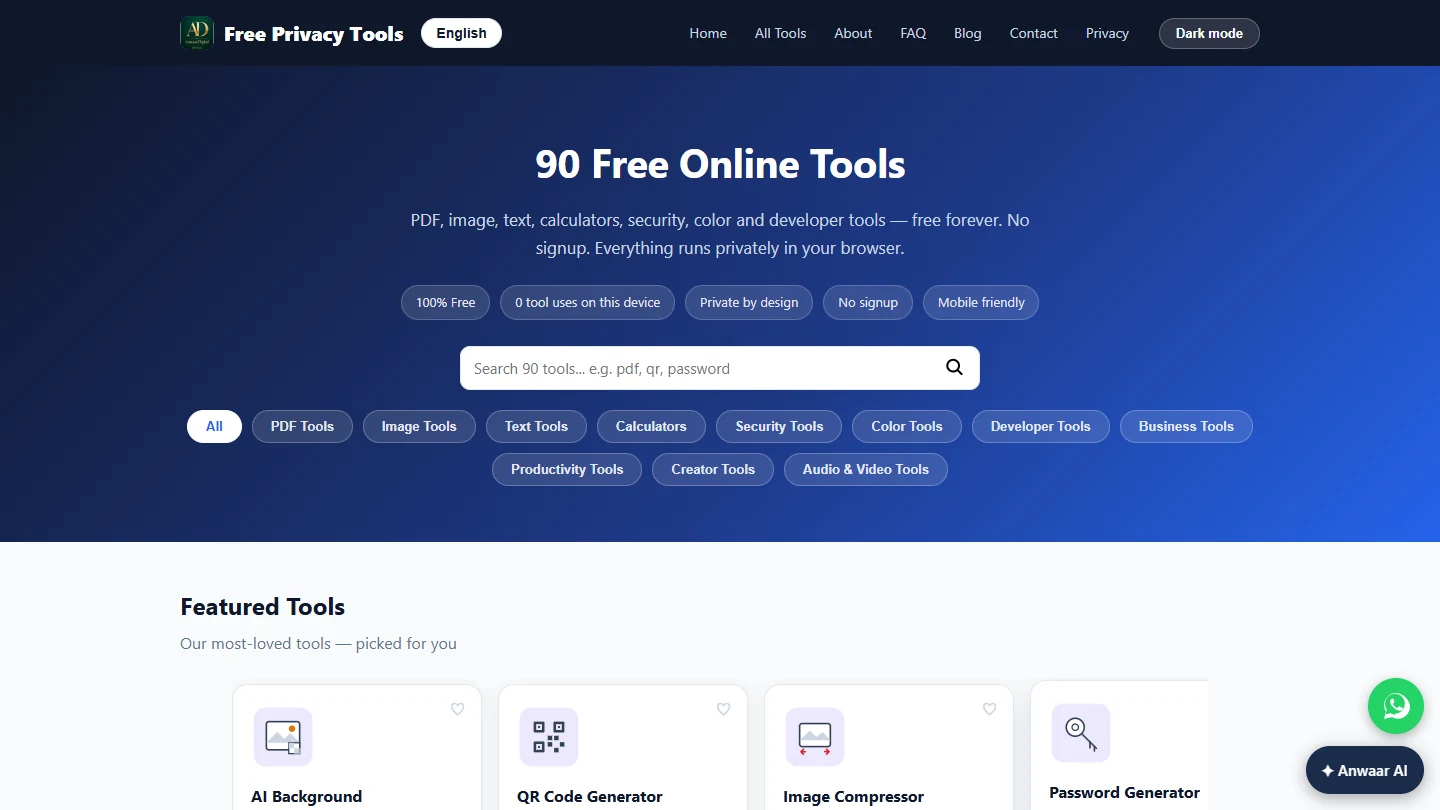
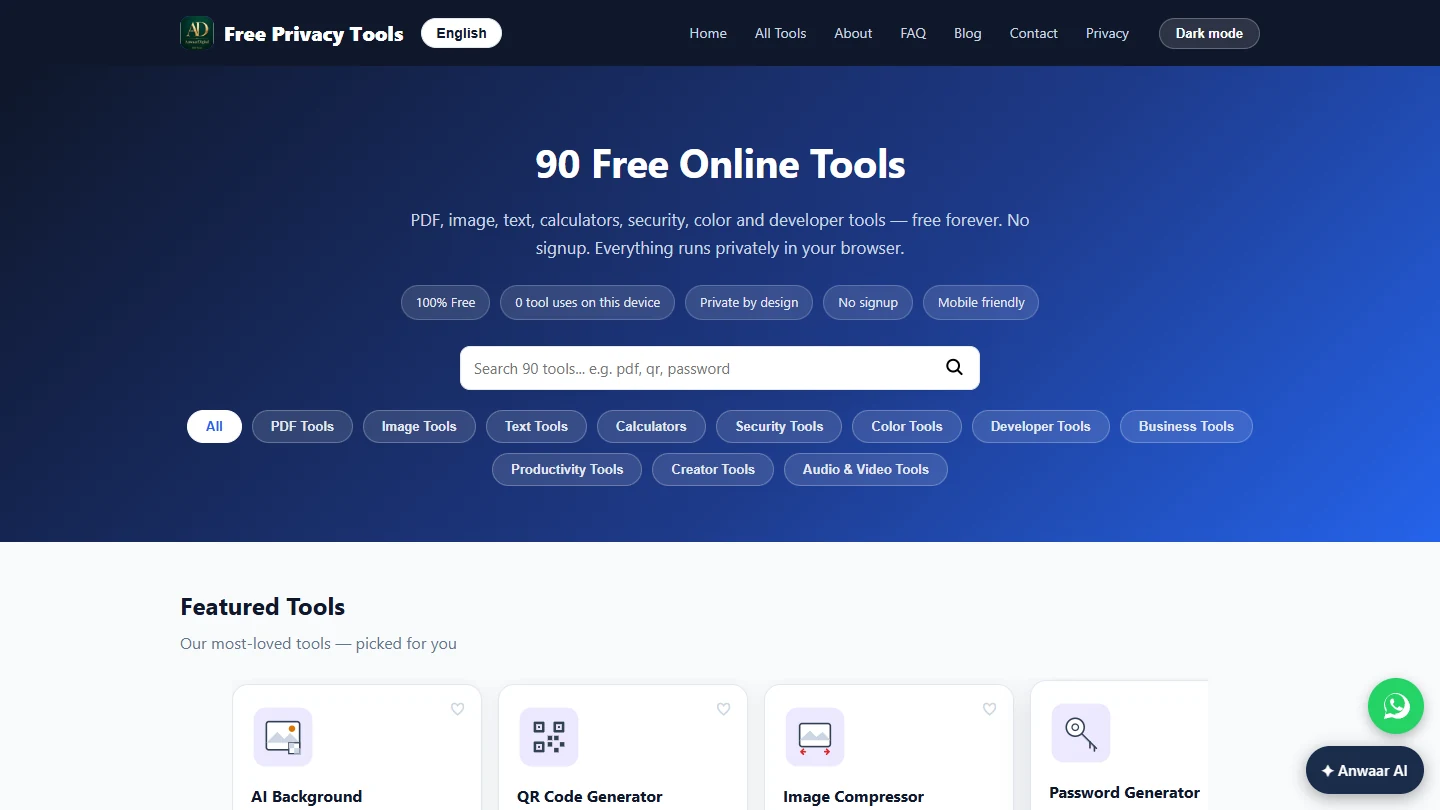
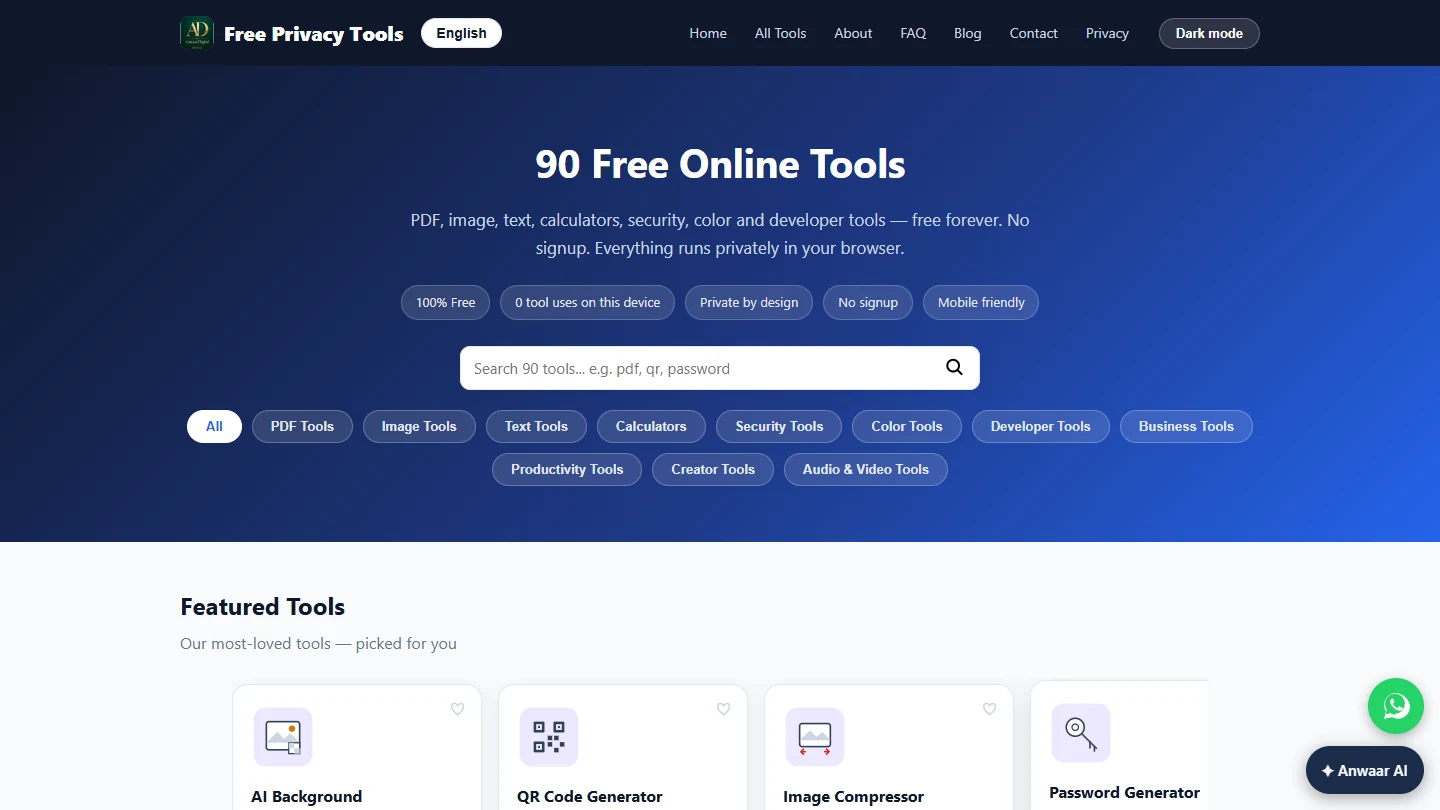
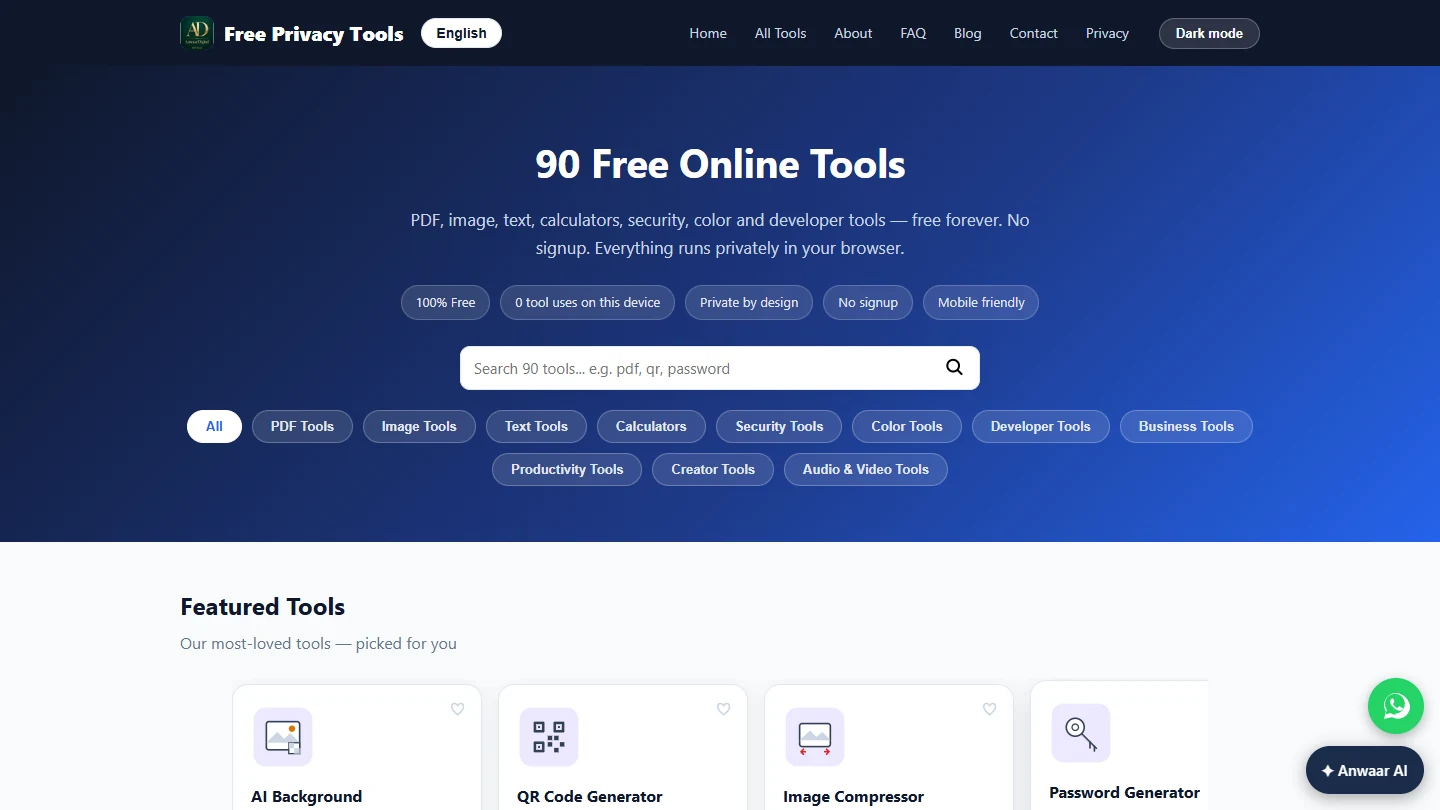
- Free Privacy Tools by Anwaar Digital: the full list of 90 tools by category, including eight PDF tools.
- Word to PDF: reads modern .docx files only, shows a preview, Download PDF; complex layouts, unusual fonts and tracked changes may shift.
- PDF Merger: select two or more PDFs in the order you want them merged (no drag-to-reorder), Merge PDFs, downloads as merged.pdf, processed locally.
- PDF Compressor: Compress PDF, reports the bytes and percent saved, downloads as compressed.pdf; password-protected PDFs must be unlocked first.
Try it yourself, free
Reading the steps is a start. Doing them is how it sticks. The interactive module walks you through every click in a practice copy of Anwaar Digital, checks each step, and never touches your real accounts.
Start “Anwaar Digital: Send a New Hire One Small Onboarding PDF Instead of Five Attachments”Step by step: Anwaar Digital: Send a New Hire One Small Onboarding PDF Instead of Five Attachments
All 5 steps of the interactive module, in order. In the module you watch each one, then do it yourself in a practice copy that checks your work.
1. One file, in order
- Convert the welcome letter. You are Keisha, HR coordinator at Brightwater Dental Group, a made-up six-office dental group. Offers go out with five attachments, and new hires miss the handbook page. In Word to PDF, the welcome letter (.docx) is selected. Check the preview, then click Download PDF.
You are Keisha, HR coordinator at Brightwater Dental Group. New hires get five attachments and miss the important one. Convert the welcome letter: click Download PDF.
- Open PDF Merger. Click PDF Merger. The page says files merge in the order you select them, and there is no drag-to-reorder, so pick them in reading order.
Files merge in the order you select them.
- Merge the packet. The four PDFs are selected in order: welcome letter, first-day schedule, benefits summary, handbook acknowledgment. Click Merge PDFs. It downloads as merged.pdf, and at 11.5 MB it is too big for many email systems.
The files are in reading order. The result is too big to email.
2. Small enough to email
- Open PDF Compressor. Click PDF Compressor.
- Compress it, then try it with your own packet. merged.pdf is selected. Click Compress PDF. The tool reports the savings and downloads compressed.pdf; rename it for the new hire and open it once before you send. This lesson was built from the site's public pages, not with real files, and the pages say processing stays in your browser, but follow your own policy for employee data.
Frequently asked questions
- How do I merge PDFs in a specific order for free?
- In PDF Merger on Free Privacy Tools by Anwaar Digital, select the files in the order you want them merged; there is no drag-to-reorder step, so clear and reselect to change the order. Click Merge PDFs and it downloads merged.pdf.
- Are my files uploaded?
- The tool pages say processing happens locally in your browser and files are never uploaded; the PDF engine loads once from a CDN. Still follow your company's policy for personal data.
- Why didn't my PDF get smaller?
- The PDF Compressor page says PDFs already saved with object streams by modern exporters may show little or no further saving, and password-protected PDFs must be unlocked first.
- Was this lesson tested with real files?
- No. It is a free starter lesson built from the site's public pages. The practice frame is generic and the file sizes are examples; check the labels on your own screen.
More in AI Automation for Recruiting & HR
 Strawberry: Check Minimum-Wage Rules Every Monday and Approve Every Change
Build a Strawberry routine that checks the U.S. Department of Labor minimum-wage page for your states every Monday, and stops at an approval card before it saves a…
Free · Live ~8 min Beginner
◷How to Use DeepL Translator on a Word Document and Keep Its FormattingTranslate a client's Word policy into Spanish with DeepL file translation, keep its headings and table, set a formal tone, then polish the English cover email with…
Free · Live ~5 min Beginner
 Score Every Candidate Fairly After the Interview using ChatGPT
Turn the transcript of an interview panel's debrief into a scorecard against the role's must-haves, the decisions, action items with owners and dates, and a follow-up…
Free · Live ~7 min Beginner
 Write a Fair, Job-Related Job Posting with ChatGPT's Interview Prompt
Ask ChatGPT for a front desk lead posting the quick way, then let it interview you: true must-haves only, a real pay range, the work described instead of a personality…
Free · Live ~7 min Beginner
 Collect Job Applications in Google Sheets with an n8n Form and a Careers-Page Webhook
Stop losing applicants between job boards and your careers page. An n8n form plus a careers-page webhook put every application in one Google Sheet.
Free · Live ~12 min Advanced
◷Keep Top Candidates Warm with Honest Status Replies using ChatGPTYour best candidate has another offer and wants to know if she got the job, if you'll match her pay and when she can start. Give ChatGPT the thread and the hiring…
Free · Live ~9 min Beginner
All 20 modules in AI Automation for Recruiting & HR
More Anwaar Digital tutorials
One flyer, three formats, no design software and no uploads. Make a registration QR code, resize the flyer for Instagram and shrink the PDF for email with the free…
Free · Live ~7 min Beginner
 Anwaar Digital: Pull the Signature Pages Out of a 12-Page Lease for Real Estate
Send a new tenant only the three pages they must sign, and put the rent, deposit and notice terms in the email, with PDF Splitter and PDF to Text. Free, no sign-up…
Free · Live ~5 min Beginner
 Anwaar Digital: Get a Listing Photo Website-Ready (Resize, Watermark, Compress) for Real Estate
Turn a 5.6 MB phone photo into a 142 KB, branded, website-sized listing photo with three free browser tools: Image Resizer, Watermark Adder and Image Compressor. No…
Free · Live ~7 min Beginner
 Anwaar Digital: Clean a Messy Volunteer Email List Before You Import It for Marketing
Trim stray spaces, lowercase every address and remove duplicate sign-ups before the list goes into your email tool, then check a text reminder fits in one message. Four…
Free · Live ~6 min Beginner
 Anwaar Digital: Check a Suspicious Payroll Link, Then Replace a Weak Shared Password for Operations
A "your payroll password expires today" email lands at the front desk. Check the link without opening it, score the shared password, and generate a strong replacement…
Free · Live ~6 min Beginner
 Anwaar Digital: Send a Client One Small, Signed Engagement Packet for Consulting & Agencies
Turn a client's 3.3 MB phone photo of a signed page into one small PDF packet, letter, scope and signature in order, with Image Compressor, Images to PDF and PDF…
Free · Live ~7 min Beginner
Terms in this lesson
Plain-English definitions, each with an example from a free lesson.