Updated . Built against the tool’s current screens and checked step by step. How we check this lesson
Trim stray spaces, lowercase every address and remove duplicate sign-ups before the list goes into your email tool, then check a text reminder fits in one message. Four free browser tools, no sign-up.
At a glance
| Question | Answer |
|---|---|
| What you build | Trim stray spaces, lowercase every address and remove duplicate sign-ups before the list goes into your email tool, then check a text reminder fits in one message. Four free browser tools, no sign-up. |
| Tools | Anwaar Digital |
| Time | About 6 minutes, 15 steps in 4 parts |
| Level | Beginner, no coding needed |
| Cost | Free |
| Ways to learn it | Practice it step by step |
The 4 parts, in short
- Strip the stray spaces: Find the whitespace tool, Open Whitespace Remover, Paste the raw list, Clean it up, and 1 more step.
- Make every address lowercase: Open Text Case Converter, Paste the trimmed list, Make it lowercase, Copy the result.
- Remove the duplicates: Open Remove Duplicate Lines, Paste the lowercase list, Remove the duplicates, Seven people, once each.
- Check the text reminder: Check the text reminder, Paste the reminder.
Start here first: Build an n8n AI Agent That Plans Your Content Calendar (module 1 of AI Automation for Marketing)
Part of: AI for Marketing Teams (step 52 of 52)
Part of: AI Apps Worth Knowing (step 162 of 164). Next up: Anwaar Digital: Check a Suspicious Payroll Link, Then Replace a Weak Shared Password for Operations
What you'll build
You coordinate volunteers at Riverside Community Food Bank, a made-up food bank with about 200 regular volunteers. Sign-ups for the December food drive came in from a paper sheet, the web form and email replies, and pasted together they are a mess: stray spaces, capitals, and some people twice. In this lesson you clean the list with three free tools on Free Privacy Tools by Anwaar Digital (Whitespace Remover, Text Case Converter and Remove Duplicate Lines), then check the text-message reminder with Character Counter. The screens are real, captured while doing it with a made-up list.
You trimmed the list with Clean Up, lowercased every address, and removed duplicates: 7 volunteers from 13 lines, ready to import. Then you checked the reminder: 143 characters, so it goes out as one text. Next time, run the same three tools on every list before an import, and keep names and addresses in separate columns so the lowercase step only touches the addresses.
- Tools: Anwaar Digital
- Time: about 6 minutes, 15 steps in 4 chapters
- Level: beginner, no coding needed
- Price: free
Practice first, then build it for real
Practice copy built from real Free Privacy Tools screens (freetools.anwaardigital.com), captured 14 November 2026 while cleaning a made-up list of 13 sign-ups. Nothing here touches your files. Riverside Community Food Bank and the volunteers are made up. To build it for real you need your own Anwaar Digital account, and some services charge once you use them for real work, so check each tool's current pricing.
Try it yourself, free
Reading the steps is a start. Doing them is how it sticks. The interactive module walks you through every click in a practice copy of Anwaar Digital, checks each step, and never touches your real accounts.
Start “Anwaar Digital: Clean a Messy Volunteer Email List Before You Import It for Marketing”Step by step: Anwaar Digital: Clean a Messy Volunteer Email List Before You Import It for Marketing
All 15 steps of the interactive module, in order. In the module you watch each one, then do it yourself in a practice copy that checks your work.
1. Strip the stray spaces
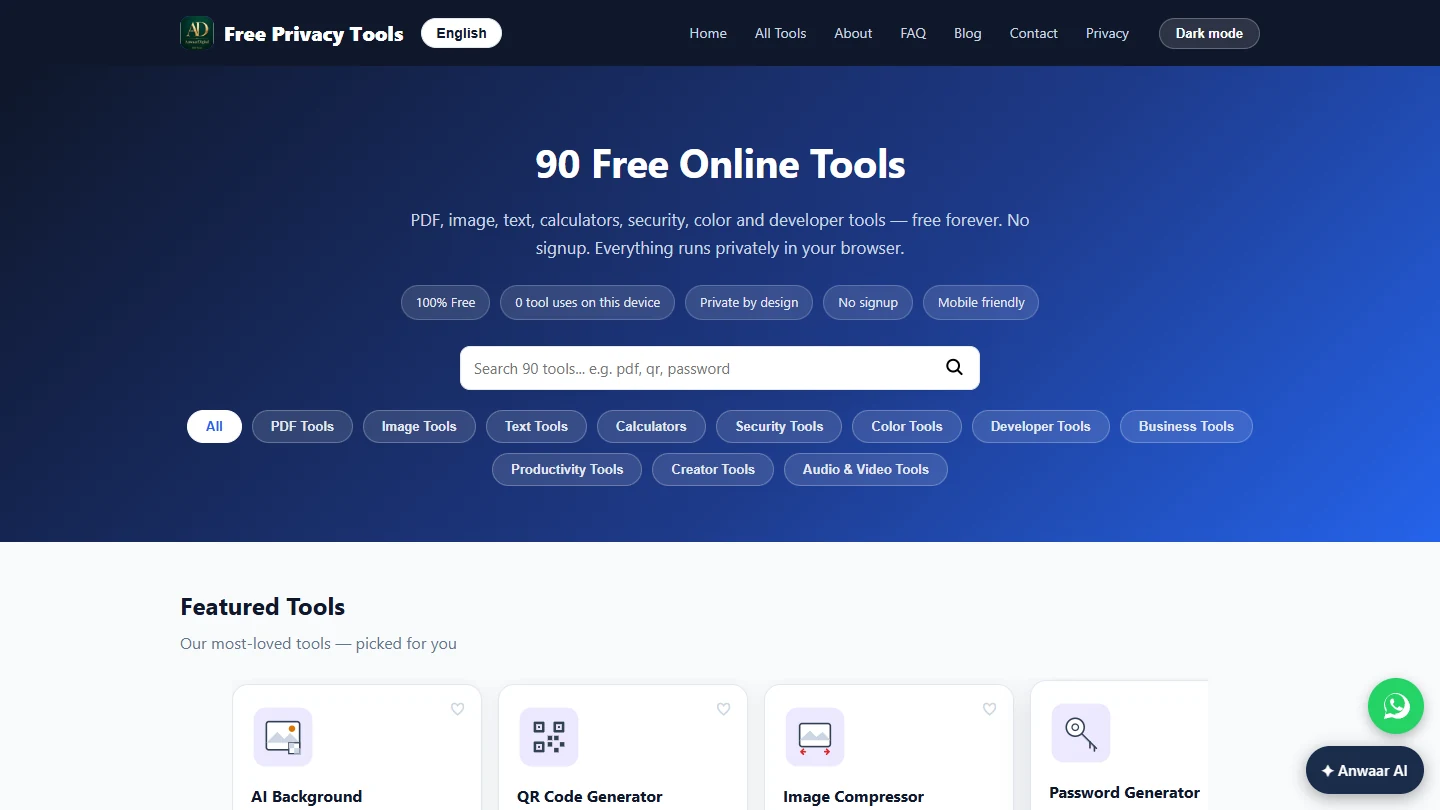
- Find the whitespace tool. You coordinate volunteers at Riverside Community Food Bank (made up). Sign-ups for the December food drive came from a paper sheet, the web form and email replies, and you pasted them into one list. Last year a list like this sent two welcome emails to some people and none to others, and the import tool rejected addresses with a stray space. Today you clean the list before it goes into your email tool. Type whitespace in the search box.
A messy sign-up list means double emails and rejected addresses. Clean it first.
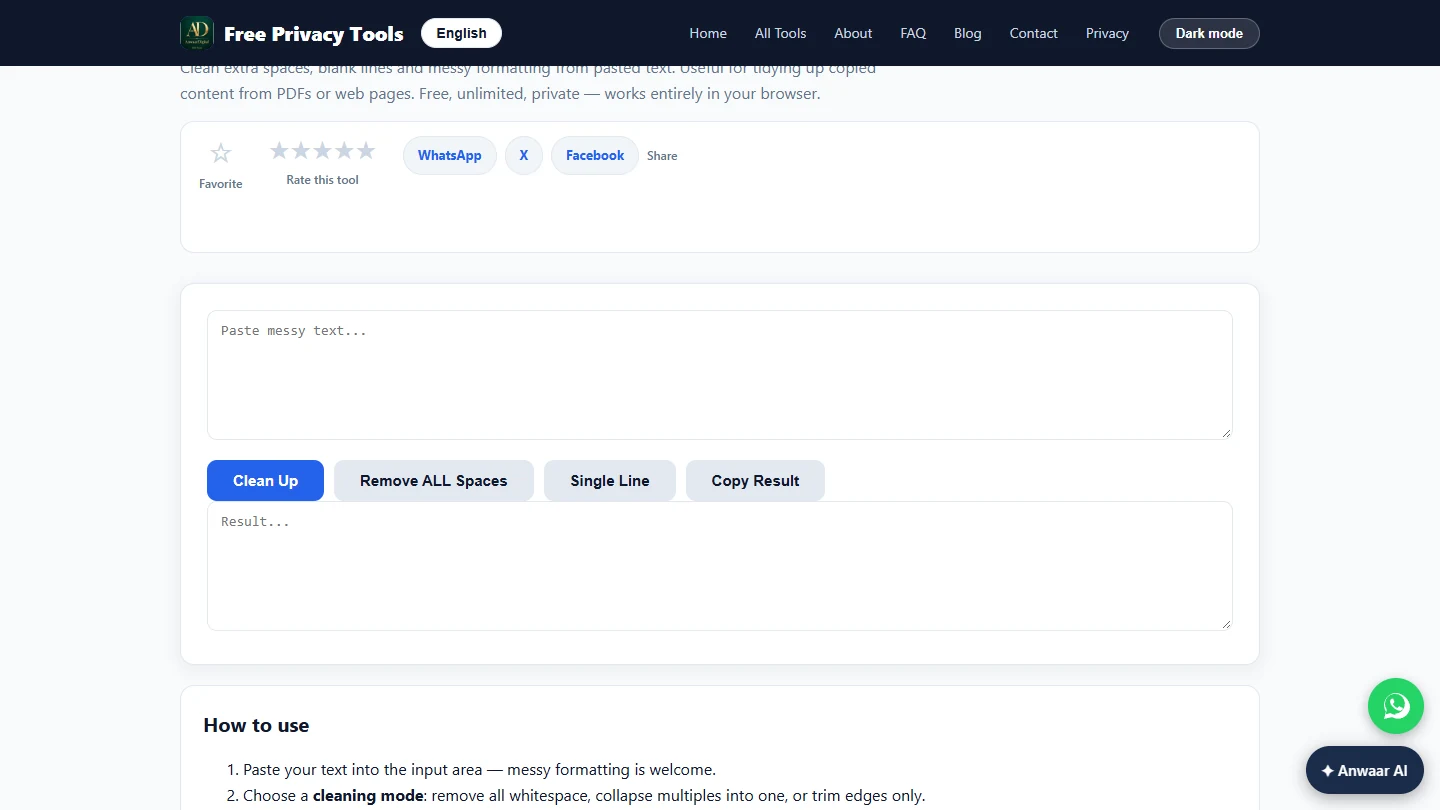
- Open Whitespace Remover. Click the Whitespace Remover card.
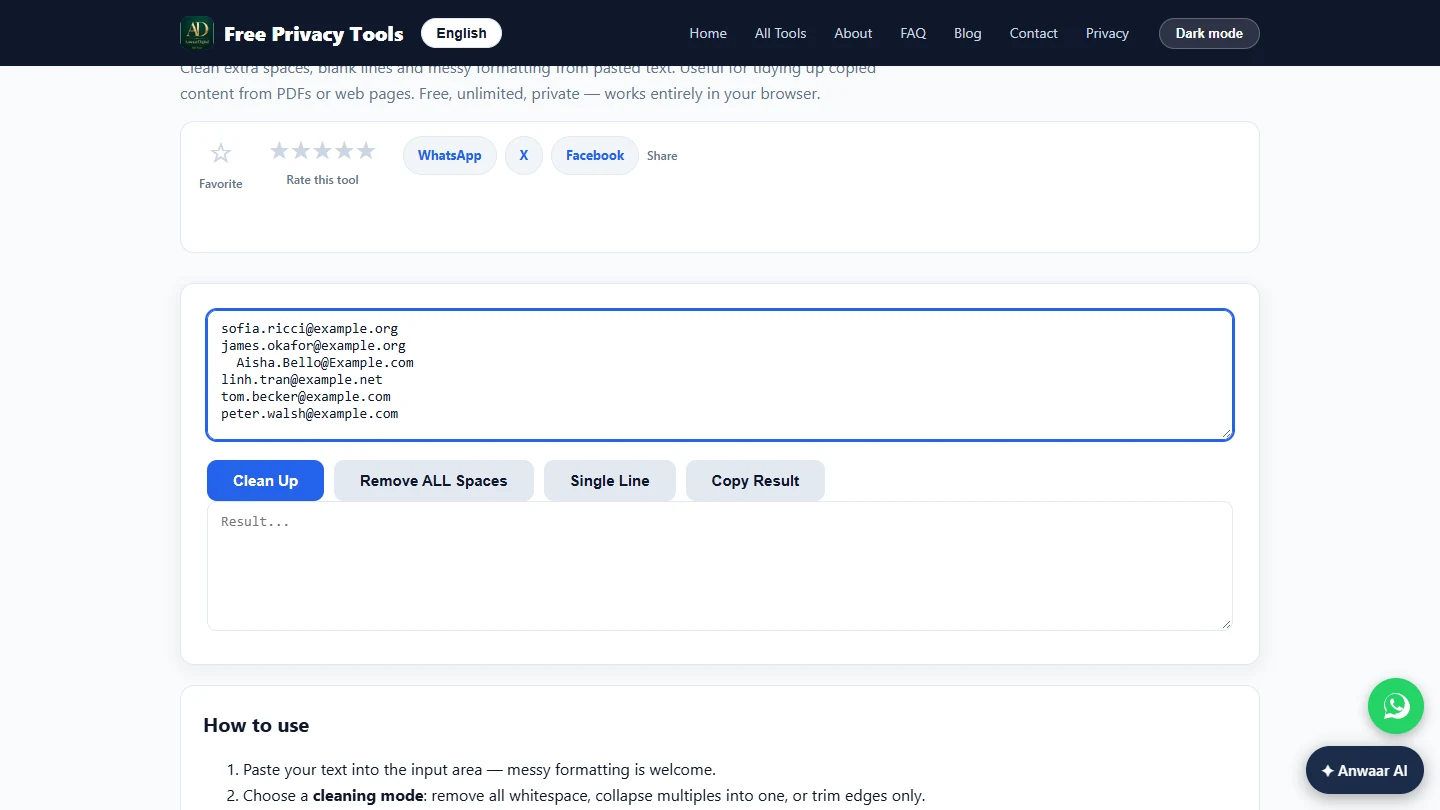
- Paste the raw list. Paste the 13 sign-ups into the top box, as they came: spaces before and after some addresses, blank lines, mixed capitals.
  maria.gonzalez@example.org
James.Okafor@Example.org

  linh.tran@example.net
MARIA.GONZALEZ@EXAMPLE.ORG
   peter.walsh@example.com


sofia.ricci@example.org
james.okafor@example.org
  Aisha.Bello@Example.com
linh.tran@example.net
tom.becker@example.com
peter.walsh@example.com
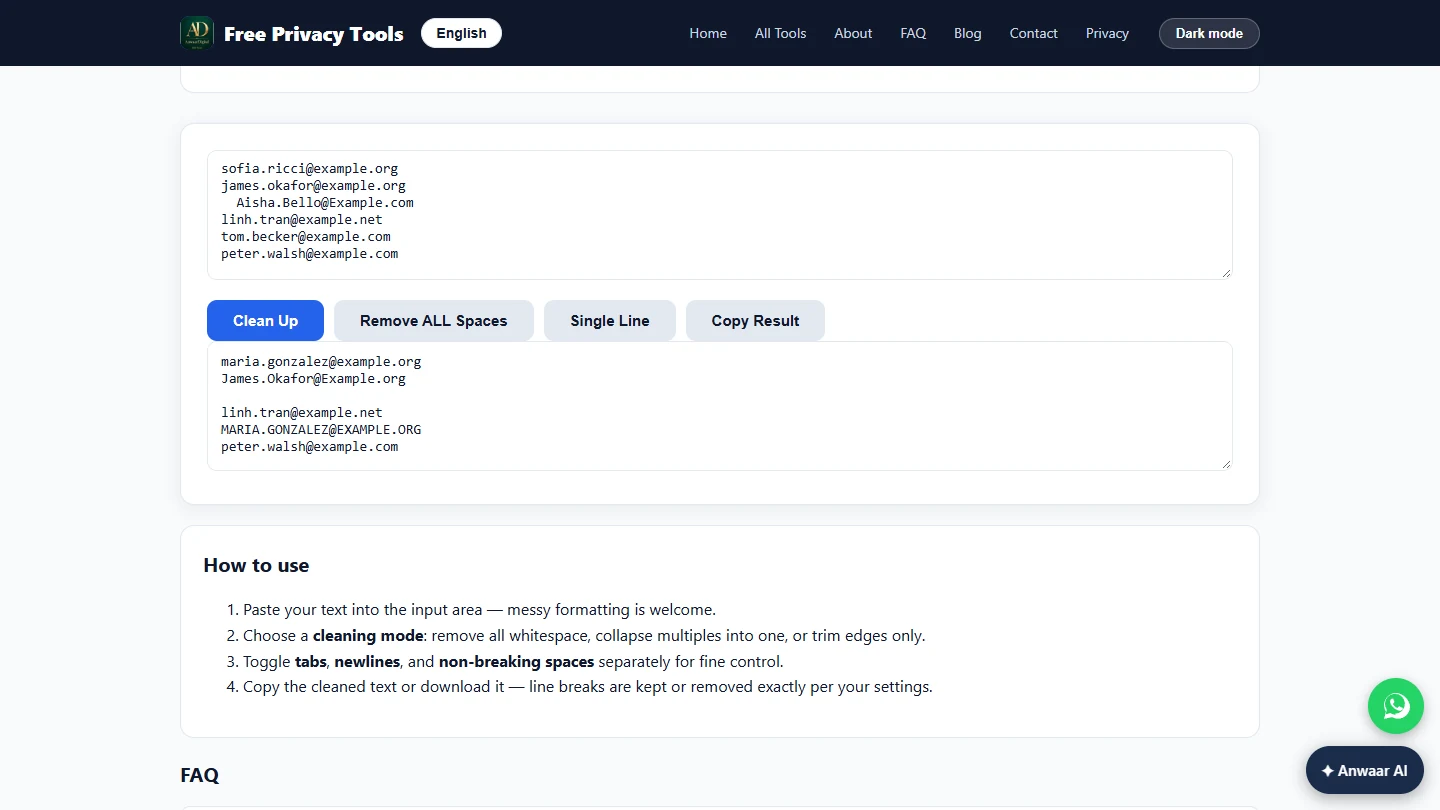
- Clean it up. Click Clean Up. It trims the spaces at both ends of each line and cuts runs of blank lines down to one. (Remove ALL Spaces and Single Line are for other jobs: they would glue the list into one line.)
It trims each line and cuts extra blank lines.
- Copy the result. The bottom box has the trimmed list. Two single blank lines are still there; the next tools deal with them. Click Copy Result.
The spaces are gone.
2. Make every address lowercase
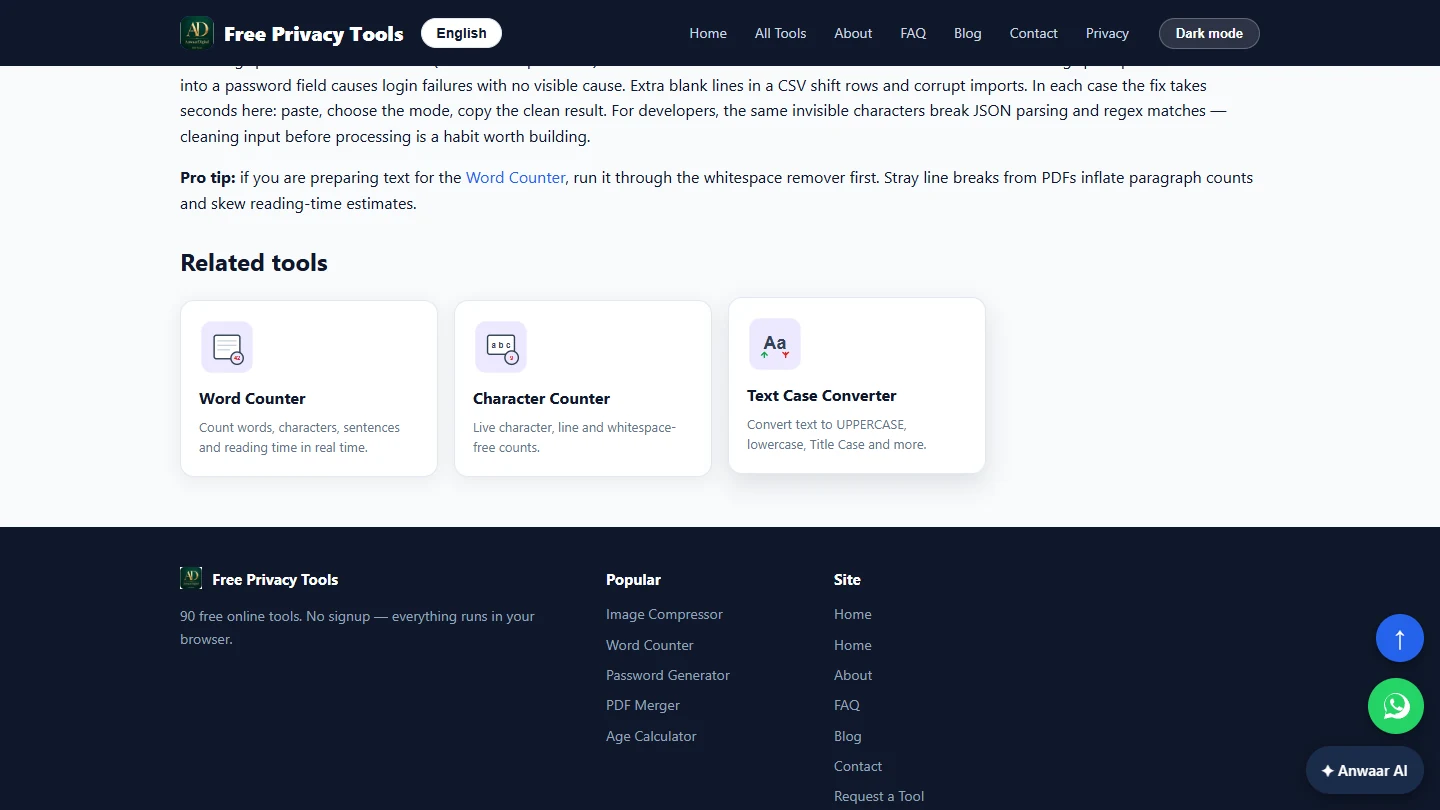
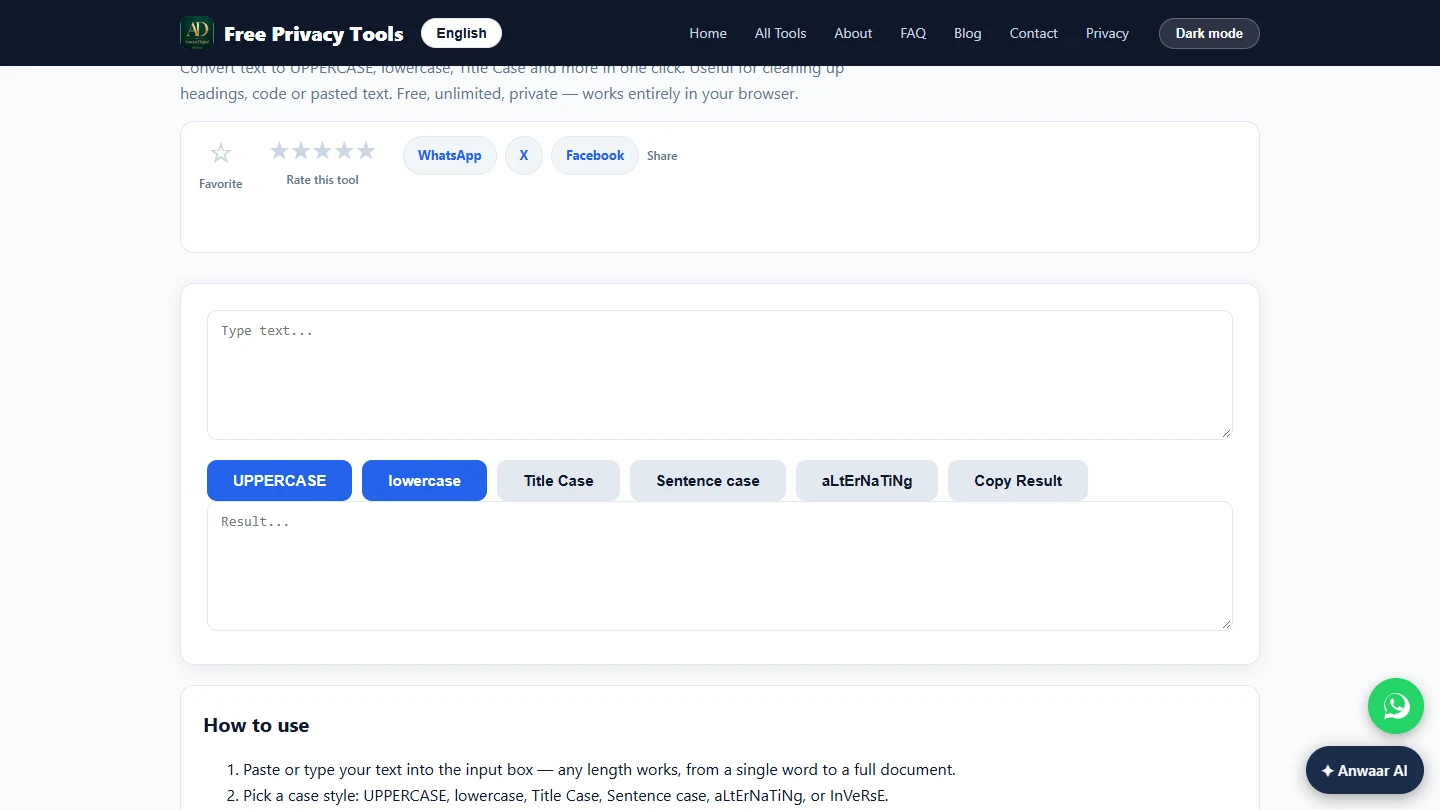
- Open Text Case Converter. The list still has MARIA.GONZALEZ@EXAMPLE.ORG and maria.gonzalez@example.org: the same person, but most tools see two different lines. Scroll down to Related tools and click Text Case Converter.
The same person appears in capitals and in lowercase. In Related tools, click Text Case Converter.
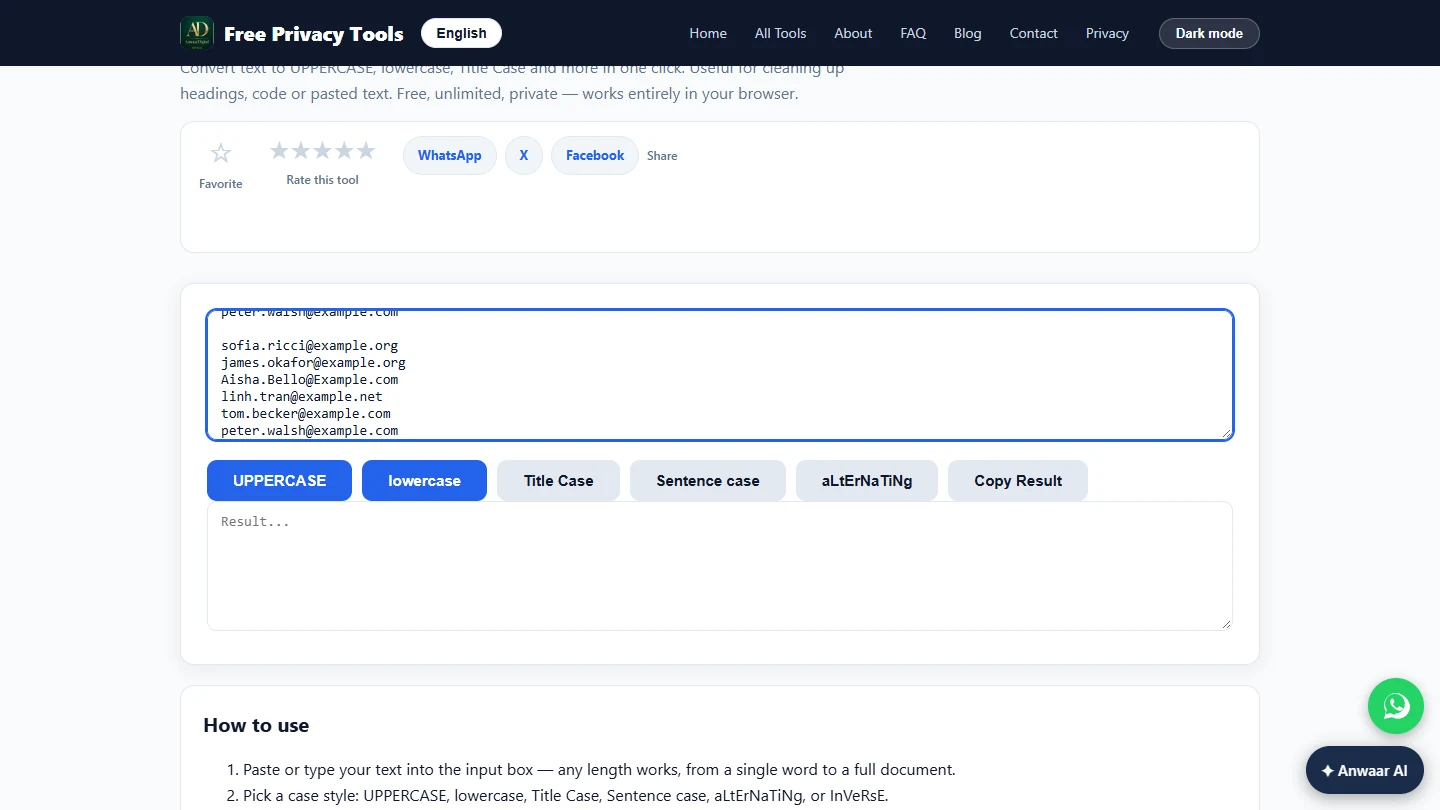
- Paste the trimmed list. Paste the trimmed list into the top box.
maria.gonzalez@example.org
James.Okafor@Example.org

linh.tran@example.net
MARIA.GONZALEZ@EXAMPLE.ORG
peter.walsh@example.com

sofia.ricci@example.org
james.okafor@example.org
Aisha.Bello@Example.com
linh.tran@example.net
tom.becker@example.com
peter.walsh@example.com
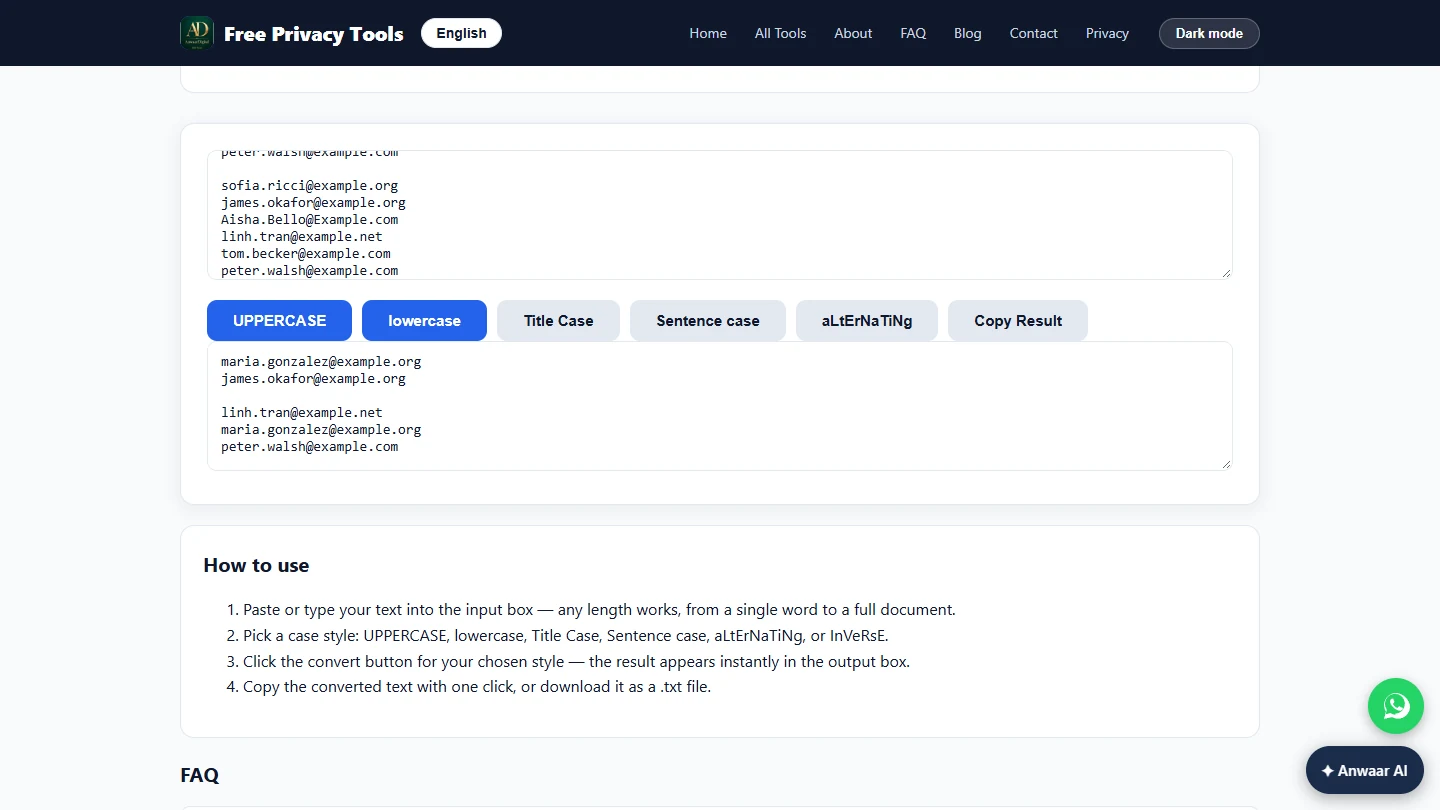
- Make it lowercase. Email addresses are not case-sensitive in practice, so lowercase is safe and makes duplicates match. Click lowercase. Do not use this on a list of names, or "Aisha Bello" becomes "aisha bello".
Email addresses are safe in lowercase. Never do this to a list of names.
- Copy the result. Every address is now lowercase. Click Copy Result.
3. Remove the duplicates
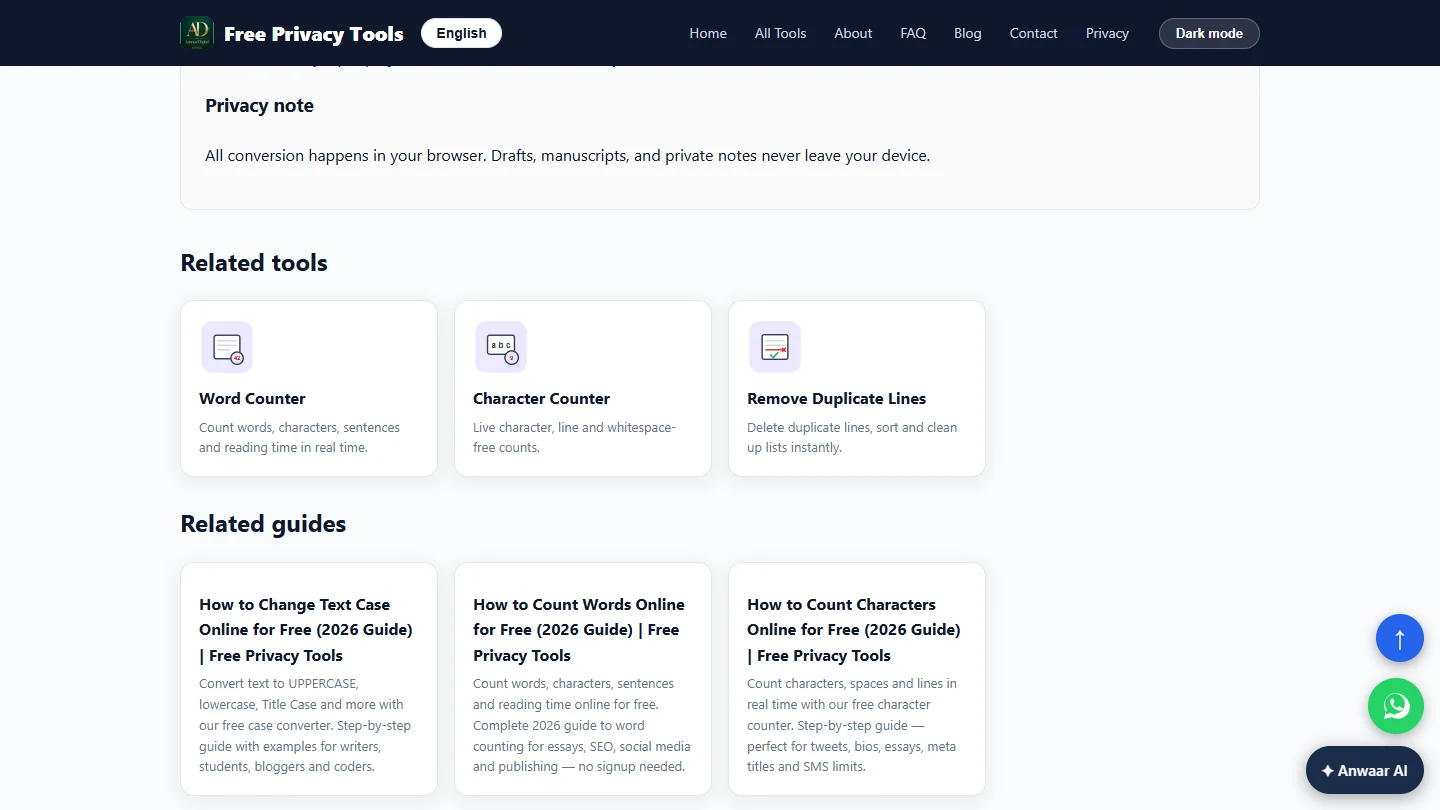
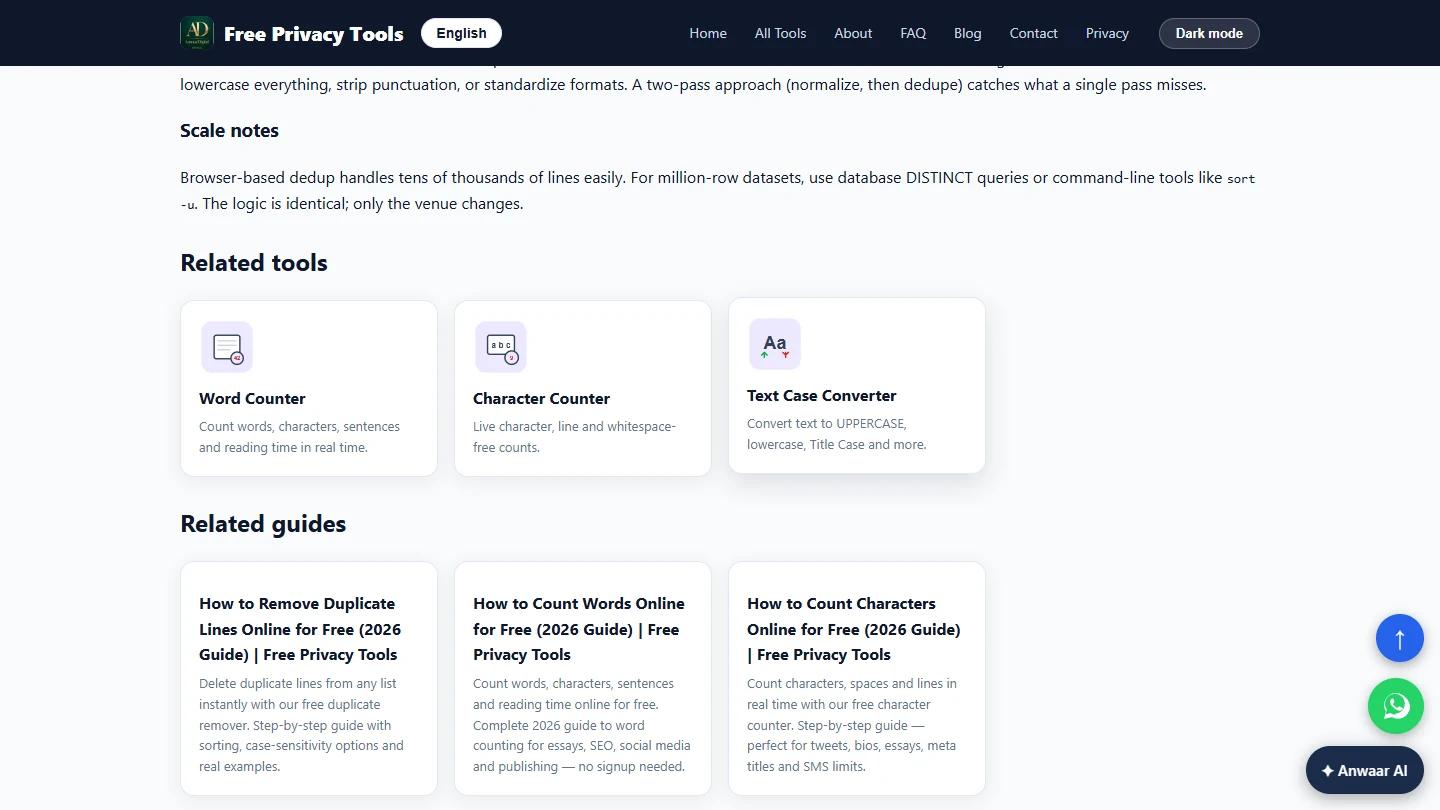
- Open Remove Duplicate Lines. Scroll down to Related tools and click Remove Duplicate Lines.
In Related tools, click Remove Duplicate Lines.
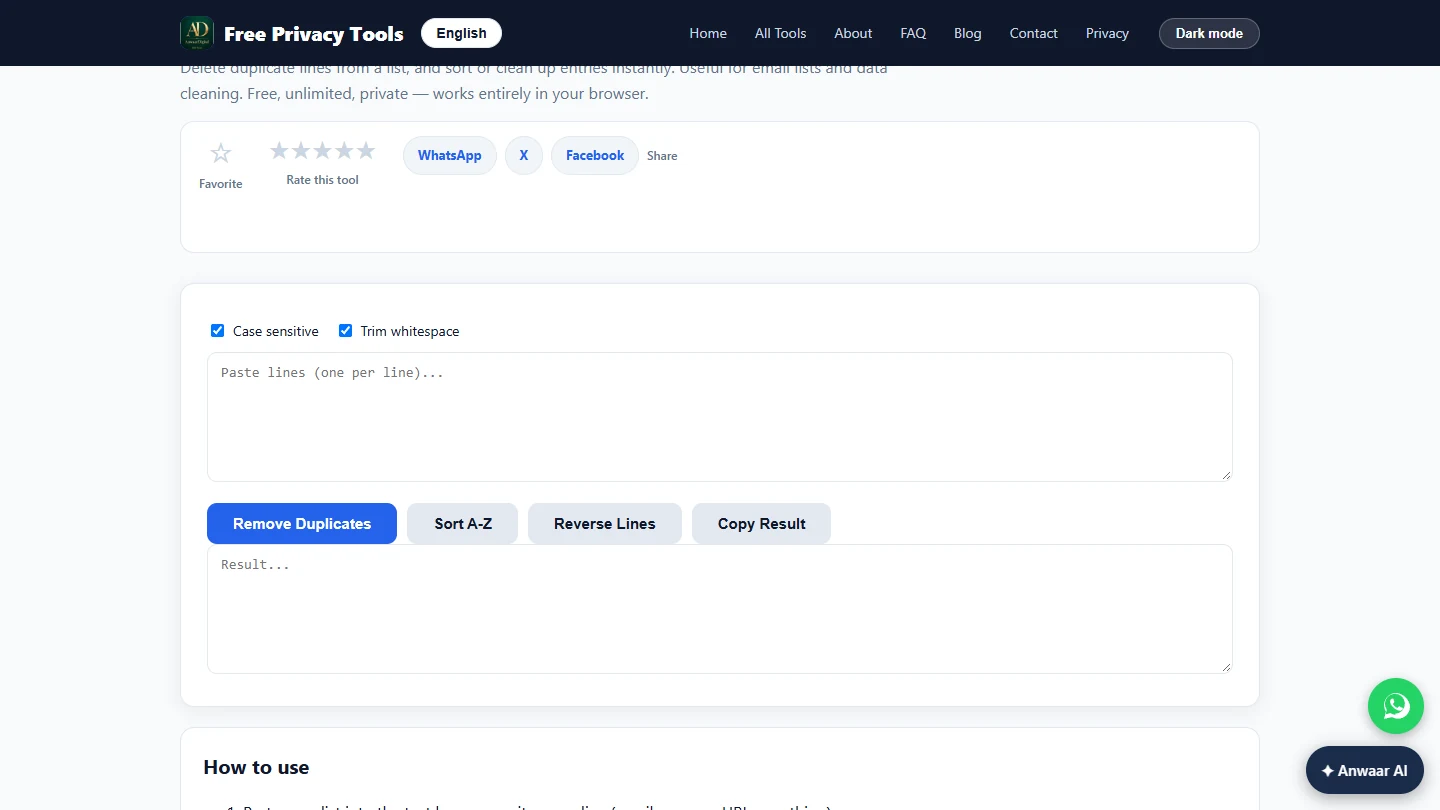
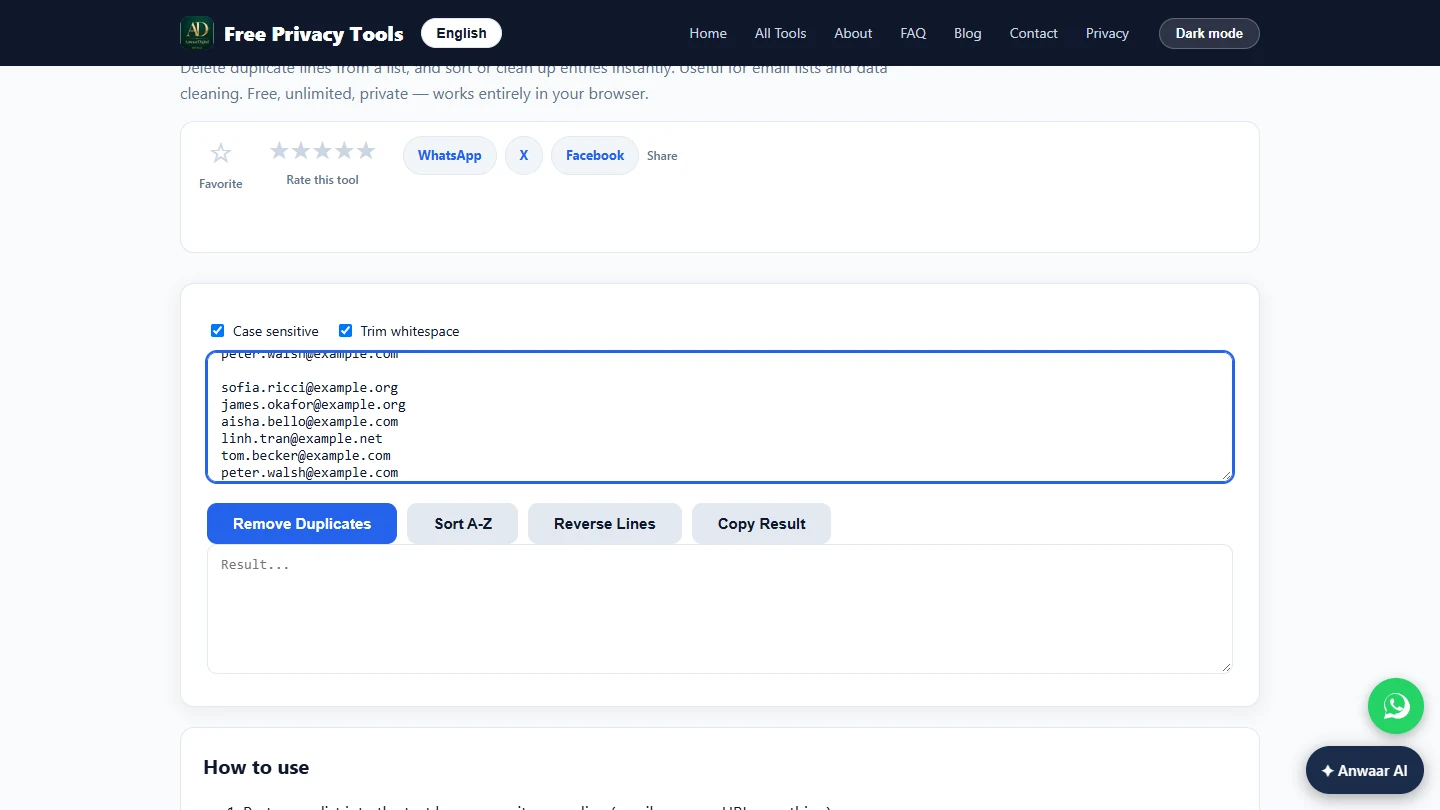
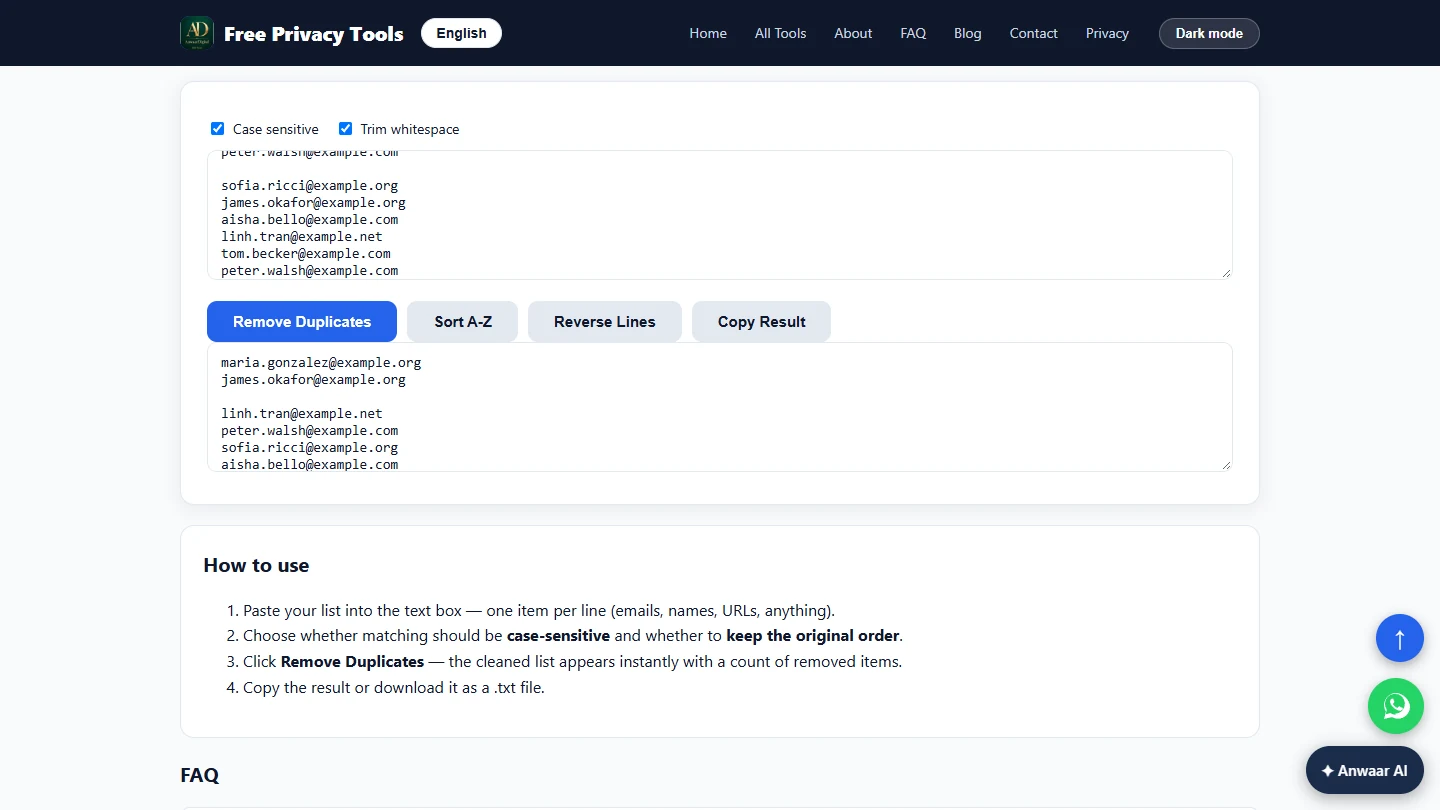
- Paste the lowercase list. Case sensitive and Trim whitespace are both ticked. Because the list is already lowercase and trimmed, either setting works. Paste the lowercase list into the top box.
Both boxes are ticked.
maria.gonzalez@example.org
james.okafor@example.org

linh.tran@example.net
maria.gonzalez@example.org
peter.walsh@example.com

sofia.ricci@example.org
james.okafor@example.org
aisha.bello@example.com
linh.tran@example.net
tom.becker@example.com
peter.walsh@example.com
- Remove the duplicates. Click Remove Duplicates. Leave Sort A-Z alone: in our test it sorted the original list again, duplicates included, instead of the cleaned result.
Skip Sort, it sorts the original list again.
- Seven people, once each. The result keeps the first time each line appears: 7 volunteers, from 13 lines. Maria, James, Linh and Peter each signed up twice. One blank line is left near the top; delete it, or let your email tool skip it. Click Copy Result and paste the list into your email tool's import.
Thirteen lines became seven volunteers. Delete the one blank line, then click Copy Result.
4. Check the text reminder
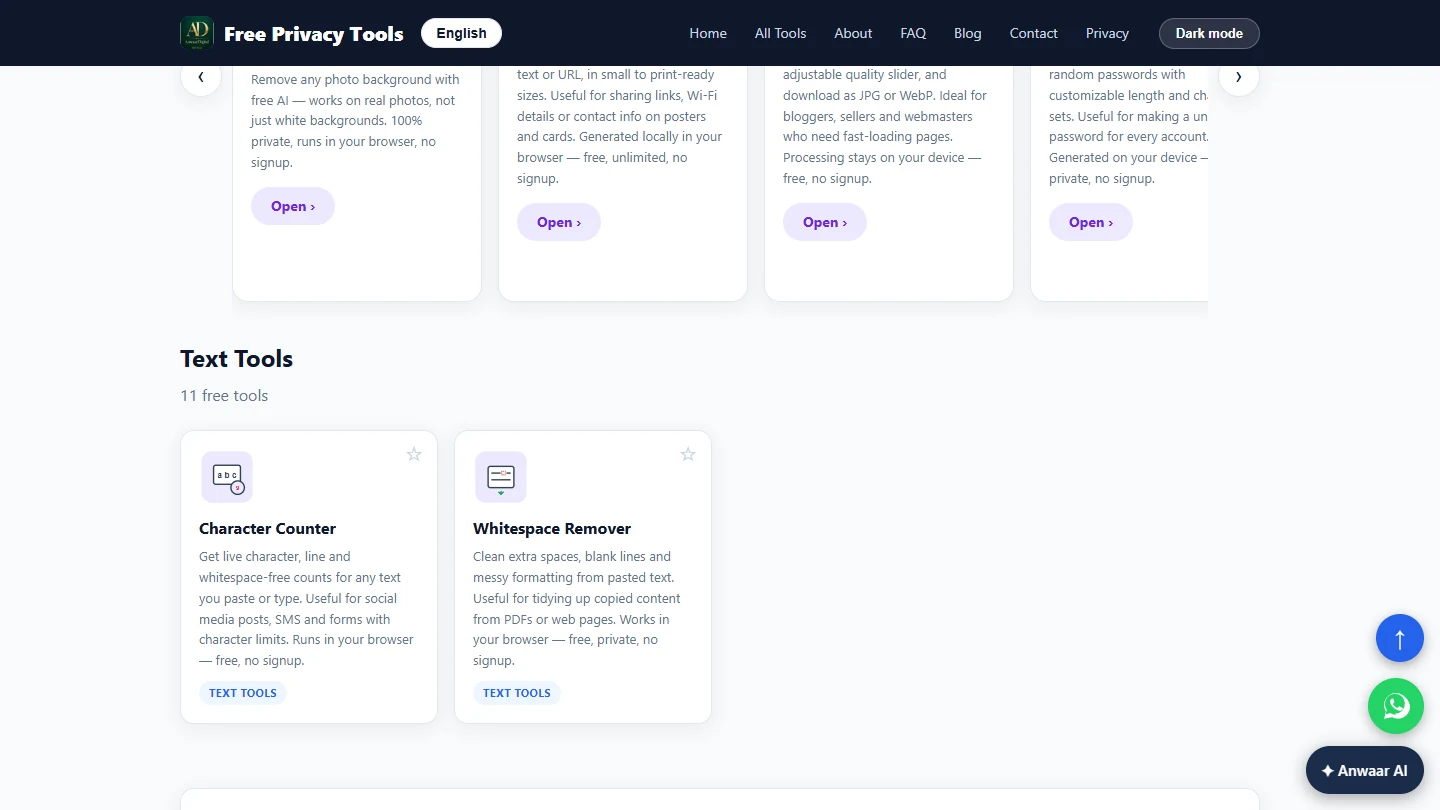
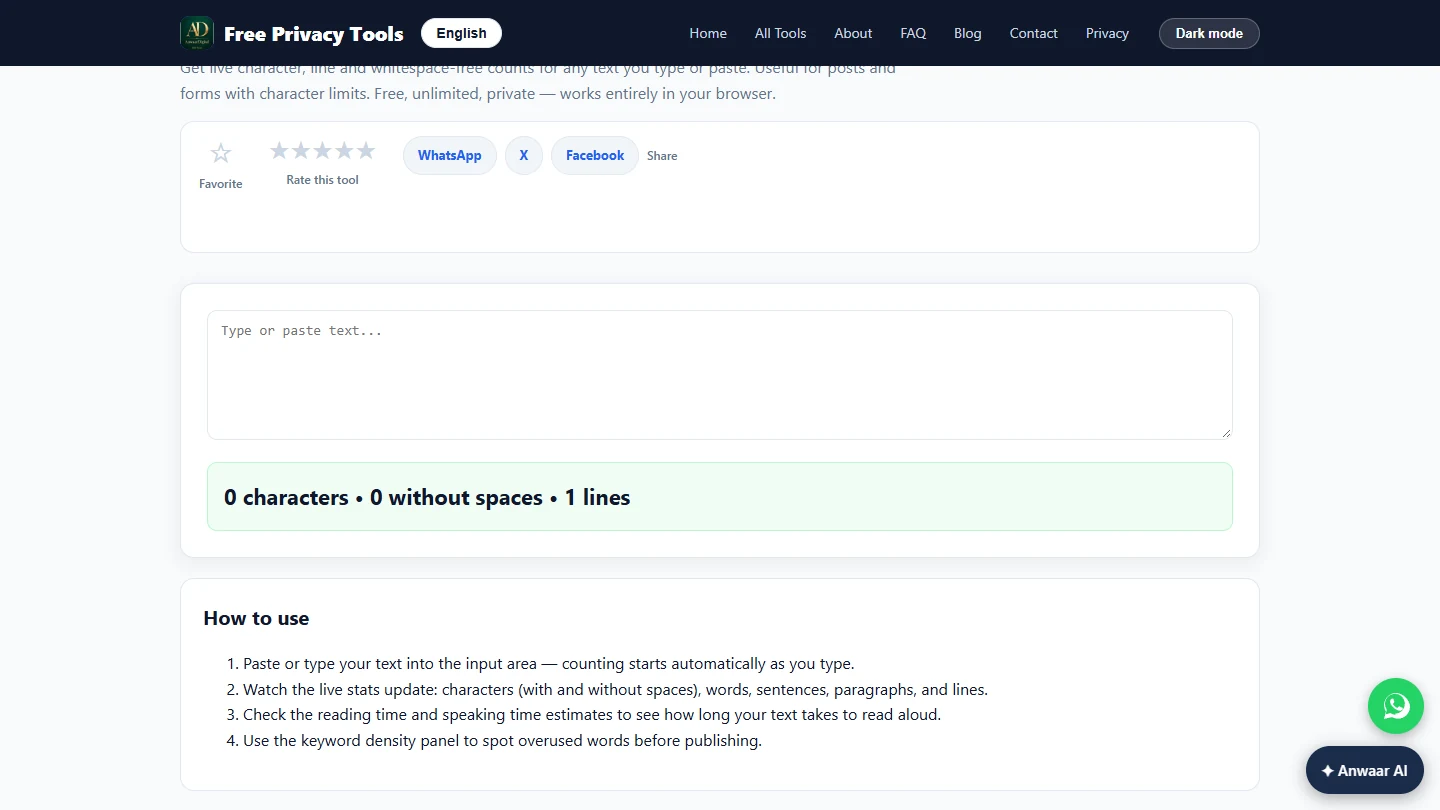
- Check the text reminder. You also text volunteers a reminder, and one text message holds 160 characters. Longer texts are split into two and can arrive out of order. Scroll down to Related tools and click Character Counter.
One text message holds a hundred and sixty characters. In Related tools, click Character Counter.
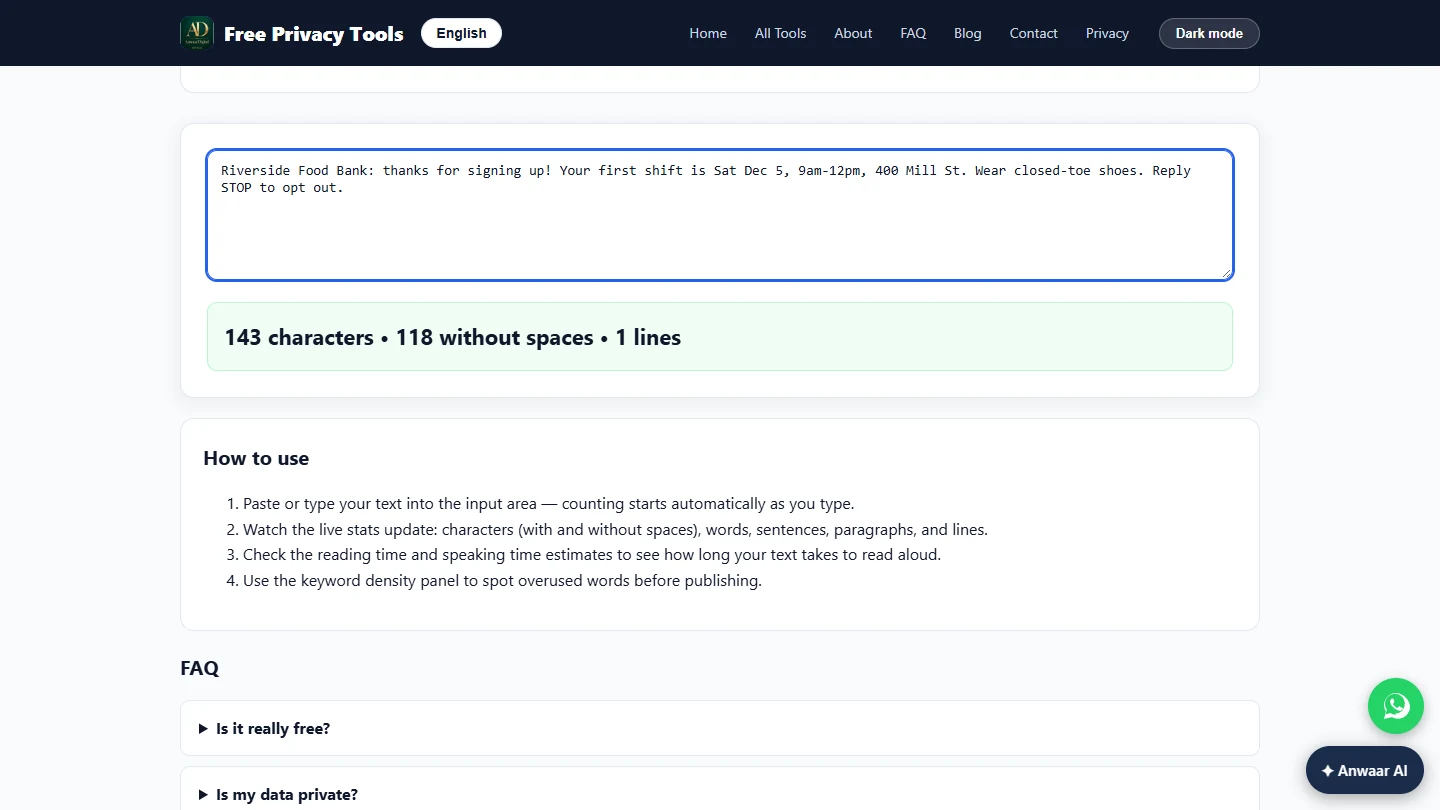
- Paste the reminder. Paste the reminder text. The count updates as you type.
Riverside Food Bank: thanks for signing up! Your first shift is Sat Dec 5, 9am-12pm, 400 Mill St. Wear closed-toe shoes. Reply STOP to opt out.
Screenshots
More in AI Automation for Marketing
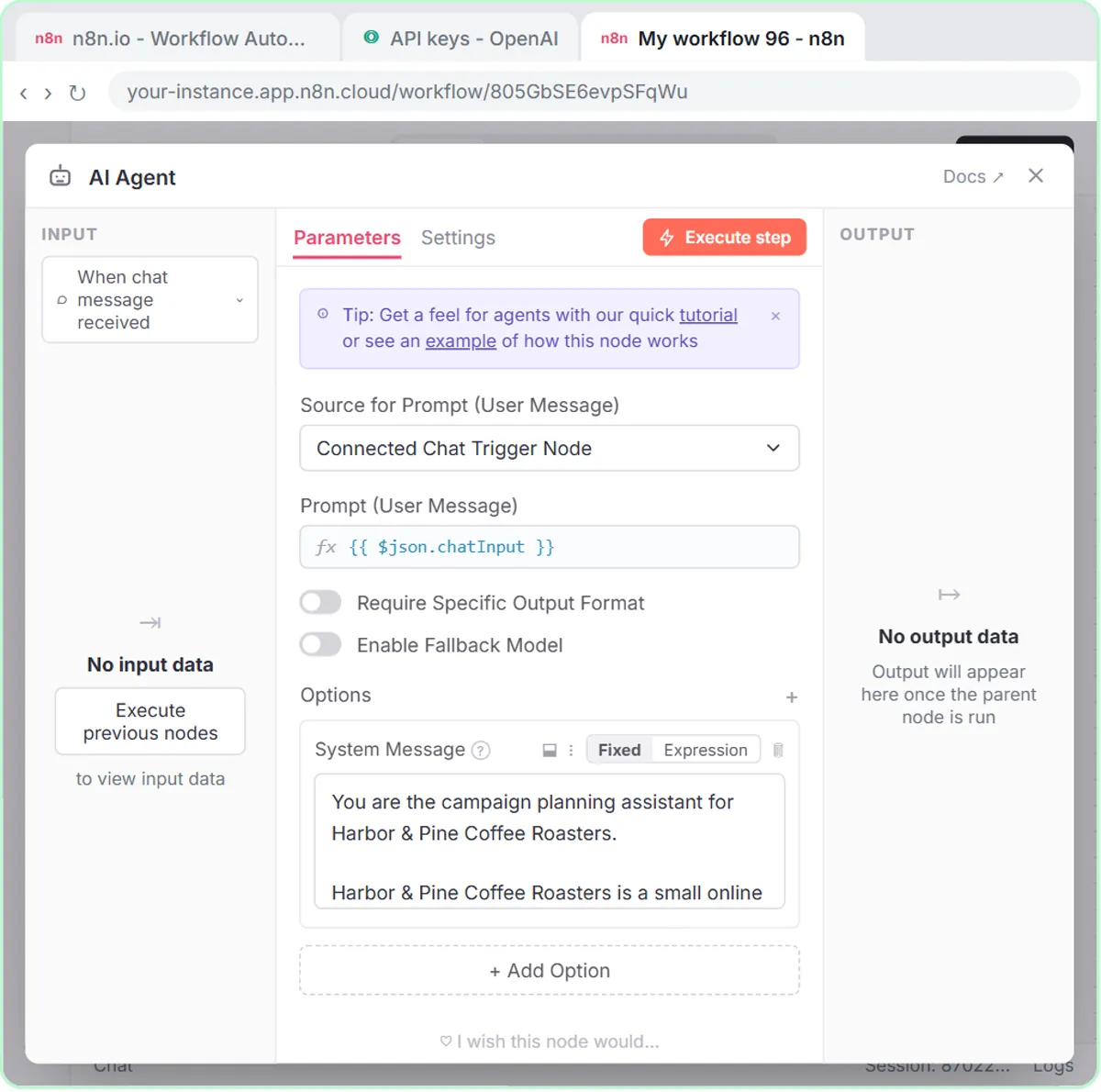 Build an n8n AI Agent That Plans Your Content Calendar
Build an AI agent for Harbor & Pine Coffee Roasters that turns one campaign theme into a two-week email and content calendar in Google Sheets — chat trigger, AI Agent…
Free · Live ~12 min Intermediate
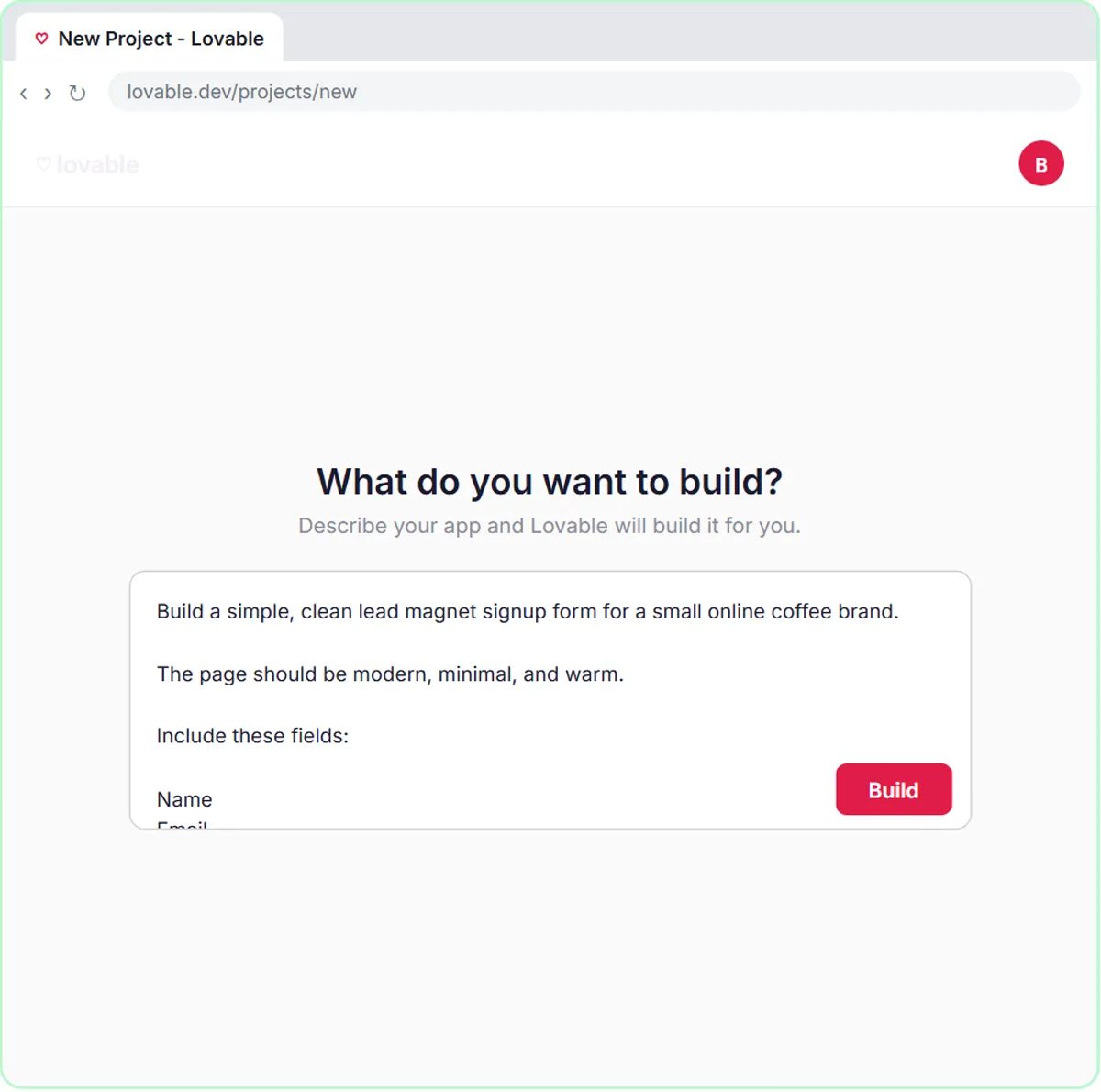 Build a Lead Magnet Signup Form with an AI Welcome Email
Build a "Get the free guide" signup form in Lovable for Harbor & Pine Coffee Roasters and connect it to n8n — the AI agent tags each lead by interest, saves it to…
Free · Live ~15 min Advanced
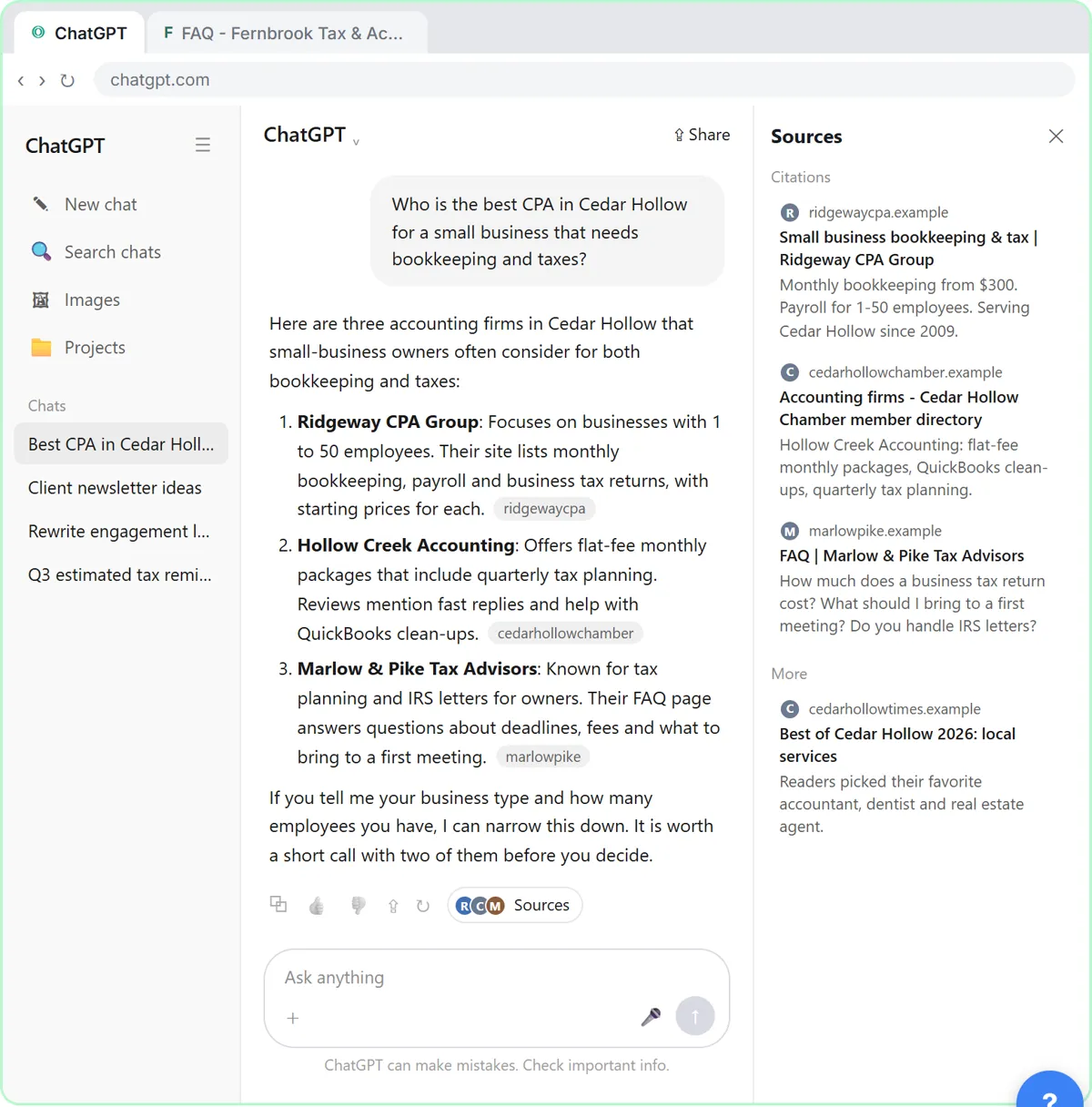 Get Your Business Recommended by ChatGPT
Ask ChatGPT who it recommends in your town, see which pages it trusts, then use it to write an FAQ page and Business Profile copy that answer real customer questions.
Free · Live ~10 min Intermediate
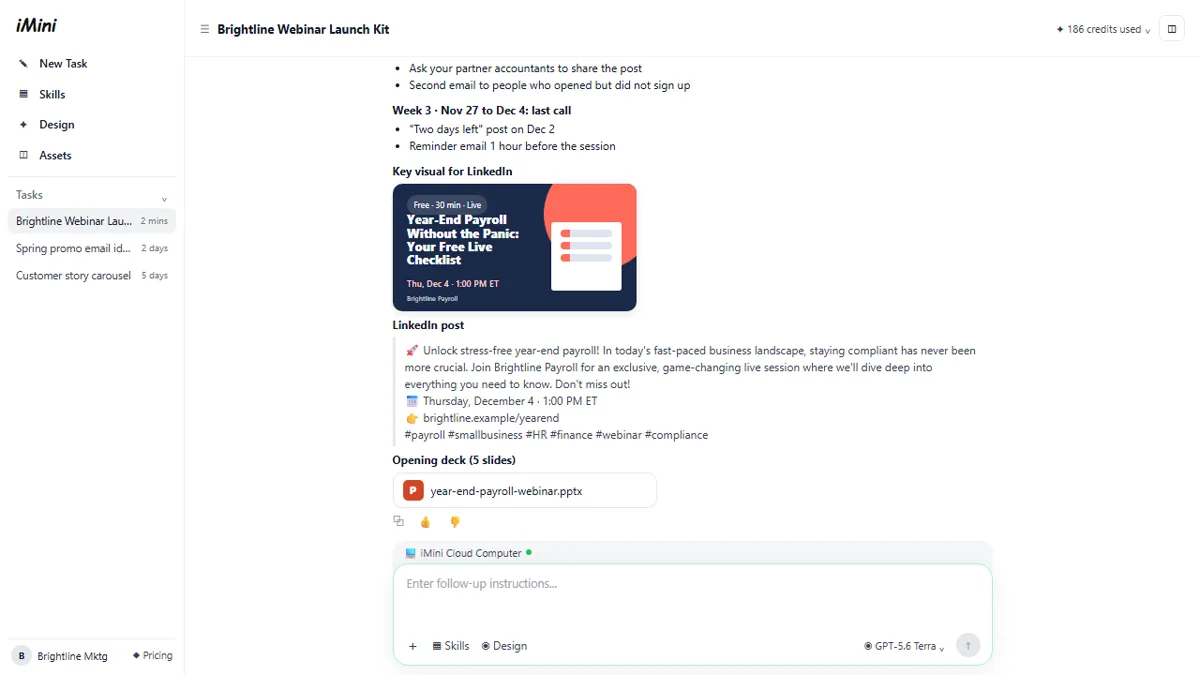 iMini AI Agent: Turn a Rough Idea into a Launch Kit
Brief the iMini Creative Agent once and get a launch plan, a LinkedIn visual, a post and a 5-slide deck, then fix the visual and humanize the post with follow-ups.
Free · Live ~8 min Beginner
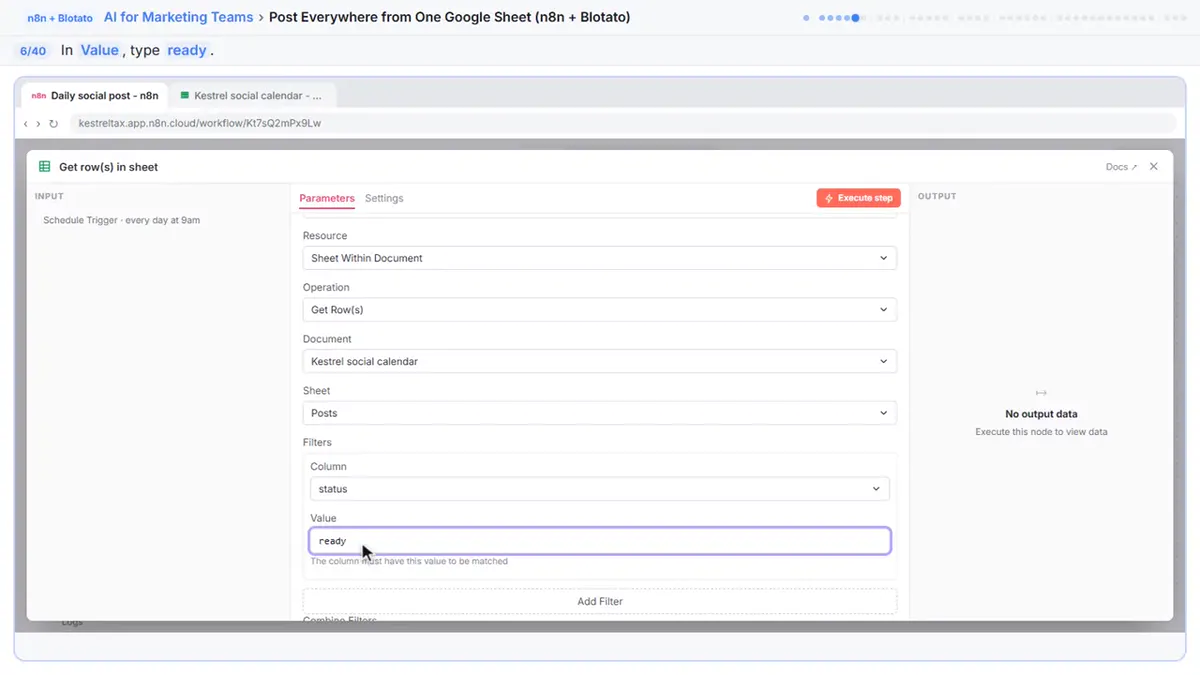 Post to Every Channel Daily from One Sheet using n8n + Blotato
Copying the same post into every social app can take half an hour a day, and on busy days nothing goes out. Plan a week of posts in one Google Sheet; every morning n8n…
Free · Live ~14 min Advanced
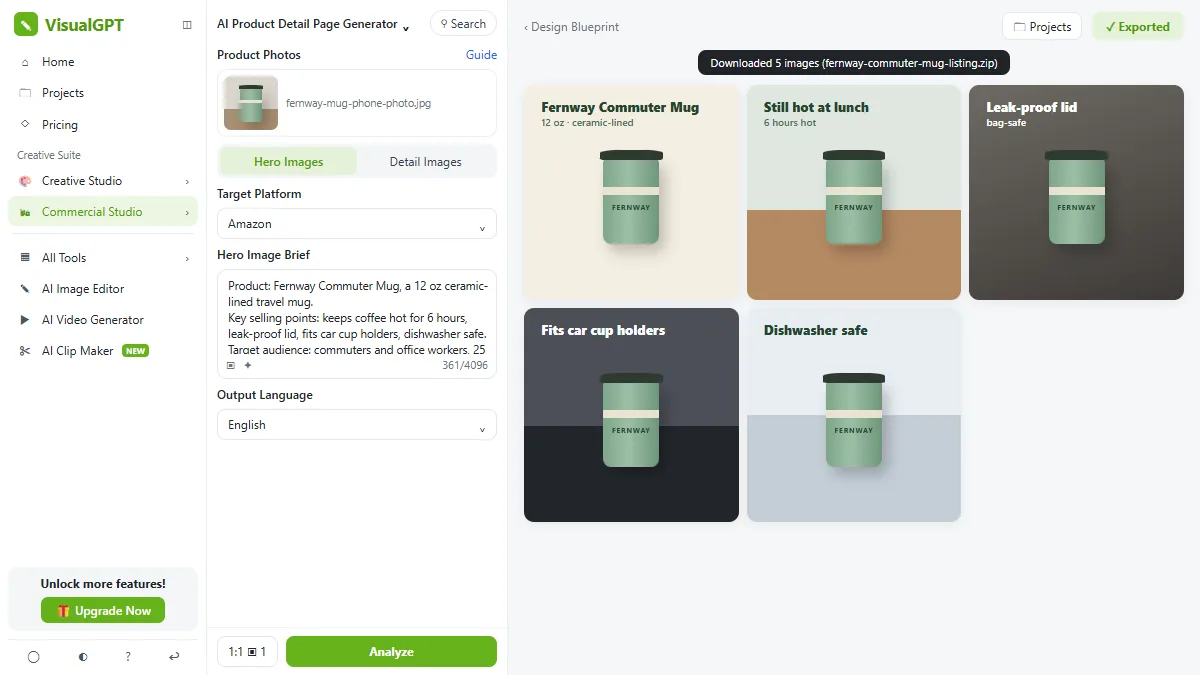 VisualGPT: Product Photos, Listing Images and Ads from One Phone Photo
Turn one phone photo into a lifestyle product shot, a five-image Amazon listing set and three launch ads in VisualGPT's Commercial Studio, checking the plan and every…
Free · Live ~8 min Beginner
All 26 modules in AI Automation for Marketing
More Anwaar Digital tutorials
 Anwaar Digital: Pull the Signature Pages Out of a 12-Page Lease for Real Estate
Send a new tenant only the three pages they must sign, and put the rent, deposit and notice terms in the email, with PDF Splitter and PDF to Text. Free, no sign-up…
Free · Live ~5 min Beginner
 Anwaar Digital: Get a Listing Photo Website-Ready (Resize, Watermark, Compress) for Real Estate
Turn a 5.6 MB phone photo into a 142 KB, branded, website-sized listing photo with three free browser tools: Image Resizer, Watermark Adder and Image Compressor. No…
Free · Live ~7 min Beginner
 Anwaar Digital: Check a Suspicious Payroll Link, Then Replace a Weak Shared Password for Operations
A "your payroll password expires today" email lands at the front desk. Check the link without opening it, score the shared password, and generate a strong replacement…
Free · Live ~6 min Beginner
 Anwaar Digital: Send a Client One Small, Signed Engagement Packet for Consulting & Agencies
Turn a client's 3.3 MB phone photo of a signed page into one small PDF packet, letter, scope and signature in order, with Image Compressor, Images to PDF and PDF…
Free · Live ~7 min Beginner
Terms in this lesson
Plain-English definitions, each with an example from a free lesson.