Updated . Built against the tool’s current screens and checked step by step. How we check this lesson
Turn a client's 3.3 MB phone photo of a signed page into one small PDF packet, letter, scope and signature in order, with Image Compressor, Images to PDF and PDF Merger. Free, no sign-up.
At a glance
| Question | Answer |
|---|---|
| What you build | Turn a client's 3.3 MB phone photo of a signed page into one small PDF packet, letter, scope and signature in order, with Image Compressor, Images to PDF and PDF Merger. Free, no sign-up. |
| Tools | Anwaar Digital |
| Time | About 7 minutes, 14 steps in 3 parts |
| Level | Beginner, no coding needed |
| Cost | Free |
| Ways to learn it | Practice it step by step |
The 3 parts, in short
- Shrink the phone photo: Start with the photo, Open Image Compressor, Select the photo, Quality 60 is plenty for a signature, and 2 more steps.
- Turn the photo into a PDF page: Find Images to PDF, Open Images to PDF, Select the small photo, Create the PDF, and 1 more step.
- One packet, in order: Open PDF Merger, Select the three files in reading order, Check the order, then merge.
Start here first: Granola: Client Call Notes Written for You, With No Meeting Bot (module 1 of AI Automation for Consulting & Agencies)
Part of: AI for Consulting & Agencies (step 37 of 37)
Part of: AI Apps Worth Knowing (step 164 of 164)
What you'll build
You run Northfield HR Consulting, a made-up two-person HR consultancy. A new client, Cedar Ridge Veterinary Clinic, signed your engagement letter on paper and texted you a phone photo of the signature page. Their accountant wants one PDF: the letter, the scope of work, then the signed page. In this lesson you build it with three free tools on Free Privacy Tools by Anwaar Digital: Image Compressor shrinks the photo, Images to PDF turns it into a page, and PDF Merger puts the packet together in reading order. The screens are real, captured while doing it with made-up files.
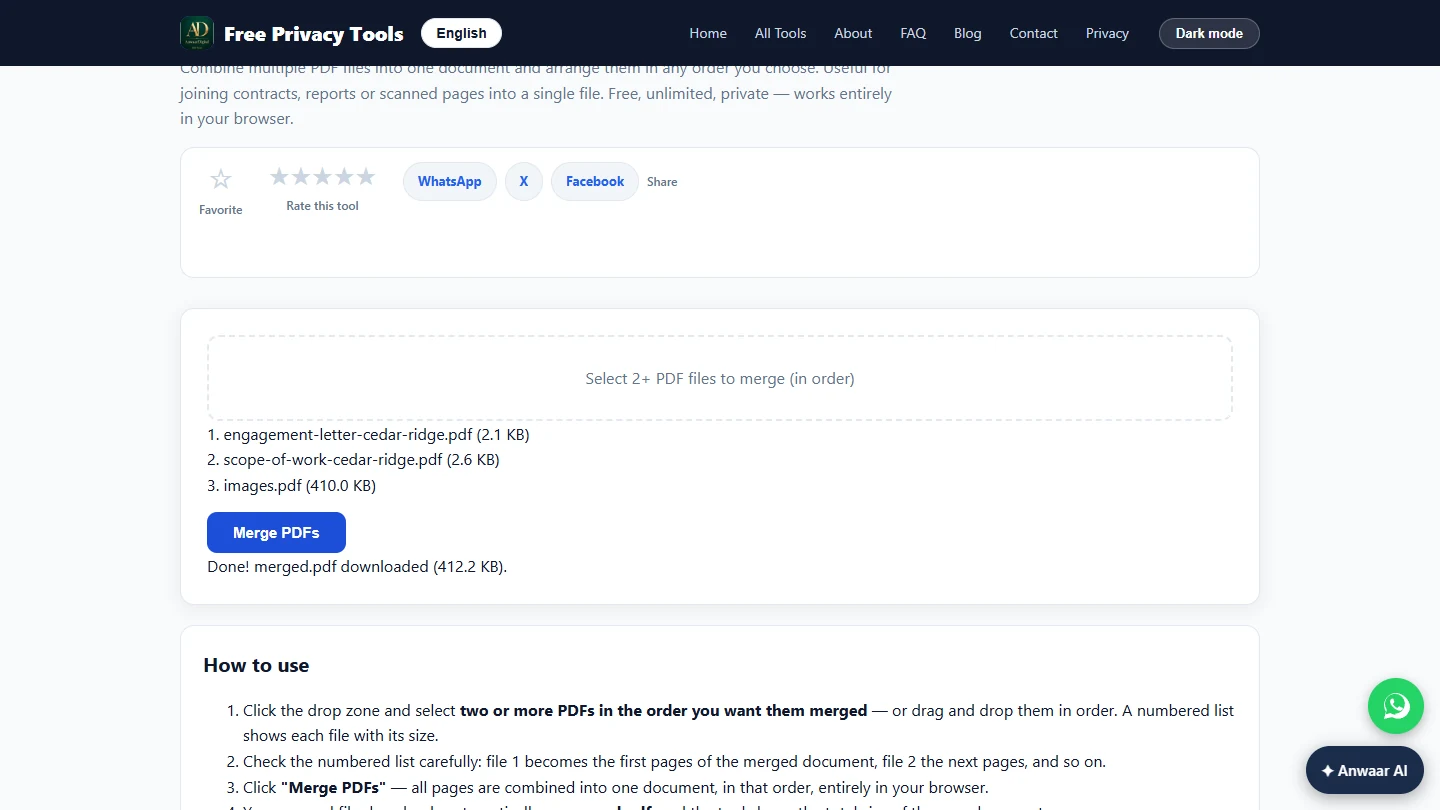
You shrank the signed-page photo from 3.3 MB to 419 KB at quality 60, made it a one-page PDF, and merged the letter, the scope of work and the signed page into merged.pdf: four pages, 412 KB, small enough for any mail server. Rename it before you send it, for example Cedar-Ridge-engagement-signed.pdf, and open it once to check the page order and that the signature is readable. Shrink photos before they go into a PDF: in our test PDF Compressor could not shrink a packet with a full-size photo inside.
- Tools: Anwaar Digital
- Time: about 7 minutes, 14 steps in 3 chapters
- Level: beginner, no coding needed
- Price: free
Practice first, then build it for real
Practice copy built from real Free Privacy Tools screens (freetools.anwaardigital.com), captured 14 November 2026 while compressing, converting and merging made-up files. Nothing here touches your files. Northfield HR Consulting and Cedar Ridge Veterinary Clinic are made up. To build it for real you need your own Anwaar Digital account, and some services charge once you use them for real work, so check each tool's current pricing.
Try it yourself, free
Reading the steps is a start. Doing them is how it sticks. The interactive module walks you through every click in a practice copy of Anwaar Digital, checks each step, and never touches your real accounts.
Start “Anwaar Digital: Send a Client One Small, Signed Engagement Packet for Consulting & Agencies”Step by step: Anwaar Digital: Send a Client One Small, Signed Engagement Packet for Consulting & Agencies
All 14 steps of the interactive module, in order. In the module you watch each one, then do it yourself in a practice copy that checks your work.
1. Shrink the phone photo
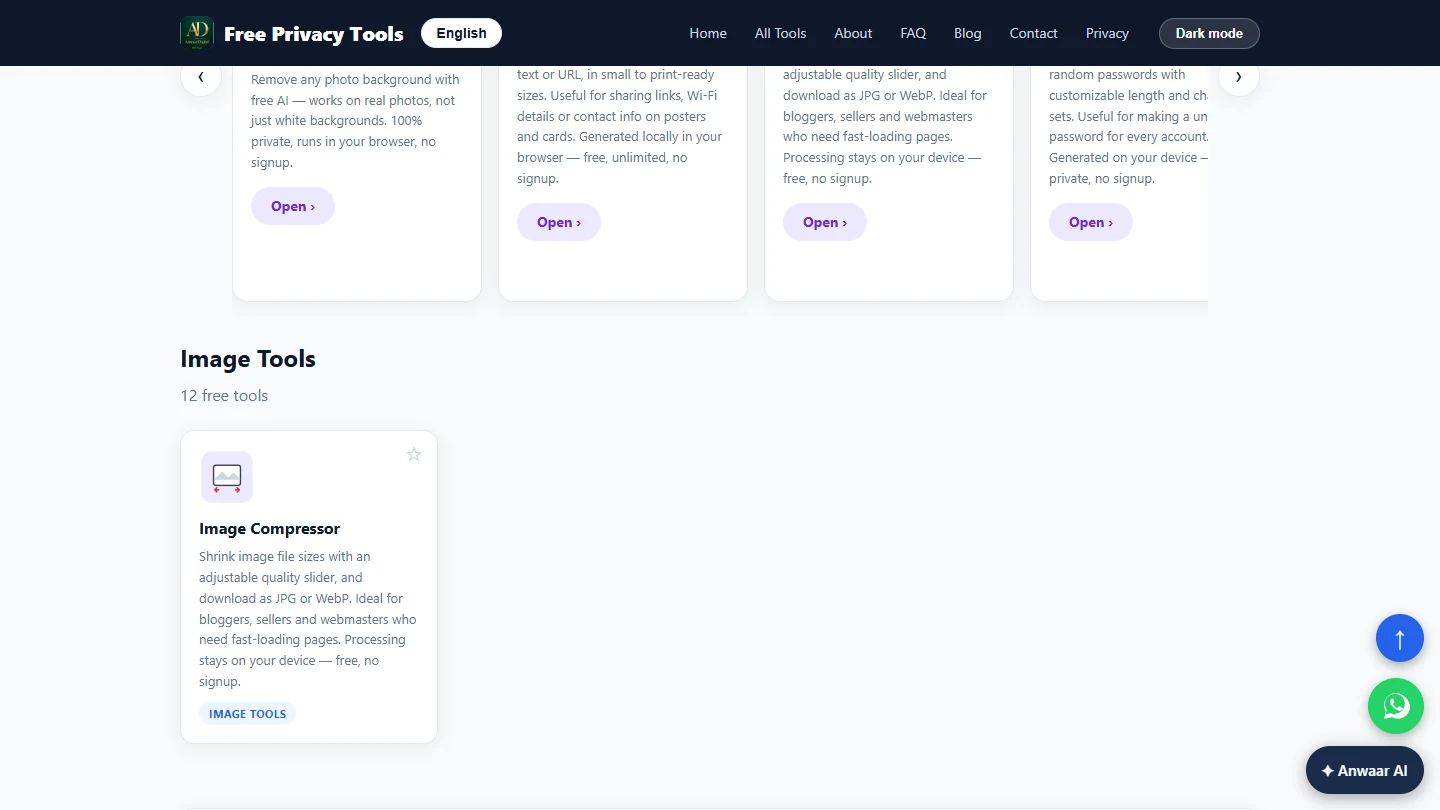
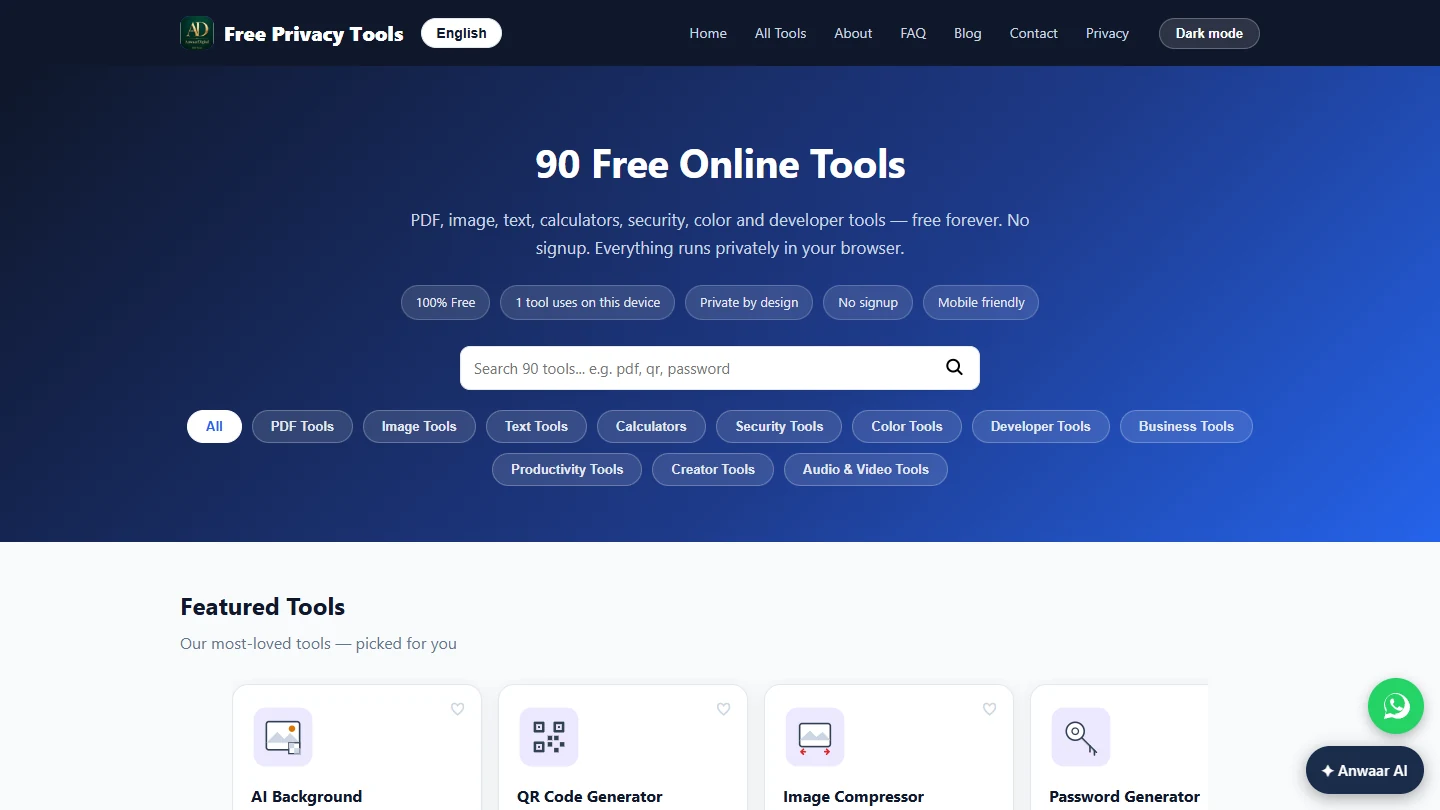
- Start with the photo. You run Northfield HR Consulting (made up). Your client, Cedar Ridge Veterinary Clinic, signed the engagement letter on paper and texted you a 3.3 MB phone photo of the signature page. Their accountant wants the whole packet as one PDF: the letter, the scope of work, then the signed page. Sent as three loose files with a huge photo, it bounces off their mail server or gets filed in pieces. Start with the photo. Type image compressor in the search box.
The client texted a three megabyte photo of the signed page. Their accountant wants one small PDF.
- Open Image Compressor. Click the Image Compressor card.
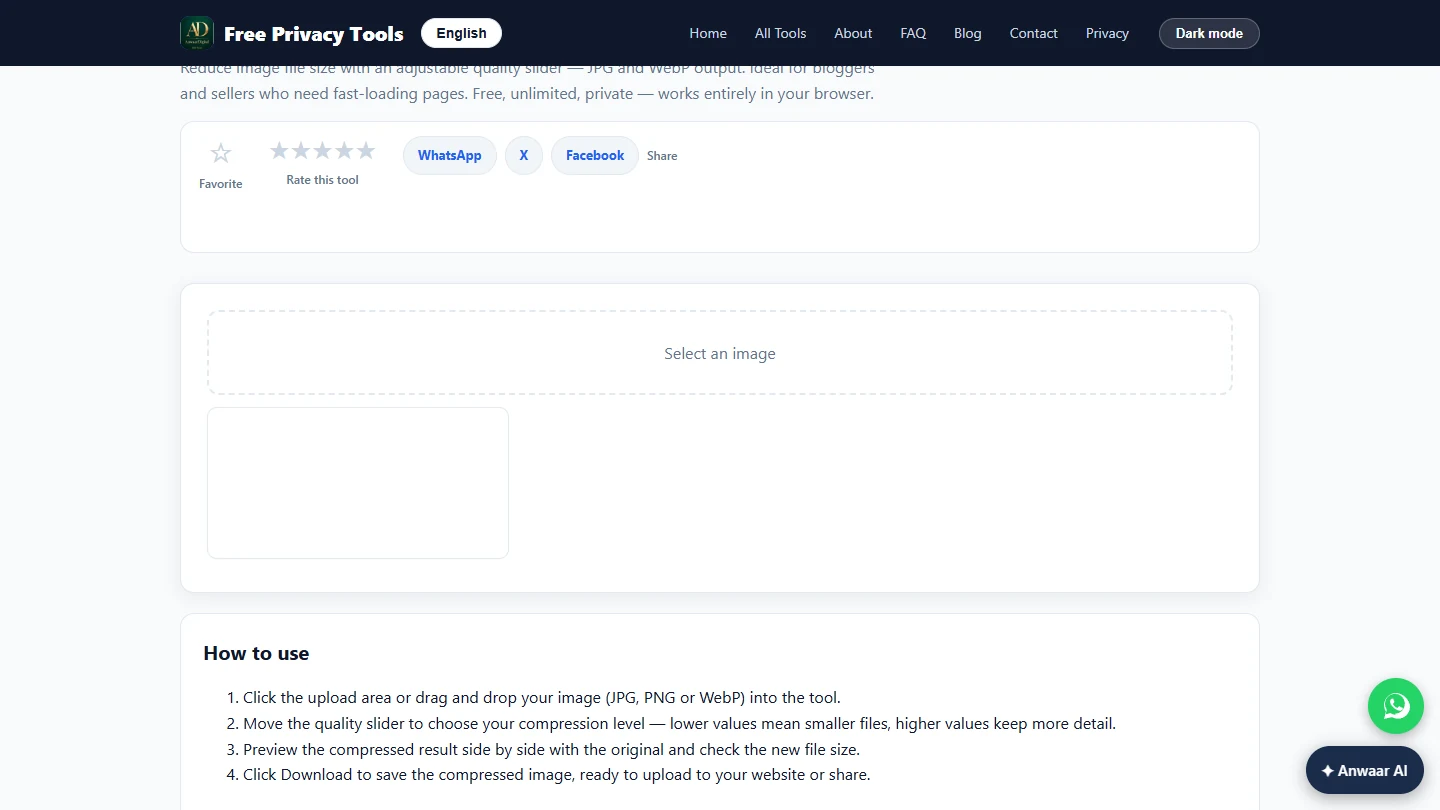
- Select the photo. Click Select an image and pick signed-signature-page.jpg.
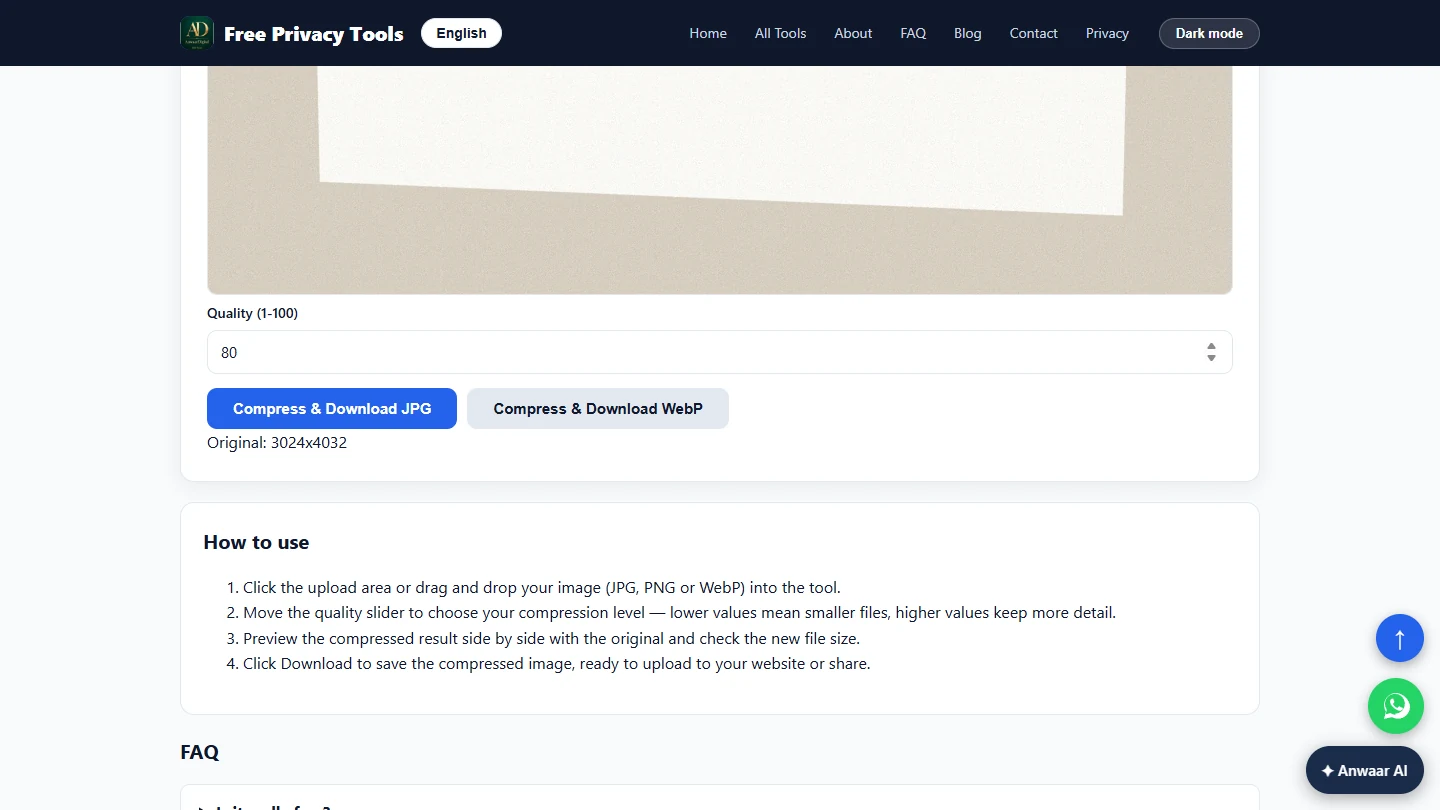
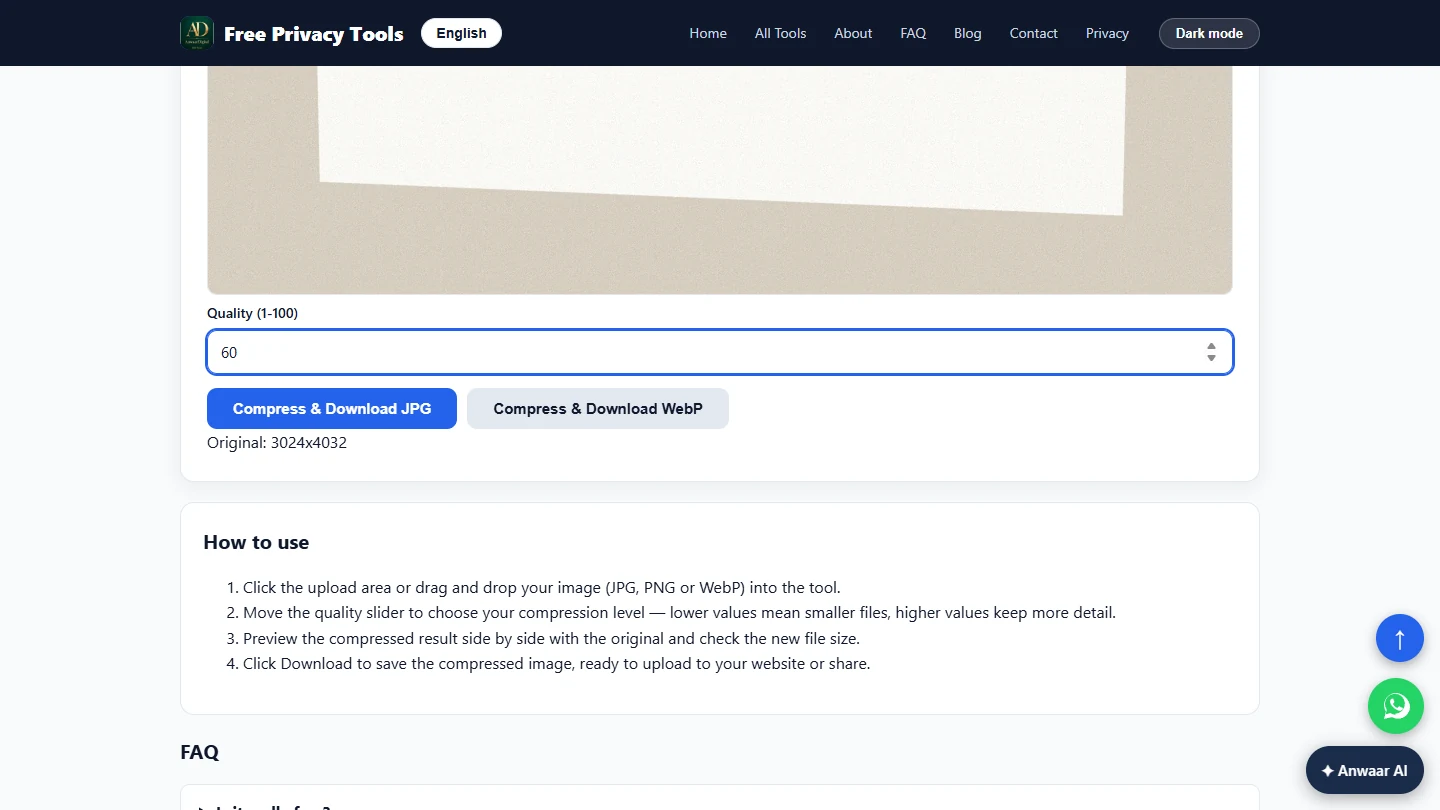
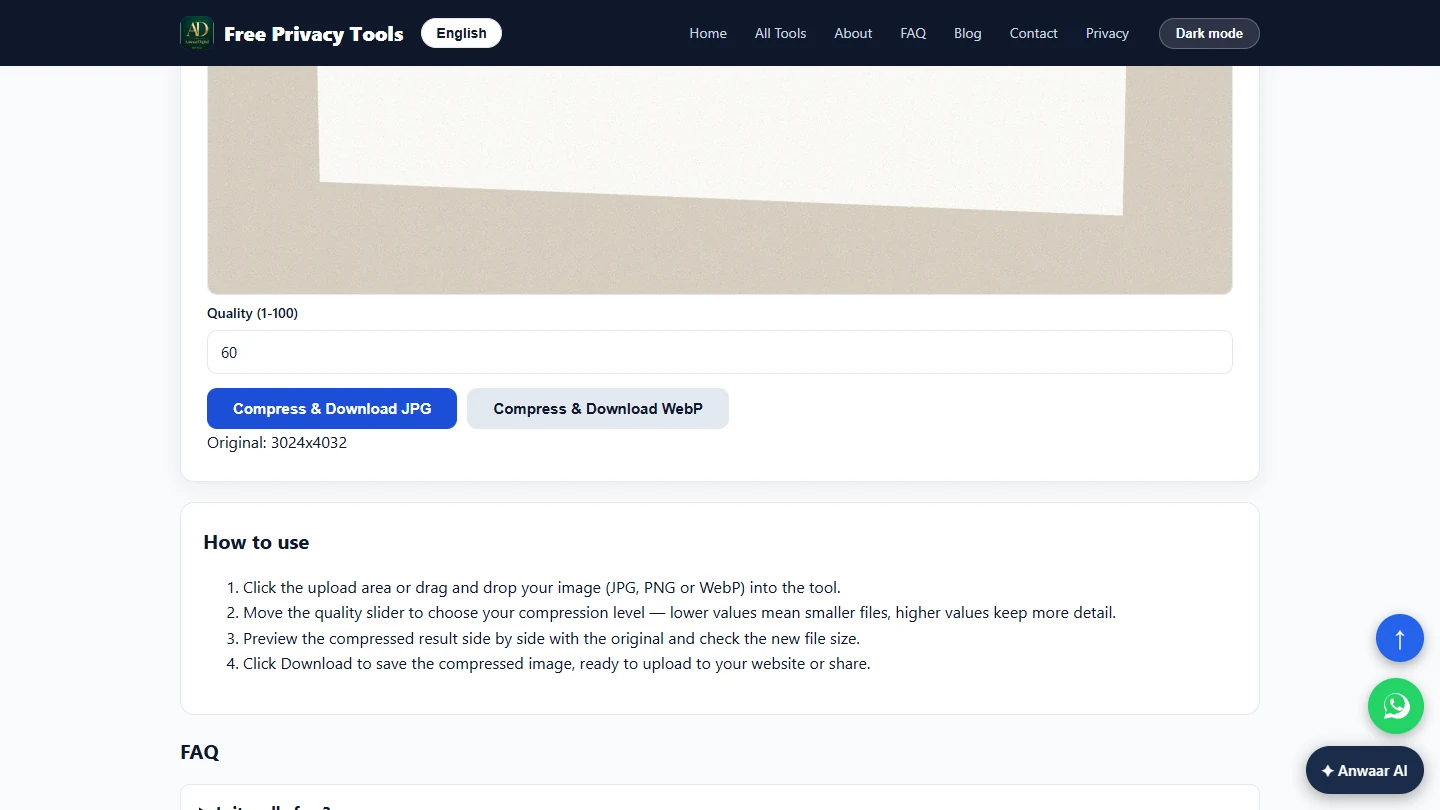
- Quality 60 is plenty for a signature. The tool shows Original: 3024x4032, a full phone photo. A signature page is mostly white paper and dark ink, so 60 keeps the signature and text sharp. Set Quality (1-100) to 60.
A signature page is paper and ink, so sixty is plenty. Set quality to sixty.
- Compress and download. Click Compress & Download JPG.
- From 3.3 MB to 419 KB. In our test the photo went from 3.3 MB to 419 KB, about eight times smaller, and the signature was still sharp. Open it and zoom in on the signature before you go on. Then click Home.
Three point three megabytes became four hundred kilobytes, still sharp. Check the signature, then click Home.
2. Turn the photo into a PDF page
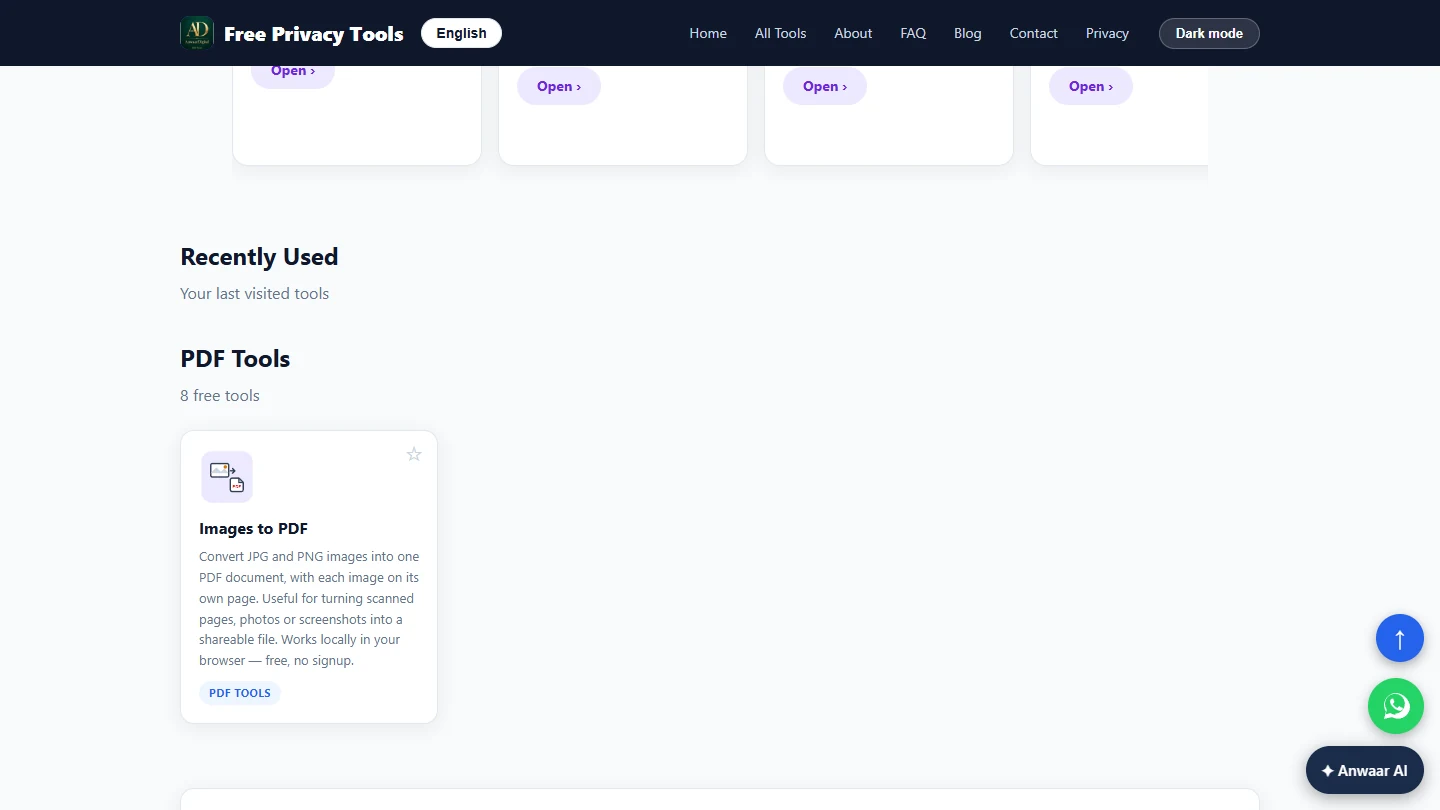
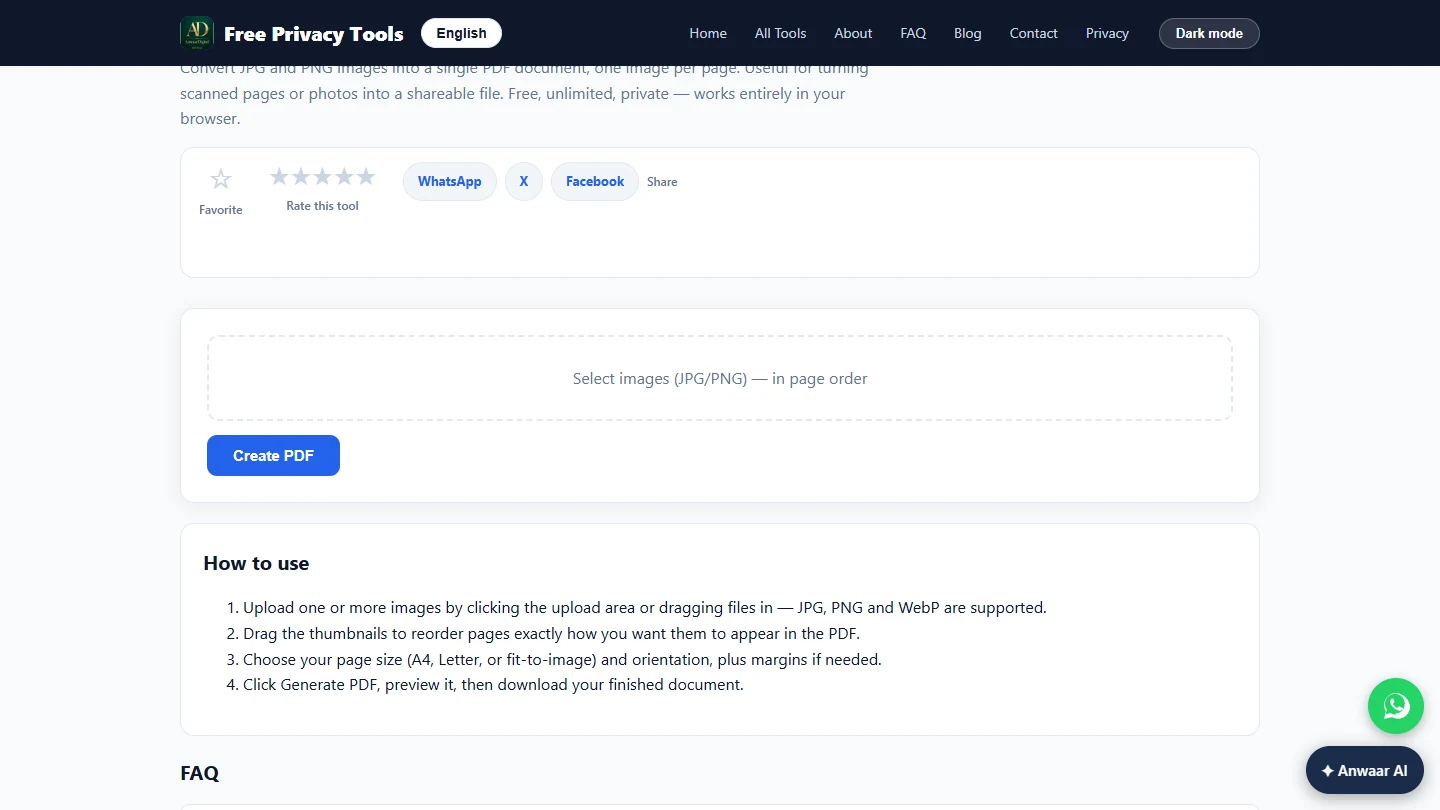
- Find Images to PDF. A merger joins PDFs, not photos, so the photo has to become a PDF page first. Type images to pdf in the search box.
A merger joins P D Fs, not photos.
- Open Images to PDF. Click the Images to PDF card.
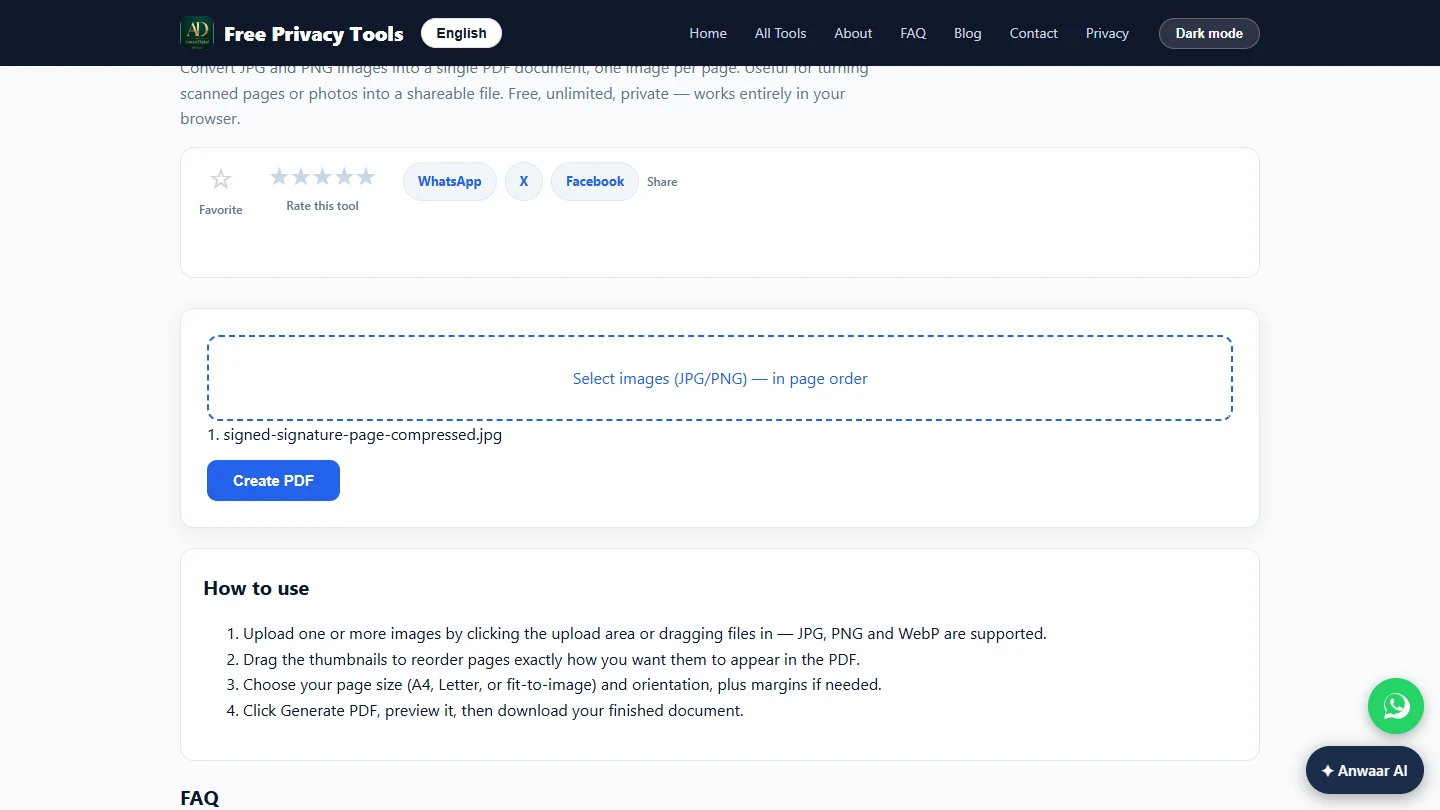
- Select the small photo. Click Select images (JPG/PNG) — in page order and pick the compressed photo, signed-signature-page-compressed.jpg. With several photos, select them in page order.
With several photos, pick them in page order.
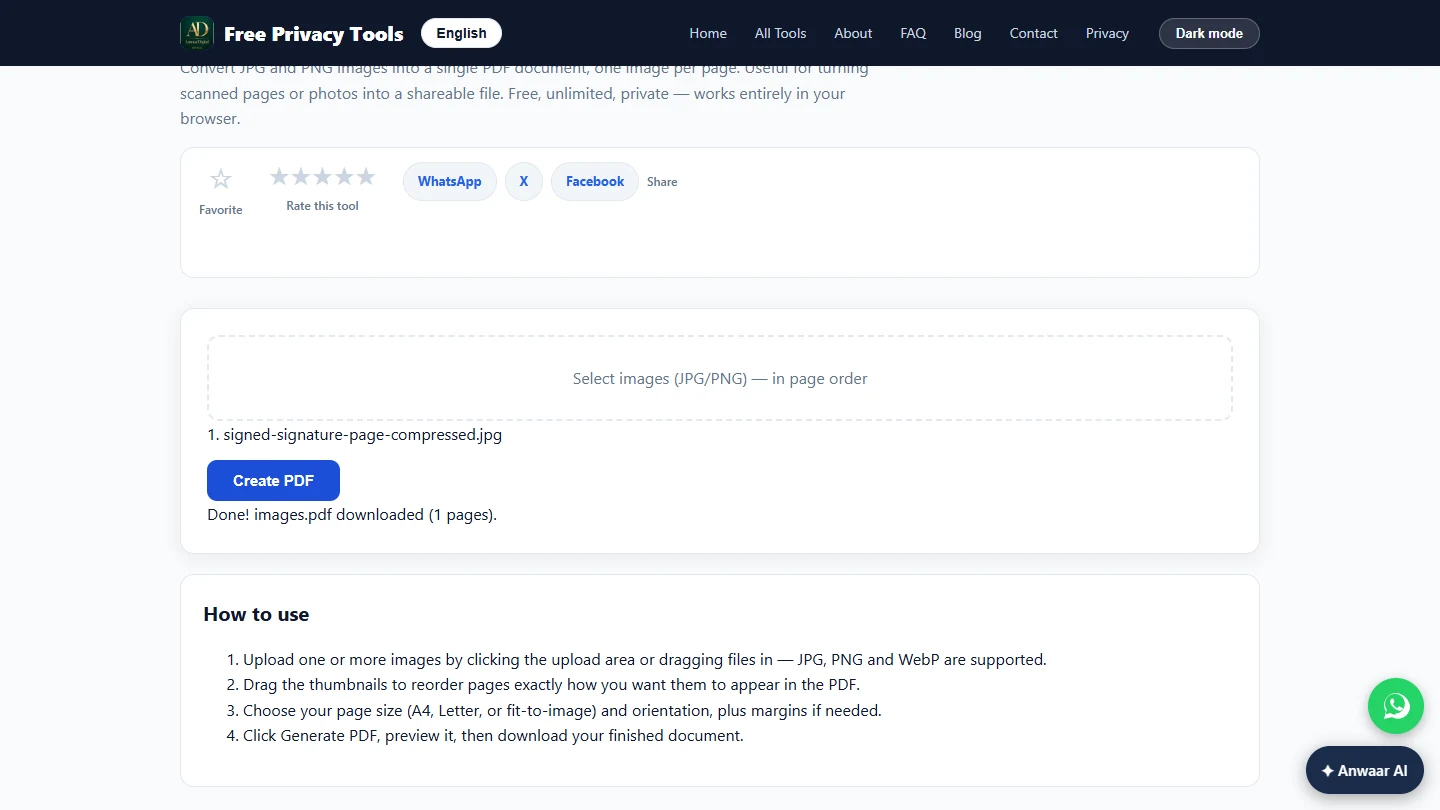
- Create the PDF. The numbered list shows 1. signed-signature-page-compressed.jpg. Click Create PDF.
- One page, saved. The tool says Done! images.pdf downloaded (1 pages). Rename it 3-signed-page.pdf, so the files sort in packet order. Click the note to continue.
Done, one page. Rename it so it sorts last.
3. One packet, in order
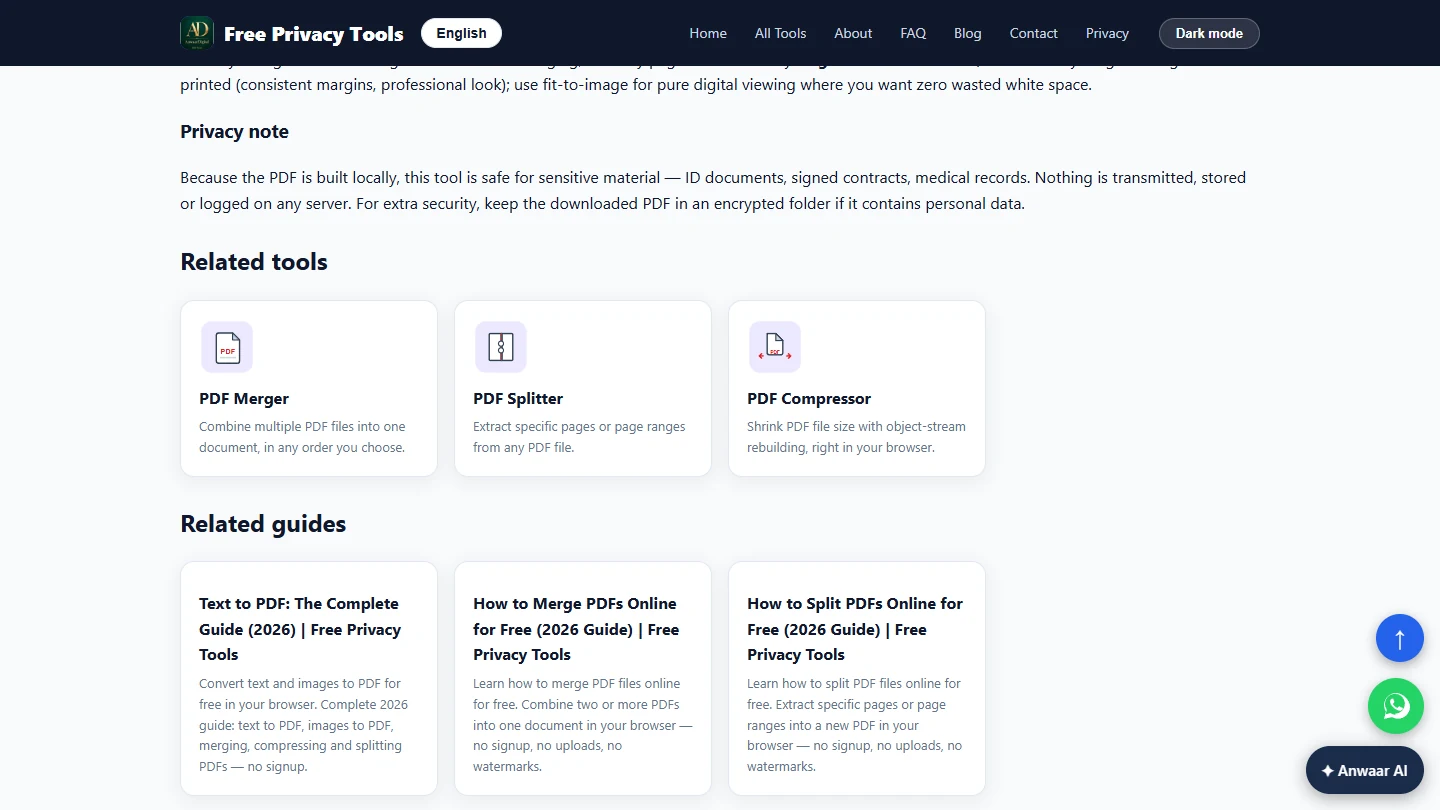
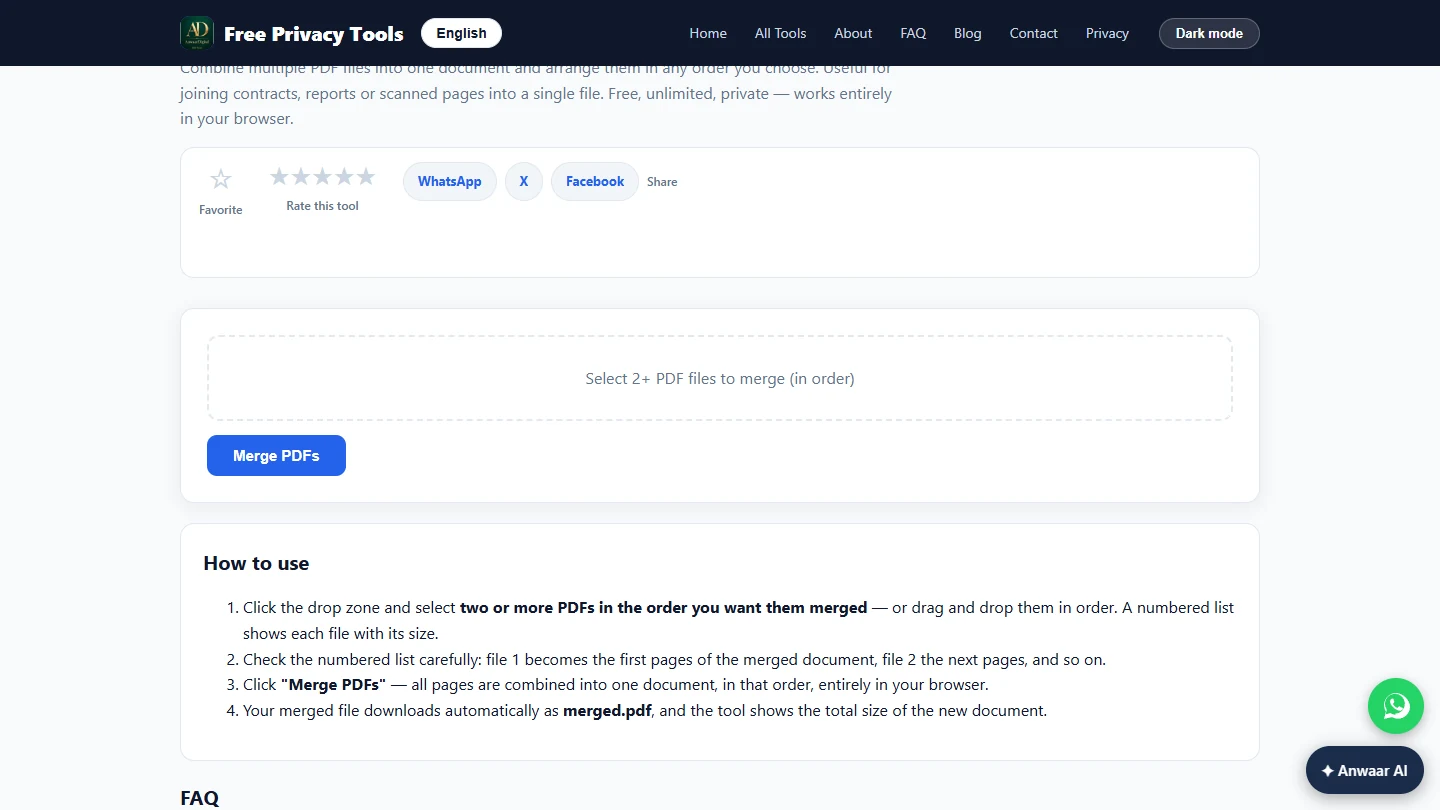
- Open PDF Merger. Scroll down to Related tools and click PDF Merger.
In Related tools, click PDF Merger.
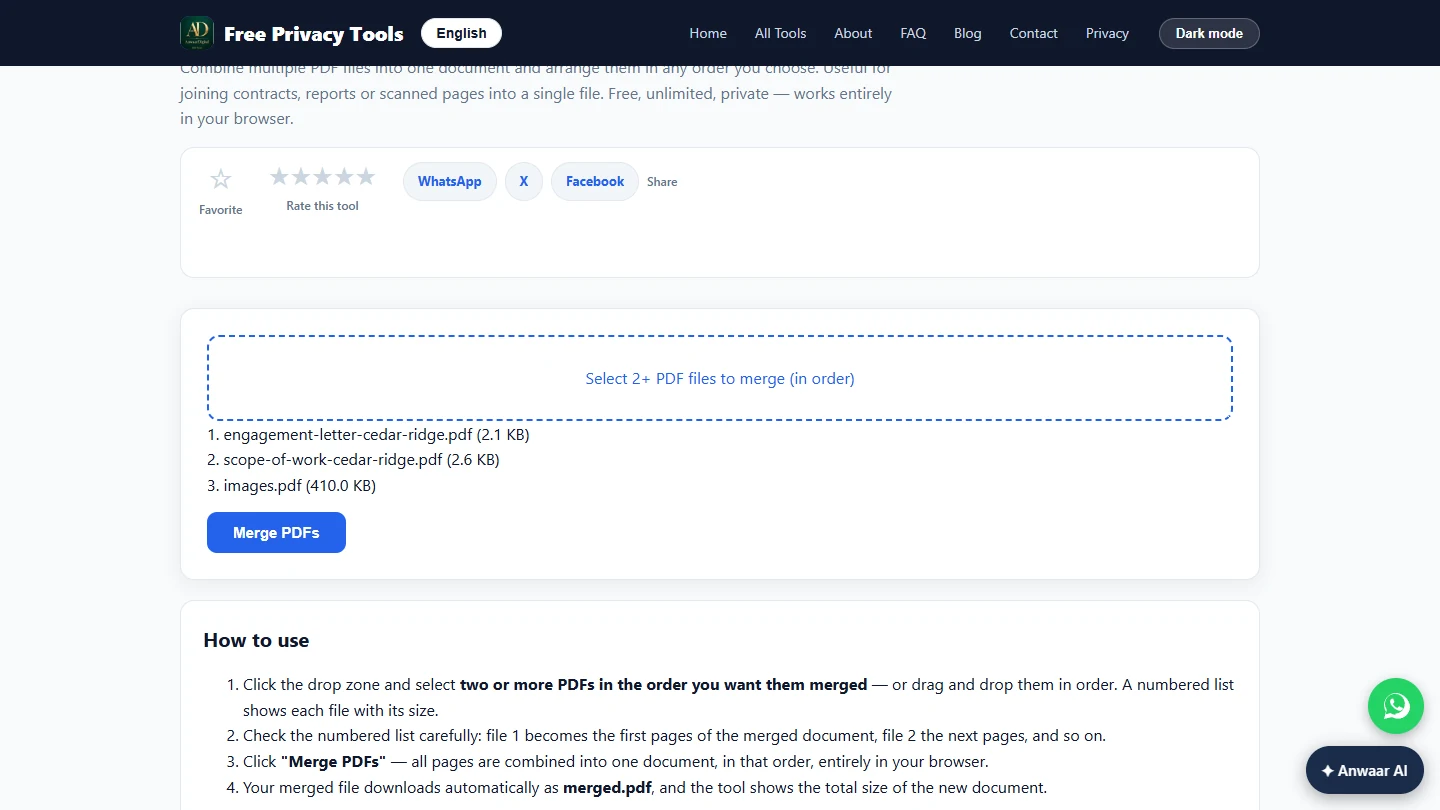
- Select the three files in reading order. Click Select 2+ PDF files to merge (in order) and select the files in the order the accountant should read them: engagement-letter-cedar-ridge.pdf, scope-of-work-cedar-ridge.pdf, then the signed page. The tool has no drag-to-reorder, so the order you select is the order you get.
The order you select is the order you get.
- Check the order, then merge. The numbered list shows 1. the letter (2.1 KB), 2. the scope of work (2.6 KB), 3. the signed page (410.0 KB). That is the right order. Click Merge PDFs.
Check the numbered list: letter, scope, signed page.
Screenshots
More in AI Automation for Consulting & Agencies
Take a client call with Granola: jot a few lines, let it write the notes from the transcript, check the budget against its source, draft the follow-up email and share…
Free · Live ~5 min Beginner
◷Beautiful.ai: A Client Review Deck from Your Brief in Under an HourBuild a client quarterly review deck with Beautiful.ai Create with AI: brief it with the real numbers, fix the outline before generating, check every figure and share a…
Free · Live ~6 min Beginner
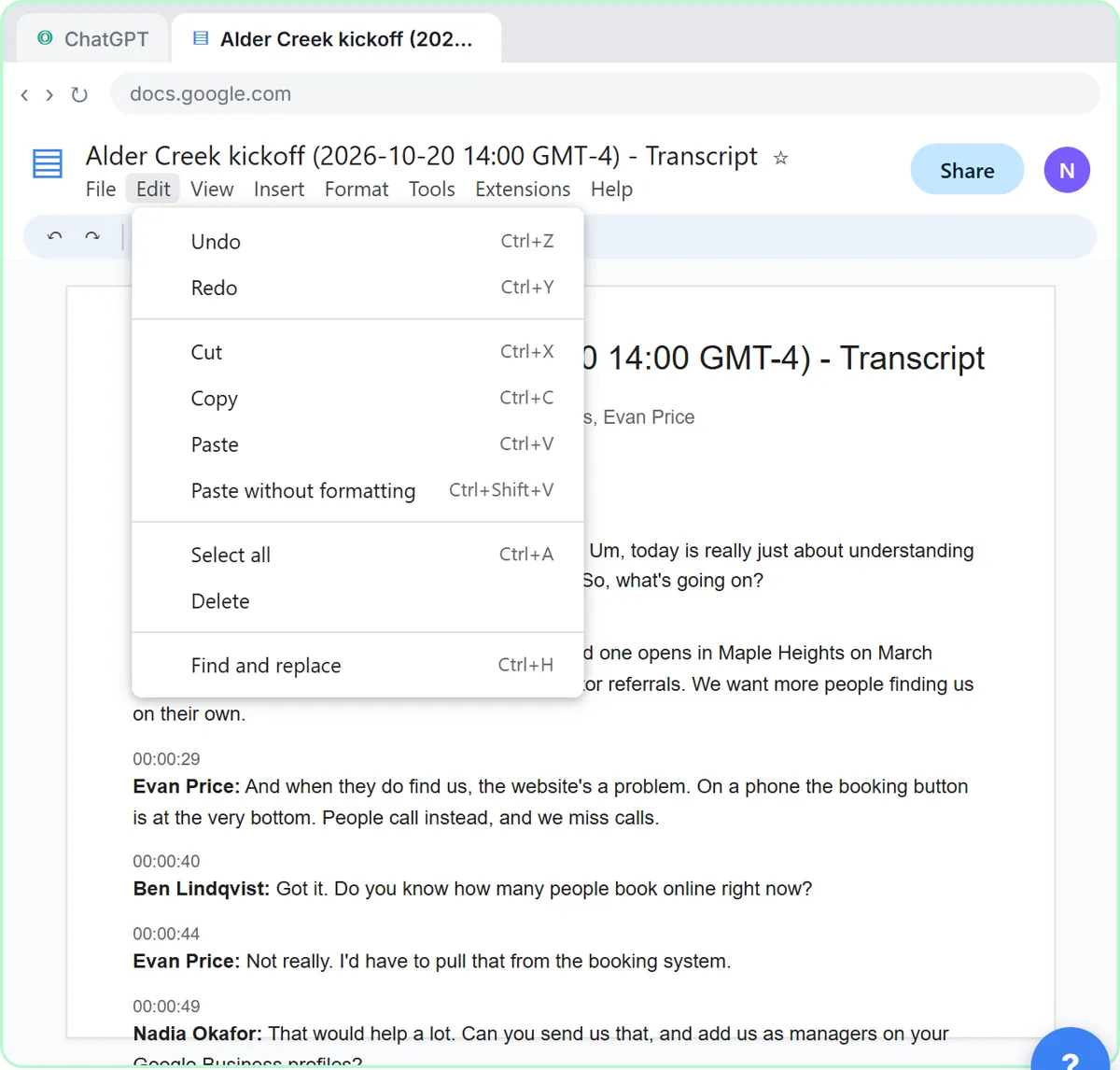 Turn a Client Kickoff Call into a Proposal Outline with ChatGPT (Agencies & Consultants)
Turn the transcript of a client kickoff call into the scope, budget and timeline the client stated, an action items table, open questions, and a recap email with a…
Free · Live ~10 min Beginner
◷Handle Scope Creep Without Losing the Client using ChatGPTA client asks for "one small extra" and a new language, and wants the launch date to hold. Give ChatGPT the thread and the project facts, catch the free work and the…
Free · Live ~9 min Beginner
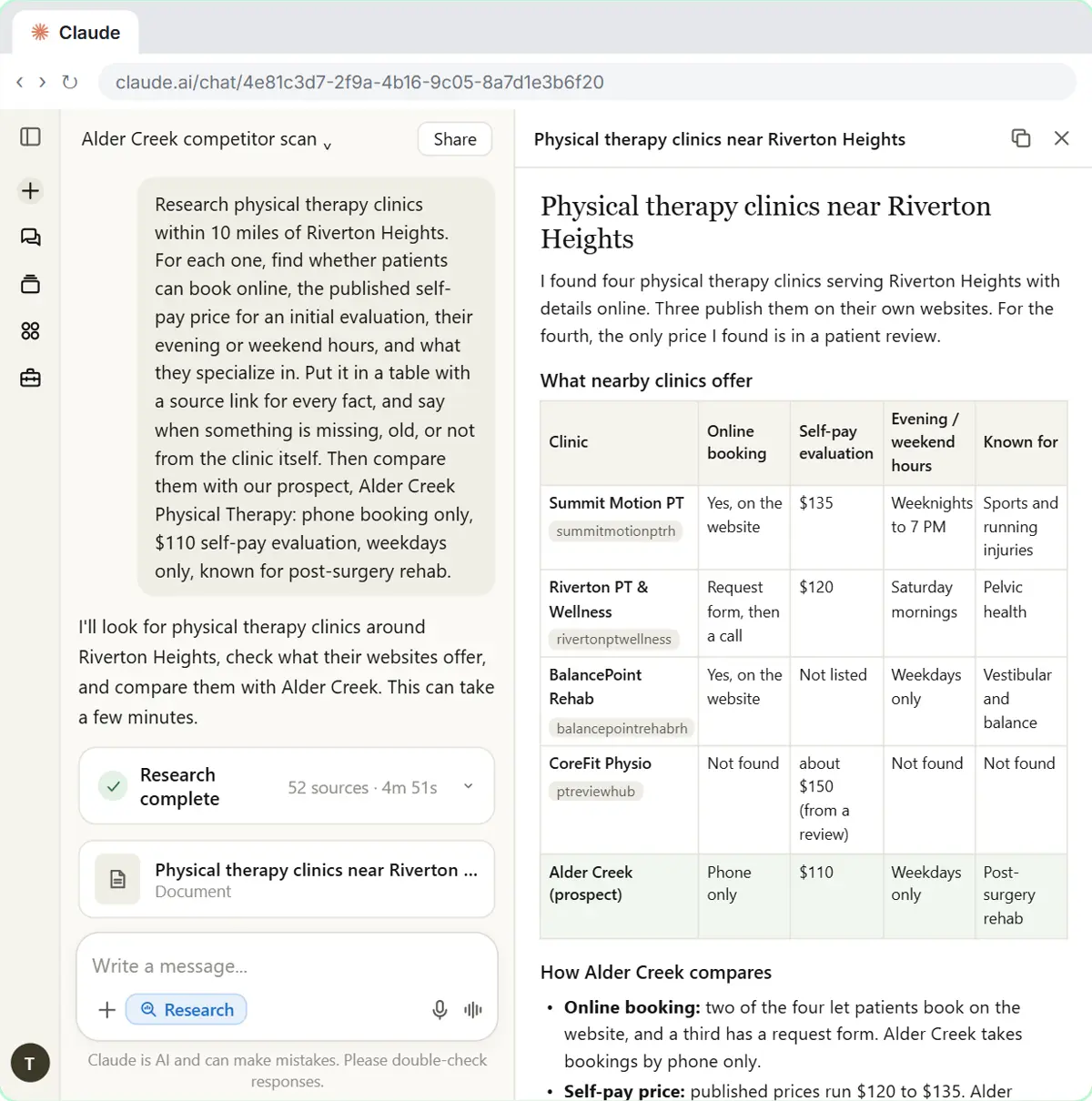 Research a Prospect's Market with Claude Research Before a Pitch (Consultants & Agencies)
Turn on Research before a pitch, have Claude check what a prospect's competitors offer online, read the cited report, check a source and turn it into talking points for…
Free · Live ~7 min Beginner
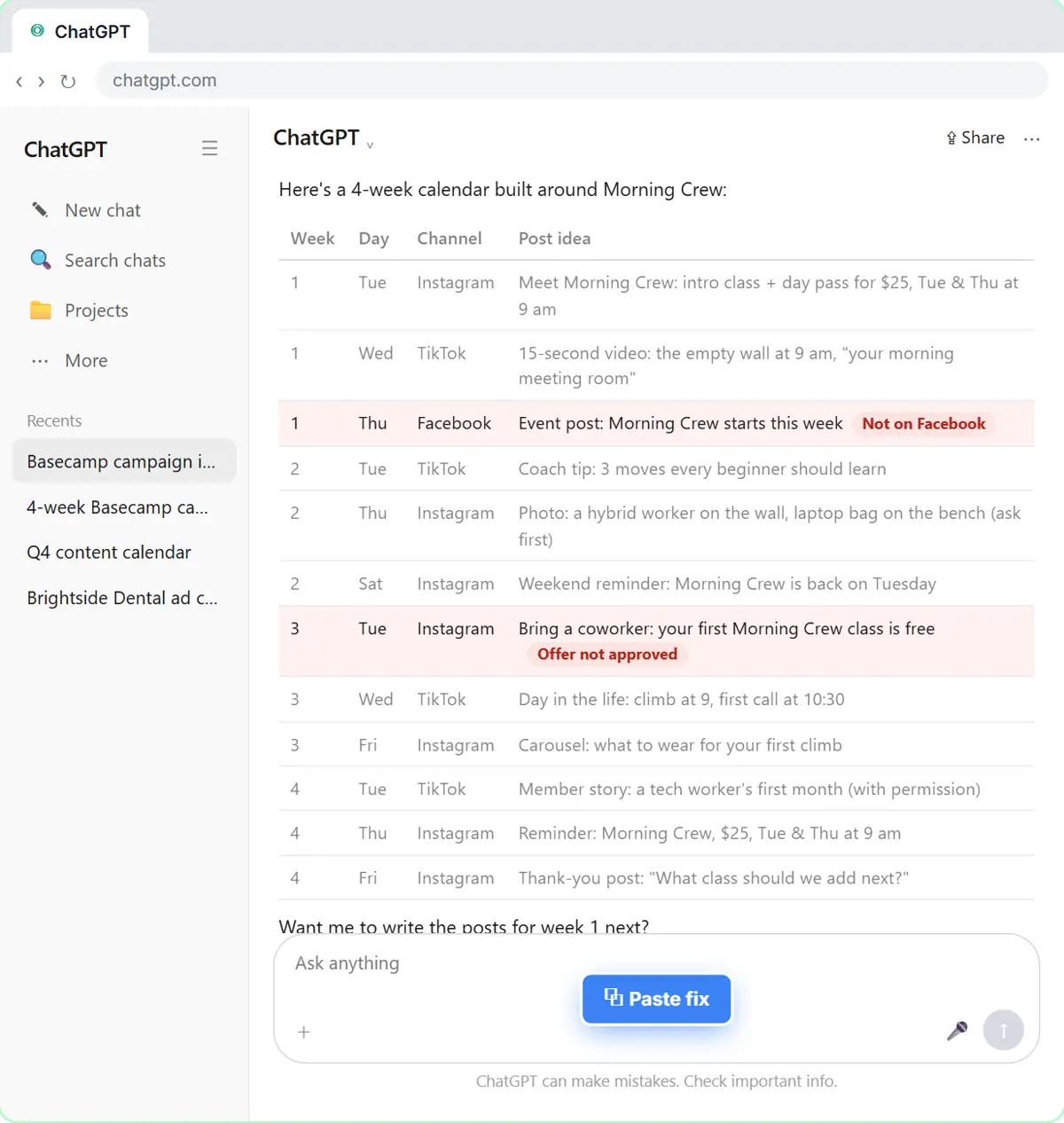 Prompt Chaining for a Client Campaign Plan: Build It in Steps with ChatGPT (Agencies)
Ask ChatGPT for a client's whole 4-week campaign in one prompt, then build a better one in four steps: audiences, offers, a calendar table checked against the client's…
Free · Live ~7 min Beginner
All 20 modules in AI Automation for Consulting & Agencies
More Anwaar Digital tutorials
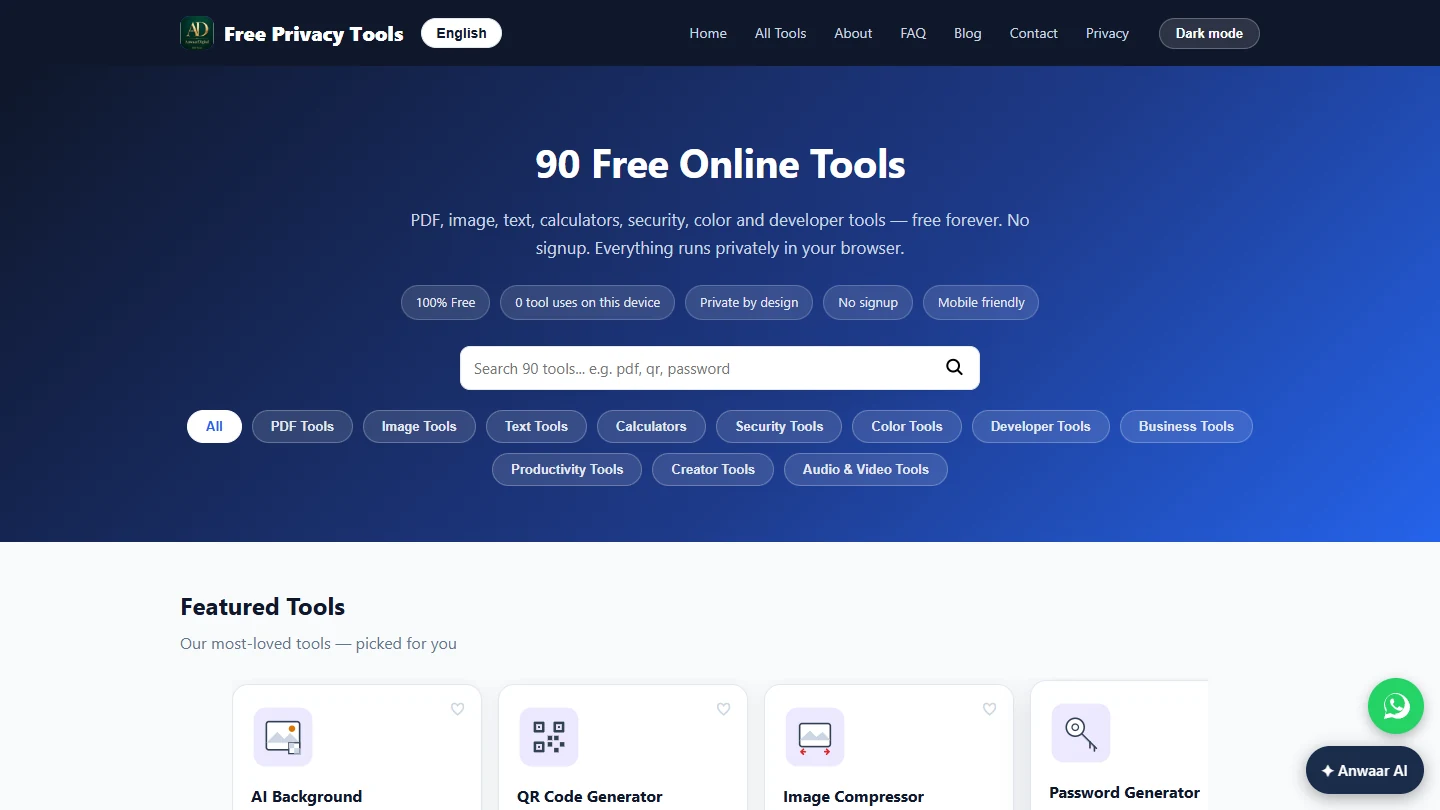 Anwaar Digital: Pull the Signature Pages Out of a 12-Page Lease for Real Estate
Send a new tenant only the three pages they must sign, and put the rent, deposit and notice terms in the email, with PDF Splitter and PDF to Text. Free, no sign-up…
Free · Live ~5 min Beginner
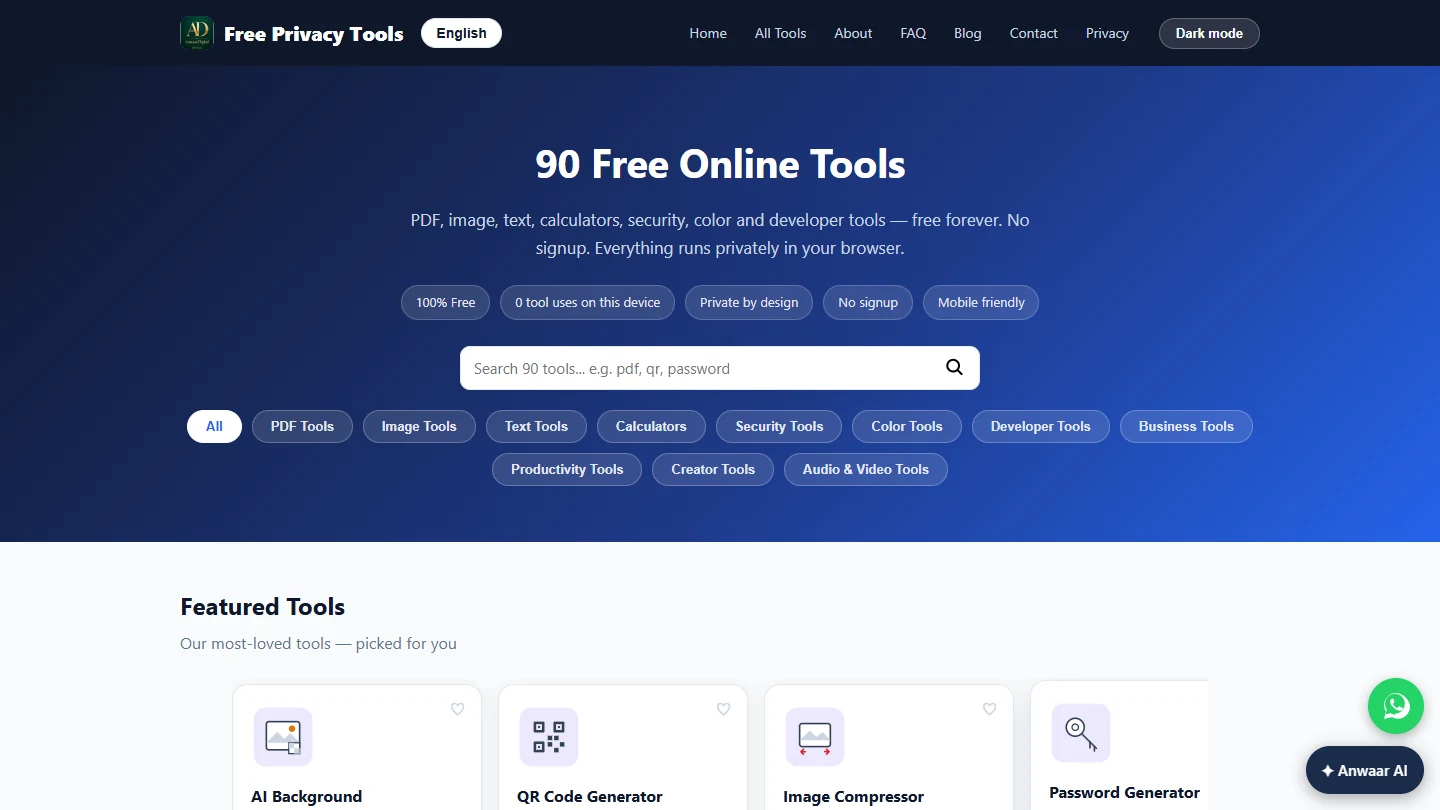 Anwaar Digital: Get a Listing Photo Website-Ready (Resize, Watermark, Compress) for Real Estate
Turn a 5.6 MB phone photo into a 142 KB, branded, website-sized listing photo with three free browser tools: Image Resizer, Watermark Adder and Image Compressor. No…
Free · Live ~7 min Beginner
 Anwaar Digital: Clean a Messy Volunteer Email List Before You Import It for Marketing
Trim stray spaces, lowercase every address and remove duplicate sign-ups before the list goes into your email tool, then check a text reminder fits in one message. Four…
Free · Live ~6 min Beginner
 Anwaar Digital: Check a Suspicious Payroll Link, Then Replace a Weak Shared Password for Operations
A "your payroll password expires today" email lands at the front desk. Check the link without opening it, score the shared password, and generate a strong replacement…
Free · Live ~6 min Beginner
Terms in this lesson
Plain-English definitions, each with an example from a free lesson.