Updated . Built against the tool’s current screens and checked step by step. How we check this lesson
Send a new tenant only the three pages they must sign, and put the rent, deposit and notice terms in the email, with PDF Splitter and PDF to Text. Free, no sign-up, files stay in your browser.
At a glance
| Question | Answer |
|---|---|
| What you build | Send a new tenant only the three pages they must sign, and put the rent, deposit and notice terms in the email, with PDF Splitter and PDF to Text. Free, no sign-up, files stay in your browser. |
| Tools | Anwaar Digital |
| Time | About 5 minutes, 10 steps in 3 parts |
| Level | Beginner, no coding needed |
| Cost | Free |
| Ways to learn it | Practice it step by step |
The 3 parts, in short
- Find the tool: Search the 90 tools, Open PDF Splitter.
- Pull out the pages to sign: Select the lease, Type the pages to keep, Extract the pages, A three-page file, ready to sign.
- Copy the terms for your email: Next: the terms for the email, Read the full lease, Every page as plain text, Copy the rent terms.
Start here first: Write Listing Descriptions and Just-Listed Posts in Your Own Voice with ChatGPT (Real Estate) (module 1 of AI Automation for Real Estate)
Part of: AI for Real Estate (step 14 of 15). Next up: Anwaar Digital: Get a Listing Photo Website-Ready (Resize, Watermark, Compress) for Real Estate
Part of: AI Apps Worth Knowing (step 160 of 164). Next up: Anwaar Digital: Get a Listing Photo Website-Ready (Resize, Watermark, Compress) for Real Estate
What you'll build
You are the leasing coordinator at Harbor Point Property Management, a made-up company with 140 rental units. Last month a tenant signed the wrong page of a 12-page lease and move-in slipped two days. In this lesson you use two free tools on Free Privacy Tools by Anwaar Digital: PDF Splitter pulls the cover and signature pages into their own short file, and PDF to Text copies the rent, deposit and notice terms so you can paste them into the email. Everything runs in your browser with no account. The screens are real, captured while doing the task with a made-up sample lease.
You found PDF Splitter with the site search, kept pages 1 and 11-12 of the lease in a new file (split.pdf, three pages), then used PDF to Text to copy the rent, late fee, deposit and notice terms for your email. Do it before every lease goes out, and keep the full lease attached for reference. If a lease is a scan, PDF to Text finds no text: use Image to Text, or ask for the original file.
- Tools: Anwaar Digital
- Time: about 5 minutes, 10 steps in 3 chapters
- Level: beginner, no coding needed
- Price: free
Practice first, then build it for real
Practice copy built from real Free Privacy Tools screens (freetools.anwaardigital.com), captured 14 November 2026 while splitting and reading a made-up 12-page lease. Nothing here touches your files. Harbor Point Property Management and the tenant are made up. To build it for real you need your own Anwaar Digital account, and some services charge once you use them for real work, so check each tool's current pricing.
Try it yourself, free
Reading the steps is a start. Doing them is how it sticks. The interactive module walks you through every click in a practice copy of Anwaar Digital, checks each step, and never touches your real accounts.
Start “Anwaar Digital: Pull the Signature Pages Out of a 12-Page Lease for Real Estate”Step by step: Anwaar Digital: Pull the Signature Pages Out of a 12-Page Lease for Real Estate
All 10 steps of the interactive module, in order. In the module you watch each one, then do it yourself in a practice copy that checks your work.
1. Find the tool
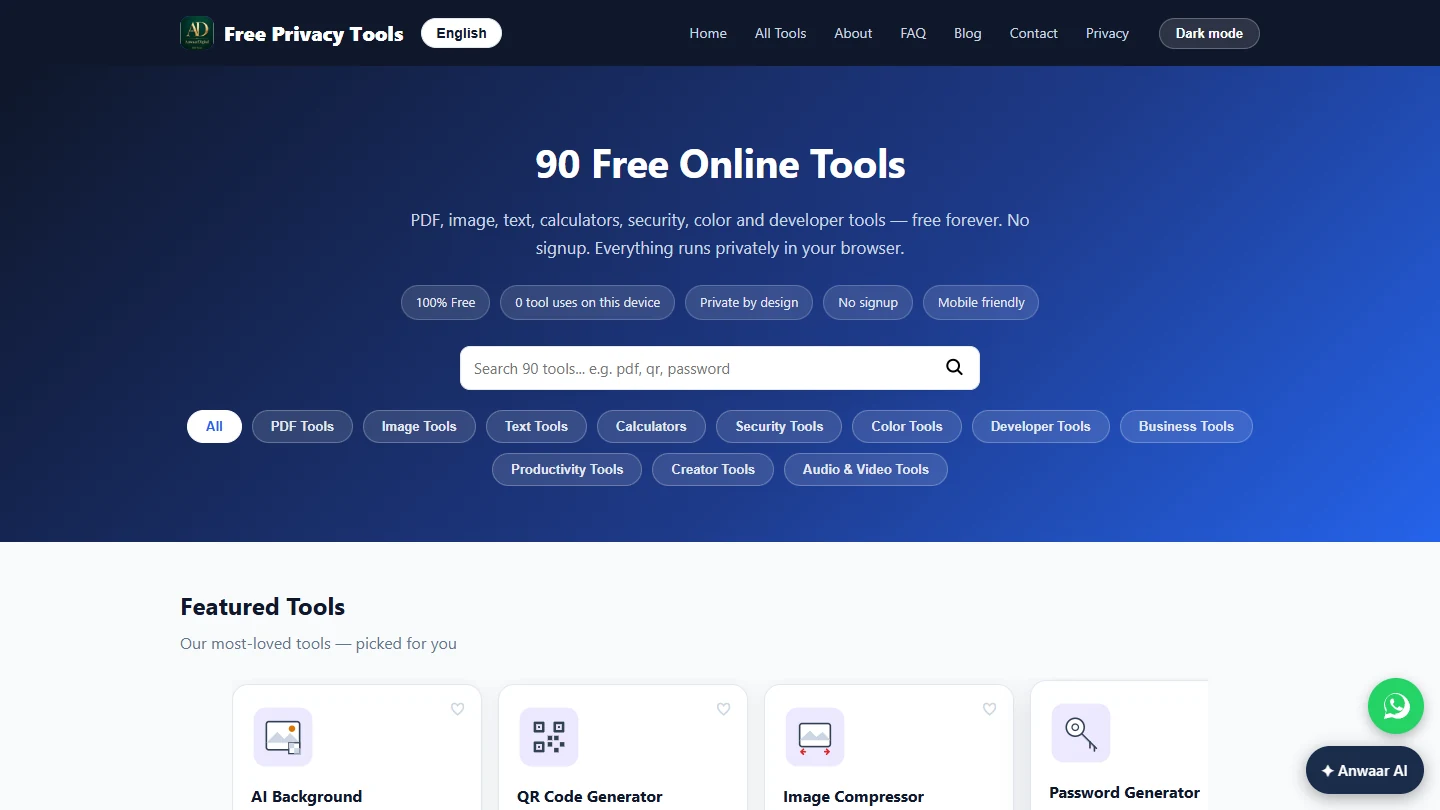
- Search the 90 tools. You are the leasing coordinator at Harbor Point Property Management (made up). A new tenant, Dana Whitfield, has a 12-page lease for Unit 4B. Last time you emailed a whole lease, the tenant signed page 3 instead of page 11 and move-in slipped two days. Today you send only the pages to sign, and put the key terms in the email itself. Open freetools.anwaardigital.com: no account, and the files stay in your browser. Type split in the search box.
You send a new tenant only the pages to sign, and the key terms in the email.
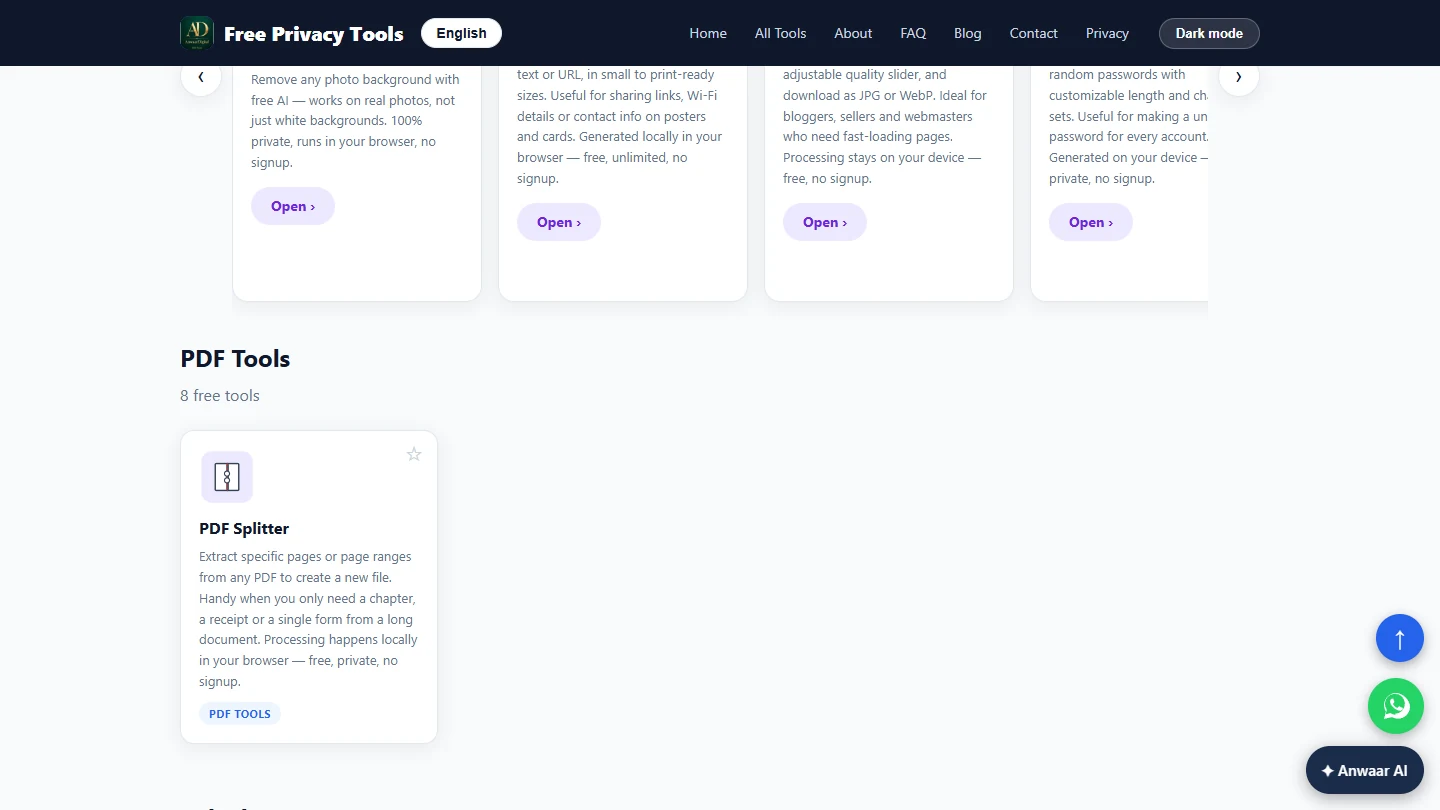
- Open PDF Splitter. The search filters all 90 tools as you type. Click the PDF Splitter card.
2. Pull out the pages to sign
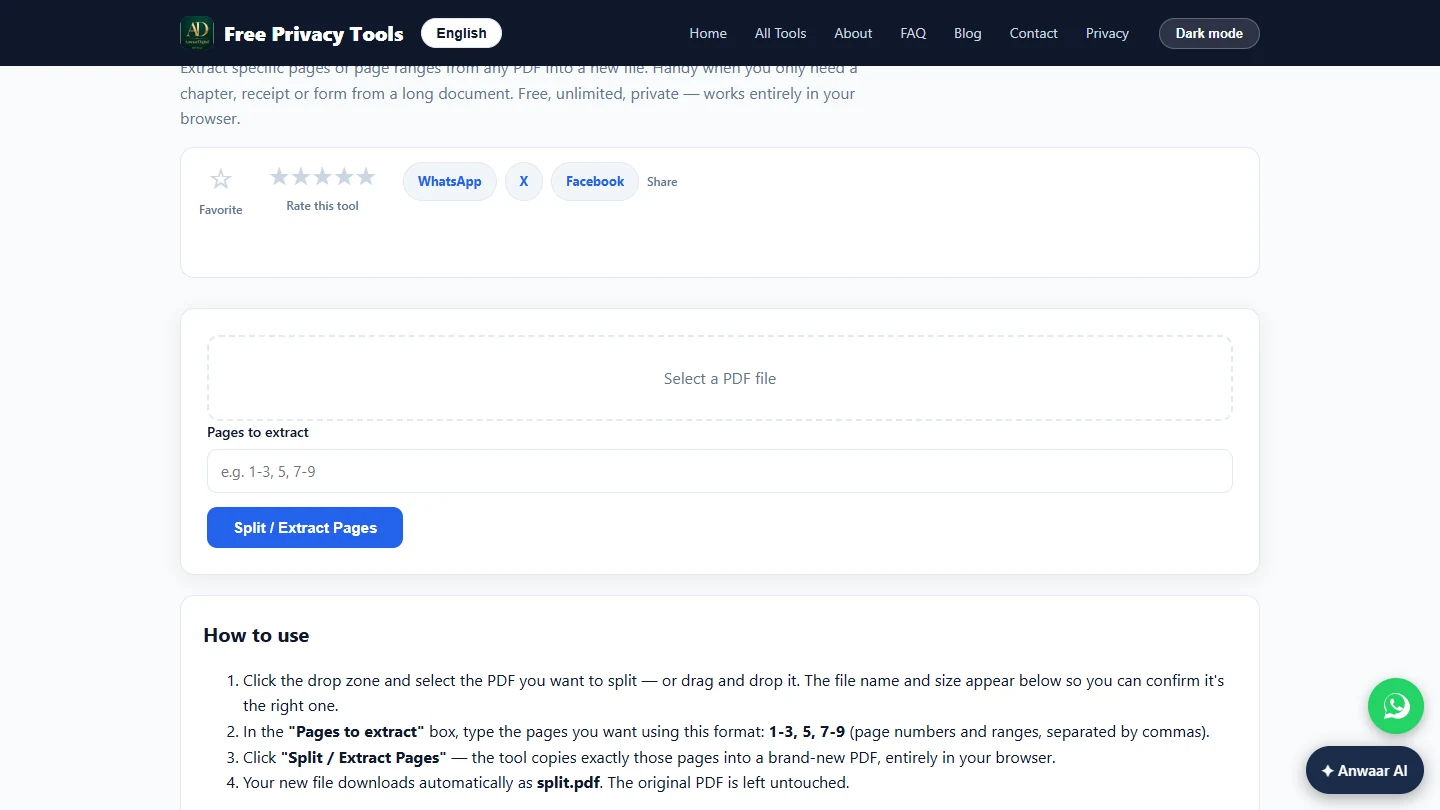
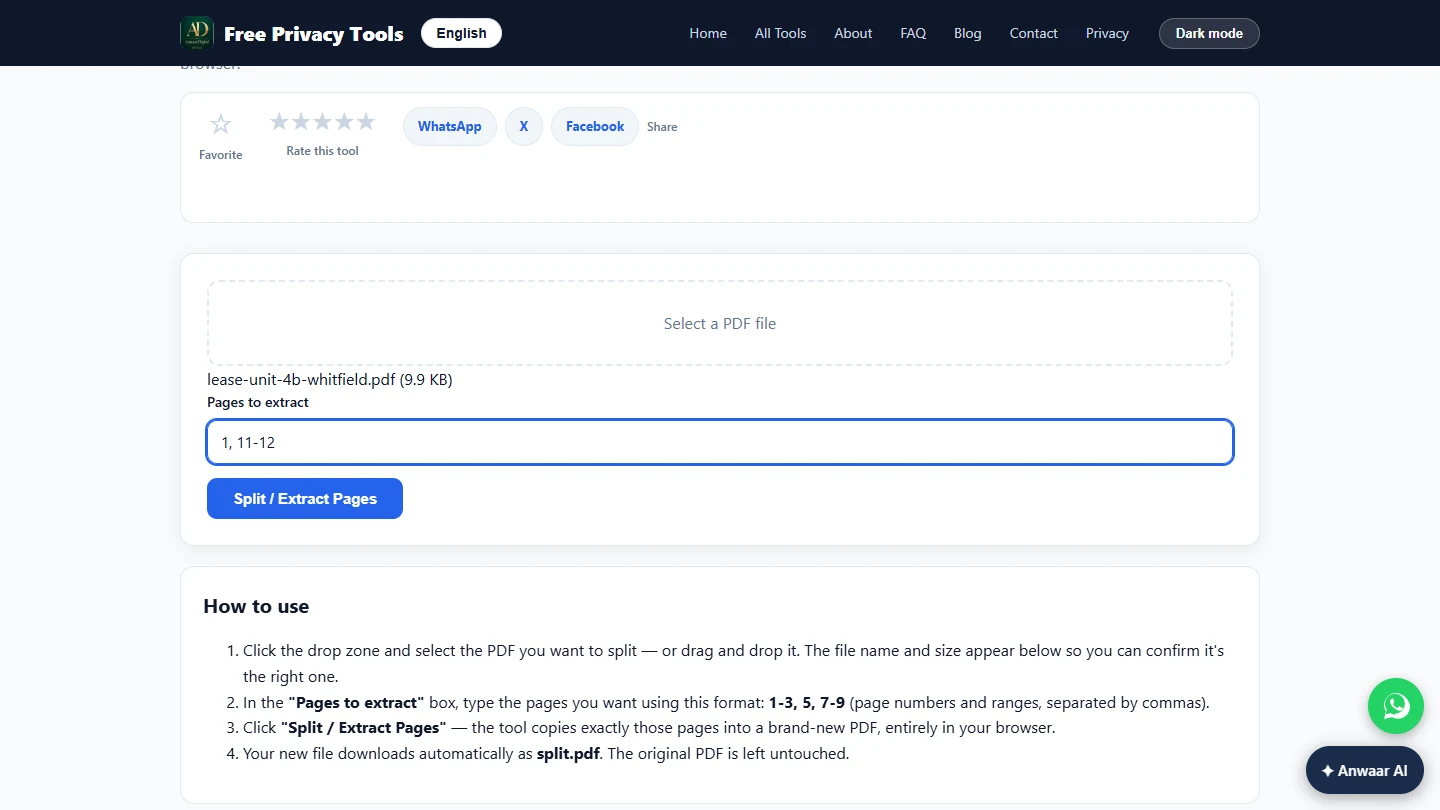
- Select the lease. Click Select a PDF file and pick the lease, lease-unit-4b-whitfield.pdf. The page says the file is read in your browser, not uploaded, which matters for a tenant's name and rent.
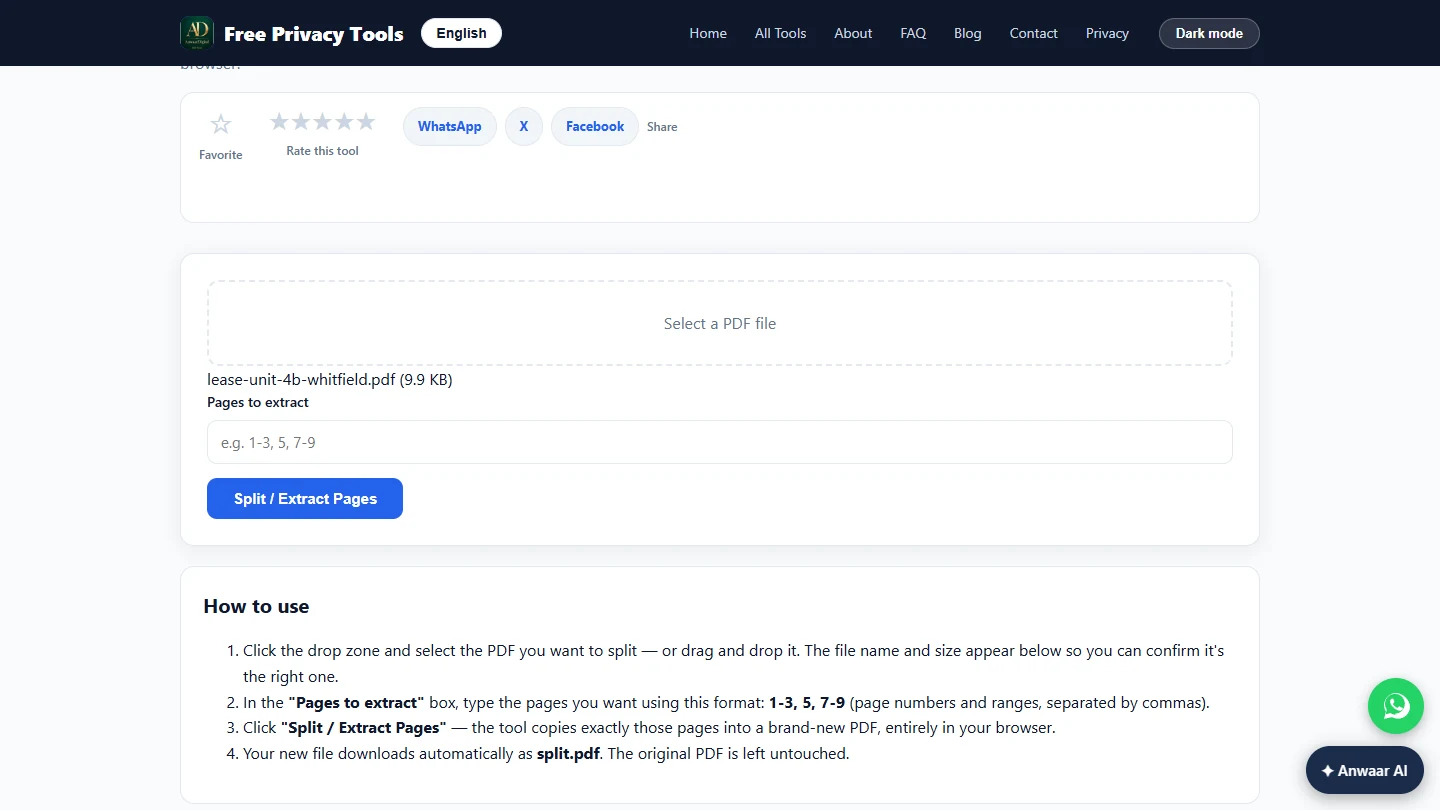
- Type the pages to keep. The file name and size appear under the box, so you can check it is the right lease. In Pages to extract, type the pages the tenant needs: the cover page (1) and the signature and move-in pages (11-12). Use commas between pages and a dash for a range.
Check the file name.
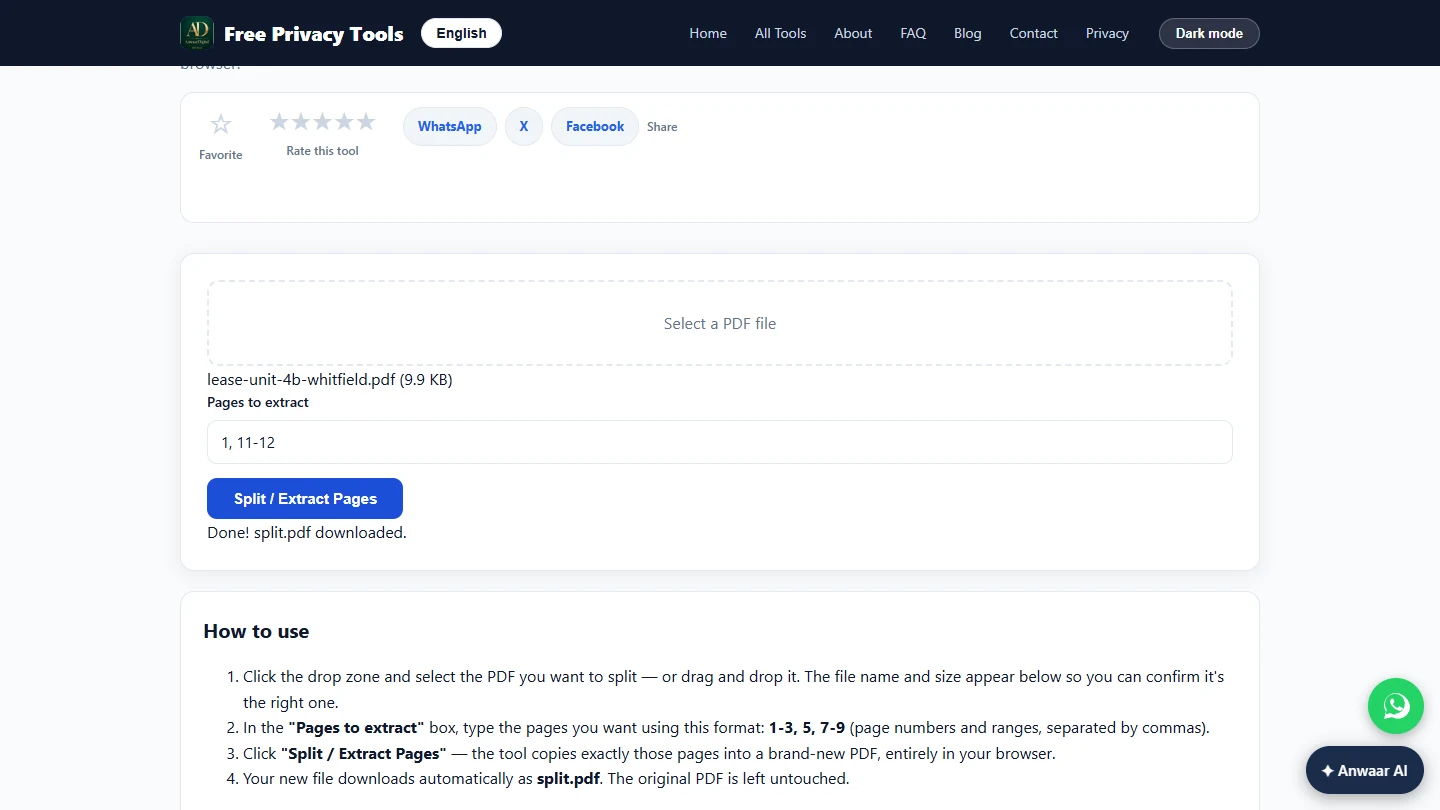
- Extract the pages. Click Split / Extract Pages.
- A three-page file, ready to sign. The tool says Done! split.pdf downloaded. Your original lease is untouched. When we opened split.pdf it had exactly three pages: the cover, the signatures and the move-in check. Rename it to something the tenant will recognise, such as Unit-4B-sign-here.pdf. Click the Done note to continue.
Done. The new file has three pages, and the original lease is untouched. Rename it, then click the note.
3. Copy the terms for your email
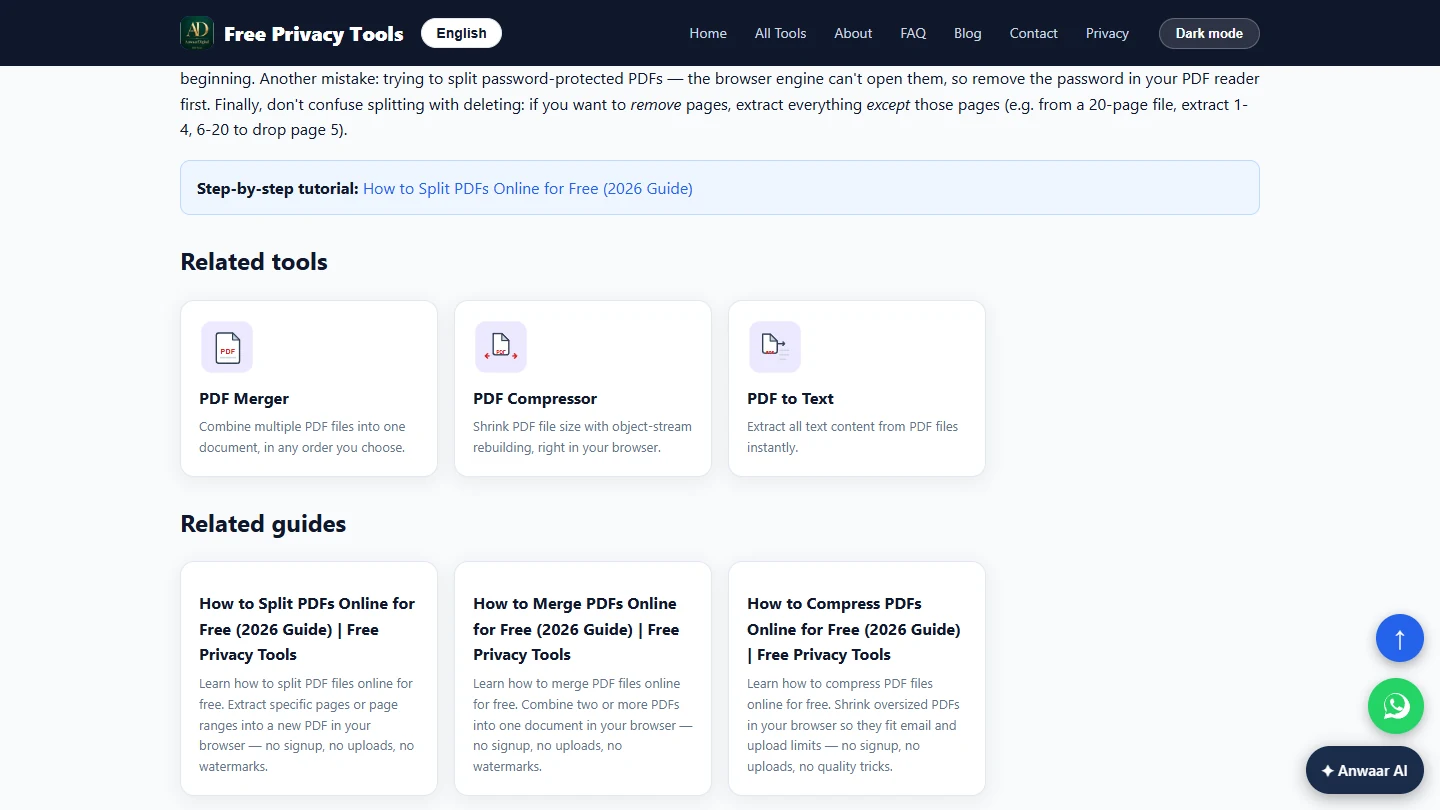
- Next: the terms for the email. Tenants reply "how much is the deposit again?" when the terms are buried on page 4. Copy them into the email instead. Scroll down to Related tools and click PDF to Text.
Now put the key terms in the email. In Related tools, click PDF to Text.
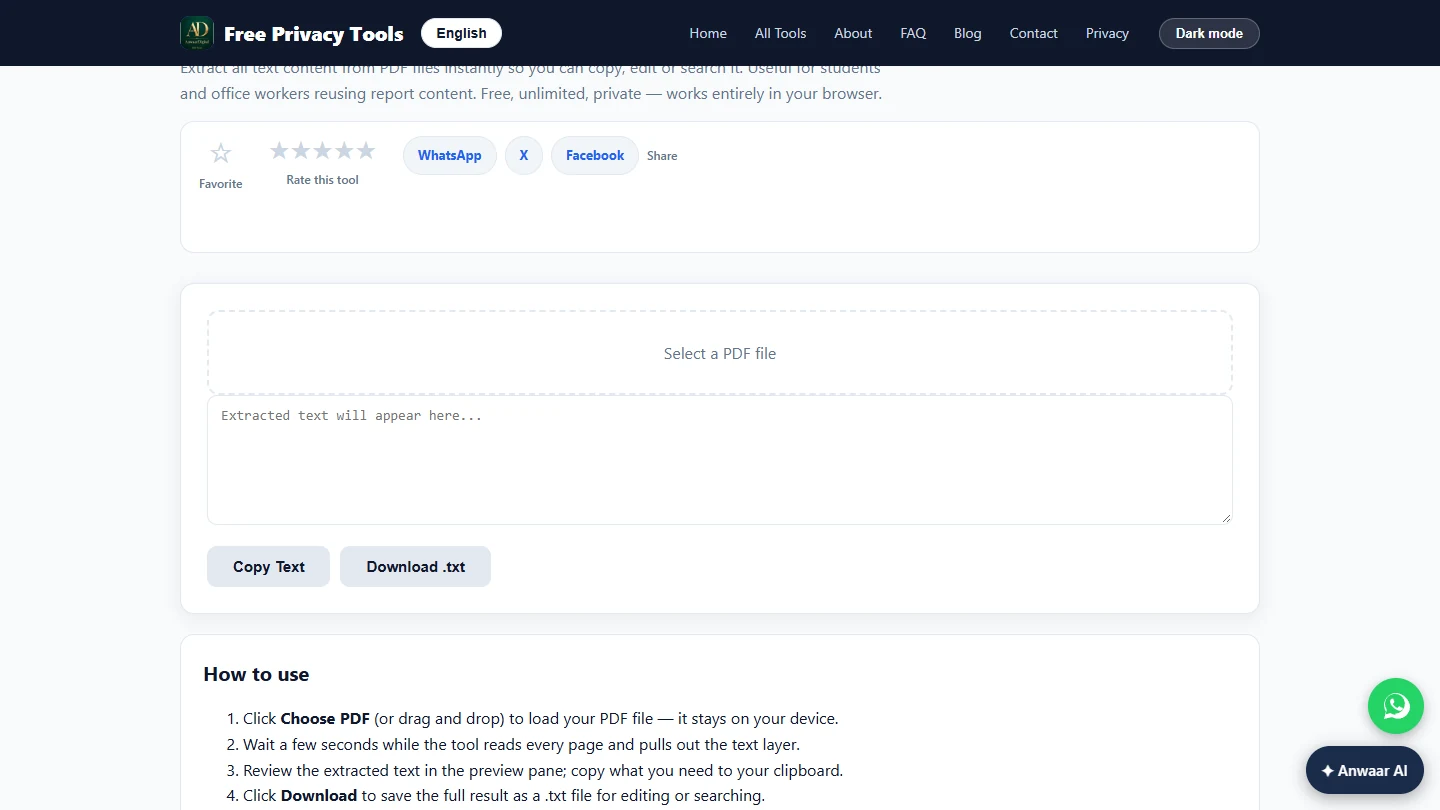
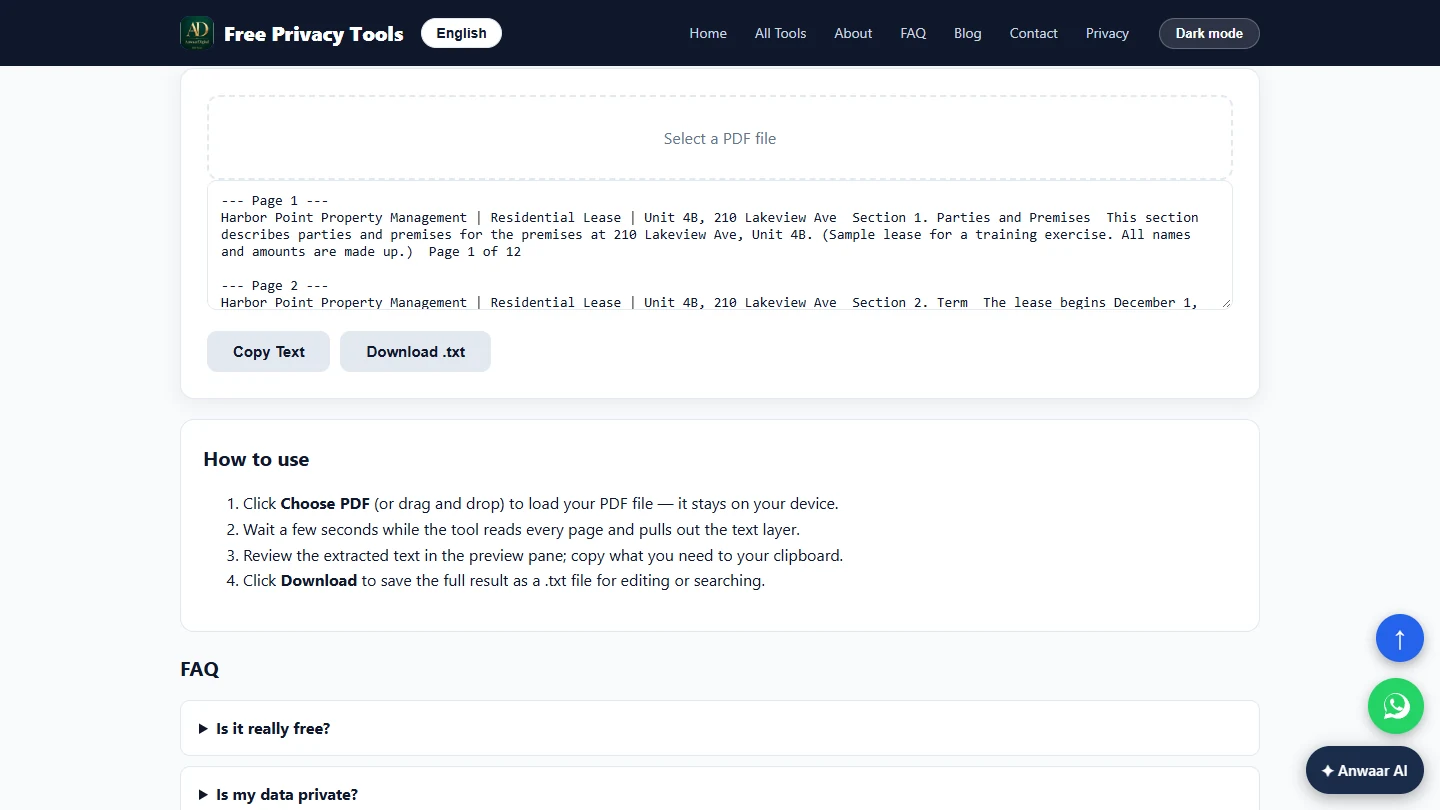
- Read the full lease. Click Select a PDF file and pick the full lease again, lease-unit-4b-whitfield.pdf.
- Every page as plain text. The text appears in the box, marked --- Page 1 ---, --- Page 2 --- and so on, so you always know where a line came from. Scroll inside the box to Page 3, the rent section.
The text comes out page by page.
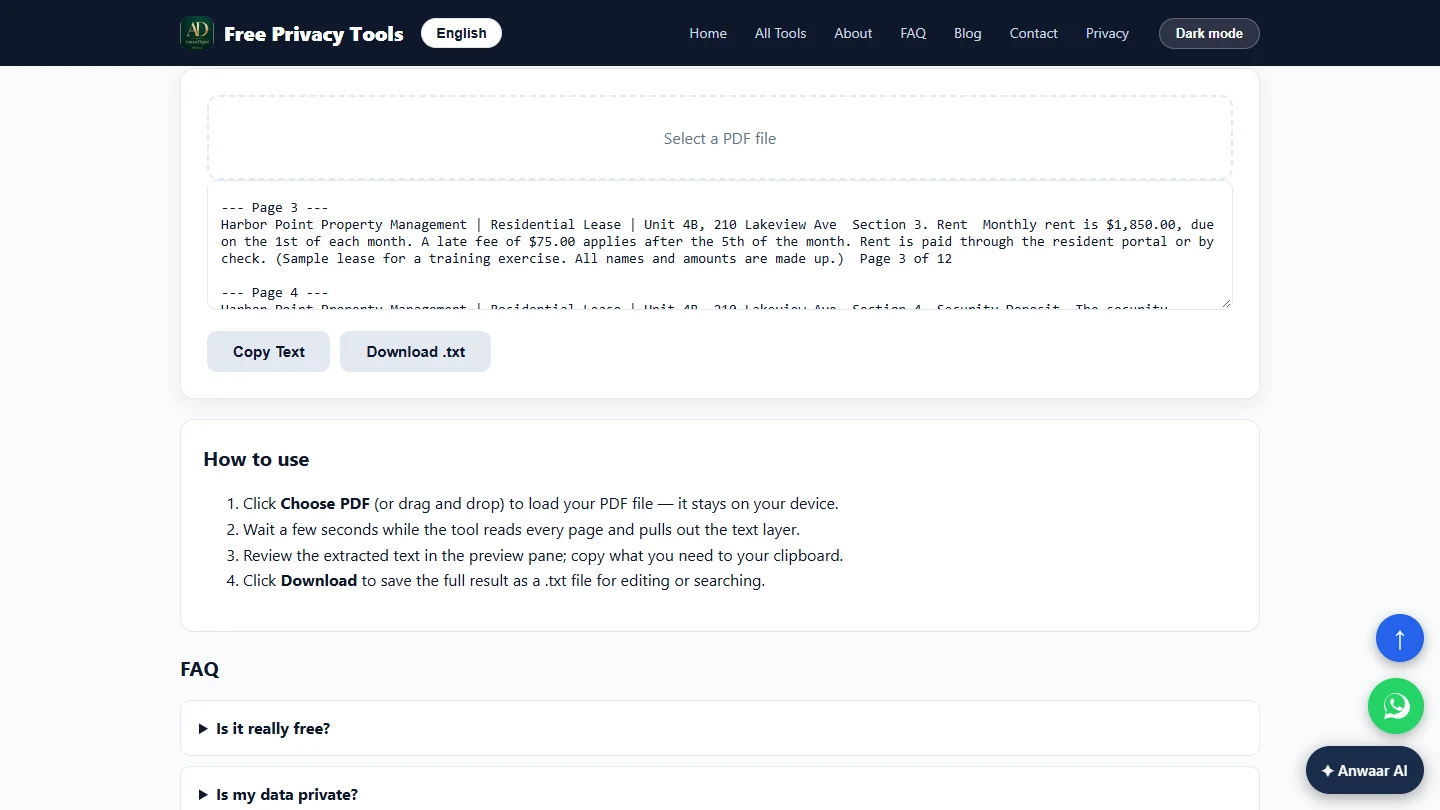
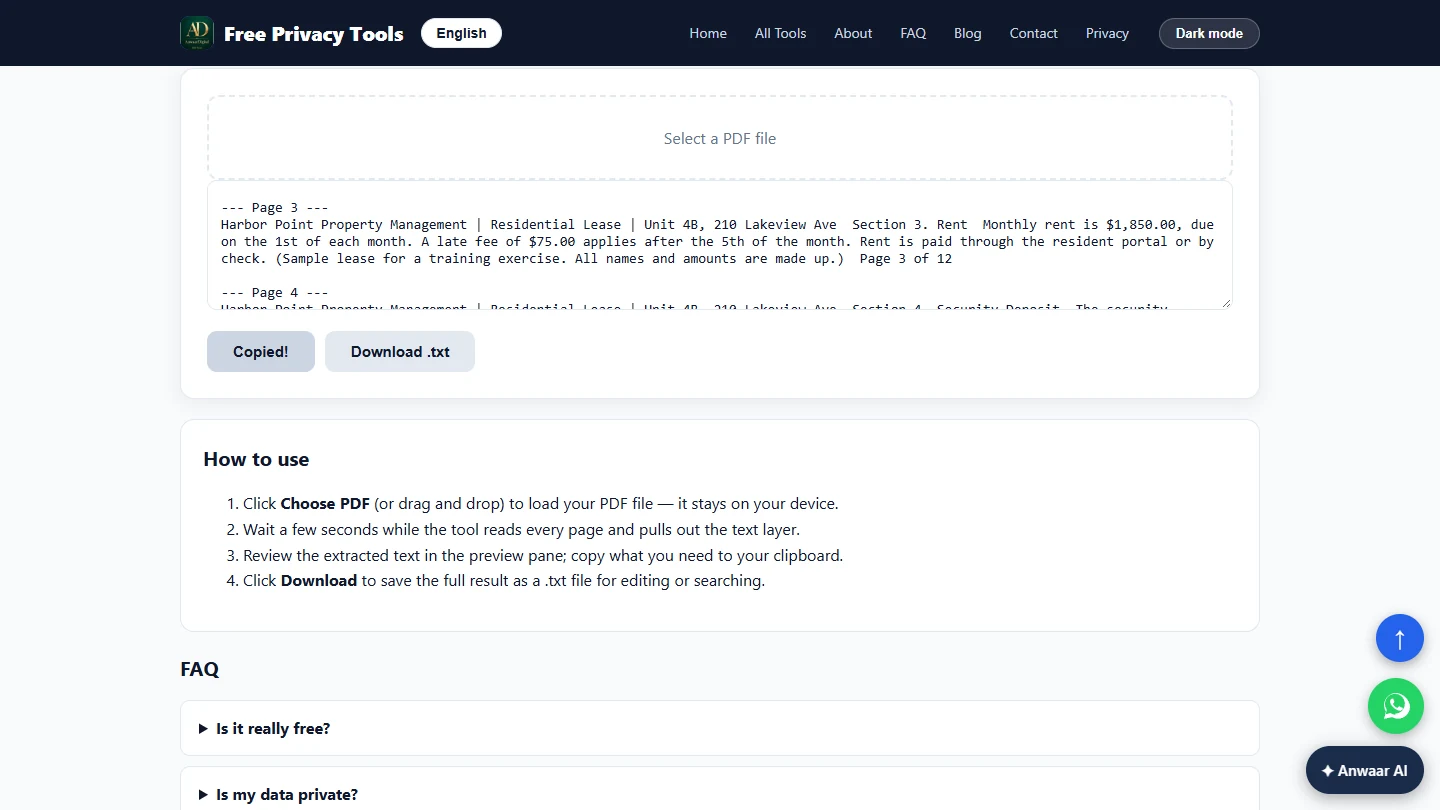
- Copy the rent terms. Page 3 says rent is $1,850.00, due on the 1st, with a $75.00 late fee after the 5th. Page 4 has the deposit and page 10 the 60-day notice rule. Click Copy Text, paste it into your email draft and keep only those lines above the attachment. Check each number against the PDF before you send.
Rent, late fee, deposit and the notice rule are all here.
Screenshots
More in AI Automation for Real Estate
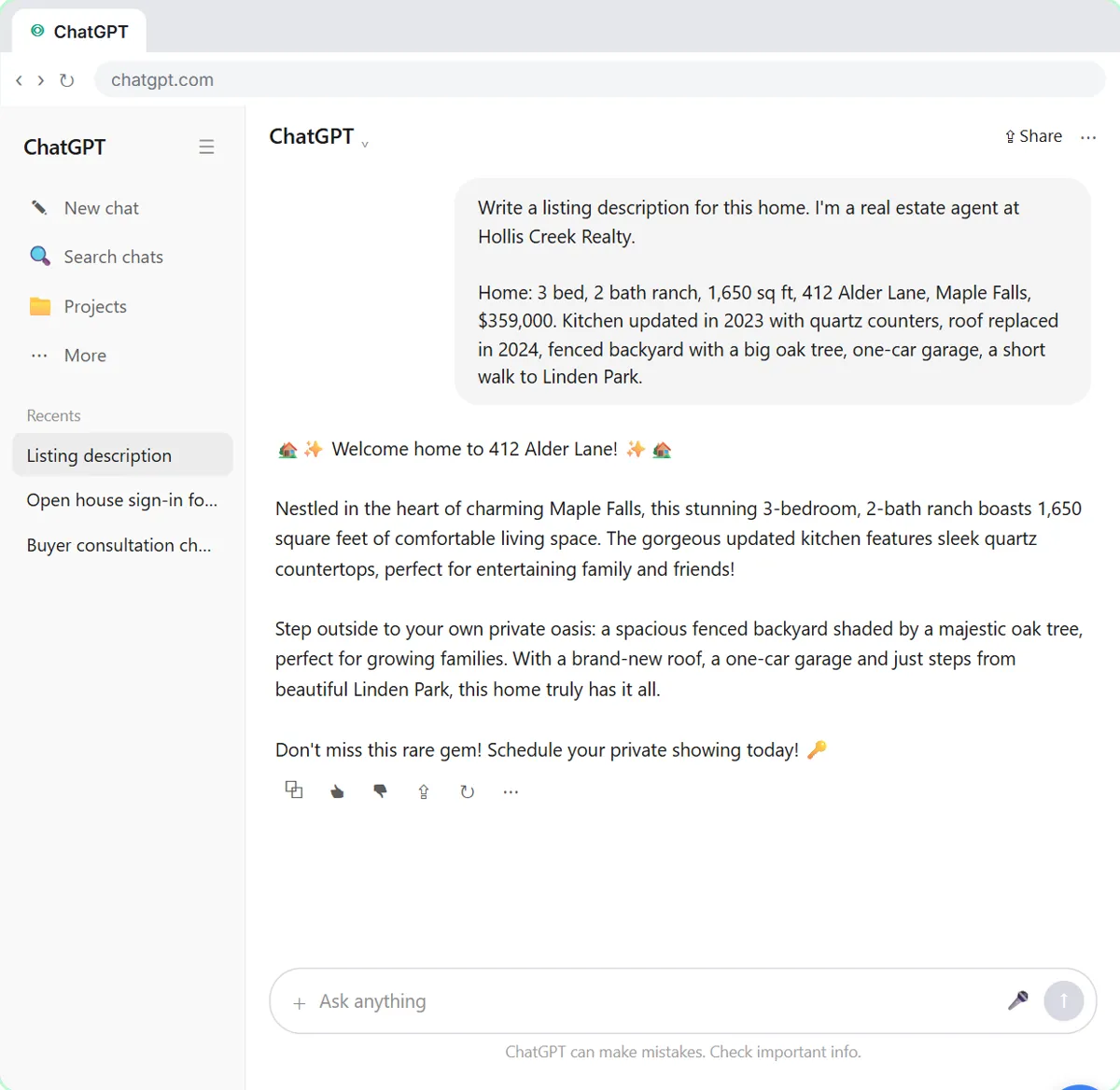 Write Listing Descriptions and Just-Listed Posts in Your Own Voice with ChatGPT (Real Estate)
Paste three of your own past listing descriptions into ChatGPT and get new listings and just-listed posts that sound like you, with only the facts of the new home.
Free · Live ~7 min Beginner
◷Answer Anxious Buyers Without Overpromising using ChatGPTA buyer under contract wants to know about the roof, the closing date and his rate. Give ChatGPT the thread and the deal facts, catch the promises only the seller or…
Free · Live ~9 min Beginner
◷Turn Every Buyer Consultation into a Written Search Plan using ChatGPTTurn a buyer consultation transcript into the buyers' criteria, the next steps with owners and dates, notes for your CRM and a same-day follow-up, with nothing in…
Free · Live ~7 min Beginner
All 6 modules in AI Automation for Real Estate
More Anwaar Digital tutorials
 Anwaar Digital: Clean a Messy Volunteer Email List Before You Import It for Marketing
Trim stray spaces, lowercase every address and remove duplicate sign-ups before the list goes into your email tool, then check a text reminder fits in one message. Four…
Free · Live ~6 min Beginner
 Anwaar Digital: Check a Suspicious Payroll Link, Then Replace a Weak Shared Password for Operations
A "your payroll password expires today" email lands at the front desk. Check the link without opening it, score the shared password, and generate a strong replacement…
Free · Live ~6 min Beginner
 Anwaar Digital: Send a Client One Small, Signed Engagement Packet for Consulting & Agencies
Turn a client's 3.3 MB phone photo of a signed page into one small PDF packet, letter, scope and signature in order, with Image Compressor, Images to PDF and PDF…
Free · Live ~7 min Beginner
Terms in this lesson
Plain-English definitions, each with an example from a free lesson.