Updated . Built from Anwaar Digital’s official docs and help center. Screens may differ slightly in your account. How we check this lesson
Library, city and nonprofit communications teams need the same event flyer in several shapes, usually without a designer. Free Privacy Tools by Anwaar Digital is a set of 90 free online tools that the site says run in your browser with no signup. In this free starter lesson, built from the site's own tool pages, you prepare a workshop flyer at Maplewood Public Library, a made-up city library: a registration QR code with the QR Code Generator, a 1080 x 1080 Instagram version with the Image Resizer, and an email-friendly PDF with the PDF Compressor. 8 steps, about seven minutes, nothing to install.
At a glance
| Question | Answer |
|---|---|
| What you build | One flyer, three formats, no design software and no uploads. Make a registration QR code, resize the flyer for Instagram and shrink the PDF for email with the free browser tools on Free Privacy Tools by Anwaar Digital. |
| Tools | Anwaar Digital |
| Time | About 7 minutes, 8 steps in 3 parts |
| Level | Beginner, no coding needed |
| Cost | Free |
| Ways to learn it | Practice it step by step |
The 3 parts, in short
- Make the QR code: Enter the registration link, Generate the code, Download the QR code.
- Size it for social: Open the Image Resizer, Pick a one-click size, Resize and download.
- Shrink it for email: Open the PDF Compressor, Compress, then try it for real.
Start here first: How to Do OCR in n8n: Read Receipt Photos into Google Sheets with AI (module 1 of Business Automations)
In the course: Part 9 · n8n Automation Toolkit (Module 166 of the full course)
The business case: three small jobs that stall a campaign
Picture Priya, the communications coordinator at Maplewood Public Library, a made-up city library. The free Resume Lab workshop starts next week. She needs a printed poster with a QR code for sign-ups, a square post for the library's Instagram, and a PDF small enough to email to every branch. The library has no designer on call. To make the flyer image itself from a short brief, see How to Create an Image in ChatGPT for Your Business: Posters, Fixes, Stories. With example numbers you should replace with your own, three small requests waiting a day or two each can eat most of a week's promotion window.
None of the three jobs needs design software. A QR code, a resize and a compression are quick in free tools, as long as the tools are trustworthy with library files. Anwaar Digital's tools say they process files in your browser, so the flyer does not leave Priya's computer.
Who this is for, and what you need
Communications staff at libraries, city offices, schools and nonprofits, and anyone who promotes events without a designer. The practice runs in your browser. To do it for real you need the flyer as an image (for social) and as a PDF (for email), plus the registration link. No account or signup is needed.
Tips and limits from the tool pages
QR codes: Size (px) runs from 64 to 1024, and a bigger code prints more sharply. Always scan a test print. The Image Resizer keeps proportions when Keep aspect ratio is on; its one-click sizes (YouTube Thumbnail, Instagram Post, Instagram Story, Facebook Cover, X Header, Website Hero) set an exact width and height, so start from artwork with the right shape. The site's advice is that shrinking is safe and enlarging should stay modest, about 1.5 to 2 times at most.
The PDF Compressor is lossless: it does not downsample images, so scanned or image-heavy PDFs may show little saving, and it says so when a file is already optimized. Encrypted or password-protected PDFs cannot be opened, and the PDF engine needs an internet connection once to load. If your flyer pages are separate images, Images to PDF combines JPG or PNG files into one PDF in page order.
What this saves you
- Waiting on a designer for a QR code, a resize and a smaller PDF.
- Uploading library files to unknown sites: the tools say they run in your browser.
- What it does not do: it does not design the flyer or fix a design that is the wrong shape. Check each version before it goes out.
How this lesson was built
This is a starter lesson based on the pages of Free Privacy Tools by Anwaar Digital (home; QR Code Generator; Image Resizer; PDF Compressor; Images to PDF), read on 13 November 2026, including the labels the live tool pages show. The practice screen is a plain frame that uses those labels; it is not a copy of the site, and no real files were processed. Maplewood Public Library, its workshop and the file sizes are made up. The full hands-on course on the real Free Privacy Tools screens is the [Anwaar Digital Free Tools Jump Start](/courses/anwaar-free-tools-jump-start): five office jobs, from a lease's signature pages and website-ready listing photos to a clean email list, a suspicious link checked and one small signed client packet. Another quick one with the same free tools: Send a New Hire One Small Onboarding PDF Instead of Five Attachments.
Links
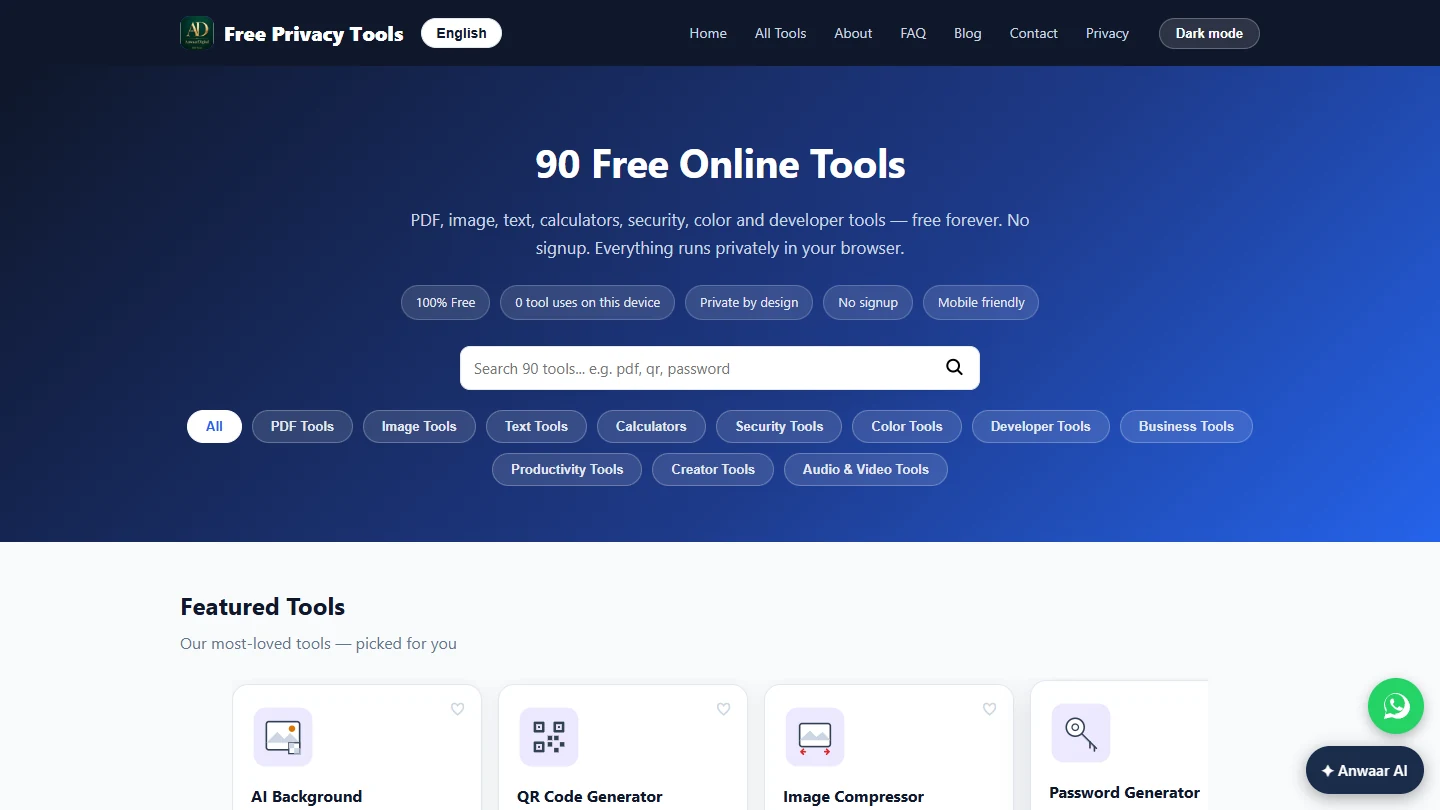
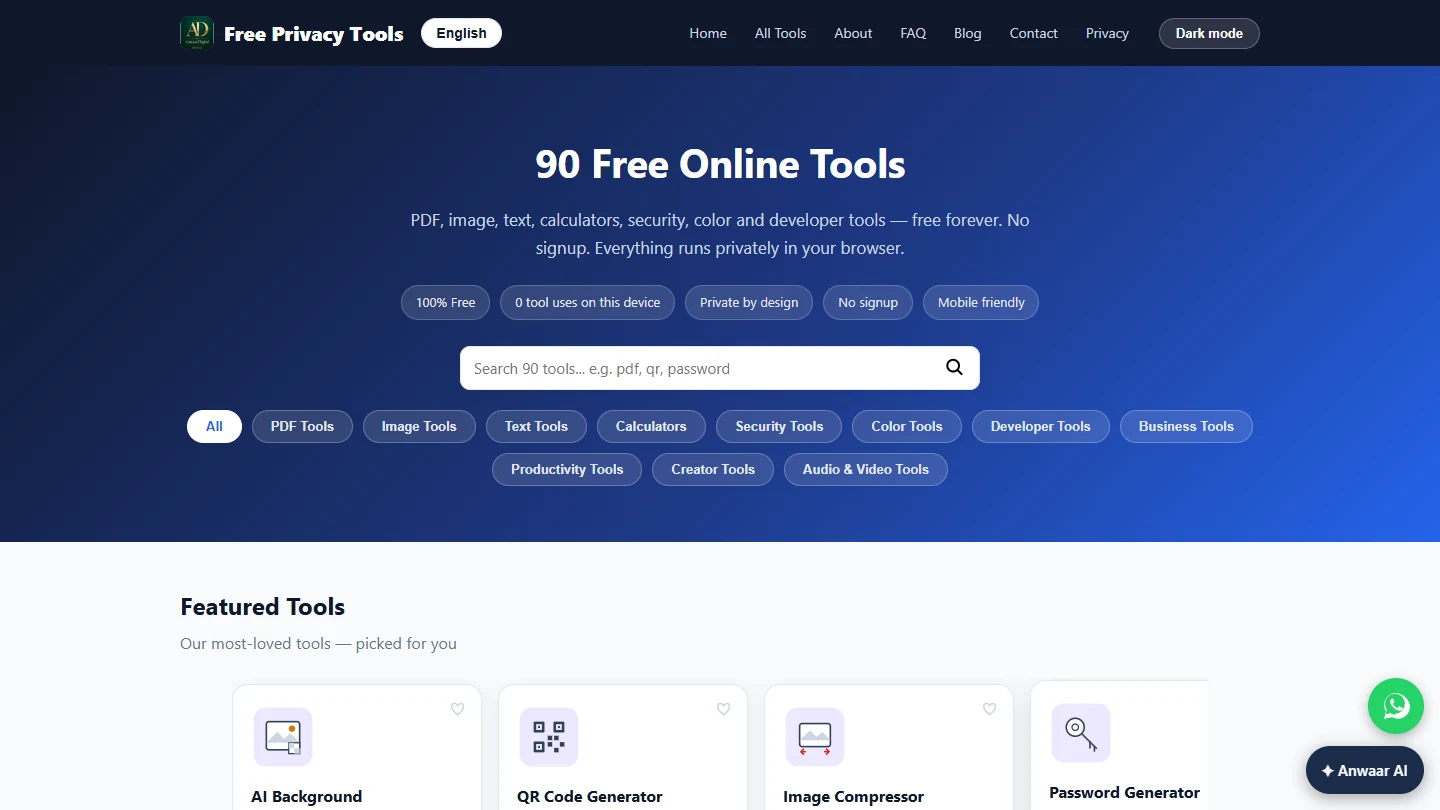
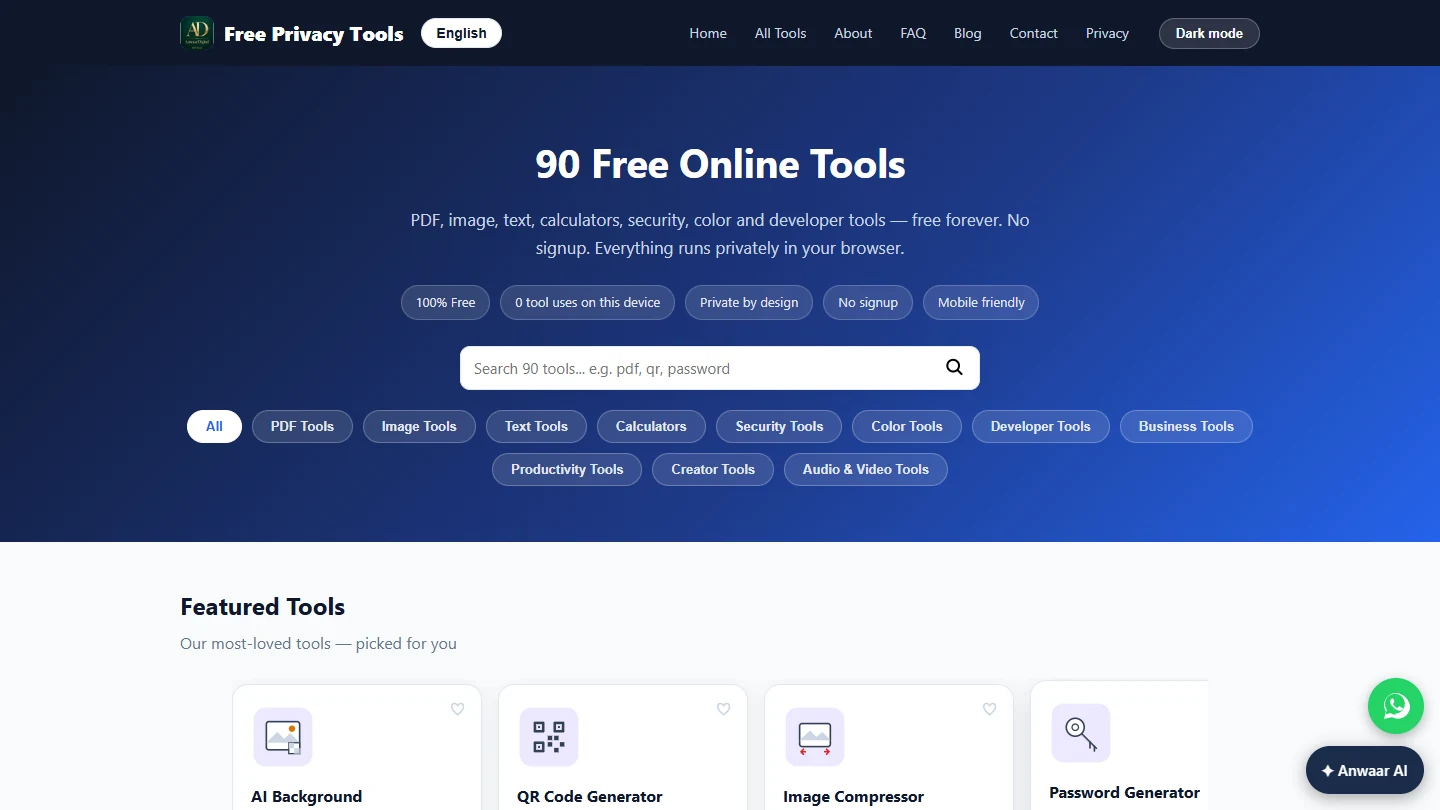
- Free Privacy Tools by Anwaar Digital: all 90 tools by category, and the no-signup, in-browser claims.
- Anwaar Digital: QR Code Generator: Text / URL, Size (px), Generate QR Code and Download PNG.
- Anwaar Digital: Image Resizer: width and height in pixels, Keep aspect ratio, one-click sizes and Resize & Download.
- Anwaar Digital: PDF Compressor: lossless compression, the compressed.pdf download and what it cannot open.
- Anwaar Digital: Images to PDF: the next step: combine flyer page images into one PDF in page order.
Try it yourself, free
Reading the steps is a start. Doing them is how it sticks. The interactive module walks you through every click in a practice copy of Anwaar Digital, checks each step, and never touches your real accounts.
Start “Anwaar Digital: Prepare an Event Flyer for Print, Social and Email”Step by step: Anwaar Digital: Prepare an Event Flyer for Print, Social and Email
All 8 steps of the interactive module, in order. In the module you watch each one, then do it yourself in a practice copy that checks your work.
1. Make the QR code
- Enter the registration link. You are the communications coordinator at Maplewood Public Library, a made-up city library. The Resume Lab workshop poster needs a QR code that opens the sign-up page. In Text / URL, type https://maplewoodlibrary.example/resume-lab and press Enter. The size is already set to 1024 px, the largest the tool allows.
You are the communications coordinator at Maplewood Public Library. The workshop poster needs a sign-up QR code. In Text slash URL, type the registration link.
- Generate the code. Click Generate QR Code. Scan it with your phone before you print, to be sure it opens the right page.
- Download the QR code. Click Download PNG. The file saves as qrcode.png, ready to place on the poster.
The code saves as a PNG, ready for the poster.
2. Size it for social
- Open the Image Resizer. The finished poster image is too big and the wrong shape for Instagram. Click Image Resizer in the menu.
The poster is the wrong size for Instagram.
- Pick a one-click size. The flyer image is loaded. Under One-click sizes:, click Instagram Post 1080x1080. A one-click size turns Keep aspect ratio off and sets an exact width and height.
Under One-click sizes, click Instagram Post, 1080 by 1080.
- Resize and download. Click Resize & Download. The file saves with its new size in the name. If the poster looks squeezed, start from a square version of the design instead.
If the poster looks squeezed, use a square version of the design.
3. Shrink it for email
- Open the PDF Compressor. The print PDF is too heavy to email to every branch. Click PDF Compressor in the menu. The flyer PDF is already selected.
The print PDF is too heavy for email.
- Compress, then try it for real. Click Compress PDF. The file downloads as compressed.pdf and the tool reports the saving, or says the file was already optimized. Compression is lossless, so image-heavy PDFs may shrink only a little. This lesson was built from the site's pages, not run with real files: on freetools.anwaardigital.com, open each tool and try it with your own flyer.
It downloads compressed dot PDF and shows the saving. To try it for real, open the tools at freetools dot anwaardigital dot com.
Frequently asked questions
- Are Anwaar Digital's tools really free?
- The site describes its 90 tools as 100% free with no signup, and the tool pages describe them as free and unlimited with no watermarks.
- Are my files uploaded?
- The site says everything runs privately in your browser, and tool pages such as the PDF Compressor say processing happens locally after the PDF engine loads. A few tools, such as Link Shortener and IP Lookup, rely on outside services, which the site notes.
- Why did my PDF barely shrink?
- The PDF Compressor is lossless: it rebuilds the PDF structure and does not downsample images, so scanned or image-heavy PDFs may save little. It tells you when a file was already optimized.
- Was this lesson tested with real files?
- No. It is a free starter lesson built from the site's public tool pages. The practice frame is generic and the labels come from those pages; check them against the real tools.
More in Business Automations
 How to Do OCR in n8n: Read Receipt Photos into Google Sheets with AI
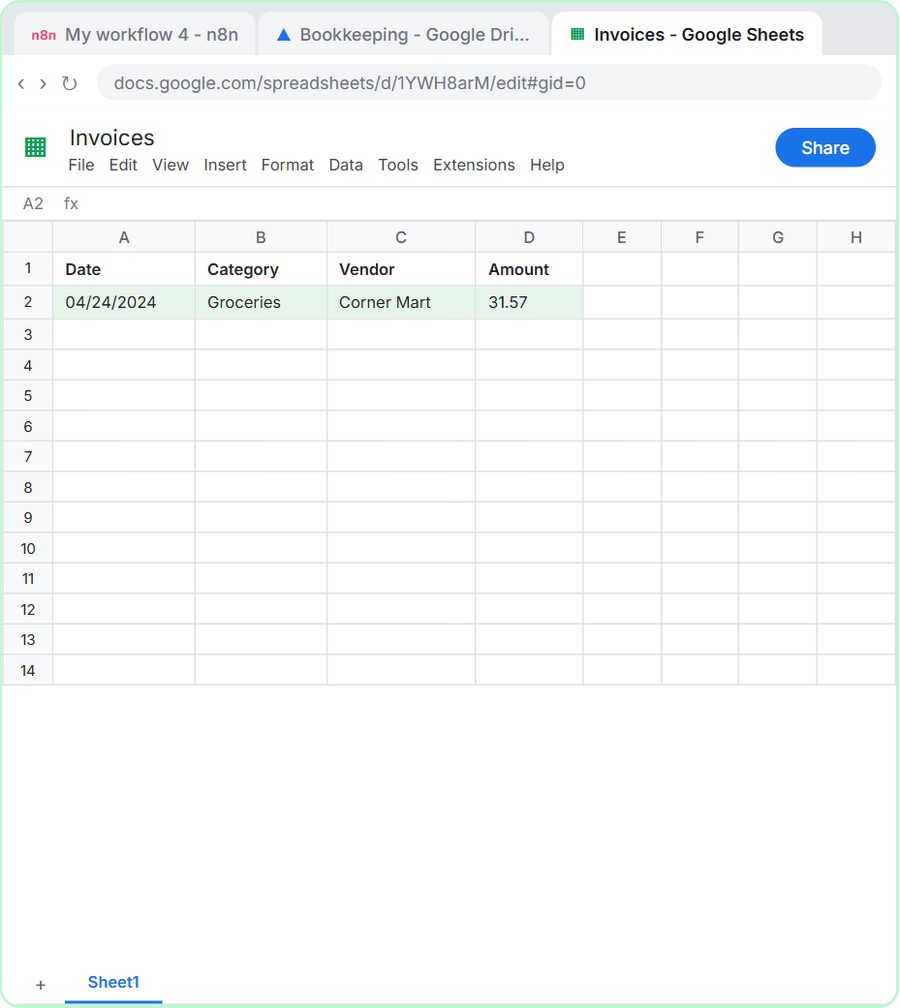
Drop a photo of a receipt into an n8n chat. An AI agent reads it, pulls out the date, vendor and amount, picks a category, and adds a row to Google Sheets.
Free · Live ~12 min Intermediate
 n8n AI Email Responder: Draft Gmail Replies Automatically
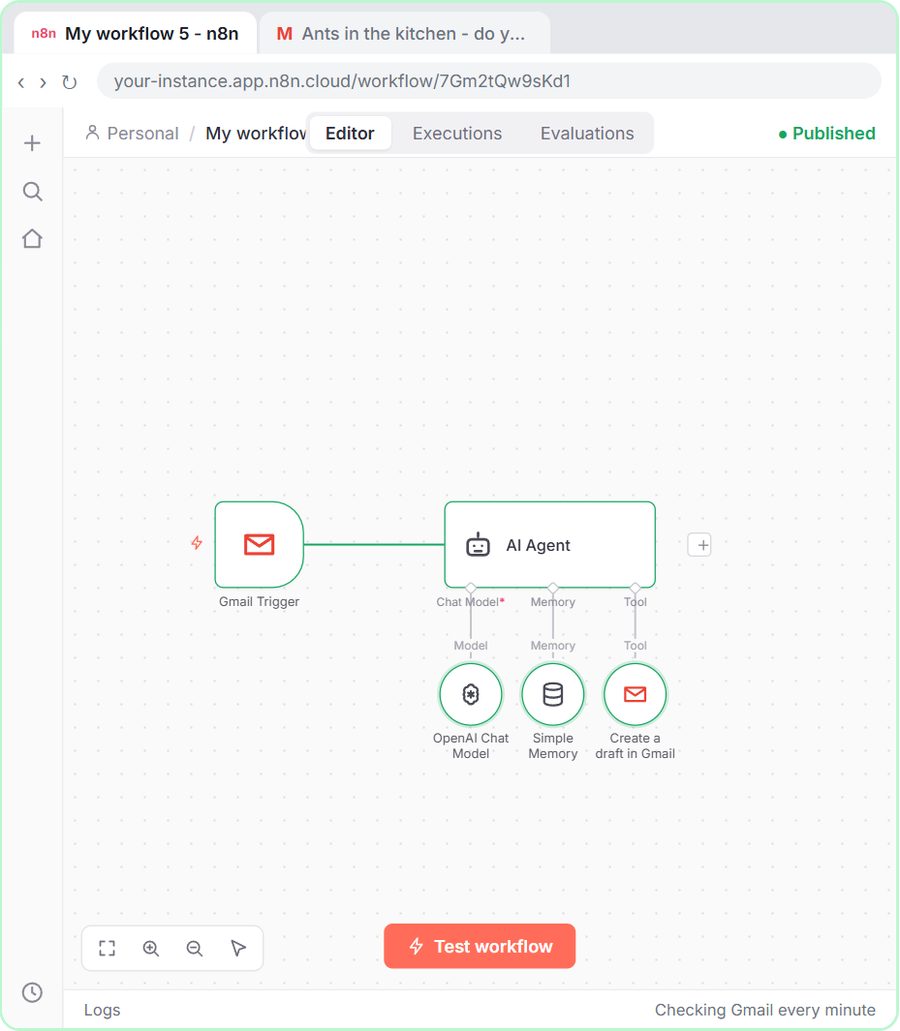
Build an n8n agent that watches your Gmail, reads each new customer email, and writes a reply as a draft in the same thread, ready for you to check and send.
Free · Live ~12 min Intermediate
 How to Make an n8n Workflow That Emails Each Tech Their Jobs from Sheets
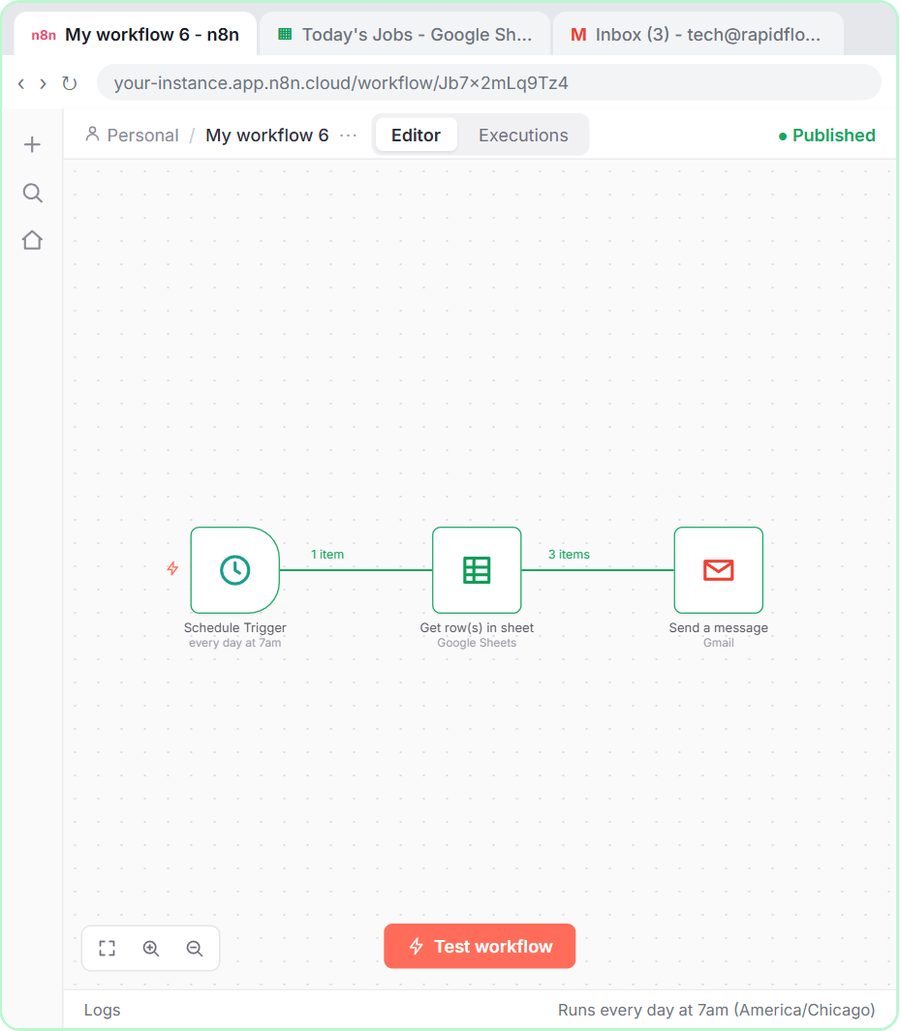
Every morning at 7, n8n reads a plumbing company's jobs sheet, skips anything not assigned yet, and emails each job to the tech it's assigned to — customer, address…
Free · Live ~10 min Intermediate
 Gmail AI Triage: Auto-Label Every Email and Draft Replies
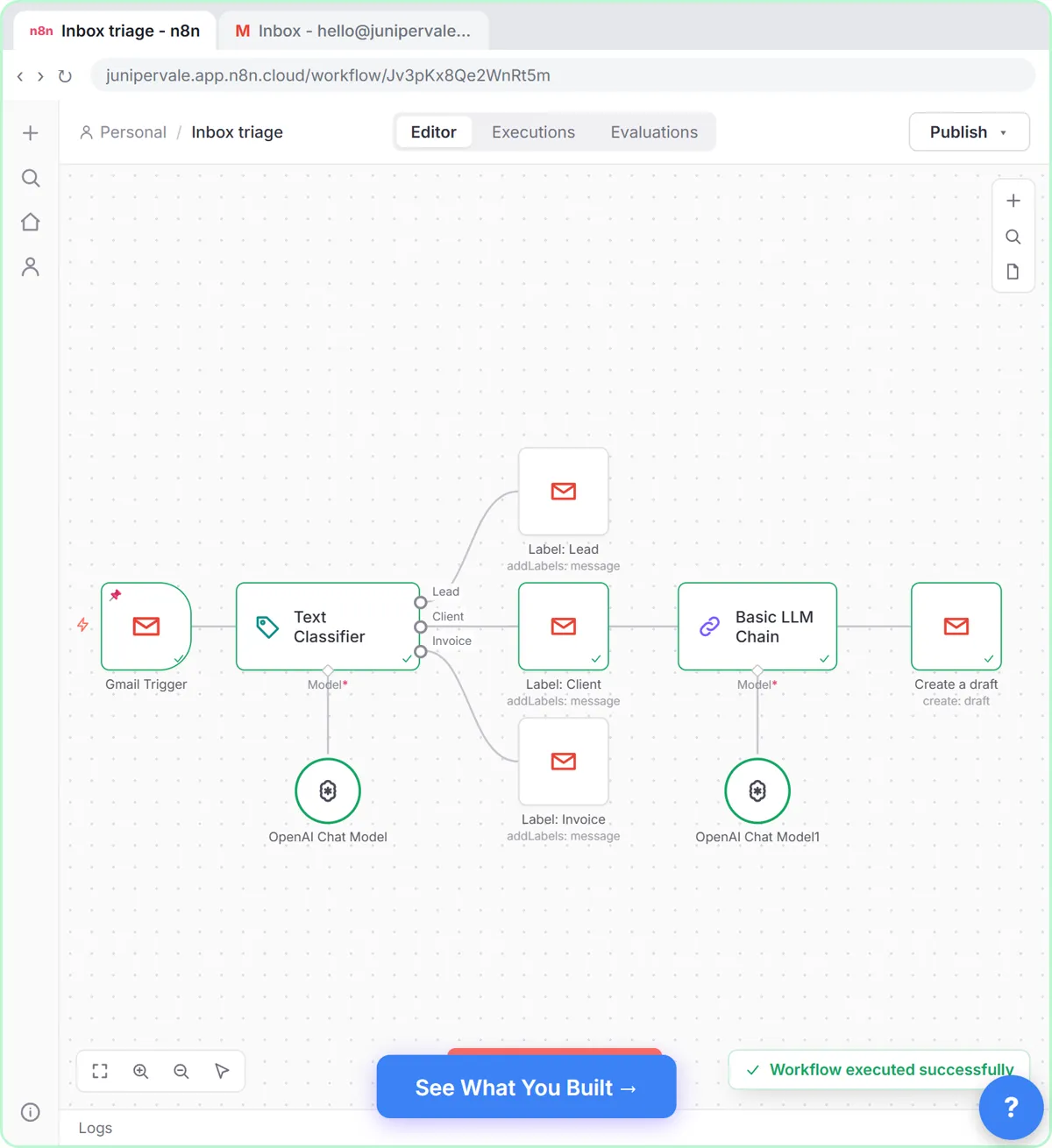
Build an n8n workflow that reads each new email, sorts it as a lead, a client or an invoice with a Text Classifier, adds the matching Gmail label, and drafts a reply to…
Free · Live ~18 min Advanced
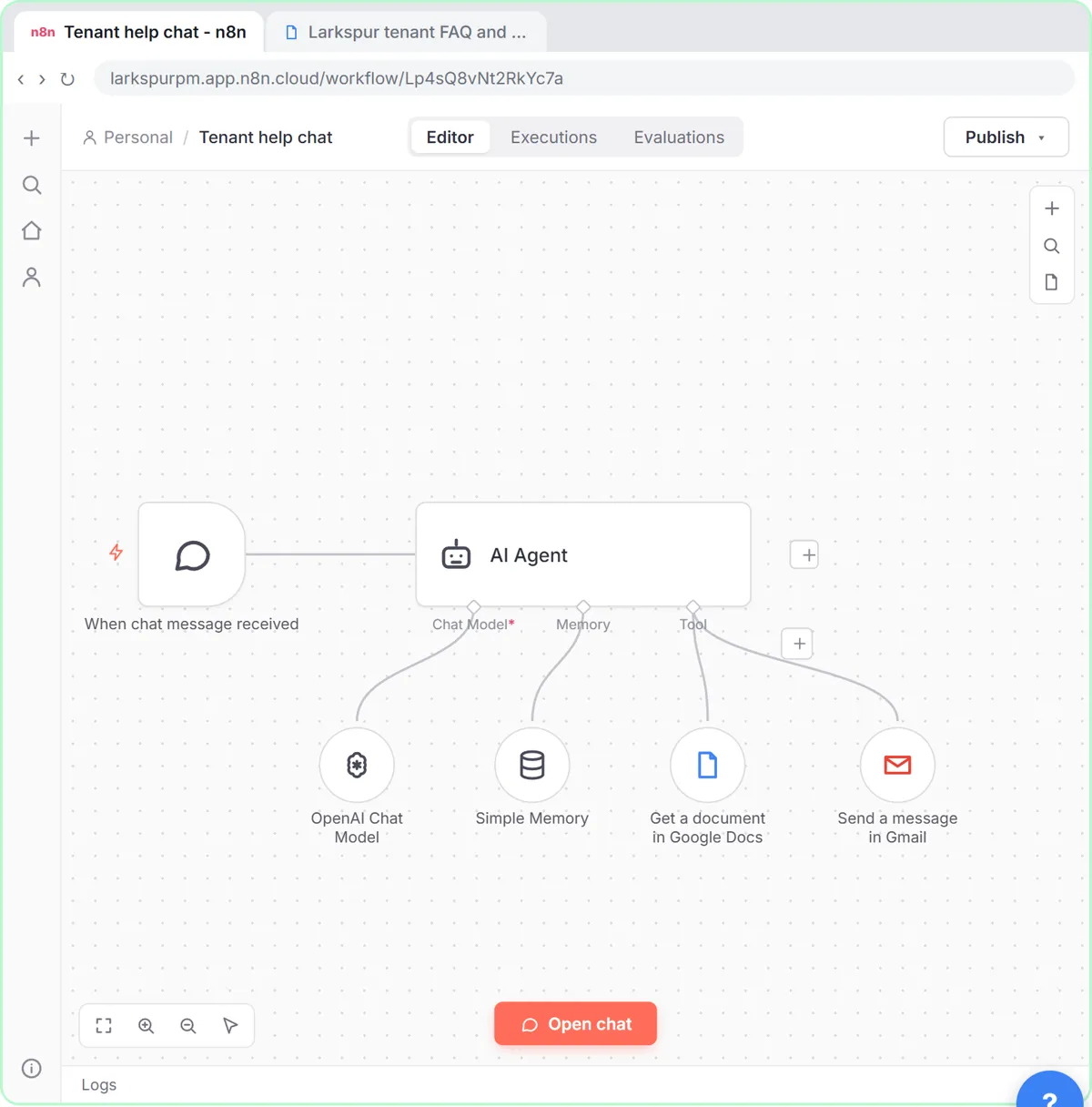 How to Use n8n to Build AI Agents: A Support Agent That Answers from Your Docs
Turn an n8n chat agent into a support agent that answers only from your policies in a Google Doc, refuses what it should, and hands off to a person by email.
Free · Live ~13 min Advanced
 Chatbase: Answer Customer FAQs with an AI Agent
A business case for a small firm that answers the same customer questions every week: build a Chatbase AI agent on your FAQ in the real app, make it say when it does…
Free · Live ~15 min Beginner
All 58 modules in Business Automations
More Anwaar Digital tutorials
 Anwaar Digital: Pull the Signature Pages Out of a 12-Page Lease for Real Estate
Send a new tenant only the three pages they must sign, and put the rent, deposit and notice terms in the email, with PDF Splitter and PDF to Text. Free, no sign-up…
Free · Live ~5 min Beginner
 Anwaar Digital: Get a Listing Photo Website-Ready (Resize, Watermark, Compress) for Real Estate
Turn a 5.6 MB phone photo into a 142 KB, branded, website-sized listing photo with three free browser tools: Image Resizer, Watermark Adder and Image Compressor. No…
Free · Live ~7 min Beginner
 Anwaar Digital: Clean a Messy Volunteer Email List Before You Import It for Marketing
Trim stray spaces, lowercase every address and remove duplicate sign-ups before the list goes into your email tool, then check a text reminder fits in one message. Four…
Free · Live ~6 min Beginner
 Anwaar Digital: Check a Suspicious Payroll Link, Then Replace a Weak Shared Password for Operations
A "your payroll password expires today" email lands at the front desk. Check the link without opening it, score the shared password, and generate a strong replacement…
Free · Live ~6 min Beginner
 Anwaar Digital: Send a Client One Small, Signed Engagement Packet for Consulting & Agencies
Turn a client's 3.3 MB phone photo of a signed page into one small PDF packet, letter, scope and signature in order, with Image Compressor, Images to PDF and PDF…
Free · Live ~7 min Beginner
◷Anwaar Digital: Send a New Hire One Small Onboarding PDF Instead of Five AttachmentsNew hires get five attachments, open two, and show up on day one without the signed handbook page. Turn the welcome letter into a PDF, merge the packet in the right…
Free · Live ~6 min Beginner
Terms in this lesson
Plain-English definitions, each with an example from a free lesson.