Updated . Built against the tool’s current screens and checked step by step. How we check this lesson
Your sources are lost in twenty tabs. Save them into Qind, ask the question your paper needs, and get an answer with numbered citations to the pages you saved, then check which sources it really used before you quote it.
At a glance
| Question | Answer |
|---|---|
| What you build | Your sources are lost in twenty tabs. Save them into Qind, ask the question your paper needs, and get an answer with numbered citations to the pages you saved, then check which sources it really used before you quote it. |
| Tools | Qind |
| Time | About 5 minutes, 8 steps in 3 parts |
| Level | Beginner, no coding needed |
| Cost | Free |
| Ways to learn it | Practice it step by step |
The 3 parts, in short
- Save your sources: Save the second source, Save it with Summarize on, Check both are ready, then ask.
- Ask with citations: Ask the question your paper needs, Send it, Watch it search your library.
- Check what it used: Read the answer and its numbers, Check which sources it used.
Start here first: How to Do OCR in n8n: Read Receipt Photos into Google Sheets with AI (module 1 of Business Automations)
In the course: Part 9 · n8n Automation Toolkit (Module 165 of the full course)
Part of: AI for Consulting & Agencies (step 39 of 39)
Part of: AI Apps Worth Knowing (step 178 of 178)
What you'll build
You are Maya, a made-up environmental studies student writing a term paper on heat pumps in cold climates. The sources live in twenty browser tabs, and every time you need the exact number you reopen them all. In this lesson you save two Wikipedia pages into Qind with Capture, check that Qind has read them, and ask one question that comes back with numbered citations. Then you check the Sources list, because the answer used only one of your two pages and some of the lines it quoted are flagged on Wikipedia. Everything here was done on Qind's Free plan.
You saved your second source with Capture, saw both pages ready in Everything, asked Ask Qind a question that cites your saved pages, and got an answer in 26 seconds with a [1] after each line. Then you checked Sources: only the Air source heat pump page was used, and some quoted lines are marked citation needed on Wikipedia. That check is the habit that keeps an AI answer out of trouble in a paper: open the source, confirm the numbers, and find a stronger reference for anything flagged. Qind's Free plan includes 100 saved items and 10 Ask Qind questions a day.
- Tools: Qind
- Time: about 5 minutes, 8 steps in 3 chapters
- Level: beginner, no coding needed
- Price: free
Practice first, then build it for real
Practice copy built from real Qind screens (qind.ai), captured 20 November 2026 on Robert's Free plan account. Nothing here touches a Qind account. The student is made up; the sources are public Wikipedia pages, and the answer is the one Ask Qind wrote. Qind asks you to allow AI processing before it reads what you save. To build it for real you need your own Qind account, and some services charge once you use them for real work, so check each tool's current pricing.
Try it yourself, free
Reading the steps is a start. Doing them is how it sticks. The interactive module walks you through every click in a practice copy of Qind, checks each step, and never touches your real accounts.
Start “Qind: Save Your Sources and Get Answers That Cite Them”Step by step: Qind: Save Your Sources and Get Answers That Cite Them
All 8 steps of the interactive module, in order. In the module you watch each one, then do it yourself in a practice copy that checks your work.
1. Save your sources
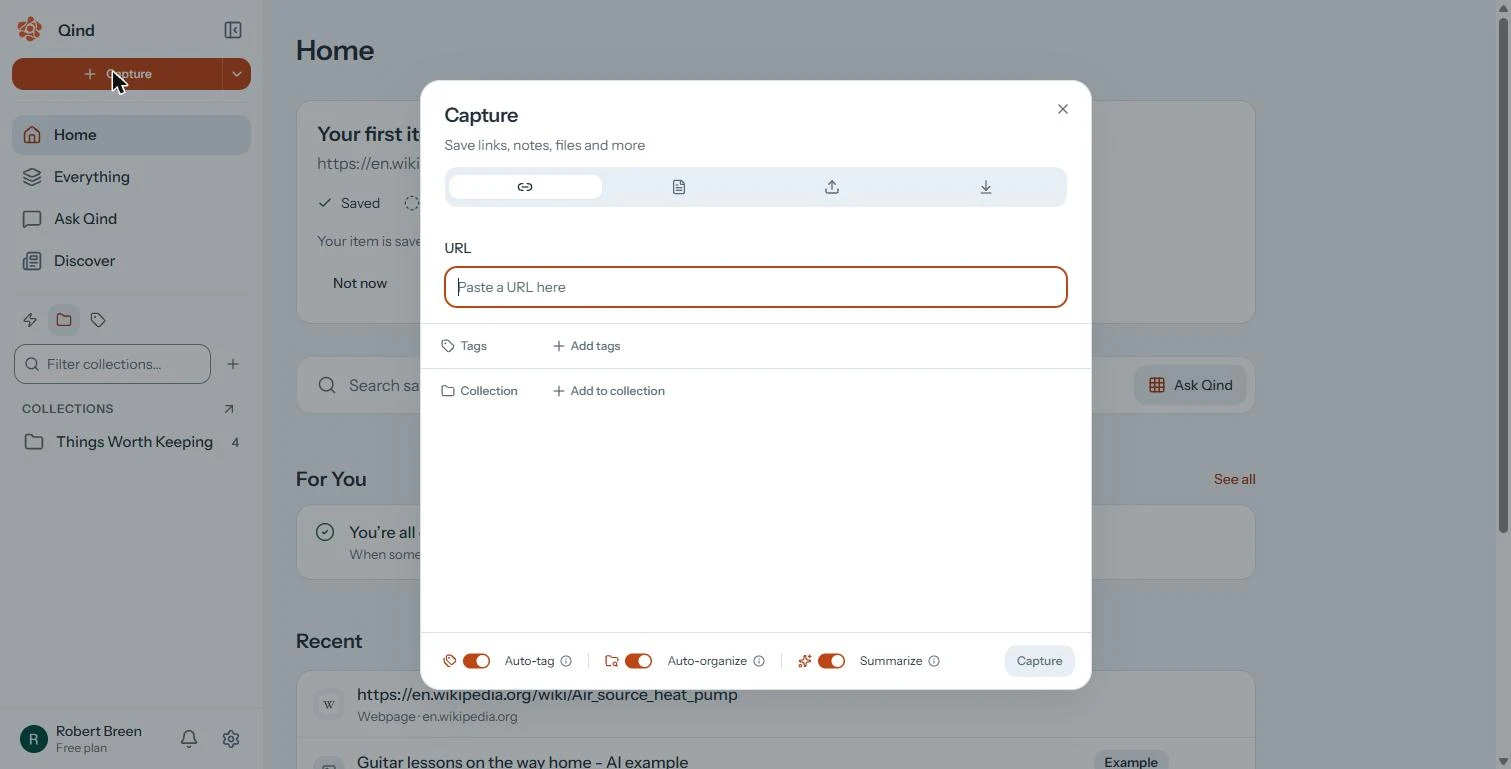
- Save the second source. You are Maya, a made-up environmental studies student writing a term paper on heat pumps in cold climates. Your sources are scattered across twenty browser tabs, and you keep losing the line you meant to quote. In Qind, you already saved the Air source heat pump article. In Capture, paste the second source: https://en.wikipedia.org/wiki/Coefficient_of_performance
You are a student writing a paper on heat pumps in cold climates, and your sources are lost in twenty tabs. In Qind's Capture window, paste the second source.
- Save it with Summarize on. Auto-tag, Auto-organize and Summarize are on, so Qind tags the page, files it and writes a short summary. Click Capture. The first time, Qind asks to Allow AI processing: it sends what you save to its AI providers, and nothing is sent until you allow it.
Auto-tag, Auto-organize and Summarize are on. The first time, Qind asks you to allow AI processing before it reads anything.
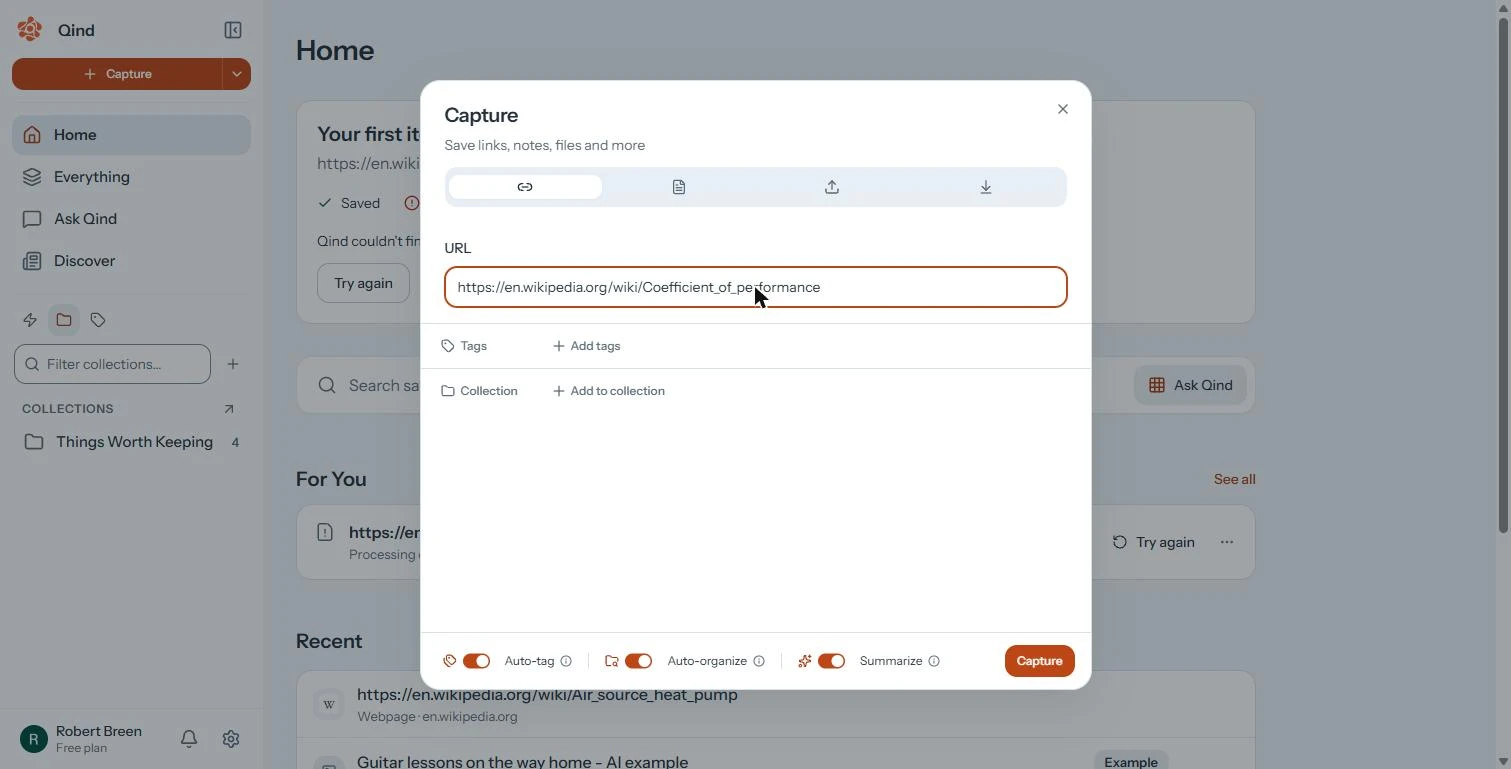
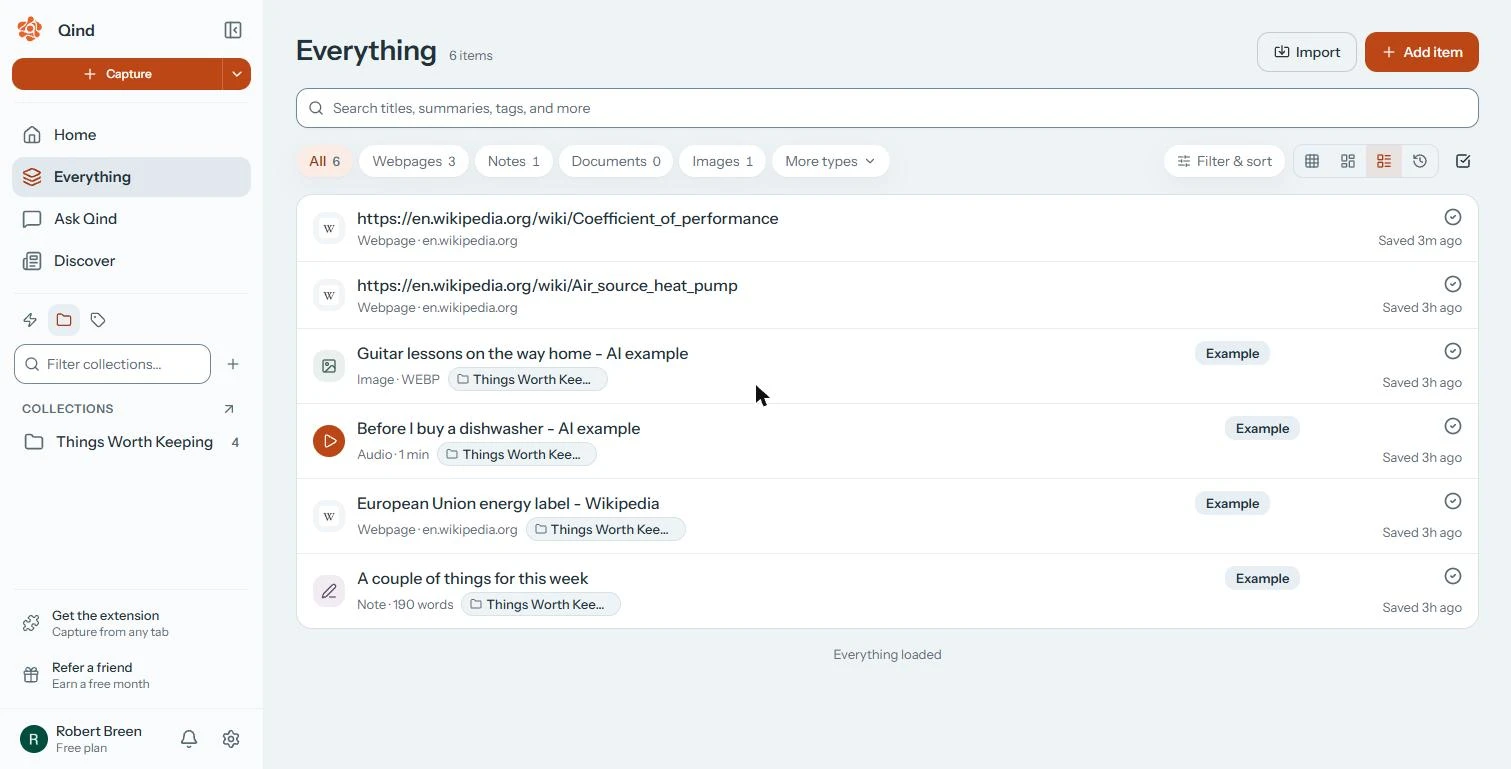
- Check both are ready, then ask. Everything shows 6 items: your two Wikipedia pages and four examples. A tick means Qind has read the item and you can ask about it. Click Ask Qind.
Everything shows both pages with a tick, which means Qind has read them.
2. Ask with citations
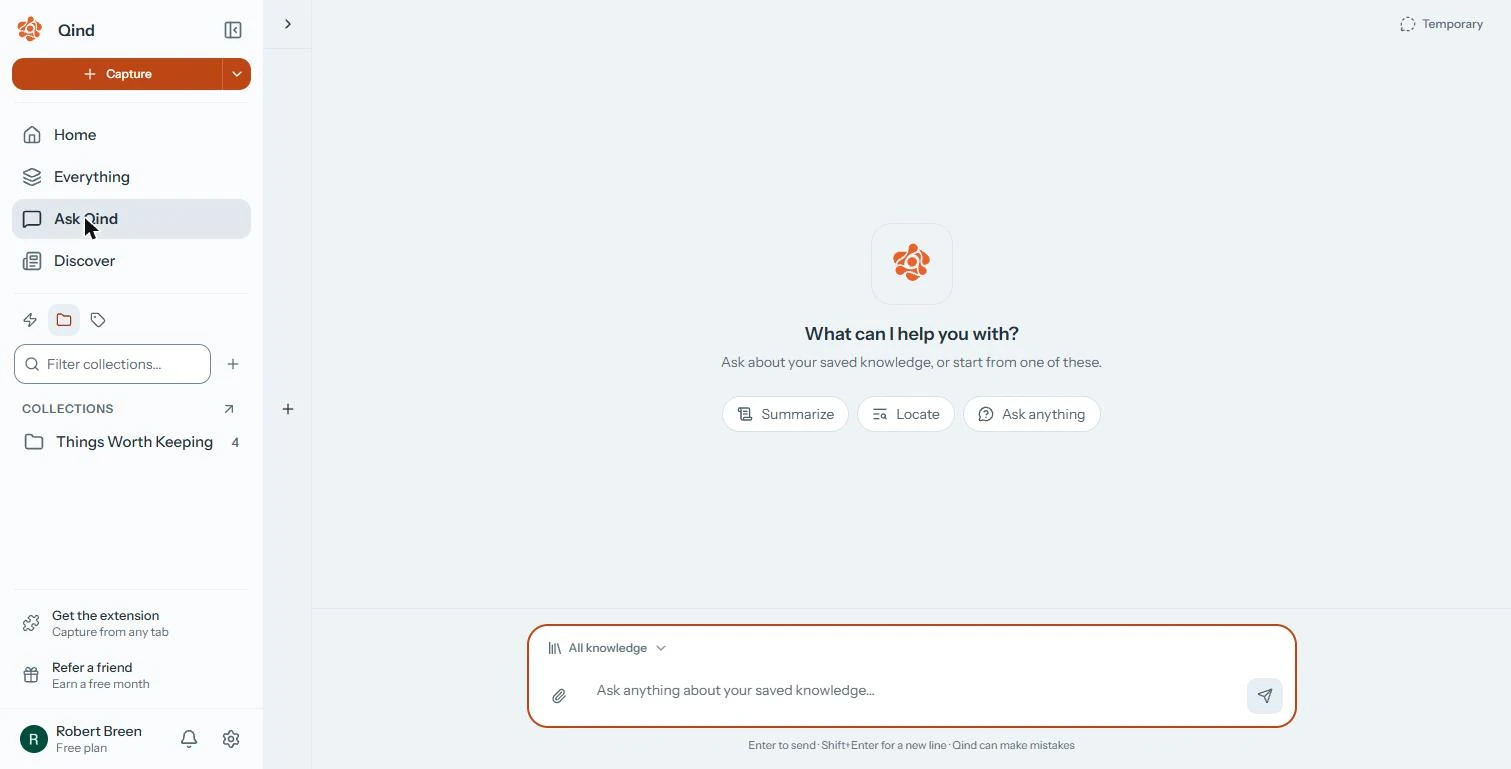
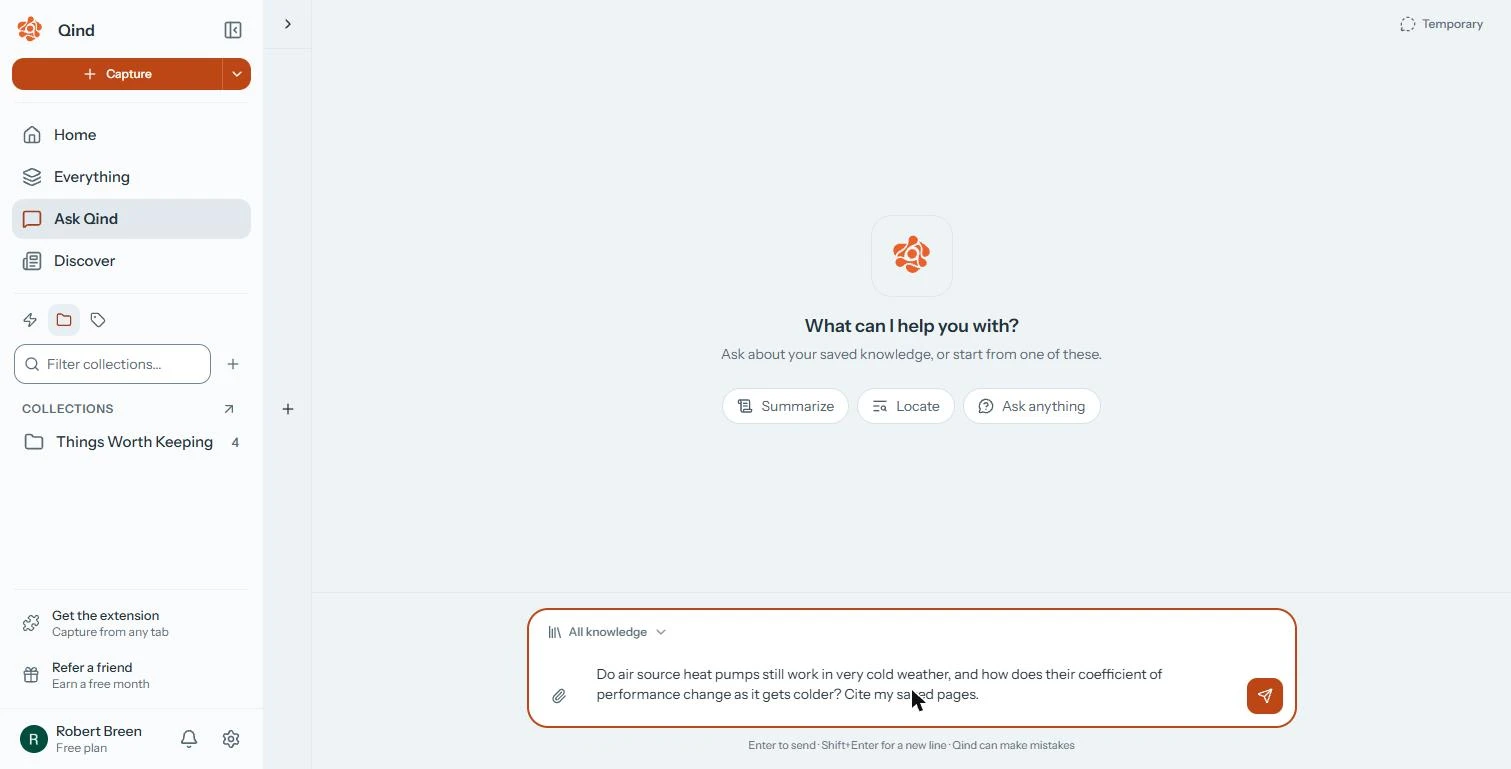
- Ask the question your paper needs. The box searches All knowledge, everything you saved. Ask the question your paragraph needs, and ask it to cite your pages. Type: Do air source heat pumps still work in very cold weather, and how does their coefficient of performance change as it gets colder? Cite my saved pages.
Ask the question your paragraph needs, and ask it to cite your saved pages.
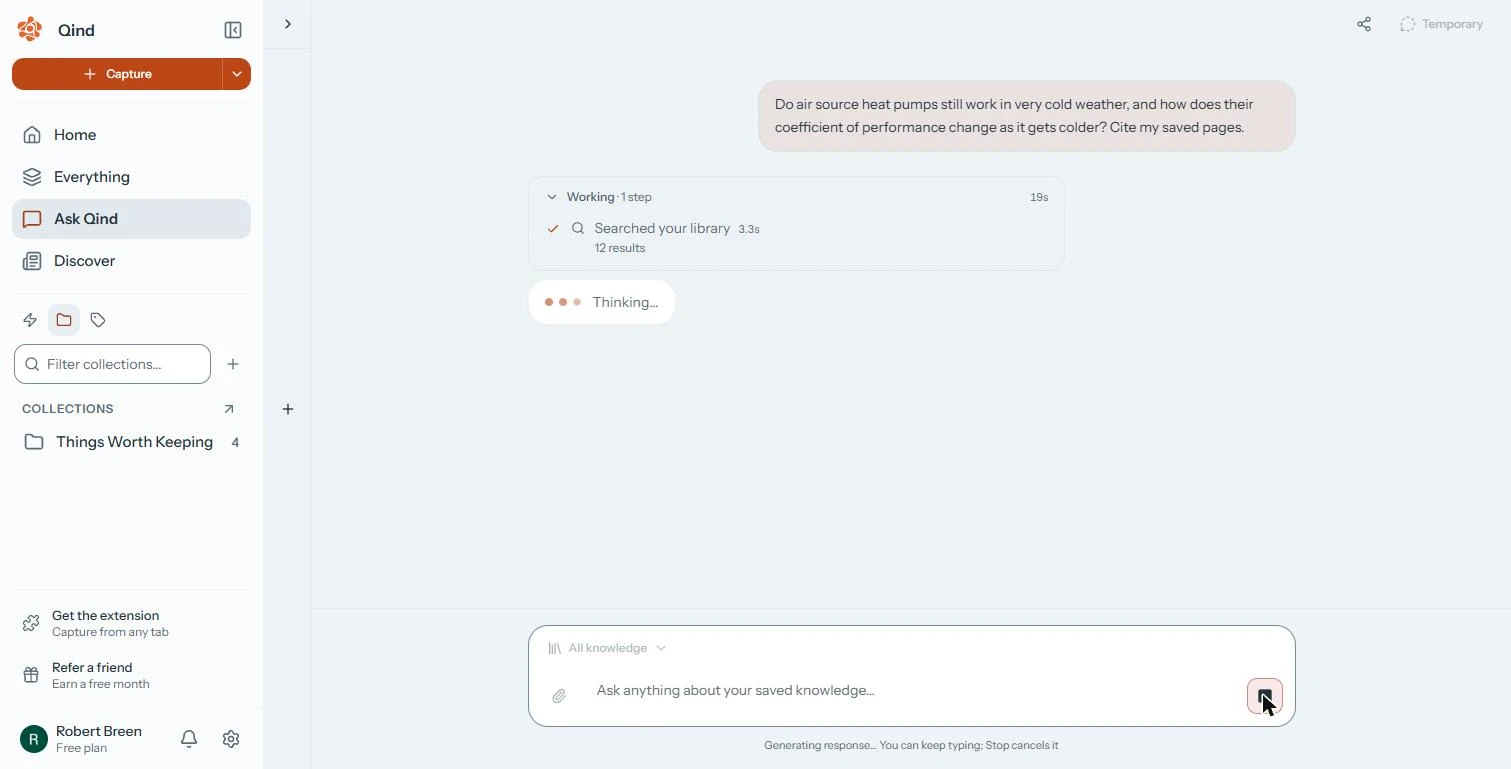
- Send it. Click Send.
- Watch it search your library. Working · 1 step: Searched your library, 12 results. Qind answers from what you saved, not from the whole web. Ours took 26 seconds. Click the card.
Qind searches your library, not the whole web. Ours took twenty-six seconds.
3. Check what it used
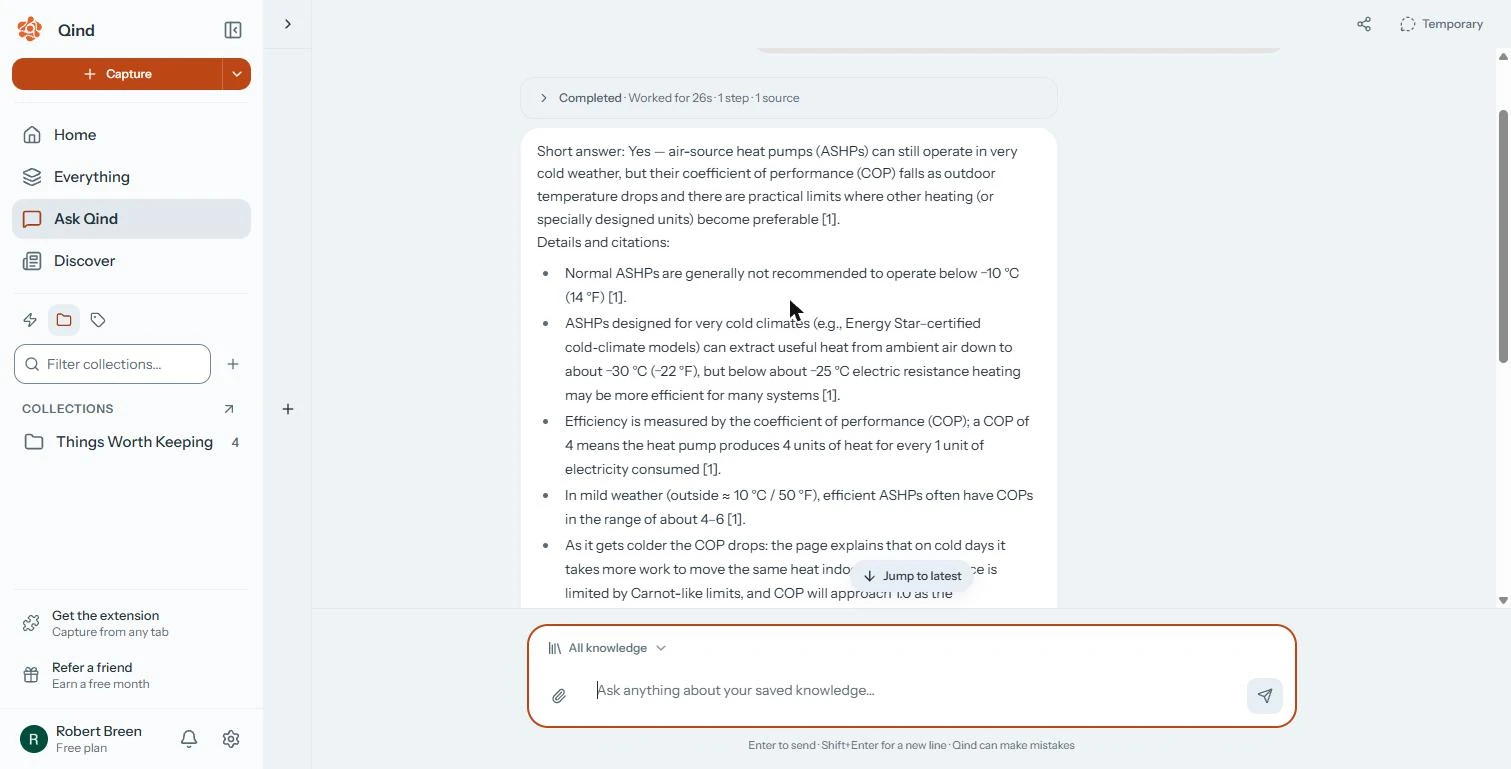
- Read the answer and its numbers. Short answer: yes, they still work, but the coefficient of performance (COP) falls as it gets colder. Each line ends with [1]: normal units are not recommended below −10 °C, cold-climate units work down to about −30 °C, and COP is about 4 to 6 in mild weather. Click the answer.
Each line ends with a number that points to a source. Normal units are not recommended below minus ten, and cold-climate units work to about minus thirty.
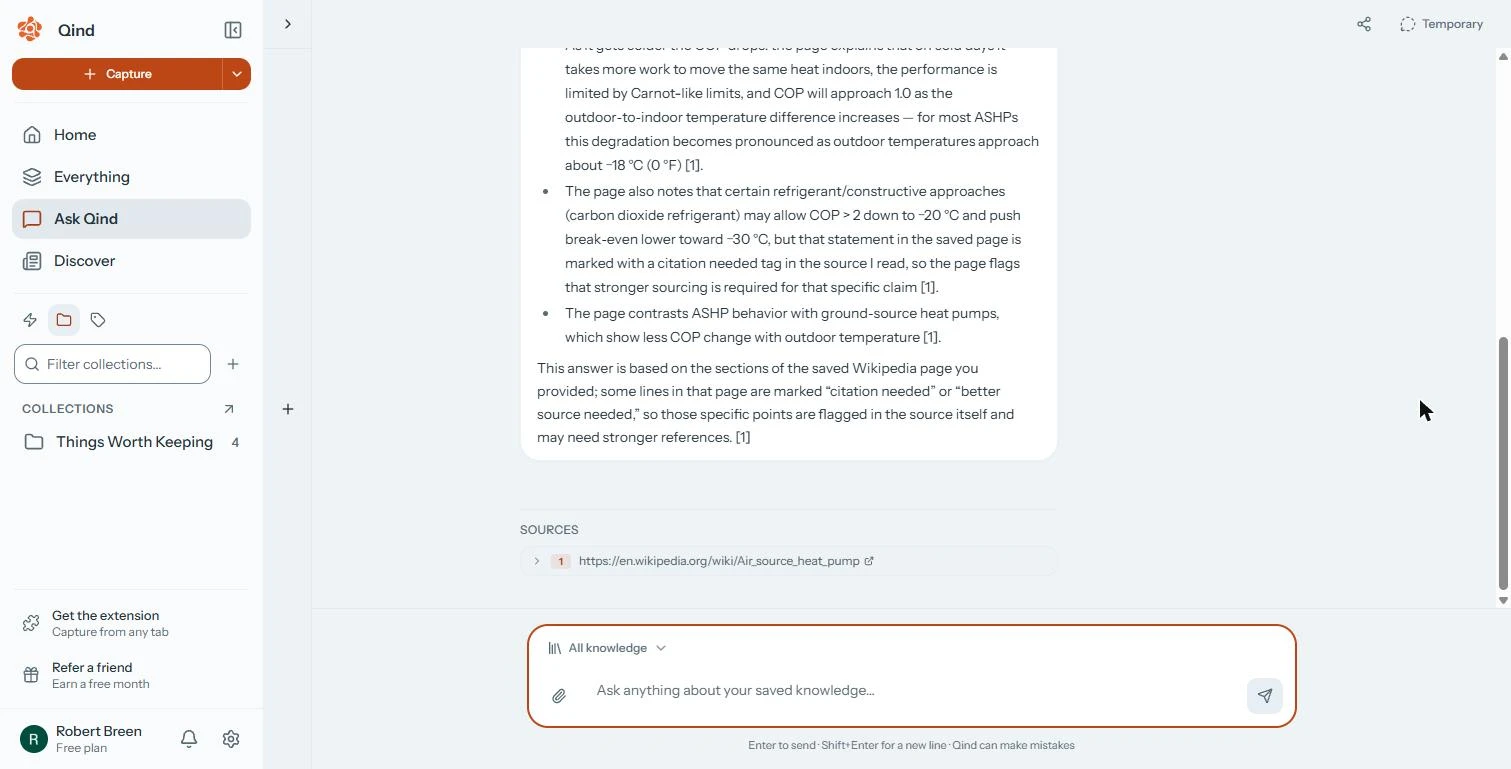
- Check which sources it used. Sources lists only 1: the Air source heat pump page. Your Coefficient of performance page was not used, and Qind says some lines it quoted are marked citation needed on Wikipedia. Click the source to open it, check the numbers you will quote, and find a stronger source for the flagged lines.
Sources lists only one page. Your second page was not used, and some lines are marked citation needed.
Screenshots
More in Business Automations
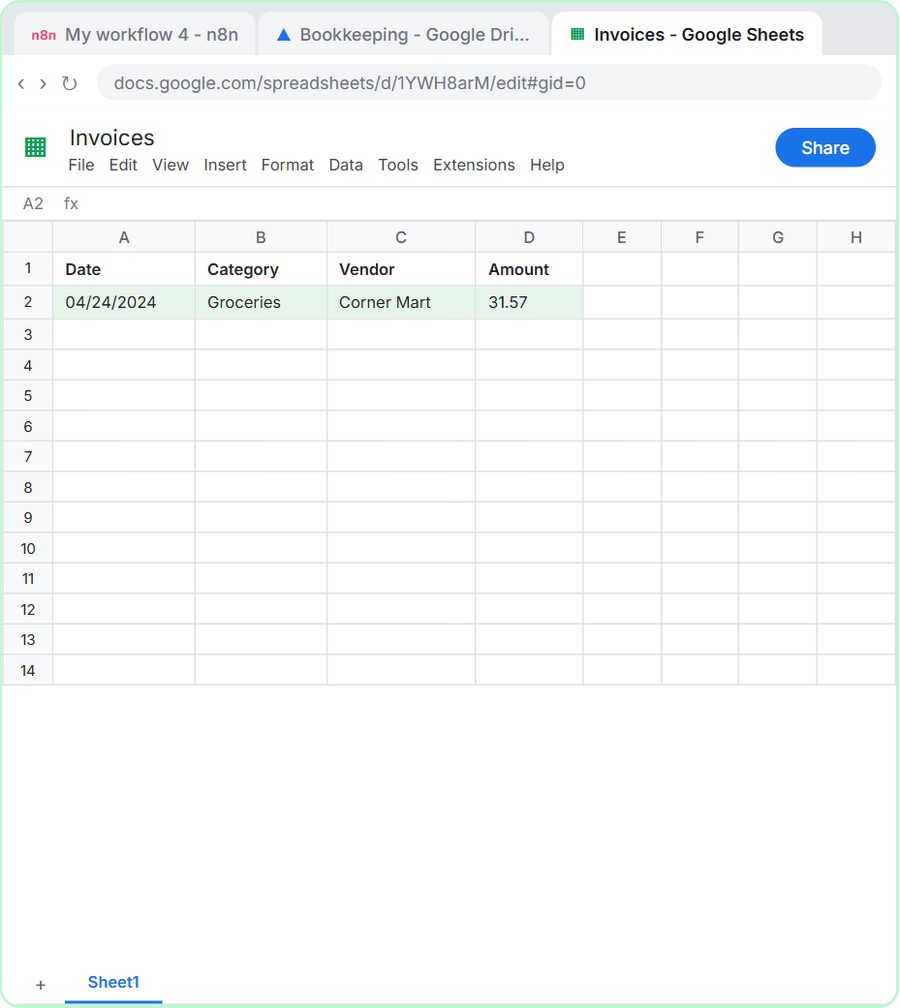 How to Do OCR in n8n: Read Receipt Photos into Google Sheets with AI
Drop a photo of a receipt into an n8n chat. An AI agent reads it, pulls out the date, vendor and amount, picks a category, and adds a row to Google Sheets.
Free · Live ~12 min Intermediate
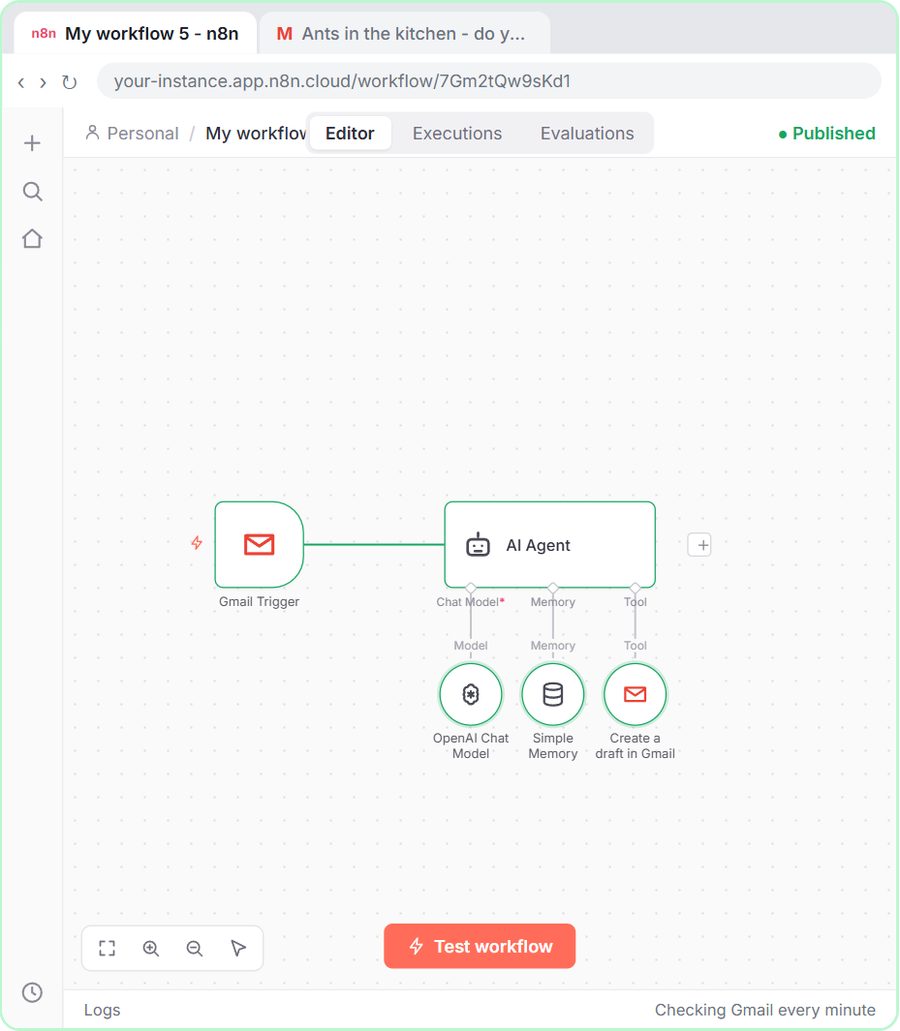 n8n AI Email Responder: Draft Gmail Replies Automatically
Build an n8n agent that watches your Gmail, reads each new customer email, and writes a reply as a draft in the same thread, ready for you to check and send.
Free · Live ~12 min Intermediate
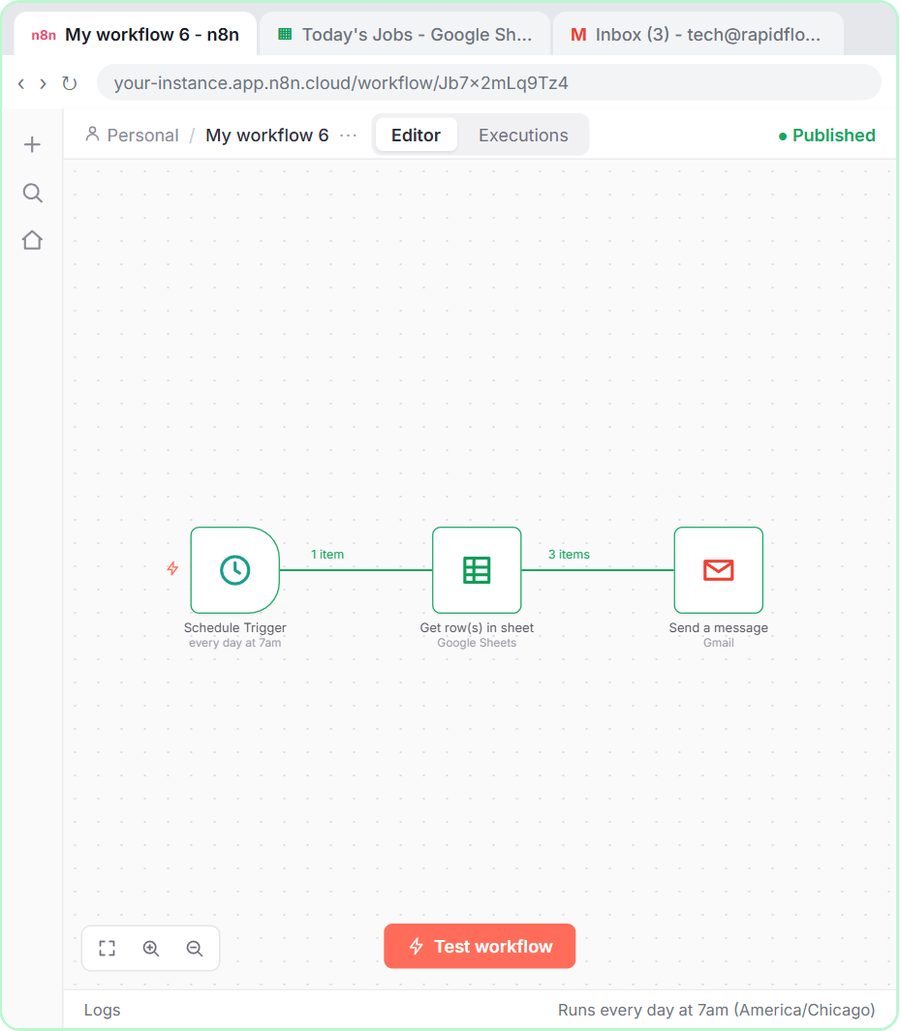 How to Make an n8n Workflow That Emails Each Tech Their Jobs from Sheets
Every morning at 7, n8n reads a plumbing company's jobs sheet, skips anything not assigned yet, and emails each job to the tech it's assigned to — customer, address…
Free · Live ~10 min Intermediate
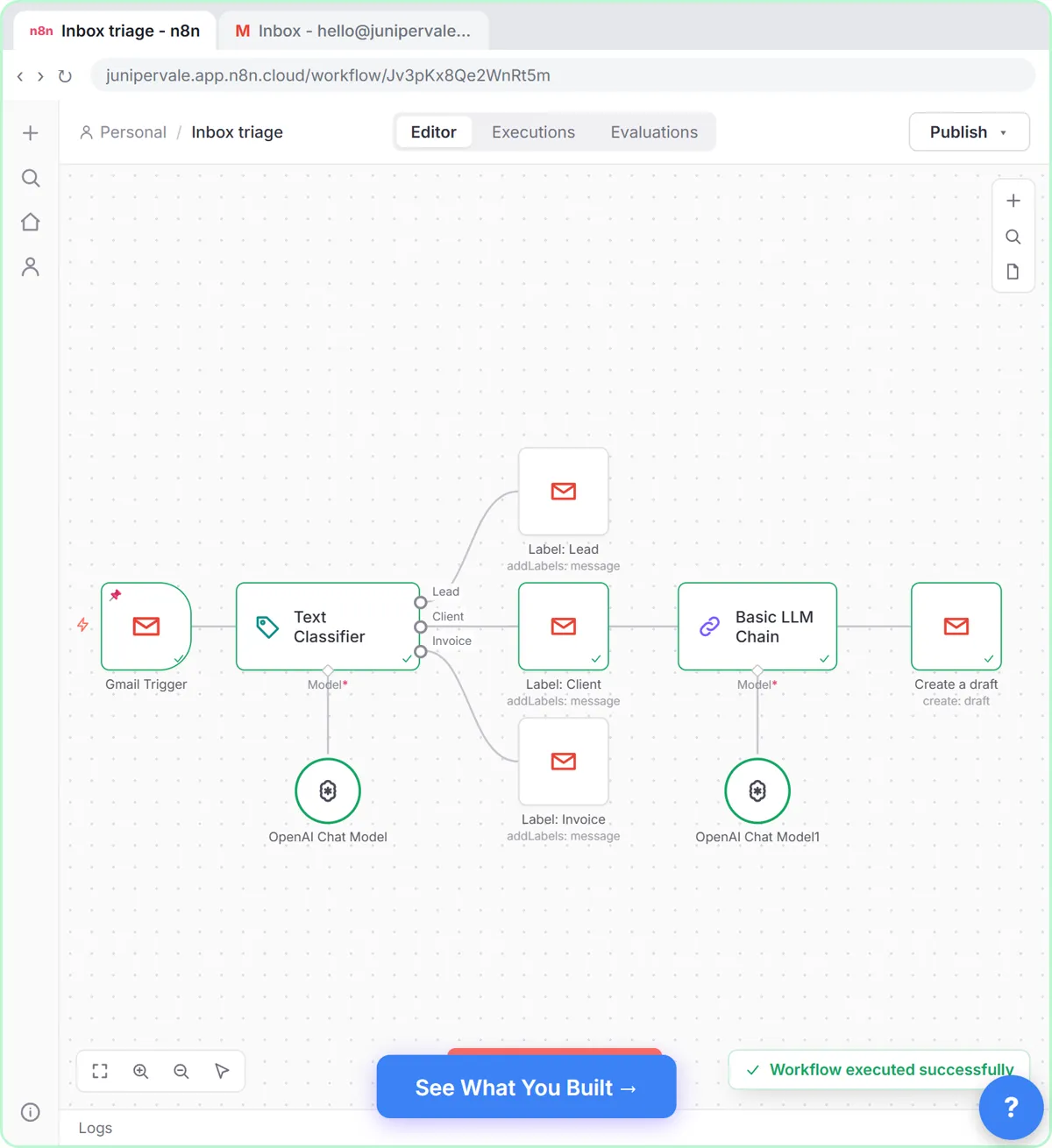 Gmail AI Triage: Auto-Label Every Email and Draft Replies
Build an n8n workflow that reads each new email, sorts it as a lead, a client or an invoice with a Text Classifier, adds the matching Gmail label, and drafts a reply to…
Free · Live ~18 min Advanced
 How to Use n8n to Build AI Agents: A Support Agent That Answers from Your Docs
Turn an n8n chat agent into a support agent that answers only from your policies in a Google Doc, refuses what it should, and hands off to a person by email.
Free · Live ~13 min Advanced
 Chatbase: Answer Customer FAQs with an AI Agent
A business case for a small firm that answers the same customer questions every week: build a Chatbase AI agent on your FAQ in the real app, make it say when it does…
Free · Live ~15 min Beginner
All 58 modules in Business Automations