Updated . Built from ResumeScorePro’s official docs and help center. Screens may differ slightly in your account. How we check this lesson
Recruiters and career coaches see strong candidates passed over because their resumes describe the right experience in different words from the posting. ResumeScorePro is a free ATS resume checker: you paste a resume and a job posting, and 21 rule-based checks return a 0-100 score, the missing and matched keywords and the top issues, in your browser with no sign-up. In this free starter lesson, built from ResumeScorePro's own pages, a recruiter at Northgate Staffing Group, a made-up staffing agency, scores a candidate's resume against a client's Medical Office Coordinator posting, adds her real skills and rescans. 8 steps, about seven minutes, no account needed.
At a glance
| Question | Answer |
|---|---|
| What you build | Stop sending client resumes that miss the posting's key terms. Paste the resume and the job posting into ResumeScorePro, read the 0-100 score, missing keywords and top issues, fix the skills list and rescan, all from ResumeScorePro's own pages. |
| Tools | ResumeScorePro |
| Time | About 7 minutes, 8 steps in 3 parts |
| Level | Beginner, no coding needed |
| Cost | Free |
| Ways to learn it | Practice it step by step |
The 3 parts, in short
- Run the scan: Paste the candidate's resume, Paste the job posting, Score the resume.
- Fix and rescan: Open Fix it, rescan it, Add a skills list with true skills only, Rescan.
- Choose a plan: Compare Free and Complete Report, Try it with a real job order.
Start here first: Strawberry: Check Minimum-Wage Rules Every Monday and Approve Every Change (module 1 of AI Automation for Recruiting & HR)
The business case: good candidates hidden by the wrong words
Picture Lena, a recruiter at Northgate Staffing Group, a made-up staffing agency that places office and healthcare admin staff. A client clinic has sent a job order for a Medical Office Coordinator asking for patient scheduling, insurance verification, EHR experience and HIPAA knowledge. Lena's candidate, Dana, has done all of it as a front desk lead, but her resume says booked appointments and handled insurance questions. With example numbers you should replace with your own, if one in four submitted candidates is passed over at screening, the agency loses placements it should have made.
ResumeScorePro shows the gap before the resume goes to the client. Lena pastes the resume and the posting, sees which of the posting's terms are missing, works with Dana to describe her real experience in those words, and rescans.
Who this is for, and what you need
Staffing agency recruiters, college and city career services advisers, job coaches and job seekers. The practice runs in your browser. To do it for real you need the resume as plain text (up to 5,000 characters), the job posting (up to 12,000 characters) and, if it is someone else's resume, their permission. No account or card is needed for the free scan.
How the score works
The 0-100 score is the weighted sum of five dimensions: Keyword match (35%), Impact (20%), Format (20%), Brevity (15%) and Skills (10%). Each of the 21 checks scores 0 to 1 and each dimension averages its checks. Examples from the Methodology page: JD keyword match rate and Top-5 JD terms present for keywords; Quantified achievements and Strong action-verb openers for impact; Standard section headers and Contact info at top for format; Resume length in range (full credit at 300 to 600 words) for brevity; and Dedicated skills list for skills.
The site's bands are 85 and above for a strong match, 70 to 84 moderate and below 70 weak, and it says these are its own calibration, not an employer cutoff. Use the score to find gaps, never to stuff in keywords a candidate cannot back up in an interview.
Privacy and cost
The free scan runs in the browser: the site says nothing is uploaded, and only the scan count and the most recent scan are kept on your device. Free gives 3 scans, a 0-100 score, the five dimension scores, the missing keywords and the top 5 issues. The Complete Report is a $9 one-time payment, not a subscription, with the full 21-check breakdown, a priority fix checklist, a missing-keyword action plan, AI consultant analysis with paste-ready rewrites and a printable PDF, plus a 30-day money-back guarantee. For the AI analysis, the resume and posting are sent once to ResumeScorePro's server and OpenAI; the site says they are not stored or used for training. Prices as read on 13 November 2026.
What this saves you
- Submitting a strong candidate on a resume that hides the match.
- Guesswork in resume coaching: the missing keywords and issues give a concrete fix list.
- What it does not do: it does not judge whether the candidate is right for the job, and the score is not an employer's cutoff.
How this lesson was built
This is a starter lesson based on ResumeScorePro's own pages (the home page with how it works and FAQ; Methodology; Pricing), read on 13 November 2026. The practice screen is a plain frame that uses the labels from those pages; it is not a copy of ResumeScorePro's site, and no real resumes were scanned. The scores shown are examples. On the real site you edit the resume text in the same box and score again; the separate Skills box in the practice is a simplification. Northgate Staffing Group, Lena, Dana and the job order are made up. The full lesson on real ResumeScorePro screens is Get Internal Candidates Past the Resume Screen: an HR coordinator scores an internal applicant's resume, rewrites it in the posting's words and rescans, with the real scores (62, then 78).
Links
- ResumeScorePro home page: the checker (Your resume, Job posting, Score My Resume — Free), how it works and the FAQ.
- ResumeScorePro: Methodology: all 21 checks by dimension, the weights and the score bands.
- ResumeScorePro: Pricing: Free versus the $9 one-time Complete Report, and how the AI analysis handles your data.
Try it yourself, free
Reading the steps is a start. Doing them is how it sticks. The interactive module walks you through every click in a practice copy of ResumeScorePro, checks each step, and never touches your real accounts.
Start “ResumeScorePro: Check a Candidate's Resume Against a Job Posting Before You Submit”Step by step: ResumeScorePro: Check a Candidate's Resume Against a Job Posting Before You Submit
All 8 steps of the interactive module, in order. In the module you watch each one, then do it yourself in a practice copy that checks your work.
1. Run the scan
- Paste the candidate's resume. You are a recruiter at Northgate Staffing Group, a made-up staffing agency. A client clinic needs a Medical Office Coordinator, and your candidate, Dana Ortiz, fits, but her resume uses none of the posting's words. With her permission, paste her resume into Your resume (plain text is fine).
You are a recruiter at Northgate Staffing Group. Your candidate fits the job, but her resume uses none of the posting's words.
Dana Ortiz · Front Desk Lead, Lakeside Family Practice, 2021 to present · Booked appointments, checked patients in, handled insurance questions
- Paste the job posting. Paste the client's posting into Job posting. The site says requirements and qualifications matter most.
Requirements and qualifications matter most.
- Score the resume. Click Score My Resume — Free. The free scan runs in your browser, needs no sign-up and takes about 30 seconds. You get a 0-100 score across five dimensions, Missing keywords, Matched keywords and the top issues in Issues found.
The free scan runs in your browser and gives a score from zero to one hundred, the missing keywords and the top issues.
2. Fix and rescan
- Open Fix it, rescan it. The example score is 64, a weak match. Missing keywords shows insurance verification, EHR, patient scheduling and HIPAA, and Issues found flags no dedicated skills list. Dana does all four things, so they belong on the resume. Click Fix it, rescan it.
The example score is sixty-four. The missing keywords are things Dana really does, so they belong on her resume.
- Add a skills list with true skills only. The scan looks for a dedicated, comma-separated Skills section. After confirming each skill with Dana, type Patient scheduling, insurance verification, EHR, HIPAA, Microsoft Excel and press Enter. Never add a keyword the candidate does not have: it will come out in the interview.
Add a comma-separated skills list, with only skills Dana really has.
- Rescan. Click Score My Resume — Free again. The example score rises to 81, a moderate match. The site suggests aiming for 85+; the next fix is adding numbers to two bullets. Each rescan uses one of the 3 free scans.
The example score rises to eighty-one. Each rescan uses one of the three free scans.
3. Choose a plan
- Compare Free and Complete Report. Click Pricing. Free is $0 with 3 scans and the top 5 issues. The Complete Report is $9 one-time, adding the full 21-check breakdown, a priority fix checklist, AI consultant analysis with paste-ready rewrites and a printable PDF. It sends the resume and posting once to the company's server and OpenAI.
Free gives three scans. The Complete Report is nine dollars, one time, and adds the full breakdown and AI rewrites.
- Try it with a real job order. Click Start free. This lesson was built from ResumeScorePro's pages, not run with real resumes. On resumescorepro.com, paste a resume, with the candidate's permission, and the client's posting, then click Score My Resume — Free. The Methodology page lists all 21 checks.
To try it for real, paste a resume, with the candidate's permission, and the posting on resumescorepro. com.
Frequently asked questions
- How does ResumeScorePro score a resume?
- It runs 21 rule-based checks comparing the resume with the job posting, grouped into Keyword match (35%), Impact (20%), Format (20%), Brevity (15%) and Skills (10%), and adds them into a 0-100 score. 85 and above is a strong match by the site's own calibration.
- Is ResumeScorePro free?
- The free scan is $0 with 3 scans, no sign-up and no card. The Complete Report is a $9 one-time payment that adds the full 21-check breakdown, AI rewrites and a printable PDF.
- Is the resume uploaded anywhere?
- Not for the free scan: the site says it runs in your browser and nothing is uploaded. The paid report's AI section sends the resume and posting once to ResumeScorePro's server and OpenAI, which the site says are not stored or used for training.
- Was this lesson tested with real resumes?
- No. It is a free starter lesson built from ResumeScorePro's public pages. The practice frame is generic, the labels come from those pages and the scores are examples; check them against the real site.
More in AI Automation for Recruiting & HR
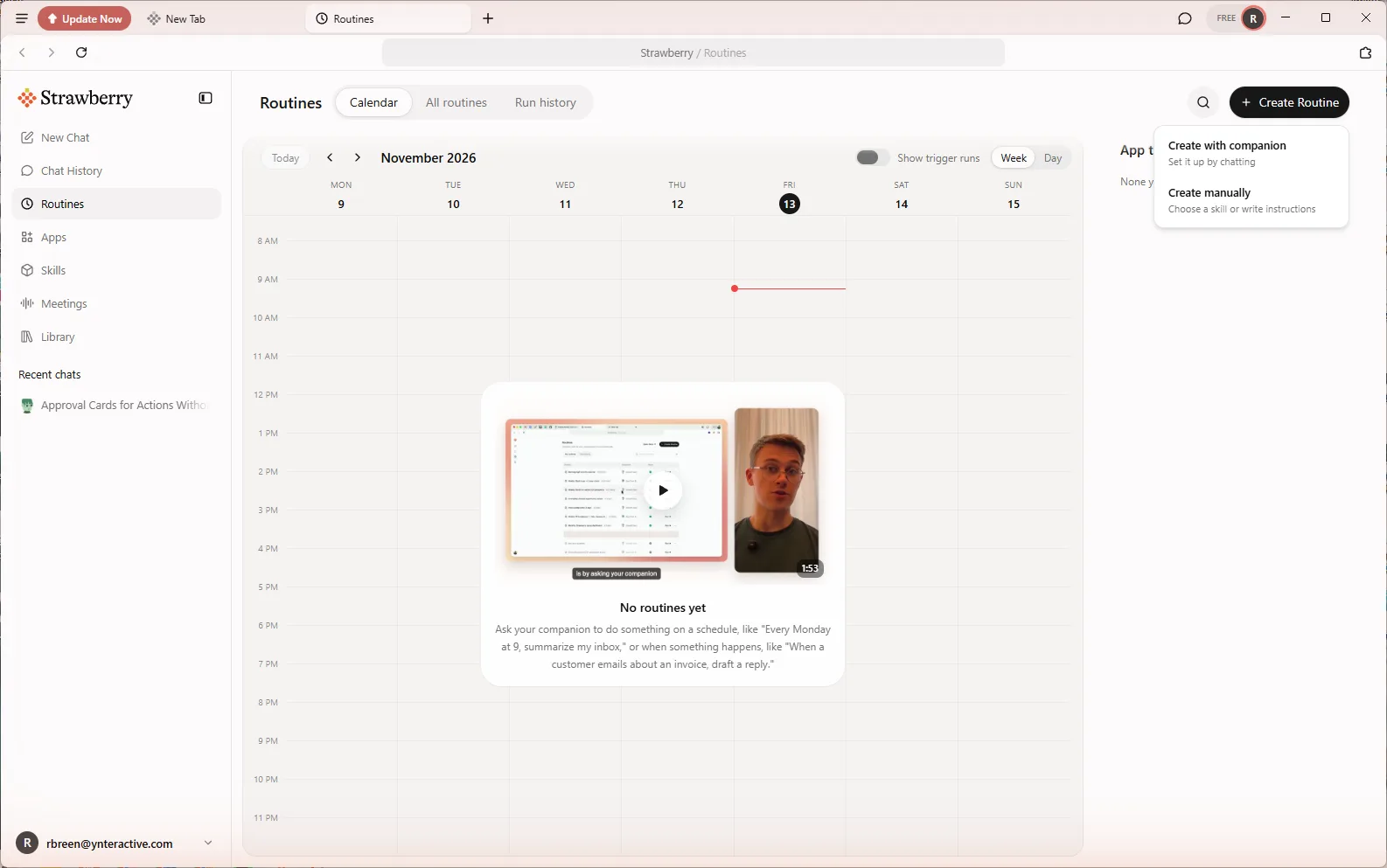 Strawberry: Check Minimum-Wage Rules Every Monday and Approve Every Change
Build a Strawberry routine that checks the U.S. Department of Labor minimum-wage page for your states every Monday, and stops at an approval card before it saves a…
Free · Live ~8 min Beginner
◷How to Use DeepL Translator on a Word Document and Keep Its FormattingTranslate a client's Word policy into Spanish with DeepL file translation, keep its headings and table, set a formal tone, then polish the English cover email with…
Free · Live ~5 min Beginner
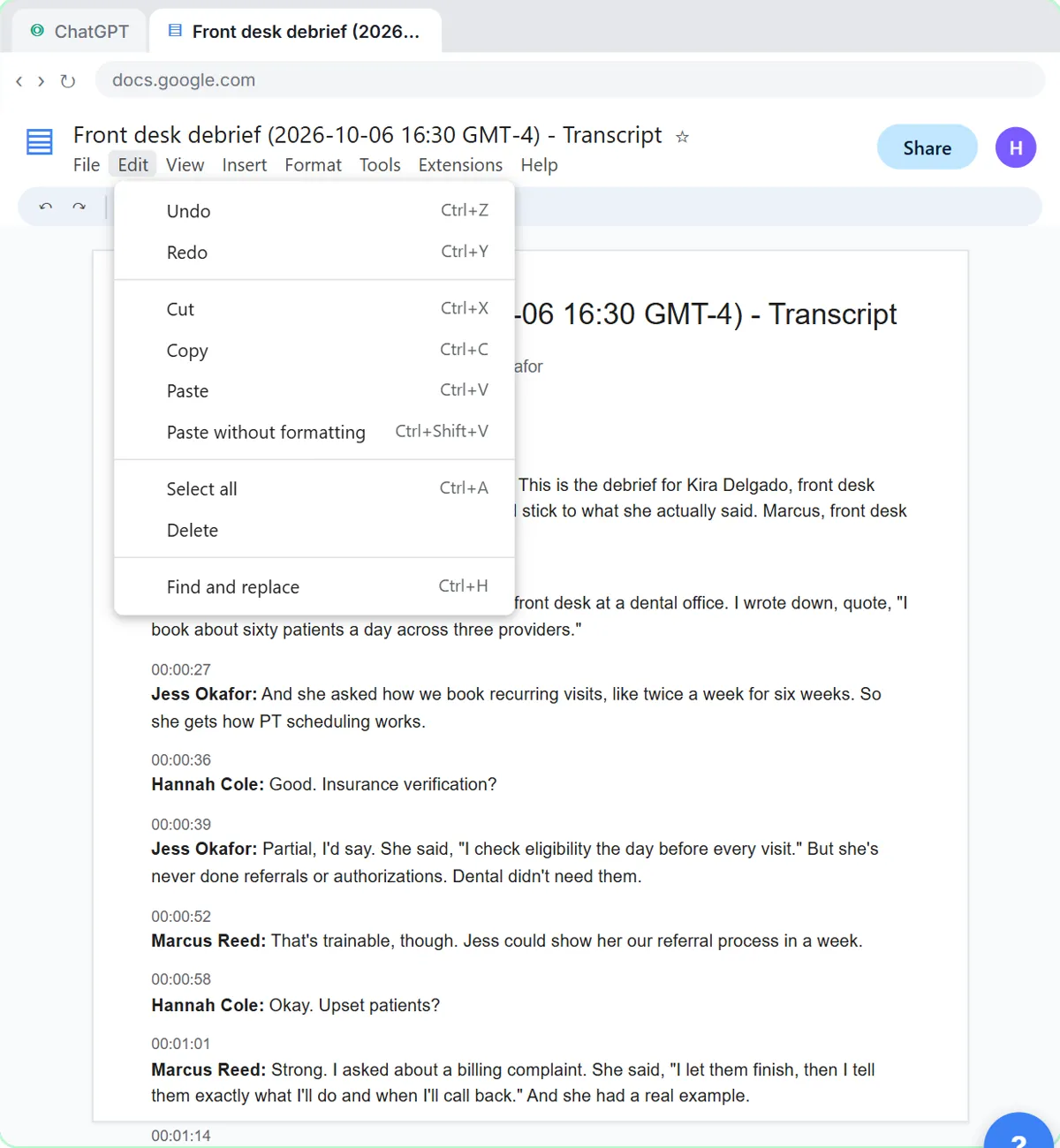 Score Every Candidate Fairly After the Interview using ChatGPT
Turn the transcript of an interview panel's debrief into a scorecard against the role's must-haves, the decisions, action items with owners and dates, and a follow-up…
Free · Live ~7 min Beginner
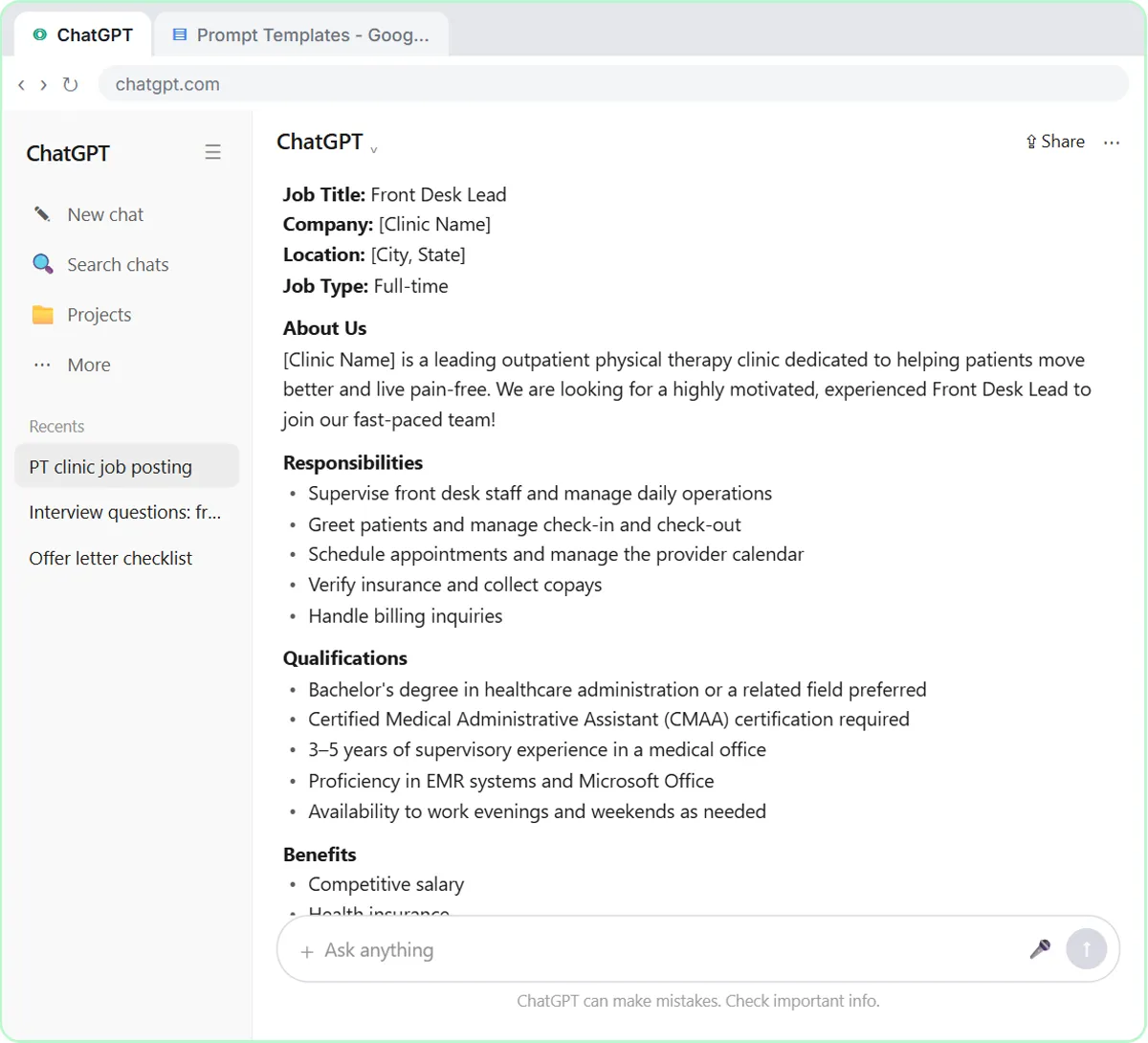 Write a Fair, Job-Related Job Posting with ChatGPT's Interview Prompt
Ask ChatGPT for a front desk lead posting the quick way, then let it interview you: true must-haves only, a real pay range, the work described instead of a personality…
Free · Live ~7 min Beginner
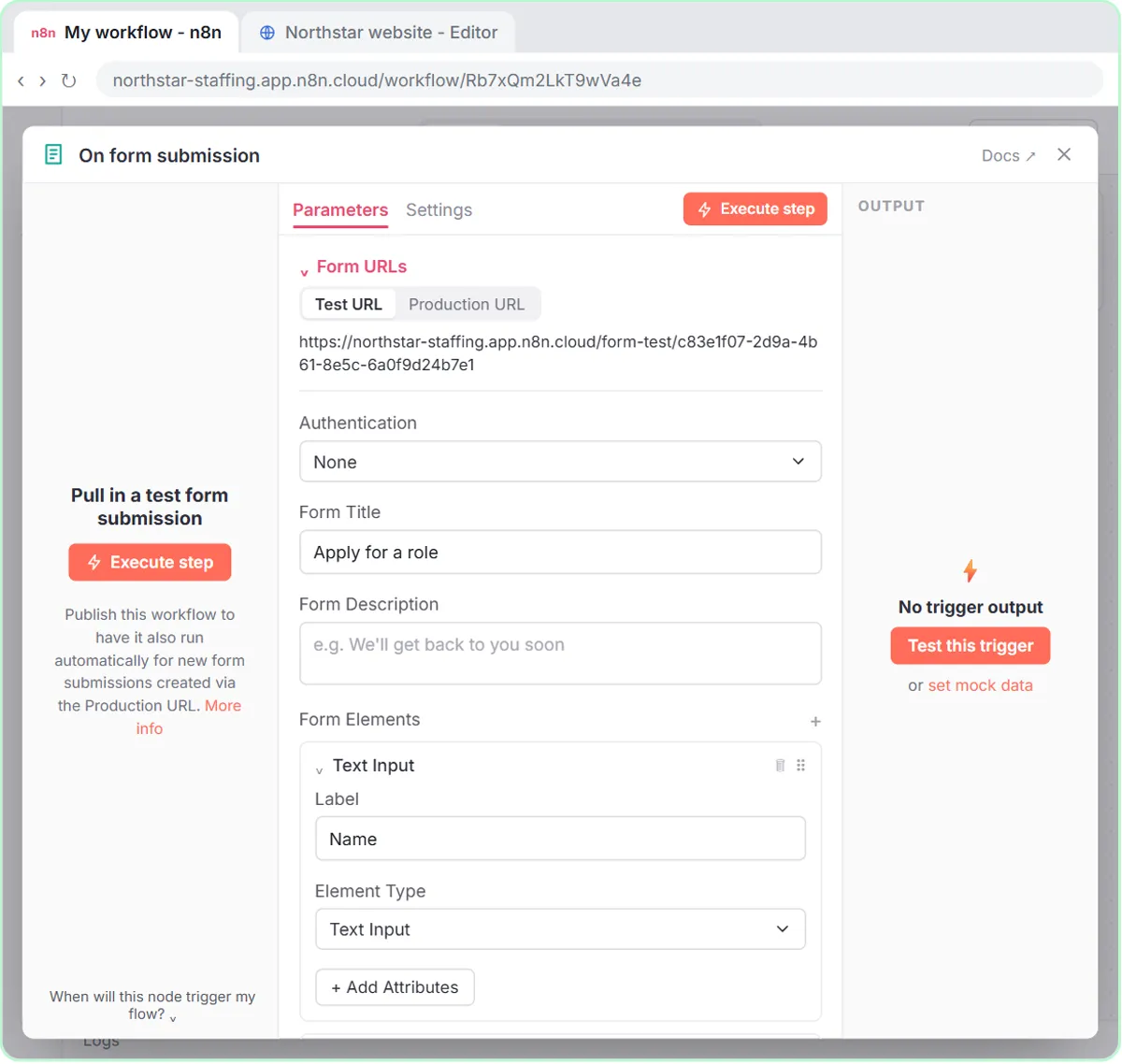 Collect Job Applications in Google Sheets with an n8n Form and a Careers-Page Webhook
Stop losing applicants between job boards and your careers page. An n8n form plus a careers-page webhook put every application in one Google Sheet.
Free · Live ~12 min Advanced
◷Keep Top Candidates Warm with Honest Status Replies using ChatGPTYour best candidate has another offer and wants to know if she got the job, if you'll match her pay and when she can start. Give ChatGPT the thread and the hiring…
Free · Live ~9 min Beginner
All 20 modules in AI Automation for Recruiting & HR
Terms in this lesson
Plain-English definitions, each with an example from a free lesson.