Updated . Built from n8n's and Make's official docs and help center. Screens may differ slightly in your account. How we check this lesson
You finished a first AI automation course and want to automate something real on Monday. Most first automations fail for one of two reasons: the wrong job (the most painful one instead of the one that pays back) or no test before it runs on its own. In this free beginner module you play Maya, office coordinator at Cedar Point Realty, a made-up real estate office. You score four repeat jobs on how often they happen, how long they take, whether the steps are always the same and what a mistake costs, pick the winner, map it with one small AI step, then write and run three tests: a normal case, a messy case and a duplicate. The duplicate fails, which is the point. 9 steps, about seven minutes, no account needed. The screens are a plain planning worksheet; the n8n and Make test and go-live names come from their own docs.
At a glance
| Question | Answer |
|---|---|
| What you build | Most first automations fail because people pick the wrong job or switch it on untested. Score four repeat jobs, pick the one to automate first, add one small AI step, and test a normal, a messy and a duplicate case before it runs on its own in n8n or Make. |
| Tools | Automation basics |
| Time | About 7 minutes, 9 steps in 4 parts |
| Level | Beginner, no coding needed |
| Cost | Free |
| Ways to learn it | Practice it step by step |
The 4 parts, in short
- Pick the job: Score your repeat jobs, Pick the first job.
- Map it: Write the one AI step.
- Test it: Open the test plan, Write the messy case, Run the tests, Fix what failed and re-test.
- Go live: Open Go live, Watch the first week, then try it on your own jobs.
Start here first: Start Here: How Stepthrough Works (module 1 of AI Basics)
Part of: Intro to AI Automation (step 5 of 6). Next up: n8n vs Make: Pick the Right Automation Tool for Your Team in 10 Minutes
The business case: the wrong first job costs weeks
Picture Maya, office coordinator at Cedar Point Realty, a made-up eight-agent real estate office. Her list of repeat jobs has four candidates: copying website inquiries into the lead sheet (25 a week, 4 minutes each), sending showing confirmations (15 a week, 5 minutes), writing the monthly market report (3 hours once a month) and answering offer negotiations. These are example numbers; replace them with your own.
The market report feels like the obvious target because it hurts the most. It is also full of judgment and public if it goes wrong, so a first attempt stalls for weeks. The website inquiries are the better first job: about 100 minutes a week, the same steps every time, and a mistake stays inside the office. Pick the job that pays back in the first week, then move up the list.
Who this is for, and what you need
Office managers, coordinators, operations staff and small-business owners who have seen one workflow or AI agent, for example in Intro to AI Automation, and now want to automate a job of their own. No code, no account and no tool choice needed yet: the practice is a planning worksheet. When you are ready to build, the n8n vs Make module helps you pick a tool.
How to score a job: four questions
- How often and how long? Times a week times minutes each. A 4-minute job done 25 times beats a 3-hour job done once a month.
- Rules or judgment? Steps that are the same every time are plain rules. If most of the job is judgment, AI can draft but a person still does the work.
- What does a mistake cost? A wrong row in an internal sheet is cheap. A wrong time sent to a client is not. Start where mistakes stay inside.
- Is it the job itself? Negotiating an offer is what the agent is paid for. Automate the busywork around it, not the work.
How to test before it runs on its own
Write three test cases before you build: a normal one, a messy one (no capitals, missing phone number, two questions in one) and a duplicate (the same person sends the form twice). Each one has a line for what should happen. A test that fails now is a mistake no client ever sees.
n8n's docs call a test run a manual execution: Execute workflow runs the whole workflow from the canvas and Execute step runs one node. Pin data keeps a node's test output so you are not re-sending forms while you build; the docs say it is for development only. When it passes, Publish with a non-manual trigger makes it a production workflow, and real runs show in the Executions tab. In Make, Run once is the test run, the down arrow next to it can replay an earlier run (Make's help says replays use credits like normal runs), and a schedule switches it on; On demand only runs when you start it.
What this saves you
- In the example, about 100 minutes a week from the first automation alone, before you touch the harder jobs.
- The cleanup an untested automation leaves behind: duplicate leads, blank rows, two agents calling the same buyer.
- What it does not do: it does not build the workflow for you. Next, pick your tool and build the same job in its course.
How this lesson was built
The practice is a plain planning worksheet, not n8n's or Make's screens, so it works whichever tool you choose. The names it uses for testing and going live (Execute workflow, Execute step, Pin data, Publish, the Executions tab, Run once, run replay and the schedule options) come from n8n's documentation and Make's help center, read on 13 November 2026. Cedar Point Realty, its jobs and its numbers are made up.
Links
- n8n docs: Manual, partial, and production executions: Execute workflow and Execute step for test runs, Publish for production, and the Executions tab where real runs appear.
- n8n docs: Data pinning: Pin data to reuse a node's test output while you build (development only).
- Make help: Schedule a scenario: Run once, On demand and the schedule options that make a scenario run on its own.
- Make help: Scenario run replay: replay a past run to test again with the same data; replayed runs consume credits like normal runs.
Try it yourself, free
Reading the steps is a start. Doing them is how it sticks. The interactive module walks you through every click in a practice copy of Automation basics, checks each step, and never touches your real accounts.
Start “Your First AI Automation: Pick the Right Job and Test It Before It Runs”Step by step: Your First AI Automation: Pick the Right Job and Test It Before It Runs
All 9 steps of the interactive module, in order. In the module you watch each one, then do it yourself in a practice copy that checks your work.
1. Pick the job
- Score your repeat jobs. You are Maya, office coordinator at Cedar Point Realty, a made-up real estate office. These are four jobs the front office repeats. The most painful one is not always the right first automation. Click Score the jobs.
You are Maya, office coordinator at Cedar Point Realty. These are four jobs the front office repeats. The most painful one is not always the right first automation.
- Pick the first job. Website inquiries win: 25 a week at 4 minutes is about 100 minutes a week, the steps never change and a mistake stays inside the office. Offer negotiations take longer, but they are the agents' real job, not busywork. Website inquiries to lead sheet is picked; click Map the steps.
Website inquiries win. About a hundred minutes a week, the same steps every time, and a mistake stays inside the office.
2. Map it
- Write the one AI step. Everything here is a plain rule except one step: telling a buyer from a seller in a free-text message. Give the AI one job and a fixed list of answers. Type: Label the inquiry Buyer, Seller, Renter or Other. Answer with one word.
Everything here is a plain rule except one step: telling a buyer from a seller. Give the AI one job and a fixed list of answers, and type it in.
3. Test it
- Open the test plan. Before anything runs on its own, it gets three tests: a normal inquiry, a messy one and a duplicate. In the left menu, click Test plan.
Before anything runs on its own, it gets three tests: a normal one, a messy one, and a duplicate.
- Write the messy case. Real inquiries are not tidy. Type one the way people actually write: hi thinking of selling my condo on harbor st, what would it go for?? no phone pls email only
Real inquiries are not tidy.
- Run the tests. Click Run the three tests. In the real tools this is a test run, not the live automation: n8n's docs call it a manual execution (Execute workflow), and Make's is the Run once button.
In the real tools this is a test run: Execute workflow in n8n, Run once in Make.
- Fix what failed and re-test. Case 3 failed: Jordan Lee is in the sheet twice, and two agents would call him. That is exactly what a test is for. Click Add the duplicate check and re-test.
Case three failed. Jordan Lee is in the sheet twice, and two agents would call him. That is what a test is for. Add the duplicate check and re-test.
4. Go live
- Open Go live. All three pass. Only now does it get switched on. In the left menu, click Go live.
All three pass. Only now does it get switched on.
- Watch the first week, then try it on your own jobs. In n8n you Publish the workflow; in Make you set a schedule. Click Make the first-week checklist: for the first week, check every run in n8n's Executions tab or Make's scenario history. Then write your own four jobs into a sheet and score them the same way.
Publish in n8n, or set a schedule in Make. Then score your own four jobs the same way.
Frequently asked questions
- What should I automate first with AI?
- The repeat job that happens most often, follows the same steps every time and is cheap to get wrong, such as copying form inquiries into a sheet. Score each job on times a week times minutes each, rules or judgment, and the cost of a mistake, and start with the top one that is mostly rules plus at most one small AI step.
- How do I test an automation before it goes live?
- Write three test cases first: a normal input, a messy one and a duplicate. Run them as a test run (Execute workflow in n8n, Run once in Make), fix whatever fails, and run them again. Only then publish it (n8n) or schedule it (Make), and check every real run for the first week.
- Where does AI belong in a first automation?
- In one small step that reads messy text, with a fixed list of answers, such as labelling an inquiry Buyer, Seller, Renter or Other. Plain rules do the rest, and a person handles anything a client will see.
- Do test runs count toward my plan?
- n8n's docs say production executions count toward the execution quota on paid plans. Make's help says replayed runs consume credits like normal runs. Check each tool's pricing page for the current rules.
More in AI Basics
Try the practice in under two minutes: watch a step, click, type, get unstuck with Do it for me, and finish.
Free · Live ~2 min Beginner
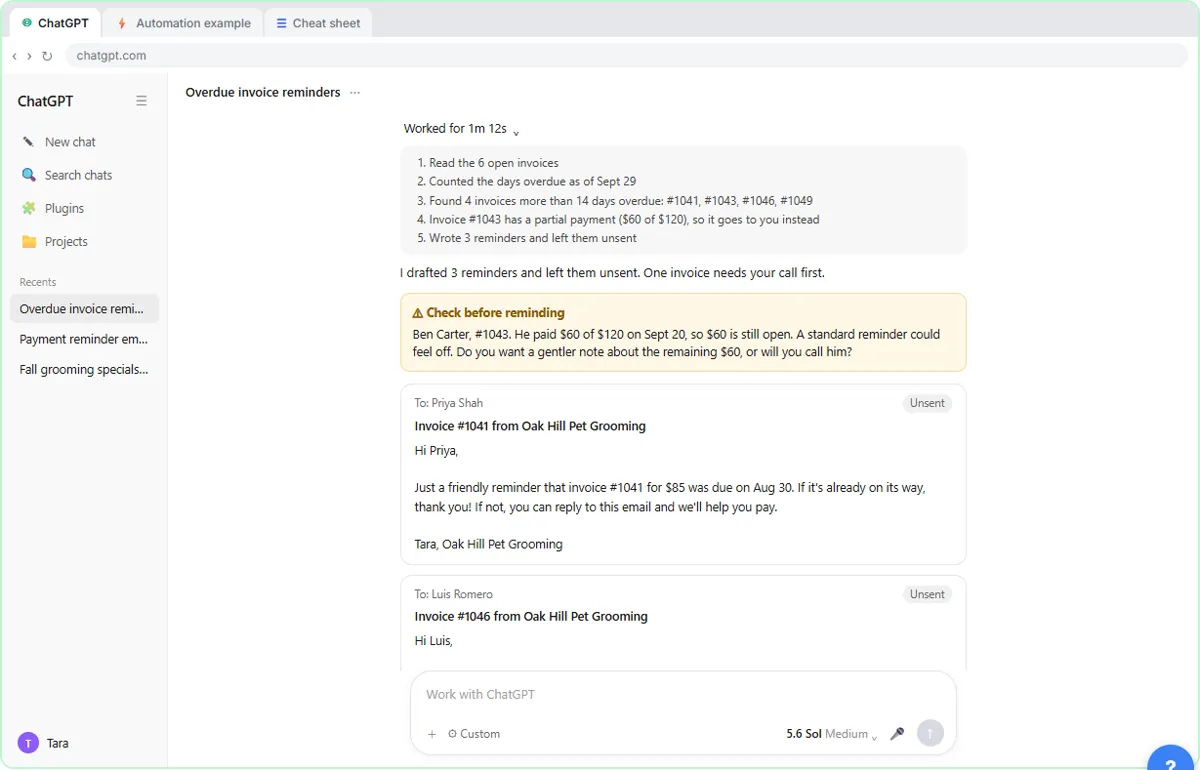 AI Agent vs Chatbot vs Automation: One Job Done Three Ways
Chase six unpaid invoices three ways: a chatbot writes a template, an automation follows a rule, and an AI agent works out the steps and flags the tricky one.
Free · Live ~7 min Beginner
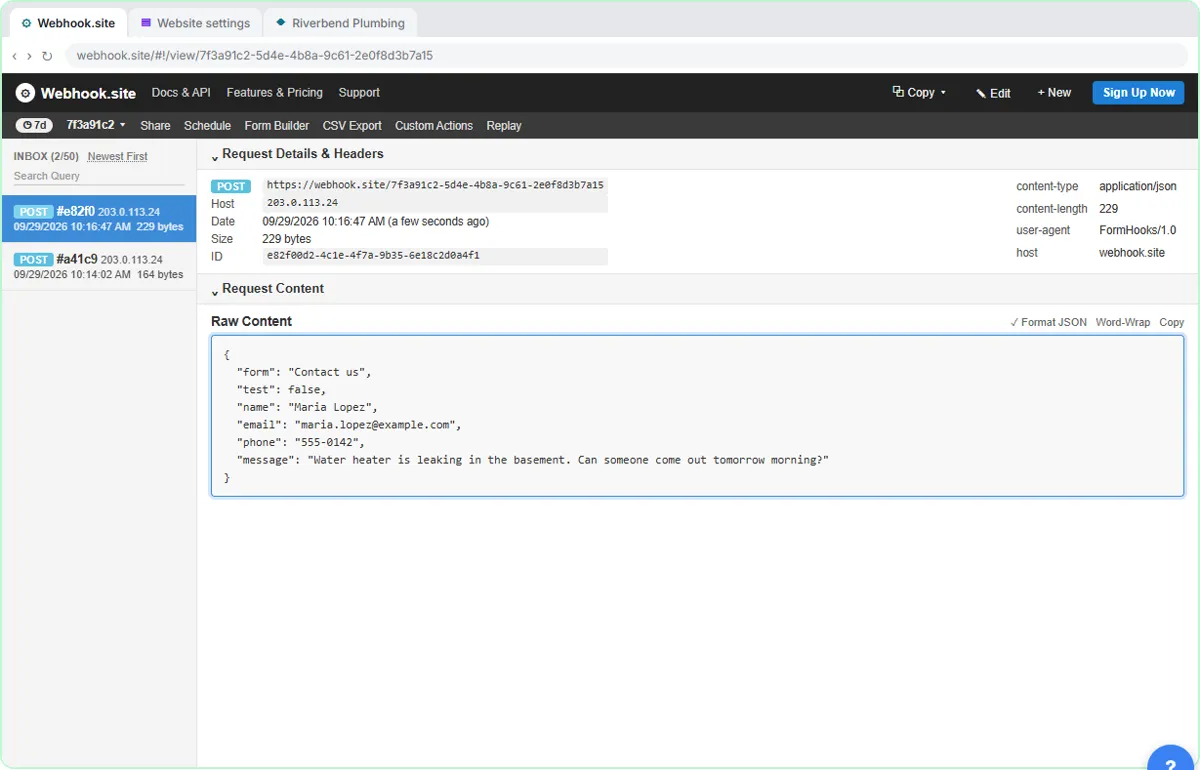 What Is a Webhook? Send a Test and Watch the Data Arrive
Point a plumber's website contact form at a free webhook tester, send a test and a real message, and watch the data arrive the moment it's sent.
Free · Live ~6 min Intermediate
◷Automation Basics: Triggers, Actions and Data MappingLearn the three ideas behind every n8n workflow, Make scenario and Zap: a trigger starts it, actions do the jobs, and data mapping carries the details. Fix the classic…
Free · Live ~6 min Beginner
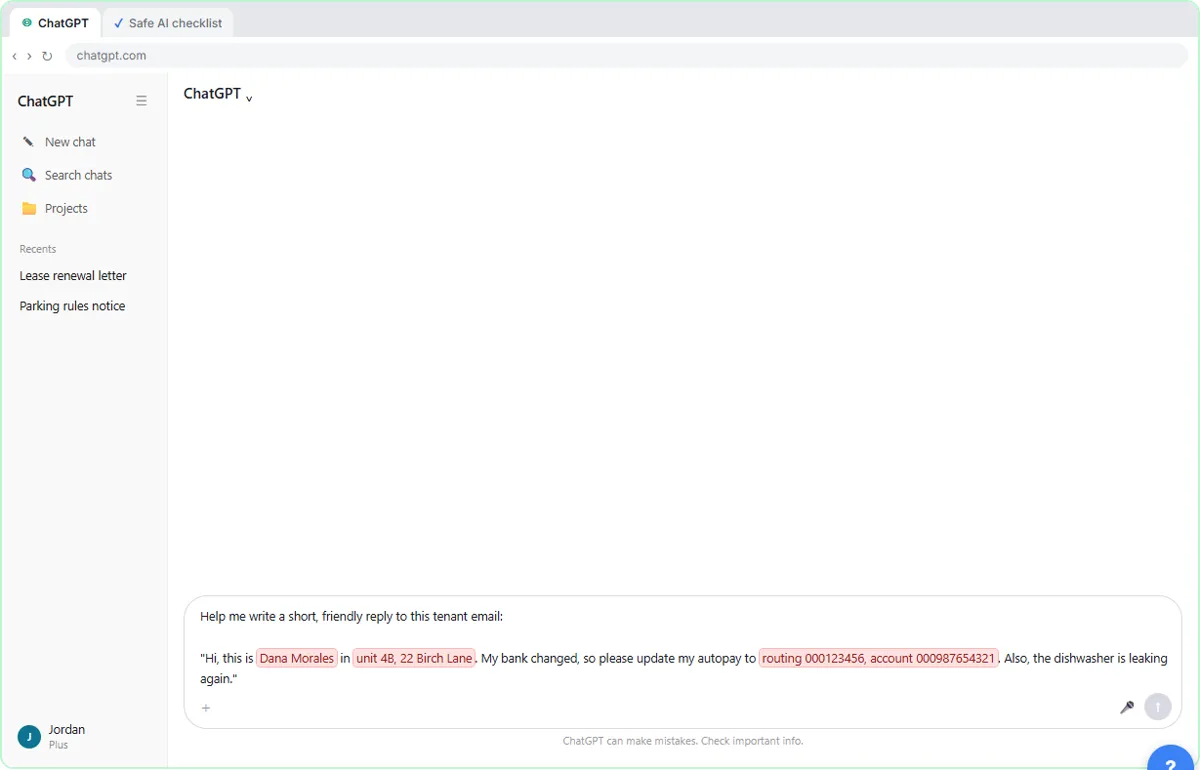 Use AI at Work Without Leaking Client Data using ChatGPT
Turn off model training, strip a tenant's bank details and address out of a prompt, then catch the two promises ChatGPT made up before the reply goes out.
Free · Live ~7 min Beginner
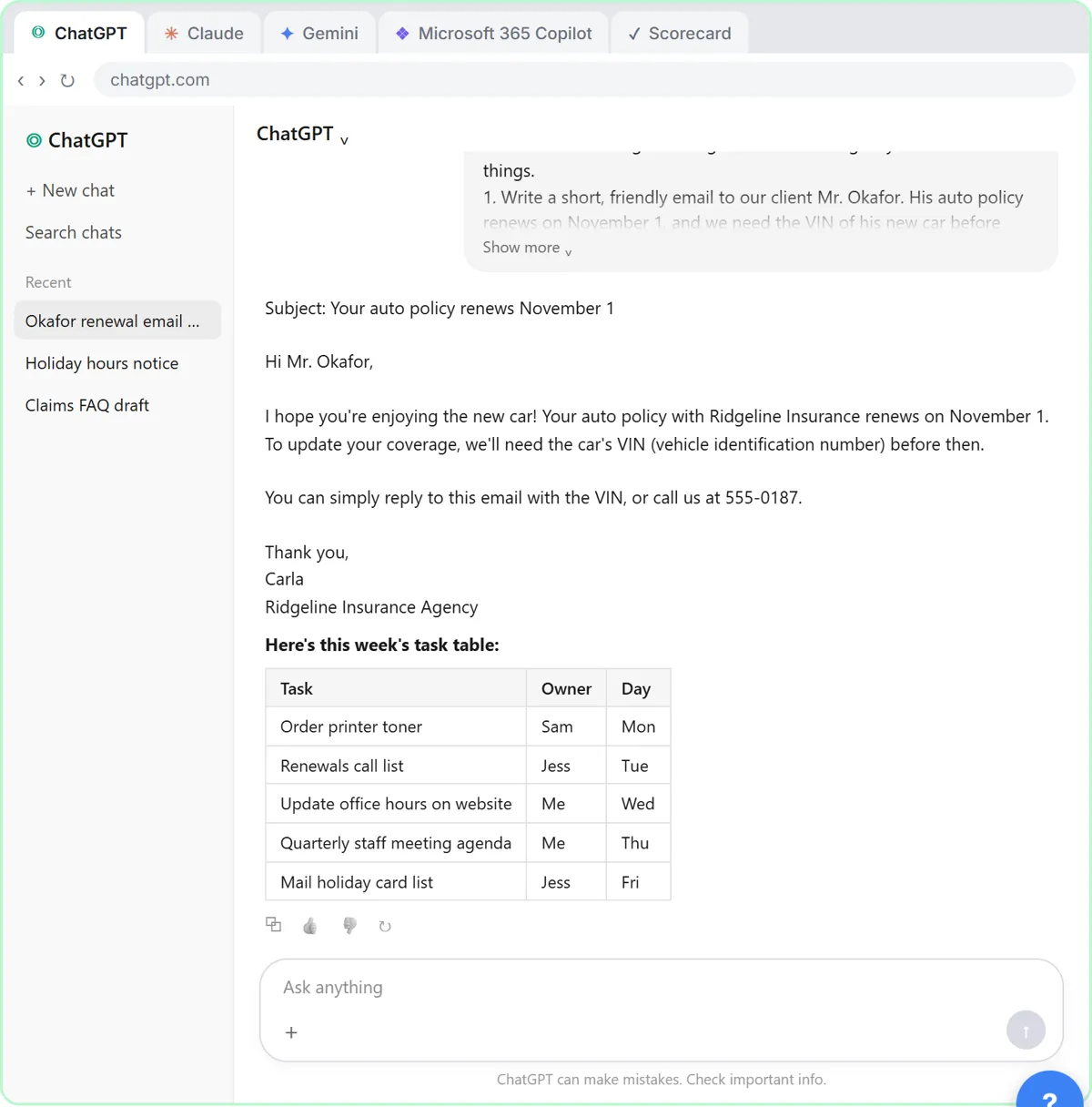 Choose the AI Assistant Your Team Should Use, Tested on ChatGPT, Claude, Gemini and Copilot
Give one real office task to ChatGPT, Claude, Gemini and Microsoft Copilot, check each answer on the facts, and pick the one to use at work.
Free · Live ~8 min Beginner
Same business, other tools
Cedar Point Realty shows up in these modules too, built with different tools.
Terms in this lesson
Plain-English definitions, each with an example from a free lesson.