The best no-code AI agent builders for business teams in 2026
Quick answer
The best AI agent builder depends on where the agent will work and how much control your company needs. As of October 2026, Airia is built for companies that need guardrails, approvals and audit evidence around every agent; Lindy is a personal assistant agent that works through email, Slack and the phone; Jotform AI Agents answer customers on your website chat, phone and messaging apps; n8n builds agents inside workflows you can self-host; Microsoft Copilot Studio builds agents for Microsoft 365 companies without code; Zapier Agents work across the apps Zapier connects; and Metis AI is an open-source, self-hosted workspace for technical teams.
Last updated
Take the free module →Module 4 of the free AI Agents 101 course, about 8 minutes. No account needed.
This list is for operations leads, office managers and team leads who want an agent to take over a repeated job, such as client onboarding, policy questions or inbox replies. Features come from each vendor's own pages as of October 2026, with no prices, because plans change often. Partner tools come first; that is not a ranking. Disclosure: Stepthrough has affiliate relationships with Airia, Lindy and n8n. There are no affiliate links on this page. Practise for free in Onboard New Clients Without the Back-and-Forth using Airia.
How do they compare at a glance?
| Tool | Best for | What the vendor says it does | Practice it free |
|---|---|---|---|
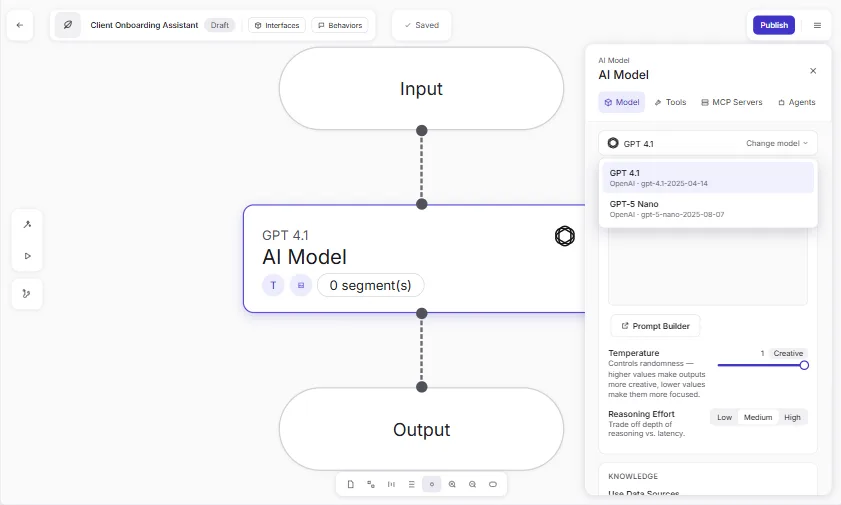
| Airia | Companies that need governance | Agent Builder for business and technical teams, approved models and tools, guardrails that can block, redact or require approval, audit evidence | Client onboarding agent, HR policy agent |
| Lindy | A personal assistant agent | Works through email, Slack, iMessage, phone and a Chrome extension; routines set up with a sentence; asks before irreversible actions | Client email replies |
| Jotform AI Agents | Customer-facing agents on many channels | Website chat, phone, WhatsApp, Messenger, Instagram, SMS; trained on URLs, PDFs and Q&A; books meetings; a human can step in | Agent that answers client questions |
| n8n AI Agent | Agents inside workflows you control | Build by describing or by hand, tools from integrations and your own workflows, memory, human approval for specific actions, self-hosting | n8n AI Agent |
| Microsoft Copilot Studio | Microsoft 365 companies | No-code agents, knowledge from your apps, sites and files, publish internally or to websites, governance through Microsoft security tools | Not yet |
| Zapier Agents | Agents across the apps you already connect | Built with Zapier Copilot, knowledge from FAQs, documents and links, run on command or on triggers | Not yet |
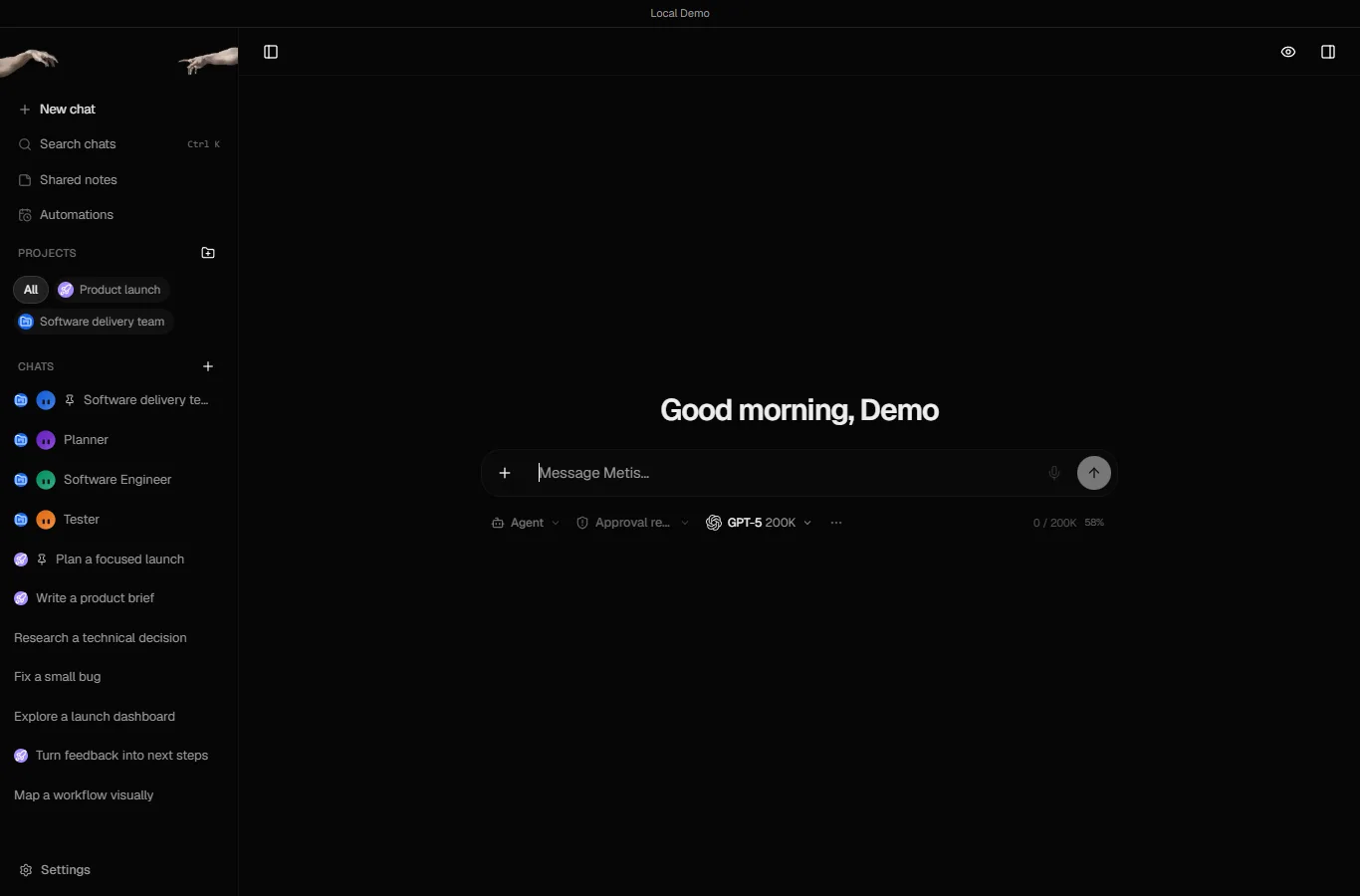
| Metis AI | Technical teams that want to self-host | Open-source agent workspace installed with Docker, connects cloud and local models, agent-controlled browser, teams of agents | Research to client brief |
What is a no-code AI agent builder?
It is a tool that lets you describe a job, connect the apps and documents the agent needs, and set the rules, without writing code. Unlike a chatbot that only answers, an agent takes steps: it reads a new client's email, checks the onboarding checklist, drafts the welcome message and books the kickoff call. The AI agent and agent vs assistant entries explain the difference, and the free AI agent vs chatbot vs automation comparison helps you decide which one a job needs.
Which agent builder is best for a company that needs governance?
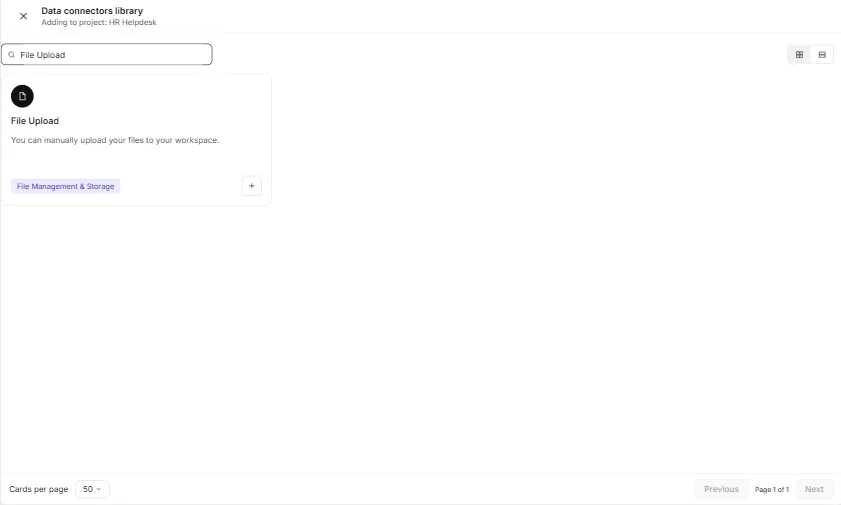
Airia is built around it. As of October 2026, it lists a gateway of approved models and tools, runtime guardrails that can allow, block, require approval, redact or log, human approvals, risk classification and audit evidence. The free Answer Employee Policy Questions Instantly using Airia lesson builds an HR agent that answers from the employee handbook.
Microsoft Copilot Studio is the natural choice inside Microsoft 365, with governance through Entra ID, Defender and Purview audit logs. The AI governance and agent permissions entries cover what to ask any vendor.
Which agent builder is best for customer questions?
Jotform AI Agents, if you want one agent across your website chat, phone and messaging apps. Jotform says you can train it on website URLs, PDFs and question-and-answer pairs, have it book Google Calendar appointments, and step in as a human from its phone app. The free Jotform AI Agents lesson builds one for a professional services firm. The Jotform AI Agent vs n8n AI Agent comparison covers when to build your own instead.
How do I keep an AI agent from making costly mistakes?
Start narrow, give it only the tools it needs, and require approval for anything irreversible. Lindy says nothing irreversible happens without your approval, n8n lets you require human approval for specific actions, and Airia lists approval policies, as of October 2026. Test with made-up data before the agent touches real clients. For n8n agents, the free Guardian approval gate lesson adds a named approver before the agent emails a customer. The human in the loop entry explains the pattern.
Who is each one for?
Airia
For companies that want business teams building agents inside clear guardrails, approvals and audit evidence. Practise free in Onboard New Clients Without the Back-and-Forth using Airia and Answer Employee Policy Questions Instantly using Airia. Official site: airia.com. Directory card: Airia.
Lindy
For busy professionals who want an assistant agent handling email, scheduling and follow-ups through the channels they already use. Practise free in Answer Client Emails in Half the Time using Lindy. Official site: lindy.ai. Directory card: Lindy.
Jotform AI Agents
For firms that want a customer-facing agent on chat, phone and messaging, trained on their own documents, with a human able to step in. Practise free in Jotform AI Agents: an agent that answers client questions. Official site: jotform.com/ai/agents. Directory card: Jotform AI Agents.
n8n AI Agent
For teams that want agents inside workflows they fully control, with memory, approvals and self-hosting. Practise free in the n8n AI Agent lesson. Official site: n8n.io/ai-agents. Directory card: n8n.
Microsoft Copilot Studio
For Microsoft 365 companies that want no-code agents grounded in their own apps, sites and files, under Microsoft's security tools. Official site: Copilot Studio. Directory card: Microsoft Copilot Studio.
Zapier Agents
For teams already on Zapier who want agents that act across the same apps, triggered on command or by events such as a new form submission. Official site: zapier.com/agents. Directory card: Zapier Agents.
Metis AI
For technical teams that want an open-source, self-hosted workspace where agents use a browser, web search and the models they choose. Practise free in Metis AI: Research a Client Question and Turn It into a Brief in One Agent Workspace. Official site: Metis AI. Directory card: Metis AI.
Which of these tools have a free Stepthrough lesson?
- Airia: free lesson: Onboard New Clients Without the Back-and-Forth Using Airia
- Lindy: free lesson: Answer Client Emails in Half the Time using Lindy
- Jotform AI Agents: free lesson: Jotform AI Agents: An Agent That Answers Client Questions
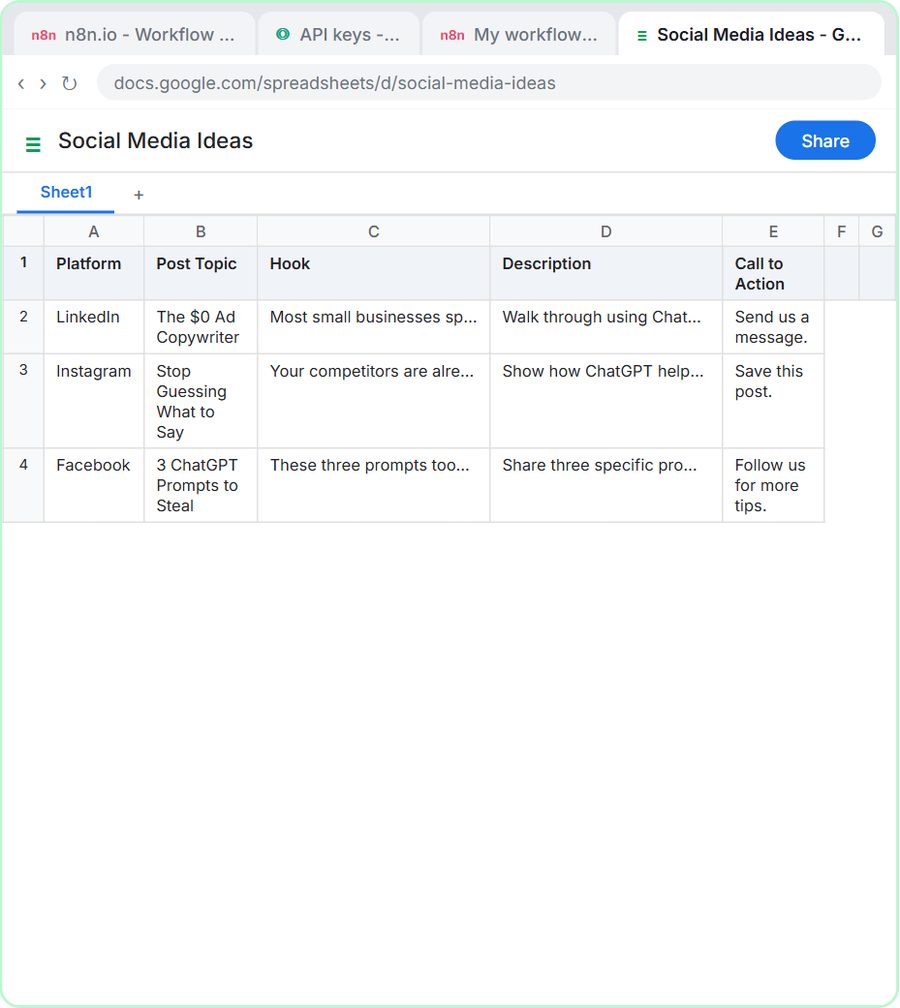
- n8n AI Agent: free lesson: n8n AI Agent Tutorial: Save Social Media Ideas to Google Sheets
- Microsoft Copilot Studio: a free Stepthrough lesson is coming.
- Zapier Agents: a free Stepthrough lesson is coming.
- Metis AI: free lesson: Metis AI: Research a Client Question and Turn It into a Brief in One Agent Workspace
Practice it free, step by step
Onboard New Clients Without the Back-and-Forth Using Airia. New clients ask the same questions every week. Build a no-code onboarding assistant in Airia, test it with a risky question, then share it with your team. You do every step yourself in a practice copy of Airia, it checks your work as you go, and “Do it for me” finishes any step you get stuck on. Free, and nothing touches your real accounts.
Start the free lessonWatch it in a free lesson: Build an n8n AI Agent That Writes Deal Follow-Ups
 7:57
7:57AI Deal Follow-Up Agent: video walkthrough
Build an AI agent for Northwind Scheduling Software that writes follow-up messages for your open deals and saves them to Google Sheets — chat trigger, AI Agent, system prompt, model, memory, and the Sheets tool. The whole lesson narrated step by step, recorded in Stepthrough’s simulated practice environment.
Key takeaways
- Pick by where the agent works: governance-heavy (Airia, Copilot Studio), personal assistant (Lindy), customer-facing (Jotform), inside workflows (n8n, Zapier).
- Start with one narrow job and test it with made-up data before it touches real clients.
- As of October 2026, Lindy, n8n and Airia all list approval before risky actions; use it for anything irreversible.
- Give an agent only the tools and documents its job needs.
Frequently asked questions
What is the easiest AI agent builder for beginners?
Lindy says you can set up a routine with one sentence, Zapier builds agents with help from Zapier Copilot, and Jotform turns an existing form into an agent, as of October 2026. Learn the basics free in the Airia client onboarding lesson.
Do I need to code to build an AI agent?
No. Every tool here except Metis AI is built for no-code building. Metis AI is open source and installed with Docker, so it suits technical teams.
What is the difference between an AI agent and a chatbot?
A chatbot answers questions. An agent also takes actions, such as booking a meeting or updating a record. The AI agent vs chatbot vs automation comparison explains when you need each.
Can an AI agent work in my email?
Yes. Lindy works through Gmail and Outlook, and Jotform lists Gmail as a channel, as of October 2026. Keep a person reviewing replies to clients. See the best AI email assistants.
Where do these prices and features come from?
Every price and feature on this page was checked against the vendor's own page, as of October 2026. No numbers here are estimates or third-party figures. The example businesses in the Stepthrough lessons are made up.