The best AI PDF summarizers for long documents in 2026
Quick answer
For a single long PDF, the best AI summarizer is one that shows you where each point came from. As of October 2026, Smallpdf is the fastest in the browser, KDAN and Foxit add summaries inside a full PDF editor (Foxit with cited answers), NotebookLM (now Gemini Notebook) answers only from the files you give it with inline citations, and ChatGPT and Claude summarize an uploaded PDF in the same chat you already use for writing. Adobe Acrobat AI Assistant fits teams already in Acrobat.
Last updated
Take the free module →Module 33 of the free AI Apps Worth Knowing course, about 10 minutes. No account needed.
This list is for anyone who gets a 25-page proposal, policy or report and needs the five points that matter before a meeting. Features come from each vendor's own pages as of October 2026, with no prices, because plans change often. Tools with a free Stepthrough lesson come first; that is not a ranking. Disclosure: Stepthrough has an affiliate relationship with Foxit. There are no affiliate links on this page. Practise the habit for free in Smallpdf: Get the Key Points of a 25-Page PDF in 5 Minutes.
How do they compare at a glance?
| Tool | Best for | What the vendor says it does | Practice it free |
|---|---|---|---|
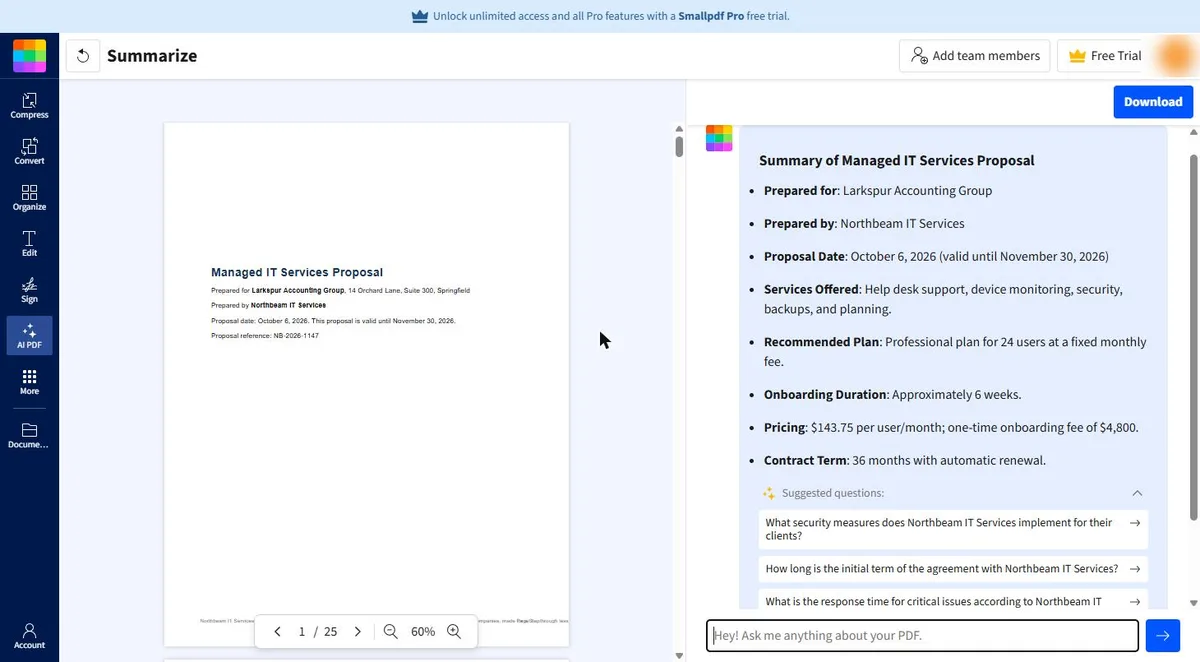
| Smallpdf | A quick summary in the browser | Short or bullet summaries, chat with the PDF, quizzes and translation; also accepts Word, Excel, PowerPoint and images | Key points of a 25-page PDF |
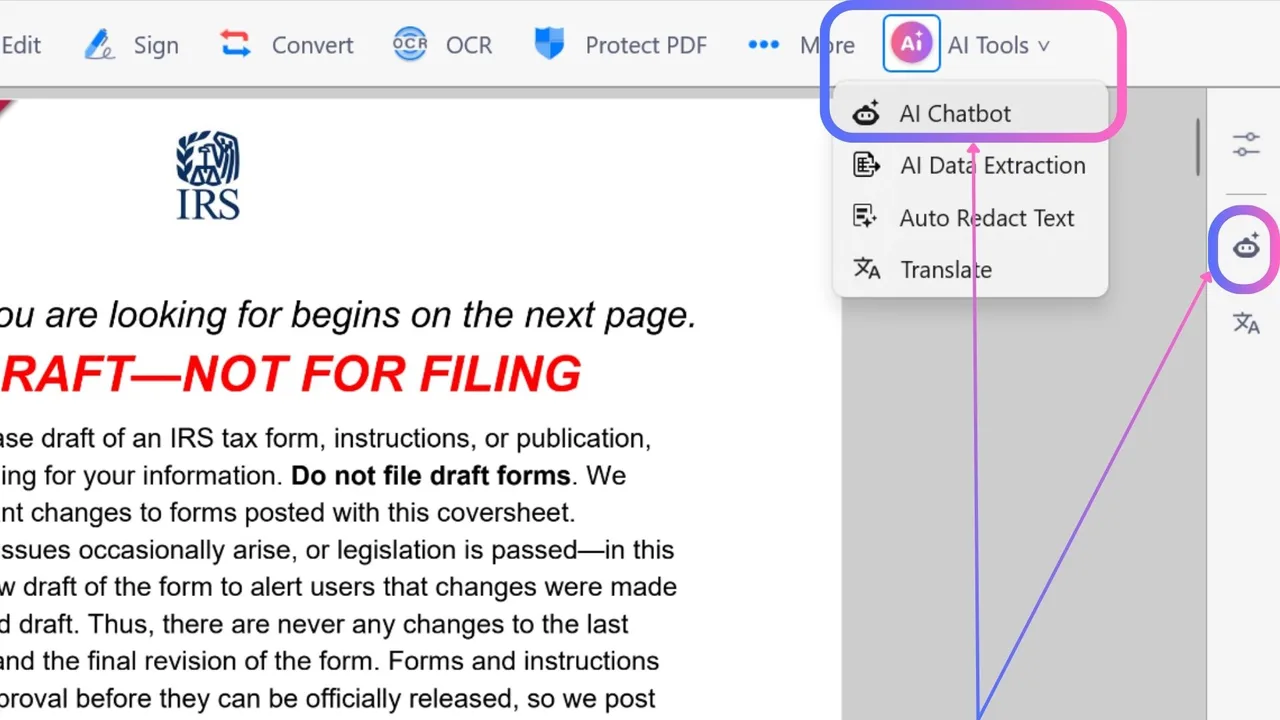
| KDAN PDF | Contracts and reports | AI analyst chatbots that summarize, pull out key data and flag risks | KDAN vendor contract terms |
| Foxit AI Assistant | Summaries you can check in one click | Chat with a PDF with cited answers, key-point summaries, Workspace projects of up to 100 files | Foxit contract review |
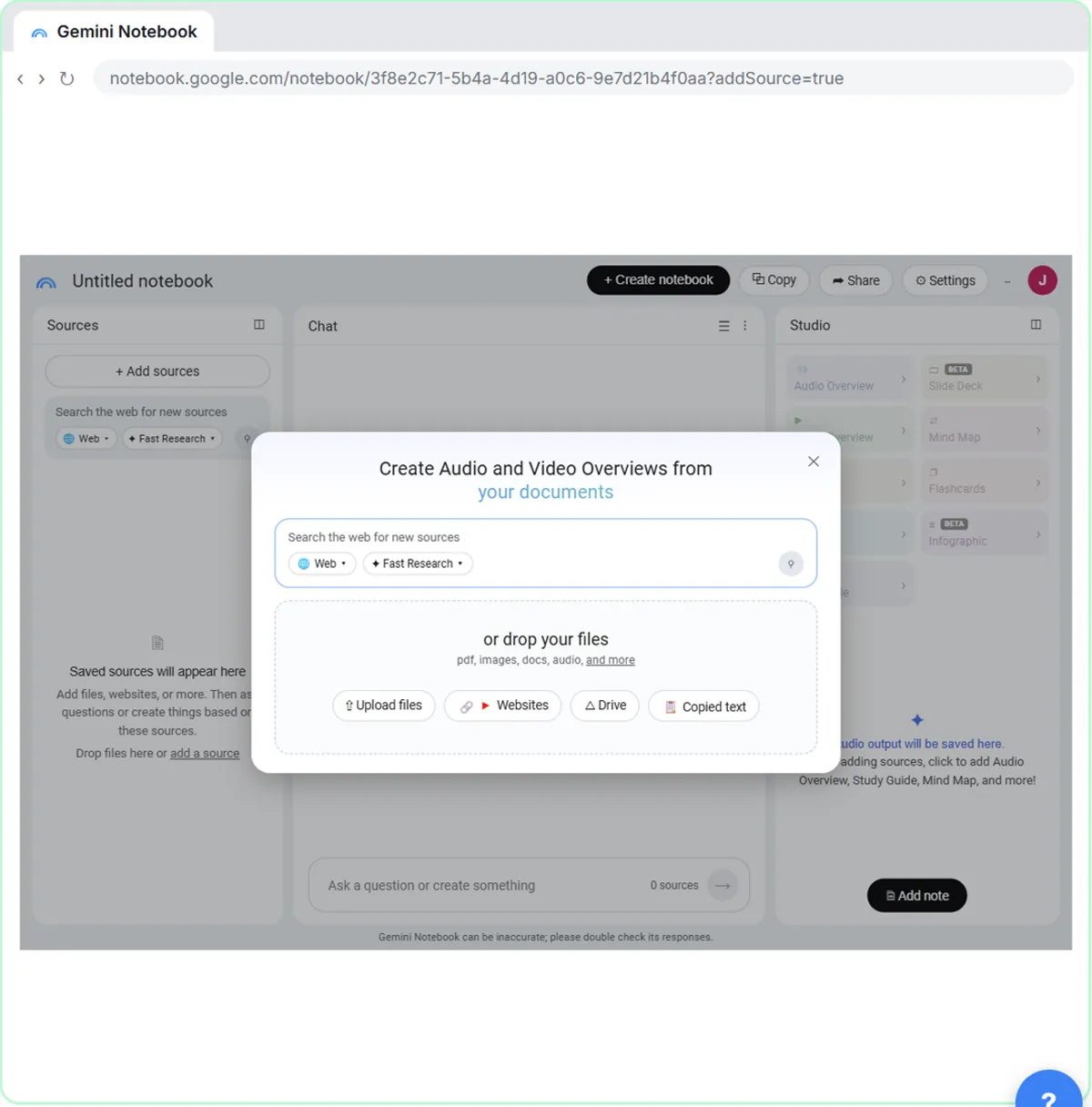
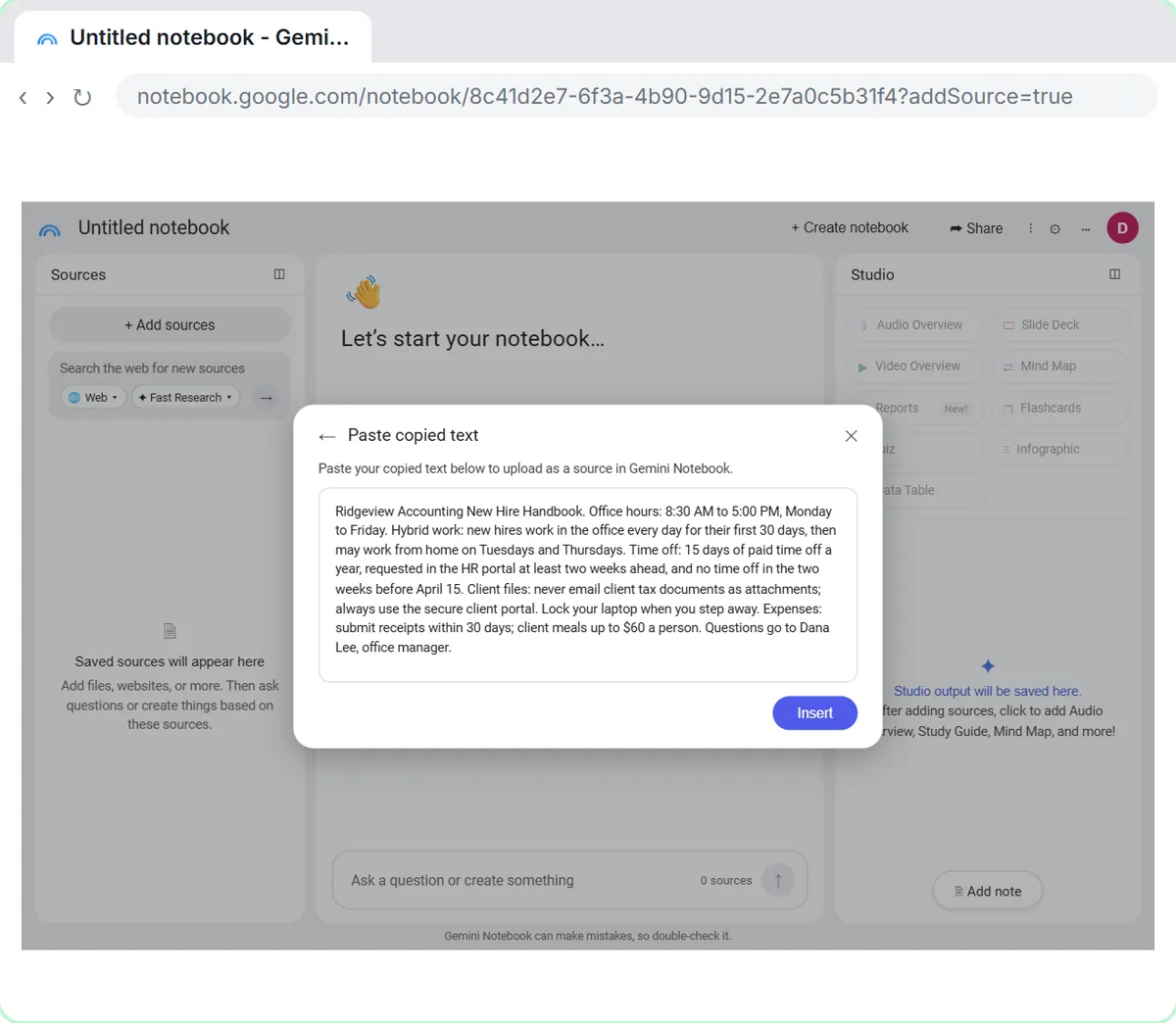
| NotebookLM | Answers only from your own files | Chat grounded in your sources with inline citations, briefings, study guides, audio overviews | NotebookLM cited answers |
| ChatGPT | Summary plus a follow-up email or plan | Upload a PDF to a chat and ask for a summary or analysis | Not yet for PDFs |
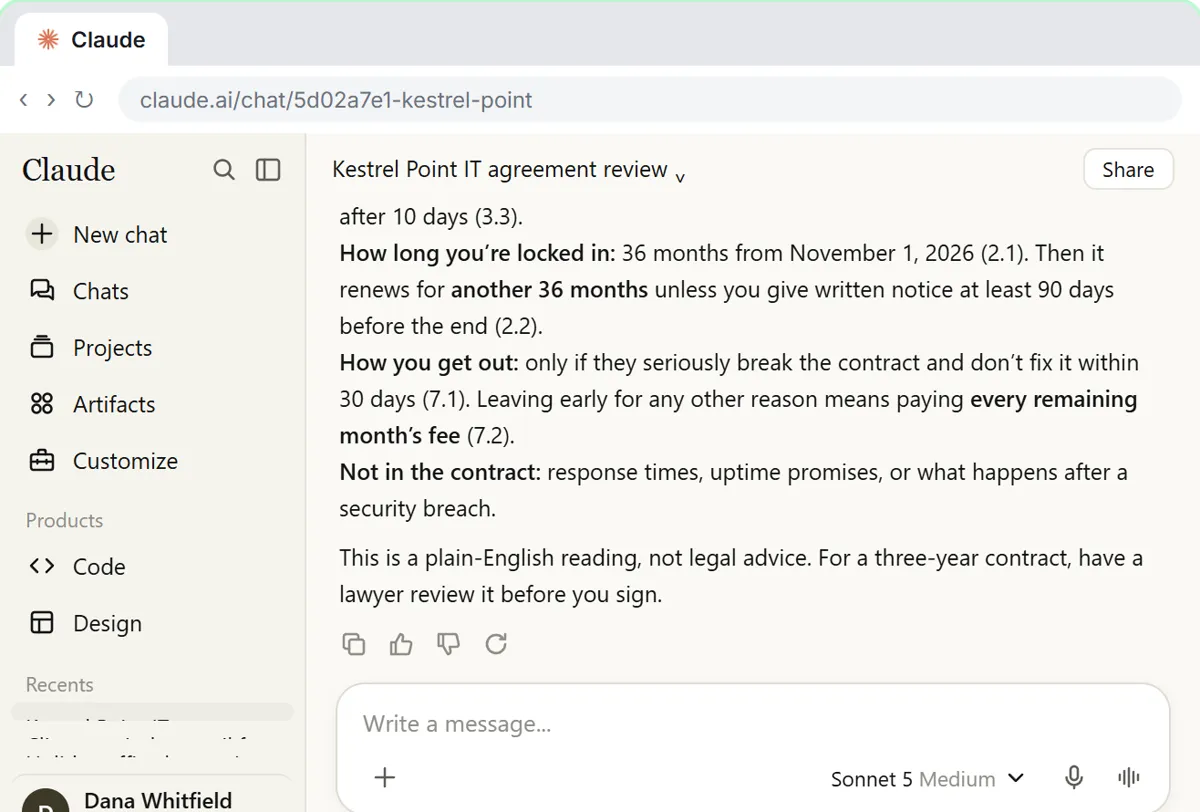
| Claude | Close reading of long documents | Reads uploaded PDFs, including charts and images in shorter files | Check a contract for red flags |
| Adobe Acrobat AI Assistant | Teams already in Acrobat | Summaries of topics and action items with citations, follow-up questions, audio overviews | Not yet |
What makes a PDF summary trustworthy?
A link back to the source. A summary that says "the contract renews automatically for 12 months" is only useful if you can see the sentence it came from. Foxit, NotebookLM and Adobe all say their answers cite the source text, and Smallpdf lets you review the passages behind its answers. When we tested Foxit on a real contract, every figure matched the PDF and each citation opened the file with the sentence highlighted (see Foxit vs Adobe Acrobat).
The second habit is asking for the right shape. "Summarize this" gets a paragraph. "List the deadlines, fees and who does what, with page numbers" gets a table you can act on. The AI PDF summarizer and chat with PDF entries explain the difference between a one-shot summary and a conversation with the file.
Which tool is best for summarizing several PDFs together?
NotebookLM is built for it. As of October 2026, Google's help pages say it takes PDFs, websites, YouTube videos, audio and Google Docs and Slides as sources, and answers with inline citations to those sources only. It can also turn them into a briefing, study guide or audio overview, which the free NotebookLM Audio Overview lesson shows. One limit Google states: copy-protected PDFs cannot be imported.
Foxit Workspace answers questions across up to 100 files in one project, and Adobe's PDF Spaces combines several files. If your files live in a PDF editor already, those keep the work in one app.
Should I use ChatGPT or Claude to summarize a PDF?
Either works when the summary is the first step of a bigger job, such as a reply to the client or a plan for the meeting, because you stay in one chat. OpenAI's help center describes attaching a PDF to a chat and asking for a summary or analysis. Anthropic's help center lists PDF among the file types Claude reads, and says that for shorter PDFs Claude reads charts and images as well as text. Claude is often preferred for careful reading; the free Check a contract for red flags lesson uses it to tie every point to the exact clause.
What they lack is the PDF editor around the summary. If you also need to redact, sign or edit the file, a tool like Foxit or KDAN saves a round trip. ChatGPT vs Claude goes deeper on the two assistants.
Is it safe to upload a client PDF to an AI summarizer?
Only if your company allows it. Check your approved tools and each vendor's AI and privacy terms first, and use a business account where one is available. Adobe says your content is not used to train its models, as of October 2026; read each vendor's own statement rather than assuming. Remove anything the summary does not need, such as account numbers, before you upload. The PII entry covers what counts as personal information.
Who is each one for?
Smallpdf
For the fastest summary with no install, in short or bullet form, with chat for follow-up questions. Practise free in Smallpdf: Get the Key Points of a 25-Page PDF in 5 Minutes. Official site: smallpdf.com. Directory card: Smallpdf.
KDAN PDF
For contracts and reports where you want key data pulled out and risks flagged, inside a full PDF reader and editor. Practise free in the KDAN vendor contract lesson. Official site: KDAN AI PDF editor. Directory card: KDAN PDF.
Foxit AI Assistant
For summaries where every claim links back to the sentence, inside a desktop editor, with Local AI on Windows and macOS. Practise free in Review a Client Contract in 10 Minutes using Foxit AI. Official site: foxit.com/ai. Directory card: Foxit PDF Editor.
NotebookLM (Gemini Notebook)
For questions across a folder of documents, answered only from those sources, with citations. Practise free in NotebookLM: Cited Answers and a Briefing from Your Docs. Official site: notebook.google. Directory card: NotebookLM.
ChatGPT
For a summary that turns straight into the next thing, such as an email or a meeting plan, in the chat you already use. Official site: chatgpt.com. Directory card: ChatGPT.
Claude
For careful reading of long contracts, leases and policies, with each point tied to the clause. Practise free in Check a contract for red flags. Official site: claude.ai. Directory card: Claude.
Adobe Acrobat AI Assistant
For teams already in Acrobat: Adobe says it summarizes topics and action items with citations and answers follow-up questions. Stepthrough has not tested it hands-on. Official site: Acrobat AI Assistant.
Which of these tools have a free Stepthrough lesson?
- Smallpdf: free lesson: Smallpdf: Get the Key Points of a 25-Page PDF in 5 Minutes
- KDAN PDF: free lesson: KDAN: Get a Vendor Contract's Key Terms with AI Chatbot
- Foxit AI Assistant: free lesson: AI Contract Review in 10 Minutes using Foxit AI
- NotebookLM (Gemini Notebook): free lesson: NotebookLM (Now Gemini Notebook): Cited Answers and a Briefing from Your Docs
- ChatGPT: a free Stepthrough lesson is coming.
- Claude: free lesson: Check a Contract for Red Flags with Claude
- Adobe Acrobat AI Assistant: a free Stepthrough lesson is coming.
Practice it free, step by step
Smallpdf: Get the Key Points of a 25-Page PDF in 5 Minutes. A business case for anyone handed a long vendor proposal before a meeting: get an AI summary in Smallpdf, ask about renewal, exit fees and extra costs, check each answer on its page and save it all… You do every step yourself in a practice copy of Smallpdf, it checks your work as you go, and “Do it for me” finishes any step you get stuck on. Free, and nothing touches your real accounts.
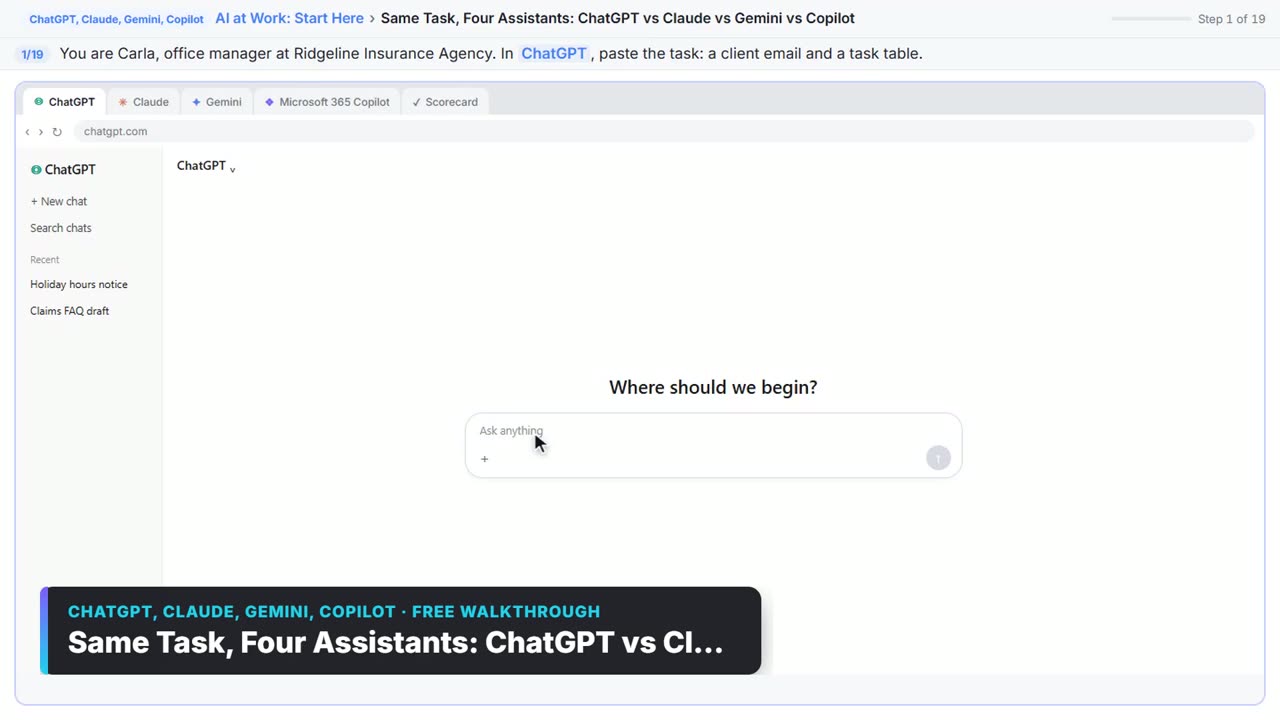
Start the free lessonWatch it in a free lesson: Choose the AI Assistant Your Team Should Use, Tested on ChatGPT, Claude, Gemini and Copilot
 1:51
1:51Same Task, Four Assistants: ChatGPT vs Claude vs Gemini vs Copilot: video walkthrough
Give one real office task to ChatGPT, Claude, Gemini and Microsoft Copilot, check each answer on the facts, and pick the one to use at work. The whole lesson narrated step by step, recorded in Stepthrough’s simulated practice environment.
Key takeaways
- Pick a summarizer that cites the source, then click the citation on every date, fee and deadline.
- Ask for a shape, such as "deadlines, fees and owners in a table with page numbers", not just "summarize".
- For many files at once, NotebookLM answers only from your sources; Foxit Workspace and Adobe PDF Spaces do it inside a PDF editor.
- Only upload documents your company allows you to share with an AI service.
Frequently asked questions
What is the best free AI to summarize a PDF?
Free options change often, so check each vendor's page. To learn the routine itself for free, use the Smallpdf key points lesson or the NotebookLM cited answers lesson, which both use a practice copy of the real tool.
Can AI summarize a scanned PDF?
Often, if the tool runs OCR first. Foxit and KDAN both list OCR in their editors as of October 2026. If a summary comes back empty or garbled, run OCR to make the searchable PDF first.
How long a PDF can AI summarize?
It depends on the tool and plan, and the limits change. Each vendor's help center lists its current file size and page limits. For very long files, ask for a summary section by section.
Can AI summaries be wrong?
Yes. AI can miss a clause or state a number wrongly, which is why citations matter. Check every figure that costs money against the page it came from. The hallucination entry explains why it happens.
Where do these prices and features come from?
Every price and feature on this page was checked against the vendor's own page, as of October 2026. No numbers here are estimates or third-party figures. The example businesses in the Stepthrough lessons are made up.