The best AI research tools with sources you can check in 2026
Quick answer
The best AI research tool is the one that shows its sources, so you can open each one before you quote it. As of October 2026, Felo researches across the web, academic papers and your files with a citation on every conclusion and can turn the result into a report or slides; Paperguide is built for academic papers; Perplexity answers with numbered citations and writes Deep Research reports; ChatGPT, Gemini and Claude each have a research mode inside the assistant you may already use; and NotebookLM, now Gemini Notebook, answers only from the documents you give it.
Last updated
Take the free module →Module 1 of the free Felo Tutorial: Felo Jump Start course, about 10 minutes. No account needed.
This list is for consultants, analysts, marketers and managers doing market scans, client prep and fact-checks. Features come from each vendor's own pages as of October 2026, with no prices, because plans change often. Partner tools come first; that is not a ranking. Practise for free in Felo: Price a New Service in 10 Minutes, with a Source for Every Number.
How do they compare at a glance?
| Tool | Best for | What the vendor says it does | Practice it free |
|---|---|---|---|
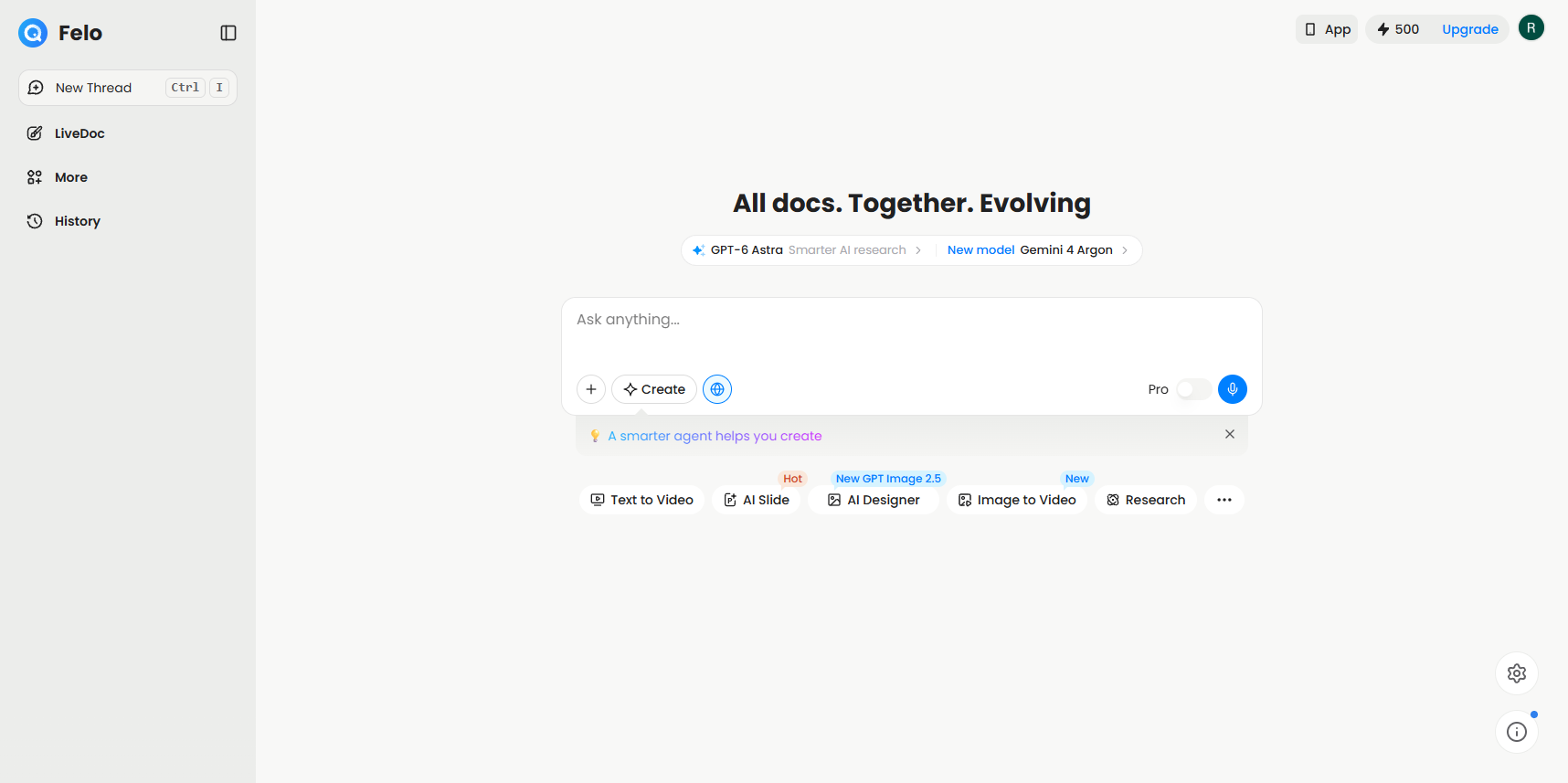
| Felo | Market research with a source for every number | Researches the web, academic papers, live X posts and your files; citations on every conclusion; output as a report, slides, mind map or web page; 30+ languages | Price a service with sources |
| Paperguide | Academic and scientific papers | AI Search that links each claim to a paper, chat with several PDFs, Research Agent, reference manager, AI Writer with citations | Not yet |
| Perplexity | Fast cited answers from the web | Real-time web search with numbered citations, Deep Research reports, export to PDF or a Perplexity Page | Not yet |
| ChatGPT | Research inside the assistant you already use | Web search with citations in the chat; deep research mode for multi-source reports | Not yet |
| Gemini Deep Research | Long reports with an editable plan | Research plan you review first, hundreds of websites plus Gmail and Drive if you allow it, multi-page reports, 45+ languages | A cited brief before a client meeting |
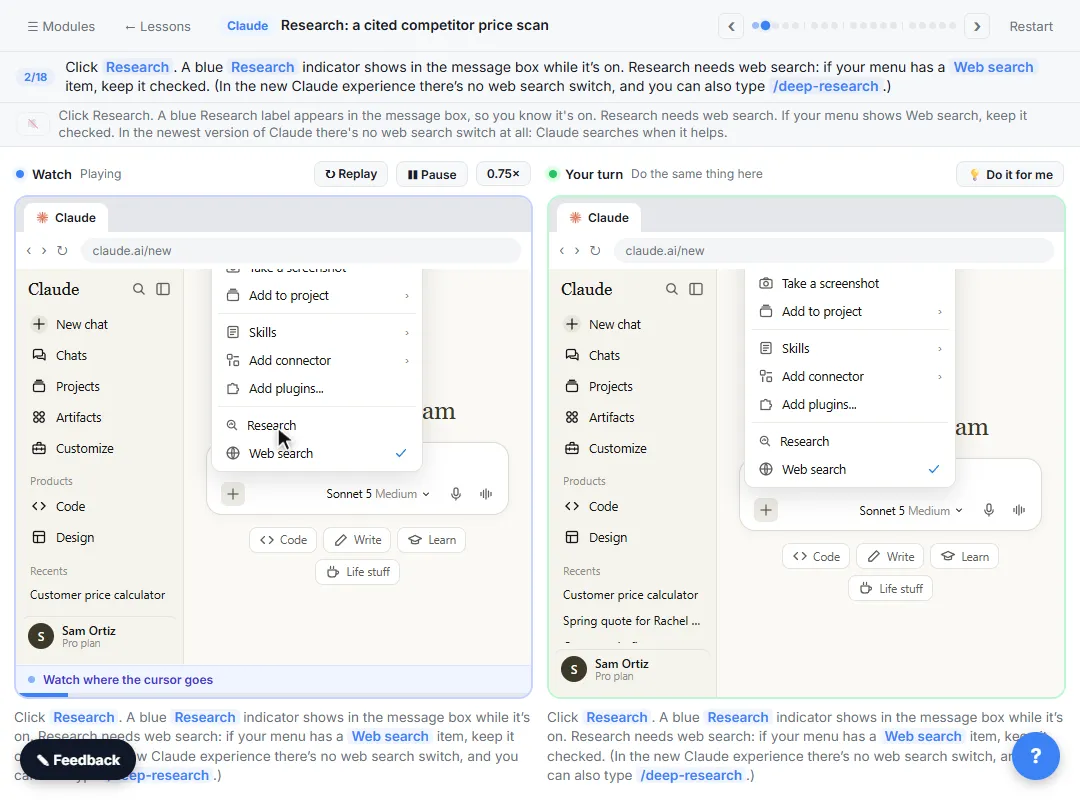
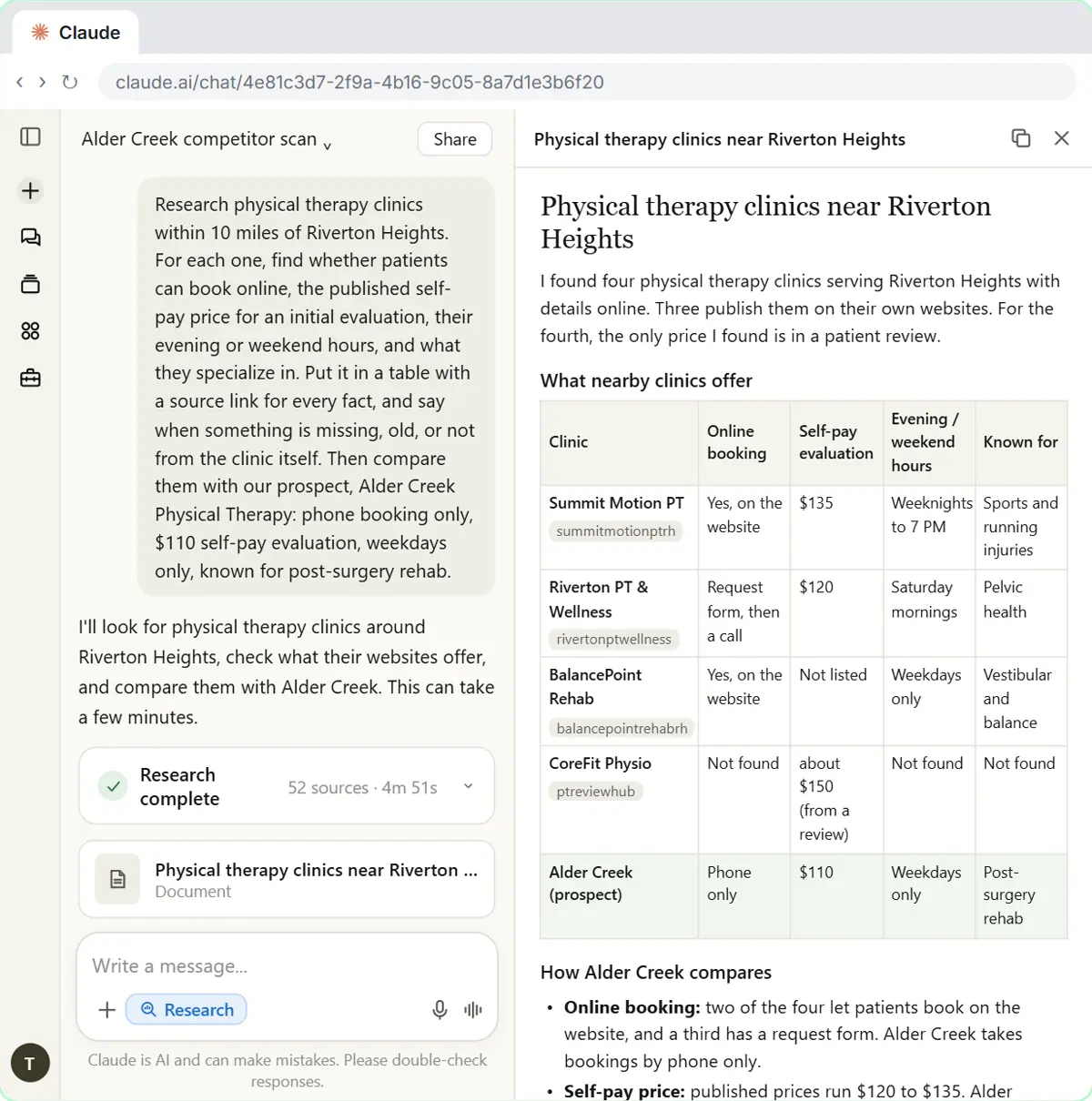
| Claude Research | Research that also searches your Google apps | Several searches that build on each other, can search Gmail, Calendar and Docs, answers with citations | Claude Research |
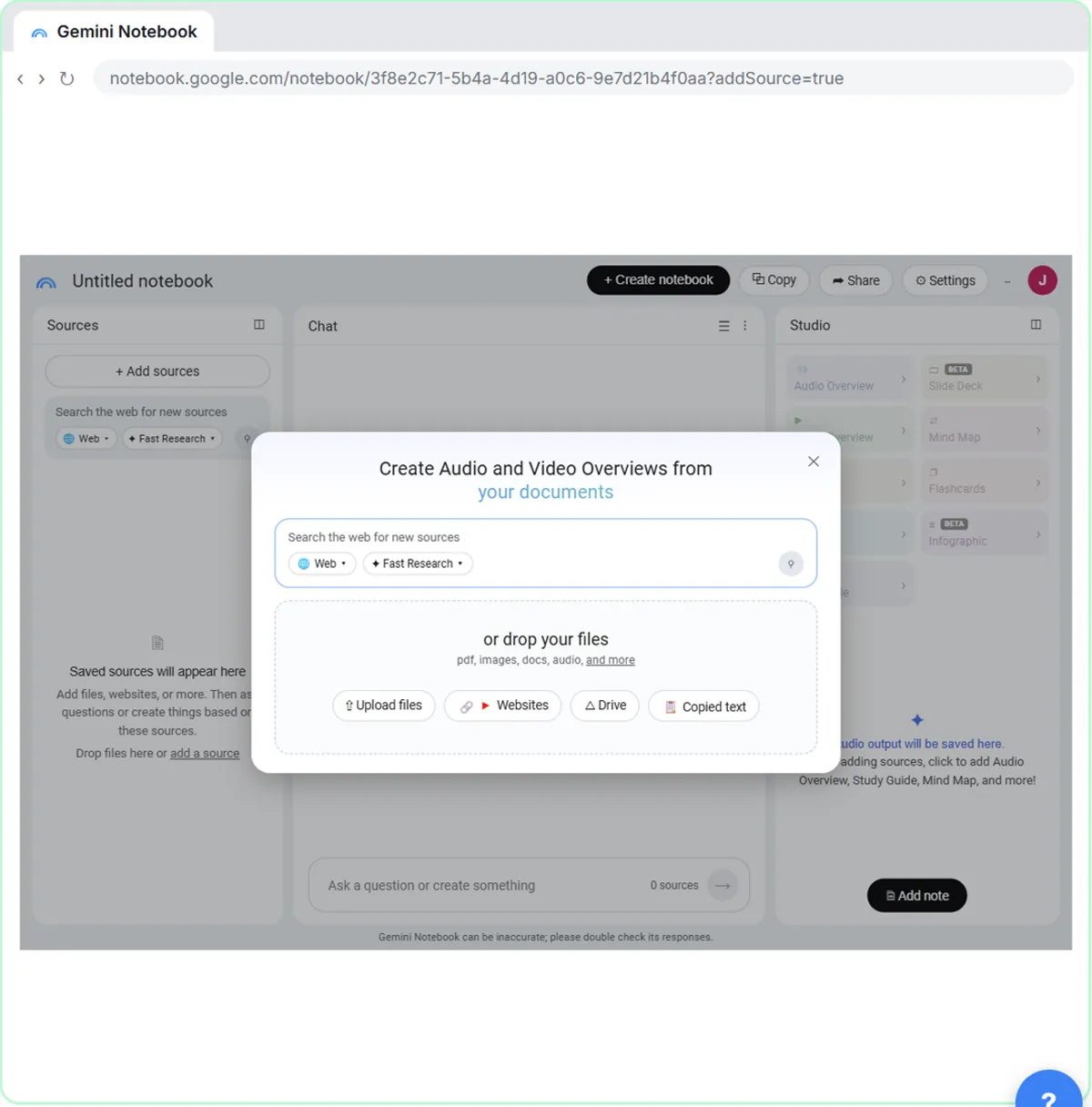
| NotebookLM (Gemini Notebook) | Research over your own documents only | Answers grounded in your sources with inline citations; audio and video overviews, reports, mind maps, data tables | Cited answers from your docs |
What is the difference between AI search and deep research?
AI search answers one question from a few sources in seconds, with citations: good for a quick fact or a definition. Deep research runs many searches that build on each other and writes a longer report: good for a market scan or a briefing. As of October 2026, Perplexity, ChatGPT, Gemini and Claude all offer both kinds. Google says Gemini Deep Research shows you a research plan you can edit before it runs, and Anthropic says Claude Research decides what to look into next as it goes.
Felo combines the two: it researches across the web, academic papers and your uploaded files, and can turn one run into a report, slides, a mind map or a web page. The deep research entry explains when a report is worth the wait.
How do you check that AI research is accurate?
Open the source behind every number you plan to use. All seven tools here show sources or citations, as of October 2026, but a citation only proves where a claim came from, not that it is right or current. Check the date, check that the page says what the AI says, and prefer primary sources such as the vendor's own pricing page or a government statistic.
The free Felo pricing lesson builds the habit: price a new service with a source for every number, then click each one. The AI citations and hallucination check entries explain what to look for.
Which tool should I use for research on my own documents?
NotebookLM, now called Gemini Notebook. Google's help pages say it answers from the sources you add, such as PDFs, websites, YouTube videos and Google Docs, with inline citations, and its Studio panel turns them into reports, mind maps and audio overviews. The free NotebookLM cited answers lesson practises it on a set of company documents.
For academic papers specifically, Paperguide lets you chat with one PDF or several at once and manage references imported from Zotero or Mendeley. Felo and Gemini Deep Research also accept your own files alongside the web. The grounding entry explains why answers from your own sources are easier to trust.
Should I use Perplexity or my main AI assistant for research?
If your company already licenses ChatGPT, Gemini or Claude, try its research mode first: the report lands in the same place as the rest of your work. Perplexity is built around search, with numbered citations on every answer and reports you can export to PDF or a shareable page. The Perplexity vs ChatGPT vs Gemini for research comparison goes deeper on the differences.
Who is each one for?
Felo
For consultants and marketers who need market research with a source on every number, in several languages, turned into a report or slides. Practise free in Felo: Price a New Service in 10 Minutes, with a Source for Every Number. Official site: felo.ai. Directory card: Felo.
Paperguide
For anyone working from academic research: cited answers from papers, chat across several PDFs, a reference manager and a writer that keeps citations. Official site: paperguide.ai. Directory card: Paperguide.
Perplexity
For fast, cited answers from the live web and longer Deep Research reports you can export or share. Official site: perplexity.ai. Directory card: Perplexity.
ChatGPT search and deep research
For teams already on ChatGPT who want cited web answers and research reports in the same assistant. Official site: chatgpt.com. Directory card: ChatGPT.
Gemini Deep Research
For long, multi-page reports with a plan you can edit first, drawing on the web and, if you allow it, your Gmail and Drive. Practise free in Gemini Deep Research: a cited brief before a client meeting. Official site: Gemini Deep Research. Directory card: Gemini.
Claude Research
For research that combines the web with your Gmail, Calendar and Google Docs, with citations to check. Practise free in the Claude Research lesson, or the consulting version, Claude research for consultants. Official help: Using Research on Claude. Directory card: Claude.
NotebookLM (Gemini Notebook)
For research that must stay inside your own documents, with inline citations and briefings, audio overviews and reports. Practise free in NotebookLM (Now Gemini Notebook): Cited Answers and a Briefing from Your Docs. Official site: notebook.google. Directory card: NotebookLM.
Which of these tools have a free Stepthrough lesson?
- Felo: free lesson: Price a New Service in 10 Minutes, with a Source for Every Number, using Felo
- Paperguide: a free Stepthrough lesson is coming.
- Perplexity: a free Stepthrough lesson is coming.
- ChatGPT search and deep research: a free Stepthrough lesson is coming.
- Gemini Deep Research: free lesson: Gemini Deep Research: Build a Cited Brief Before a Client Meeting
- Claude Research: free lesson: Claude Research: Get a Cited Competitor Price Scan, Then Check It
- NotebookLM (Gemini Notebook): free lesson: NotebookLM (Now Gemini Notebook): Cited Answers and a Briefing from Your Docs
Practice it free, step by step
Price a New Service in 10 Minutes, with a Source for Every Number, using Felo. A business case for small firms: before you price a new service, ask Felo, an AI search tool, what the market pays and which firms publish prices, with a numbered source on every number. Then check… You do every step yourself in a practice copy of Felo, it checks your work as you go, and “Do it for me” finishes any step you get stuck on. Free, and nothing touches your real accounts.
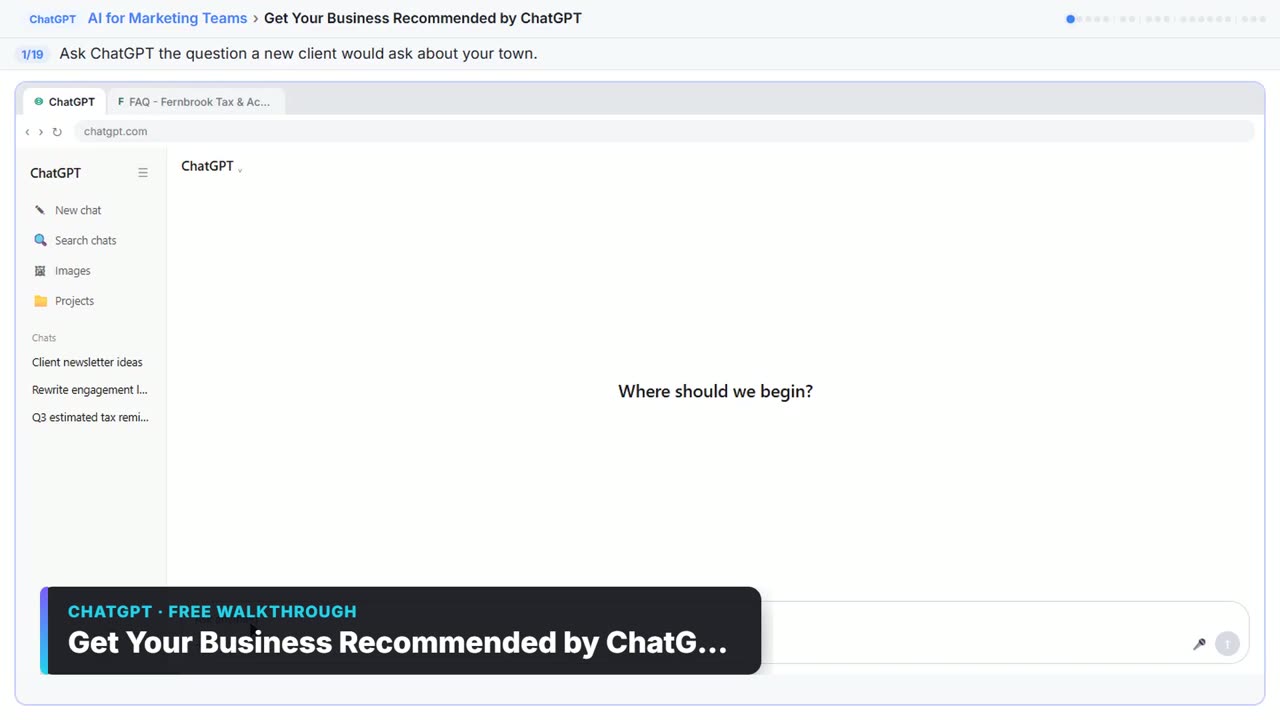
Start the free lessonWatch it in a free lesson: Get Your Business Recommended by ChatGPT
 2:14
2:14Get Your Business Recommended by ChatGPT: video walkthrough
Ask ChatGPT who it recommends in your town, see which pages it trusts, then use it to write an FAQ page and Business Profile copy that answer real customer questions. The whole lesson narrated step by step, recorded in Stepthrough’s simulated practice environment.
Key takeaways
- Pick a research tool that shows sources, and open the source behind every number you use.
- Use quick AI search for single facts and deep research for market scans and briefings.
- As of October 2026, NotebookLM (now Gemini Notebook) answers only from your own documents; Paperguide focuses on academic papers.
- Try the research mode in the assistant you already license before adding a new tool.
Frequently asked questions
What is the best AI for research with citations?
All seven tools here show sources as of October 2026. Felo and Perplexity are built around cited search; NotebookLM is best when the sources are your own documents. Practise in the free Felo lesson.
What is the best AI for academic research?
Paperguide is built for it: it links each claim to a paper, lets you chat with several PDFs and manages references. Felo also searches academic papers, as of October 2026.
Can AI research tools be wrong?
Yes. They can misread a source, use an old page or state a number that is not there. Open each citation before you quote it. The hallucination entry explains why.
Is Gemini Deep Research better than ChatGPT deep research?
They do the same job in different assistants. Pick the one your company already uses. The Perplexity vs ChatGPT vs Gemini comparison has the details.
Where do these prices and features come from?
Every price and feature on this page was checked against the vendor's own page, as of October 2026. No numbers here are estimates or third-party figures. The example businesses in the Stepthrough lessons are made up.