The best AI PDF editors for office work in 2026
Quick answer
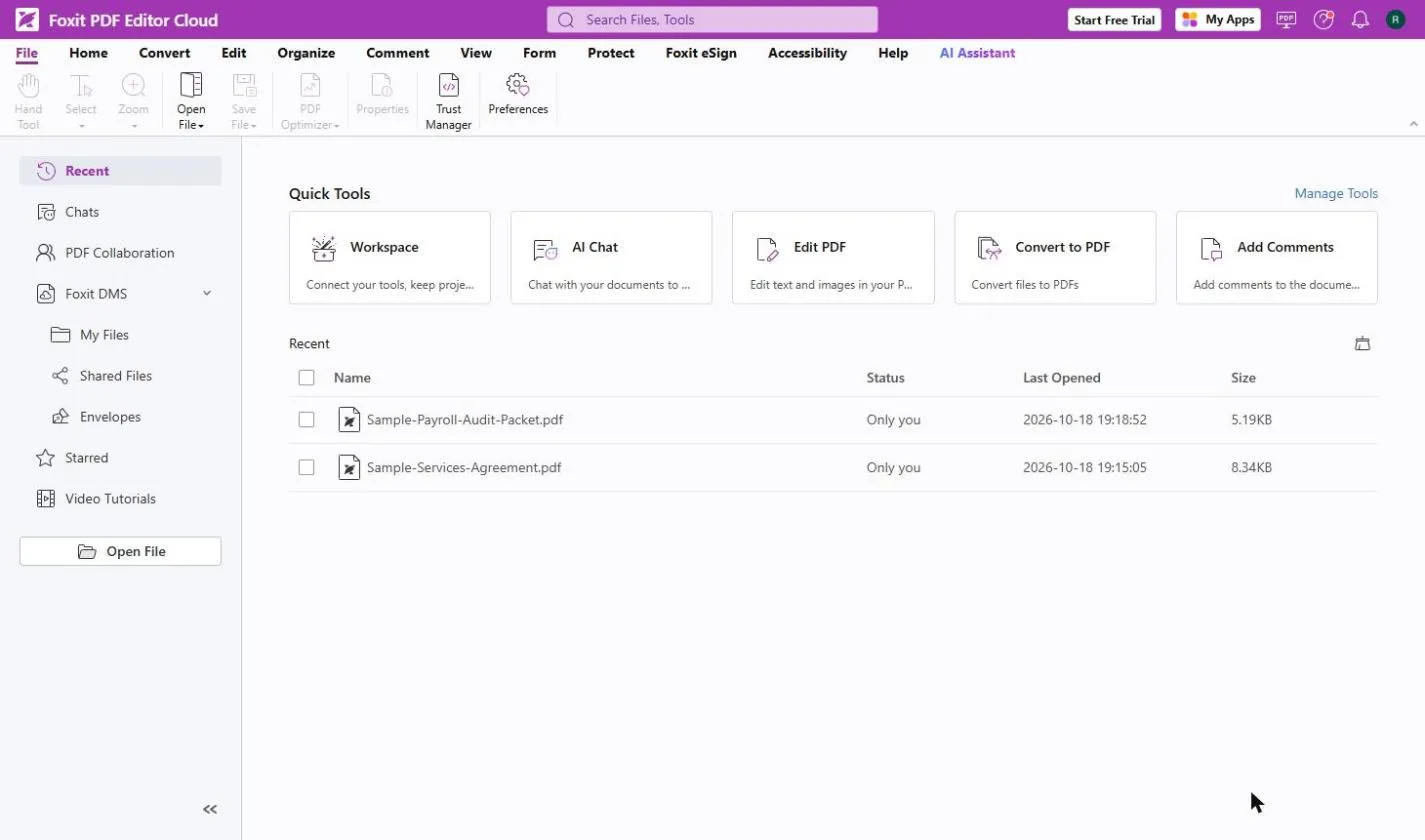
The best AI PDF editor for most offices is the one that does both jobs in one place: edit the file and answer questions about it. As of October 2026, Foxit PDF Editor pairs a full desktop editor with an AI Assistant that cites its sources, Smallpdf is the quickest browser option for summaries, conversions and signatures, KDAN PDF adds AI that flags risks in contracts, Adobe Acrobat suits teams already living in Acrobat, and Wondershare PDFelement adds AI contract review and a knowledge base across files.
Last updated
Take the free module →Module 3 of the free AI Apps Worth Knowing course, about 10 minutes. No account needed.
This list is for office managers, AP clerks, paralegals, HR coordinators and anyone who edits and reads PDFs all day. Every feature here comes from the vendor's own pages as of October 2026, and there are no prices on purpose, because plans change often. Tools you can practise free on Stepthrough are listed first; that is not a ranking. Disclosure: Stepthrough has an affiliate relationship with Foxit, so I may earn a commission if you sign up through a Foxit link elsewhere on Stepthrough. There are no affiliate links on this page. To try the core habit for free, start with Review a Client Contract in 10 Minutes using Foxit AI.
How do they compare at a glance?
| Tool | Best for | AI features the vendor lists | Practice it free |
|---|---|---|---|
| Foxit PDF Editor | A full desktop editor with AI built in | Chat with a PDF with cited answers, summaries, translation, edit by instruction, Workspace projects of up to 100 files, Local AI on Windows and macOS | Foxit contract review, compare two versions, fill and sign |
| Smallpdf | Quick jobs in the browser, no install | Chat with a PDF, short or bullet summaries, quizzes, translation; accepts PDF, Word, Excel, PowerPoint and images | Key points of a 25-page PDF |
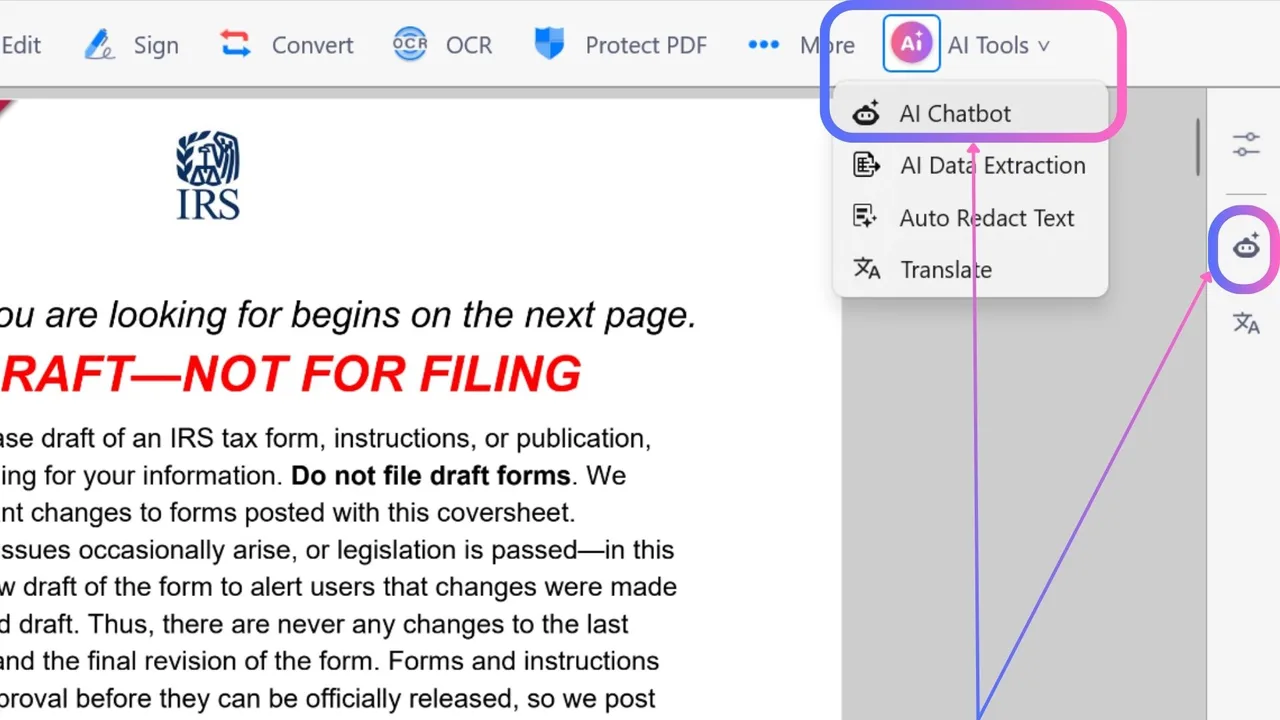
| KDAN PDF | Contracts and reports where risk matters | AI analyst chatbots, summaries, paragraph translation, key data extraction, risk flags, auto-redact (beta) | KDAN vendor contract terms |
| Adobe Acrobat | Teams already working in Acrobat | AI Assistant summaries with citations, follow-up questions, PDF Spaces across several files, audio overviews | Not yet |
| Wondershare PDFelement | Contract review and a searchable file library | Chat with PDF, AI summarizer, AI Knowledge Base across files, AI contract review that compares versions | Not yet |
What should an AI PDF editor do for an office?
Two things, in one app. First, the editing basics you already need: change text and images, reorder pages, convert to and from Word, run OCR on scans, fill and sign forms. Second, AI that reads the file for you: a summary of a 30-page proposal, a straight answer to "when does this contract renew?", and a pointer to the exact sentence it came from.
That pointer is the part to insist on. Foxit and Adobe both say their answers cite the source text, and in the Foxit vs Adobe Acrobat comparison we tested Foxit's citations on a real contract: each one opened the PDF with the sentence highlighted. A summary you can check in one click is worth far more than a fluent summary you have to reread the whole file to trust. The glossary entry on AI citations explains why.
Which AI PDF editor is best for contracts?
For a careful first read, pick a tool that cites its answers and can compare versions. Foxit's AI Assistant answers questions about a PDF with sources, and Foxit PDF Editor can compare two versions of a document, which the free Catch Every Change in a Revised Contract lesson walks through. KDAN lists AI that flags risks in legal and business documents, and PDFelement lists AI contract review that finds key clauses and compares versions.
None of them replaces a lawyer. Use the AI to find the renewal date, the notice window and the fees, then click through to the clause and read it yourself. The auto-renewal clause entry covers the clause people miss most.
Do I need a desktop app or is a browser tool enough?
For summaries, conversions, compressing and signing the odd form, a browser tool such as Smallpdf is enough, and you can start its AI tool without an account, according to Smallpdf. For heavy editing, redaction, batch work or files you would rather keep on your machine, a desktop editor fits better. Foxit PDF Editor runs on Windows, macOS and the web, and Foxit says its Local AI can chat, summarize and translate on Windows and macOS without an internet connection after the first model download.
Whichever you choose, only upload documents your company allows you to share with an AI service. Check your company's approved tools and the vendor's AI and privacy terms before you put client files into any of them.
Can these tools work across many PDFs at once?
Several can, as of October 2026. Foxit Workspace answers questions across up to 100 files in one project. Adobe's PDF Spaces pulls several files into one workspace, and PDFelement's AI Knowledge Base answers questions across PDF, Office, image and text files. If your question spans a whole folder rather than one file, the best AI PDF summarizers list also covers NotebookLM, which answers only from the sources you upload.
Who is each one for?
Foxit PDF Editor
For teams that want one desktop editor with AI built in: edit, convert, OCR, then ask the AI Assistant and click its citations. Practise free in Review a Client Contract in 10 Minutes using Foxit AI, then Fill and Sign a Form without Printing. Official site: foxit.com. Directory card: Foxit PDF Editor.
Smallpdf
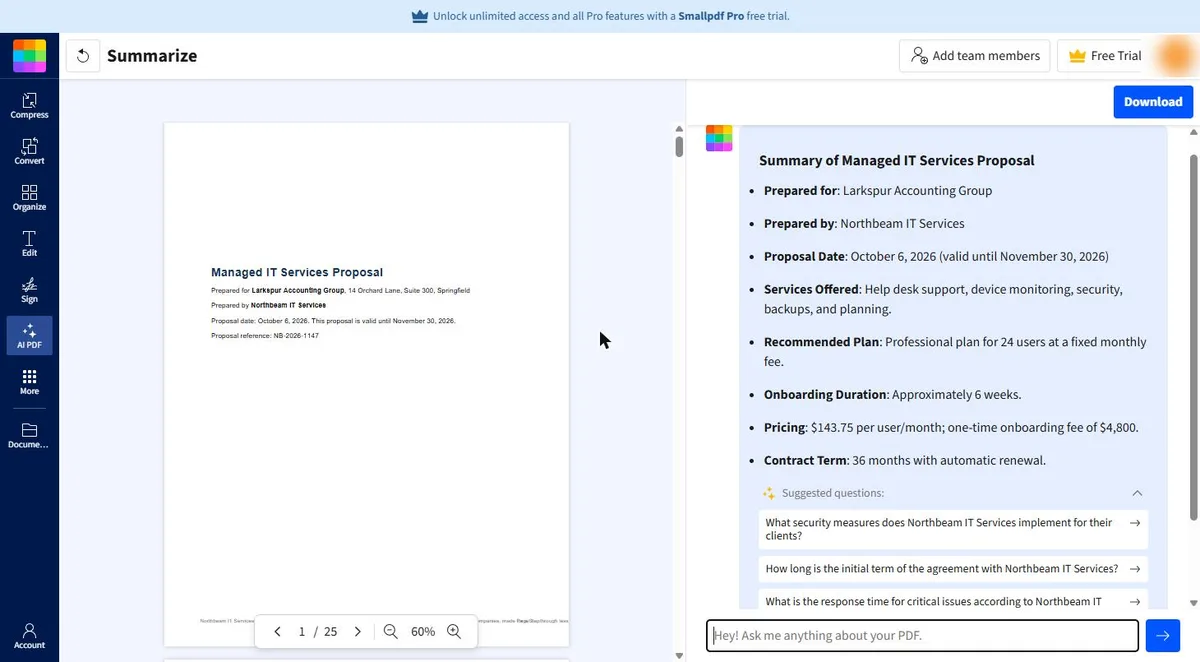
For quick jobs in the browser: summarize a long PDF, convert it, compress it or send it for signature, with mobile apps and a Chrome extension when you are away from your desk. Practise free in Smallpdf: Get the Key Points of a 25-Page PDF in 5 Minutes. Official site: smallpdf.com. Directory card: Smallpdf.
KDAN PDF
For contracts and reports where you want the AI to pull out key data and flag risks, plus a reader that edits, runs OCR and fills and signs forms. Practise free in the KDAN vendor contract lesson. Check which platforms KDAN AI supports on its page before you buy, as its pages describe this differently. Official site: KDAN AI PDF editor. Directory card: KDAN PDF.
Adobe Acrobat
For teams that already edit, comment on and sign in Acrobat and want the AI in the same app. Adobe says AI Assistant summarizes with citations, answers follow-up questions and can turn documents into an audio overview. Stepthrough has not tested it hands-on. Official site: Acrobat AI Assistant. Directory card: Adobe Acrobat AI Assistant.
Wondershare PDFelement
For offices that want AI contract review and a knowledge base you can question across many file types, plus OCR and certificate-based e-signatures. Stepthrough has not tested it hands-on. Official site: pdf.wondershare.com.
Which of these tools have a free Stepthrough lesson?
- Foxit PDF Editor: free lesson: AI Contract Review in 10 Minutes using Foxit AI
- Smallpdf: free lesson: Smallpdf: Get the Key Points of a 25-Page PDF in 5 Minutes
- KDAN PDF: free lesson: KDAN: Get a Vendor Contract's Key Terms with AI Chatbot
- Adobe Acrobat: a free Stepthrough lesson is coming.
- Wondershare PDFelement: a free Stepthrough lesson is coming.
Practice it free, step by step
AI Contract Review in 10 Minutes using Foxit AI. Skimmed contracts hide auto-renewals, late fees and liability caps. Upload one to Foxit Workspace, get a plain-English summary and every renewal and exit date, check them against the PDF, and hand… You do every step yourself in a practice copy of Foxit, it checks your work as you go, and “Do it for me” finishes any step you get stuck on. Free, and nothing touches your real accounts.
Start the free lessonKey takeaways
- Pick an AI PDF editor whose answers cite the source, so checking a fee or date takes one click.
- As of October 2026, Foxit, Adobe and PDFelement can each work across several files; Foxit Workspace holds up to 100 files in one project.
- A browser tool like Smallpdf covers quick summaries and conversions; a desktop editor like Foxit fits heavy editing and Local AI.
- Only upload documents your company allows you to share with an AI service, and have a person read anything that costs money.
Frequently asked questions
What is the best free way to try an AI PDF editor?
Practise the workflow first in a free Stepthrough lesson, such as the Foxit contract review lesson or the Smallpdf key points lesson. Then check each vendor's own page for its current free options, which change often.
Can an AI PDF editor redact sensitive information?
Some list it. Foxit says its AI can edit by instruction, including redaction, and KDAN lists auto-redact as a beta feature, as of October 2026. Always check the redacted file before you send it.
Is Adobe Acrobat the best AI PDF editor?
It is the natural pick if your team already works in Acrobat. If you want to try AI on PDFs before changing tools, the Foxit vs Adobe Acrobat comparison covers the differences in detail.
Which AI PDF editor works on a Mac?
Foxit PDF Editor runs on macOS, Windows and the web, and Smallpdf runs in any browser, according to their own pages as of October 2026. Check the other vendors' pages for the platforms they support.
Where do these prices and features come from?
Every price and feature on this page was checked against the vendor's own page, as of October 2026. No numbers here are estimates or third-party figures. The example businesses in the Stepthrough lessons are made up.