What is a searchable PDF?
Quick answer
A searchable PDF contains real text that software can select, search, copy and read. A scanned PDF is a photo of a page, so to a computer it is a picture until OCR turns the letters into text. The two can look identical on screen.
Last updated
Take the free module →Module 32 of the free AI Apps Worth Knowing course, about 10 minutes. No account needed.
Updated · By Robert Breen
Why it matters for a small business
Almost every time-saving PDF tool works on the text inside the file: search, copy and paste, AI summaries, data parsing, version compare. Hand those tools a scanned page and the results drop, from missing fields to garbled citations, and someone spends the saved time fixing the output by hand.
Knowing which kind you have saves a wasted afternoon. A file exported from Word or an accounting system is usually searchable. A page that went through a scanner or a phone camera usually is not, unless OCR was run. When accuracy matters, ask the sender for the original file rather than a scan of a printout.
How each kind of PDF behaves
| Task | Searchable PDF | Scanned PDF |
|---|---|---|
| Find a word with Ctrl+F | Works | Finds nothing until OCR |
| Copy a clause into an email | Copies the text | Selects an image, or nothing |
| Compare two versions | Compares cleanly | Results can be poor |
| Parse invoice fields | Reads the text directly | Needs an OCR step first |
In a real lesson: Docparser: Pull Invoice Data from PDFs into a Spreadsheet
The three sample invoices in the free Docparser lesson are typed, text-based PDFs, and every vendor, invoice number, date and total in the download matched. The Vendor Name rule simply reads the text inside the box you draw, which is easy when the letters are real text.
Docparser's Add Documents screen also accepts PNG, JPG and TIFF images, and Docparser says it has a built-in OCR engine for scanned documents. The lesson only tested typed PDFs, so its advice is to try a few of your own scans on the trial before relying on document parsing for them. The Foxit compare lesson gives the same warning for document comparison.
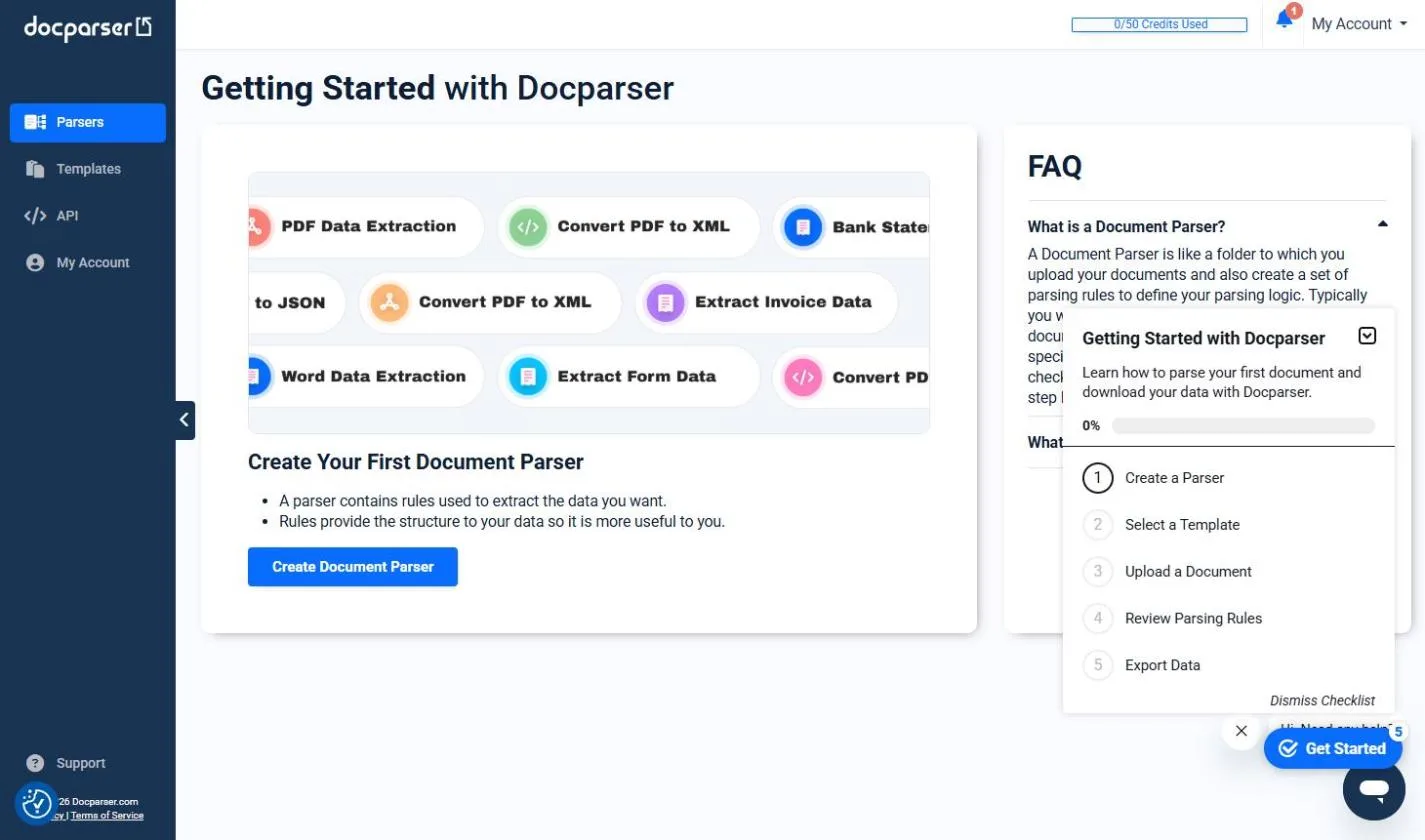
Try this lesson free or read the step-by-step guide.
Common confusions
Searchable PDF vs OCR
OCR is the process that reads letters in an image. A searchable PDF is the result: either a file that had text from the start, or a scan with an OCR text layer added.
Searchable PDF vs editable PDF
Searchable means software can read the text. Editable means you can change it, which usually needs a PDF editor and sometimes a paid plan.
Tips
- Test a PDF by pressing Ctrl+F and searching for a word you can see.
- Ask senders for the exported file, not a scan of a printout.
- If an AI citation points at garbled text, read that part of the original yourself.
Related terms
More Data, Sheets and Gmail terms
Where you use it: free lessons
- Docparser: Pull Invoice Data from PDFs into a Spreadsheet (Docparser, 10 min)
- Foxit PDF Editor: Catch Every Change in a Revised Contract (Foxit, 8 min)
- AI Contract Review in 10 Minutes using Foxit AI (Foxit, 10 min)
- Chatbase: Answer Customer FAQs with an AI Agent (Chatbase, 14 min)
AI tools that use it
Frequently asked questions
- How do I know if a PDF is searchable?
- Press Ctrl+F and search for a word you can see on the page, or try to select a sentence. If neither works, it is probably a scanned image.
- Can AI read a scanned PDF?
- Often, after an OCR step, but less reliably than real text. Check the numbers and names that matter against the page.
- Does Docparser work on scanned invoices?
- Docparser says it has a built-in OCR engine for scans. The Stepthrough lesson only tested typed PDFs, so test your own scans first.