What is document parsing?
Quick answer
Document parsing is software reading a stack of similar documents, such as vendor invoices or bank statements, and pulling the same fields out of each one into rows and columns. A document parser holds the instructions for one kind of document, so every new file comes out in the same layout.
Last updated
Take the free module →Module 32 of the free AI Apps Worth Knowing course, about 10 minutes. No account needed.
Updated · By Robert Breen
Why it matters for a small business
Retyping is the hidden cost in a lot of back offices. Someone opens each PDF, copies the vendor, the number, the date and the total into a spreadsheet, then checks for typos. At a few minutes per document that turns into a full day a month for a busy bookkeeper, and one slipped digit in a total can mean paying the wrong amount.
A parser changes the job from typing to checking. You set it up once for a document type, feed it the files, and download one spreadsheet. The parser does not know whether a bill should be paid; it only reads what is printed. So keep your approval step, and compare a few rows with the original PDFs before you trust a new setup.
Three invoices in, three clean rows out
| Vendor | Invoice number | Date | Total |
|---|---|---|---|
| Brightside Print Shop | BP-10427 | 10/02/2026 | 371.53 |
| Paperclip Office Supply Co. | INV-58213 | 10/05/2026 | 419.73 |
| Greenleaf Office Cleaning | GL-2026-0931 | 10/09/2026 | 600.00 |
The made-up sample invoices from the Docparser lesson. Every value in our download matched the PDFs.
In a real lesson: Docparser: Pull Invoice Data from PDFs into a Spreadsheet
In the free Docparser invoices lesson, Jordan runs the office at Maple Lane Accounting, a made-up firm that gets about 120 vendor invoices a month. You click Create Document Parser, pick the Invoices template, name the parser and upload three sample PDFs. The credits bar moves from 0/50 to 3/50, one credit per document.
The template comes with its own parsing rules, you add one for the vendor name, and then Exports, Downloads and CSV give you a single file. The lesson's example math: checking takes about 1 minute an invoice instead of about 4 for retyping, which frees about 6 hours a month.
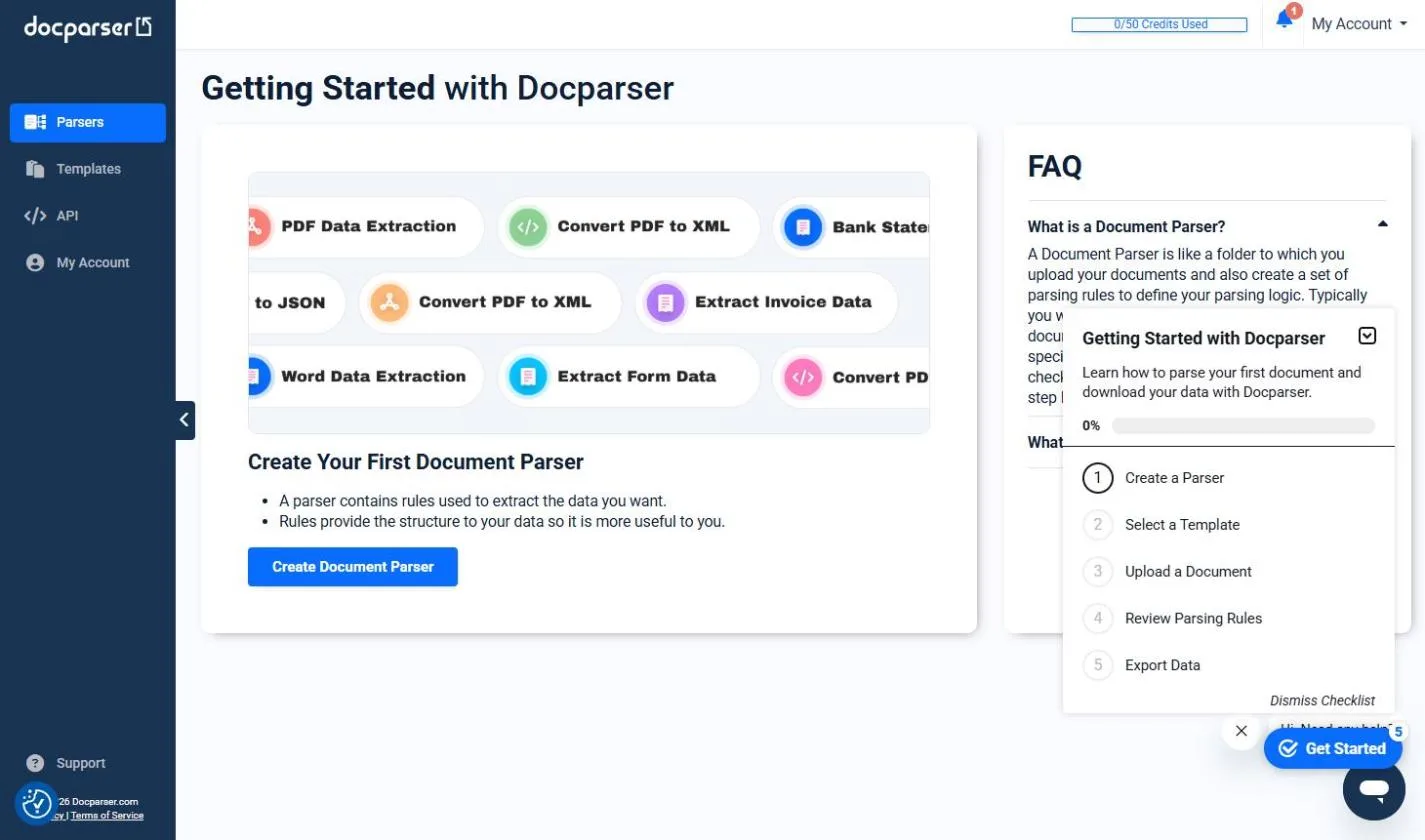
Try this lesson free or read the step-by-step guide.
Common confusions
Document parsing vs data extraction
Data extraction is the general idea of pulling fields out of messy content, often with an AI prompt. A document parser is a tool built for doing it the same way across many files of one type.
Document parsing vs intelligent document processing
Intelligent document processing is the wider pipeline: sorting document types, reading scans with OCR, routing for review. Parsing is the field-pulling step inside it.
Tips
- Make one parser per document type, such as vendor invoices, not one for everything.
- Start from a template if the tool has one, then add the fields it misses.
- Check two or three results against the PDFs before you rely on the download.
Related terms
More Data, Sheets and Gmail terms
Where you use it: free lessons
- Docparser: Pull Invoice Data from PDFs into a Spreadsheet (Docparser, 10 min)
- AI Receipt Extractor: Receipts to Google Sheets with n8n (n8n, 12 min)
- Invoices from Your Inbox to Google Sheets, with Approval (n8n, 14 min)
AI tools that use it
Frequently asked questions
- What kinds of documents can be parsed?
- Anything you receive often in a similar layout: vendor invoices, bank statements, purchase orders, order forms. Docparser's upload screen listed PDF, Word, image, CSV, Excel and XML files in our trial.
- Do I need to code to parse documents?
- No. Tools like Docparser are point and click: you pick a template, check what it found and download a spreadsheet.
- How accurate is document parsing?
- On the three typed sample invoices in the lesson, every vendor, number, date and total was right. Accuracy depends on your layouts, so test with your own files first.