What are line items on an invoice?
Quick answer
Line items are the individual rows on an invoice, each one a product or service with its description, quantity, unit rate and amount. Line-item extraction is pulling those rows out of the PDF so you can see what was bought, not only what the invoice adds up to.
Last updated
Take the free module →Module 32 of the free AI Apps Worth Knowing course, about 10 minutes. No account needed.
Updated · By Robert Breen
Why it matters for a small business
The total tells you how much to pay. The line items tell you what you are paying for. That is where real savings show up: toner billed at a new price, a service charged twice, a project fee that was never agreed. They also decide which expense account each cost belongs to on the chart of accounts.
Line items add up to the subtotal before tax, which gives you a quick check on any extraction. Watch one trap. When a tool exports one row per line item, the invoice-level fields repeat on every row, so adding up the total column counts the same invoice several times. Sum the line amounts, or take one total per invoice number.
Four line items from one sample invoice
| Item | Quantity | Rate | Amount |
|---|---|---|---|
| Copy paper, 10 ream case | 3 | $54.99 | $164.97 |
| Black toner cartridge | 2 | $72.40 | $144.80 |
| Desk organizers | 4 | $12.25 | $49.00 |
| Sticky notes, 24 pack | 2 | $18.60 | $37.20 |
Paperclip Office Supply Co. invoice INV-58213. The amounts add up to the 395.97 net, plus 23.76 tax.
In a real lesson: Docparser: Pull Invoice Data from PDFs into a Spreadsheet
The Invoices template in the free Docparser lesson includes a Line Items rule alongside Invoice Number and Totals. When Maple Lane Accounting downloads its CSV, the file has one row per line item: nine rows for three invoices, with columns for the item, quantity, rate and amount.
The vendor, invoice number, date and totals repeat on each of those rows. The Paperclip invoice shows up four times with a total of 419.73 on every row, so a quick sum of that column would claim far more was owed. Grouping by invoice number, or using the document parsing download as a source for a separate summary, keeps the numbers honest.
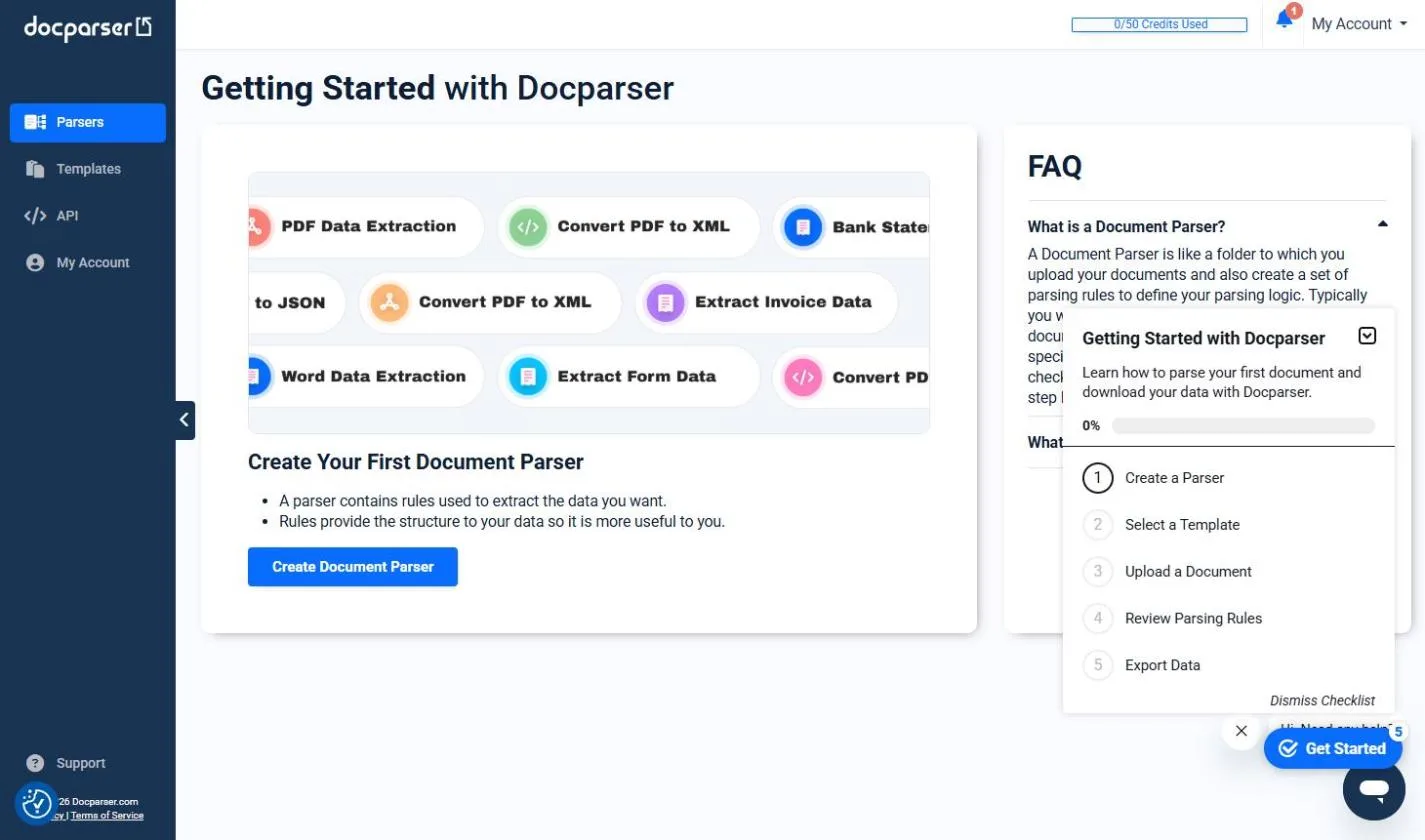
Try this lesson free or read the step-by-step guide.
Common confusions
Line items vs the invoice total
The total is one number for the whole invoice. Line items are the detail behind it, and their amounts should add up to the subtotal before tax.
Invoice line items vs purchase order lines
A purchase order lists what you agreed to buy. Matching the two line by line is the heart of a three-way match.
Tips
- Add up the line amounts and compare with the subtotal on each invoice.
- Never sum a repeated invoice total column in a one-row-per-line export.
- Scan descriptions for items that appear twice or at a new price.
Related terms
More Business terms
Where you use it: free lessons
- Docparser: Pull Invoice Data from PDFs into a Spreadsheet (Docparser, 10 min)
- Invoices from Your Inbox to Google Sheets, with Approval (n8n, 14 min)
AI tools that use it
Frequently asked questions
- What is a line item on an invoice?
- One row describing a single product or service, usually with a description, quantity, unit price and amount.
- Why does my export repeat the invoice number on every row?
- Because the file has one row per line item. Each row carries the invoice details so it still makes sense on its own.
- Do I need line items or just totals?
- Totals are enough to pay a bill. Line items help when you code costs to accounts, compare prices over time or match against purchase orders.