What is a lockbox?
Quick answer
A lockbox is a bank service for collecting customer payments. Customers mail checks to a post office box the bank controls. The bank opens the mail, deposits the checks and sends the business the payment details, often with scanned images of each check and remittance slip, so the business can update its receivables quickly.
Last updated
Updated · By Robert Breen
Why it matters for a small business
For a business that still receives a lot of paper checks, a lockbox cuts days out of the cycle. Checks are deposited when the bank collects them instead of after someone opens the office mail, walks to the bank or scans them in. Fewer people handle the money, which is also a basic fraud control.
The other benefit is data. The bank's file lists each payment with the invoice details the customer included, which is what the person doing cash application needs to mark invoices paid. Lockbox services carry fees, and they only help as much as customers use the right address and include a remittance advice. Ask your bank what it charges and compare that with the time your team spends on checks now.
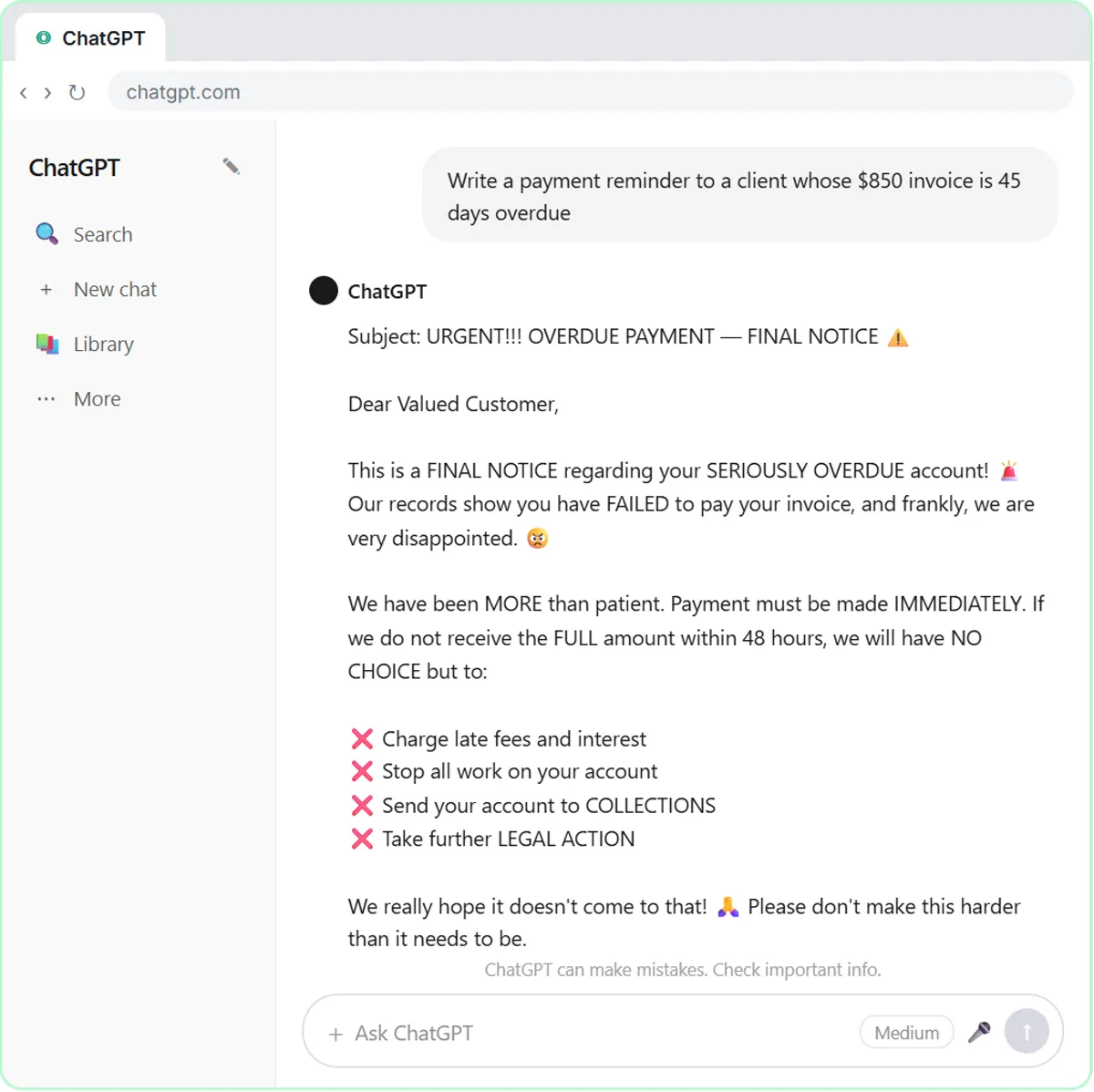
In a real lesson: Build a Custom GPT That Writes Overdue Invoice Reminders
Stepthrough has no lesson that sets up a lockbox; that happens with your bank. The closest is Build a Custom GPT That Writes Overdue Invoice Reminders, because it controls the one thing a lockbox depends on: telling customers exactly where and how to pay.
The GPT writes reminders for Maple Street Bookkeeping, a made-up firm. Its instructions say to "Give the ways to pay" and to "Only use the payment options and terms in the Collections Policy document," which is attached as Maple-Street-Collections-Policy.pdf. Every reminder must also "State the invoice number, amount, original due date and days overdue."
If a firm like this used a lockbox, the lockbox address would go in that policy file, and the GPT would repeat it instead of the office address. Quoting the invoice number in every reminder raises the odds that the check arrives with it, so the bank's file matches cleanly.
Try this lesson free or read the step-by-step guide.
Common confusions
Lockbox vs remote deposit capture
With remote deposit capture, your own staff scan checks in the office and the bank deposits the images. With a lockbox, checks never reach your office at all.
Lockbox vs a regular P.O. box
A regular P.O. box only holds mail for you to pick up. A lockbox is run by the bank, which opens, deposits and reports on the payments for you.
Tips
- Print the lockbox address on every invoice and remove the old address everywhere else.
- Ask customers to send the invoice number or a remittance slip with each check.
- Have AI draft the customer notice when your payment address changes, then check the address yourself.
Related terms
More Business terms
Where to learn more
Frequently asked questions
- How does a bank lockbox work?
- Customers mail payments to a P.O. box the bank manages. The bank collects the mail, deposits the checks into your account and sends you a report or file listing each payment, usually with images of the checks and slips, so you can apply them to invoices.
- Is a lockbox only for paper checks?
- Traditionally, yes. Some banks also offer an electronic version that gathers details for ACH and other electronic payments into the same report. Ask your bank which payment types its service covers.
- Does a small business need a lockbox?
- Usually only if it receives enough checks that opening, depositing and recording them takes real staff time. If most customers already pay electronically, the fees may not be worth it. Your bank and accountant can help you weigh it.