1. Vendor invoices from the inbox to a sheet
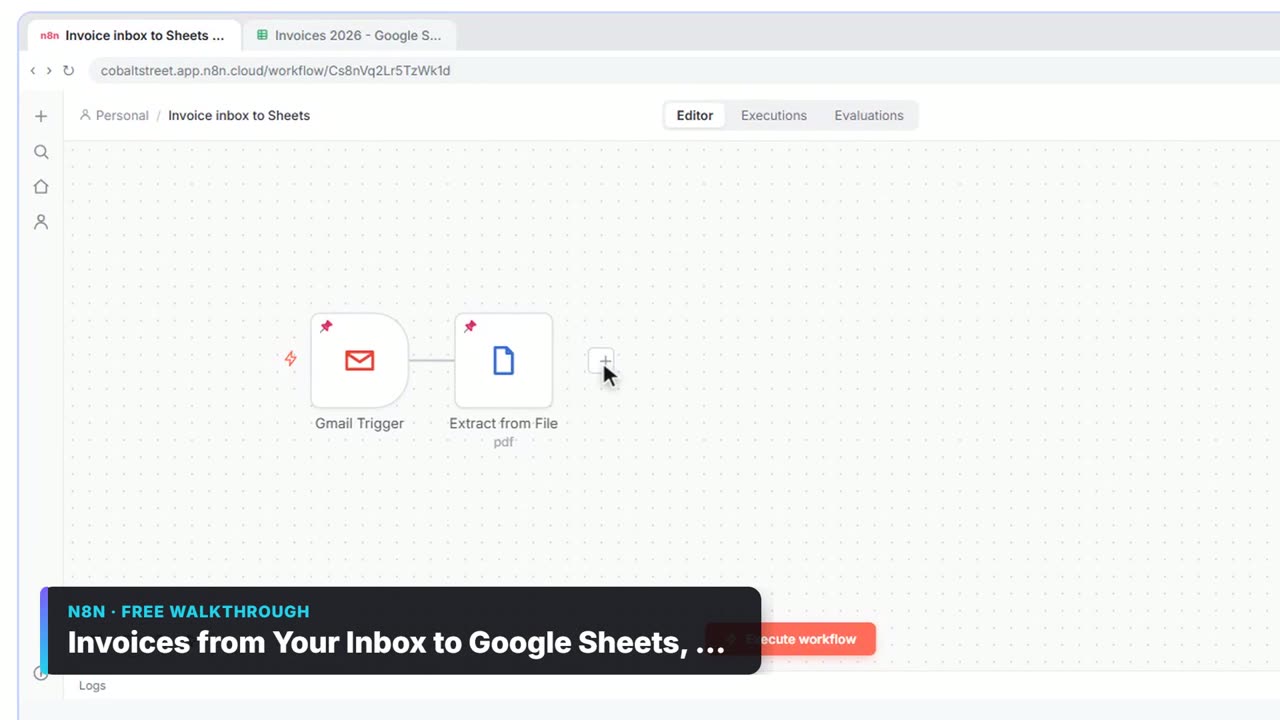
Gmail Trigger catches invoice emails, Extract from File reads the PDF, Information Extractor pulls vendor, invoice number, dates and total, and Append row in sheet logs it. The extractor is told to copy what's printed and never calculate or guess. See n8n Extract from File.
2. Approval above a threshold
An If node checks total is greater than 1000; the true branch goes to Gmail Send message and wait for response with Response Type: Approval. Small invoices are logged and never bother the owner. n8n Send and Wait for Approval and the approval threshold entry.
3. Duplicate invoice check
Before logging, look the invoice number up in the sheet; if it exists, flag it instead of appending. Use Append or update row matched on Invoice # as a simpler guard. The duplicate invoice entry explains the risk.
4. Receipt capture by chat or email
Staff send a receipt photo; AI extracts merchant, date and amount into a sheet. Receipts to Google Sheets with AI walks through it.
5. Overdue invoice reminders
A daily schedule reads accounts receivable, filters invoices past due, and drafts polite reminders for a person to send. Chase Overdue Invoices with ChatGPT has the wording; n8n Filter Node Examples the date condition.
6. Month-end meeting to action items
Turn the close meeting's notes into tasks with owners and due dates in a sheet. The meeting notes lesson is built for Meridian Accounting Group (made up): two meetings become seven rows.
7. Weekly cash or AP digest
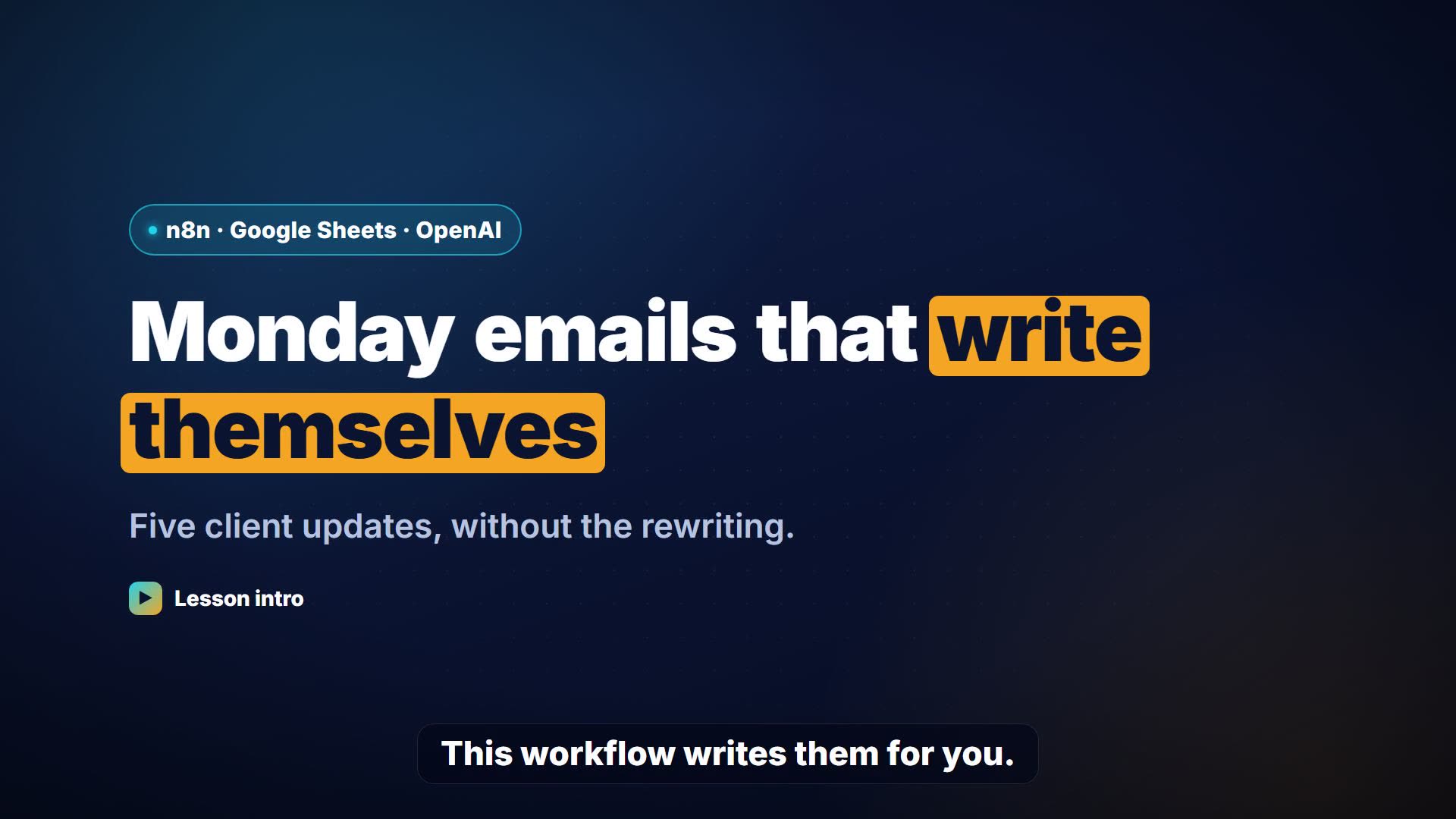
Monday morning, read the invoices sheet, keep what's due this week, and email one summary. In Make, Search Rows plus a Text aggregator; see Make Text Aggregator Examples.
8. New client inquiries for a bookkeeping firm
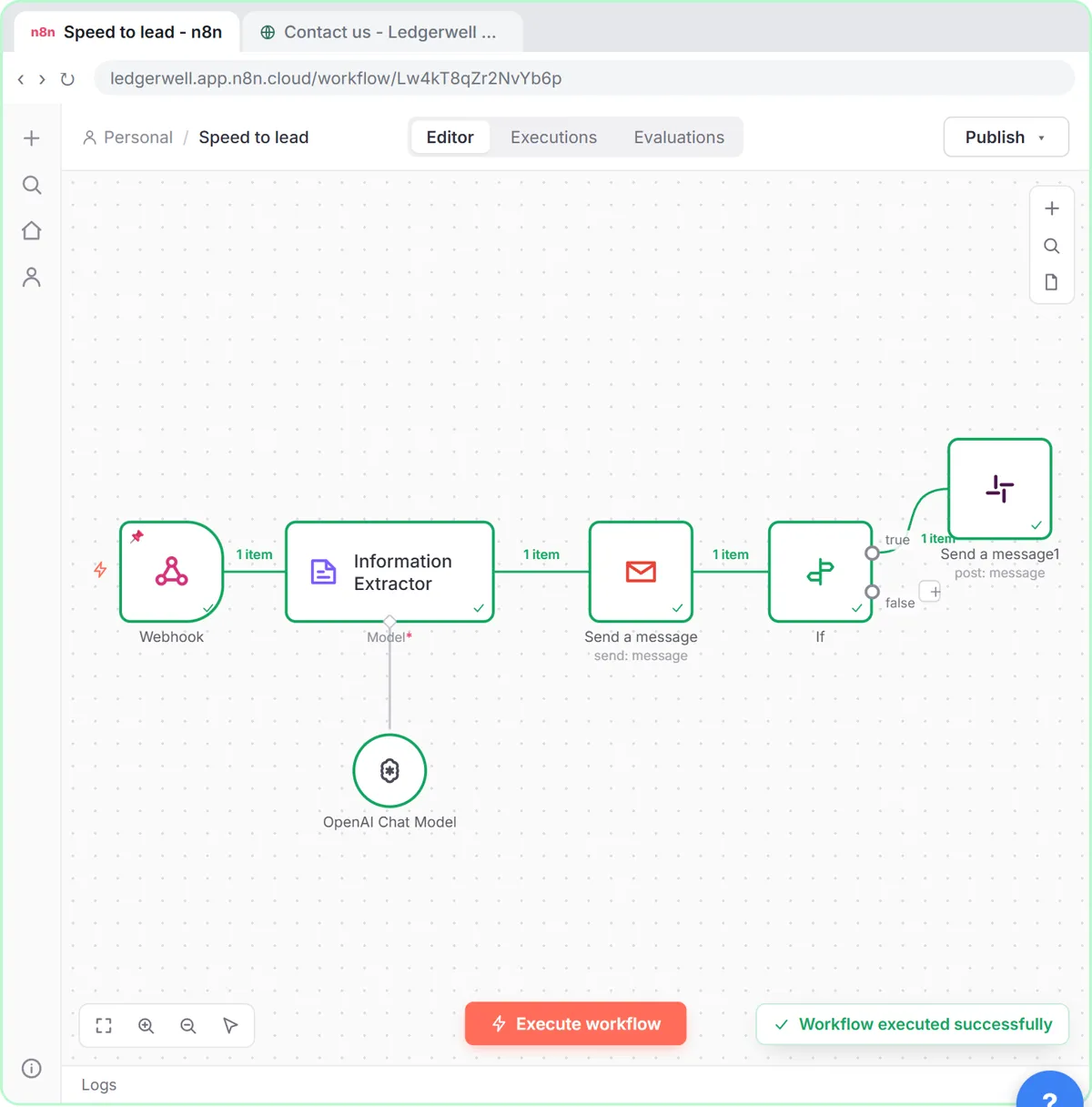
Score website inquiries by service, budget and timing and reply in seconds. The Speed-to-Lead lesson is built for a bookkeeping firm.
9. Expense reimbursement requests
A form collects the expense and receipt, a sheet logs it, and amounts above a limit go to a manager for approval. Expense Reimbursement Form with AI.
Try it free, step by step
Invoices from Your Inbox to Google Sheets, with Approval. Build an n8n workflow that reads each vendor invoice PDF from Gmail with AI, logs the vendor, invoice number and total in Google Sheets, and emails the owner an Approve button for anything over… You do every step yourself in a practice copy of n8n, it checks your work as you go, and “Do it for me” finishes any step you get stuck on. Free, and nothing touches your real accounts.
Start the free lessonWhat controls should finance workflows have?
- A person approves payments. Automation logs and asks; it never pays.
- Copy, don't calculate. Tell AI extractors to copy printed values and leave missing fields empty.
- Numbers as numbers. Ask for totals without $ or commas so If comparisons work: n8n If Node Number Comparisons.
- An audit trail. Every invoice is logged before any decision.
Key takeaways
- Start with invoices from the inbox to a sheet, plus approval over a threshold.
- Keep humans on every payment decision.
- Extract by copying printed values; never let AI calculate totals.
- Guard against duplicates with a unique invoice number.
Frequently asked questions
- Can n8n automate accounts payable?
It can automate the intake: reading invoice emails, extracting fields, logging them and requesting approval. Payment itself should stay with a person and your accounting system.
- Is it safe to use AI on invoices?
Use it to extract, not to decide. Check totals against the PDF while you're testing, and keep approvals human.
- Can n8n read PDF invoices?
Yes, with Extract from File > Extract from PDF for digital PDFs. Scanned ones need OCR first.
- Is there a free course?
Yes: AI for Finance Teams, AI for Accounting & Bookkeeping Firms and AI Back Office for Small Business.