Why does the AI's answer need to be JSON?
A sheet, an If node or a Gmail field needs separate values, not one block of text. JSON gives each value its own name, so later nodes can map owner or due directly. That's what structured output means.
What prompt works?
Give the shape in the prompt, word for word, with the rules for each field. The lesson's prompt:
Read these meeting notes and list every action item someone agreed to do.
Reply with JSON only, in this shape: {"tasks":[{"task":"...","owner":"...","due":"..."}]}.
Use the person's first name for owner. Use the day or date said in the notes for due,
or No date if none is given. Meeting: {{ $json.Meeting }}. Notes: {{ $json.Notes }}
Three things make it reliable: the exact keys, a rule for missing values ("No date"), and "JSON only", so there's no chatty sentence around it.
How do I set the Output Format?
In the OpenAI node (Message a model):
- Scroll to Options, click Add option and choose Output Format.
- Click the Type box. It shows a red warning until you pick something.
- Click JSON Object.
The JSON Object type needs the word JSON in the prompt, which "Reply with JSON only" covers. After Execute step, open text in the OUTPUT and you see the list called tasks: 4 tasks for the first meeting and 3 for the second. The model runs again each time, so the wording can differ a little between runs.
How do I use the fields afterwards?
Point at them with a path.
| Need | Expression or setting |
|---|---|
| The whole parsed answer | {{ $json.output[0].content[0].text }} |
| One task list, split into items | Split Out: output[0].content[0].text.tasks |
| Plain text from a non-JSON answer | {{ $json.output[0].content[0].text }} (as in the client status email lesson) |
n8n Split Out Node Examples covers the next step.
Should I use Information Extractor instead?
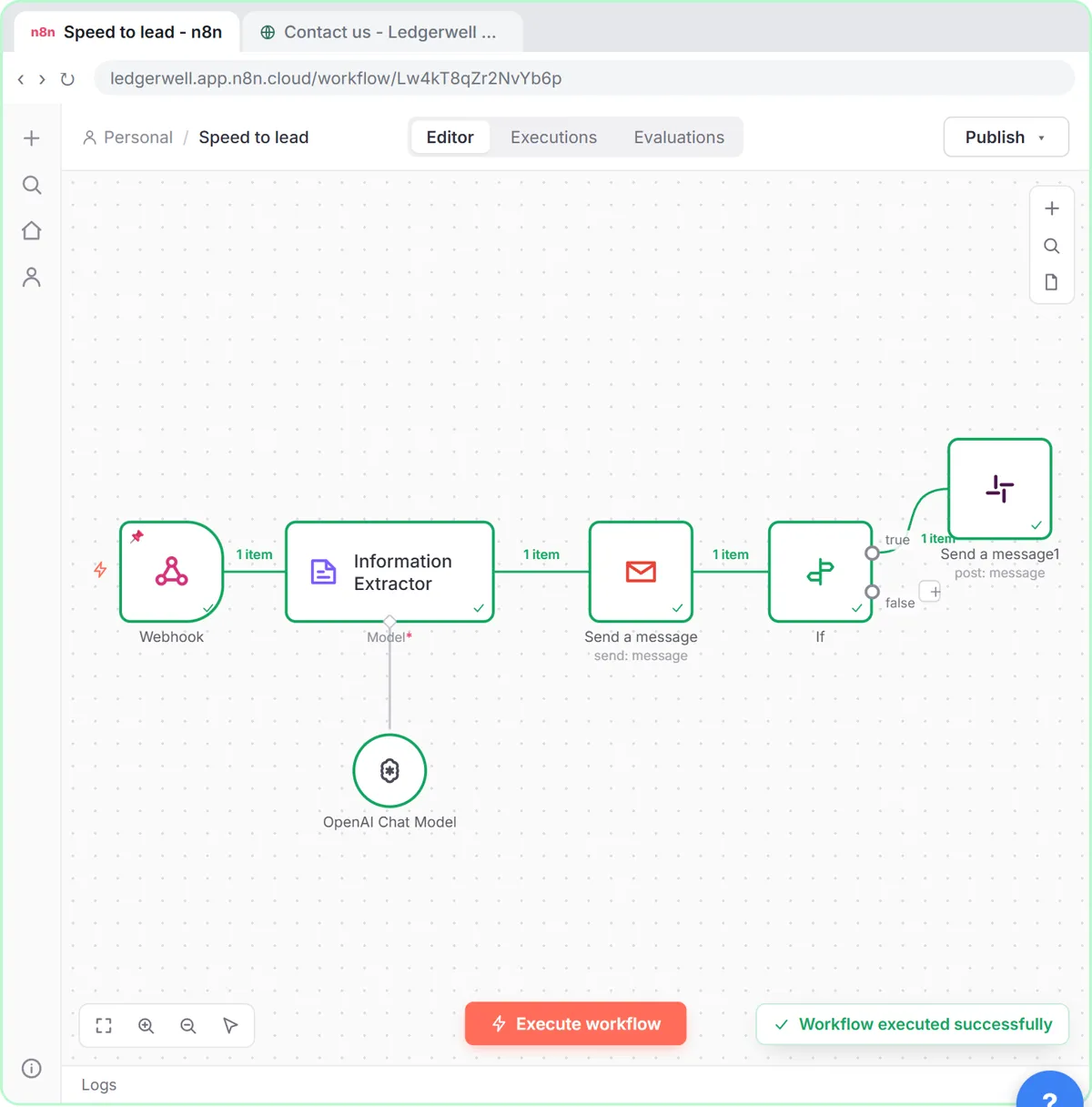
Use Information Extractor when you want n8n to enforce a schema, such as a lead score or an invoice's fields. You give it a JSON example (Schema Type: Generate From JSON Example) and the answer comes back under output, like {{ $json.output.score }}.
The speed-to-lead lesson uses it for score, tier, reason, subject and reply, and the invoice approval lesson for vendor, invoice number, dates and total. The OpenAI node with JSON Object is simpler when you want a list. n8n Information Extractor Examples compares them.
Try it free, step by step
n8n: Turn Meeting Notes into Action Items in a Google Sheet. Build an n8n workflow that reads your meeting notes from a sheet, has AI pull out who agreed to do what by when, and adds one row per task to an Action Items sheet. You do every step yourself in a practice copy of n8n, it checks your work as you go, and “Do it for me” finishes any step you get stuck on. Free, and nothing touches your real accounts.
Start the free lessonWhat goes wrong?
- The braces reach OpenAI as text. Switch the Prompt field to Expression (hover, click Expression) so
{{ $json.Notes }}is filled in. The Result line under the box shows the real meeting name and notes when it works. - No JSON at all. The Output Format isn't set, or the prompt doesn't say JSON.
- Extra keys or missing keys. Tighten the prompt: list every key, say what to put when a value is missing.
- Invented tasks. Read the output. In the lesson, a "skip the status meeting" decision was correctly left out because nobody agreed to do anything; check that yours behaves the same.
Key takeaways
- Put the exact JSON shape in the prompt and say "Reply with JSON only".
- Set Options > Output Format > Type to JSON Object.
- The parsed answer sits at output[0].content[0].text.
- Use Information Extractor when a fixed schema matters more than a list.
Frequently asked questions
- How do I get JSON from OpenAI in n8n?
Ask for a specific JSON shape in the prompt and add the Output Format option set to JSON Object in the OpenAI node.
- Where is the OpenAI answer in n8n's output?
For the Message a model action, the answer text is at output[0].content[0].text. With JSON Object output, that field holds the parsed object.
- Which model should I use?
The lessons use GPT-4.1-MINI: quick, cheap and good at pulling facts out of text.
- Which course covers this?
AI for Operations Teams and AI for Meetings. For the cost side, read OpenAI API vs ChatGPT Plus.