How do you set up an Information Extractor?
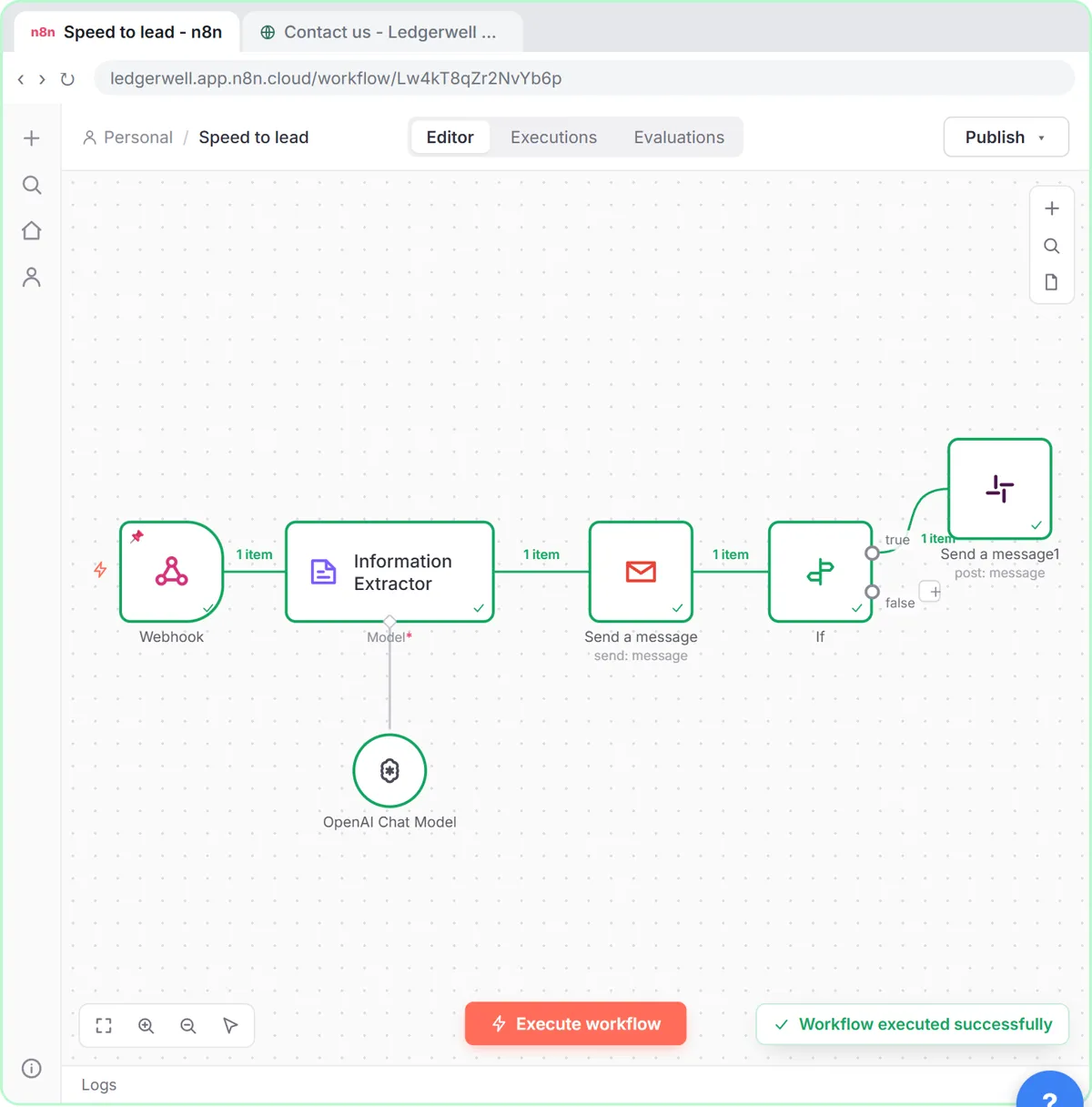
- Add Information Extractor after the node that has the text.
- Paste instructions and the source data into Text, using expressions for the data.
- Open Schema Type and choose Generate From JSON Example.
- Replace the sample (n8n starts with a "state" and "cities" example) with your own example answer.
- Click the + under Model (it's marked * because it's required) and choose OpenAI Chat Model.
The answer comes out under output, for example {{ $json.output.score }}. That's data extraction with a fixed shape.
Example 1: score a web lead
Ledgerwell Bookkeeping (a made-up firm) scores each website lead from 1 to 10 and writes the reply in one step. The Text starts with what the firm does and the scoring rules (8 to 10 hot, 5 to 7 warm, 1 to 4 cold), then the lead's answers: {{ $json.body.service }}, {{ $json.body.budget }}, {{ $json.body.timeline }}.
{
  "score": 6,
  "tier": "warm",
  "reason": "Needs monthly bookkeeping but has not set a budget.",
  "subject": "Thanks for reaching out, Sam",
  "reply": "<p>Hi Sam,</p><p>Thanks for getting in touch.</p>"
}
Gmail sends output.subject and output.reply, and an If node checks output.score against 8. The lead scoring entry explains the idea.
Example 2: read a vendor invoice
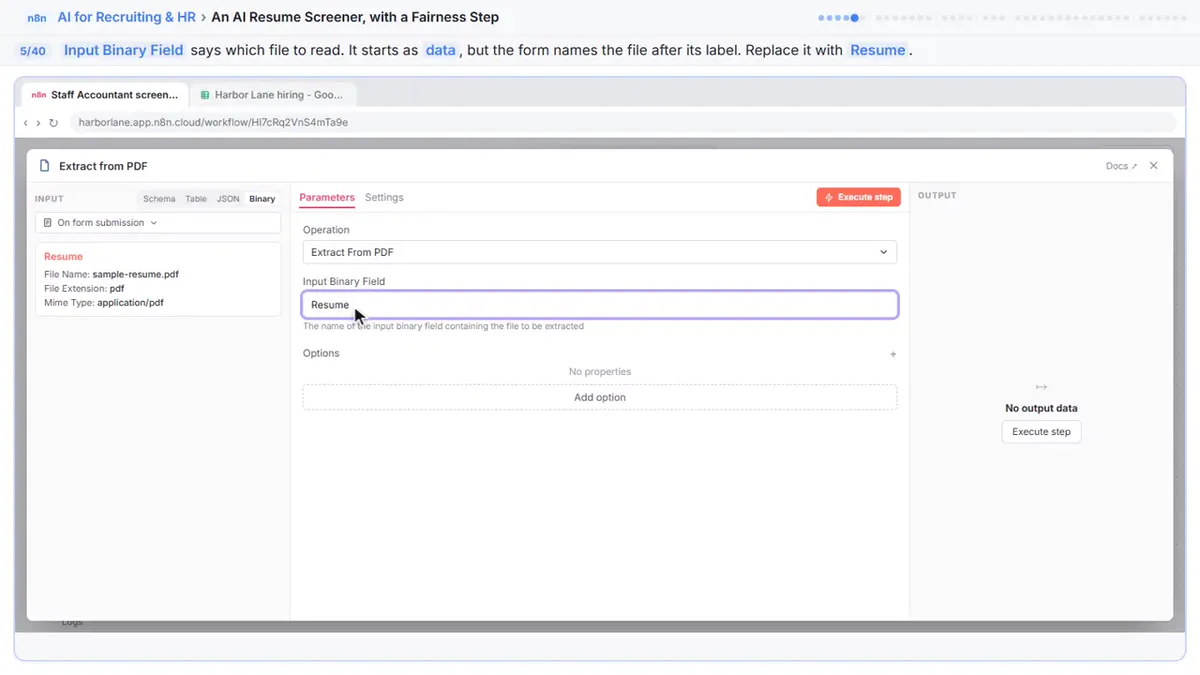
In the invoice approval lesson, Extract from File turns the PDF into text, and the extractor's Text says: copy what is printed, don't calculate or guess, leave a field empty if it isn't on the invoice, dates as YYYY-MM-DD, total as a number with no $ sign. Then {{ $json.text }}.
{
  "vendor": "Acme Supply",
  "invoice_number": "A-1001",
  "invoice_date": "2026-01-15",
  "due_date": "2026-02-14",
  "total": 250.75
}
The number type for total matters: the If node compares it with 1000 as a number.
Example 3: screen a resume fairly
In the resume screener lesson, Text holds the job's four must-haves and {{ $json.text }} from the PDF. The example answer:
{
  "score": 7,
  "evidence": "1. 'Staff Accountant, 2021 to 2024' 2. 'Reconciled 6 bank accounts each month' 3. Not shown 4. 'Built pivot tables for the controller'",
  "recommendation": "Interview"
}
Under Options > System Prompt Template go the standing fairness rules: score only the must-haves, ignore name, age, address, graduation years and family details, quote evidence or write "Not shown", and never reject anyone. A person decides.
Try it free, step by step
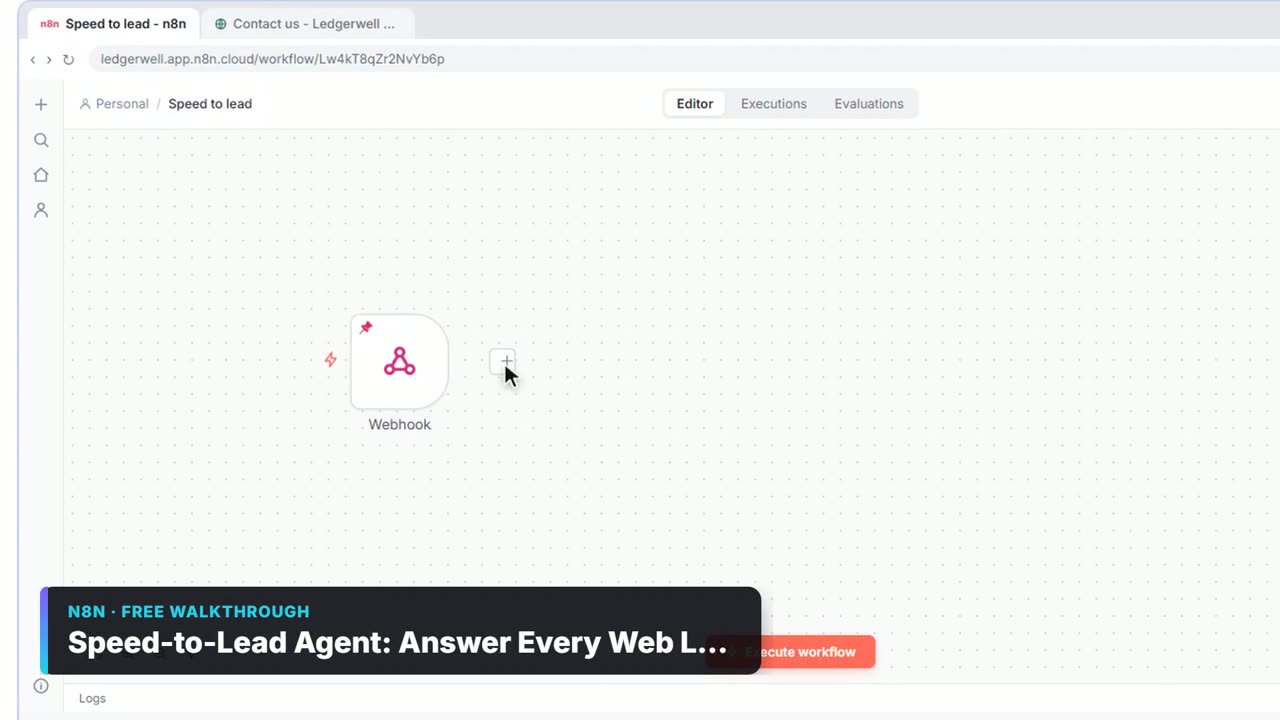
Speed-to-Lead Agent: Answer Every Web Lead in 60 Seconds. Build an n8n workflow that scores every website lead with AI, emails a personal first reply within seconds, and pings Slack only when a lead is hot. You do every step yourself in a practice copy of n8n, it checks your work as you go, and “Do it for me” finishes any step you get stuck on. Free, and nothing touches your real accounts.
Start the free lessonInformation Extractor or OpenAI with JSON?
Use the Information Extractor for one record in, a fixed set of fields out. Use OpenAI Message a model with Output Format: JSON Object when you want a variable-length list, such as every task in a meeting. n8n OpenAI JSON Output covers that.
Tips for reliable fields
- Give every field a clear rule in Text, including what to do when it's missing.
- Make the example realistic; the model copies its style.
- Ask for numbers without symbols if you'll compare them.
- Ask for "quote the exact words" when evidence matters, so you can check it.
Key takeaways
- Text holds the instructions and the source data; the JSON example sets the shape.
- Generate From JSON Example is the easiest schema type for office work.
- The output lives under output, like output.score or output.total.
- Put standing rules, such as fairness rules, in the System Prompt Template option.
Frequently asked questions
- What is the Information Extractor node in n8n?
It is an AI node that asks a chat model to pull specific fields out of text and returns them as structured data in the shape you define.
- Why is the Information Extractor red?
It still needs a model. Click the + under Model and add a chat model such as OpenAI Chat Model.
- How do I use the extracted fields?
Map them with expressions like {{ $json.output.vendor }}, or {{ $('Information Extractor').item.json.output.total }} from a later node.
- Which courses use it?
AI for Sales Teams, AI for Finance Teams and AI for Recruiting & HR.