Best Zapier Alternatives for Small Business (2026)
Quick answer
The strongest Zapier alternatives for most small businesses are Make, for a visual canvas with routers and aggregators, and n8n, for long workflows, AI agents and the option to self-host. Microsoft Power Automate fits offices that live in Microsoft 365, Activepieces is an open-source option you can host yourself, and Pipedream suits teams comfortable writing a little code. Zapier itself is still the quickest start for short automations, with the biggest app directory.
Last updated
Take the free module →Module 9 of the free AI for Medical & Dental Office Admin course, about 12 minutes. No account needed.
This page is for office managers, operations staff and owners who already use Zapier, or are about to, and want to know what else is out there. It compares how each tool builds, how it counts usage and how it handles AI, as of October 2026. It leaves prices out on purpose, because plans change often: check each vendor's pricing page in the sources. Disclosure: Stepthrough has an affiliate relationship with n8n; there are no affiliate links on this page. You can try three of these free: Your First Zap, Your First Make Scenario and What Is n8n? Build Your First Workflow.
How do they compare at a glance?
| Best for | How you build | How usage is counted | Self-hosting | |
|---|---|---|---|---|
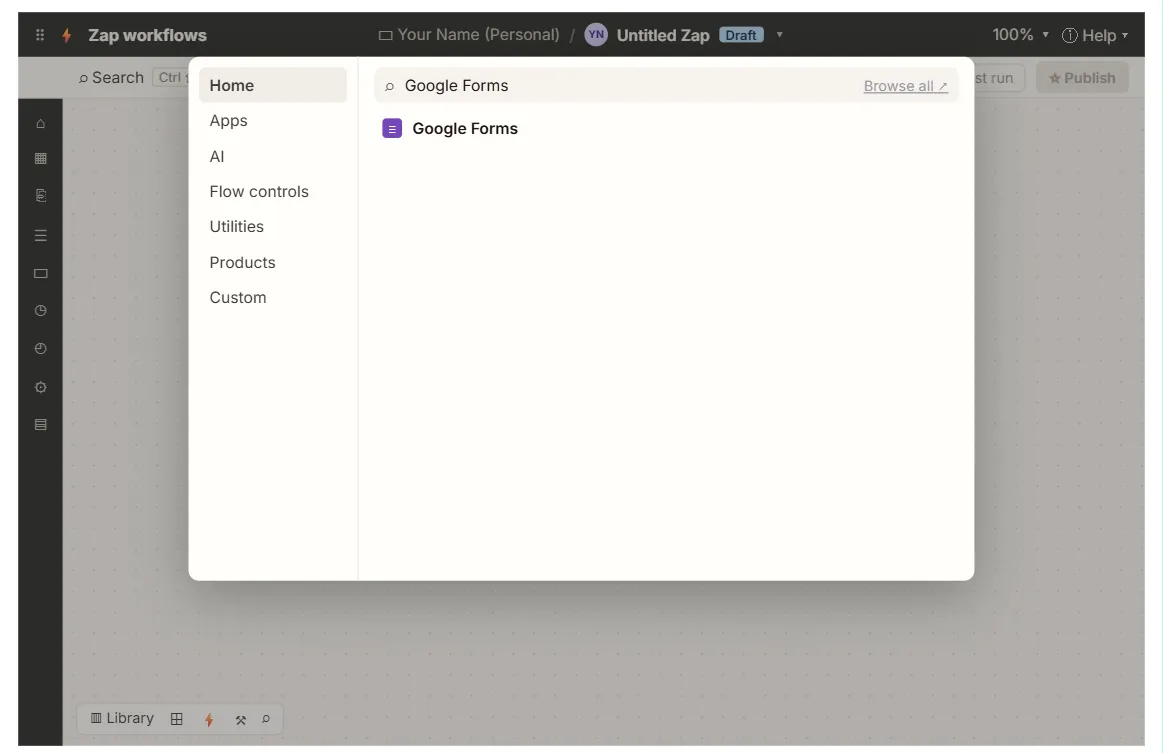
| Zapier | Quick automations, the widest app choice | A list of steps, top to bottom, with Filter, Paths and Formatter built in | Tasks: each successful action step | No, hosted only |
| Make | Visual multi-branch scenarios on a budget of steps | A canvas of round modules with routers, iterators and aggregators | Credits, built on operations: most module runs use one | No, hosted only |
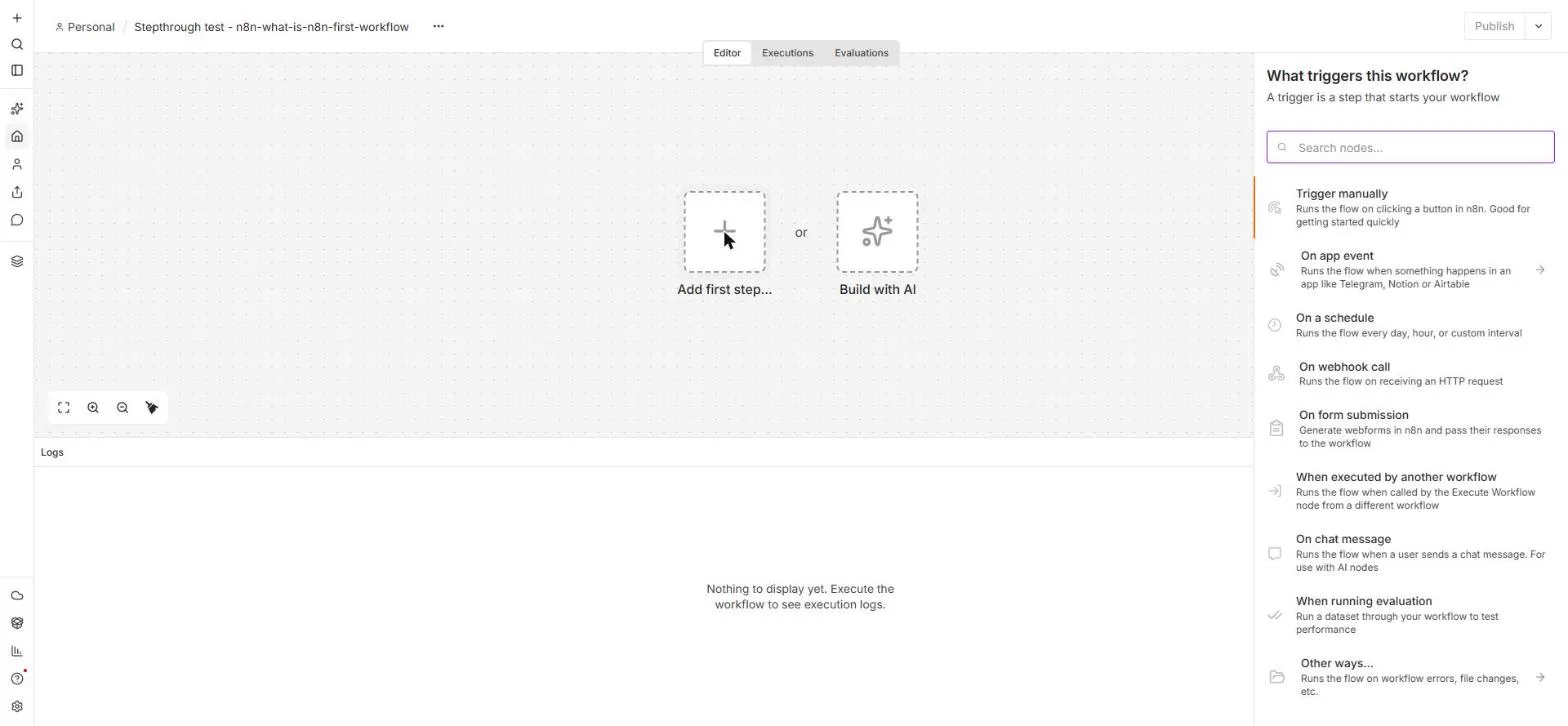
| n8n | Long workflows, AI agents, teams who may self-host | A canvas of nodes, with code optional | Executions: one per whole workflow run | Yes, Community Edition |
| Power Automate | Offices on Microsoft 365 | Cloud flows from templates or a designer, plus desktop flows for screen automation | By plan and flow type; see Microsoft's licensing pages | No for cloud flows; desktop flows run on your PCs |
| Activepieces | Open-source, simple flows you can host | A step builder similar to Zapier's | By plan on the hosted cloud; self-hosted runs on your server | Yes, open-source edition |
| Pipedream | Developers who want code steps | Workflows of triggers and steps, each step can be Node.js or Python | By credits on its plans; see Pipedream's pricing page | No, hosted only |
Why look for a Zapier alternative?
The usual reasons are cost at volume, workflow shape and control. Zapier counts a task for every successful action, so a Zap with many steps that runs often uses a lot. Tools that count differently, such as n8n's per-run executions, can work out cheaper for long workflows, while very short, rare Zaps may cost nothing on Zapier's free plan.
Shape matters too. Zapier reads top to bottom, with Paths for branches. Make and n8n draw the workflow on a canvas, which is easier to follow once there are several branches, loops or merges. And some teams need to keep data on their own servers, which only the self-hostable tools allow.
Which Zapier alternative is easiest to switch to?
Make is the closest step up for most Zapier users: the same idea of a trigger and actions, connections you sign in to, and fields you map, drawn as a canvas. The free Make filters and routers lesson shows the Make version of Zapier's Filter and Paths, and the Daily Summary lesson shows an aggregator, which has no direct Zapier step.
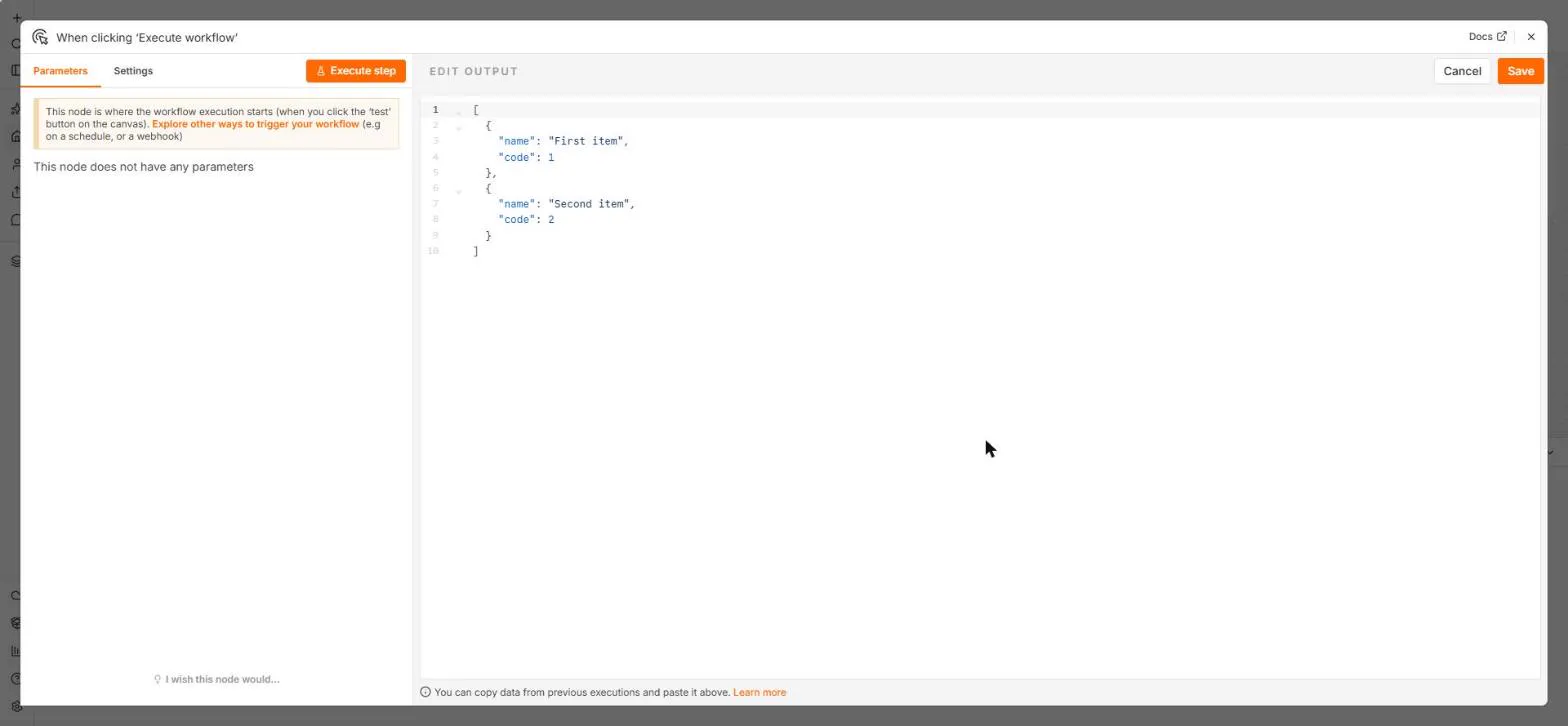
Activepieces looks the most like Zapier, with a step list rather than a canvas. n8n takes a little longer to learn, mostly because it shows the data as items and JSON; the Items, JSON and Expressions lesson covers that in one sitting. Whatever you pick, plan to rebuild your Zaps rather than import them.
Which alternative is best for AI agents?
All of the main tools now offer AI steps, and several offer agents that choose their own steps. n8n has an AI Agent node with tools, memory and output parsers on the same canvas as the rest of the workflow. Make has Make AI Agents, which can use your scenarios as tools. Zapier has Zapier Agents.
For a side-by-side look at agent builders, including Relevance AI and Lindy, see AI agent builders compared. For most offices the sensible first step is an AI step inside a normal workflow, such as the drafted reply in the n8n AI Email Responder lesson, before handing a model more freedom.
What about Microsoft Power Automate?
If your office runs on Outlook, Teams, SharePoint and Excel, Power Automate is worth a look because it is built around those apps and is included in some Microsoft 365 plans. It also offers desktop flows that automate clicks on a Windows PC, which the other tools on this page do not. Check Microsoft's licensing pages for what your plan includes before building.
Outside the Microsoft world, its connector list is smaller than Zapier's, and some connectors are premium. Teams that mix Google Workspace and many web apps usually find Zapier, Make or n8n a more natural fit.
Can I run several tools at once?
Yes, and many teams do for a while. A common pattern is to leave simple Zaps where they are and build new, longer or AI-heavy workflows in Make or n8n. The skills carry over: triggers, field mapping, testing with sample data and reading the run log work the same way everywhere.
Keep one list of what runs where, with an owner for each, so nobody has to hunt across three tools when something breaks.
Who is each one for?
Pick Make if
You like Zapier's ease but want a visual canvas, branches with a router, and tools like iterators and aggregators. Start with the free Your First Make Scenario lesson.
Pick n8n if
Your workflows are long, run often, include AI agents, or must be self-hosted. Start with What Is n8n? Build Your First Workflow, then the AI agent lesson.
Pick Power Automate if
Your office lives in Microsoft 365 and you want flows close to Outlook, Teams and SharePoint, or desktop automation on Windows.
Pick Activepieces or Pipedream if
You want an open-source tool to host yourself (Activepieces) or code-first steps for developers (Pipedream).
Stay on Zapier if
Your Zaps are short, your apps are niche, and speed of setup matters most. The Your First Zap lesson covers the basics.
Which of these tools have a free Stepthrough lesson?
- Make: free lesson: Your First Make.com Scenario: Google Forms to Google Sheets
- n8n: free lesson: n8n: What Is n8n? Build Your First Workflow
- Microsoft Power Automate: a free Stepthrough lesson is coming.
- Activepieces: a free Stepthrough lesson is coming.
- Pipedream: a free Stepthrough lesson is coming.
Practice it free, step by step
Your First Make.com Scenario: Google Forms to Google Sheets. Build your first Make.com scenario: every new Google Forms response becomes a new row in Google Sheets. Trigger, connection, mapping, Run once and a schedule. You do every step yourself in a practice copy of Make, it checks your work as you go, and “Do it for me” finishes any step you get stuck on. Free, and nothing touches your real accounts.
Start the free lessonWatch it in a free lesson: Build an n8n AI Agent That Writes Deal Follow-Ups
 7:57
7:57AI Deal Follow-Up Agent: video walkthrough
Build an AI agent for Northwind Scheduling Software that writes follow-up messages for your open deals and saves them to Google Sheets — chat trigger, AI Agent, system prompt, model, memory, and the Sheets tool. The whole lesson narrated step by step, recorded in Stepthrough’s simulated practice environment.
Key takeaways
- Make and n8n are the closest all-round Zapier alternatives for small businesses; Power Automate suits Microsoft 365 offices.
- Each tool counts usage differently: Zapier tasks, Make credits, n8n executions. Price your own workflow on each vendor's page.
- n8n and Activepieces can be self-hosted; Zapier, Make and Pipedream are hosted only.
- Moving tools means rebuilding workflows, but the skills carry over.
Frequently asked questions
What is the best free alternative to Zapier?
For self-hosting, n8n's Community Edition and Activepieces' open-source edition are free to run on your own server. Hosted tools, Make included, offer free plans with limits; check each pricing page as of today.
Is Make easier than Zapier?
Zapier is usually easier for a first two-step automation. Make is easier to follow once a workflow has several branches, because you see it as a map.
Can I import my Zaps into Make or n8n?
Not directly. The formats differ, so you rebuild each automation. Start with the ones that use the most tasks.
Is n8n a Zapier alternative for non-coders?
Yes. n8n workflows are built by connecting nodes, and code is optional. The free Stepthrough n8n lessons use clicks and plain English.
Where do these prices and features come from?
Every price and feature on this page was checked against the vendor's own page, as of October 2026. No numbers here are estimates or third-party figures. The example businesses in the Stepthrough lessons are made up.