What is polling in automation?
Polling is when one system repeatedly asks another for new data at a set interval. The glossary entry on polling puts it simply: if something new turned up, the workflow runs; if not, it waits for the next check. Checking more often is faster but means more requests to the other service.
The alternative is a push: the other service sends a message the instant something happens. A webhook is the common push method. Polling is simpler to set up because the other service doesn't need to know about your workflow at all; n8n just keeps asking.
How does the n8n Gmail Trigger work?
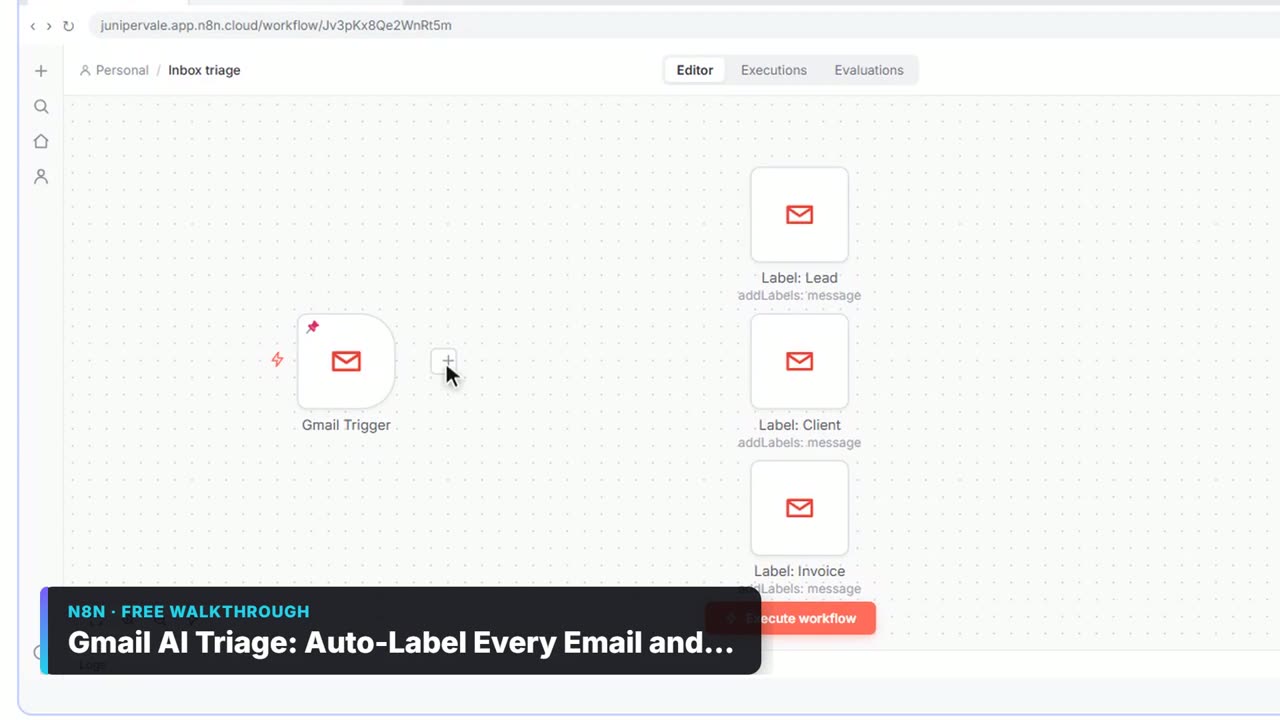
The Gmail Trigger checks your inbox on a schedule and starts the workflow once for each new email it finds. In the AI Email Responder lesson, you set it up like this:
- Click Create workflow, then Add first step.
- Type gmail, click Gmail, and under Triggers click On message received.
- Open Credential, click Create new credential, then Sign in with Google, pick the business inbox and click Continue.
- Leave Every Minute and Message Received as they are.
- Click Fetch Test Event.
The test pulls in a real email as data, with fields such as From, Subject, snippet and a threadId. Later steps use those fields: the AI Agent reads the message, and the Gmail Tool saves a draft reply in the same thread using the threadId. The glossary entry on the Gmail trigger has a short summary.
Try it free, step by step
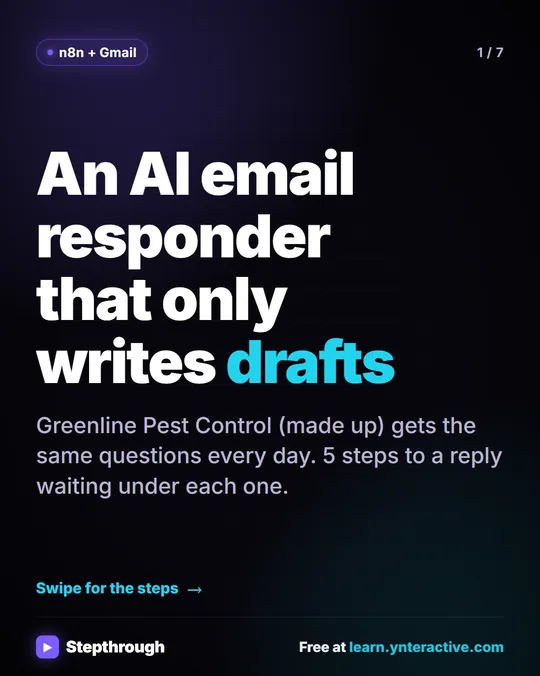
n8n AI Email Responder: Draft Gmail Replies Automatically. Build an n8n agent that watches your Gmail, reads each new customer email, and writes a reply as a draft in the same thread, ready for you to check and send. You do every step yourself in a practice copy of n8n, it checks your work as you go, and “Do it for me” finishes any step you get stuck on. Free, and nothing touches your real accounts.
Start the free lessonWhy doesn't my Gmail automation reply instantly?
Because it only checks on its timer. With Every Minute, an email that arrives just after a check waits until the next one, so a delay of up to about a minute is normal. Then the AI step takes a few more seconds to write the draft.
For a workflow that drafts replies for a person to review, a minute is fine; the person reading the drafts is the slow part. If you need something to happen the instant a form is submitted, use a webhook trigger instead, as the Lovable form lessons do.
How is polling different from a schedule trigger?
A polling trigger runs when it finds something new; a schedule trigger runs at a set time whether or not anything changed. Both use a clock, but they answer different questions.
| Trigger | Starts when | Example lesson |
|---|---|---|
| Gmail Trigger (polling) | A check finds a new email | AI Email Responder: checks every minute |
| Schedule Trigger | The clock reaches a set time | Daily Job Alerts: runs every day at 7am |
| Webhook | Another app sends data to n8n | Build a Web App with an AI Backend: a form submission |
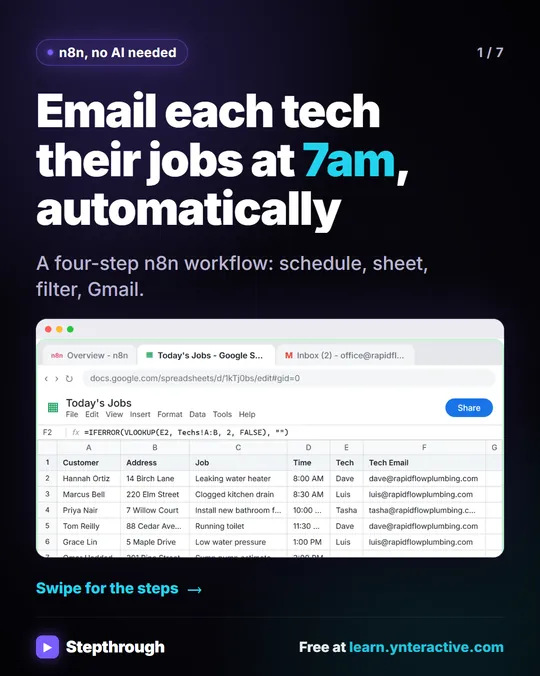
The Daily Job Alerts workflow reads a Google Sheet at 7am and emails each tech their jobs. It doesn't wait for anything new; it runs on the hour you pick in Trigger at Hour, using the timezone set in the workflow's Settings. n8n Triggers Explained compares every trigger in the lessons.
How do I test a Gmail trigger without waiting?
Use Fetch Test Event on the trigger, then Execute workflow on the canvas. Fetch Test Event grabs a recent email right away so you can see its fields and build the next steps against real data. Execute workflow runs the whole chain once, on demand.
In the lesson, the first test run fails with No session ID found in Simple Memory, because memory expects a chat session and emails don't have one. The fix is to open Session ID, choose Define below and paste {{ $json.threadId }}, so each email thread gets its own memory. Fix "No session ID found" in n8n Simple Memory walks through it.
Why does my Gmail trigger work in testing but not on its own?
Usually because the workflow isn't published. Testing runs it while you watch; polling only keeps going after you click Publish. In the lesson, the last two steps are Publish, then Publish again in the version window, leaving the version name as it is.
If it's published and still quiet, check that the credential is connected to the inbox customers actually write to. The lesson connects the business inbox, [email protected], not a personal one.
Does polling Gmail every minute cost anything?
The checks themselves are part of how n8n runs the trigger. What costs money is what happens after: each new email that reaches the AI Agent uses your OpenAI API credit, which is pay-as-you-go and separate from any ChatGPT plan. n8n Cloud is also paid after its free trial, or you can self-host n8n.
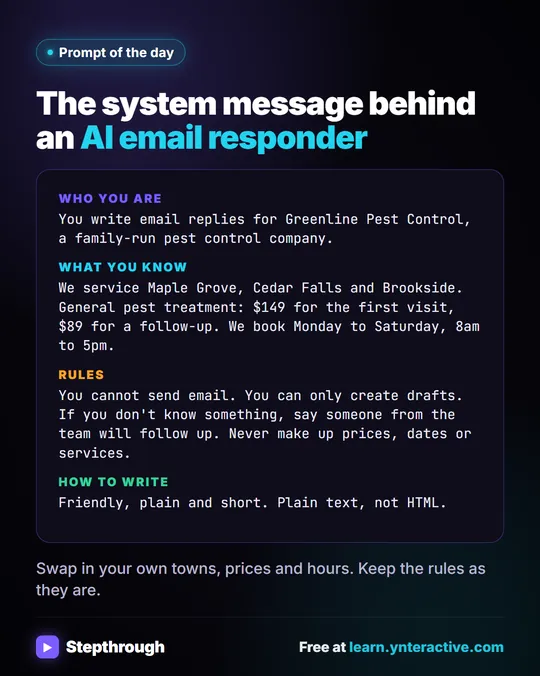
If you want to keep AI costs predictable, filter out email you don't want answered before the AI step, such as newsletters and receipts. Is It Safe to Connect Gmail to n8n? covers the access side, and What Are Delimiters in a ChatGPT Prompt? shows how the responder's prompt keeps the email apart from its instructions.
Key takeaways
- Polling means an automation checks another service for new data on a timer instead of being notified instantly.
- The n8n Gmail Trigger polls the inbox; in the AI Email Responder lesson it is set to Every Minute with Message Received.
- A delay of up to about a minute before a polling Gmail workflow starts is normal.
- A Schedule Trigger runs at a set time regardless of new data, and a webhook starts the instant another app sends data.
- Fetch Test Event and Execute workflow test the trigger now; only Publish keeps it polling on its own.
Frequently asked questions
- Can I make the n8n Gmail trigger check more often than every minute?
Every Minute is the setting the lesson uses and is fine for drafting replies. If you need instant reactions, a push method such as a webhook is a better fit than faster polling.
- Why did my Gmail trigger pick up an old email?
Fetch Test Event grabs a recent email so you can build the workflow against real data. Once published, the trigger looks for new mail on each check.
- Does the Gmail trigger read every email in my inbox?
It starts the workflow for new messages it finds. Connect a business inbox and add filters before the AI step if you only want certain emails answered.
- What's the difference between polling and a webhook?
Polling asks for new data on a timer. A webhook waits for the other app to send data the moment something happens, so it reacts instantly.