This guide lists seven habits that separate a useful AI assistant from a frustrating one, with the lesson where each is practiced. It is written for office work: emails, summaries, reports and the small jobs that fill a day.
Why does an AI assistant give generic answers?
Because it was given a generic request. An assistant only knows what is in the message and the chat so far. "Write a follow-up email" gets a template full of blanks. The same request with who the client is, what was agreed and when the next step is gets an email you can send. Most bad answers are missing facts, not a bad tool.
What are the habits that make AI useful at work?
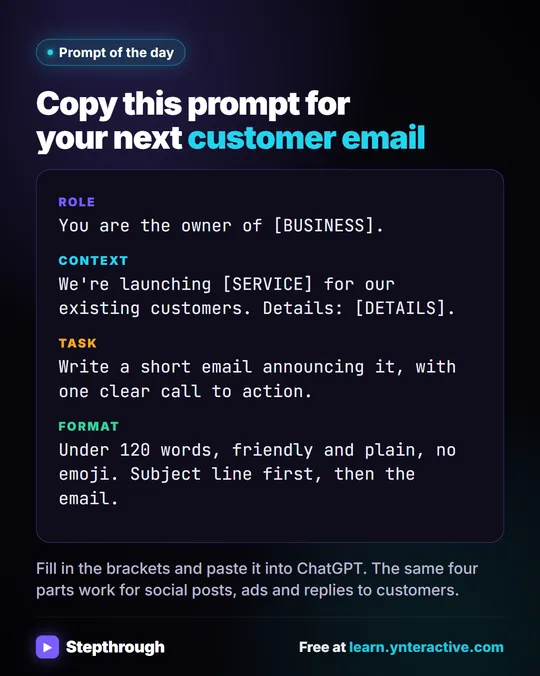
- Use four parts: Role, Context, Task, Format. Who is writing, the facts it needs, what you want, and how it should look. This is the core of Prompt Writing 101. See role, context, task, format.
- Paste the facts, and say "use only these." A short numbered list of facts plus "don't invent anything" stops most made-up details.
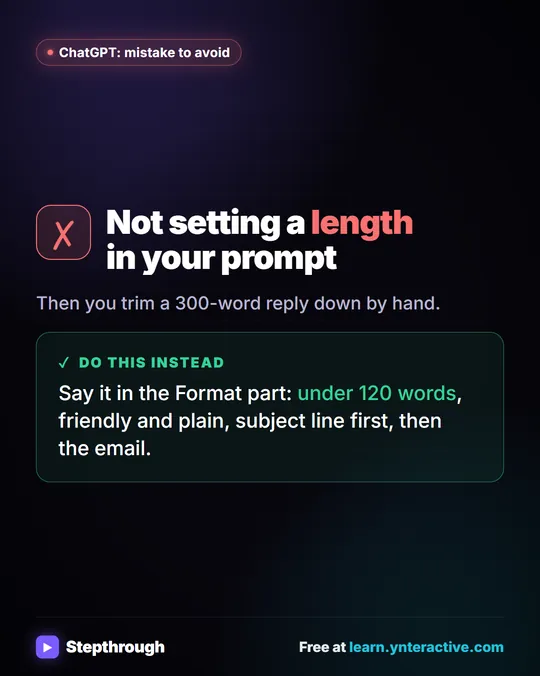
- Ask for the format you will use. A table, three bullets, an email under 120 words. A clear format saves a rewrite.
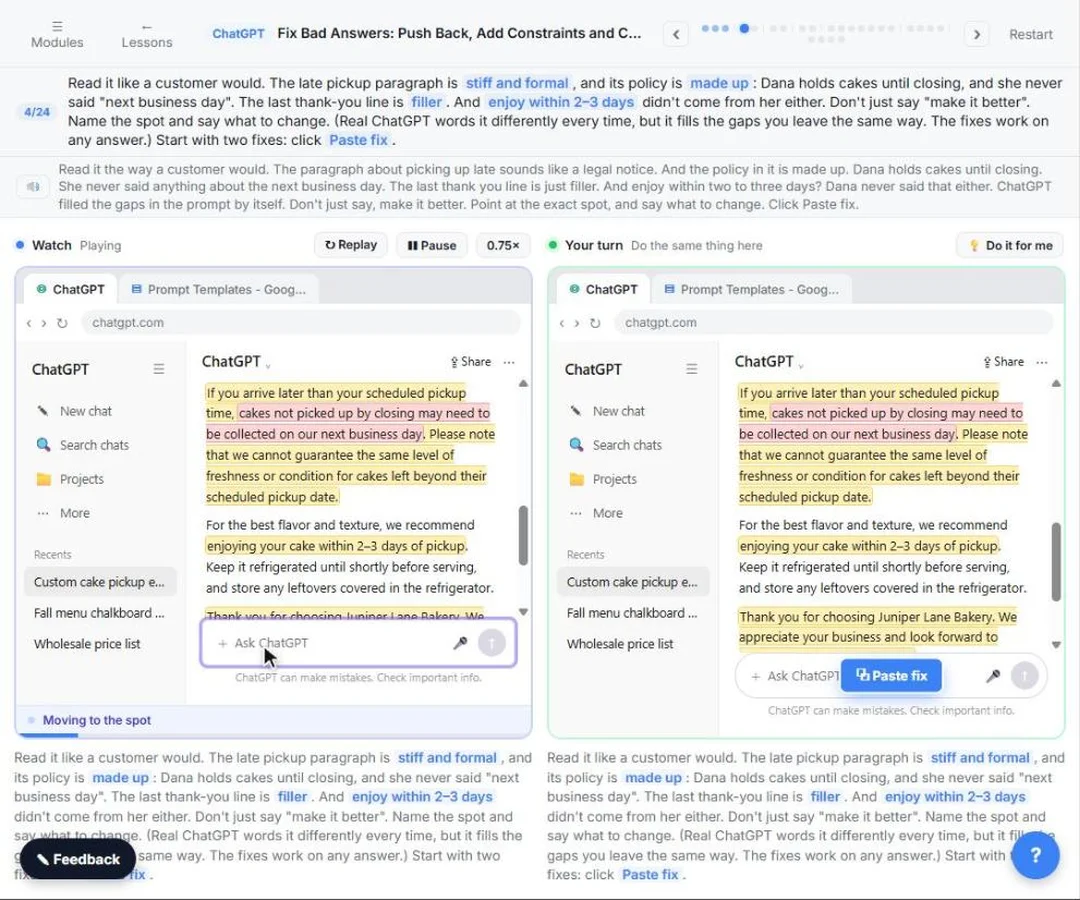
- Fix with one specific request. Instead of "make it better," say what is wrong: "Cut it to 80 words and remove the second paragraph." The fix bad answers lesson practices this.
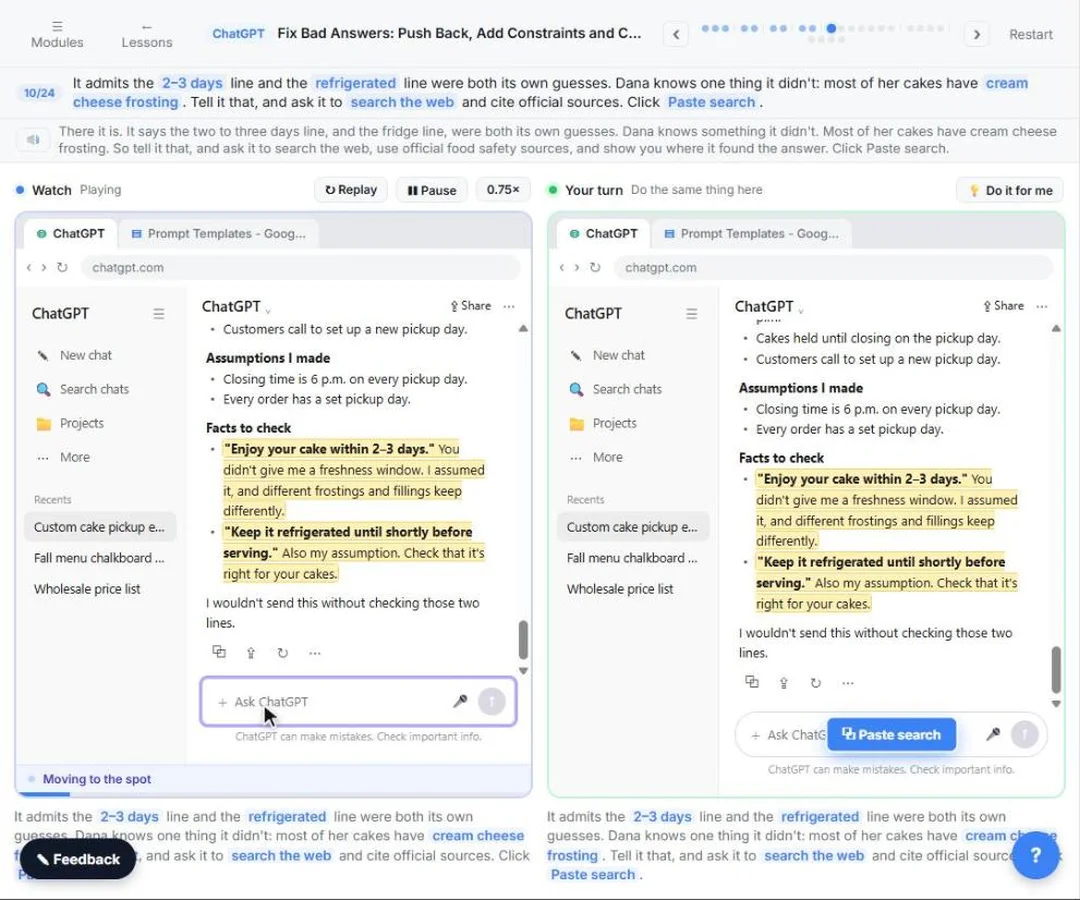
- Ask what it assumed. "List the assumptions you made and the facts I should check" brings hidden guesses to the surface.
- Start a new chat for a new task. Old details from a long chat leak into new answers. The stop losing context lesson shows when to keep going and when to start fresh.
- Check before you use it. Read every number, name, date and promise against your source. The assistant sounds sure whether it is right or not.
Try it free, step by step
Prompt Writing 101: Role, Context, Task, Format. Ask ChatGPT for the same customer email twice, once vaguely and once with a four-part prompt, and see exactly why structure gets a better answer. You do every step yourself in a practice copy of ChatGPT, it checks your work as you go, and “Do it for me” finishes any step you get stuck on. Free, and nothing touches your real accounts.
Start the free lessonWhat does a good request look like?
Here is a four-part request for a common job:
Role: You are the office manager at a six-person accounting firm.
Context: A client, Dana, asked when her tax return will be ready. Facts: we have everything except her 1099 from her brokerage. Once we have it, we need about 5 business days.
Task: Write a reply to Dana.
Format: Under 100 words, friendly and plain. Use only these facts. Don't promise a date.
Compare that with "Write an email to a client about her tax return." The first gives the assistant everything it needs and tells it what not to do.
How do I stop repeating the same instructions?
Save what works. Keep your best prompts in a document with blanks to fill in, or put standing instructions into a ChatGPT Project, Claude Project or Gemini Gem so every chat starts with them. Reusable prompts are the step most people skip, and they turn a ten-minute task into a one-line request.
What should I never paste into an AI assistant?
Anything your company's policy says not to, and anything the task doesn't need. Bank account numbers, passwords, Social Security numbers and health details rarely help an answer. Use a work account your company has approved, and check its data settings. The Safe AI at Work lesson practices taking out what AI doesn't need before you paste.
Key takeaways
- Most generic answers come from generic requests; give the assistant the facts.
- Use Role, Context, Task and Format, and say "use only these facts."
- Fix answers with one specific request, and ask the assistant to list its assumptions.
- Start a new chat for a new task, and check every fact before you use the result.
- Save prompts that work, and keep private data out of requests that don't need it.
Frequently asked questions
- Which AI assistant is best for office work?
ChatGPT, Claude, Gemini and Copilot all handle everyday writing and summaries well. The best one is usually the one your company already pays for and has approved. How to Pick the Right AI Tool for Office Work compares them.
- How long should a prompt be?
Long enough to hold the facts. A four-part prompt is often four to eight lines. Longer is fine when you paste a document; shorter usually means something is missing.
- Why does the AI give a different answer each time?
Assistants generate text fresh each time, so wording varies even for the same request. Why ChatGPT Gives Different Answers explains it and how to get consistent results.
- Is it okay to use AI for client work?
Often yes, on an approved work account, with private details left out and a person checking the output. Follow your company's AI policy.
Where can I go next?
Read How to Write Better ChatGPT Prompts, then How to Revise a ChatGPT Draft.

![Prompt of the day. The text to send after a missed call. Role: You write the automatic text [BUSINESS] sends when we miss a call. It should sound like a person at our office, not a robot. Context: Our hours: [HOURS]. Our callback promise: [CALLBACK TIME]. For urgent problems: [URGENT OPTION]. Ask the caller to text us: [WHAT TO ASK]. Don't quote prices, diagnose problems, promise a visit time or ask for payment details. Part 1 of 2. Replace every [BLANK] with your own details.](/content/visual/prompt-missed-call-text-back/01-540.webp)