This guide gives you a five-step order to learn in, the free official resources worth using, and how Zapier compares with Make and n8n once you know the basics. It is for office staff, assistants and managers who have never automated anything.
What do I need to know before I start?
Two words: trigger and action. A trigger is the event that starts a Zap, such as "new form response" or "new email." An action is what Zapier does next, such as "add a row" or "create a draft." A Zap is one trigger plus one or more actions. Everything else in Zapier builds on that.
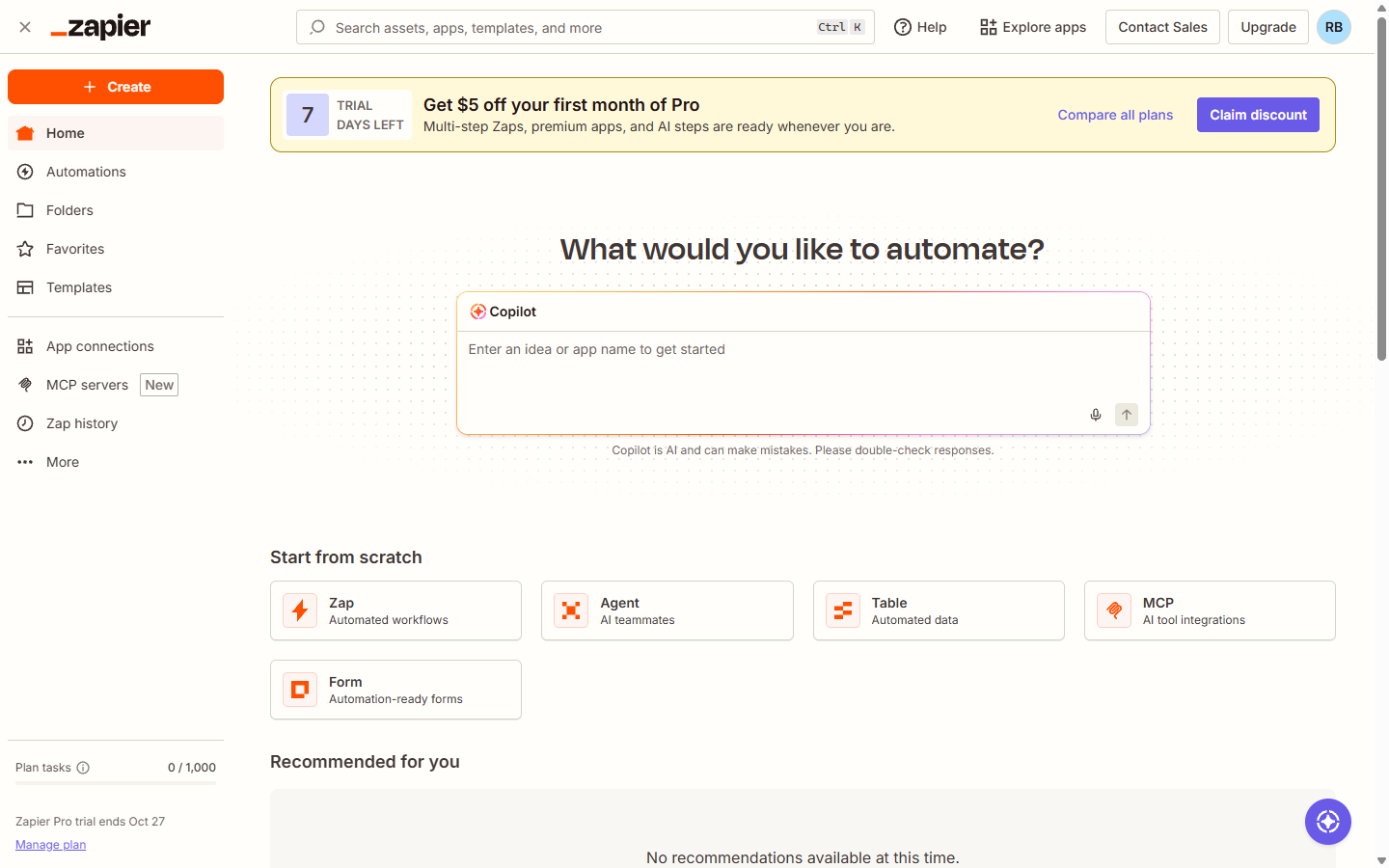
You also need a Zapier account and access to the two apps you want to connect. You don't need any code.
What is the best order to learn Zapier in?
Follow these five steps, one at a time:
- Pick a boring, real task. Copying form responses into a sheet, saving email attachments, or posting new leads to a chat channel. Real data keeps you motivated.
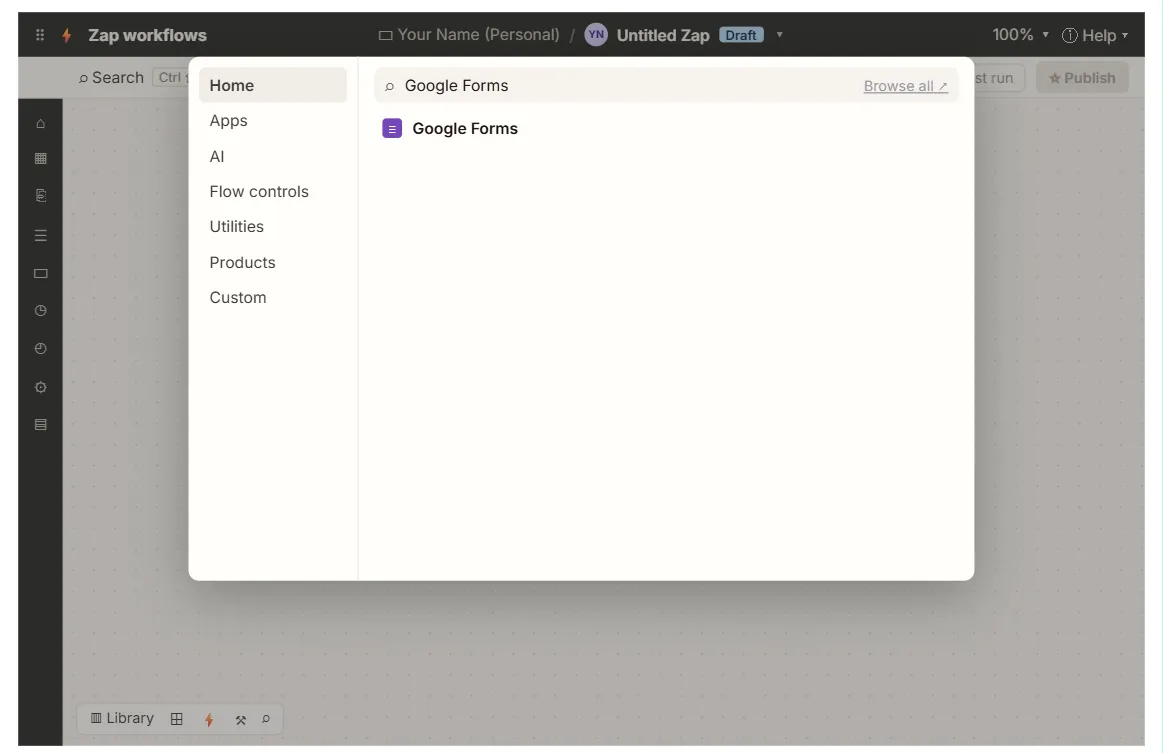
- Build a two-step Zap. One trigger, one action. The first Zap lesson sets up a Google Forms trigger and a Google Sheets action, connects both Google apps and maps each answer to the right column.
- Test every step. Use the Test tab on the trigger to pull a sample record, then test the action and check the result in the real app. Most beginner problems are a field mapped to the wrong column.
- Add one rule. A filter so the Zap only continues for some records, or a formatter to clean a date or name. This is where a Zap starts saving real time.
- Add an AI step. In the free Zapier ChatGPT and Gmail lesson, Gmail starts the Zap, ChatGPT writes a reply from the email's own words, and Gmail saves it as a draft reply for a person to check and send.
Publish only after every test looks right, and check the first few live runs in Zap history.
Try it free, step by step
Never Miss a New Client Inquiry using Zapier. Prospects who wait days for a reply hire someone else. Build a Zap that copies every new client inquiry from Google Forms into your tracking sheet the moment it arrives, so nothing sits unseen. You do every step yourself in a practice copy of Zapier, it checks your work as you go, and “Do it for me” finishes any step you get stuck on. Free, and nothing touches your real accounts.
Start the free lessonWhat official Zapier resources should I use?
Zapier's own learning material is free:
- Zapier Academy (learn.zapier.com) has free courses and certificates of completion.
- The Zapier Help Center (help.zapier.com) explains every feature, including Zap history and replaying runs.
- The Zapier Community (community.zapier.com) is where to search an error message before you give up.
Use these alongside a hands-on build. Watching a course without building a Zap is the slowest way to learn.
What are the most common beginner mistakes?
- Testing with fake data that doesn't look real. Submit one real-looking practice response so the trigger has something to find.
- Mapping fields by guessing. Check the sample record and pick each field by name.
- Forgetting to publish. A Zap doesn't run on its own until you publish it.
- Letting AI send directly. Have AI write drafts that a person sends, at least at first.
- Ignoring errors. Check Zap history after the first few runs. How Do Automation Tools Handle Failures and Retries? explains replays.
Should I learn Zapier, Make or n8n?
Learn the one your workplace uses. If you get to choose, Zapier is often the quickest to start with and has a very large app list. Make gives more visual control over branching. n8n can be self-hosted and is popular for AI agents. The ideas carry over: triggers, actions, field mapping and testing are the same in all three. Zapier vs Make vs n8n compares them side by side, and the Make first scenario lesson and learn n8n for beginners are the next steps if you want to try the others.
Key takeaways
- Learn triggers and actions first; a Zap is one trigger plus one or more actions.
- Build one real two-step Zap, such as Google Forms to Google Sheets, before anything fancier.
- Test every step with a realistic sample record and check the result in the real app.
- Then add a filter or formatter, and later an AI step that writes drafts for a person.
- Use Zapier Academy, the Help Center and the Community alongside a hands-on build.
Frequently asked questions
- How long does it take to learn Zapier?
You can build and test a first useful Zap in under an hour. Getting comfortable with filters, formatters and multi-step Zaps takes a few more projects.
- Is Zapier free to learn?
Zapier has a free plan, and its Academy courses are free. Some features, such as automatic replay of failed runs, are on paid plans, so check the current plan details before you rely on one.
- Do I need to know how to code to use Zapier?
No. Zapier is a no-code tool. Code steps exist for advanced cases, but most office Zaps never need them.
- What is a good first Zap for an office?
Logging new form responses or inquiries in a shared Google Sheet. It is easy to test, easy to check and saves typing every day.
Where can I go next?
See What Is a Webhook? to understand how apps send data to each other, then try the Make webhooks lesson.