This is a guide, not a hands-on lesson. It explains the idea and lists the steps from Zapier's Presentations.AI listing and Presentations.AI's API page. There's no practice copy to click through here, and Stepthrough hasn't tested this Zap on every plan. Presentations.AI's public docs don't spell out every field, so follow what the Zap editor shows and check the links in Sources.
What business problem does this solve?
The first draft of a proposal deck takes the longest, and it's mostly the same every time: the client's name, their problem, your approach, timeline, pricing and next steps. Reps put it off, and the proposal goes out days after the call, when the client has cooled.
Take Pinewood Marketing Partners, a made-up six-person agency. After every discovery call, the account lead adds a row to the Deals Google Sheet: client, industry, goals, budget range and notes. Building a 10-slide proposal from that row usually takes about 90 minutes.
With Presentations.AI on Zapier, the row itself produces the first draft, in the agency's style. The lead spends 20 to 30 minutes checking and tailoring it instead of 90 minutes building it, so proposals go out the same day as the call.
What can Presentations.AI do in Zapier and Make?
Presentations.AI has actions in both tools, and no triggers in either:
| Tool | Action | What it does |
|---|---|---|
| Zapier | Generate Presentation | Builds a deck from a topic |
| Zapier | Generate Presentation From Content | Builds a deck from text you pass in |
| Zapier | Generate Presentation From File | Builds a deck from a file's contents |
| Zapier | Generate Single Slide (Image) | Makes one slide as an image |
| Make | Create a Presentation from a File | Converts a document into a presentation |
| Make | Create a Slide | Makes one slide image from a topic |
Zapier's listing says the deck actions can export a PPTX, a PDF, images or a share link, and you choose the export type in the step. Because there are no triggers, something else always starts the Zap: a new sheet row, a CRM deal stage, a form, or a file in a folder.
What do you need before you start?
- A Presentations.AI account. Its API page lists Zapier and Make as supported integrations. Free credits are limited, and heavier use needs a paid tier, so check the pricing page before you rely on it.
- A Deals sheet with one row per deal and clear headers: Client, Industry, Goals, Budget, Notes, Rep email.
- A Zapier account. This Zap has three steps, which needs a paid Zapier plan. Without the Gmail step, it fits on the free plan.
How do you build the Zap, step by step?
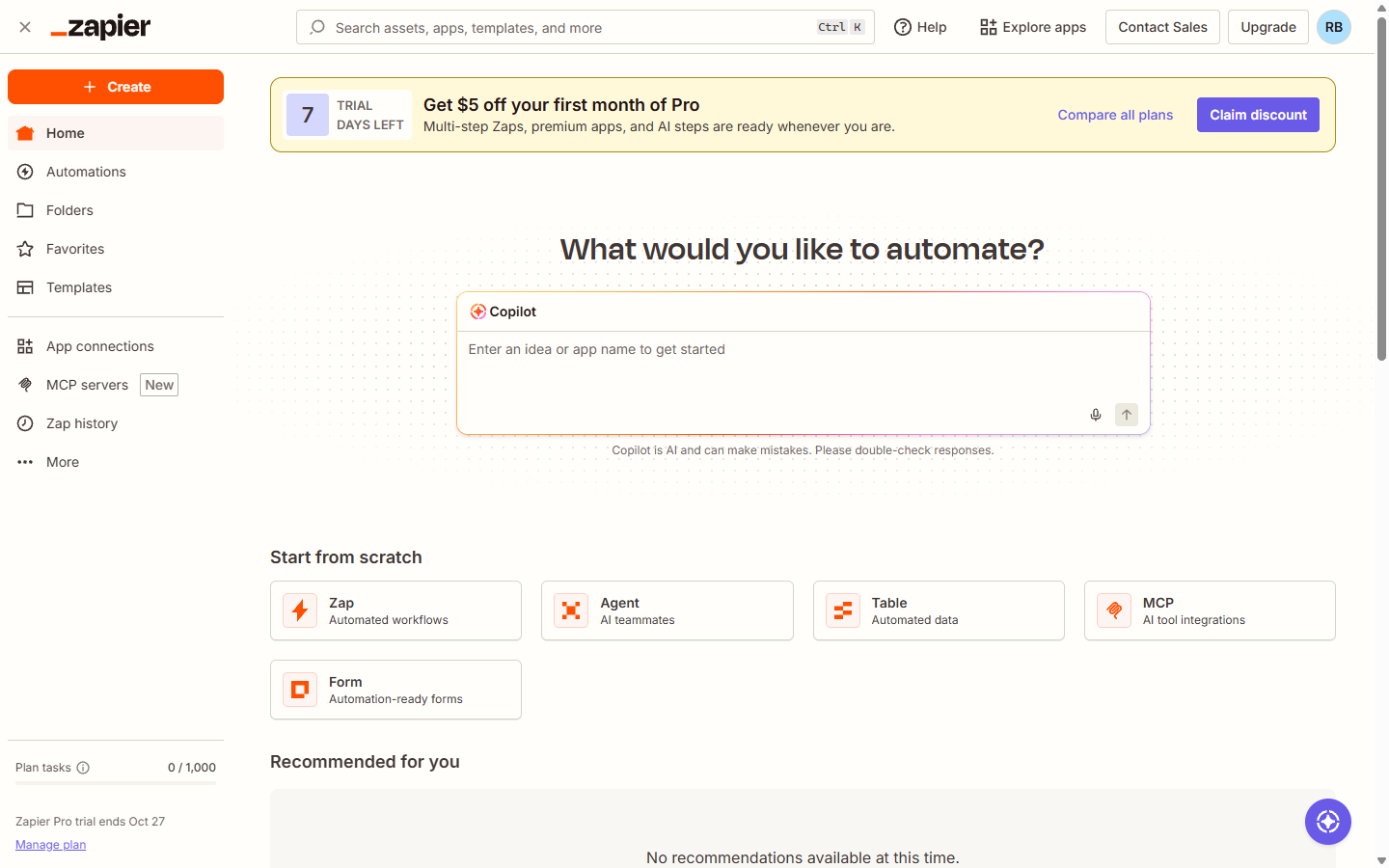
- In Zapier, click Create, then Zaps.
- For the trigger, choose Google Sheets and New Spreadsheet Row. Pick the Deals sheet and test it with a real row.
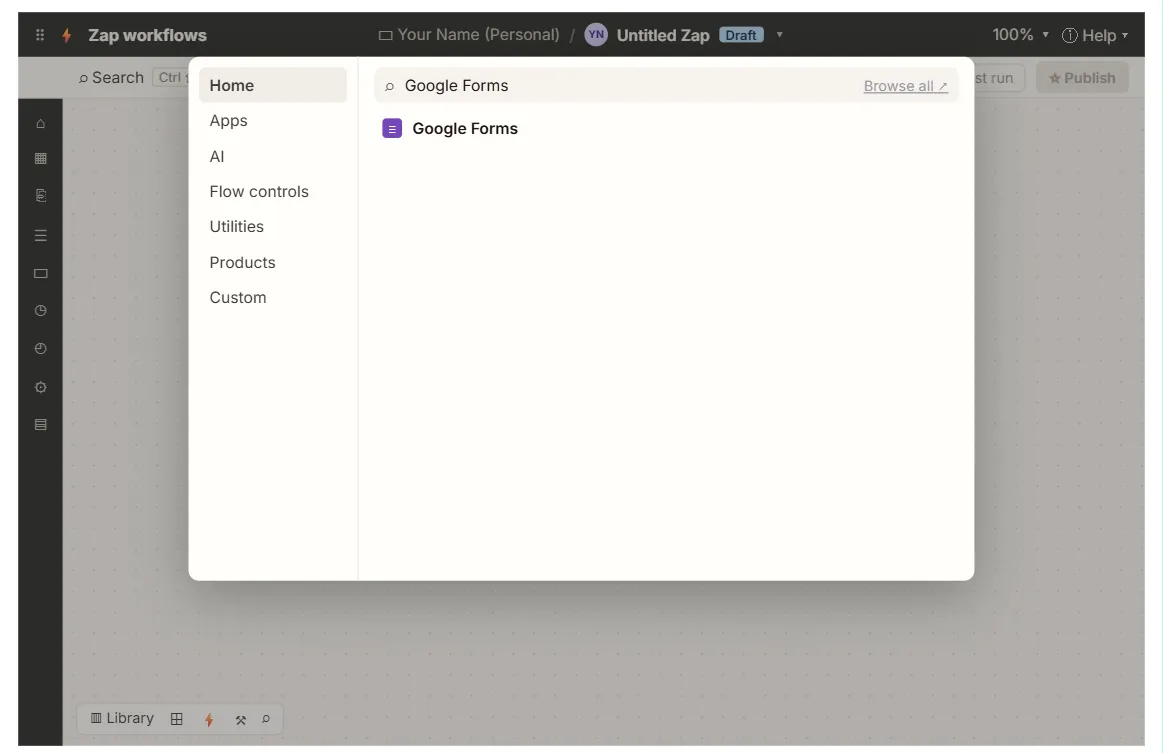
- For the action, choose Presentations.AI and Generate Presentation From Content. Connect your Presentations.AI account when Zapier asks.
- In the content field, build a short brief from the row (field mapping), for example: "A 10-slide proposal for {Client}, a {Industry} business. Goals: {Goals}. Budget: {Budget}. Notes from the call: {Notes}. Slides: the client's challenge, our approach, a 90-day plan, timeline, investment, next steps."
- Choose the export type, for example a share link.
- Click Test step and open the result. Adjust the brief until the draft is close to what the agency sends.
- Add Gmail: Create Draft. Address it to the rep's email from the row, with the subject "Draft deck: {Client}" and the deck link in the body.
- Publish the Zap.
How do you keep the deck accurate?
An AI-made deck is a first draft. It sounds confident even when it's wrong. Before anything goes to a client:
- Check every number. Prices, dates and results must come from the sheet or the rep, never from the AI.
- Remove made-up claims. Delete any case study, statistic or client logo you can't back up.
- Keep the brief factual. The more specific the notes in the row, the less the AI has to invent.
- Save drafts, not sends. The Gmail step creates a draft for the rep, so a person always decides what the client sees. The Zapier: ChatGPT Drafts Every Reply lesson uses the same draft-first rule, and you can practice it hands-on.
The AI presentation maker glossary entry explains what this kind of tool does well and where it needs a person.
Key takeaways
- Presentations.AI has Zapier actions (Generate Presentation, From Content, From File, Single Slide) and Make modules (Create a Presentation from a File, Create a Slide), but no triggers.
- New Spreadsheet Row into Generate Presentation From Content turns each deal row into a draft deck.
- A clear, factual brief built from the row gives a much better draft than a one-line topic.
- Free credits are limited, so check Presentations.AI's plans before you run this on every deal.
- Always have a person review the deck before a client sees it.
Frequently asked questions
- Can I start the Zap from my CRM instead of a sheet?
Yes. Any Zapier trigger works, for example a HubSpot or Pipedrive deal moving to a "Proposal" stage. Map the deal's fields into the same brief.
- Can I turn an existing document into slides?
Yes. Use Generate Presentation From File in Zapier, or Create a Presentation from a File in Make, with a Google Drive file as the input.
- Is the Make version the same?
Make's app has two modules, and Make's own documentation for it is still limited. Zapier's app has more actions and is the easier place to start.
- Where can I learn Zapier from scratch?
The free Make & Zapier Jump Start course starts with a first Zap, in a practice copy.