This is a guide, not a hands-on lesson. It explains the idea and lists the setup steps from Zapier's and Docparser's own documentation. There's no practice copy to click through here, and Stepthrough hasn't tested every screen on every plan. Screens change, so check the links in Sources if a step looks different.
What business problem does this solve?
Invoices arrive by email, as PDF attachments, from dozens of senders. Someone has to open each one, find the vendor, number, date and total, and type them into the books or a log. That's slow, and typos in totals are the hardest mistakes to find later.
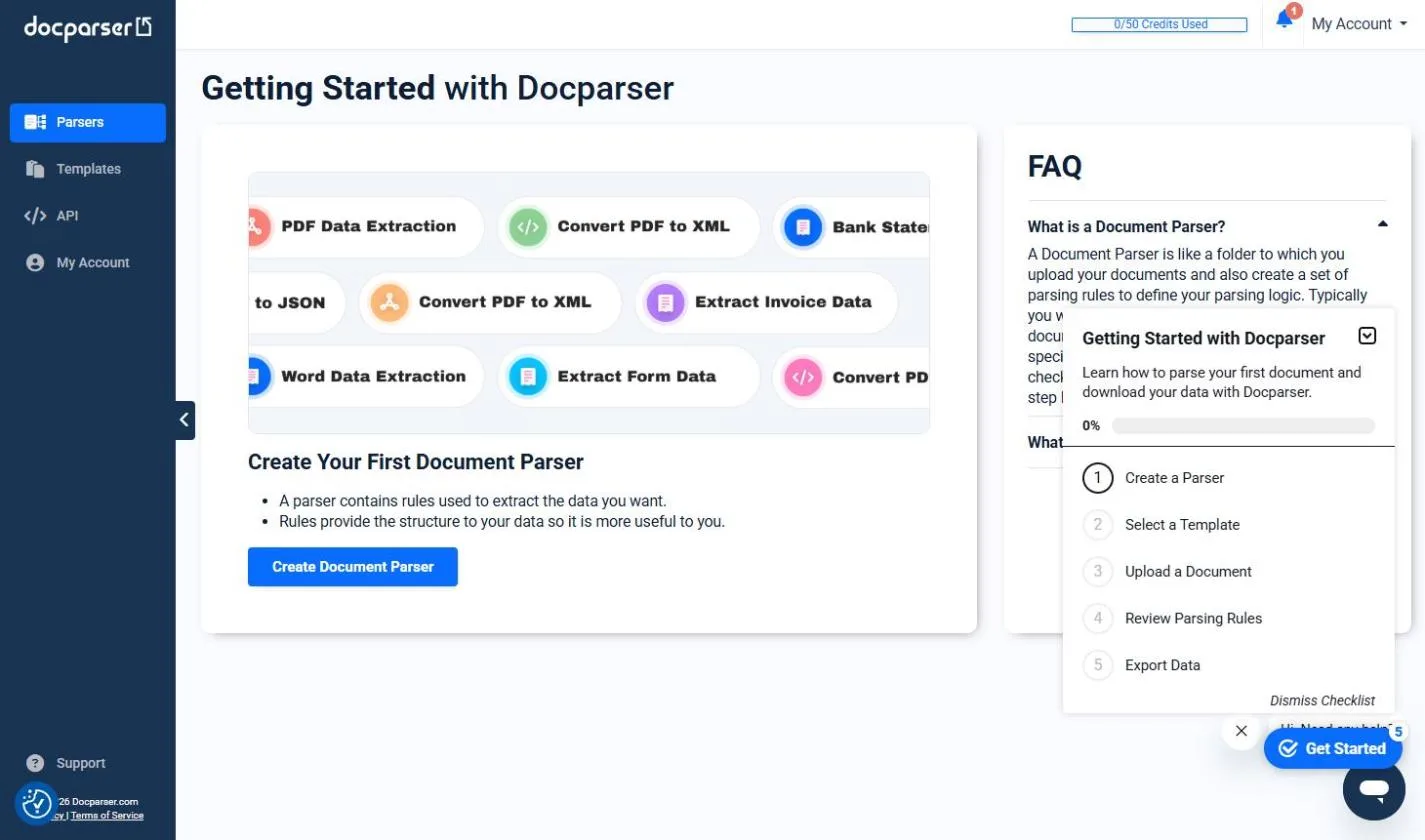
Take Lakeshore Dental Group, a made-up three-office practice. Supply, lab and equipment invoices all go to ap@ and its office administrator, who spends about 5 hours a month logging them. She already uses Docparser to read invoices she uploads by hand. The goal is to take her out of the upload and logging steps completely, and leave her just the approval.
The result is a log that fills itself. Every invoice that hits the AP inbox is parsed and added to the sheet, usually within minutes. Nothing gets lost in the inbox, and month-end starts with complete data.
What do you need before you start?
- A Docparser parser that already pulls the right fields from your invoices. Test it on a few real samples first.
- Your Docparser API key, from API Access in your Docparser account. Zapier asks for it when you connect.
- A Gmail inbox or label for invoices, such as an AP label, so the Zap ignores everything else.
- A Google Sheet with headers such as Vendor, Invoice #, Date, Total and Received.
- A Zapier account. Each Zap here has two steps, which the free plan covers.
How do you build Zap 1: Gmail to Docparser?
- In Zapier, click Create, then Zaps.
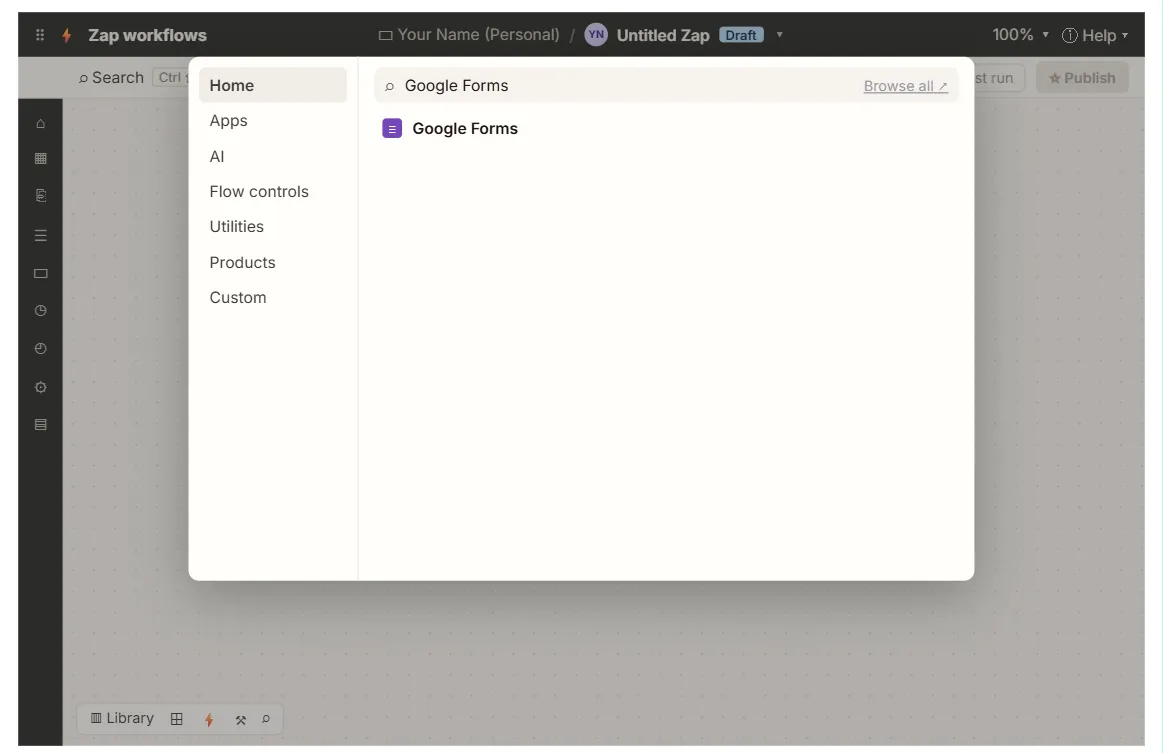
- For the trigger, choose Gmail and the event New Attachment. Connect your Google account. Under the options, limit it to your AP label or a search such as
has:attachment filename:pdf. - Click Test trigger and pick a real invoice email.
- For the action, choose Docparser and the event Upload Document. Connect Docparser with your API key.
- Choose your invoice parser. In File, map the attachment from the Gmail step. Optionally, map the email's message ID into Remote ID, so each parsed result can be traced back to its email.
- Click Test step, then check in Docparser that the file appeared in the parser.
- Publish the Zap.
Docparser also gives each parser its own email address. If your vendors' invoices can simply be forwarded there, you can skip Zap 1 entirely. A Gmail forwarding rule does the same job.
How do you build Zap 2: Docparser to Google Sheets?
- Create another Zap. For the trigger, choose Docparser and Parsed Document Data Available. It fires when a new document is processed and its data is ready.
- Pick the same parser and click Test trigger. Zapier loads a recently parsed document as sample data.
- For the action, choose Google Sheets and Create Spreadsheet Row. Pick the spreadsheet and the worksheet.
- Map each column to the matching parsed field (field mapping), such as vendor into Vendor and total into Total.
- Click Test step, check the row, and Publish.
What else can the Docparser Zapier app do?
| Type | Name | Use it for |
|---|---|---|
| Trigger | Parsed Document Data Available | One run per parsed document, for header fields such as totals |
| Trigger | Parsed Table Row Available | One run per table row, for invoice line items |
| Action | Upload Document | Send a file to a parser |
| Action | Fetch Document From URL | Send a file from a public link |
Parsed Table Row Available is the one to use when you need line items. For example, each item on a purchase order becomes its own row in Airtable or a sheet. Docparser's own help notes that some destinations, such as QuickBooks Online, are premium apps on Zapier and need a paid Zapier plan.
How do you keep a person in charge of payments?
Parsing gets data in. It shouldn't approve anything. Keep the approval step human:
- Log first, pay later. The sheet is a record, not a payment instruction. Someone still approves each bill.
- Flag blanks. Add a Zapier Filter or a formula column that marks rows with an empty total or vendor for a manual look.
- Watch for fake invoices. An unknown vendor or changed bank details deserve a phone call before anyone pays. Stepthrough's AI payment scams lesson covers the warning signs.
- The Invoice Inbox Approval lesson builds a full extract-then-approve flow with a person in the loop, hands-on.
Key takeaways
- Docparser on Zapier needs two Zaps: one to upload files, one to catch the parsed results.
- Zap 1 is Gmail: New Attachment into Docparser: Upload Document. Zap 2 is Parsed Document Data Available into Create Spreadsheet Row.
- Each parser's own email address can replace Zap 1 entirely.
- Use Parsed Table Row Available for line items.
- Keep approval and payment as a human step.
Frequently asked questions
- Why doesn't one Zap do it all?
Docparser parses in the background. Upload Document starts the job, but the data isn't ready when that step finishes. The Parsed Document Data Available trigger fires when it is.
- Does Docparser work with Make too?
Yes, with a Watch Parsed Documents trigger and upload modules. See Docparser + Make: Invoice Data into Google Sheets.
- What does it cost?
Docparser charges by documents parsed per month, and its trial needs no card. Zapier's free plan covers two-step Zaps, though premium apps like QuickBooks Online need a paid Zapier plan.
- Where can I learn Zapier and Make from scratch?
The free Make & Zapier Jump Start course covers both, in practice copies of the tools.