This is a guide, not a hands-on lesson. It explains the idea and lists the setup steps from Make's and Docparser's own documentation. There's no practice copy to click through here, and Stepthrough hasn't tested every screen on every plan. Screens change, so check the links in Sources if a module looks different.
What business problem does this solve?
Typing invoice details into a spreadsheet is slow, dull and easy to get wrong. One mistyped total throws off a month-end reconciliation, and nobody notices until the books don't balance.
Take Fairview Property Management, a made-up firm that pays about 120 vendor invoices a month: cleaners, landscapers, repair crews, utilities. An assistant spends roughly 4 minutes per invoice copying five fields into the AP log Google Sheet. That's about 8 hours a month of data entry.
Docparser already reads the PDFs. Its parsing rules find the vendor, invoice number, date, due date and total on each one. The gap is getting that data into the AP log without anyone copying it. A Make scenario closes the gap. The assistant's job changes from typing to checking a few flagged rows, which takes minutes instead of hours.
What do you need before you start?
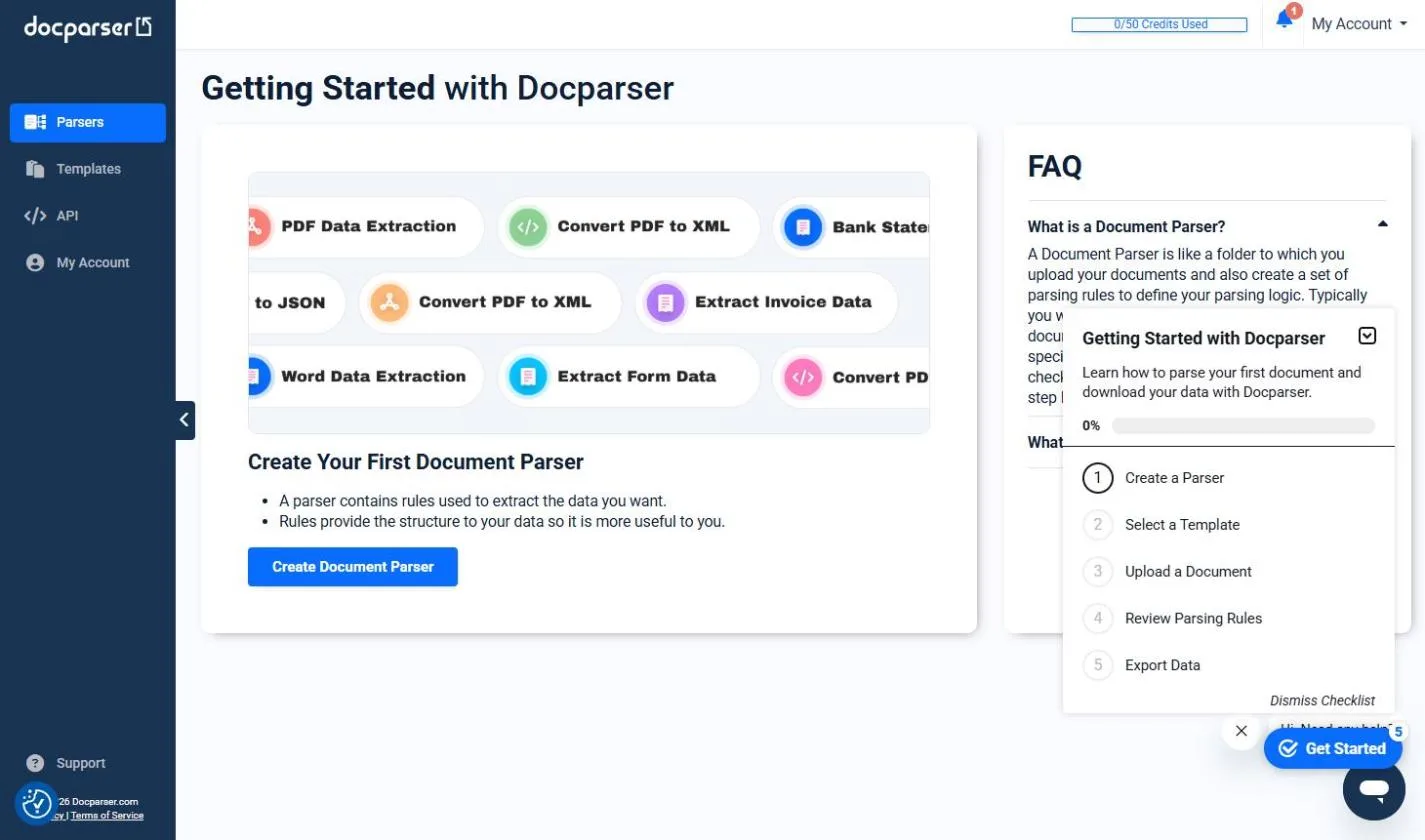
- A working Docparser parser. Upload a few sample invoices and set up parsing rules until the fields come out right. The Docparser lesson walks through this with a practice copy.
- Your Docparser API key. In Docparser, open the Account section and choose API Access in the left menu. Copy the key and keep it private, like a password.
- A Google Sheet with a header row that matches your fields, for example Vendor, Invoice #, Invoice date, Due date, Total, File name.
- A Make account. The free plan is enough to try this.
How do you connect Docparser to Make, step by step?
- In Make, click Create a new scenario.
- Click the big plus, search for Docparser and choose Watch Parsed Documents. Make's guide says this module "triggers when a new document is successfully analyzed and its data is extracted."
- Click Create a connection, name it (for example "Fairview Docparser"), paste the API key and save.
- Choose your invoice parser. If Make asks where to start, choose to process only new documents, so old test files aren't added.
- Add a module: search for Google Sheets and choose Add a Row. Connect the Google account that owns the AP log, then pick the spreadsheet and the sheet.
- Map each column (field mapping): click Vendor and choose the vendor field from the Docparser module, and so on for each column.
- Click Run once. In Docparser, upload one new invoice to the parser, and wait for Make to pick it up.
- Check the new row against the PDF. If it's right, save the scenario and turn it on.
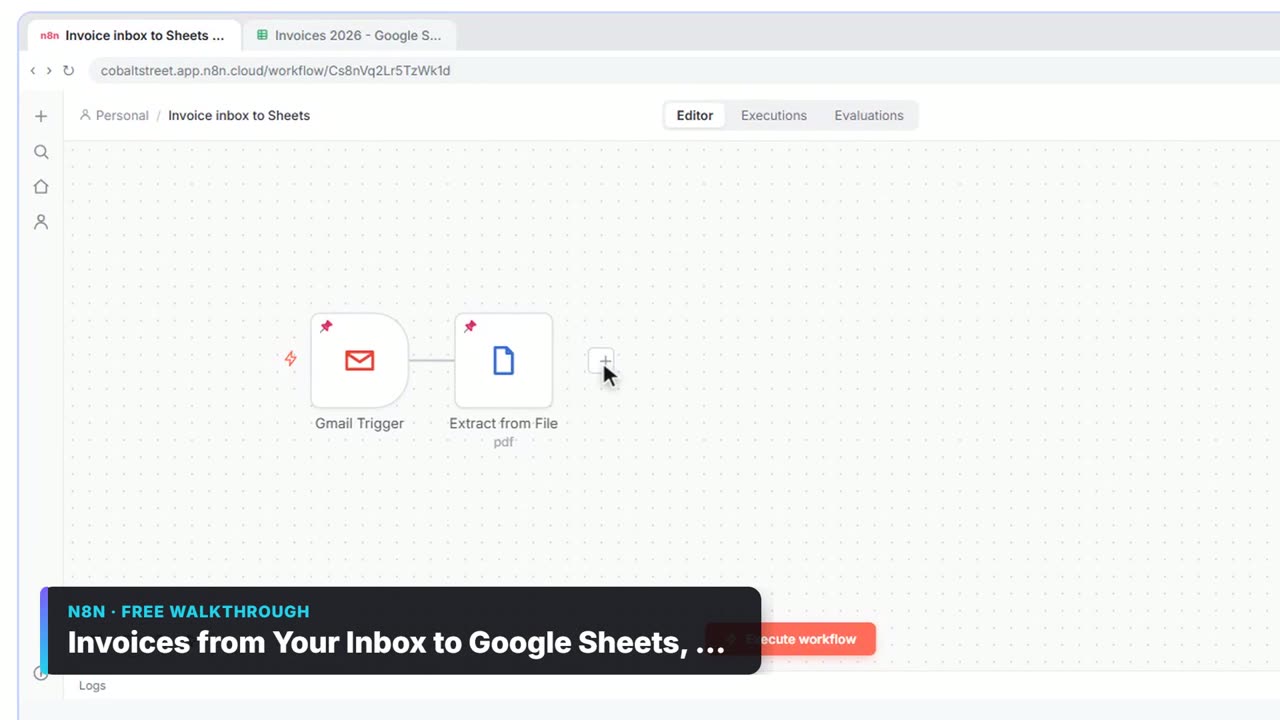
To get invoices into Docparser in the first place, upload them in the app, or use the email address Docparser gives each parser and forward vendor emails to it. Make can also feed it with Upload a Document, as shown below.
What else can the Docparser Make app do?
Make's Docparser app has a full set of modules:
| Module | Type | What it does |
|---|---|---|
| Watch Parsed Documents | Trigger | Starts when a document has been parsed |
| Upload a Document | Action | Sends a file to a parser |
| Upload a Document from a URL | Action | Sends a file from a public link |
| Get Parsed Document | Search | Fetches the data of one parsed document |
| List Parsed Documents | Search | Lists documents a parser has processed |
| List Document Parsers | Search | Lists the parsers in your account |
| Make an API Call | Action | Calls any Docparser API endpoint |
A common second scenario is Gmail: Watch Emails (filtered to messages with attachments from an AP inbox) followed by Docparser: Upload a Document. Uploading only starts the parsing. The data arrives later through Watch Parsed Documents, so keep the two scenarios separate.
How do you catch parsing mistakes?
Parsing rules work well on invoices with the same layout, and less well when a new vendor sends a different one. Build in a check:
- Add a Status column to the sheet, and have the scenario write "Check" when a key field such as Total is empty. In Make, use a filter or the
if()function in the field. - Route problems differently. A Make router can send empty or odd values to a Slack message for the AP person and the clean rows straight to the log. Filters and Routers in Make teaches this hands-on.
- Keep the file name. Map the original file name into its own column, so anyone can find the PDF behind a row in seconds.
- Spot-check weekly. Compare five random rows with their PDFs. When a vendor changes its layout, fix the parsing rule once in Docparser.
Key takeaways
- Docparser: Watch Parsed Documents into Google Sheets: Add a Row turns every parsed invoice into a spreadsheet row.
- Connect with the API key from Docparser's Account > API Access page.
- Upload a Document feeds files to Docparser. Results come back through the watch trigger, so build two scenarios.
- Add a Status column and a router, so empty or odd values get a person's attention.
- For a firm handling about 120 invoices a month, this replaces roughly 8 hours of typing with a few minutes of checking.
Frequently asked questions
- Does Docparser have a Zapier integration too?
Yes. Zapier's Docparser app has the triggers Parsed Document Data Available and Parsed Table Row Available. See Docparser + Zapier: Parse Emailed Invoices Automatically.
- Can I send line items, not just totals?
Yes. Docparser can parse tables, such as an invoice's line items. In Make, use an iterator on the table field to add one row per line, or use Zapier's Parsed Table Row Available trigger.
- Can this go straight into QuickBooks or Xero?
Make has accounting apps you can use instead of Google Sheets. Many firms keep the sheet as a check step first, then post to the books.
- Where can I learn Make from scratch?
Take the free Make & Zapier Jump Start course. It starts with a first scenario in a practice copy of Make.