How does mapping work in Make?
Click a field in a module, and the mapping panel opens with every output of the modules before it. Click a value, and it drops in as a pill.
In the lesson each Google Sheets column gets one form answer: click the Name (A) field, then, under the matching question, click Value. Each pill is a placeholder; at run time it becomes that response's answer. You can mix pills and typed text in one field, like a subject line of New request: followed by the name pill. The idea is called field mapping.
What do the numbers in a pill mean?
The number is the module's position in the scenario. 1.name is the name field from module 1. If you delete and re-add a module, its number changes and old pills that pointed at it go empty, so re-map after rebuilding.
Twelve mapping functions for office data
Make functions use semicolons between arguments. Replace the field names with your own pills.
| Need | Function |
|---|---|
| Use a default when empty | {{ifempty(1.phone; "not given")}} |
| Pick text by a condition | {{if(1.urgency = "Urgent"; "URGENT: "; "")}} |
| Lowercase an email | {{lower(1.email)}} |
| Remove stray spaces | {{trim(1.name)}} |
| First name only | {{first(split(1.name; " "))}} |
| Replace text | {{replace(1.reason; "appt"; "appointment")}} |
| Text to number | {{parseNumber(1.total; ".")}} |
| Number to money text | {{formatNumber(1.total; 2; "."; ",")}} |
| Round a number | {{round(1.hours * 4) / 4}} (nearest quarter hour) |
| Shorten long text | {{substring(1.notes; 0; 200)}} |
| Count characters | {{length(1.message)}} |
| Today's date | {{formatDate(now; "YYYY-MM-DD")}} |
Date functions have their own page: Make formatDate Examples.
How do I map webhook data?
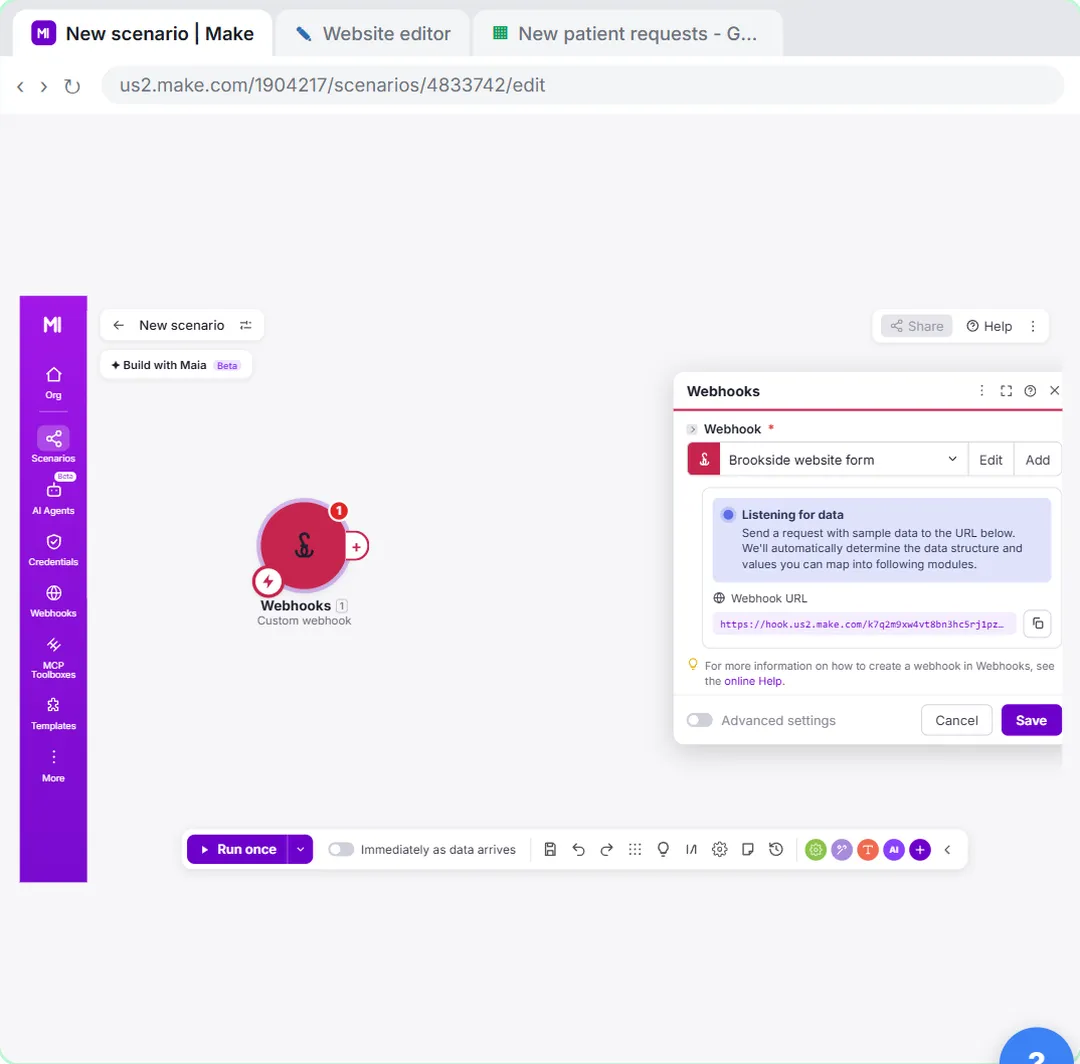
Webhook fields appear in the mapping panel after Make has seen one test request. In the webhooks lesson, Make detects name, email and reason, and you map them into Name (A), Email (B) and Reason (D). Phone (C) stays empty because the form has no phone field.
How do I map into a filter?
The same way. In the Filters and Routers lesson, the filter's condition is the form answer How urgent is this? > Value, and the comparison value is the typed word Urgent. Functions work in filters too, so lower() on both sides makes the match ignore capitals.
Try it free, step by step
Your First Make.com Scenario: Google Forms to Google Sheets. Build your first Make.com scenario: every new Google Forms response becomes a new row in Google Sheets. Trigger, connection, mapping, Run once and a schedule. You do every step yourself in a practice copy of Make, it checks your work as you go, and “Do it for me” finishes any step you get stuck on. Free, and nothing touches your real accounts.
Start the free lessonCommon mapping mistakes
- Mapping a label instead of the value. Form questions can show both. Map Value.
- Typing a field name instead of clicking it. Typed
emailis the word "email", not the data. - Commas instead of semicolons.
ifempty(1.phone, "none")is not valid in Make. - Old pills after rebuilding a module. Re-map anything that points at the replaced module.
Key takeaways
- Map by clicking fields in the mapping panel; each pill becomes the real value at run time.
- The number in a pill is the module's position, so rebuilding a module can break old pills.
- ifempty, trim, lower and parseNumber fix most messy office data.
- Make functions take semicolons between arguments.
Frequently asked questions
- What is mapping in Make?
Mapping connects an output field of one module to an input field of a later module, so the scenario passes real data along on every run.
- How do I combine two fields in Make?
Put both pills in the same field with any text between them, such as the first-name pill, a space and the last-name pill.
- How do I handle empty values in Make?
Wrap the pill in ifempty(value; default) to use a default, or add a filter with Exists before the module that needs the value.
- Which free course teaches Make mapping?
Make & Zapier Jump Start, starting with the first scenario.