What is Formatter by Zapier?
Quick answer
Formatter by Zapier is a built-in step that changes data between the trigger and the actions. It has four groups: Text (such as capitalize, split or extract an email), Numbers (such as math or currency format), Date / Time (such as reformat or add days) and Utilities (such as lookup tables). Zapier's help center says Formatter steps do not count as tasks.
Last updated
Take the free module →Module 2 of the free Make & Zapier Jump Start course, about 10 minutes. No account needed.
Updated · By Robert Breen
Why it matters for a small business
Data rarely arrives the way the next app wants it. People type names in lower case, dates come as 10/20/2026 when the sheet expects 2026-10-20, and a full name needs to become first and last. Fixing that by hand defeats the point of the automation. A Formatter step does it the same way every time.
Clean data also stops later failures. A CRM that rejects a badly formatted phone number, or a sheet sorted wrongly because dates are text, often traces back to a missing Formatter step. Keeping the cleanup in its own step makes it easy to see and change.
Where you'll use it: in the Zap editor, add a step, choose Formatter, then pick the event (Text, Numbers, Date / Time or Utilities) and the transform. Map the field to change into Input, test the step, and map its output into the next action instead of the raw field.
In a real lesson: Never Miss a New Client Inquiry using Zapier
In the free Your First Zap lesson, Northgate Accounting maps the form's Name, Email and service answers straight into the Client Inquiries sheet, and the test row shows the values exactly as typed.
If prospects typed names like "dana whitfield", a Formatter Text step with the Capitalize transform between the trigger and the sheet step would store "Dana Whitfield" instead. You would then map the Formatter output, not the raw answer, into the Name column.
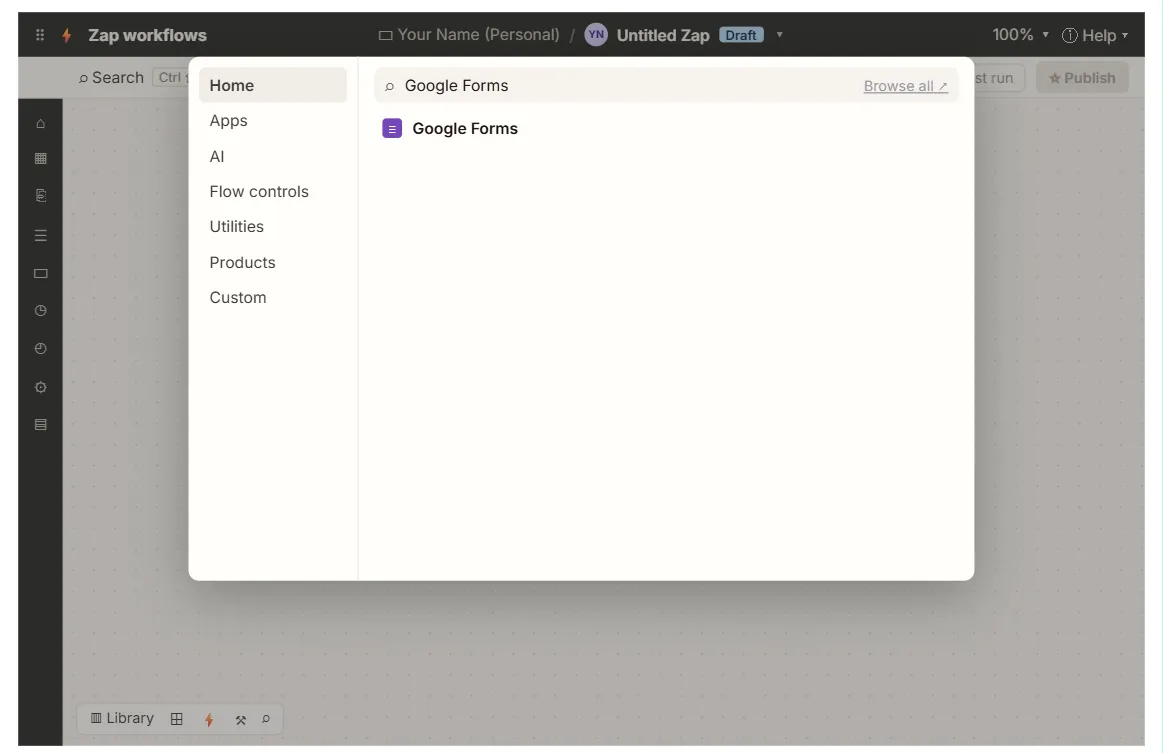
Try this lesson free or read the step-by-step guide.
Common confusions
Formatter vs AI step
Formatter follows fixed rules and gives the same result every time. An AI step can handle messy text but may vary, so use Formatter when a rule will do.
Formatter vs n8n expressions
In n8n you often do the same cleanup inside a field with an expression or an Edit Fields node.
Tips
- Test the Formatter step with a messy real example, not a tidy one.
- Remember to map the Formatter output in the next step; the raw field is still there too.
- Use a Lookup Table to turn codes into names, such as "TX" into "Tax".
Related terms
More n8n and automation terms
Where you use it: free lessons
- Never Miss a New Client Inquiry using Zapier (Zapier, 10 min)
- Zapier: ChatGPT Drafts Every Reply, Signatoro Signs It (Zapier, 12 min)
Frequently asked questions
- Can Formatter split a full name into first and last?
- Yes. Use Text with the Split Text transform and a space as the separator, then map each part.
- Does Formatter use tasks?
- Zapier's help center lists Formatter among built-in steps that do not count toward task usage.