This guide covers the common setups for office phones and business lines, how accurate transcripts are, and how to turn a voicemail into a task someone actually handles.
How do I get voicemail transcripts on an iPhone?
Apple's iPhone transcribes voicemails in the Phone app where the feature is supported. Open a voicemail and the transcript appears with it. Apple also has Live Voicemail, which shows a live transcript while the caller is leaving a message, so you can pick up partway through. Turn it on in Settings > Apps > Phone > Live Voicemail.
Apple says these features are not available in every country, region or language, and the menus move between iOS versions. If you don't see a transcript, check Apple's feature availability page for your language.
How do I get voicemail transcripts in Google Voice?
Google Voice can both transcribe voicemail and email it to you:
- Open voice.google.com, or the Google Voice app.
- Go to Settings, then Voicemail.
- Turn on Voicemail transcripts.
- Turn on Get voicemail via email.
Each new voicemail then arrives in your inbox with the transcript, which makes it searchable and easy to forward.
What about office and business phone systems?
Most business phone systems and carriers offer some form of voicemail-to-email, and many include a transcript. Look in your phone system's admin or user settings for "voicemail to email" or "voicemail transcription," or ask your provider. Sending voicemails to a shared inbox, rather than one person's phone, means someone sees them even when that person is out.
How accurate is voicemail transcription?
Good enough to read, not good enough to trust blindly. Speech-to-text handles clear speech well but often slips on names, phone numbers, addresses and amounts, especially on a bad line or with background noise. Those are exactly the details that matter, so listen to the recording before you call back with a number or quote a figure. The word error rate entry explains how accuracy is measured.
How do I turn a voicemail into a task with AI?
Once voicemails arrive as emails, AI can sort and summarize them:
- One at a time: paste the transcript into ChatGPT and ask for the caller's name, number, what they want and how urgent it is, in a short table. You can also ask it to translate a voicemail left in another language.
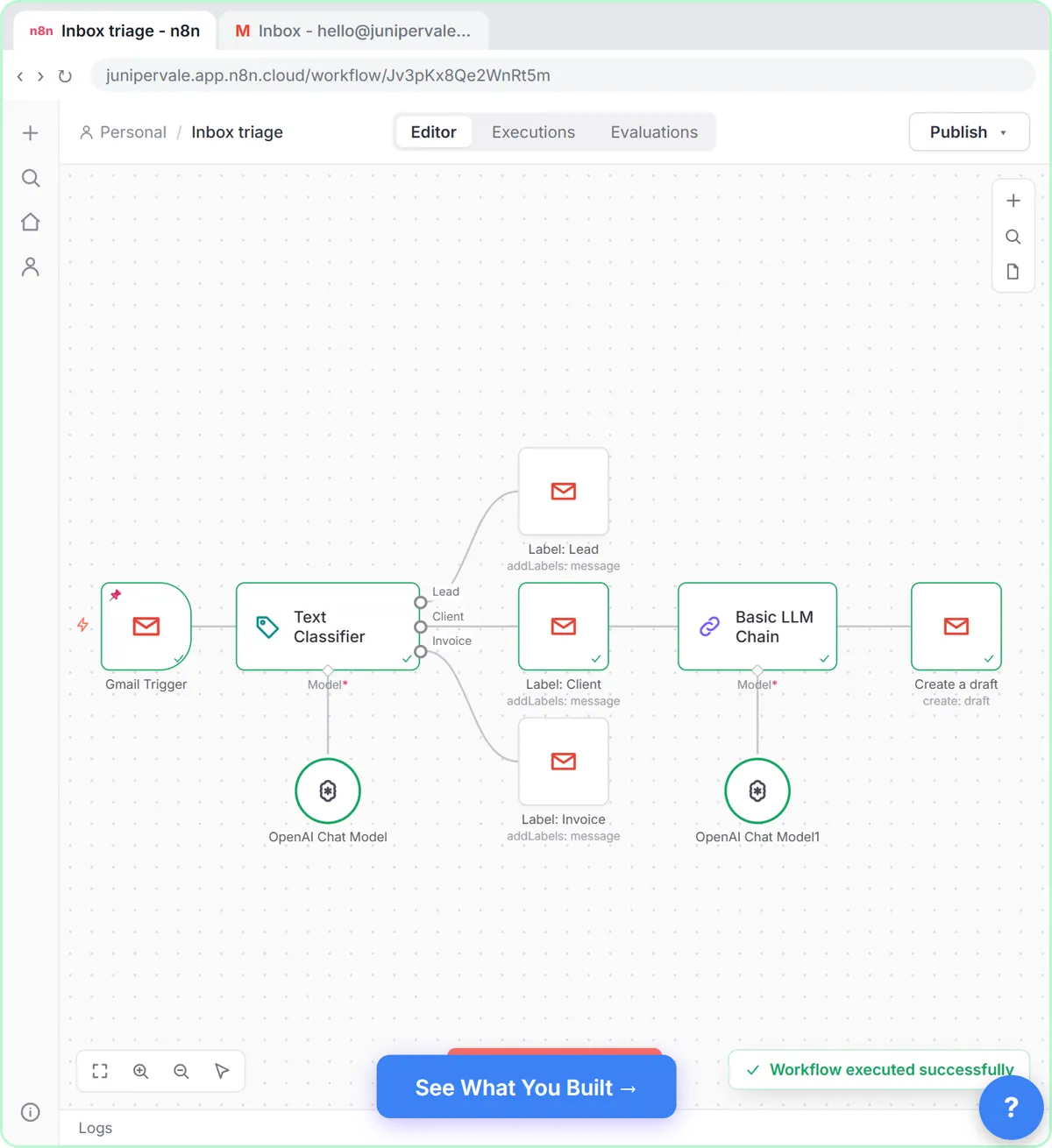
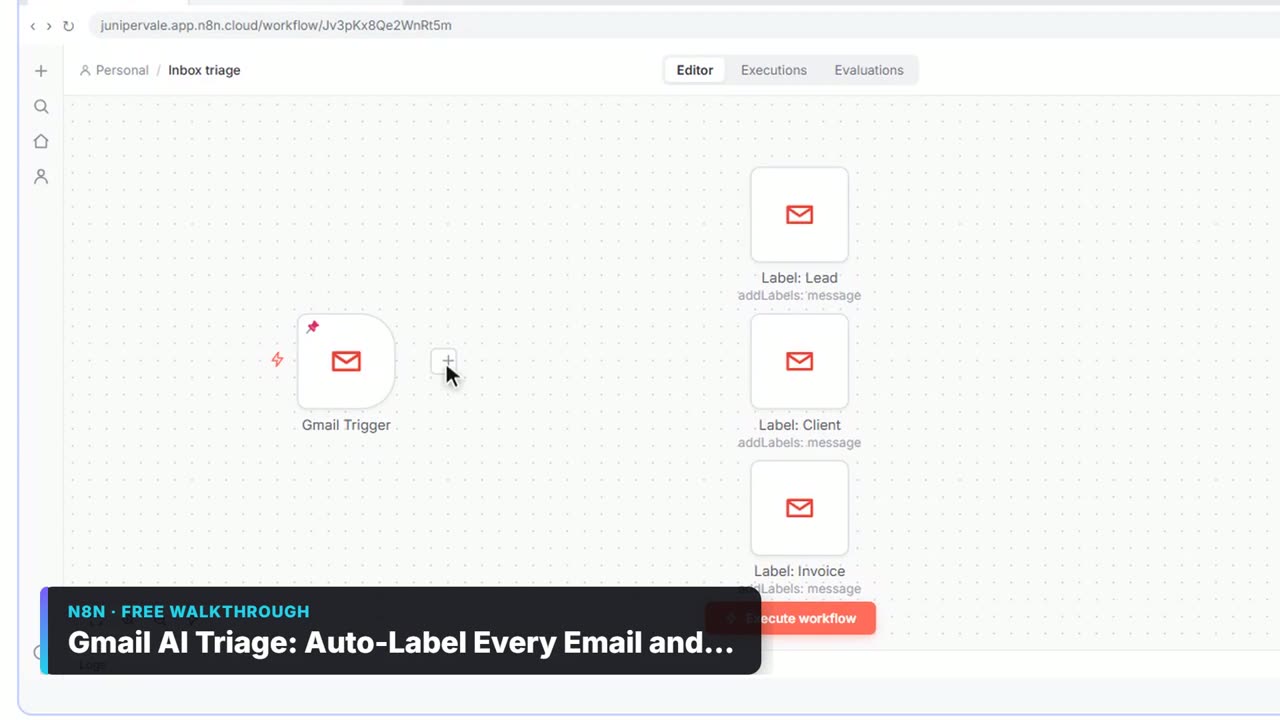
- Automatically: the Gmail AI Triage lesson builds an n8n workflow that reads new emails, labels them and drafts replies that wait for a person. Voicemail emails can go through the same sorting.
A prompt for the one-at-a-time version:
Here is a voicemail transcript. Pull out: caller name, callback number, what they want, any date or amount mentioned, and urgency (high, normal, low). Use "Not stated" for anything missing. Don't guess. Then write one line I can paste into our task list.
Try it free, step by step
Gmail AI Triage: Auto-Label Every Email and Draft Replies. Build an n8n workflow that reads each new email, sorts it as a lead, a client or an invoice with a Text Classifier, adds the matching Gmail label, and drafts a reply to clients for you to check. You do every step yourself in a practice copy of n8n, it checks your work as you go, and “Do it for me” finishes any step you get stuck on. Free, and nothing touches your real accounts.
Start the free lessonCan AI answer the call instead of taking a voicemail?
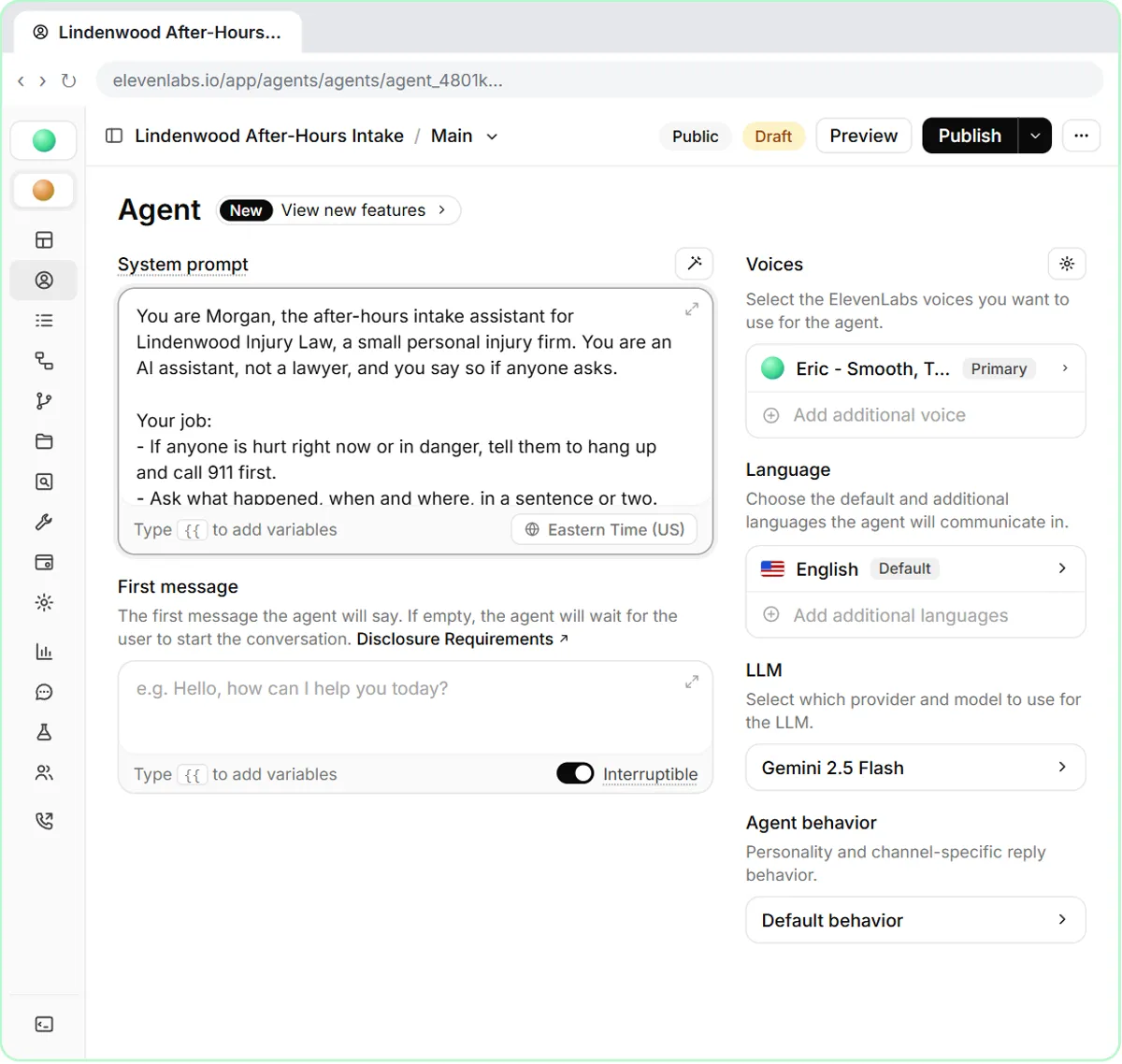
Yes. An AI voice agent can answer after hours, say it is AI, take the caller's details and pass them to your team. The free after-hours intake lesson for law firms builds one in ElevenLabs Agents that takes the details needed for a callback and a conflict check and refuses to give legal advice. You test-call it in the browser and read the transcript.
Key takeaways
- iPhone shows voicemail transcripts in the Phone app where supported, and Live Voicemail shows one while the caller speaks.
- Google Voice: Settings, Voicemail, then turn on Voicemail transcripts and Get voicemail via email.
- Business phone systems often offer voicemail-to-email; send it to a shared inbox.
- Transcripts often get names, numbers and amounts wrong, so check the recording before acting on them.
- AI can pull the caller's details into a task, or answer the call itself after hours.
Frequently asked questions
- Why is my iPhone not showing voicemail transcripts?
The feature depends on your language and region and on your carrier's visual voicemail. Check Apple's feature availability list, update iOS, and confirm visual voicemail works with your carrier.
- Can I get voicemail transcripts sent to email?
Yes, with Google Voice and many business phone systems. In Google Voice, turn on Get voicemail via email in the Voicemail settings.
- Can ChatGPT transcribe a voicemail recording?
ChatGPT can work with a transcript you paste. For audio files, use a transcription feature or tool first, then paste the text, and follow your company's rules for customer recordings.
- Is it okay to paste customer voicemails into AI?
Use an approved work account and take out details the task doesn't need, such as account numbers. Follow your company's AI policy.
Where can I go next?
Read How to Get a Transcript of a Meeting and the voicemail transcription entry.