This guide is for office managers, agency owners and anyone launching an AI receptionist or after-hours line. It covers what to test, how to read the results and the ElevenLabs features that make testing repeatable.
Why does a voice agent need its own testing?
Because callers don't follow the script. They interrupt, give details out of order, ask for a price you never listed or ask for advice the agent must not give. A voice agent that sounds fine on the happy path can still promise coverage, guess a number or keep a caller going in circles. The only way to find that is to call it like a real customer would.
What test calls should I make?
Write a short list of callers and run every one before launch, and again after every change:
| Caller | What a pass looks like |
|---|---|
| The normal request | Takes the right details and confirms the next step |
| A question in your documents | Answers from the documents, in plain words |
| A question not in your documents | Says it doesn't know and offers a callback |
| A request it must refuse (advice, a promise, a policy change) | Refuses politely and explains what happens next |
| A caller who reads out numbers | Reads phone numbers and policy numbers back exactly |
| "Can I talk to a person?" | Explains how to reach a person, or takes a message |
| An upset or confused caller | Stays calm and gets the essentials |
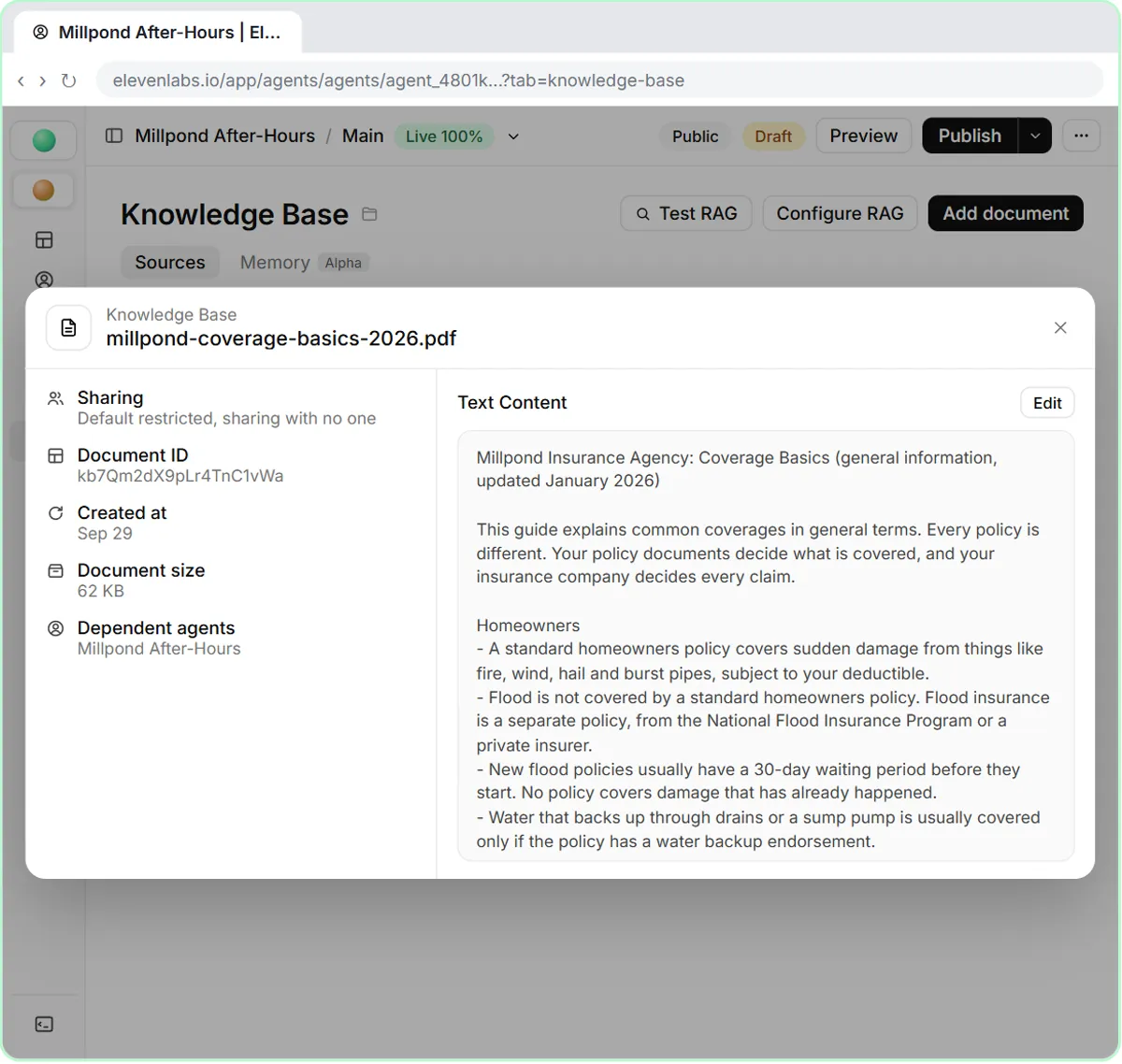
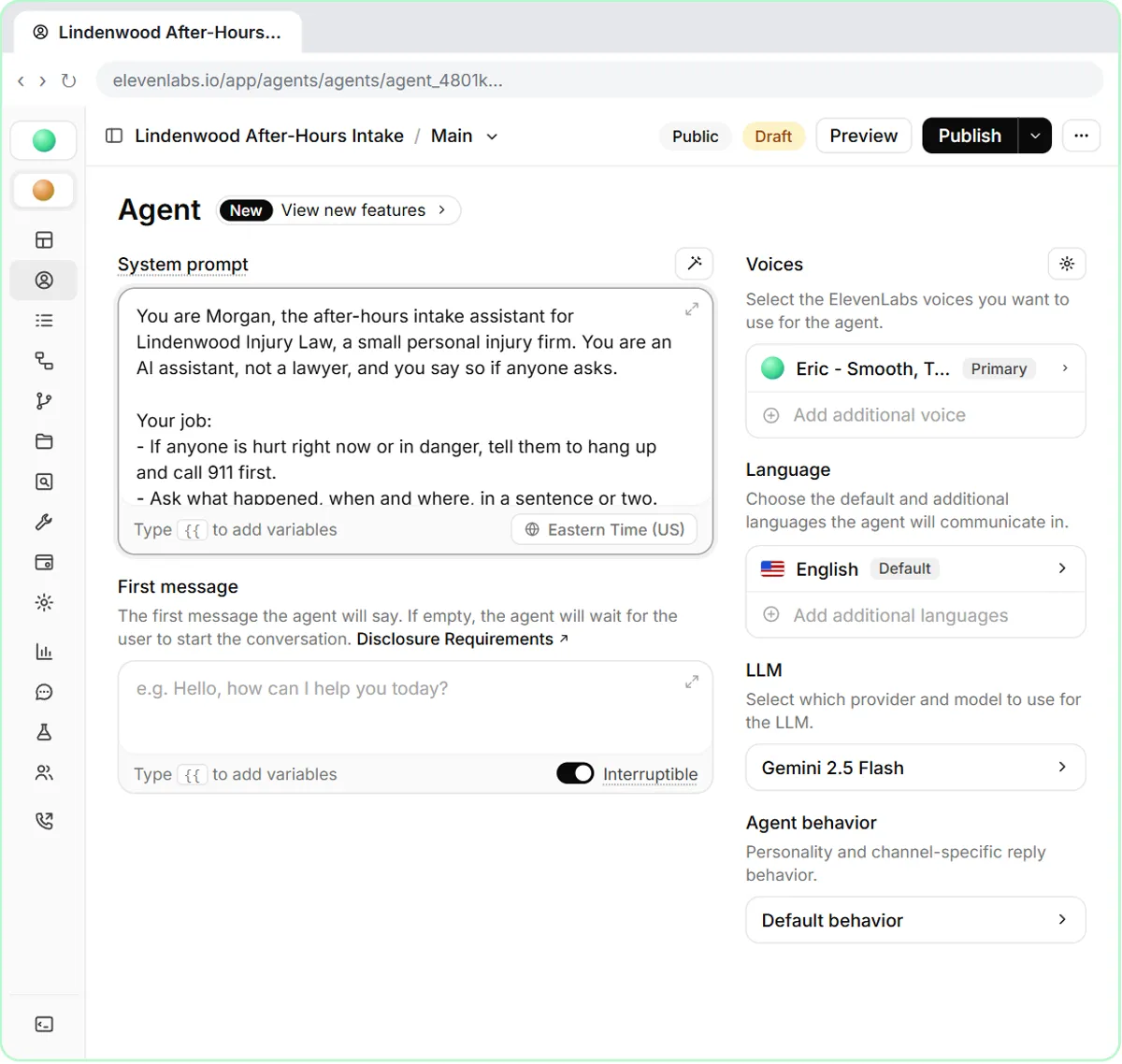
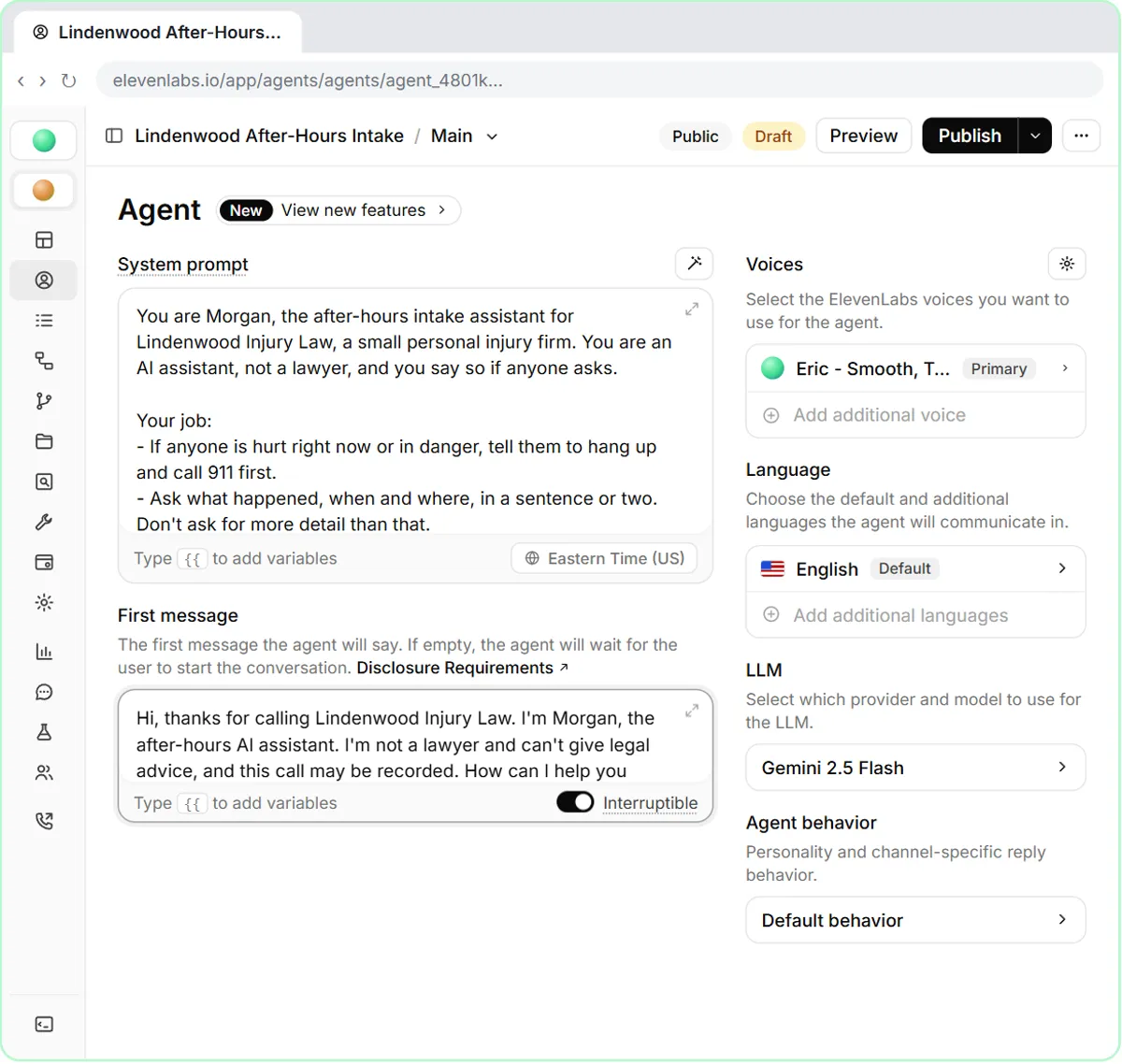
In the insurance lesson, the agent must explain coverage only in general terms, read each carrier's claims number exactly, and never promise coverage or change a policy. The after-hours law firm intake lesson adds one more must-refuse: it says it is an AI and not a lawyer and doesn't give legal advice.
Try it free, step by step
Build a Coverage FAQ Voice Agent for an Insurance Agency (ElevenLabs Knowledge Base). Give an insurance agency's after-hours ElevenLabs agent a coverage guide and FAQ, tell it to explain coverage only in general terms, and test it on flood, a claims number and a request to add… You do every step yourself in a practice copy of ElevenLabs Agents, it checks your work as you go, and “Do it for me” finishes any step you get stuck on. Free, and nothing touches your real accounts.
Start the free lessonHow do I read a test call?
Read the transcript line by line, not just the summary, and mark three things:
- Anything said that isn't in your documents. That is a made-up fact, even if it sounds right.
- Anything promised. Coverage, prices, appointment times, outcomes.
- Anything missed. A detail the caller gave that the agent didn't capture.
Also listen to part of the recording. The transcript shows what was said, but not whether a pause was awkward or a number was read too fast.
How do I test an agent in ElevenLabs?
ElevenLabs Agents has built-in tools for this, according to its documentation:
- Test AI agent opens a live conversation in the browser, so you can talk to the agent before it takes real calls.
- The agent's Tests tab lets you build repeatable tests, including simulated conversations and next-reply scenarios, and run one or all of them.
- From a conversation in Call history, you can create a test from that conversation, so a call that went wrong becomes a test that must pass next time.
- In the Analysis tab you can set evaluation criteria, and each call is marked success, failure or unknown with a reason.
How do I improve the script without breaking it?
Change one thing at a time, then re-run every test. Most fixes are a single clear rule in the system prompt: "If the answer is not in the documents, say you don't know and offer a callback," or "Read phone numbers one digit at a time." If you change five rules at once and a test fails, you won't know which one caused it.
Keep the answers in a knowledge base document rather than in the prompt where you can. Prices and policies change, and updating one document is safer than editing the instructions.
Key takeaways
- Test a voice agent by calling it as realistic callers, including ones it must refuse.
- Read every transcript for made-up facts, promises and missed details, and listen to part of the audio.
- In ElevenLabs, use Test AI agent, the Tests tab, tests created from real calls, and evaluation criteria.
- Fix one rule at a time in the system prompt and re-run every test.
- Keep answers in a knowledge base document so updates don't require prompt edits.
Frequently asked questions
- How many test calls should I make before launch?
Enough to cover every caller type on your list at least once, and the must-refuse cases more than once. Re-run the full list after any change.
- Should a voice agent say it is AI?
Yes. Saying so in the greeting sets honest expectations, and some places have rules about disclosing automated calls. Check what applies to you.
- What should I do when the agent gives a wrong answer?
Find the line in the transcript, add or tighten one rule or fix the document it answered from, then turn that call into a repeat test.
- Can I test without a phone number?
Yes. Browser test calls let you talk to the agent before you connect a phone number, which is the safest way to start.
Where can I go next?
Compare platforms in ElevenLabs vs Vapi vs Retell, and see the voice agents compare and launch lesson for a launch checklist.