Here's why it happens and four ways to stop it.
Why does ChatGPT put asterisks in my text?
Because ChatGPT writes its answers in Markdown. In Markdown, **word** means bold, # at the start of a line means a heading, and - or * at the start of a line means a bullet. ChatGPT's own window reads those symbols and shows formatted text, so you never see them there.
When the text lands somewhere that doesn't understand Markdown, the symbols stay as they are. You end up with a customer email that says **Pickup time:** Saturday or a heading that starts with ###.
Where do the symbols usually show up?
Anywhere that expects plain text. Common examples at work:
- A website form, CRM note or ticket field.
- A plain-text email, or an email tool set to text.
- A spreadsheet cell.
- A text message.
- An automation step that sends what the AI wrote, like a Gmail node in n8n.
Rich editors such as Google Docs or Word may convert some of it, depending on how you copy and paste. Plain fields never do.
How do I stop ChatGPT from using Markdown?
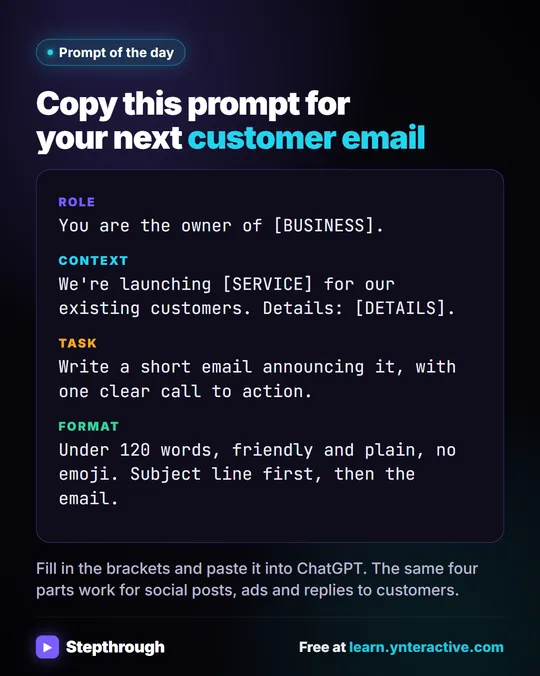
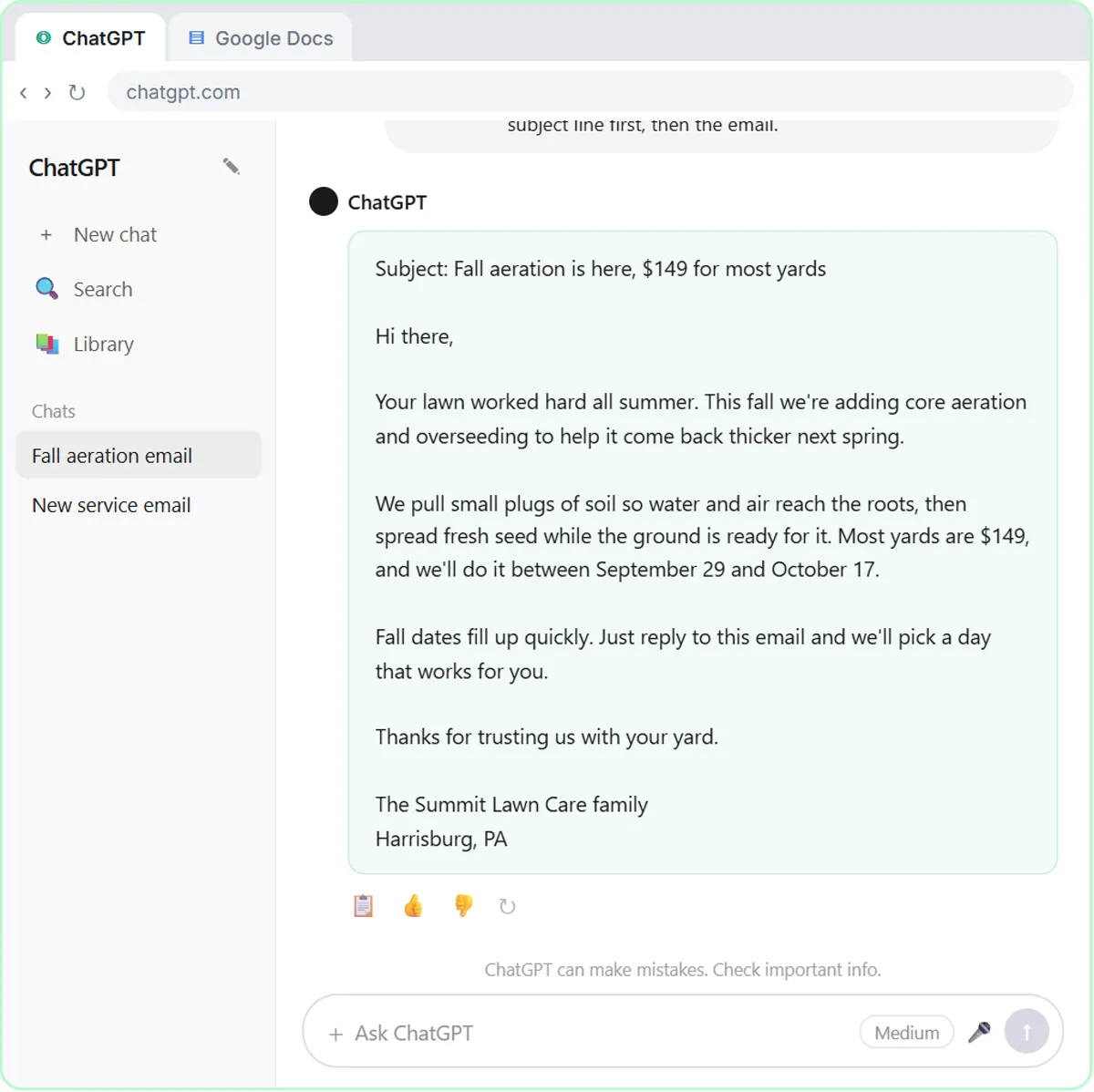
Say so in the Format part of your prompt. Prompt Writing 101 builds every prompt in four parts, and the last one, Format, sets length, tone and layout. The lesson's format line is "Keep it under 120 words, friendly and plain, no emoji. Put the subject line first, then the email." Add one more sentence:
Plain text only: no Markdown, no asterisks, no pound signs, no bold or headings.
If you want a list, say how: "Use simple numbered lines like 1. 2. 3." Plain numbered lines paste cleanly almost everywhere.
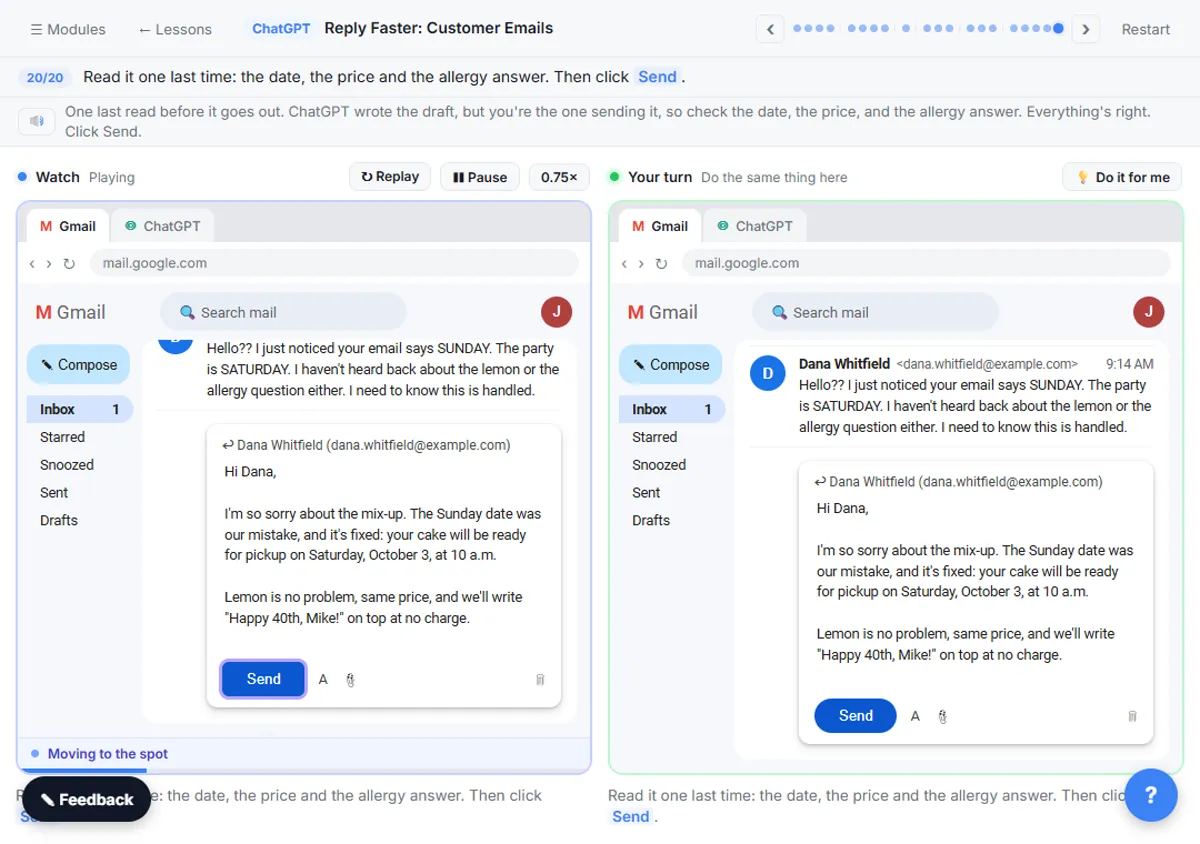
The Reply Faster: Customer Emails lesson adds a second useful habit. Its final request ends with "Reply with just the email." That keeps ChatGPT from wrapping the reply in a heading or a "Here's your revised email:" line you'd have to delete.
Try it free, step by step
Prompt Writing 101: Role, Context, Task, Format. Ask ChatGPT for the same customer email twice, once vaguely and once with a four-part prompt, and see exactly why structure gets a better answer. You do every step yourself in a practice copy of ChatGPT, it checks your work as you go, and “Do it for me” finishes any step you get stuck on. Free, and nothing touches your real accounts.
Start the free lessonCan I fix it after ChatGPT has already answered?
Yes, two ways. Ask ChatGPT to redo it ("Rewrite that as plain text with no Markdown symbols, and keep every word the same"), or paste it as plain text yourself.
Many browsers and web apps, including Gmail and Google Docs, support Ctrl+Shift+V (Cmd+Shift+V on a Mac) to paste without formatting. That strips rich formatting, but it can't remove symbols that were copied as text, so asking ChatGPT for plain text up front is more reliable.
How do I make plain text the default?
Put it in ChatGPT's custom instructions, the settings where you tell ChatGPT how to respond in every new chat. Add a line such as "When I ask for an email, message or text for a form, write plain text with no Markdown symbols." The glossary entry on custom instructions explains the feature.
Keep the line specific. "Never use Markdown" also removes tables and lists you might want when you're reading an answer in ChatGPT itself. "Plain text for anything I'll paste elsewhere" keeps both.
Why do asterisks show up in my n8n emails?
Because the AI step wrote Markdown and the email step sent it as is. The fix is the same idea, written into the automation.
In the AI Email Responder lesson, the agent's system message includes the line "Friendly, plain and short. Plain text, not HTML." In the Daily Job Alerts lesson, the Gmail step's Email Type is changed from HTML to Text, so the message goes out exactly as written. If a workflow's emails show stray symbols, add a plain-text rule to the system message and check the email step's type. The glossary entry on plain-text email explains the difference.
Is Markdown ever useful?
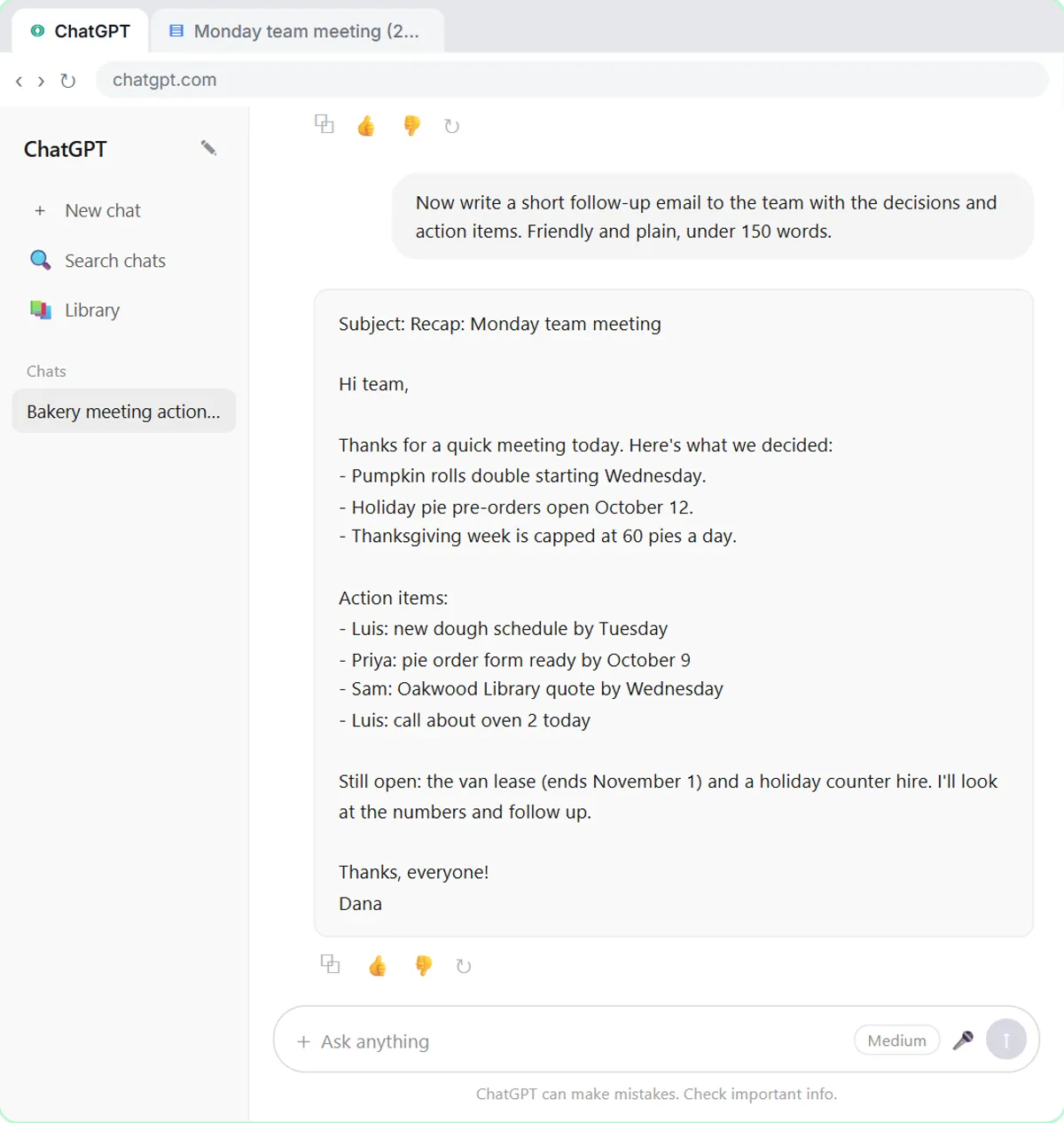
Yes, when you're reading in ChatGPT or pasting into a tool that understands it. Tables from ChatGPT, like the action items table in a meeting summary, are much easier to read than paragraphs, and many note apps and documentation tools render Markdown properly. The trick is matching the format to where the text is going. How to Ask ChatGPT for a Table covers the cases where formatting helps.
Key takeaways
- Asterisks and pound signs in pasted ChatGPT text are Markdown formatting codes that the destination doesn't render.
- Adding "Plain text only: no Markdown, no asterisks, no pound signs" to the Format part of a prompt prevents them.
- Ending a request with "Reply with just the email," as the Reply Faster lesson does, removes extra headings and intro lines.
- Ctrl+Shift+V pastes without formatting in many apps, but asking for plain text up front is more reliable.
- In n8n, a plain-text rule in the AI Agent's system message and a Text email type keep symbols out of automated emails.
Frequently asked questions
- What do the double asterisks in ChatGPT answers mean?
They mark bold text in Markdown. ChatGPT's window shows them as bold, but plain-text fields show the asterisks themselves.
- How do I copy from ChatGPT without formatting?
Ask for plain text in your prompt, then copy. You can also paste with Ctrl+Shift+V (Cmd+Shift+V on a Mac) in many apps to drop rich formatting.
- Can I tell ChatGPT to never use Markdown?
You can add it to custom instructions, but a narrower rule works better: plain text for anything you'll paste elsewhere, so you keep tables and lists when reading in ChatGPT.
- Why does my AI-written email show symbols in Gmail?
The text was written in Markdown and sent or pasted as is. Ask for plain text in the prompt, or in n8n add a plain-text rule to the system message and set the email type to Text.