What is a plain-text email?
Updated · By Robert Breen
A plain-text email is a message made only of text, with no fonts, colors, images or layout code. The alternative is an HTML email, which can carry formatting and design. Automation tools like n8n let you choose which kind each email step sends.
Why it matters for a small business
Most email between people is effectively plain text: a few short paragraphs and a sign-off. When an automated message arrives looking like a newsletter, it reads as marketing, and customers skim it or ignore it. Plain text reads like a person wrote it, shows up the same on every phone and email app, and is easier to keep short.
It also avoids a quiet failure in AI-written email. If a step expects HTML and the model writes plain sentences, or the other way round, you can end up with run-together paragraphs or stray formatting symbols in front of a customer. Picking plain text, and telling the model to write plain text, keeps what you test and what the customer sees the same.
In a real lesson: AI Email Responder: Draft Gmail Replies Automatically with n8n
In the AI Email Responder lesson, the agent drafts replies for Greenline Pest Control, a made-up pest control company. When you set up the Gmail tool's draft, the voice-over notes that the email type stays on text, because plain text reads more like a person than fancy formatting.
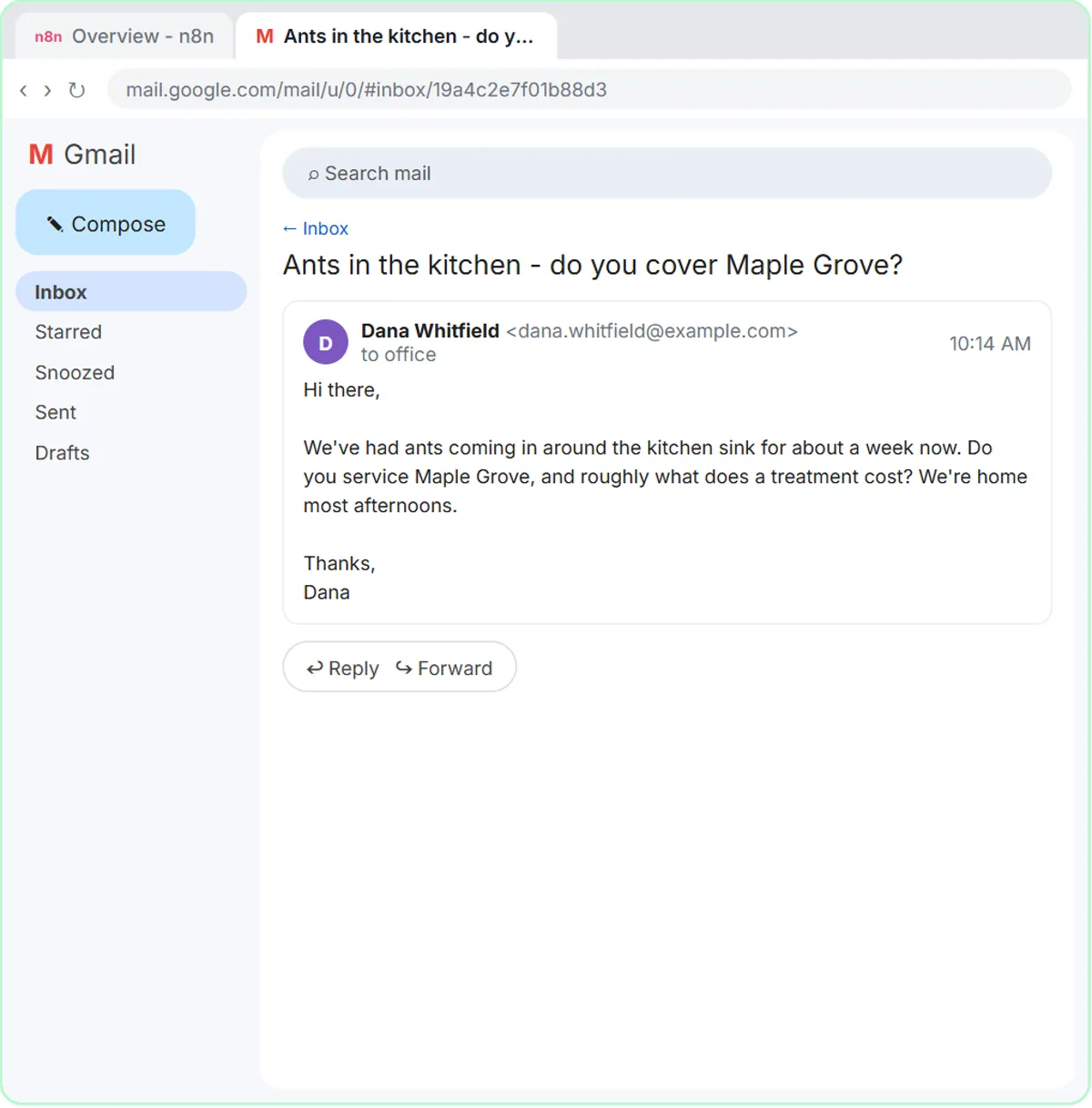
The system message says it again in its "How to write" section: "Friendly, plain and short. Plain text, not HTML. Sign off as "The Greenline team"." So the setting and the instructions agree, and the draft that lands under Dana's email about ants in Maple Grove looks like a normal reply from the office.
The Daily Job Alerts lesson makes the switch by hand. The Gmail: Send a message step opens with Email Type set to HTML; the voice-over says that for a quick job note, plain text is simpler and reads fine on a phone, so you choose Text. Then you add the option Append n8n Attribution and turn it off, so the tech doesn't get a "sent with n8n" line at the bottom.
Try this lesson free or read the step-by-step guide.
Common confusions
Plain text vs Markdown
Markdown uses symbols like asterisks for bold. In a plain-text email those symbols show up as-is, so tell the AI not to use them.
Plain text vs a Gmail draft
A Gmail draft is about when the email is sent (after you review it). Plain text is about how it looks. The Greenline agent uses both.
Tips
- Tell the AI "plain text, no formatting symbols" in its instructions.
- Use short paragraphs and blank lines instead of bold or bullets.
- Turn off tool signatures like the n8n attribution line for customer-facing mail.
Related terms
Where you use it: free lessons
- AI Email Responder: Draft Gmail Replies Automatically with n8n (n8n, 12 min)
- Daily Job Alerts: Email Each Tech Their Jobs from Google Sheets with n8n (n8n, 10 min)
Frequently asked questions
- Should automated emails be plain text or HTML?
- For replies, confirmations and internal notices, plain text is usually better: it looks personal and works everywhere. HTML suits designed newsletters and promotions.
- Why does my AI email show asterisks and pound signs?
- The model wrote Markdown formatting and the email is plain text. Tell it to write plain text with no formatting symbols.