What is a merge field?
Updated · By Robert Breen
A merge field is a placeholder in a message template that gets replaced with each recipient's own details when the message is sent, such as their first name, their appointment time or their pet's name. One template, filled in differently for every person, is a mail merge.
Why it matters for a small business
Personal messages get read. "Hi Jordan, we got your request for Biscuit" lands better than "Dear customer", and it proves someone actually looked at the request. Writing each one by hand doesn't scale, though, and copying names into a template is where typos and wrong names creep in. Merge fields give you both: a message you write once and details that are always pulled from the record, never retyped.
Merge fields are also predictable, which matters. The template text never changes, only the slots do, so you know exactly what every customer will receive. That makes them a good fit for confirmations, reminders and job notices, where you want consistency more than creativity. When the wording itself needs to change per person, that is a job for AI writing, not a merge field.
In a real lesson: Find and Use n8n Templates
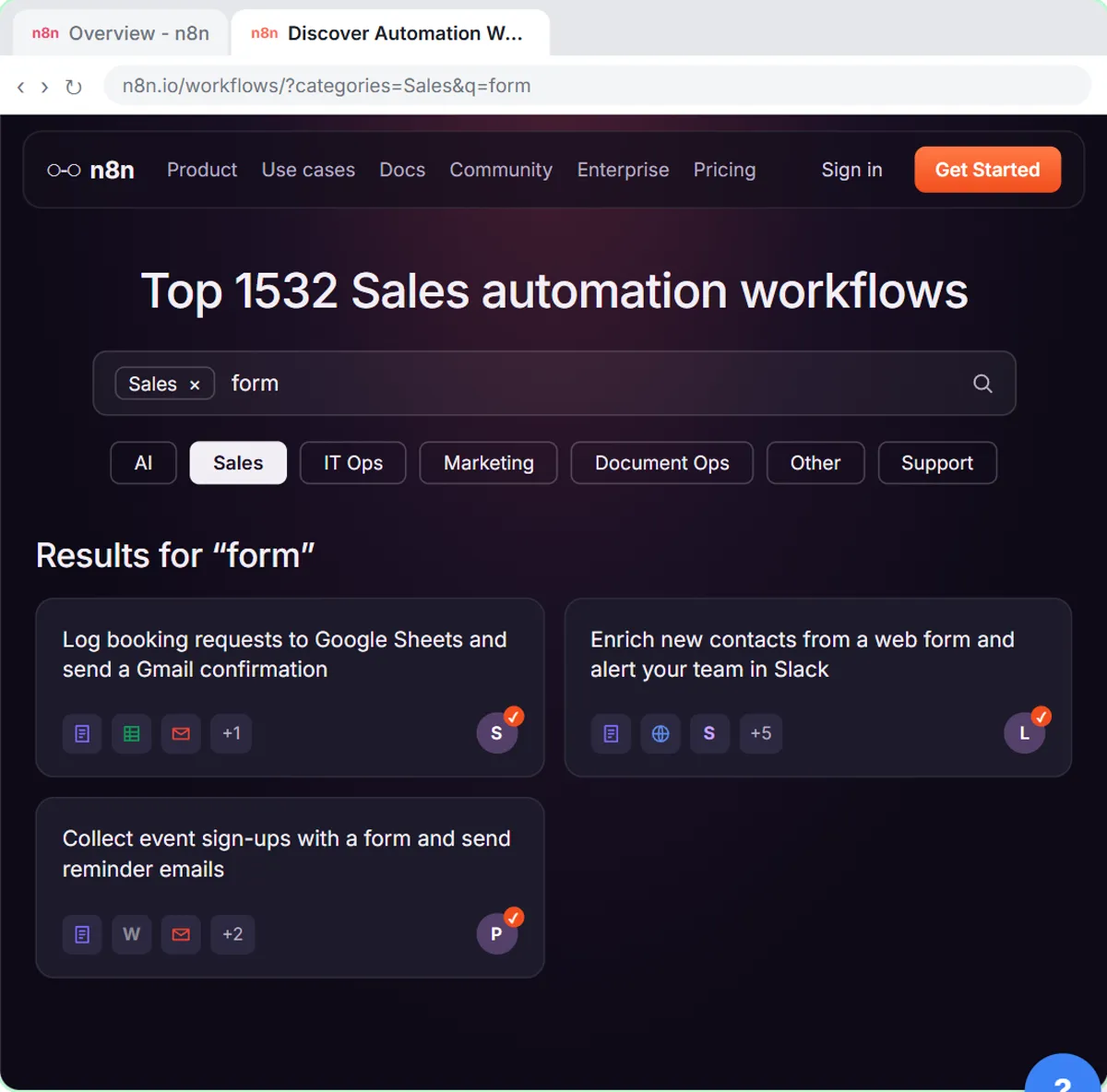
In the Find and Use n8n Templates lesson, you set up a booking workflow for Hillside Pet Grooming, a made-up grooming shop. The imported template already sends a Gmail confirmation to the address from the form, but its wording is someone else's. You open the Send a message node and paste Hillside's own message.
That message has two merge fields written as n8n expressions: it opens with Hi {{ $json.Name }}, and thanks the customer for their request for {{ $json["Pet name"] }}. The second one needs square brackets and quotes because the column name has a space in it. When you test with Jordan Lee and a pet called Biscuit, the confirmation that goes out opens "Hi Jordan Lee," and names Biscuit in the body.
The Daily Job Alerts lesson does the same in its "Write the email" chapter: the message says Hi {{ $json.Tech }}, and lists the job, address, time and customer, each from its own column, so every tech gets a note that reads as if it was written for them.
Try this lesson free or read the step-by-step guide.
Common confusions
Merge field vs expression
In n8n, a merge field is written as an expression. "Merge field" describes the purpose (a personal slot in a message); "expression" is the n8n syntax that fills it.
Merge field vs AI personalization
A merge field drops in a stored value, word for word. An AI step writes new wording for each person, like a follow-up that mentions the exact repair. Use merge fields when the facts are in your data, AI when the message itself must change.
Tips
- Check what happens when a field is blank. "Hi ," looks worse than "Hi there,".
- Use a first-name column if you have one; full names read stiffly in a greeting.
- Send yourself a test with a long name and an odd character before going live.
Related terms
Where you use it: free lessons
- Find and Use n8n Templates (n8n, 9 min)
- Daily Job Alerts: Email Each Tech Their Jobs from Google Sheets with n8n (n8n, 10 min)
Frequently asked questions
- Can I do a mail merge with Google Sheets and Gmail without code?
- Yes. An n8n workflow can read each row with Google Sheets, then send a Gmail message with merge fields that pull in that row's name and details. The Daily Job Alerts lesson builds one.
- Why does my merge field show up empty?
- The name in the expression doesn't match the field name in the data, often because of a space or a capital letter. Compare it with the input panel in n8n.