Updated . Built step by step in a real Runable account on 3 November 2026. Every screen in the practice is a real Runable screen, and the workbook, the notes that said "she", the overall-only flag and the fix are what Runable produced in that run. How we check this lesson
A small firm hiring for one role usually has three people interview each candidate, three styles of notes, and a debrief run from memory. In this free lesson you follow Priya Nair (made up), the hiring partner at Lumen Ridge Architects, as she briefs Runable's Sheets tool for a weighted interview scorecard for a Project Coordinator: five criteria with weights, a weighted score per interviewer by formula, a summary that ranks the candidates, and two questions per criterion with what a 1 and a 4 answer sound like. Runable builds the workbook in a minute and a half for 15 credits. She checks a weighted score by hand, then reads the notes and finds two that describe the person instead of the evidence, and a disagreement flag that only compares averages. She asks for both fixes in one message and checks them in a fresh copy of the file.
At a glance
| Question | Answer |
|---|---|
| What you build | A business case for hiring managers: brief Runable's Sheets tool for a weighted interview scorecard with a summary and question bank, check the formulas and the notes, and fix what averages hide by chat. Real Runable screens, 3 November 2026. |
| Tools | Runable |
| Time | About 10 minutes, 22 steps in 6 parts |
| Level | Beginner, no coding needed |
| Cost | Free |
| Ways to learn it | Practice it step by step |
The 6 parts, in short
- Debriefs from memory: Count what the debrief costs, Ask for a scorecard instead.
- Brief the Sheets tool: Open Sheets under Productivity, Pick the nearest starting prompt, Use the middle template, Replace the sample prompt with your brief, and 1 more step.
- Check the workbook: Watch it work, Open the workbook, Give the sheet the full width, Read the notes, not just the numbers, and 2 more steps.
- Fix it by chat: Bring the chat back, Ask for two changes in one message, Send the fix.
- Check the fix in the file: Close the old copy, Open the new file, Check the new column, then the notes, Check the notes.
- What it saved, and what is next: See what you have now, Up next.
Start here first: Brief a One-Page Website and Approve the Plan using Runable (and Budget Your Credits) (module 1 of Jump Start: Runable)
Part of: AI for Recruiting & HR (step 24 of 24)
Part of: AI Apps Worth Knowing (step 84 of 123)
The business case: debriefs from memory
Three interviewers, four candidates, notes in a notebook, an email and nowhere. The debrief takes about four hours a round and goes to whoever remembers most clearly, while the role stays open. These are example numbers; use your own.
An applicant tracking system is priced per seat for a firm that hires a few times a year. A shared, weighted scorecard does most of the job, and Runable's Sheets tool builds one with working formulas from a plain brief. The work left for the hiring manager is the brief and the check.
What you do in the lesson
You open Sheets under Productivity, pick the Sales Pipeline starting prompt (the nearest shape: people in rows, scored columns and a total), and type a brief over the template's sample prompt: the role, three interviewers, five criteria with weights that add up to 100%, what each of the three tabs must do, four made-up candidates, and no age, family or other personal details.
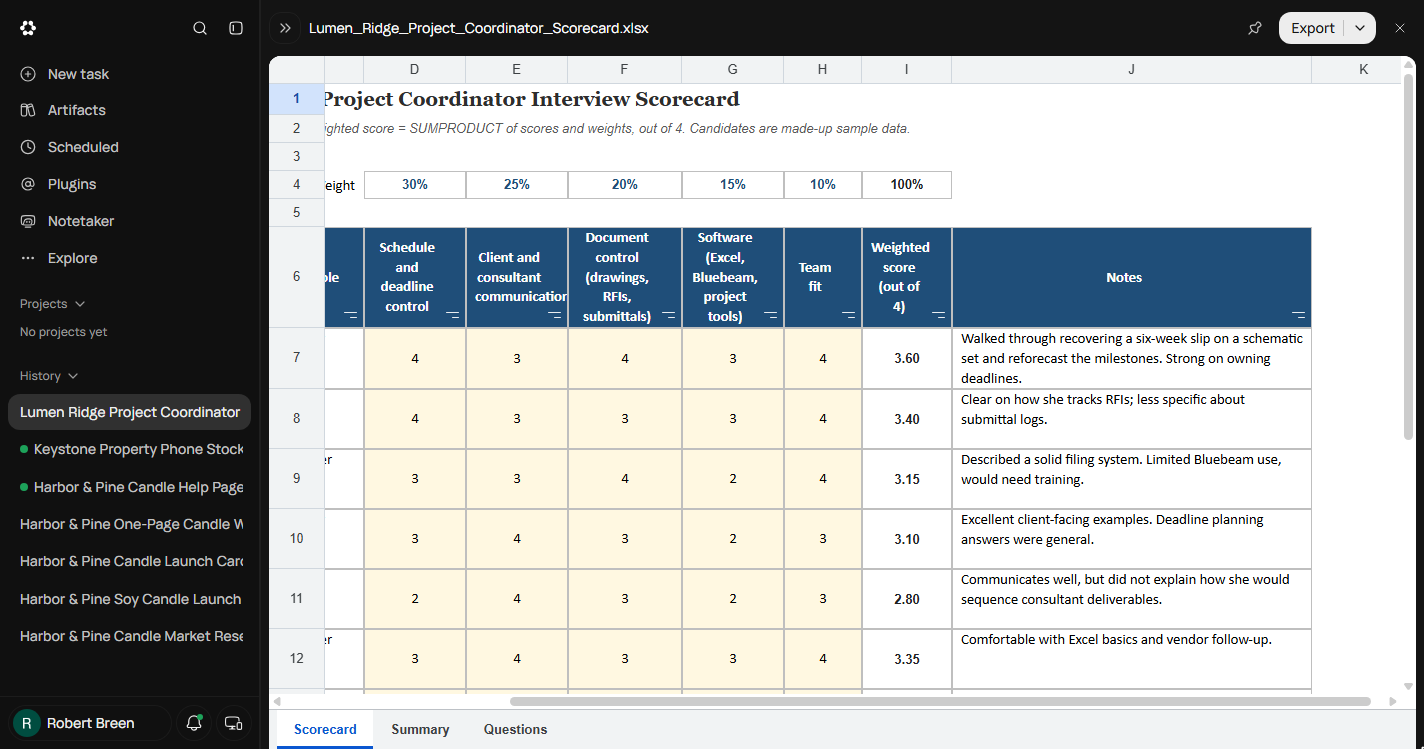
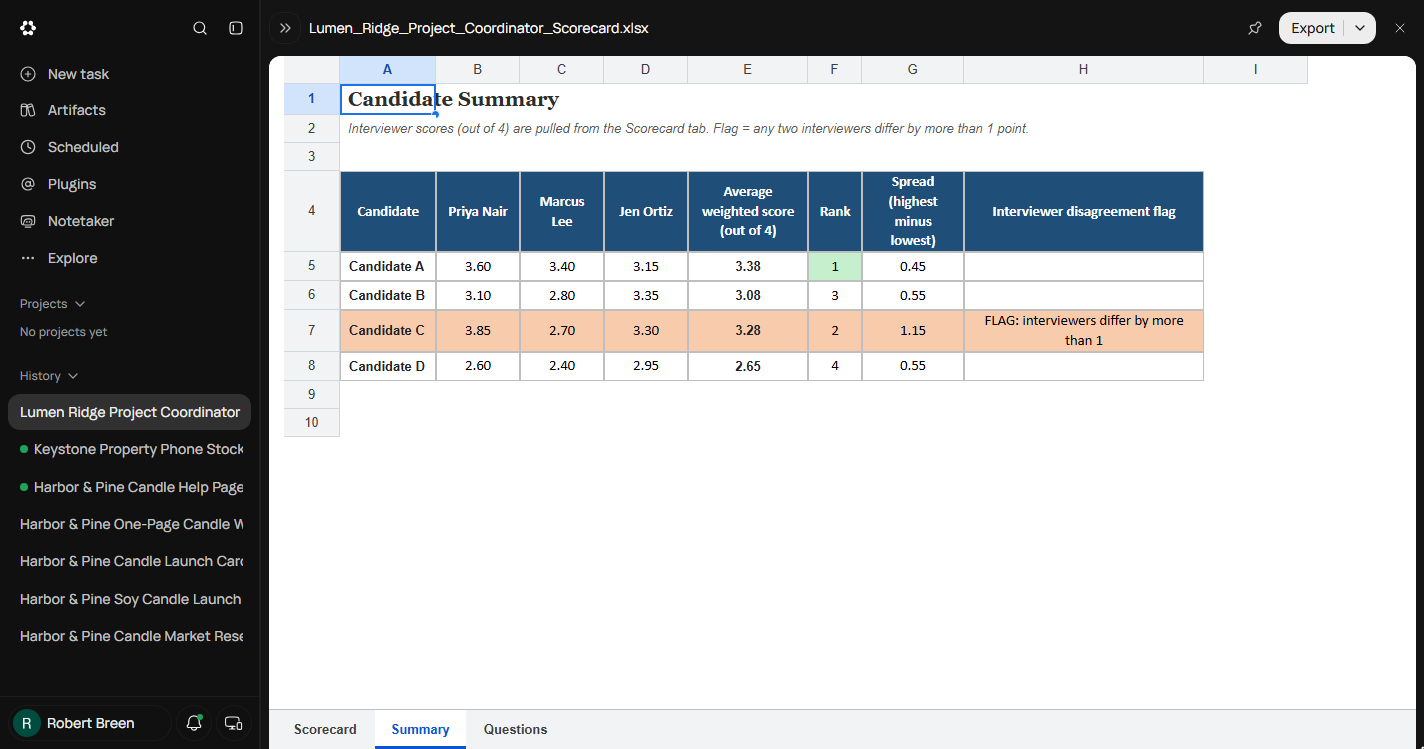
Runable asks no questions this time, because the brief answered them. It works for 1m 35s and delivers a three-tab workbook for 15 credits. You check a weighted score by hand (4, 3, 4, 3, 4 at 30/25/20/15/10 is 3.60), then read the notes: two say "how she tracks RFIs" and "how she would sequence". On the Summary tab, Candidate C is flagged because the overall scores are 1.15 apart, but the flag only looks at overall scores, so a 4 and a 2 on the most important criterion could hide inside two averages that look close.
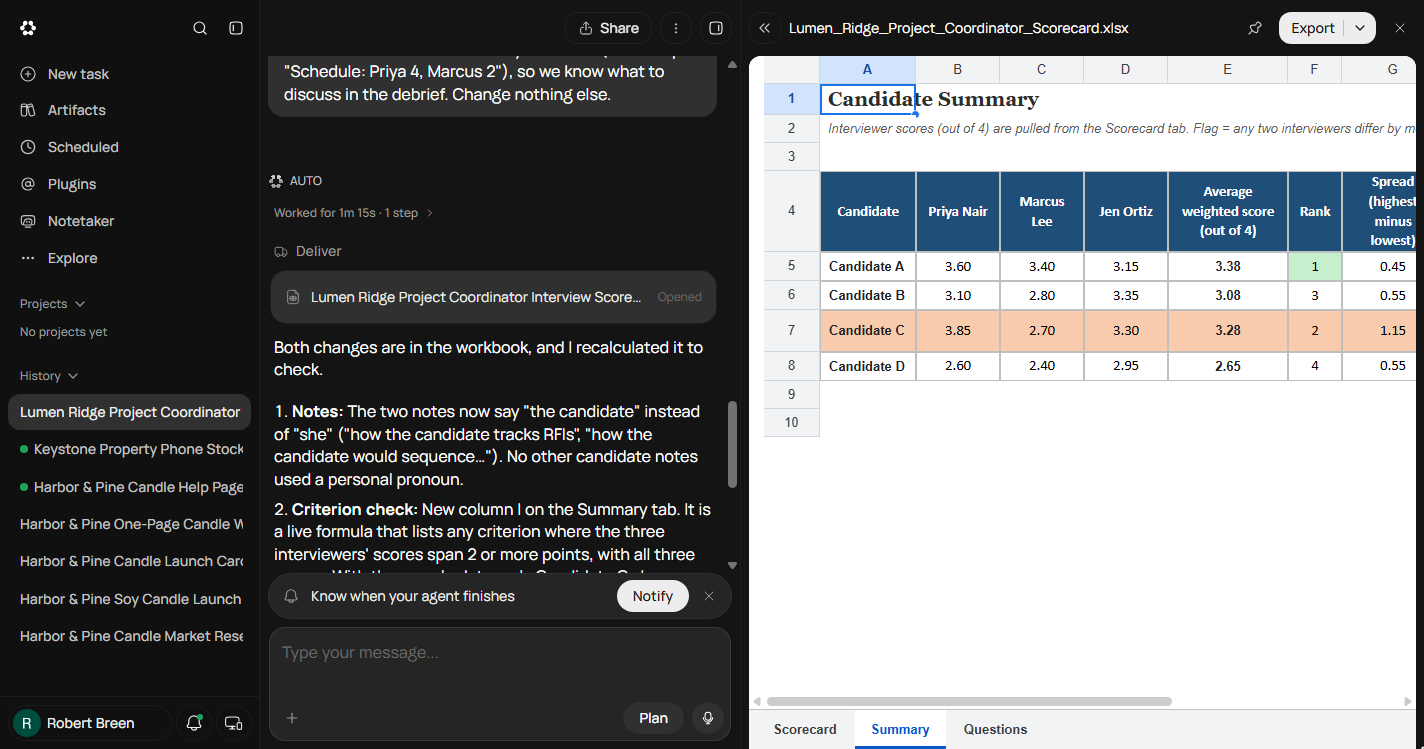
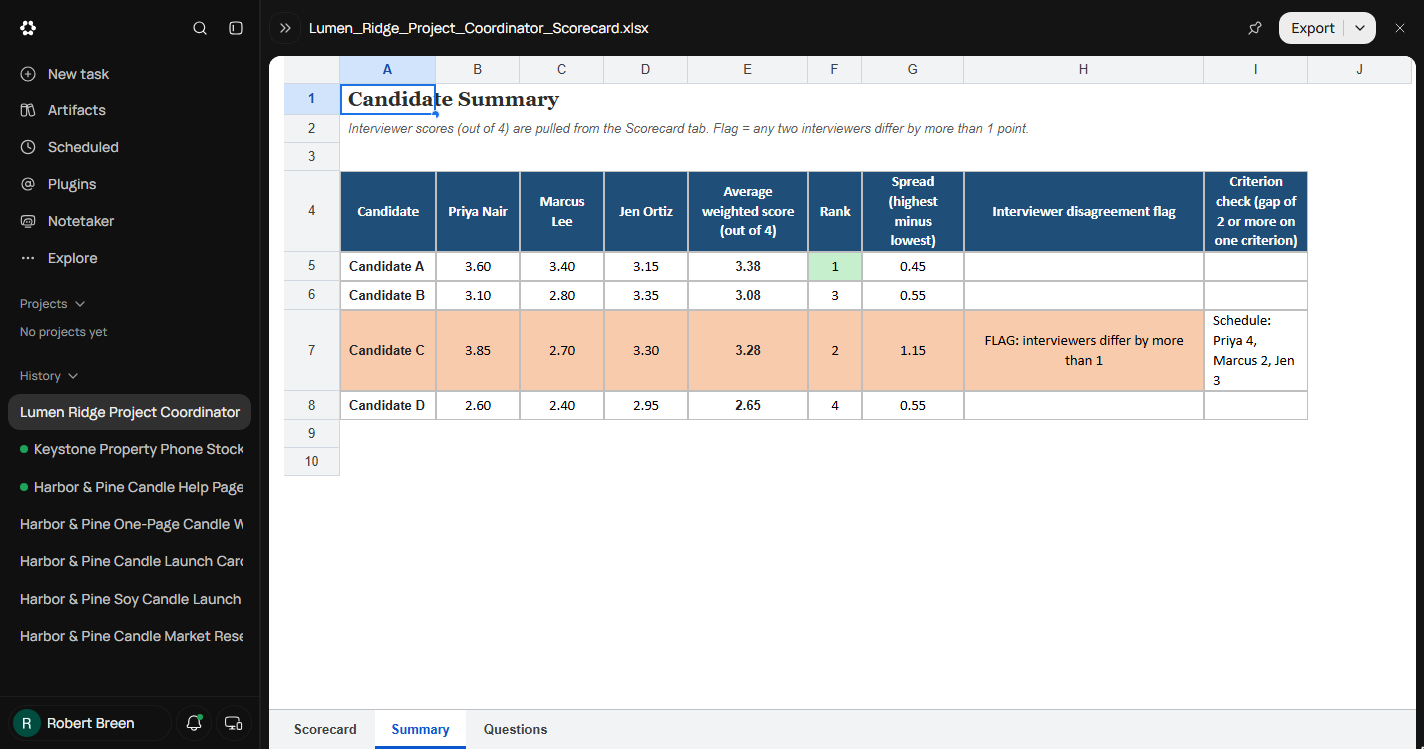
You ask for both fixes in one message, ending with change nothing else. It answers in 1m 15s, but the open viewer still shows the old copy, so you close it and open the new file card (reload if it still looks unchanged). Column I now reads "Schedule: Priya 4, Marcus 2, Jen 3" for Candidate C, and the notes say "the candidate". 33 credits in all.
What it teaches about AI spreadsheets
An AI agent can write live formulas and recalculate them, and its summary will say so. Check one row by hand anyway, then read the text cells: notes, labels and flags carry the judgment, and that is where our run went wrong.
Averages hide disagreements. Ask for a check on each criterion that names the criterion and every score, and start the debrief there. The sheet ranks; people decide.
Links
- Runable: the AI agent this course teaches. Its Free plan showed 1,500 credits a day when we tested it in October 2026.
- Runable pricing: current plans, credits and limits. Check them before you rely on the Free plan.
Try it yourself, free
Reading the steps is a start. Doing them is how it sticks. The interactive module walks you through every click in a practice copy of Runable, checks each step, and never touches your real accounts.
Start “Build a Weighted Interview Scorecard with Runable (and Catch What the Averages Hide)”Step by step: Build a Weighted Interview Scorecard with Runable (and Catch What the Averages Hide)
All 22 steps of the interactive module, in order. In the module you watch each one, then do it yourself in a practice copy that checks your work.
1. Debriefs from memory
- Count what the debrief costs. Lumen Ridge Architects (made up) is hiring a Project Coordinator. 3 interviewers meet 4 candidates, each writes notes their own way, and the debrief is an hour of people remembering out loud. About 4 hours a round, and the role has been open 7 weeks. Click the debrief row.
Three interviewers, four candidates, notes written three different ways. The debrief is an hour of people remembering out loud.
- Ask for a scorecard instead. Instead of a blank spreadsheet, describe the scorecard and let Runable's Sheets tool build it: the criteria and their weights, a weighted score per interviewer, a summary that ranks the candidates, and the interview questions. Click the Runable card.
Describe the scorecard instead, and let Runable build the spreadsheet.
2. Brief the Sheets tool
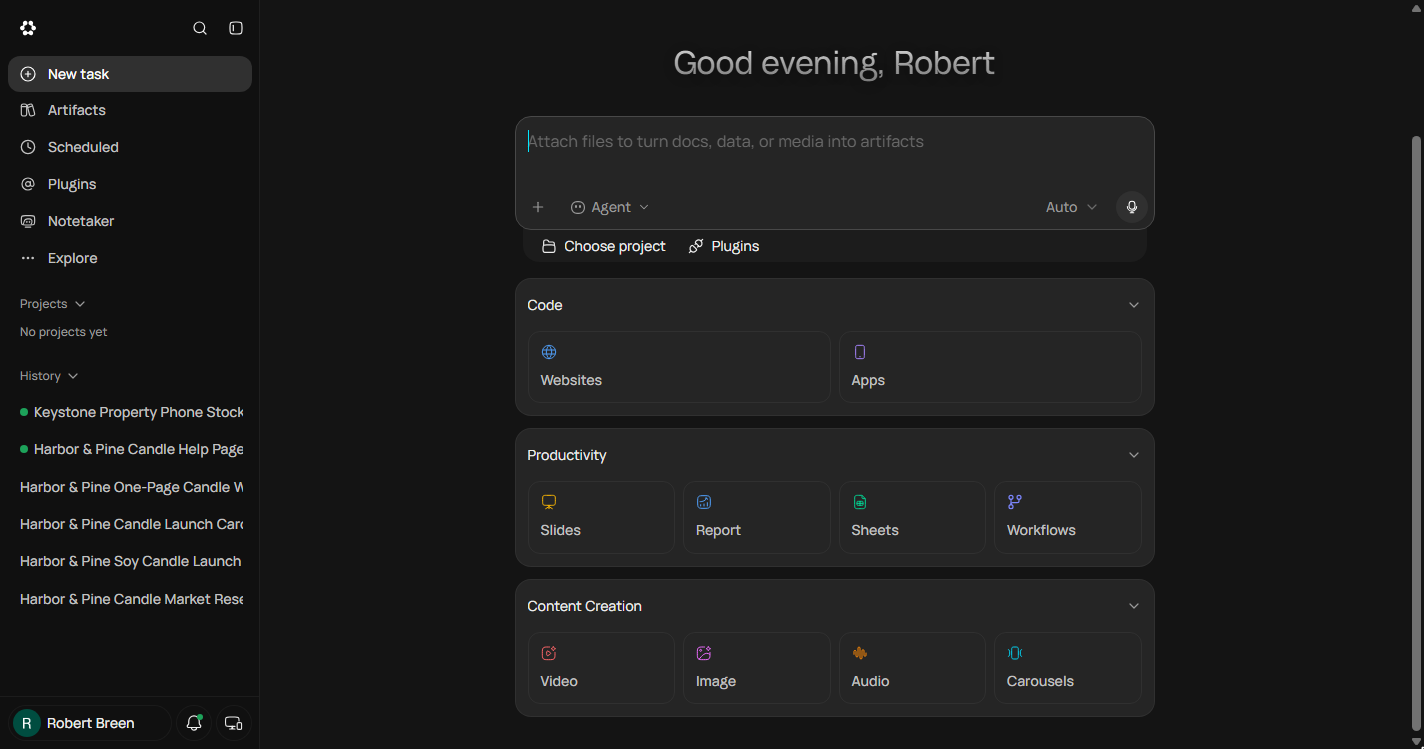
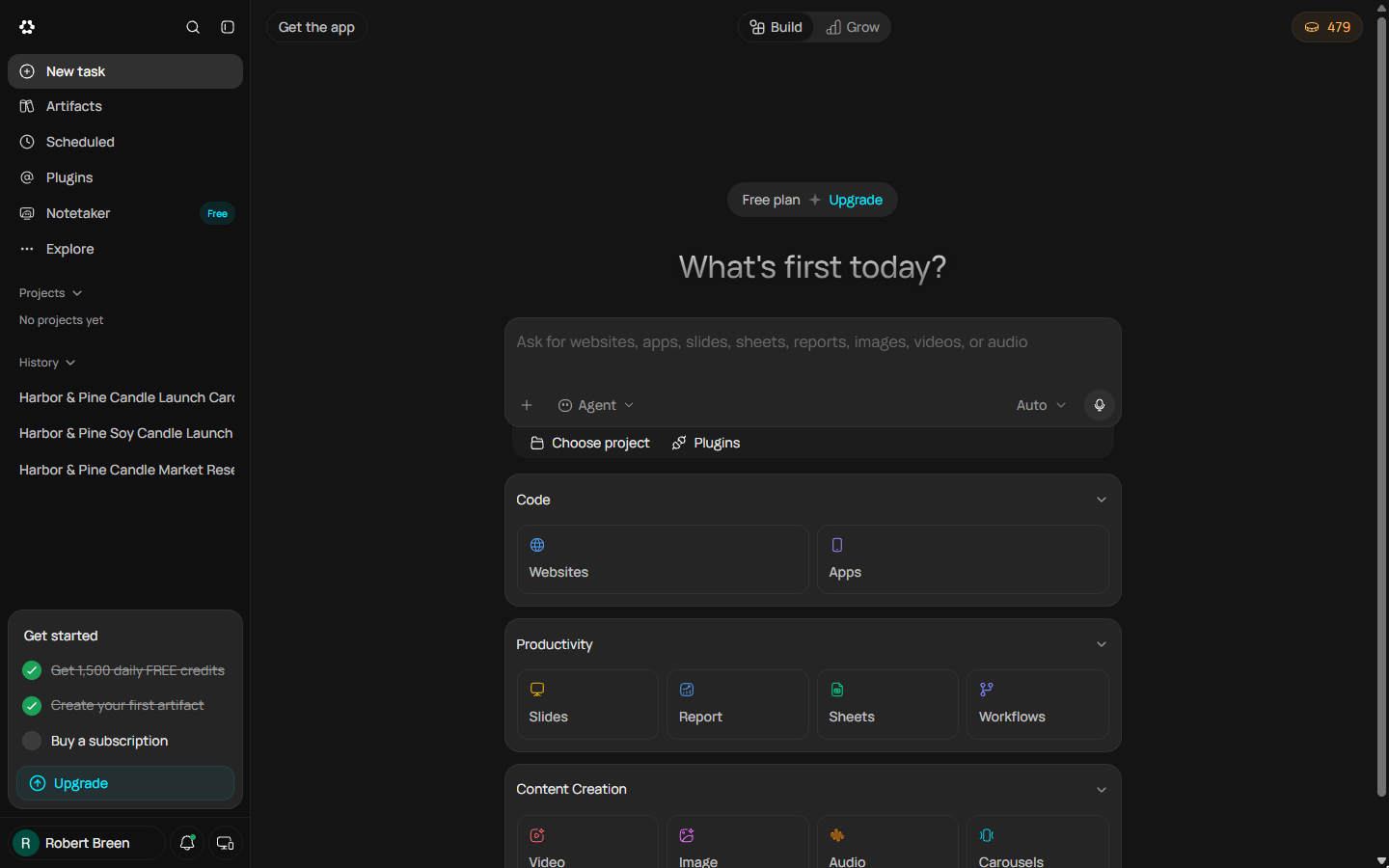
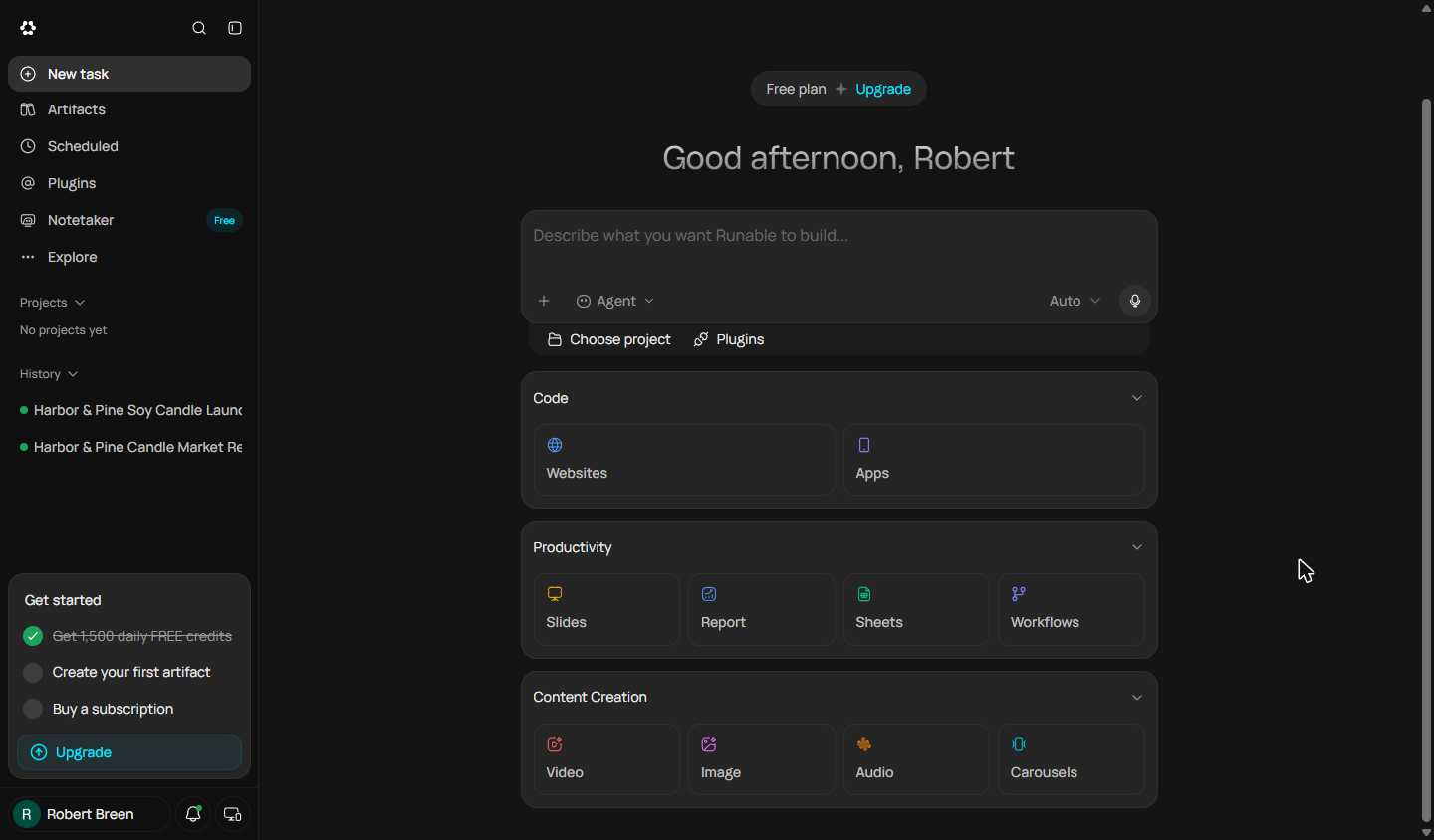
- Open Sheets under Productivity. On Runable's home screen, scroll to Productivity. Slides, Report, Sheets and Workflows each start the agent on one kind of file. Click Sheets.
On the home screen, scroll to Productivity.
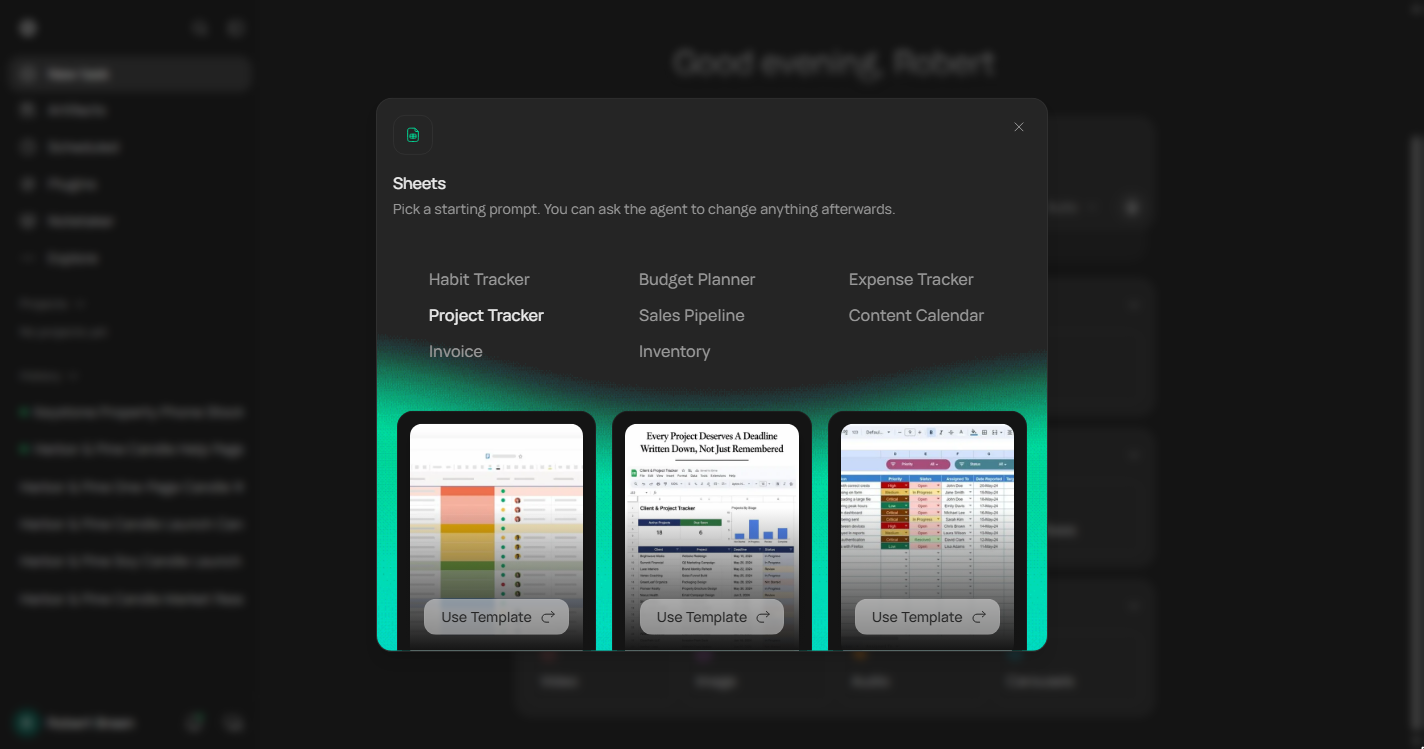
- Pick the nearest starting prompt. Sheets offers starting prompts. There is no scorecard, so pick the nearest shape: rows of people, scored columns and a summary. Click Sales Pipeline.
It offers starting prompts. No scorecard, so pick the nearest shape.
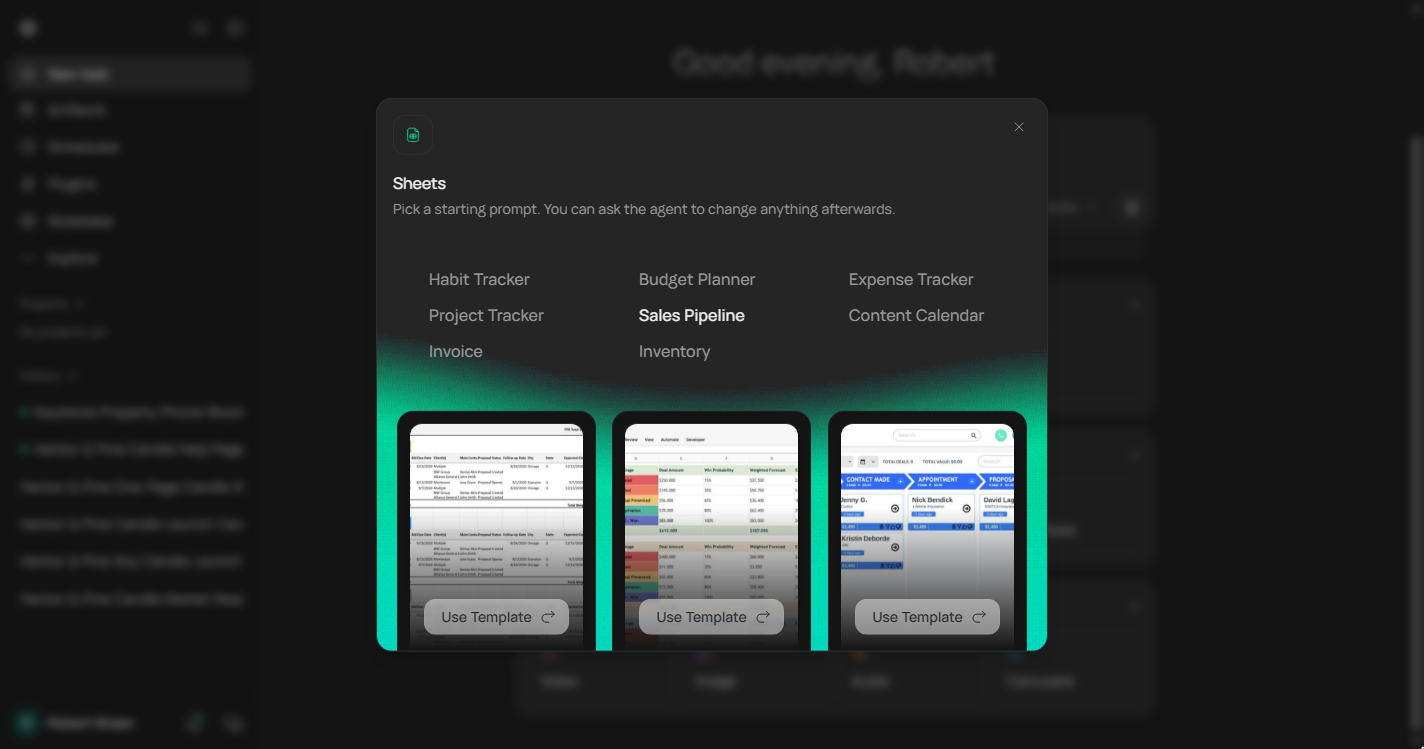
- Use the middle template. Three previews. The middle one has weighted columns and a total, the closest to a weighted scorecard. Click its Use Template.
The middle one has weighted columns and a total.
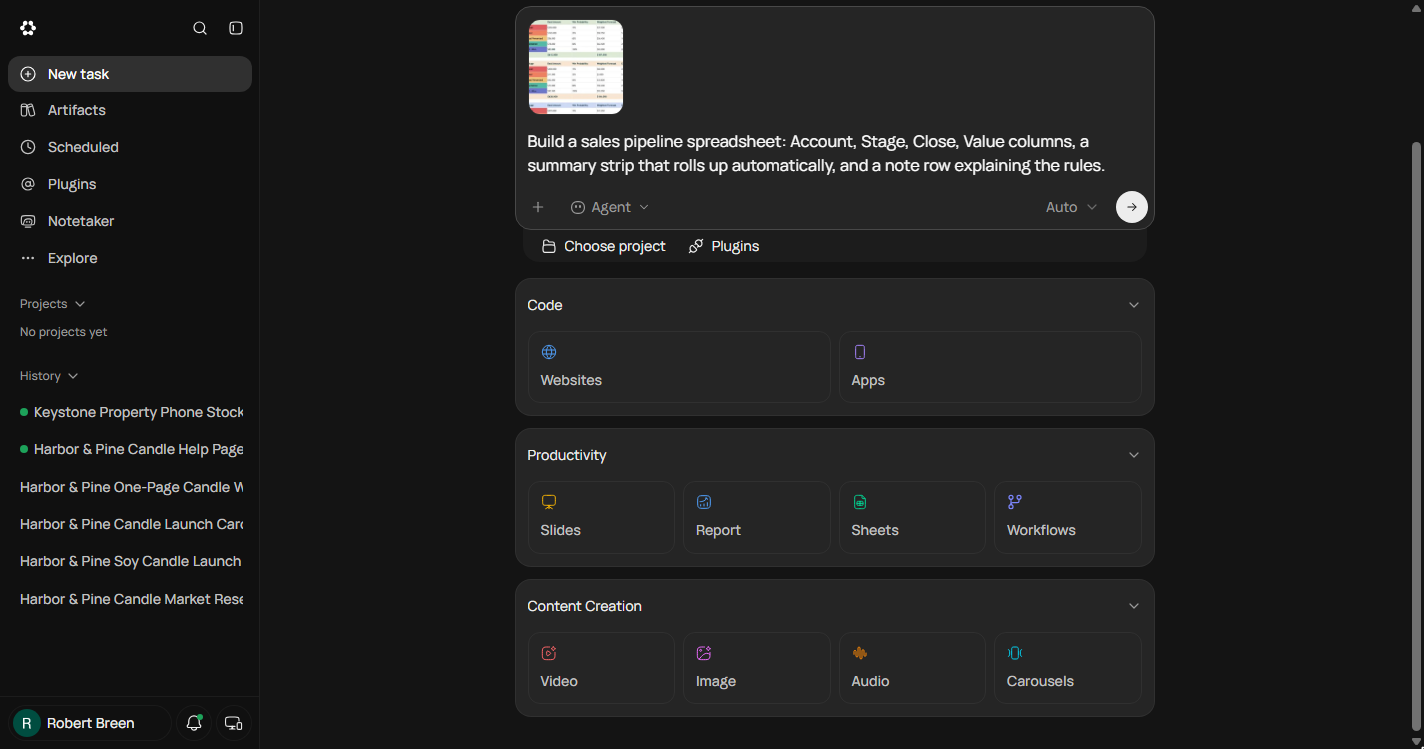
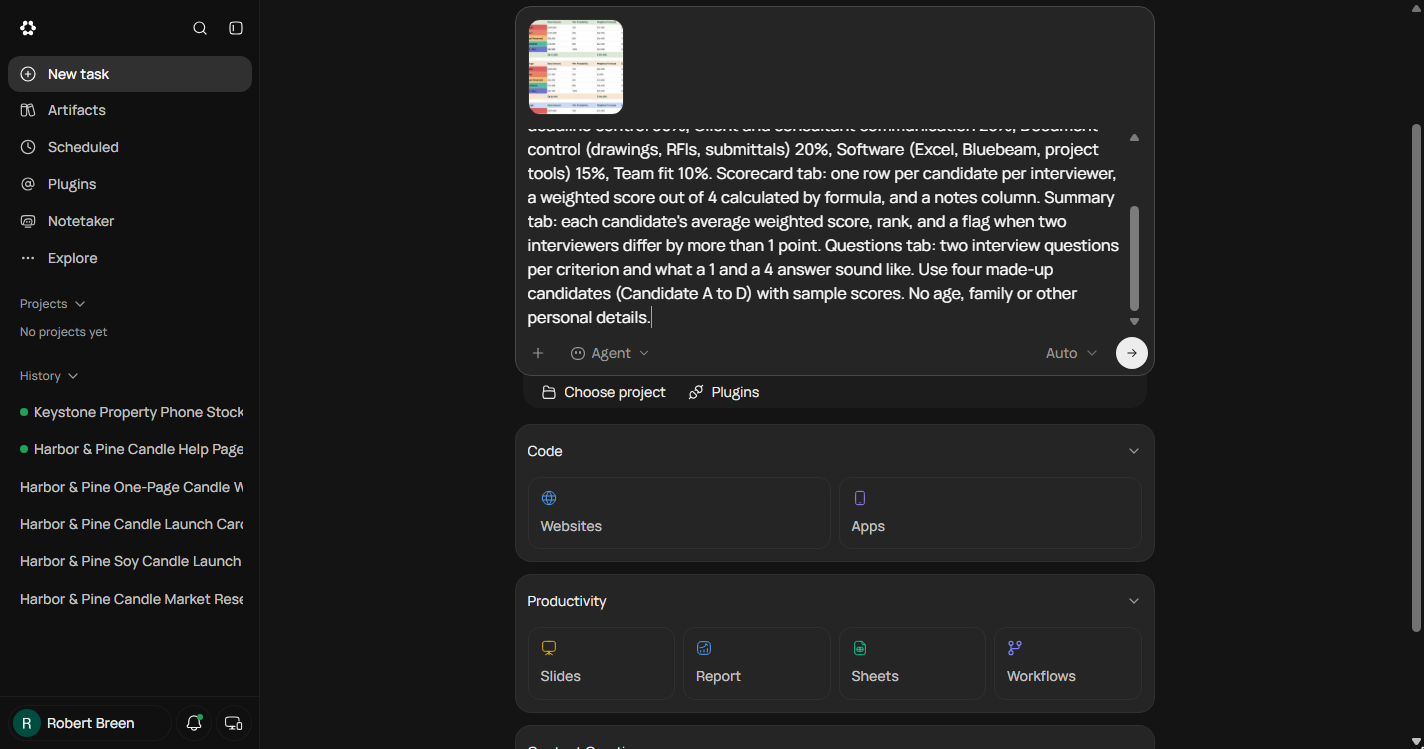
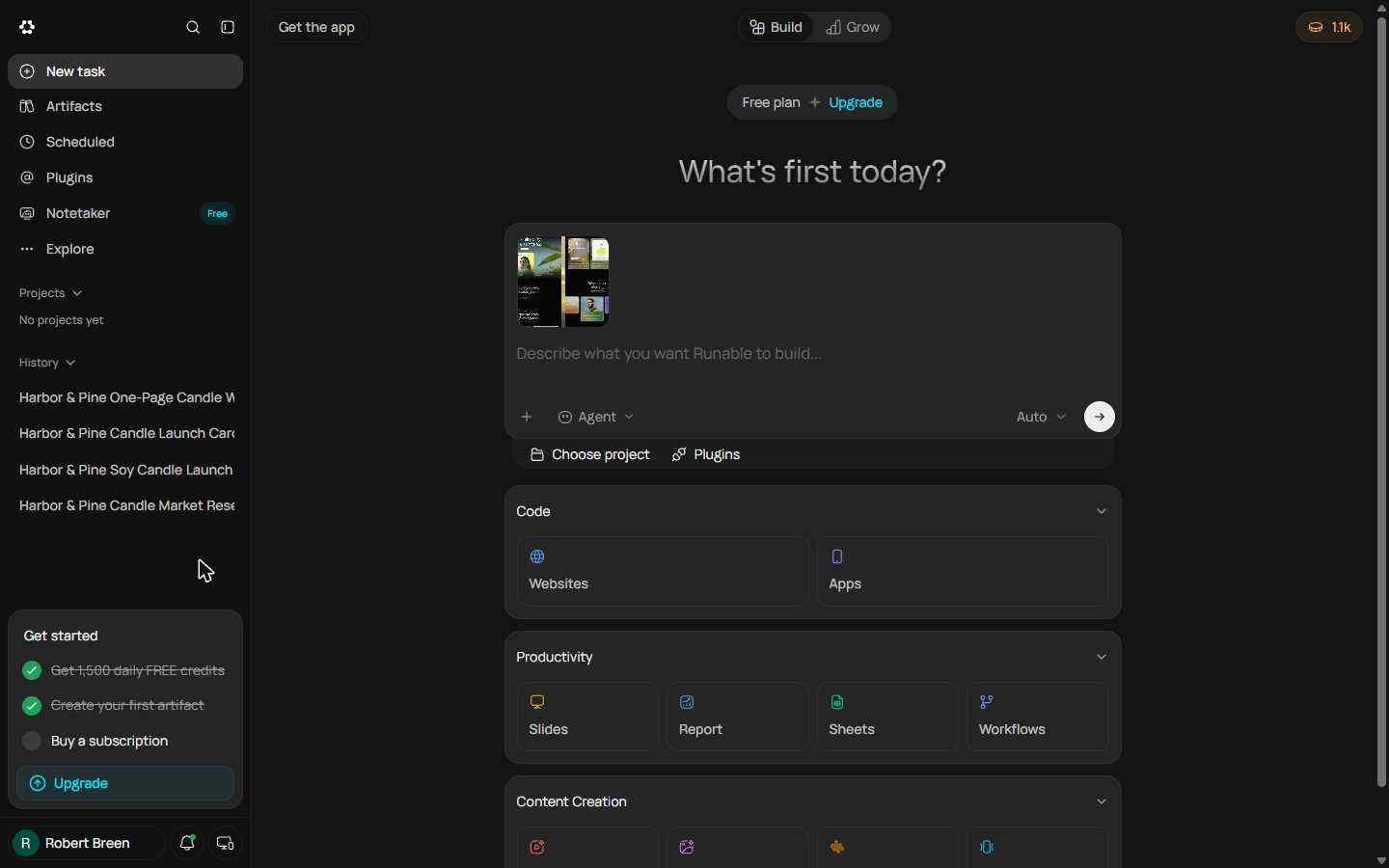
- Replace the sample prompt with your brief. The box fills with the template's own prompt ("Build a sales pipeline spreadsheet...") and a reference image. Select all of that text and type your brief over it: the role, the three interviewers, the five criteria with weights that add up to 100%, what each tab must do, four made-up candidates, and no age, family or other personal details.
The role. The interviewers. Five criteria, with weights that add up to a hundred. What each tab does. And no personal details.
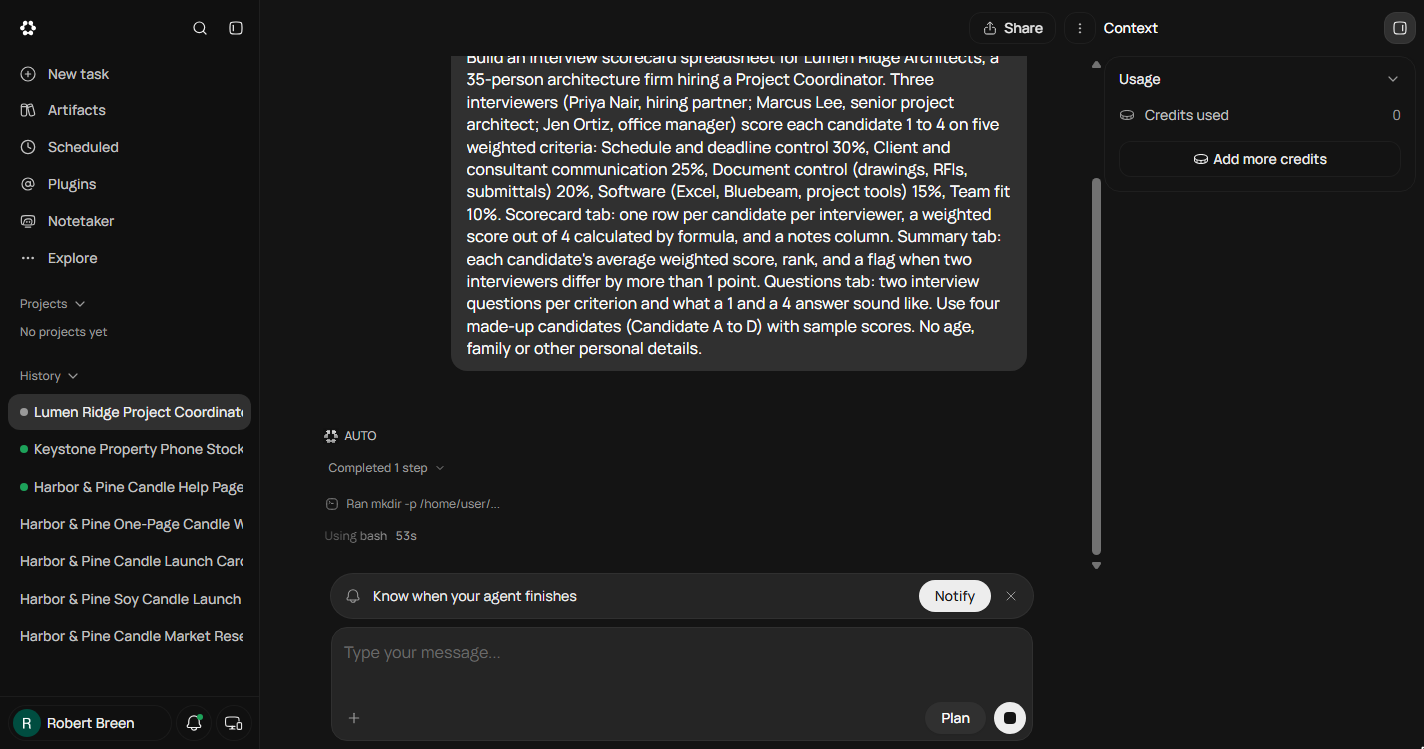
Build an interview scorecard spreadsheet for Lumen Ridge Architects, a 35-person architecture firm hiring a Project Coordinator. Three interviewers (Priya Nair, hiring partner; Marcus Lee, senior project architect; Jen Ortiz, office manager) score each candidate 1 to 4 on five weighted criteria: Schedule and deadline control 30%, Client and consultant communication 25%, Document control (drawings, RFIs, submittals) 20%, Software (Excel, Bluebeam, project tools) 15%, Team fit 10%. Scorecard tab: one row per candidate per interviewer, a weighted score out of 4 calculated by formula, and a notes column. Summary tab: each candidate's average weighted score, rank, and a flag when two interviewers differ by more than 1 point. Questions tab: two interview questions per criterion and what a 1 and a 4 answer sound like. Use four made-up candidates (Candidate A to D) with sample scores. No age, family or other personal details.
- Send it. The reference image stays attached; it is only a look. Click the arrow to send.
3. Check the workbook
- Watch it work. This time there is no Quick question: the brief answered everything, so Runable goes straight to work and starts writing the workbook with its own tools. Click the Ran line to see what it is doing.
No questions this time. The brief answered everything, so it goes straight to work.
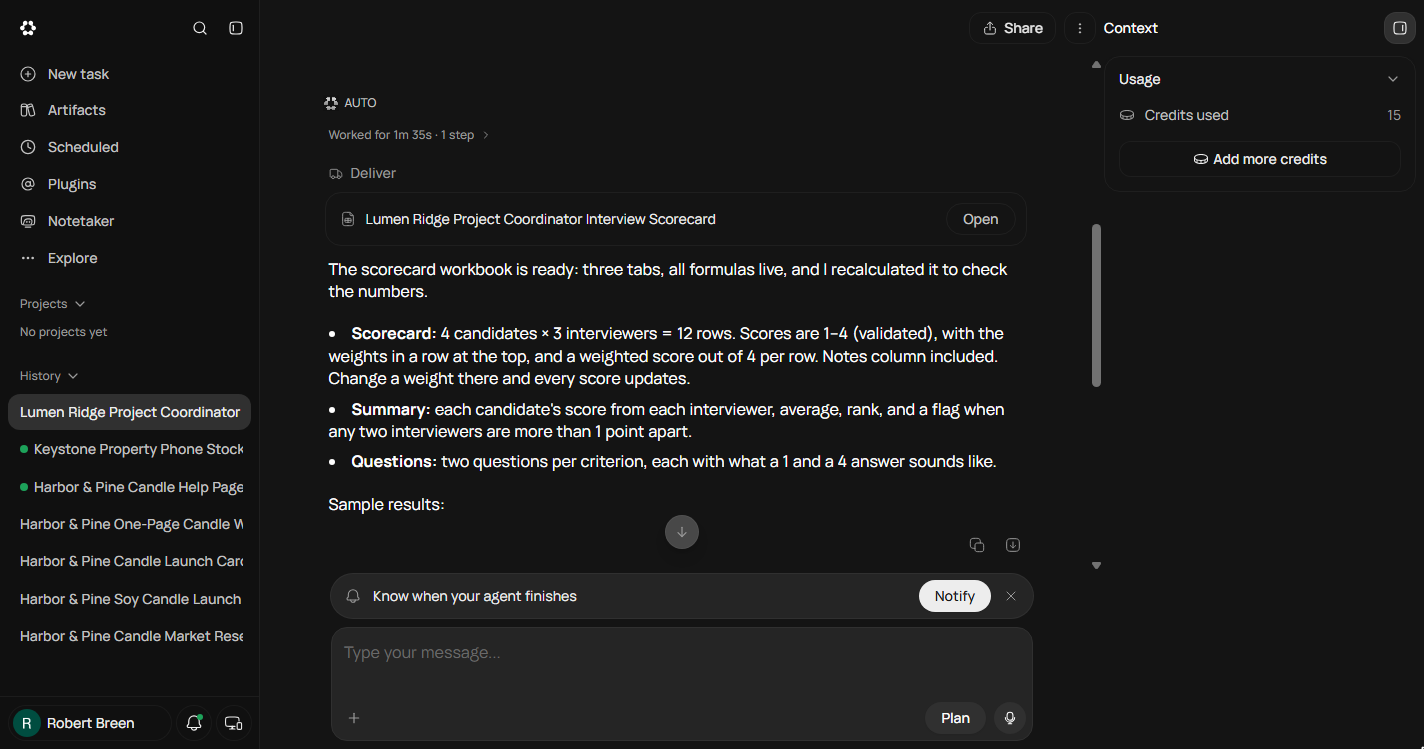
- Open the workbook. Worked for 1m 35s, 15 credits. It says all formulas are live and it recalculated to check them, and that it did not use the sales pipeline image because it did not fit. Its own summary ranks Candidate A first. Do not take its word. Click Open.
A minute and a half, fifteen credits. It says every formula is live, and it checked them. Don't take its word.
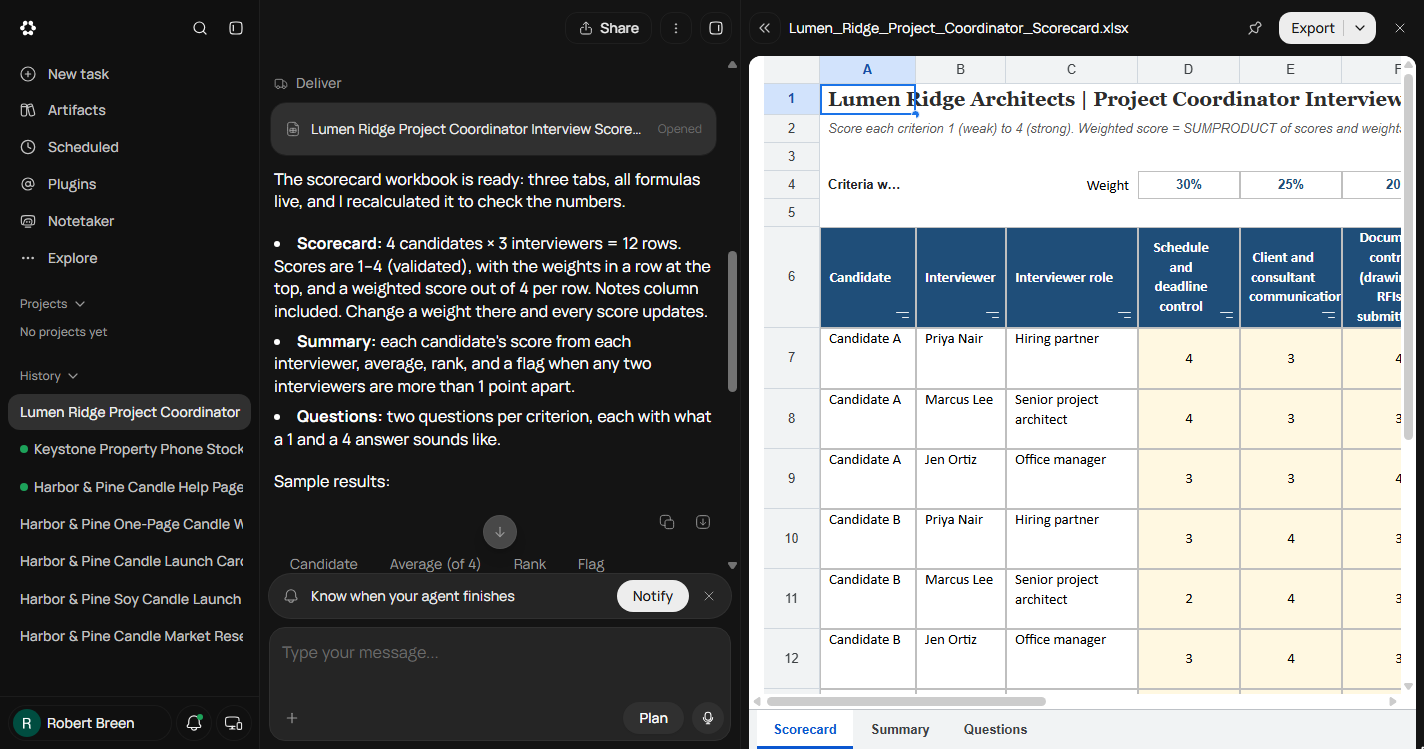
- Give the sheet the full width. The file opens beside the chat with three tabs: Scorecard, Summary and Questions. Click the double arrow at the top left of the file to hide the chat and see every column.
It opens beside the chat, with three tabs.
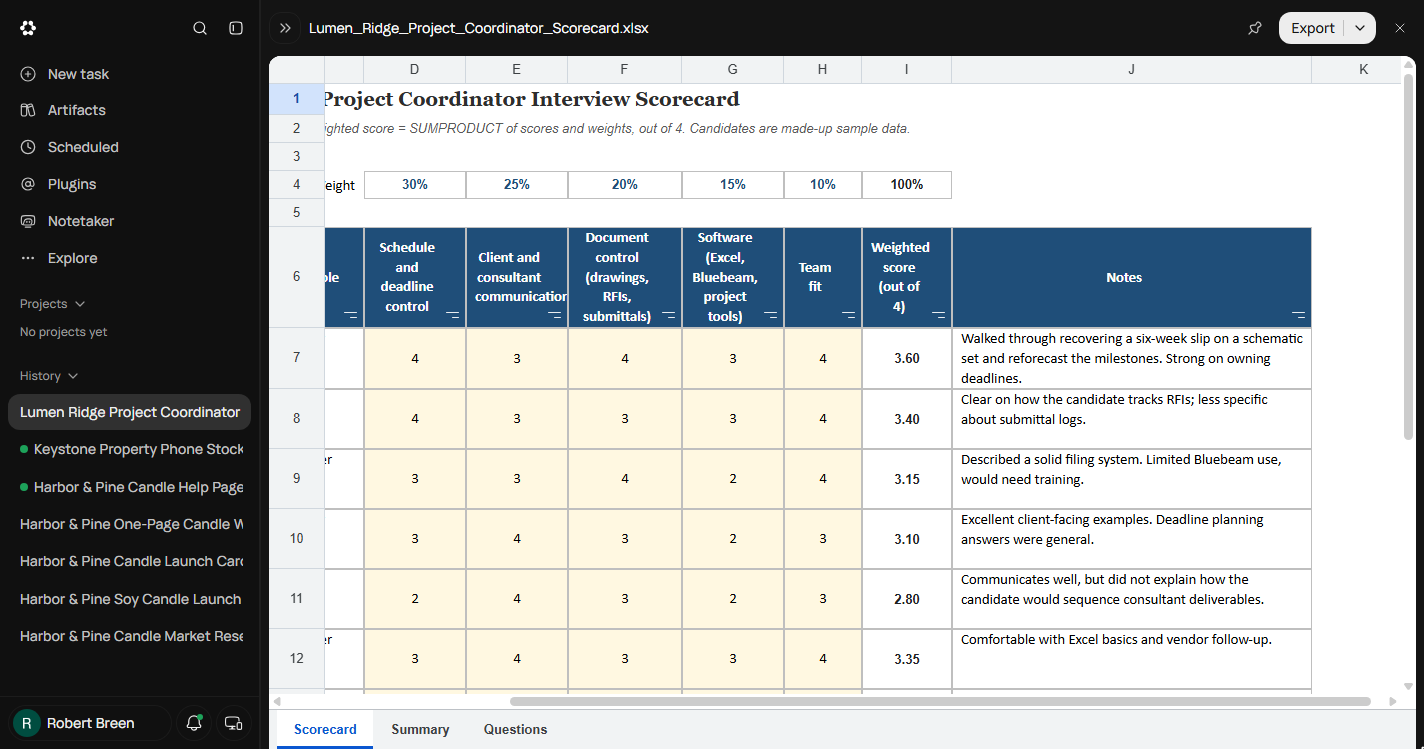
- Read the notes, not just the numbers. The weights sit in row 4 and each Weighted score is a SUMPRODUCT: Candidate A with Priya is 4, 3, 4, 3, 4 = 3.60, which checks out. Now read the Notes. Row 8 says "how she tracks RFIs", and row 11 says "how she would sequence". The brief said no personal details. Click the row 8 note.
The math checks out. Three point six. Now read the notes. Row eight says how she tracks RFIs. That's about the person, not the evidence.
- Open the Summary tab. Notes like that travel into the debrief and the hiring file. Write down what you found, then click the Summary tab.
Note it, then click the Summary tab.
- Read the flag, then the Questions tab. Candidate C is flagged: the overall scores are 1.15 apart. But the flag only compares overall scores. On Schedule, the 30% criterion, Priya gave C a 4 and Marcus a 2; on another candidate a gap like that could sit inside two averages that look close, and nobody would discuss it. Click the Questions tab.
Candidate C is flagged. But the flag only compares overall scores. A four and a two on one criterion can hide inside an average.
4. Fix it by chat
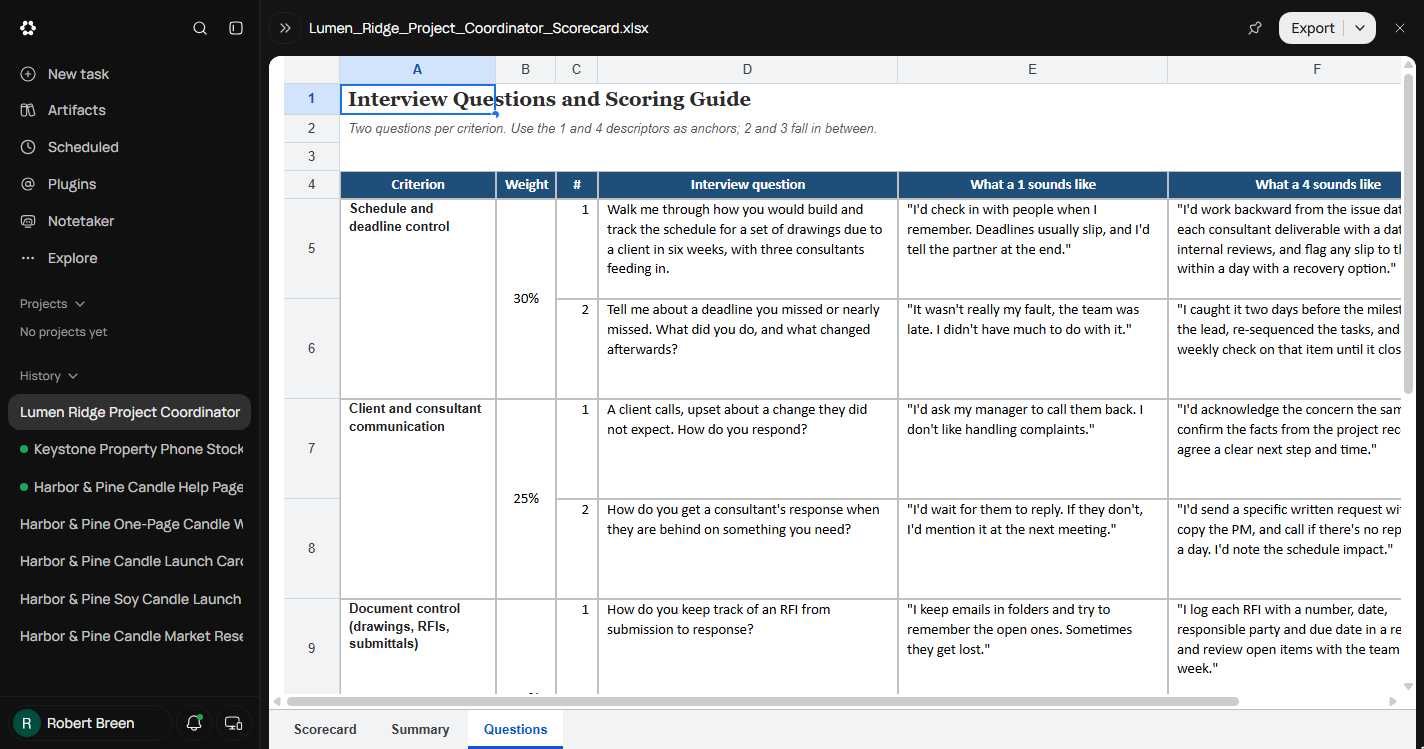
- Bring the chat back. Two questions per criterion, with what a 1 and a 4 answer sound like, so all three interviewers score against the same anchors. This tab is good. Click the double arrow at the top left to bring the chat back.
Two questions per criterion, with what a one and a four sound like. This tab is good.
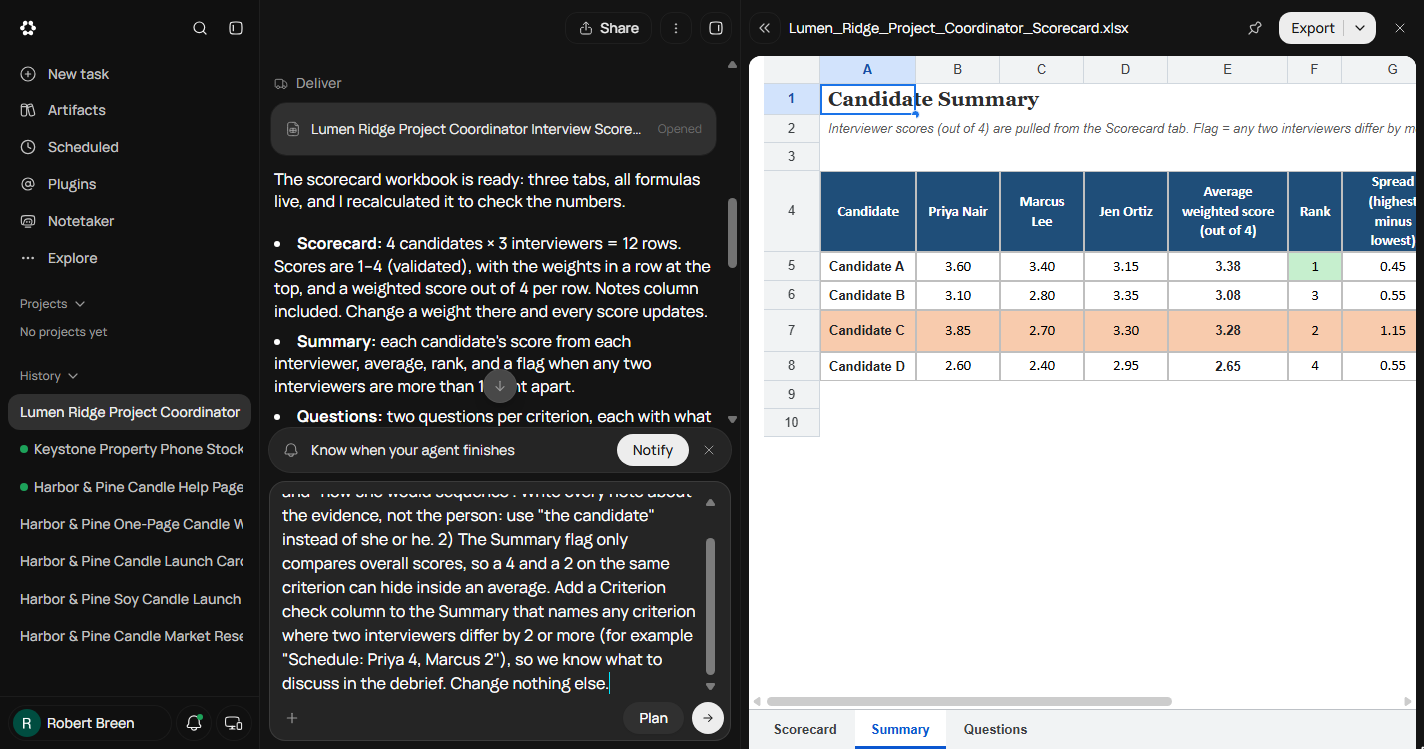
- Ask for two changes in one message. Describe exactly what you saw: the two notes that say "she", and the flag that only compares overall scores. Ask for evidence-only notes and a Criterion check column for any gap of 2 or more on one criterion. End with change nothing else. Type it in the message box.
Describe exactly what you saw. The two notes. The flag that only checks averages. Ask for a criterion check. End with, change nothing else.
Two changes. 1) Two notes say "how she tracks RFIs" and "how she would sequence". Write every note about the evidence, not the person: use "the candidate" instead of she or he. 2) The Summary flag only compares overall scores, so a 4 and a 2 on the same criterion can hide inside an average. Add a Criterion check column to the Summary that names any criterion where two interviewers differ by 2 or more (for example "Schedule: Priya 4, Marcus 2"), so we know what to discuss in the debrief. Change nothing else.
- Send the fix. Click the arrow to send.
5. Check the fix in the file
- Close the old copy. 1m 15s later it says both changes are in: the notes say "the candidate", and a new column I lists "Schedule: Priya 4, Marcus 2, Jen 3" for Candidate C. But the sheet on the right is the copy you opened before the fix, and it has no column I. Click the X to close it.
It says both changes are in. But the sheet on the right is the old copy. No column I.
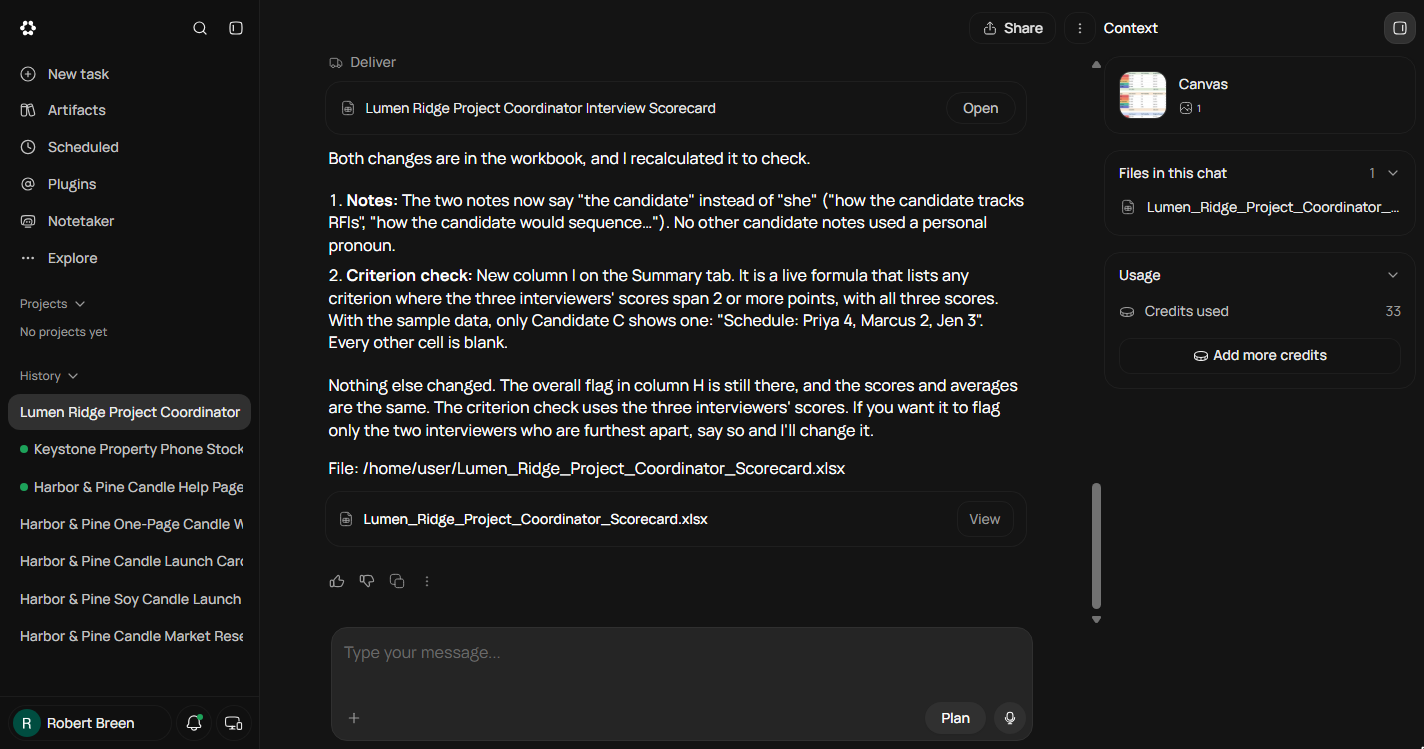
- Open the new file. The Context panel shows Credits used: 33 for the build and the fix. The new file card sits under the reply. Click View. If column I is still missing, reload the page and click View again: in our run the viewer kept the old copy until we did.
Thirty-three credits for the build and the fix. If column I is still missing, reload the page first.
- Check the new column, then the notes. Column I, Criterion check, is there and only Candidate C has an entry: Schedule: Priya 4, Marcus 2, Jen 3. The averages and ranks did not move. That is the first question for the debrief. Now click the Scorecard tab.
Column I is there. Schedule. Priya four, Marcus two, Jen three. That's the first question for the debrief.
- Check the notes. Row 8 now reads "how the candidate tracks RFIs", and row 11 "how the candidate would sequence". The scores are unchanged. Click the row 8 note.
Row eight now says, how the candidate tracks RFIs. The scores didn't change.
6. What it saved, and what is next
- See what you have now. A weighted scorecard every interviewer fills in the same way, a summary that ranks the candidates and names the criterion to argue about, and questions with anchored answers, for 33 credits. Click What you have now.
One scorecard, one summary that names what to discuss, and anchored questions. Thirty-three credits.
- Up next. Export the workbook, swap in your own role and criteria, and score the next round in it. Click Up next.
Export it, swap in your own role, and score the next round.
Screenshots
Frequently asked questions
- Can Runable build a spreadsheet with real formulas?
- Yes. In our run the Sheets tool wrote a three-tab .xlsx with SUMPRODUCT weighted scores, a ranked summary and a disagreement flag, in 1m 35s for 15 credits. Check one row by hand before you rely on it.
- What should an interview scorecard include?
- A few criteria that matter for the role, a weight for each that adds up to 100%, a 1 to 4 scale with what a 1 and a 4 answer sound like, one row per interviewer, and notes about evidence only. A summary should rank candidates and name any criterion where interviewers split by 2 or more.
- Why did the fixed sheet look unchanged?
- The file viewer beside the chat kept the copy we had opened before the fix. Close it and click View on the newest file card; in our run we also had to reload the page before column I appeared.
More in Jump Start: Runable
 Brief a One-Page Website and Approve the Plan using Runable (and Budget Your Credits)
A business case for new founders: brief Runable's Websites tool for a one-page site, answer its two clarifying questions, approve the plan, run out of free credits…
Free · Live ~16 min Beginner
 Turn Customer Questions into a Help Page and DM Replies using Runable (and Check What It Changed)
A business case for small shops: turn the questions customers keep asking into a help page and paste-ready DM replies with Runable, make it list what your facts don't…
Free · Live ~10 min Beginner
All 4 modules in Jump Start: Runable
More Runable tutorials
A business case for a small agency: price what a slow proposal costs, then use Runable, an AI agent, to turn a messy client email into a finished six-slide proposal…
Free · Live ~16 min Beginner
 Size Up Your Market and 5 Competitors Before You Spend a Dollar using Runable
A business case for new founders: before you buy stock, have Runable, an AI agent, research the market size, five competitors and their prices, and two gaps, with a…
Free · Live ~12 min Beginner
 Turn Your Research into a One-Page Business Plan using Runable
A business case for new founders: turn your research into a one-page launch plan with Runable's Report tool and Business Plan template, read the fact and assumption…
Free · Live ~10 min Beginner
 Make an Instagram Launch Carousel for Your Products using Runable
A business case for new founders: make a 5-slide Instagram launch carousel with Runable's Carousels tool, approve the cover before it renders the rest, check every…
Free · Live ~10 min Beginner
Terms in this lesson
Plain-English definitions, each with an example from a free lesson.