The best AI tools for operations managers in 2026
Quick answer
The best AI tools for operations managers follow one order: see how the work is really done, automate the repeat steps, and keep control of what the automation is allowed to do. As of October 2026, Screenpipe records your screen on your own computer so you can map a recurring task before you automate it; Airia builds AI agents with policies, approvals and an audit trail; Guardian checks each risky action in an n8n workflow or AI agent before it runs; n8n connects your apps and adds AI steps in between; Docparser pulls data out of PDFs and scans into a spreadsheet; and SunSed builds a simple internal app from a plain-language description.
Last updated
Take the free module →Module 43 of the free AI Apps Worth Knowing course, about 10 minutes. No account needed.
This list is for operations managers, office managers and COOs at small and mid-size companies. Features come from each vendor's own pages as of October 2026, with no prices, because plans change often. Partner tools with a free Stepthrough lesson come first where they fit; that is not a ranking. Start with the free Screenpipe lesson.
How do they compare at a glance?
| Tool | Best for | What the vendor says it does | Practice it free |
|---|---|---|---|
| Screenpipe | Mapping a task before you automate it | Records screen and audio and makes the history searchable for you or an AI assistant; stays on your computer by default | Map a recurring task |
| Airia | Company AI agents with governance | Agent builder, policies that block, log or require approval for agent actions, and a searchable audit trail | Client onboarding agent |
| Guardian | A safety check before risky actions | Allows, holds for approval or denies each action against your rules, with a tamper-evident log | Approval gate in n8n |
| n8n | Automating repeat steps across apps | Visual workflows with 500+ integrations, AI steps and human approval steps | Your first AI workflow |
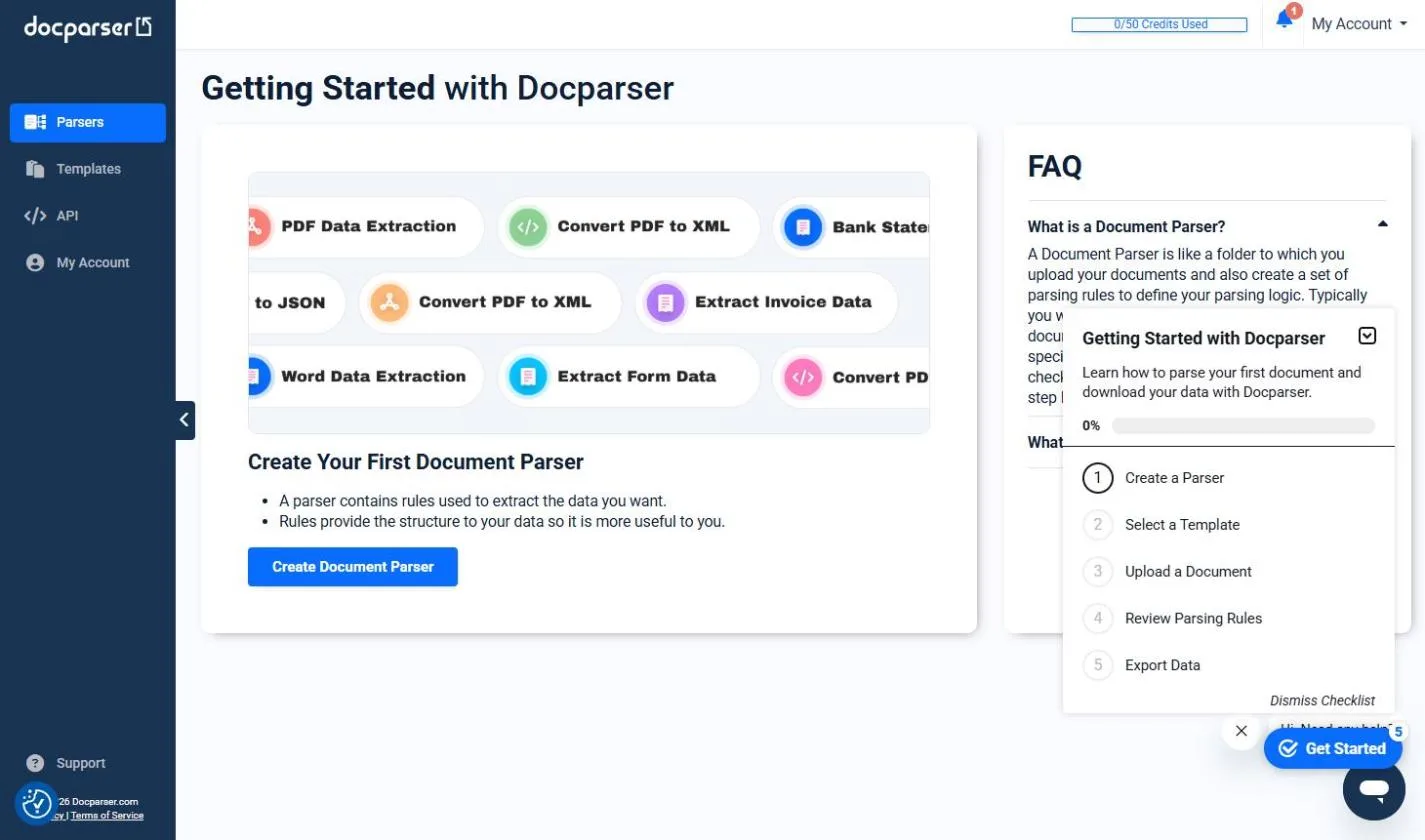
| Docparser | Getting data out of PDFs | Reads invoices and scanned documents the same way every time and sends the data to Excel or Sheets | Invoices to a spreadsheet |
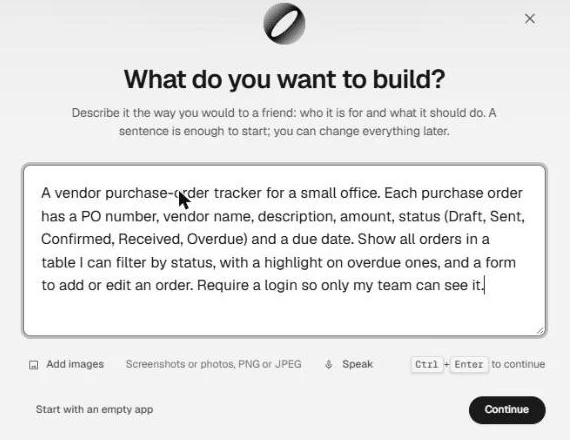
| SunSed | A simple internal app without a developer | Builds pages, a database and logins from a plain-language description | Purchase order tracker |
How do I know which tasks to automate first?
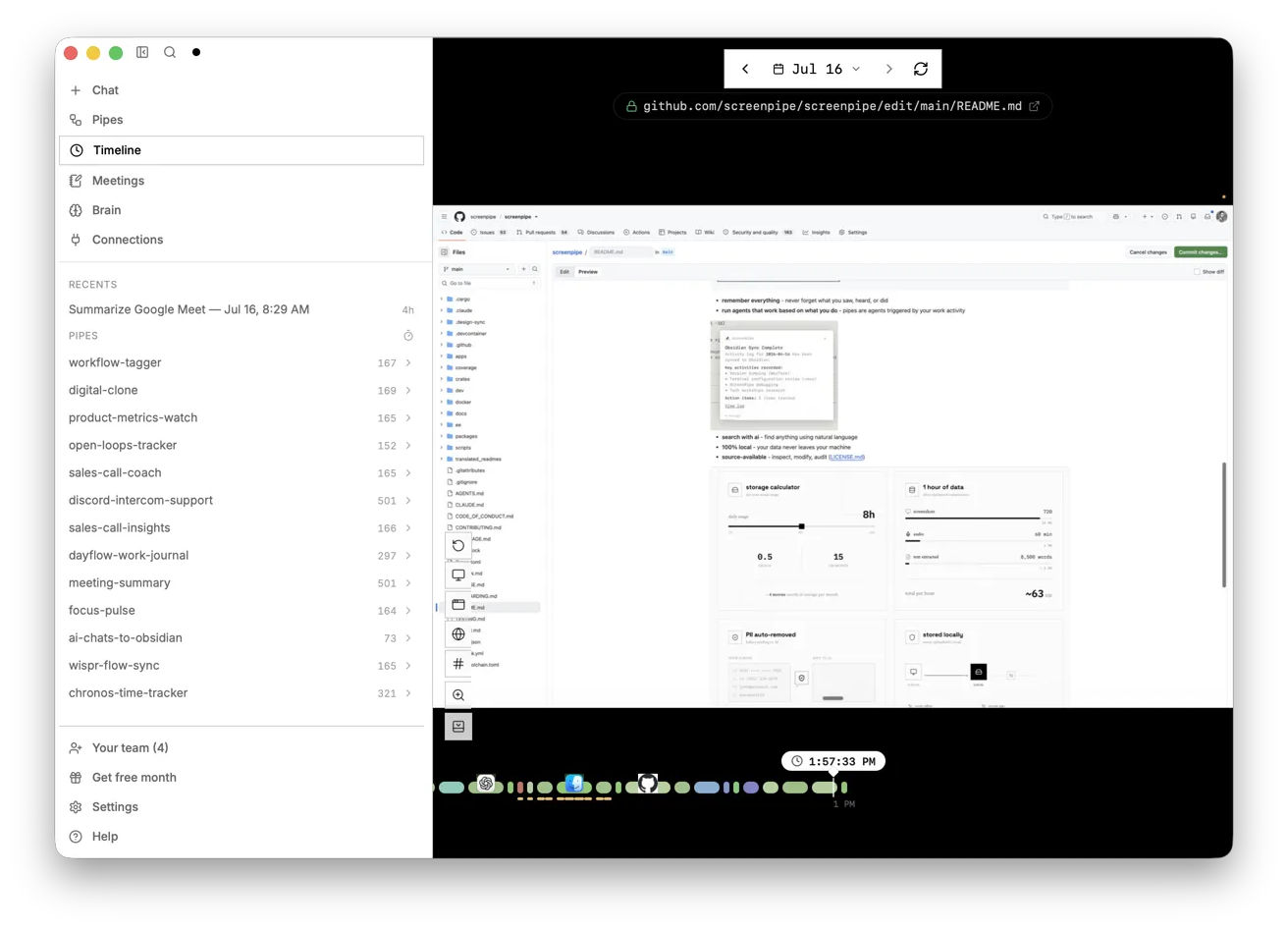
Watch a few real runs before you build anything. Screenpipe says it records your screen and audio and makes that history searchable, so an AI assistant can describe the task from what actually happened, and history stays on your computer by default, as of October 2026. The free Screenpipe lesson turns a recording into a step list with timestamps and sorts the steps into automate, draft only and keep human. Agree recording rules with your team first. See process mapping.
How do I stop an AI agent from doing something it should not?
Put a check in front of risky actions such as payments, outside emails or changes you cannot undo. Guardian says it checks each action against your rules, like amount limits or approved recipients, and allows it, holds it for a named person or denies it, as of October 2026. Airia says its policies can block, log or require approval for agent actions. See approval workflow and audit trail.
Can operations teams build their own tools with AI?
Yes, for simple internal apps and workflows. SunSed says it builds the pages, the database and the logins from a description, and n8n lets you build workflows on a visual canvas. The free SunSed purchase order tracker lesson is a good first project. See workflow automation.
Who is each one for?
Screenpipe
For managers who want to see how a recurring task is really done before automating it. Practise free in Screenpipe: Map a Recurring Task Before You Automate It. Official site: screenpipe.com. Directory card: Screenpipe.
Airia
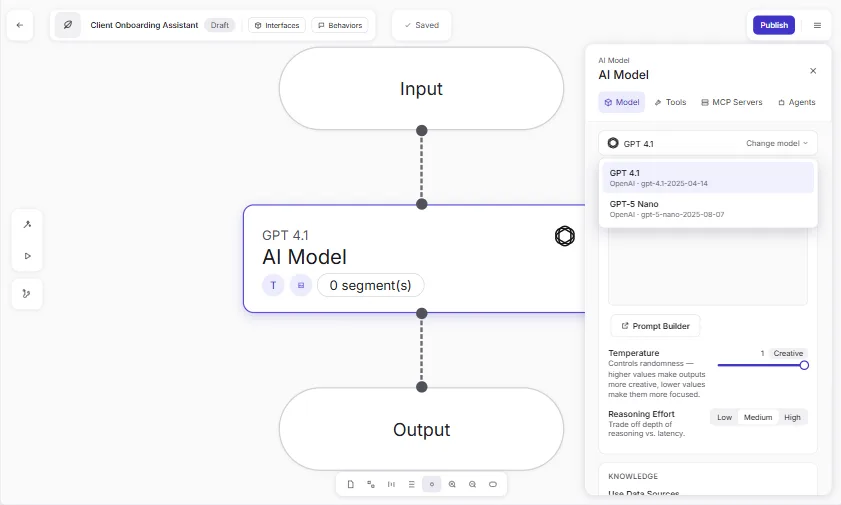
For companies that want AI agents for onboarding, HR or policy questions, with guardrails and logs. Practise free in Onboard New Clients Without the Back-and-Forth using Airia. Official site: airia.com. Directory card: Airia.
Guardian
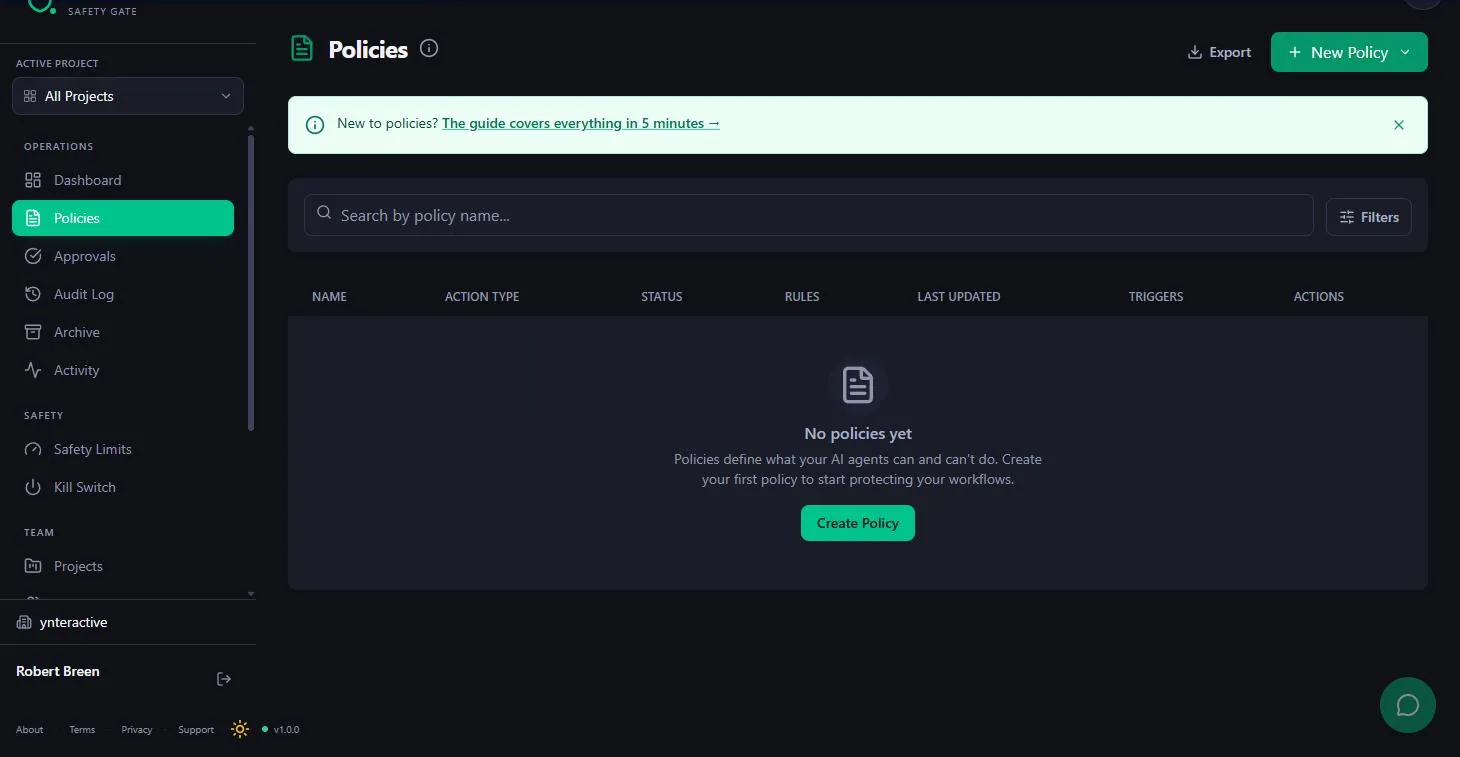
For teams running n8n workflows or AI agents that email customers or move money. Practise free in Guardian: Make Your n8n AI Agent Ask Before It Emails a Customer. Official site: guardian-safety-gate.com. Directory card: Guardian.
n8n
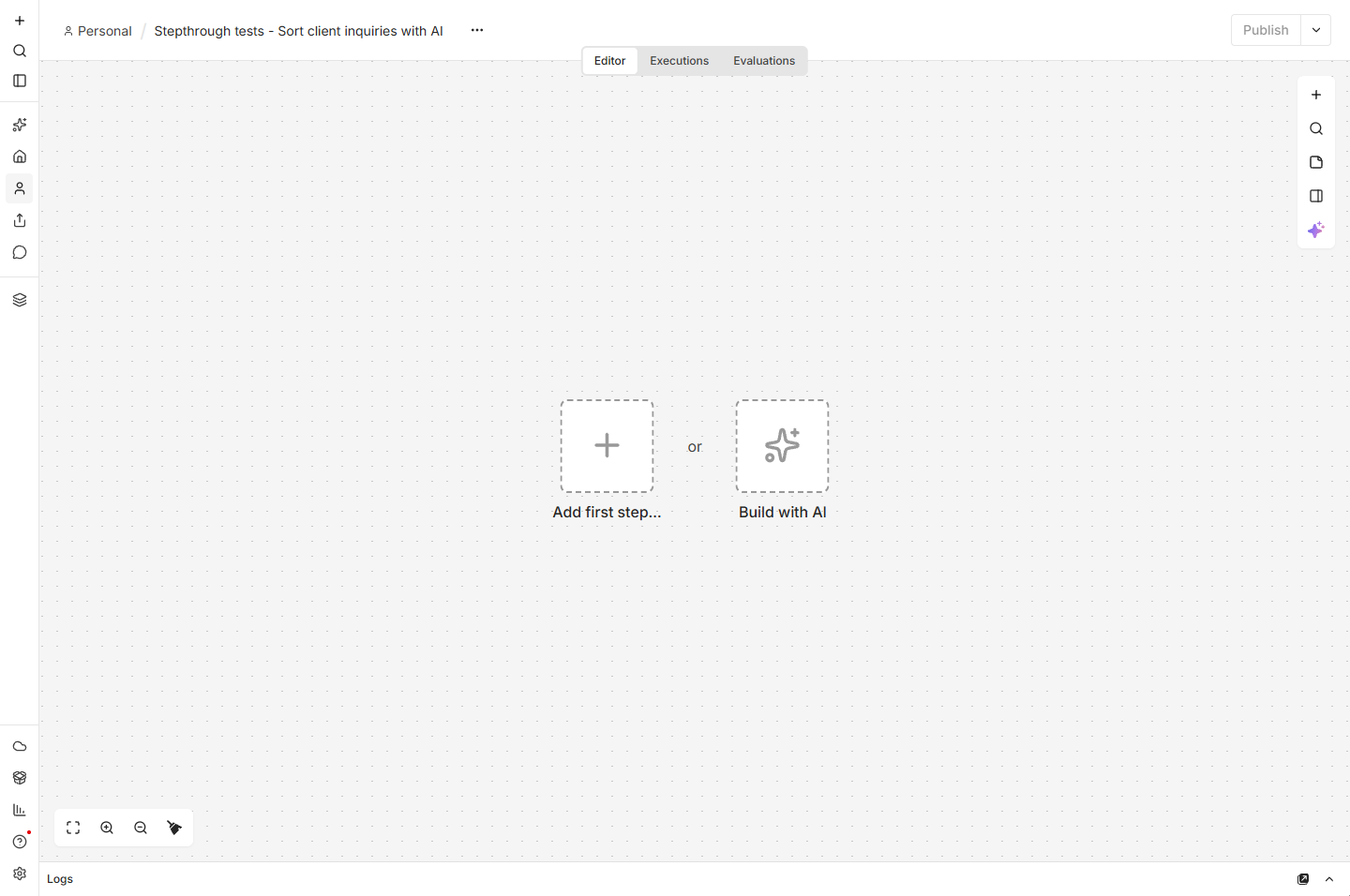
For automating repeat steps across email, forms and spreadsheets, in the cloud or on your own server. Practise free in n8n: Sort Every Client Inquiry and Draft the Reply. Official site: n8n.io. Directory card: n8n.
Docparser
For teams that retype invoices, statements or forms into a spreadsheet. Practise free in Docparser: Pull Invoice Data from PDFs into a Spreadsheet. Official site: docparser.com. Directory card: Docparser.
SunSed
For a simple tracker or portal built by describing it. Practise free in SunSed: Build a Purchase Order Tracker App by Describing It. Official site: sunsed.com. Directory card: SunSed.
Which of these tools have a free Stepthrough lesson?
- Screenpipe: free lesson: Screenpipe: Map a Recurring Task Before You Automate It
- Airia: free lesson: Onboard New Clients Without the Back-and-Forth Using Airia
- Guardian: free lesson: Guardian: Make Your n8n AI Agent Ask Before It Emails a Customer
- n8n: free lesson: AI Workflow Automation for Beginners: Sort Every Client Inquiry and Draft the Reply using n8n
- Docparser: free lesson: Docparser: Pull Invoice Data from PDFs into a Spreadsheet
- SunSed: free lesson: SunSed: Build a Purchase Order Tracker App by Describing It
Practice it free, step by step
Screenpipe: Map a Recurring Task Before You Automate It. Use Screenpipe's screen history to see how a month-end invoice chase is really done: set privacy rules, search the recording, get a step list with timestamps and pick what to automate in n8n, Make… You do every step yourself in a practice copy of Screenpipe, it checks your work as you go, and “Do it for me” finishes any step you get stuck on. Free, and nothing touches your real accounts.
Start the free lessonWatch it in a free lesson: Build an n8n AI Agent That Plans Your Content Calendar
 8:03
8:03AI Campaign Calendar Agent: video walkthrough
Build an AI agent for Harbor & Pine Coffee Roasters that turns one campaign theme into a two-week email and content calendar in Google Sheets — chat trigger, AI Agent, system prompt, model, memory, and the Sheets tool. The whole lesson narrated step by step, recorded in Stepthrough’s simulated practice environment.
Key takeaways
- Map the task first (Screenpipe), then automate the repeat steps (n8n, Docparser).
- Put an approval check in front of risky actions with Guardian or Airia's policies.
- Simple internal apps no longer need a developer; SunSed builds one from a description.
- Agree recording and data rules with your team before you capture or automate anything.
Frequently asked questions
What is the best AI tool for business operations?
For most teams, a workflow tool like n8n plus a safety check like Guardian. Start by mapping one task with the free Screenpipe lesson.
Is it legal to record employees' screens?
Rules differ by country and state. Get agreement, tell people what is recorded, and use Screenpipe's ignore and privacy settings for private windows.
How do I keep an audit trail of AI actions?
Guardian says it keeps a hash-chained, tamper-evident log, and Airia lists a searchable audit trail with human approvals, as of October 2026.
Do I need to code to use these tools?
No for most of them. n8n, SunSed and Docparser are built for people who do not code, as of October 2026.
Where do these prices and features come from?
Every price and feature on this page was checked against the vendor's own page, as of October 2026. No numbers here are estimates or third-party figures. The example businesses in the Stepthrough lessons are made up.