What is process mapping, and why do it before you automate?
Quick answer
Process mapping is writing down how a recurring task is actually done today: what starts it, each step and the app it happens in, the decisions and exceptions, and what "done" looks like.
Last updated
Take the free module →Module 41 of the free AI Apps Worth Knowing course, about 10 minutes. No account needed.
Updated · By Robert Breen
Why it matters for a small business
Automations break on the steps nobody mentioned. Ask someone how they do the month-end invoice chase and you get the happy path; watch them do it and you see the client they always phone, the invoice in dispute and the spreadsheet column they update at the end. A map of the real process shows which steps are stable enough to automate and which need a person.
It also pays off without any automation. A clear map becomes the SOP a new hire follows, shows where work waits or gets redone, and gives you a baseline to measure any change against.
In a real lesson: Screenpipe: Map a Recurring Task Before You Automate It
In the Screenpipe lesson, Priya at Alder & Finch Bookkeeping (made up) maps her invoice chase from a recording instead of from memory. Screenpipe's chat drafts five steps with a timestamp on each, two exceptions (phone calls for 60+ day clients and a disputed invoice) and one gap it cannot see.
She checks a cited step on the Timeline, then ranks the steps: building the overdue list and logging the date are safe to automate, the reminder becomes a draft she reviews, and the calls and disputes stay human.
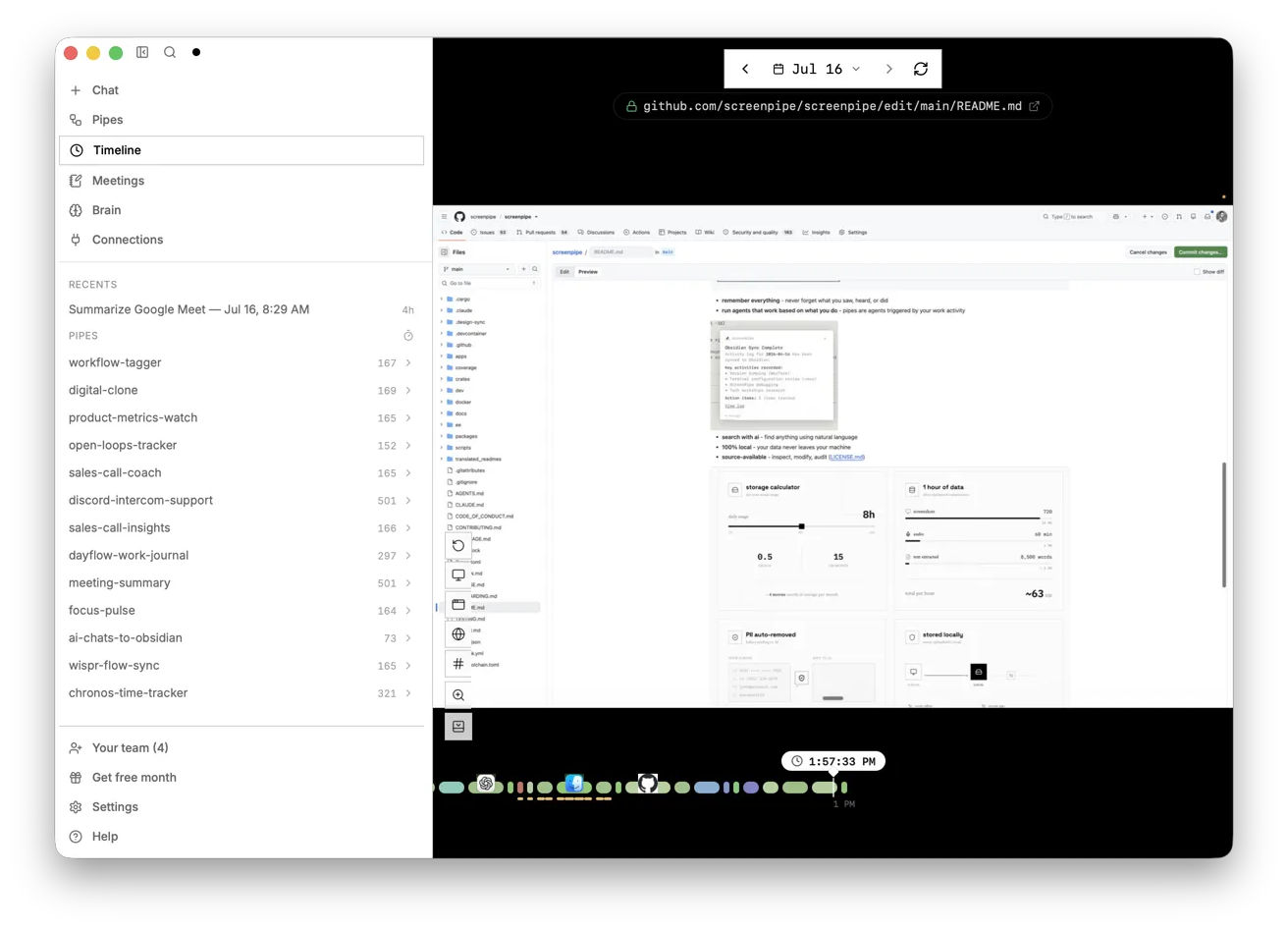
Try this lesson free or read the step-by-step guide.
Common confusions
Process mapping vs an SOP
The map describes what happens today, including the messy parts. An SOP is the agreed way it should be done, written for someone else to follow.
Process mapping vs workflow automation
Mapping finds and describes the steps. Automation hands some of them to software. Map first, then automate the stable part.
Tips
- Pick one outcome with a clear start and finish, not "everything the office does".
- Watch two or three real runs, and write down the exceptions as carefully as the normal path.
- If you record people's screens to map a process, tell them what is captured, why, who sees it and how to pause it.
Related terms
More Business terms
Where you use it: free lessons
- Screenpipe: Map a Recurring Task Before You Automate It (Screenpipe, 10 min)
- ChatGPT: Turn Rough Notes into a One-Page SOP in an Editable Document (ChatGPT, 5 min)
Frequently asked questions
- How long does process mapping take?
- For one small office task, an hour or two: watch a few runs, write the steps, and check them with the person who does the work.
- Do I need special software?
- No. A whiteboard or a numbered list works. Screen-history tools such as Screenpipe can draft the list from recordings, but a person still has to check it.